
Services and availability rules
Durations, buffers, staff hours, rooms, and holidays set so only truly open slots appear.

Salons, clinics, studios, and consultants get online booking with deposits, text and email reminders, and two-way calendar sync, from $950.
24/7
Online booking, no phone tag
100%
Reminders sent automatically
Teams we have built for:














The Problem
Booking by phone works until you get busy. Then calls hit voicemail, texts go back and forth for a day, and paid slots sit empty.
01 · Voicemail losses
New clients who hit voicemail book the next salon instead.
Clients book at night or between appointments, with a confirmation right away.
02 · Double bookings
Two clients arrive for the same chair.
Live availability and a payment lock keep a slot from selling twice.
03 · No-shows
A regular forgets, and the held slot sits empty.
Deposits and reminders turn maybes into kept appointments.
04 · Long forms
Your online form takes five screens and ends with a callback.
The flow shows only open time and takes payment where your policy needs it.
A new client calls at lunch, gets your voicemail, and books with the next salon on the list. The ones who reach you trade texts for a day to find a time. Someone writes 2 p.m. in the wrong column, and two clients arrive for the same chair. Then a regular forgets, and the slot you held sits empty with no fee to show for it. Your online form doesn't help, because it takes five screens and still ends with a promise to call back.
We start by writing down your real booking rules: services, durations, buffers, staff hours, rooms, and deposits. Then we build a flow that shows only open time, takes payment where your policy needs it, and sends reminders by email and text. Your calendar fills while you work. Phone tag ends, and the front desk gets its mornings back.
Bookings while you're busy
Clients book at 10 p.m. or between your appointments and get a confirmation right away.
Fewer empty chairs
Deposits and reminders turn maybes into kept appointments, and cancellations reopen the slot for others.
No slot sold twice
Live availability and a lock during payment keep two clients from grabbing the same time.
Our Booking Website Process
You review something real at every step. That includes the rules sheet, the booking screens, the payment setup, our test results, and the launch plan.
We list every service, duration, buffer, staff member, and room, plus your cancellation and deposit rules. You get a booking rules sheet, a sitemap, and a fixed price for the build.
What's Included
Every build covers the full booking loop. That means rules, the booking flow, payments, calendar sync, reminders, and staff training, with rooms and locations on larger plans.
Compare Options
Hosted tools work the same day, and plugins cost little to start. A custom build wins when your rules, rooms, or payments get specific. Here's where each fits.
| Feature | DeveloperLookBest fit | Plugin | Hosted tool |
|---|---|---|---|
| Booking rules | Built around your rules | Plugin settings only | Tool settings only |
| Brand and site | Fully on your site | Styled by your theme | Usually the tool's page |
| Staff and rooms | Staff, rooms, and locations | Limited resource rules | Varies by plan |
| Deposits and fees | Set up and tested | Depends on add-ons | Depends on the plan |
| Text reminders | Consent and 10DLC handled | Often a paid add-on | Built into most plans |
| Data ownership | Data in your accounts | In your WordPress database | Held by the vendor |
| Setup speed | 2 to 10 weeks | A few days | Same day |
| Ongoing cost | Hosting and texting fees | Plugin license fees | Monthly fee per user |
Projects We've Built
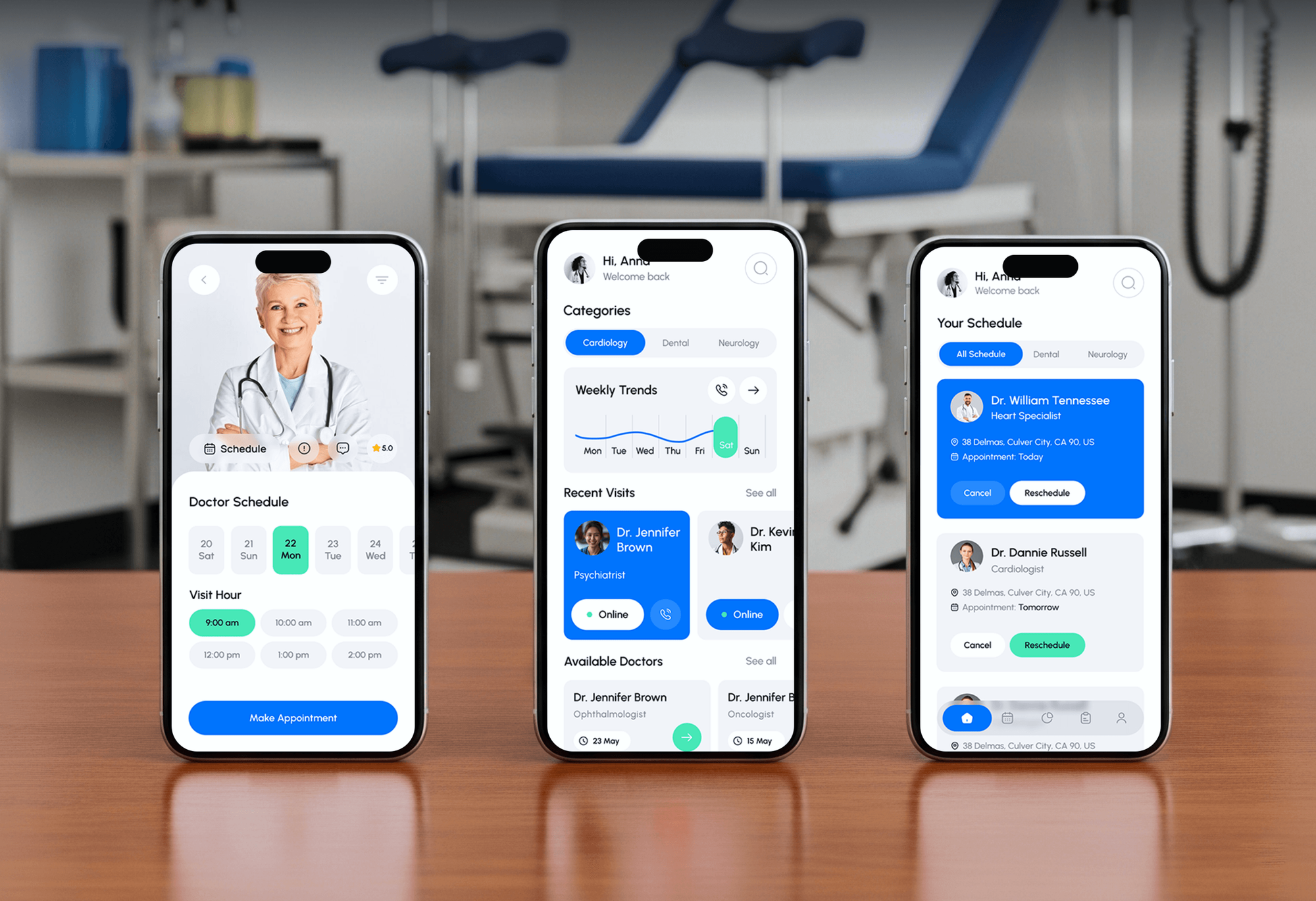
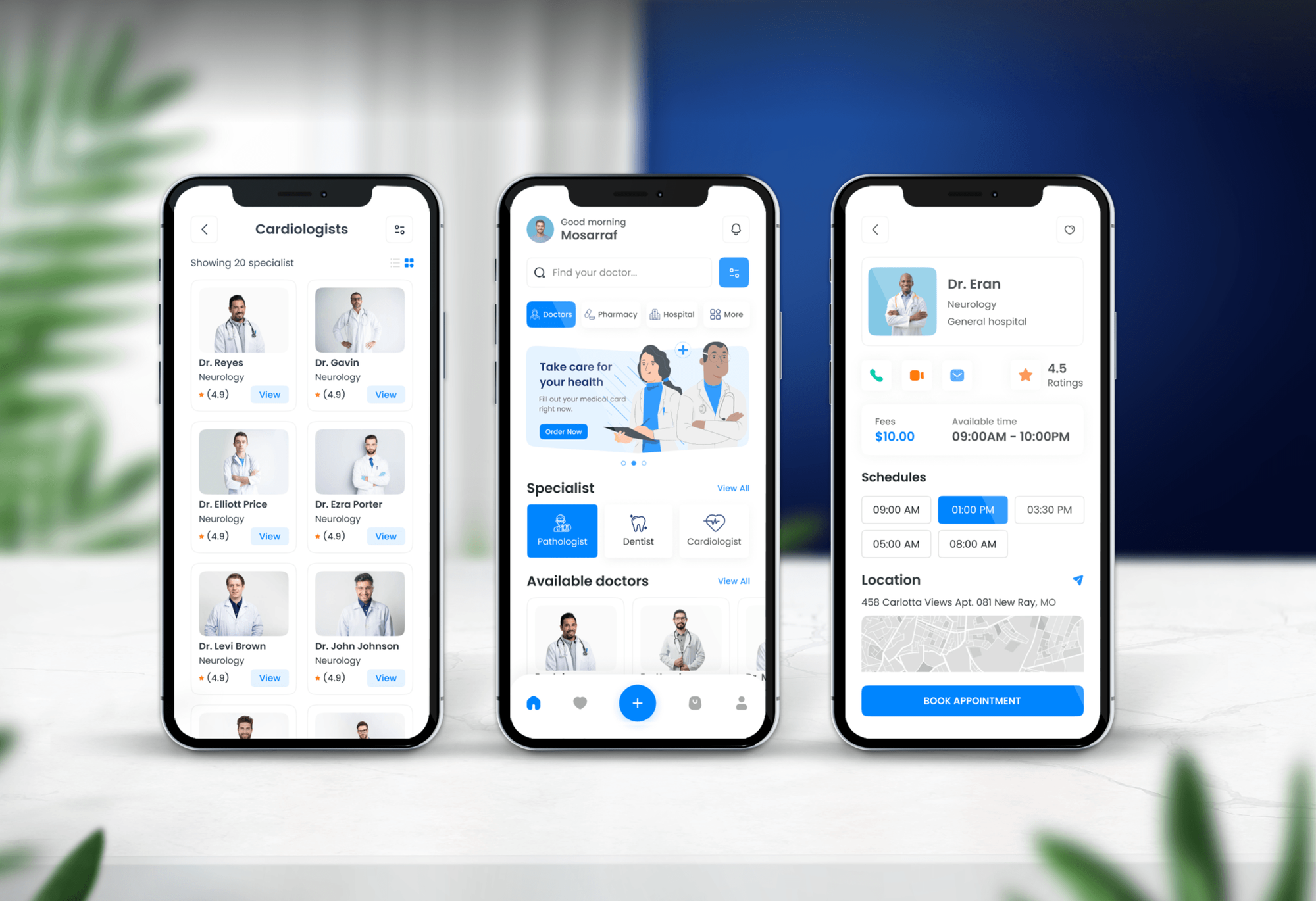
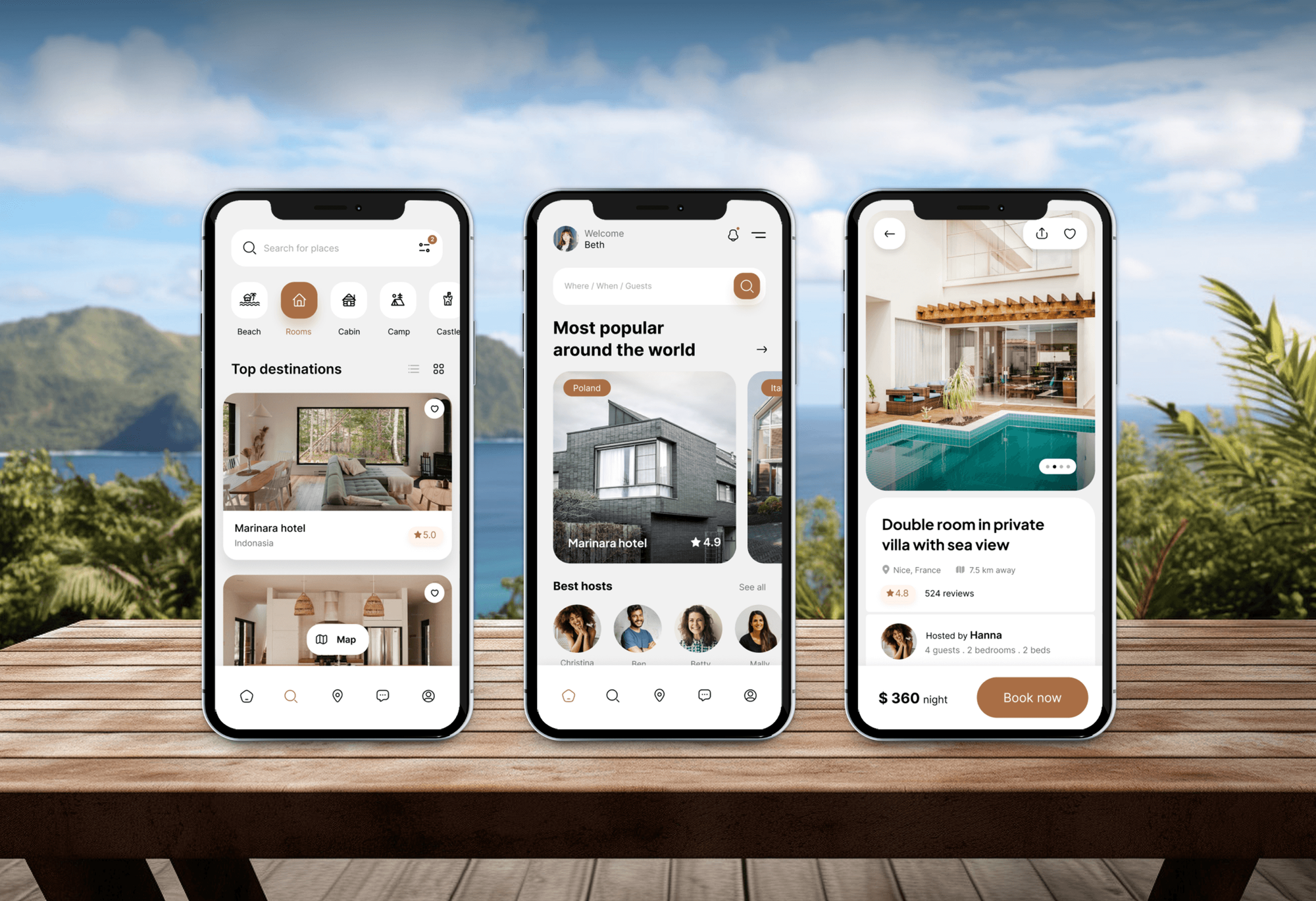
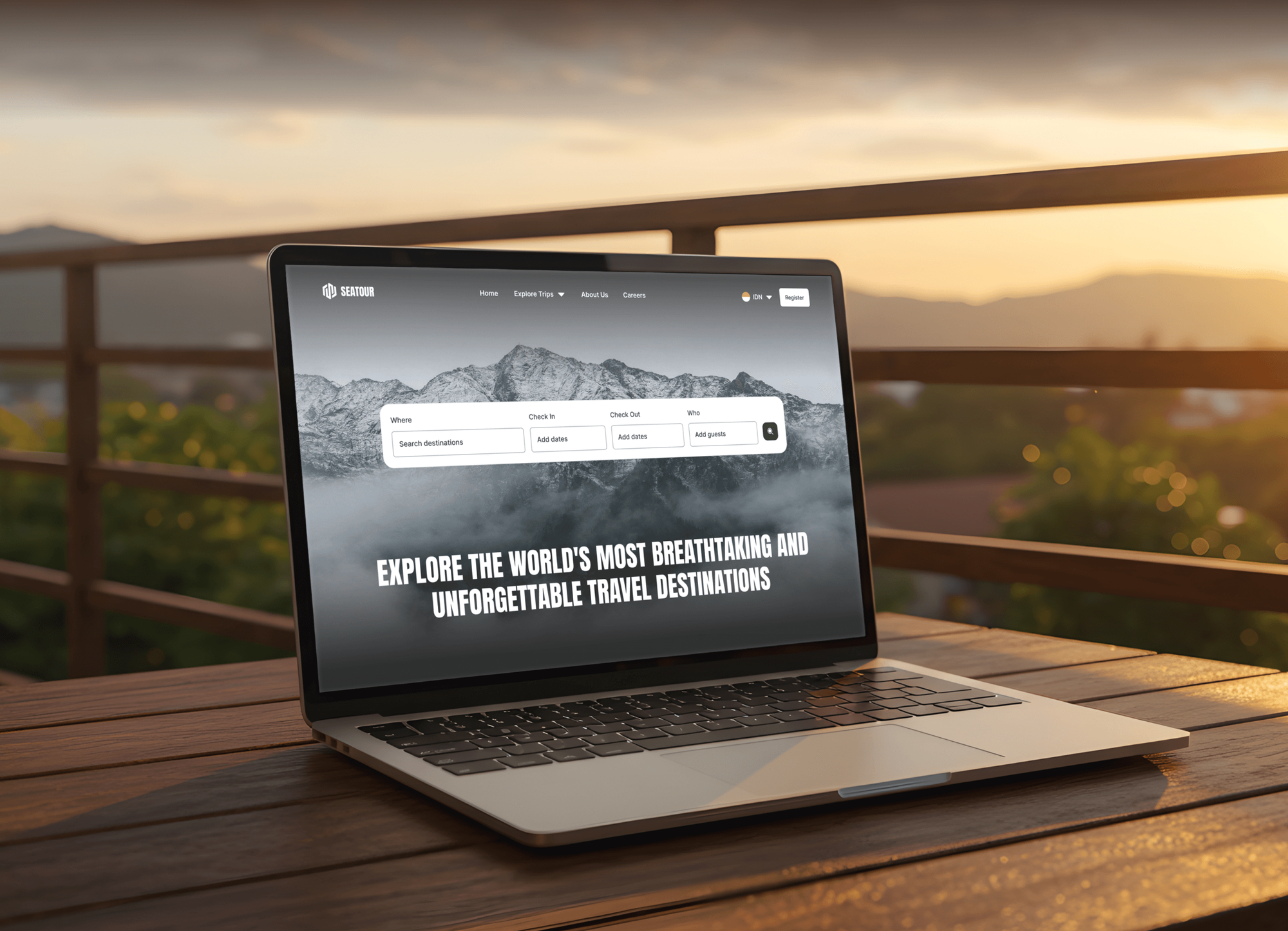
Appointment, doctor, and tour booking projects from our portfolio, with the scheduling screens and payment steps this service covers.
What Our Clients Say
Feedback from teams we have built websites and booking tools for.
We had a pretty specific idea of what we wanted our website to become, but I wasn’t sure how easily we could explain all of it to a development team. There were quite a few moving parts, and we were working toward a deadline, so I expected a few things to get lost along the way. That never really happened. They understood what we were trying to achieve, kept us updated throughout the process, and got everything ready within the agreed timeline. The final site feels much easier to navigate, works beautifully on mobile, and is noticeably smoother for our customers. It was a huge relief seeing the original idea actually turn into the website we had in mind.
The mobile experience is probably my favourite part of the new site. We had spent a lot of time making sure the desktop version looked right, and the team kept pushing us to think about how everything would actually feel on a phone too. They were right. The navigation is clean, the interactions feel natural, and everything we’ve tested so far works exactly as it should. They also went through the links, forms, integrations, and other details more than once before launch, which I really appreciated. And even after going live, we could still reach out when something came up. The whole process felt friendly, organised, and surprisingly straightforward.
What I appreciate most is that the website is actually easy for us to manage now. We can update content ourselves instead of sending a developer a message every time we need to change something small. They also paid attention to the technical SEO side, which mattered to us because we didn’t want a new website to create problems for the traffic we already had. I’ve probably asked more questions than I should have since launch, but every question has been handled patiently and without any fuss. The team is easy to work with, they explain things clearly, and when we need something changed, they focus on getting it done rather than making the process complicated.
1,250+
Projects shipped
10+
Years of experience
Top 3%
Upwork Top Rated Plus
5 stars
Average review score

Want results like these?
Tell us what you are building. You get a reply within 24 hours on business days, then a written estimate.
Work Culture
Your booking system talks to customers when your front desk is closed. These habits keep it saying the right thing.
We write down every booking rule before we design a single screen. Buffers, rooms, and cancellation windows decide what customers see.
We try to double-book, overlap rooms, and cross time zones on purpose before launch. Your customers shouldn't be the ones who find the gap.
We set up text reminders with recorded opt-in and A2P 10DLC registration through your provider. That keeps your messages reaching phones instead of getting filtered.
Your team learns to change hours, block time, and add services without calling us. A scheduler nobody can edit goes stale within a month.
If Calendly, Acuity, or Square Appointments already fits your rules, we'll tell you before we quote. A hosted tool is often the right first step.
Customer records, booking history, and payment accounts stay in your name. If you switch tools later, your list comes with you.
Overview
DeveloperLook builds an appointment booking website for salons, clinics, studios, and consultants, so customers book, pay, and get reminders without a phone call. Builds include availability rules, deposits, two-way calendar sync, and text and email reminders. Prices start at $950, most sites launch in 2 to 10 weeks, and the customer data stays yours.
DEVELOPERLOOK
Project facts · Appointment Booking Website Development
Reviewed 30 Sep 2026 by Saimul Islam
Good fit
Salons, spas, and studios
Your front desk spends mornings returning voicemails, and clients who can't book at 10 p.m. book with the studio down the street.
Consultants and coaches selling time
You sell hour-long sessions and want to add appointment booking to your WordPress website, with payment taken at booking so nobody holds a slot they didn't mean to keep.
Teams with several staff and rooms
Your staff keep different hours, and two treatments can't share one room, so a basic calendar link keeps double-booking you.
Clinics that need careful intake
You run a clinic and need booking, intake forms, and reminders set up on tools that sign a Business Associate Agreement.
Agencies with service-business clients
Your agency's client needs online booking, and you want developers who build appointment booking websites with rules, deposits, and reminders that don't need weekly support tickets.
Not a fit
Booking link is enough
Your budget is under $950, or you need a booking link rather than a website for booking appointments. A hosted scheduler such as Calendly or Acuity may be enough, and we'll say so.
Nightly stays
You rent homes by the night. Vacation Rental Website Design covers stays, calendars, and deposits for hosts instead.
Tours with seats
You sell tours and trips with seats and dates. Our travel website development service handles that kind of booking.
Clinical records needed
You need electronic health records or clinical charting. We build booking and intake, not clinical record systems.
Not sure we're the right fit?
Book a free call or message us. We'll tell you honestly whether we're the right team.
Pricing
These are starting points in USD. Your final price depends on services, staff and room rules, and payment needs, and you get a fixed proposal after a free discovery call.
For solo providers and small teams with a simple booking flow.
$950one-time, USD
For businesses with several staff, deposits, packages, and text reminders.
$2,600one-time, USD
For businesses with rooms, locations, and approval rules plugins can't handle.
$5,900one-time, USD
For Agencies
You own the client relationship. We build the booking side for your salon, clinic, and consulting clients under your brand, from booking rules and deposits to reminders and staff training.
White label: your client only ever sees your brand
Send the client's services, staff hours, rooms, and payment policies.
You get a rules sheet, a fixed price, and a named lead developer.
We build, test, and train the client's staff under your brand before handing over.
Your agency stays the face of the project from kickoff to launch.
We set up opt-in consent and 10DLC registration for client reminders.
Senior developers configure and test every booking rule before launch.
Take on more booking builds without adding developers to your payroll.
The Right Technology for Your Project
We build on WordPress with proven booking plugins or on Next.js for custom rules, then connect Stripe, your calendars, and a texting provider.
 WordPress
 Next.js
 React
React Node.js
 PostgreSQL
 Stripe
 PayPal
 Apple Pay
 Google Pay
 Twilio
 Zapier
 Google Analytics (GA4)
 Google Tag Manager
 HubSpot
 Google Sheets
FAQ
Straight answers on cost, timelines, deposits, reminders, and calendar sync for service businesses.
Saimul IslamFounder & CEO, DeveloperLookStill have questions?
Send a message or book a call with the team.
Your booking site starts at $950 with a proven scheduler styled to your brand, one synced calendar, and email reminders. Sites with several staff, deposits, and text reminders start at $2,600. Custom platforms with rooms, locations, and approval rules start at $5,900. The price is fixed after a free discovery call.
A starter site takes 2 to 3 weeks, a multi-staff site 4 to 6 weeks, and a custom platform 6 to 10 weeks. Text reminders can add a few days to a few weeks, because your texting provider has to approve the 10DLC registration first. We file that request in the first week.
WordPress makes sense when your rules fit a mature booking plugin and your team already edits WordPress. Plugins such as Amelia or Bookly handle staff, services, deposits, and reminders for a modest license fee. When you need rooms, approvals, or pricing that plugins fight, a custom booking system is cheaper to live with.
It should show only truly open slots, take deposits where your policy needs them, send reminders, and sync with the calendar your team already uses. Rescheduling or cancelling should take one tap, with your policy shown before payment. Staff should be able to block time without calling a developer.
Yes, an online booking system for appointments shows only slots that are open right now under your hours, buffers, staff schedules, and bookings. We hold the slot while the customer pays, so two people can't pay for the same time. When the booking completes, that slot closes for everyone else.
Yes, through Stripe or PayPal you can take a deposit at booking, full prepayment, or save a card for a no-show fee. Customers see your policy before they pay, and saved cards are charged only under that policy. Refunds follow your rules, and every charge appears in your payment dashboard.
Yes, two-way sync puts bookings on your team's Google or Outlook calendars, and personal events block those times. We connect through each provider's calendar API rather than a one-way feed, so changes show up quickly. Room calendars and shared team calendars work the same way.
Reminders, deposits, and easy rescheduling do most of the work. We send an email when the booking is made and a text before the appointment, with a one-tap link to move it. Customers who can reschedule easily are less likely to simply not turn up, and freed slots reopen for others.
Yes, as long as every tool that touches patient data signs a Business Associate Agreement (BAA). We choose scheduling, form, and texting vendors that offer one, and we keep health details out of plain email. The setup is built to support HIPAA compliance, while your practice keeps its own policies and staff training.
Yes, the domain, the site, your customer records, and the payment accounts are in your name from day one. Every plan comes with a fix window of 30, 60, or 90 days. Later changes, such as plugin updates, new services, or new rules, can run on a monthly care plan.
Saimul IslamFounder & CEO, DeveloperLookStill have questions?
Send a message or book a call with the team.
Free 30-min callGoogle Meet
Book a call
In 30 minutes on Google Meet we walk you through how we would build it, how long it takes and what it costs. Then you get a written estimate.
Calendar not showing? Book on cal.com or send a brief.