
Week 1
When you confirm your email
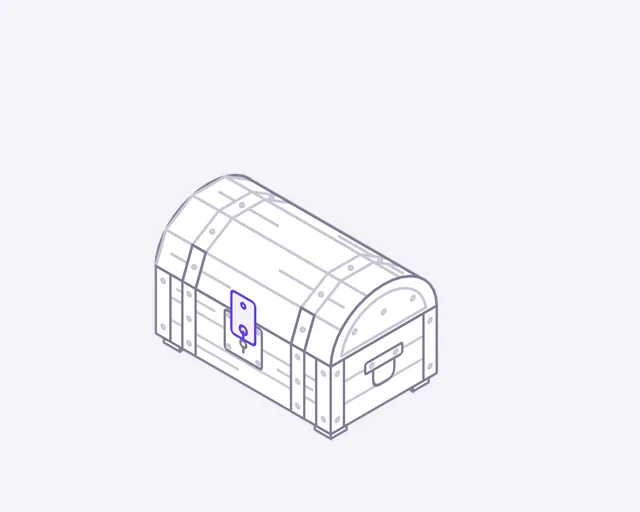
Loot box
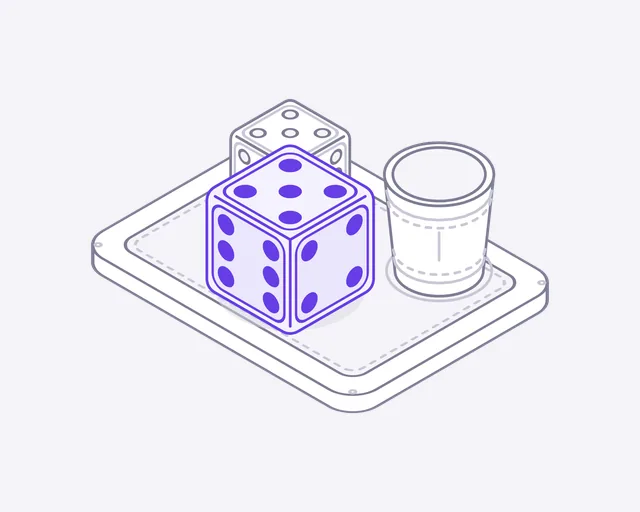
Dice
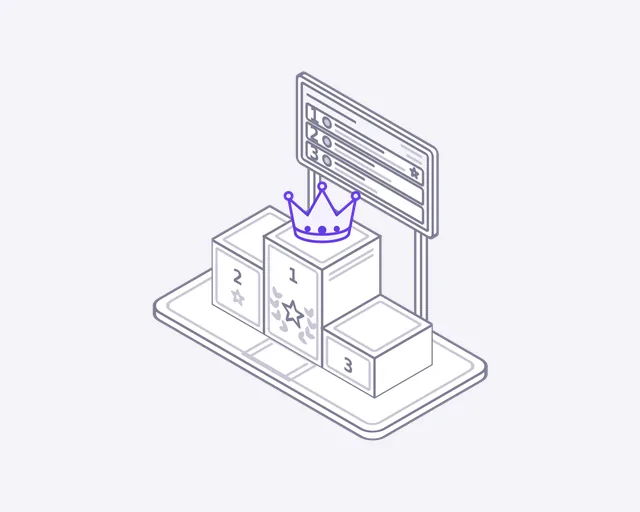
Leaderboard
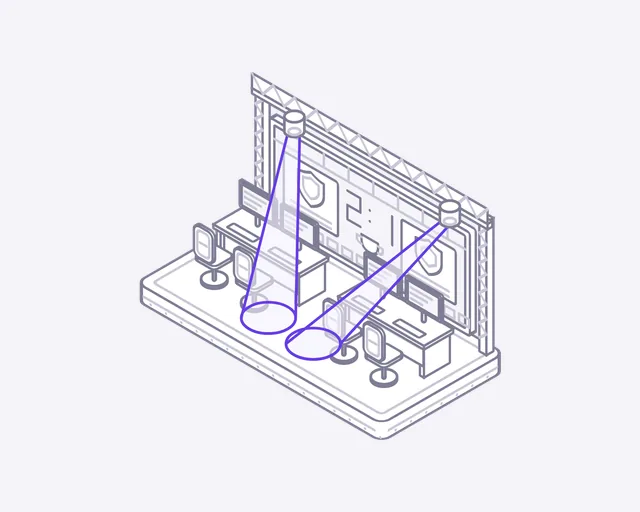
Esports stage
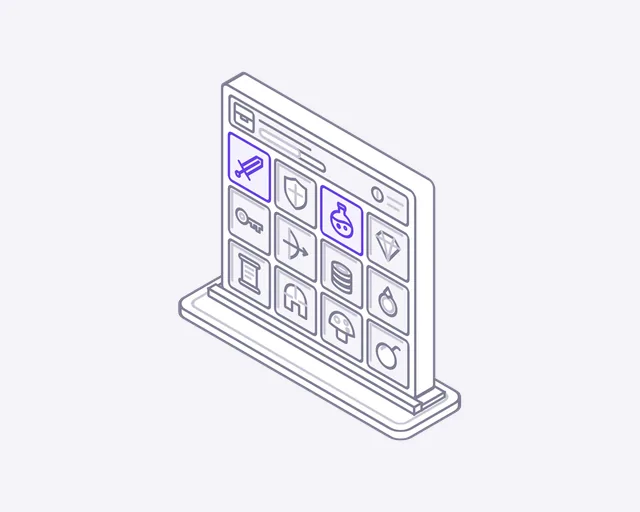
Inventory
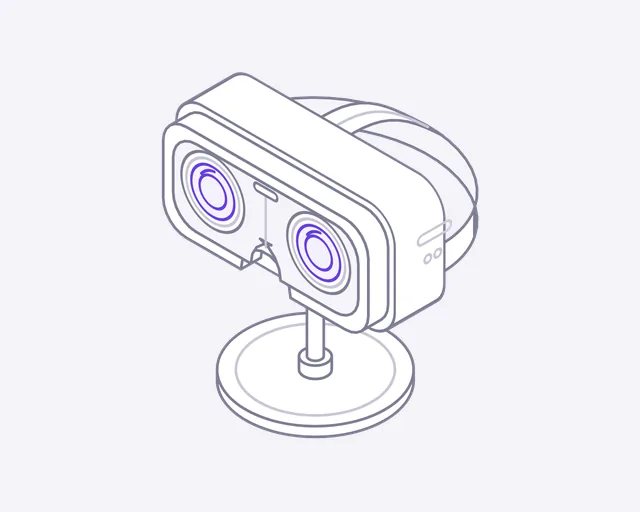
VR headset
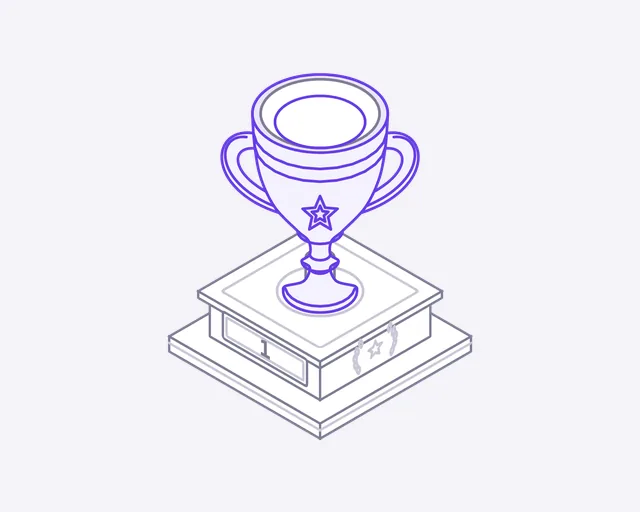
Trophy
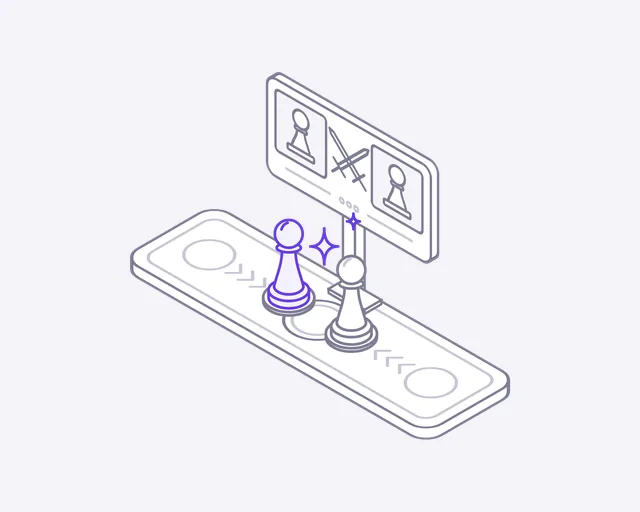
Matchmaking
Week 2
One week later
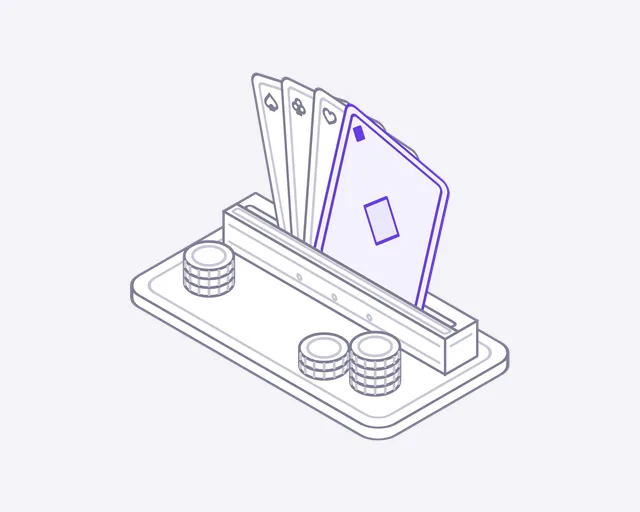
Playing cards
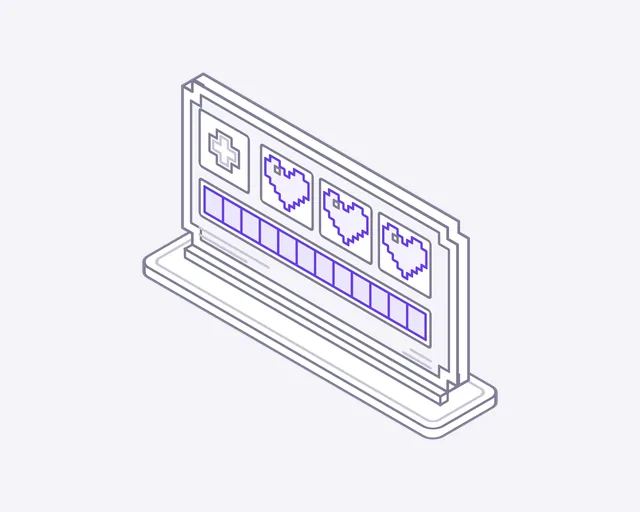
Health bar
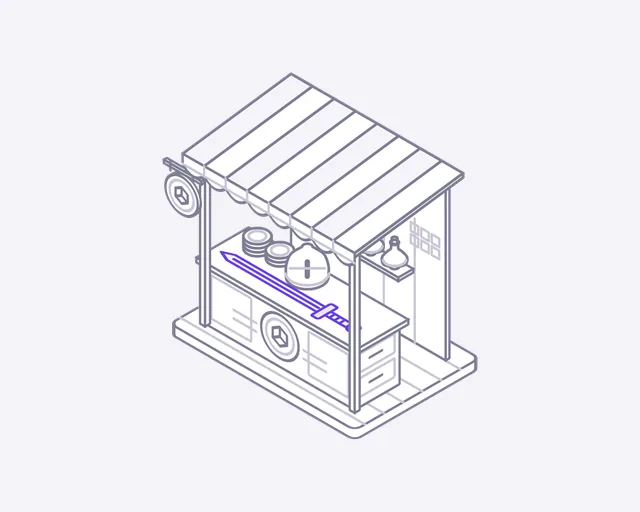
Item shop
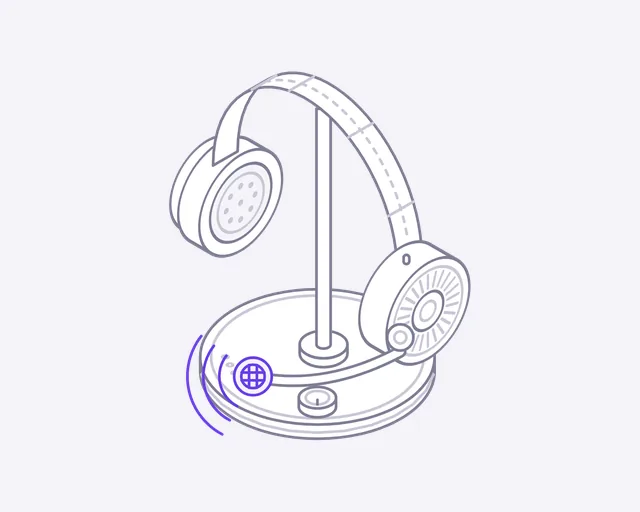
Voice chat
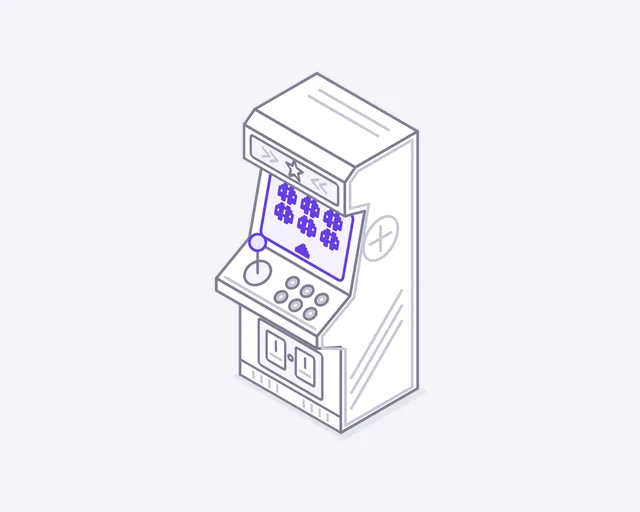
Arcade cabinet
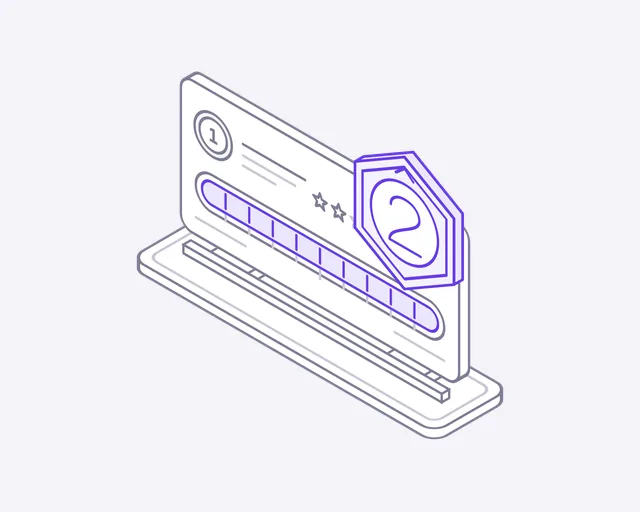
Level up
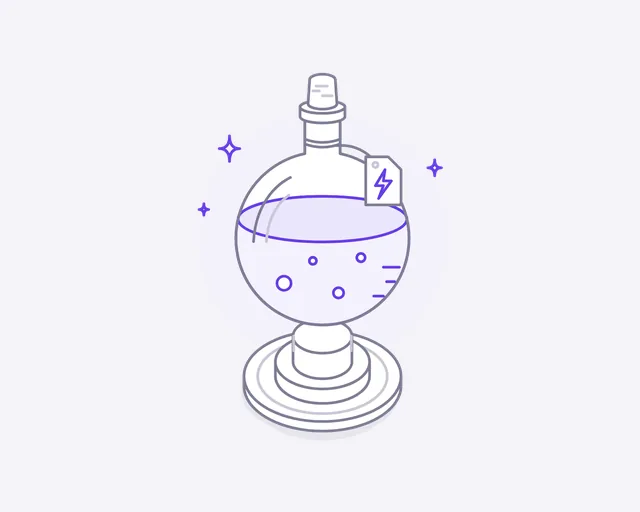
Power-up
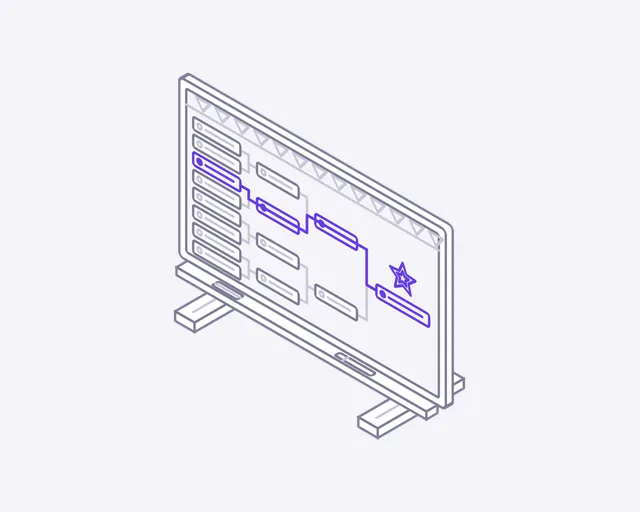
Tournament bracket
Week 3
Two weeks later
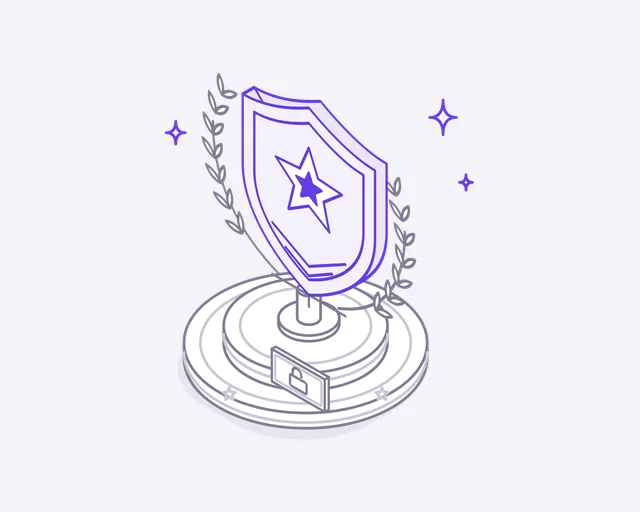
Achievement unlocked
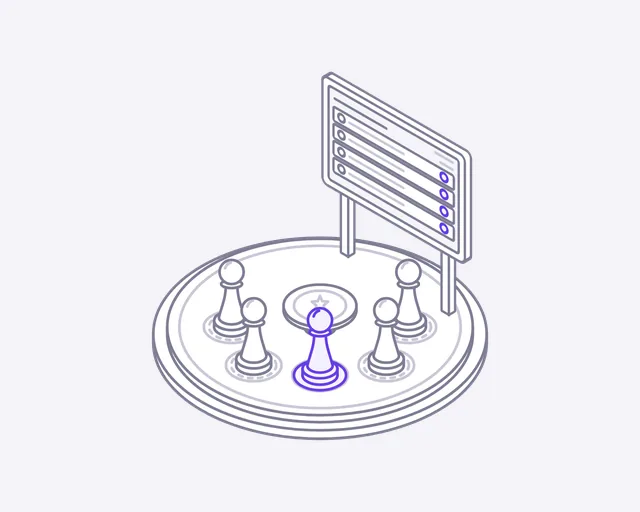
Multiplayer lobby
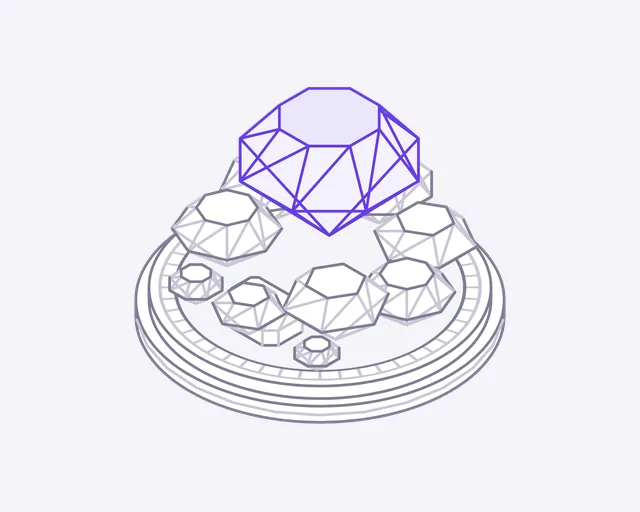
Gems
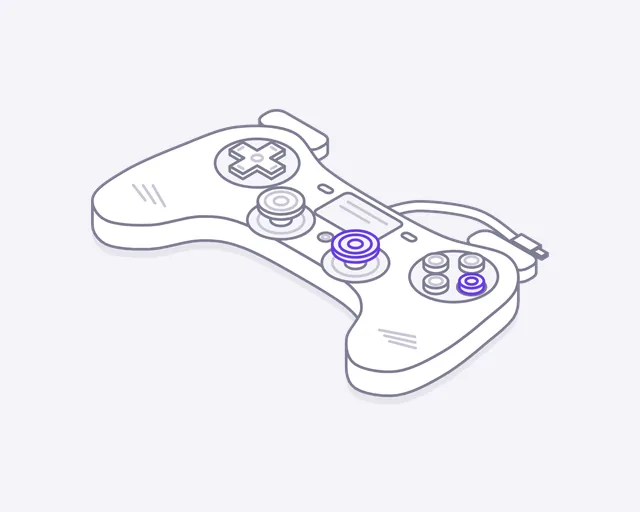
Game controller
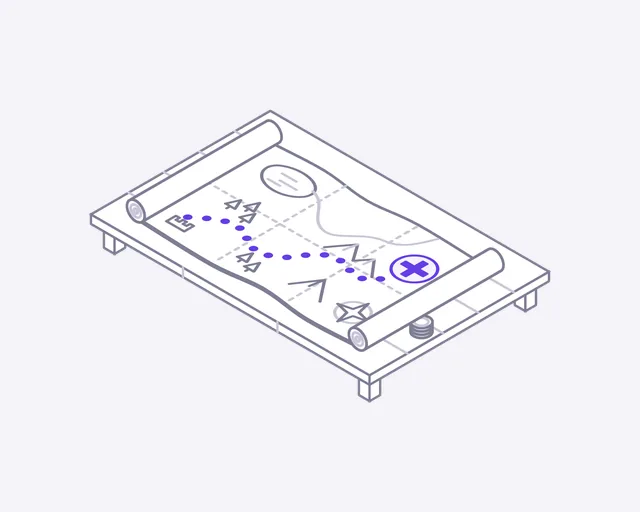
Quest map
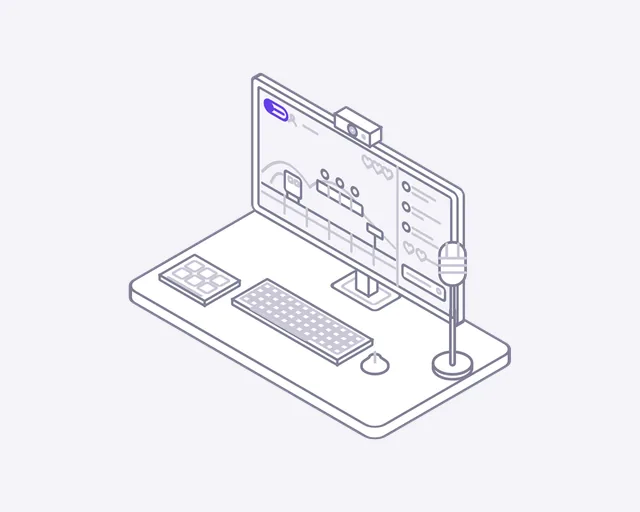
Game streaming
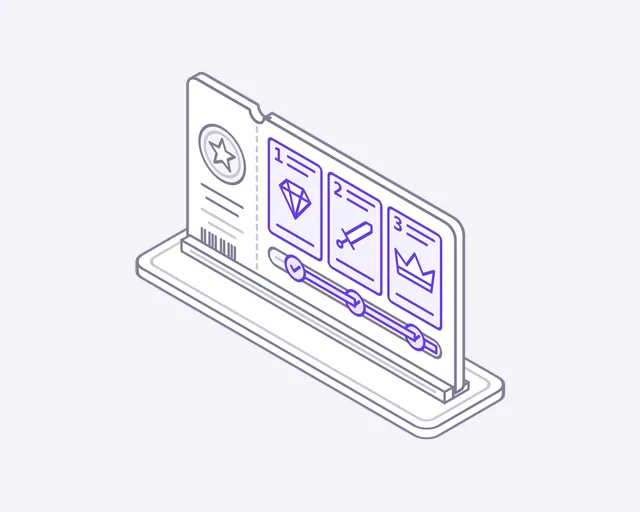
Battle pass
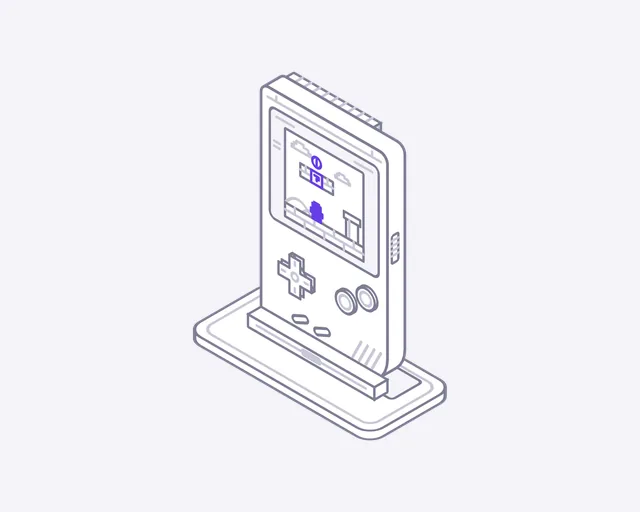
Handheld console
About this set
About the Gaming icons
Gaming icons for a game, a studio or an esports site. The set covers what players see and want: controllers, health bars and level-ups, loot boxes and gems, plus the community side with lobbies, voice chat, brackets and leaderboards. Each gaming icon is previewed on this page as a short loop before you sign up.
Where they fit
Put Leaderboard on a rankings page, where the podium blocks rise and a crown drops on the winner. Use Tournament bracket on an event page: the winner's line advances through the bracket. Battle pass suits a store or season page, as the tiers unlock one by one. Loot box, Item shop and Level up fill out a features grid.
One look across the set
The set keeps one 400 by 320 canvas, one line weight and one accent colour throughout. Controllers, gems and trophies can share a row in a store page and read as one set.
From the email to your page
- Open the email and download the ZIP. The svg folder holds the animated icons, and preview.html shows them all moving.
- For a looping icon, use the file as an image: an img tag with width 240 and height 192 keeps the 5:4 frame.
- For hover play, accent colour and dark mode, paste the SVG markup into your page instead of linking the file.
- Add data-play="hover" to the svg to play it only on hover, or data-cm-play="hover" on the card around it.
- Set --cm-accent to your brand colour, and add data-theme="dark" on dark backgrounds.
License
Free to use, with three limits
- Use them in websites, apps, products and client projects, free
- Credit is appreciated, not required
- Not allowed: selling or sharing them as icons, claiming them as yours, or using them in a logo
More industries
Building for Gaming?
We build Gaming products, not just their icons
DeveloperLook designs and builds the websites and software these icons are drawn for. See how we work in your market.
FAQ
Questions about the Gaming icons
 Saimul IslamFounder & CEO, DeveloperLook
Still have questions?
Send a message or book a call with the team.
Yes. Use the gaming icons on any website, app, product or client project, paid or not. We appreciate a credit but don't require one. They can't be resold or shared as an icon set, claimed as your own, or turned into a logo. The terms are on the license page.
The gaming set has 24 icons, sent over three weeks at 8 a week. The first batch arrives as soon as your email is confirmed. The set covers controllers, loot boxes and tournaments, among other things. The page shows previews only, and the files come by email.
Type your email into the form on this page, then confirm it. Your first gaming icons arrive straight away, with more every week until the set is complete. One address can follow one industry. Unsubscribing takes one click.
Yes. Each gaming icon is a plain SVG that opens in any vector editor for changes to shape, size or colour. Because the motion is CSS inside the file, design tools show the still pose; use the untouched file for the moving version online. Every batch also has GIF and PNG.
No. Each icon is a small SVG with its motion in plain CSS, with no JavaScript and no fonts to load. Visitors with reduced motion turned on see the still pose. A game or tournament page should stay smooth while players wait to join.
Saimul IslamFounder & CEO, DeveloperLookStill have questions?
Send a message or book a call with the team.
Free 30-min callGoogle Meet
Book a call
Book a free 30-minute call
In 30 minutes on Google Meet we walk you through how we would build it, how long it takes and what it costs. Then you get a written estimate.
Calendar not showing? Book on cal.com or send a brief.