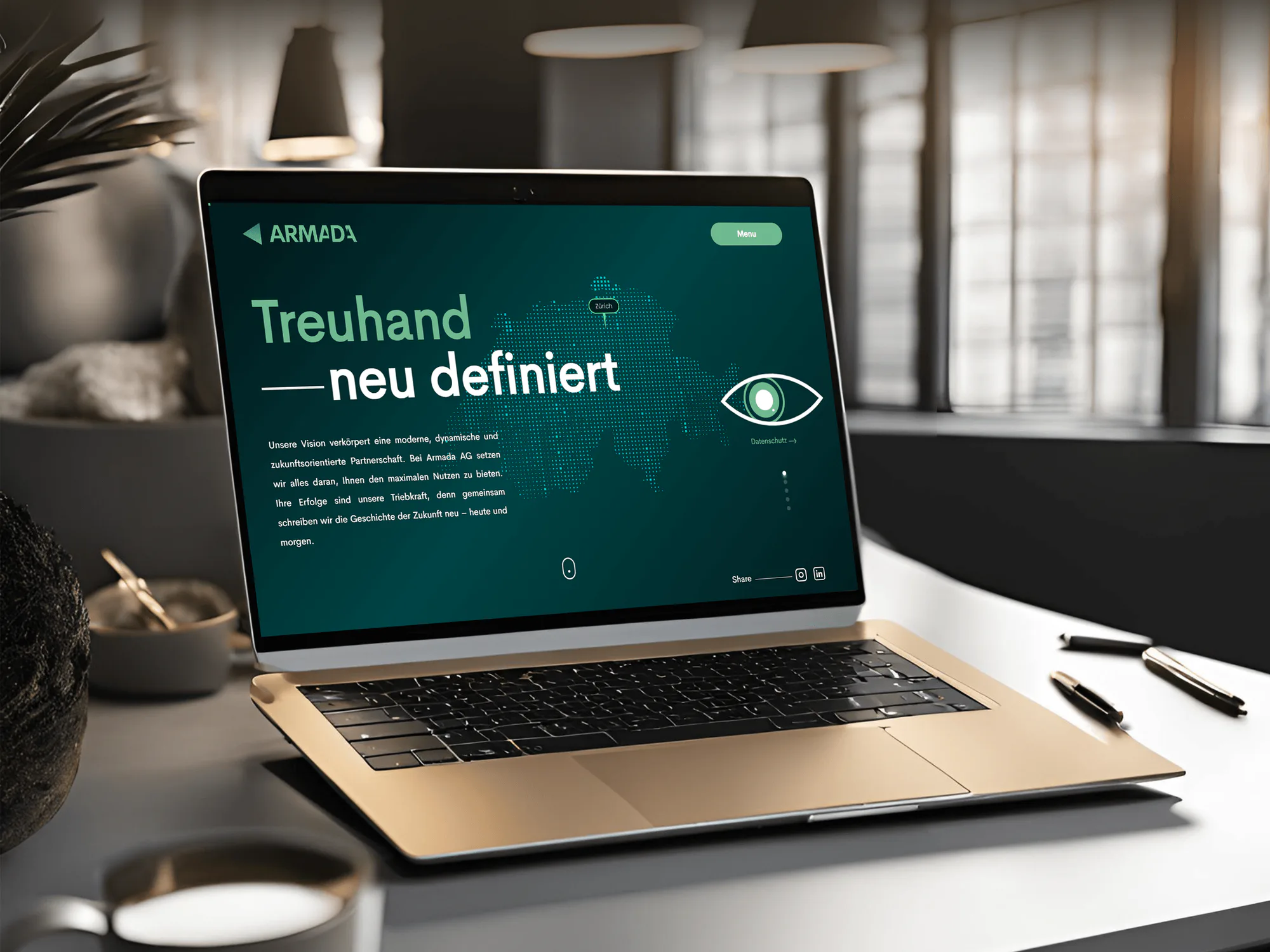
Armada AG Fiduciary and Consulting Services Website
- Finance
- Business
- Website

Legal Software and Web Development
DeveloperLook handles legal software development for law firms, from solo attorneys to multi-office practices. We build websites, intake and CRM systems, Clio and MyCase integrations, client portals, and LawPay payments your firm owns.
2X
More new clients signed
100%
Accounts and data you own
Industry leaders we work with
 WordPress
 Webflow
 HubSpot
 Twilio
 QuickBooks
 Google Analytics (GA4)
The Problem
The leak rarely sits in one place. It shows up after hours, on weekends, and in the handoff between your website, your phones, and your practice software.
After hours
Night and weekend inquiries wait until Monday for a reply.
After hours
Intake sends an automatic email and text reply and routes the inquiry to the right attorney.
Missed calls
Calls after 5 pm go straight to voicemail.
Missed calls
An answering service or AI line picks up and books the consult on your calendar.
Retyping
Leads land in three places and get retyped into Clio or MyCase.
Retyping
Forms, calls, and chats post straight into Clio, MyCase, or your CRM with their source.
Locked site
Your site sits on a vendor platform, so edits need tickets.
Locked site
We build on WordPress, Webflow, or Next.js, and the domain and accounts stay in your name.
Status calls
Current clients call all day to ask where their case stands.
Status calls
A client portal shows case stages, documents, and invoices behind a secure login.
Your contact form gets a message at 9 pm from someone hurt in a crash, and nobody replies until Monday. By then another firm has called them back. Calls after 5 pm go to voicemail. Web leads, calls, and directory inquiries land in three places, and someone retypes them into Clio or MyCase. Your site sits on a vendor's platform, so every edit becomes a support ticket. And current clients call all day to ask where their case stands.
We start by tracing how an inquiry becomes a client: who answers, what gets screened, where the lead lands, and how the retainer is paid. Then we build the software in the order that signs clients soonest. The site earns the call, intake replies and routes it, Clio or MyCase stores it, and payment pages send the retainer to trust. A client portal answers status questions, so your staff spend the day on new clients, not status calls.
Inquiries answered and routed
Your forms, calls, and chats reach the right attorney with conflict-check details and the lead source.
Pages your attorneys approve
Practice pages, ads, and review requests pass a bar review step before anything goes live.
One record across your tools
Intake, practice software, payments, and your client portal share data instead of four separate logins.
Our Services
Start with the piece you need now: a practice area site, intake automation, AI drafting, a practice software link, payments, or security for client files. Each one connects to the others, so the next build extends what you already have.
Sites for each practice area, from injury, defense, and family law to immigration, bankruptcy, employment, and business law, built for your bar review.
Who We Build For
An injury firm and an estate planning practice need different software, so one package can't fit both. Pick yours to see the services we combine and how long setup takes.
01 / 06Solo Attorneys
The stack we usually build
5 services, one project plan
Website
Law Firm Website Design ServicesPractice pages, your bio, and a consultation form with conflict checks.
Local search
Local SEO for LawyersYour Google profile, attorney listing, and legal directories kept consistent.
Practice software
MyCase Website Integration ServicesWeb leads land in MyCase, and clients reach its portal from your site.
Payments
Law Firm Payment Processing & LawPay IntegrationRetainers to trust and invoices to operating, paid online.
Reviews
Law Firm Reputation Management & Review AutomationA review request to each client when a matter closes.
You do the legal work, the phones, and the marketing yourself. You need a credible site, a map listing that brings nearby calls, and leads that land in MyCase without retyping.
Solo attorneys and small partnerships: You're opening or rebuilding your own practice and need a credible site, a map listing, and new leads in one place.
02 / 06Personal Injury
The stack we usually build
5 services, one project plan
Website
Personal Injury Lawyer Website DesignCase-type pages, chat, and after-hours routing on a fast mobile site.
Search
Personal Injury SEO ServicesCase and county pages built on public crash data, plus digital PR.
Paid search
Law Firm PPC Agency & Custom Landing PagesYour Google Ads, with each ad group landing on its own page.
Lead tool
Car Accident Settlement Calculator DevelopmentA case value calculator that asks for crash details before the range.
After hours
24/7 Legal Answering Service & Intake IntegrationNight and weekend callers reach a receptionist who books the consult.
You compete with billboard firms for crash and injury searches, and each click costs real money. You need case pages that load fast on phones, calls answered at night, and cost per signed case by source.
Personal injury firms: You're paying for clicks, but night calls hit voicemail and your intake software can't show which ads signed cases.
03 / 06Criminal Defense
The stack we usually build
5 services, one project plan
Website
Criminal Defense Attorney Website DesignCharge and county court pages with tap-to-call fixed on screen.
24/7 calls
24/7 Legal Answering Service & Intake IntegrationUrgent callers warm-transferred to the lawyer on call.
Paid search
Law Firm PPC Agency & Custom Landing PagesDUI and felony ads that land on matching charge pages.
Financing
Legal Fee Financing Integration ServicesPay-over-time options when a retainer is due quickly.
Your next client may be calling at 2 am from a relative's phone, scared and in a hurry. They want a lawyer who picks up and explains the next step, so speed and privacy matter more than a polished homepage.
Criminal defense lawyers: Your phones ring after arrests at night and on weekends, and callers hang up when they reach voicemail or a long form.
04 / 06Family Law
The stack we usually build
5 services, one project plan
Intake
Legal Client Intake Automation & Software SetupScreening questions and conflict checks before the consult.
Client portal
Law Firm Client Portal DevelopmentYour clients see case stages, documents, and messages behind an MFA login.
Payments
Law Firm Payment Processing & LawPay IntegrationOnline retainer and invoice payments, trust and operating kept apart.
Financing
Legal Fee Financing Integration ServicesPay-over-time options for clients facing a large retainer.
Your clients search about divorce or custody, sometimes on a shared phone or laptop. They need privacy, plain answers about fees, and a way to send documents without long email chains.
Family law practices: Your clients worry about a spouse seeing their search, so your site needs a quick exit button and safe ways to contact you.
05 / 06Estate Planning
The stack we usually build
4 services, one project plan
Website
Estate Planning Website Design ServicesWills and trusts guides, seminar sign-ups, and a pre-meeting questionnaire.
Practice software
Clio Website Integration ServicesForm answers reach Clio Grow, and consults book through Clio Scheduler.
Documents
Law Firm Workflow Automation ServicesEngagement letters and matter checklists built from templates.
Your clients take weeks to decide and read closely before they call. You need guides that answer their questions, a questionnaire finished before the first meeting, and documents drafted without retyping.
06 / 06Multi-Office Firms
The stack we usually build
5 services, one project plan
CRM
Law Firm CRM Integration & AutomationForms, calls, chat, and ad leads in one pipeline with source fields.
Intake
Legal Client Intake Automation & Software SetupOne screening standard, routed by practice area and office.
Automation
Law Firm Workflow Automation ServicesEngagement letters, deadline reminders, and billing steps automated.
Client portal
Law Firm Client Portal DevelopmentCase status online, so fewer calls reach your front desk.
You're adding attorneys, offices, or practice areas, and each one handles leads its own way. You need one pipeline, one intake standard, and reports your partners trust.
Multi-office and growing firms: You need a law firm software developer to make each office screen, follow up, and report on leads the same way.
Projects We've Built
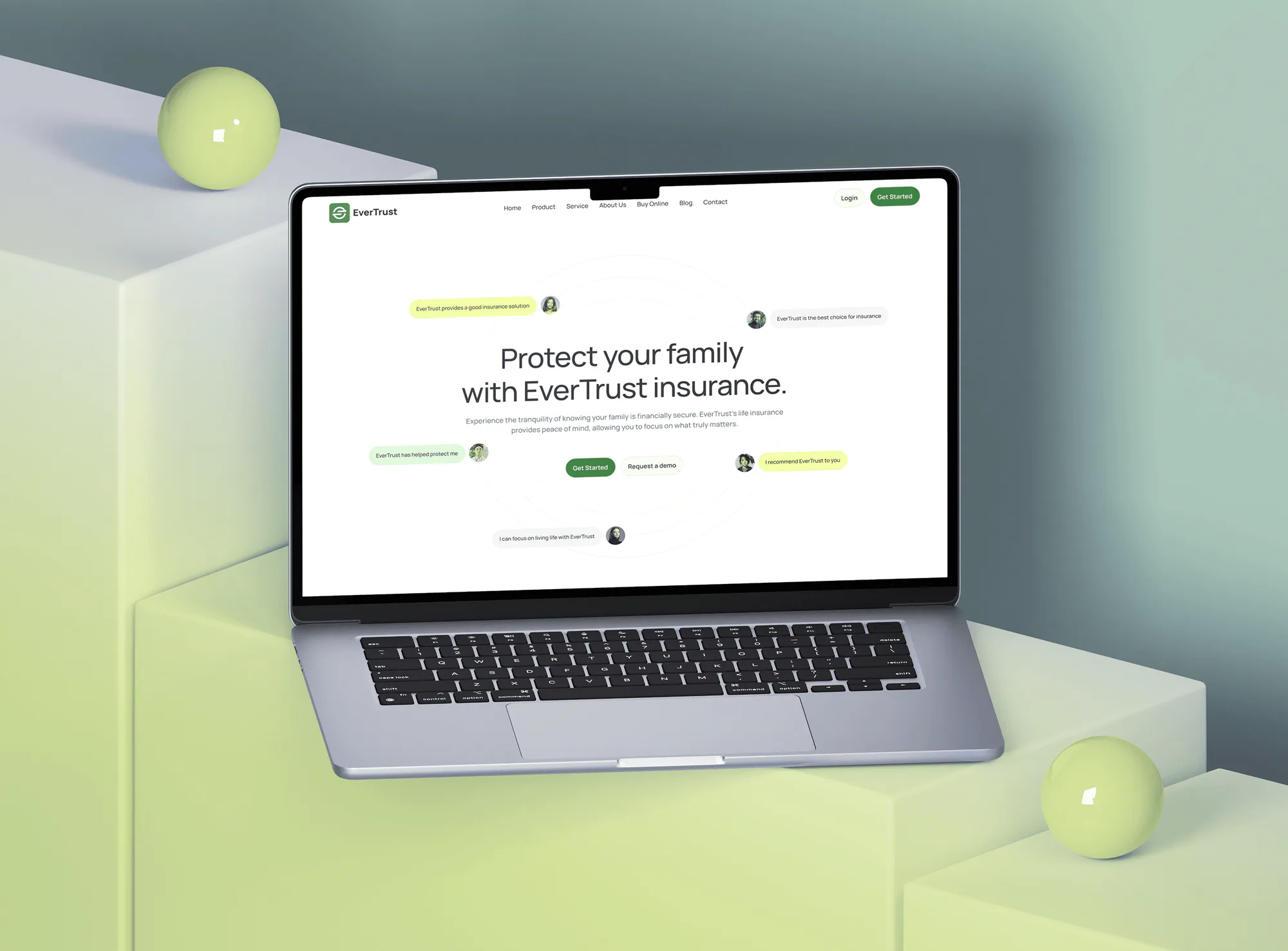
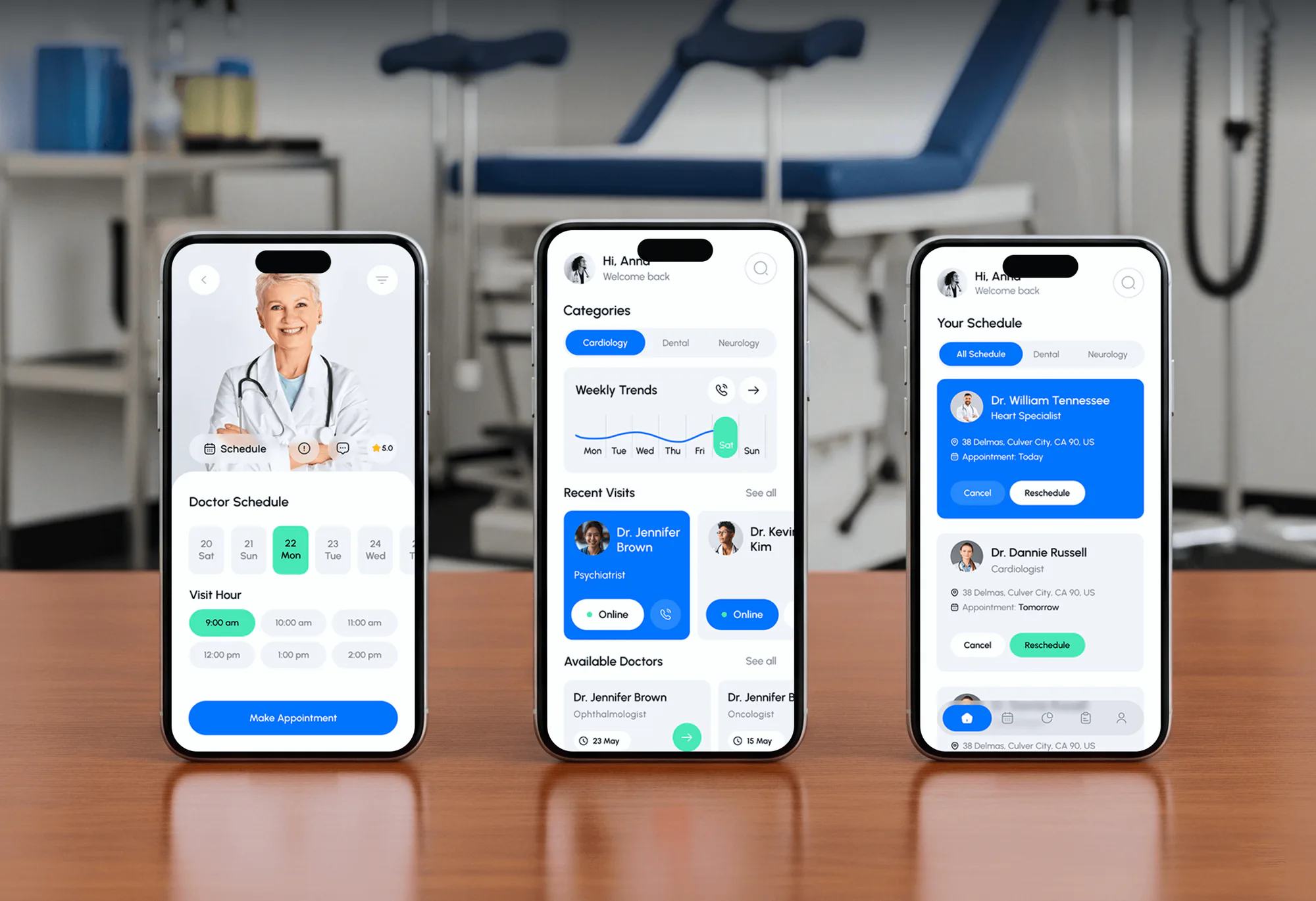
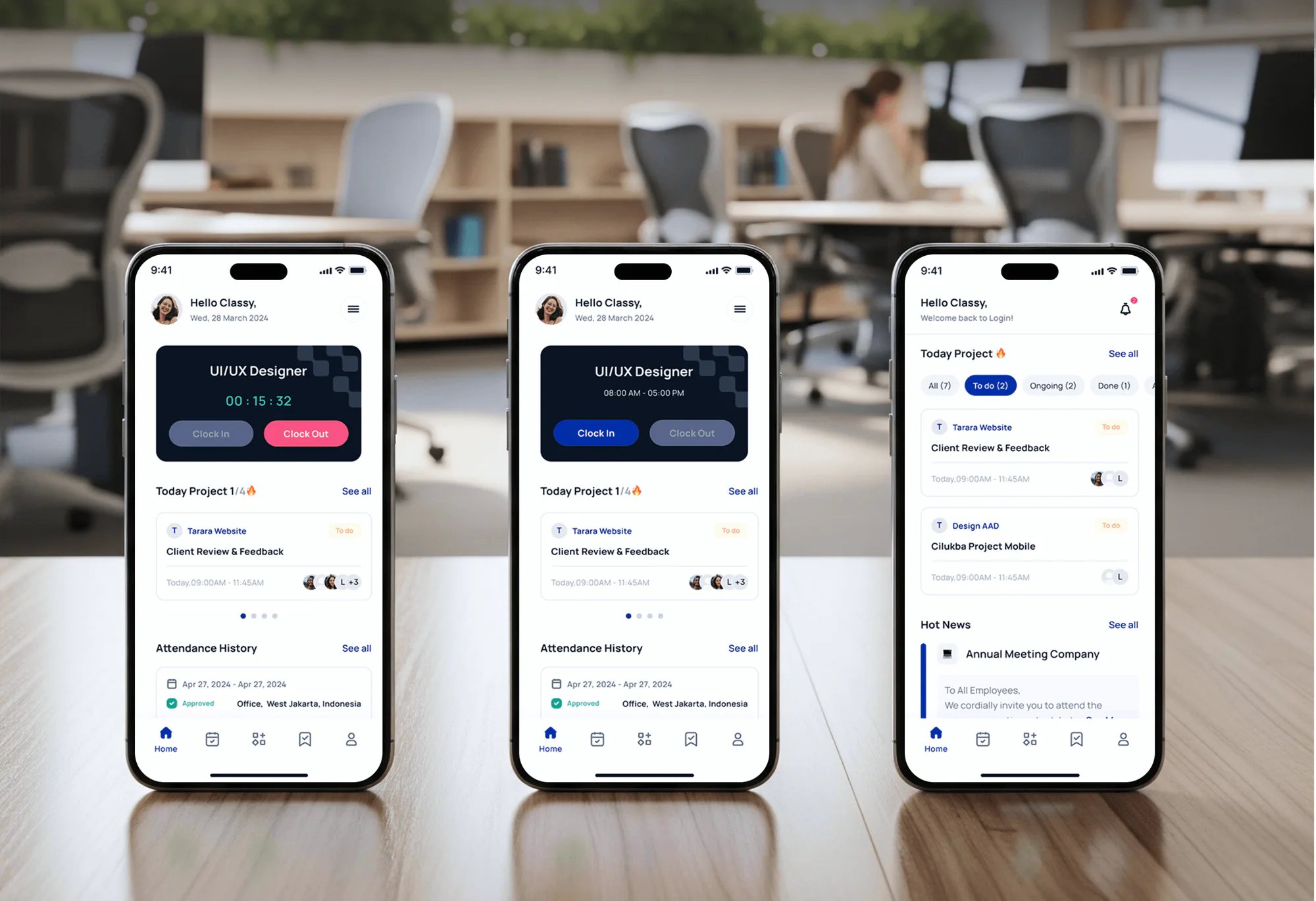
Sites and apps with the building blocks your firm needs: consultation forms, booking, secure logins, and payment flows. Each one is shown as the project it was built for.

Our Process
You see the plan and a fixed price before work starts, and you approve the pages, intake questions, and wording before anything goes live.
We check your site, phones, intake forms, and practice software, and follow an after-hours inquiry to see where it goes. You get a short list of leaks, ranked by how many inquiries each one touches.
What Our Clients Say
Feedback from teams we have built websites, intake flows, and integrations for.
We had a pretty specific idea of what we wanted our website to become, but I wasn’t sure how easily we could explain all of it to a development team. There were quite a few moving parts, and we were working toward a deadline, so I expected a few things to get lost along the way. That never really happened. They understood what we were trying to achieve, kept us updated throughout the process, and got everything ready within the agreed timeline. The final site feels much easier to navigate, works beautifully on mobile, and is noticeably smoother for our customers. It was a huge relief seeing the original idea actually turn into the website we had in mind.
The mobile experience is probably my favourite part of the new site. We had spent a lot of time making sure the desktop version looked right, and the team kept pushing us to think about how everything would actually feel on a phone too. They were right. The navigation is clean, the interactions feel natural, and everything we’ve tested so far works exactly as it should. They also went through the links, forms, integrations, and other details more than once before launch, which I really appreciated. And even after going live, we could still reach out when something came up. The whole process felt friendly, organised, and surprisingly straightforward.
What I appreciate most is that the website is actually easy for us to manage now. We can update content ourselves instead of sending a developer a message every time we need to change something small. They also paid attention to the technical SEO side, which mattered to us because we didn’t want a new website to create problems for the traffic we already had. I’ve probably asked more questions than I should have since launch, but every question has been handled patiently and without any fuss. The team is easy to work with, they explain things clearly, and when we need something changed, they focus on getting it done rather than making the process complicated.
1,250+
Projects shipped
10+
Years of experience
5 stars
Clutch rating
5 stars
GoodFirms rating
Excellent
Trustpilot rating
Top 3%
Upwork Top Rated Plus
1,250+
Projects shipped
10+
Years of experience
5 stars
Clutch rating
5 stars
GoodFirms rating
Excellent
Trustpilot rating
Top 3%
Upwork Top Rated Plus

Want results like these?
Tell us what you are building. You get a reply within 24 hours on business days, then a written estimate.
Overview
DeveloperLook is a legal software development company that builds websites, intake systems, and client portals for solo attorneys and growing firms. We connect Clio, MyCase, PracticePanther, Filevine, Lawmatics, Smokeball, LawPay, and your phones, so inquiries get fast answers and one shared record. Setups start at $500, sites with intake launch in 4 to 8 weeks, and the code and accounts stay in your name.
DEVELOPERLOOK
Project facts · Legal Software Development for Law Firms
Reviewed 29 Oct 2026 by Saimul Islam
Not a fit
Budget under $500
Your budget is under $500. A free Google Business Profile and a template site fit better for now, and if that covers your case, we'll tell you before we quote.
Only Google Ads
You only want Google Ads managed on your current site. You don't need new software; our PPC and landing page service handles that alone.
Only a connector
You like your site and only need its forms flowing into Clio or MyCase. Our Clio and MyCase integration services cost less than a bundle.
Choosing software
You're still choosing case management software. Clio, MyCase, and PracticePanther sell that directly, and we connect whichever you pick to your site and intake.
Search traffic only
You only want more cases from search, with no new site or intake. Our Law Firm SEO Services or Local SEO for Lawyers program handles that on its own.
E-discovery and review
You need e-discovery or document review across large litigation files. Dedicated e-discovery platforms handle that work; we build the site, intake, and client portal around your practice.
Large firm procurement
You run a firm with hundreds of lawyers and a formal IT procurement process. We fit solo attorneys, small firms, and multi-office practices better than enterprise rollouts.
Looking for a lawyer
You need a lawyer for your own case. We build websites and software for law firms, so a local bar association's referral service is the place to start.
Not sure we're the right fit?
Book a free call or message us. We'll tell you honestly whether we're the right team.
Pricing
These are starting points in USD. Your final price depends on your practice areas, site size, and the tools we connect, and you get a fixed proposal after a free review call.
More Industries
Many service businesses share your needs: booked consultations, local search, secure intake, and online payments. See how we build for them.
FAQ
Straight answers on cost, timelines, custom builds, Clio and MyCase, and law firm websites.
Saimul IslamFounder & CEO, DeveloperLookStill have questions?
Send a message or book a call with the team.
DeveloperLook pricing starts at $500 for a single setup, such as fee financing through your payment processor. A practice site with screened intake starts at $2,300, and adding an answering service link and payment pages makes it $3,850. A client portal on your own domain starts at $1,450. Processors, answering services, and software vendors bill their own subscriptions.
Single setups take 1 to 3 weeks, and a practice site with screened intake takes 4 to 8 weeks. Review and planning take about a week, design 1 to 2 weeks, and the build and tests 2 to 4 weeks. Client portals with co-counsel roles and audit logs can run up to 12 weeks, because permissions need a pilot before every client gets an invite.
Legal software is any tool a law firm uses to run matters, clients, and money, from practice management to intake, billing, and document automation. Many firms run Clio or MyCase, add an intake or CRM tool such as Lawmatics, and take payments through LawPay. Custom work fills the gaps between them: a screened intake form, a portal on your domain, or a calculator for injury pages.
Start with one job the app must do well, such as case status or intake, then build it around your practice software. In legal app development, a secure web app or installable portal is often enough, and it skips App Store review. Connect it to your practice software through its API, add MFA and audit logs, and pilot it with a few clients before launch.
Build it around your practice areas: one page per area, attorney bios, a consultation form with conflict-check fields, and click-to-call on phones. Before launch, your responsible attorney reviews each claim. ABA Model Rule 7.2 limits specialist claims and requires the name and contact details of a lawyer or firm responsible for the content. Our Law Firm Website Design Services page covers the full build, from $1,350.
You can create a simple law firm website yourself with a template builder such as Squarespace, Wix, or WordPress. Cover your practice areas, your bio, office details, and a contact form, and name the lawyer responsible for the content. Hire help when you need intake routing, links to your practice software, or pages for several attorneys and offices.
Buy the core system and build only the gaps, because practice management and billing are mature products you shouldn't rebuild. Clio, MyCase, and PracticePanther handle matters, time, and invoices. Custom legal software development makes sense for what they don't cover well, and a good legal app development company says so before quoting a rebuild.
Yes, both publish APIs, though access differs by product and plan. Clio accepts web leads through its Lead Inbox and exposes contacts, matters, and calendars through the Clio Manage API. Its webhooks expire after 31 days, so builds renew them on a schedule. MyCase limits its Open API to the Advanced tier, so firms on other tiers connect through embedded lead forms or Zapier.
We limit access by matter, require multi-factor login, encrypt data in transit and at rest, and log who viewed or downloaded each file. ABA Model Rule 1.6(c) asks lawyers to make reasonable efforts against unauthorized access, and Formal Opinion 477R explains what that means for electronic communications. Intake forms ask only for conflict-check basics first, since Rule 1.18 protects what prospective clients share.
Your firm owns the code, the domain, the hosting and software accounts, and the client records. We work through logins you grant and hand over admin access, source files, and a short runbook at launch. Support covers the first 30 days, and after that your own IT provider or our team can maintain it.
Saimul IslamFounder & CEO, DeveloperLookStill have questions?
Send a message or book a call with the team.
Free 30-min callGoogle Meet
Book a call
In 30 minutes on Google Meet we walk you through how we would build it, how long it takes and what it costs. Then you get a written estimate.
Calendar not showing? Book on cal.com or send a brief.