
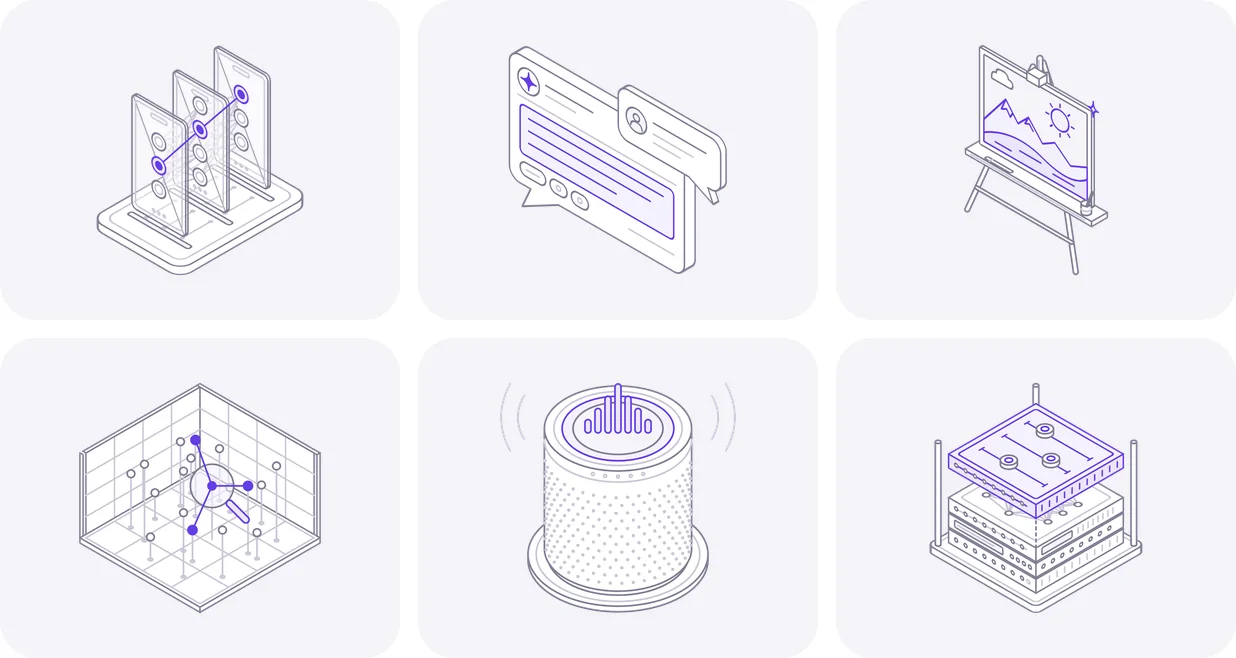
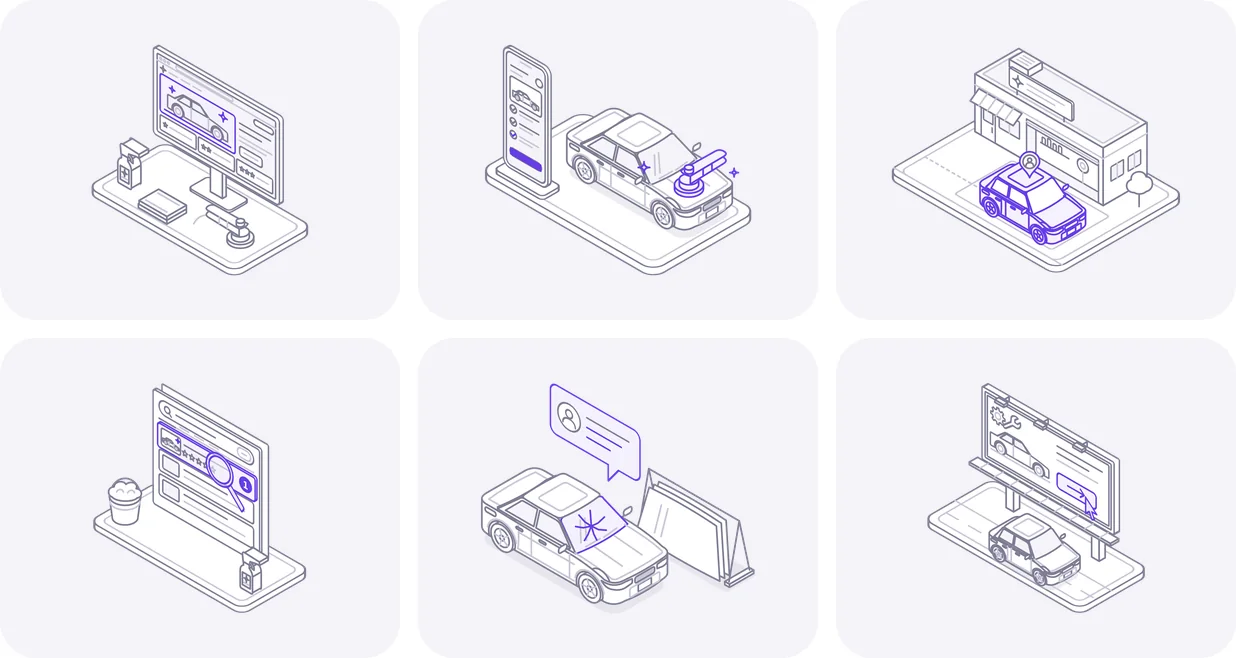
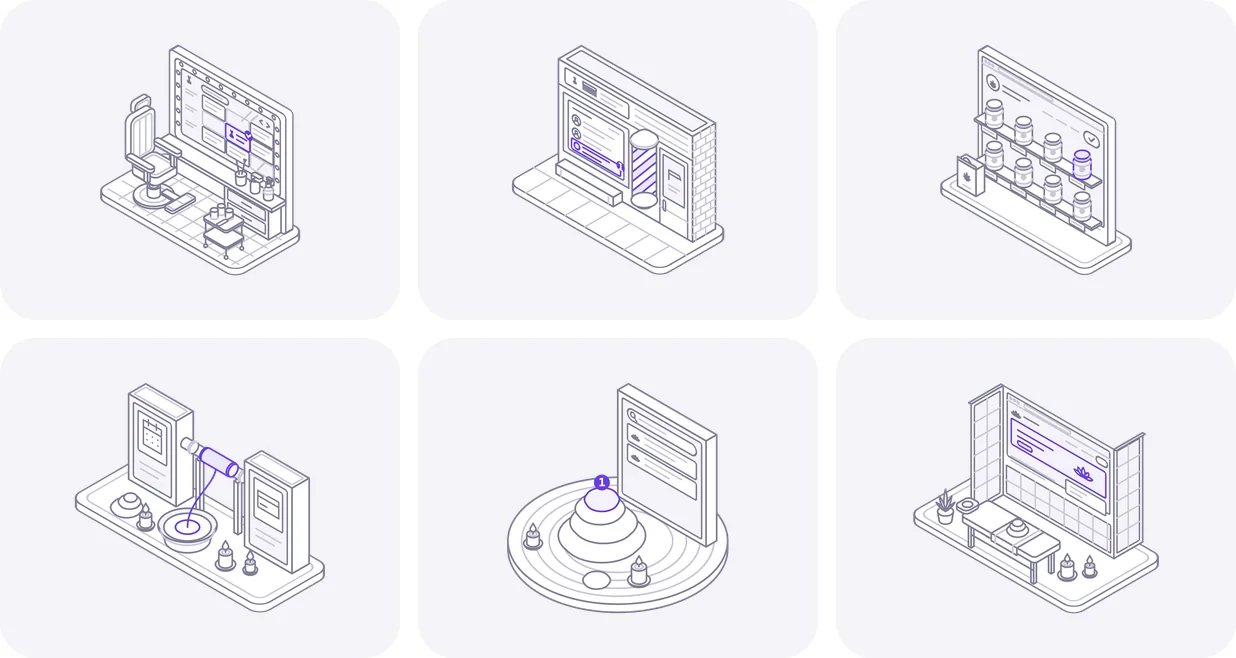
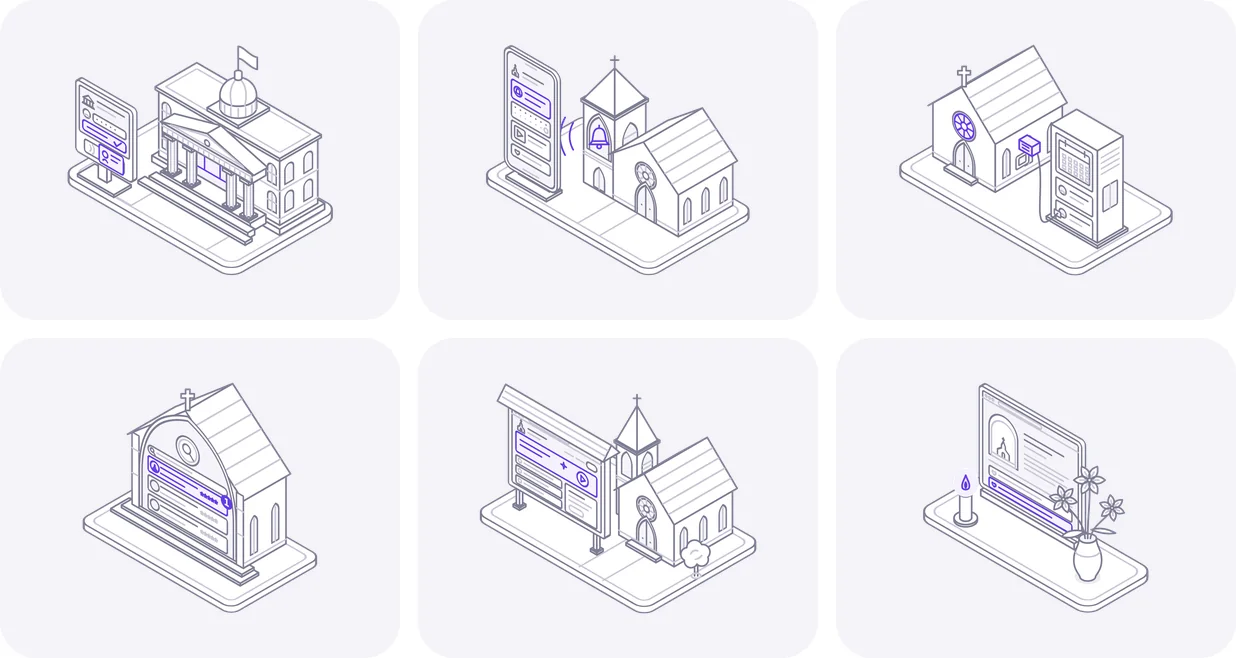
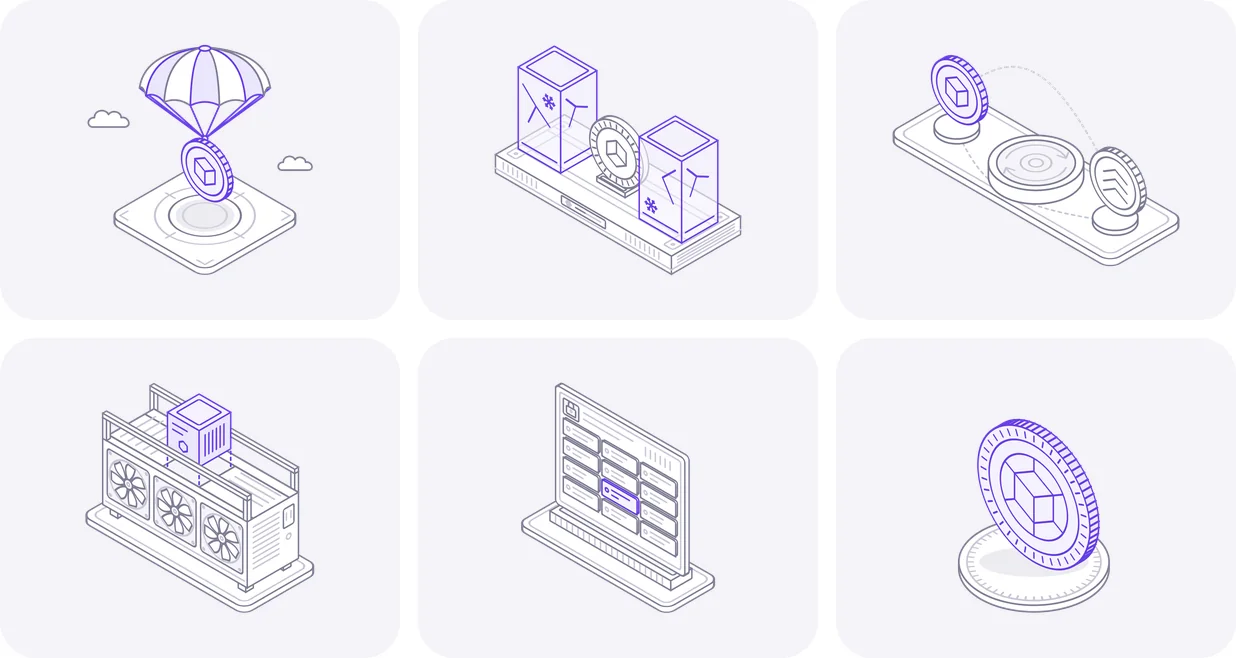
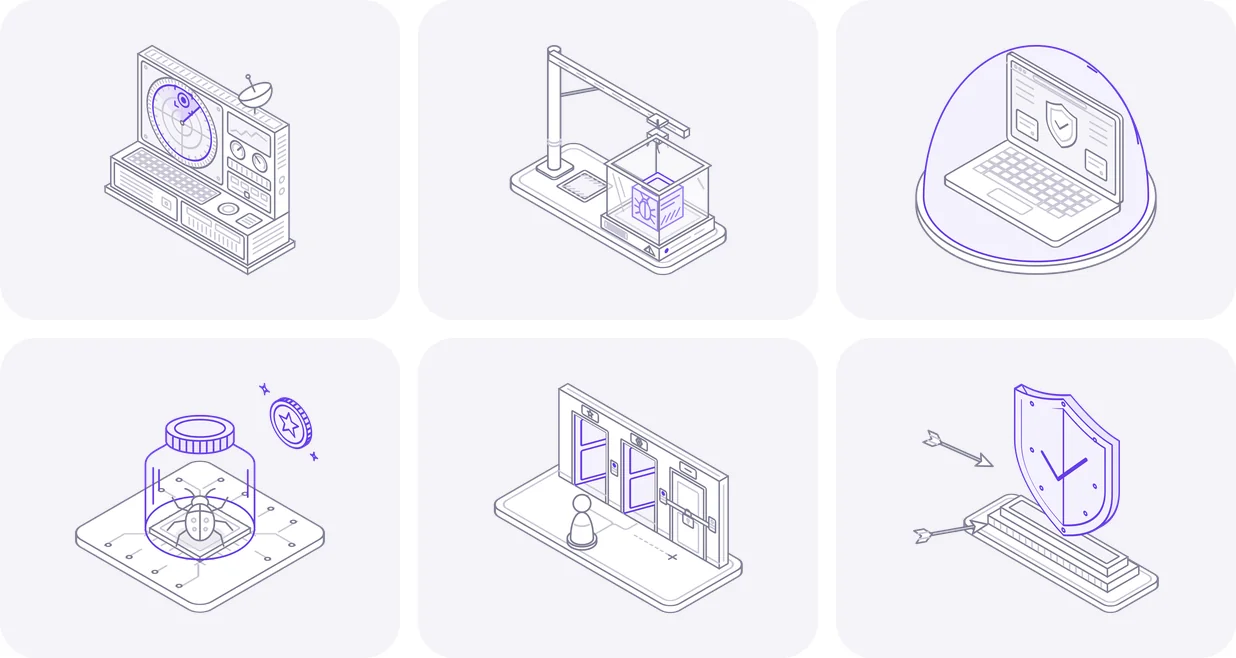
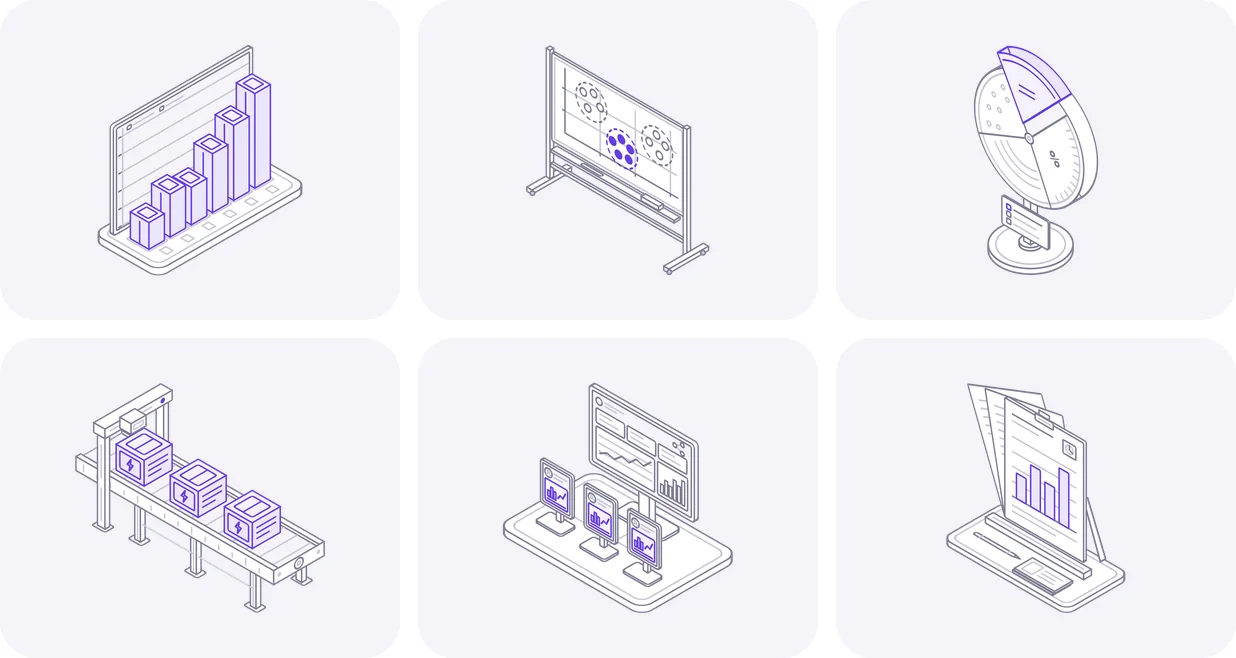
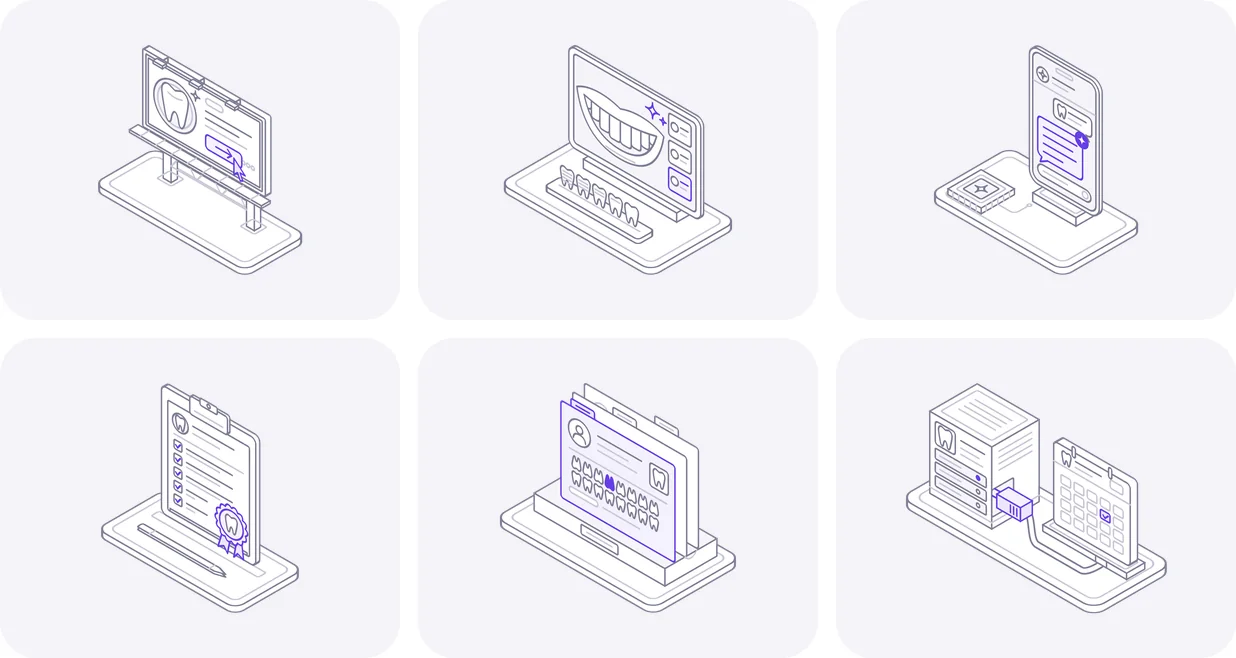
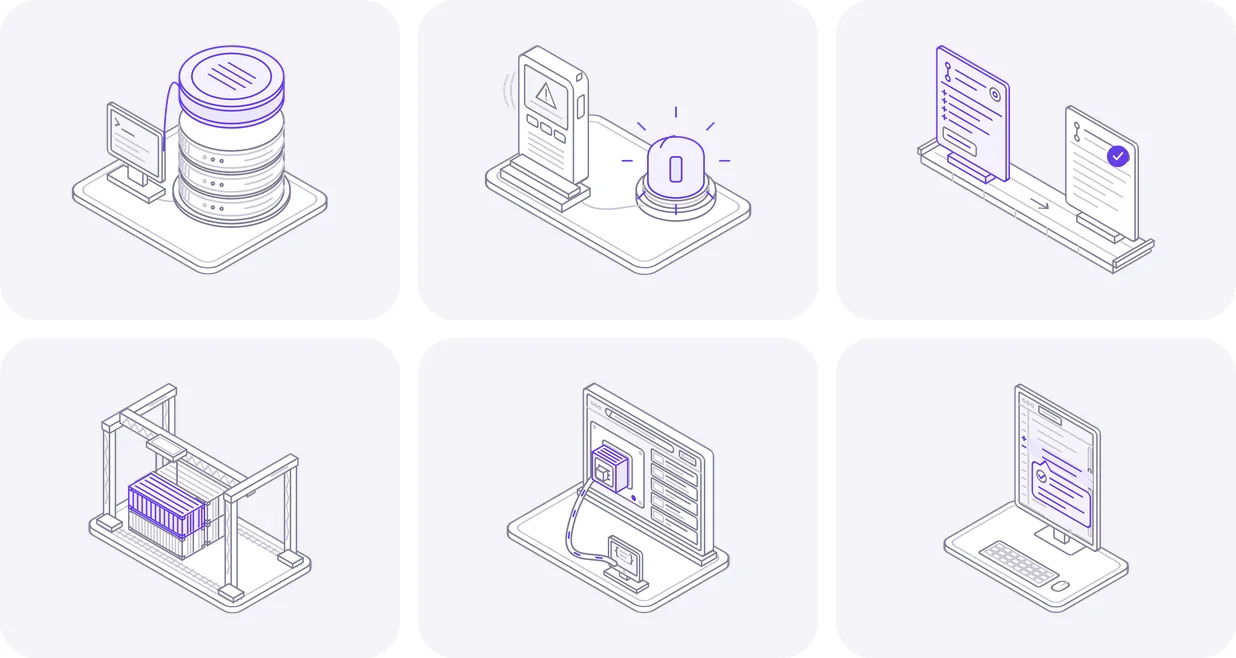
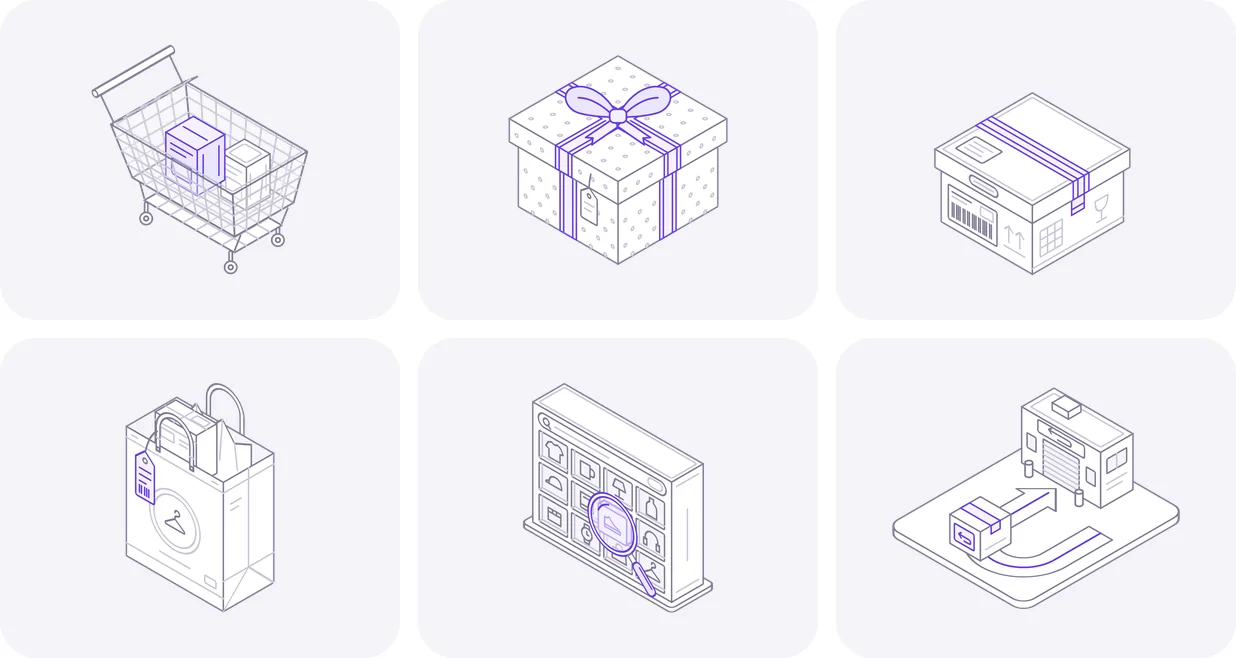
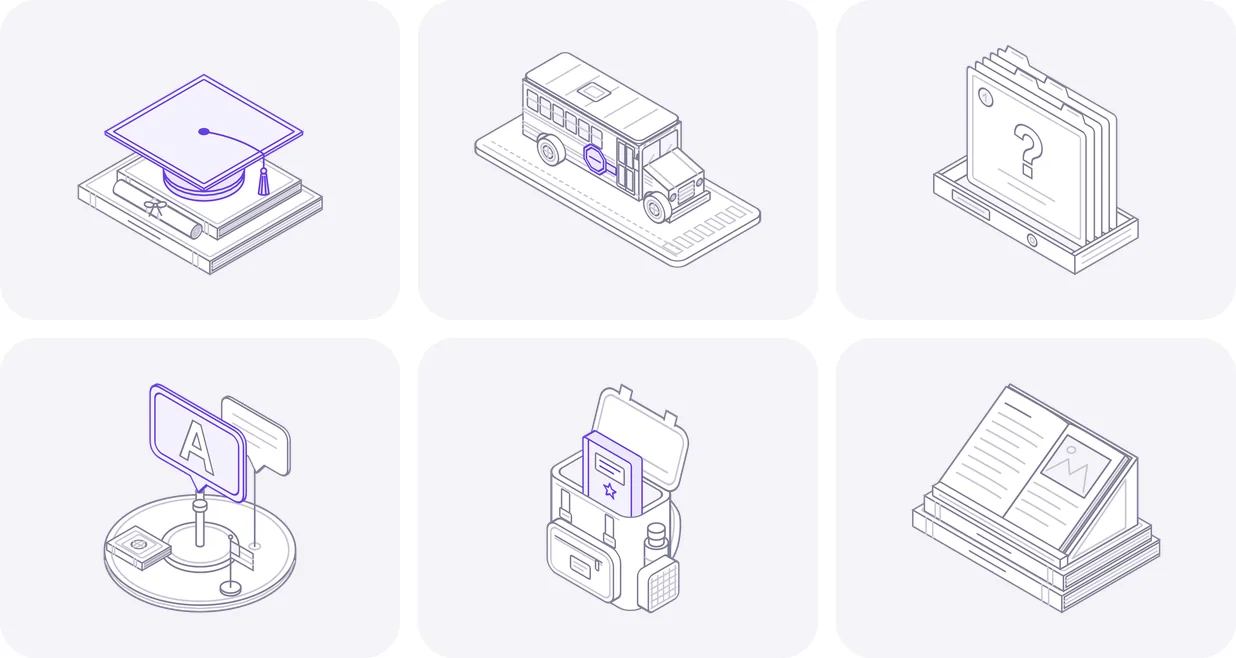
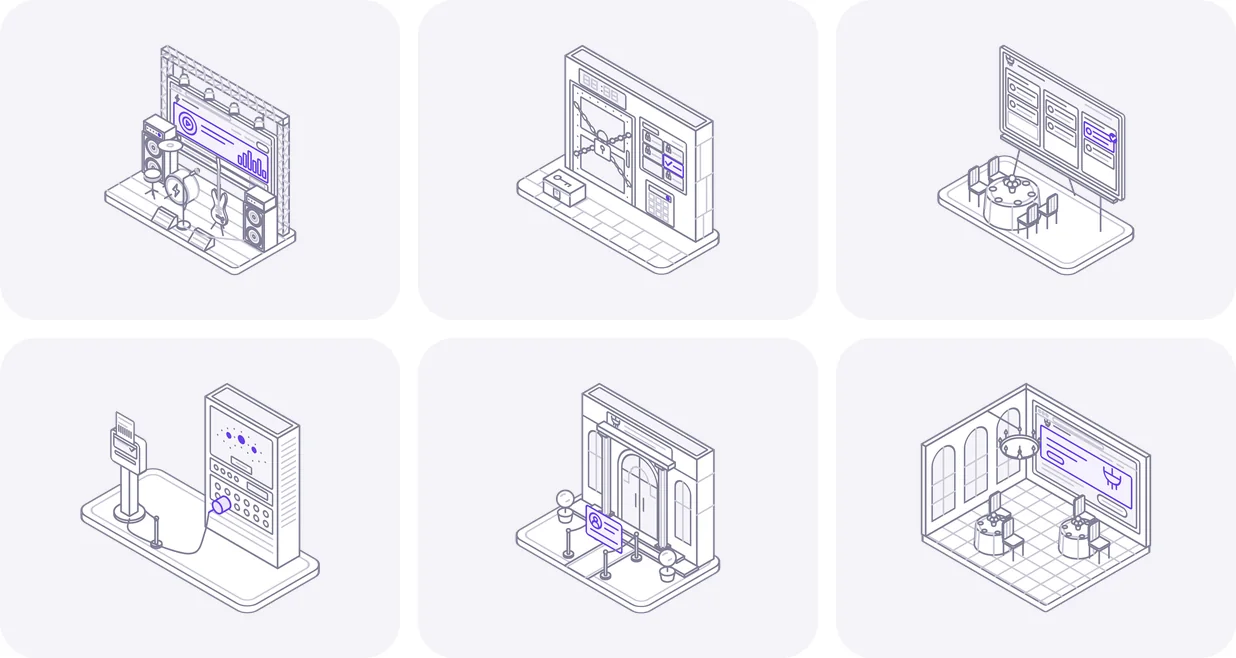
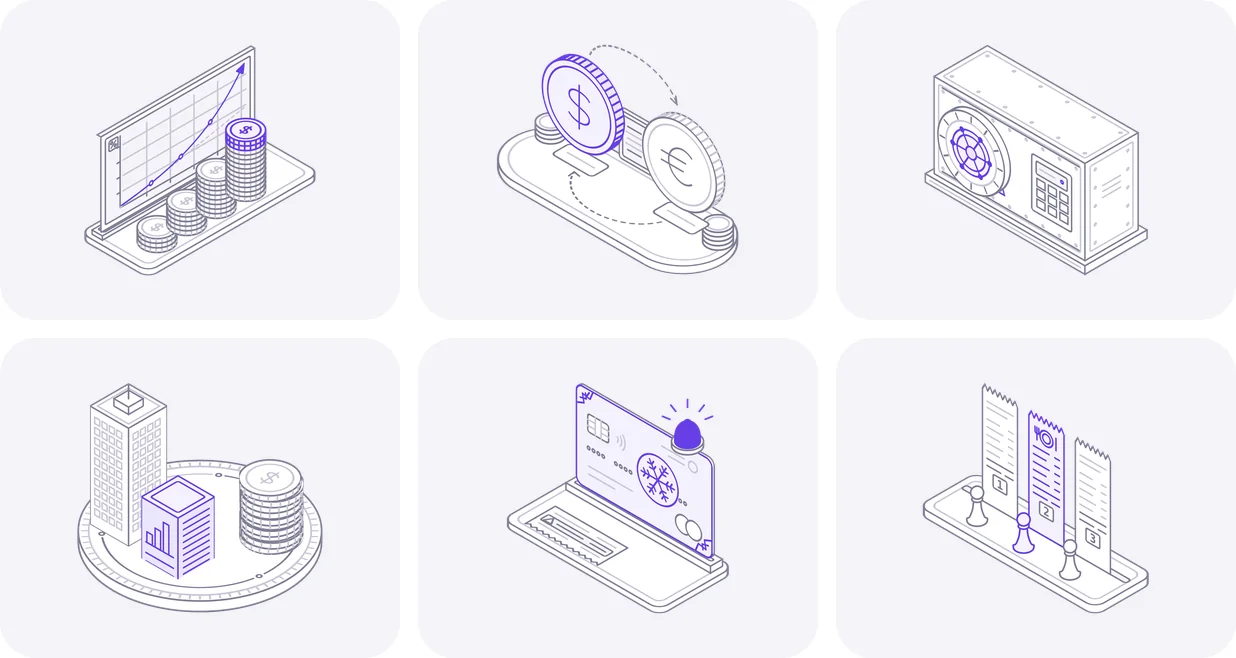
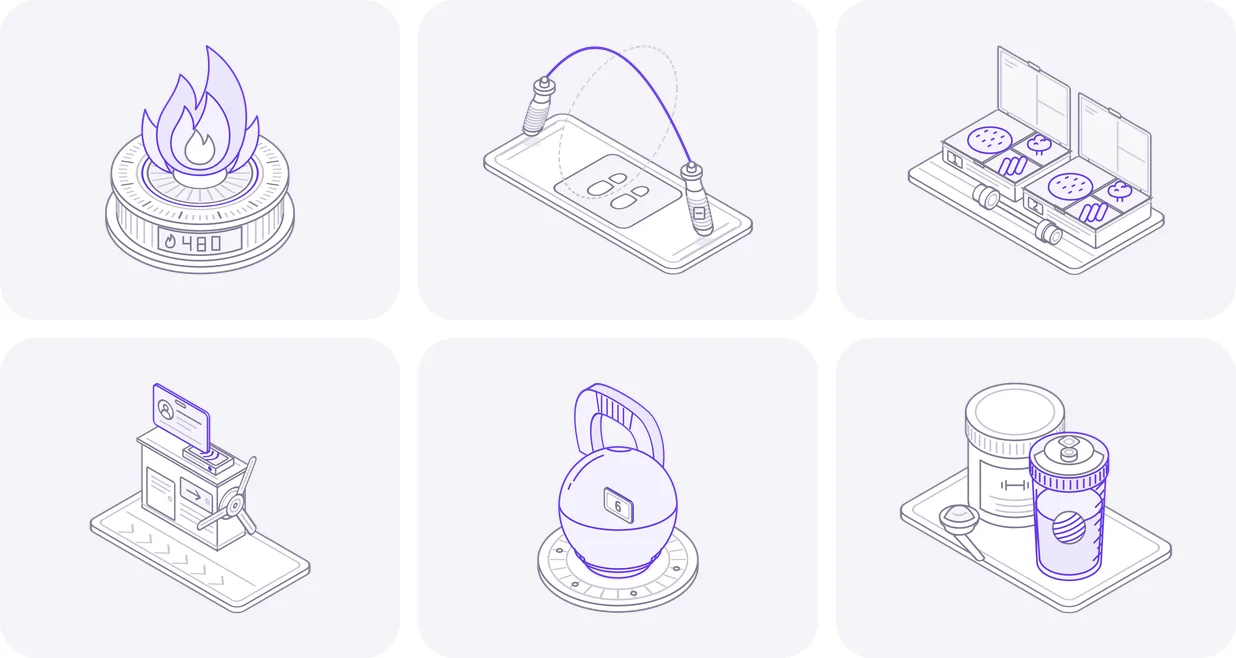
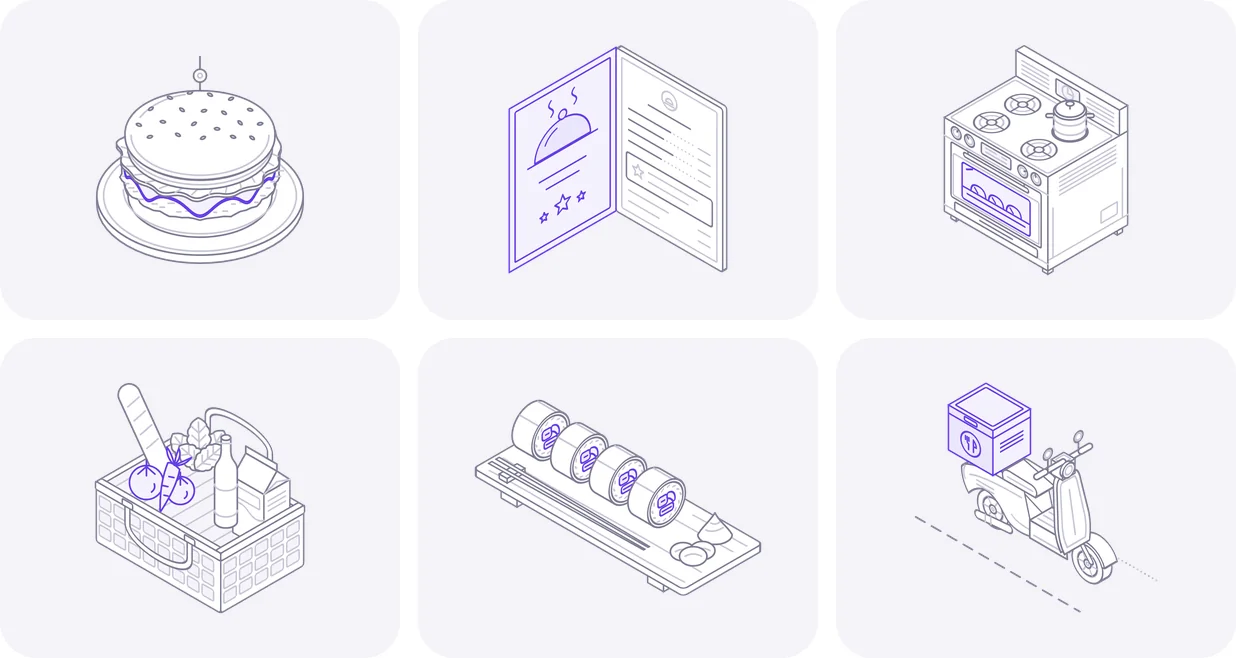
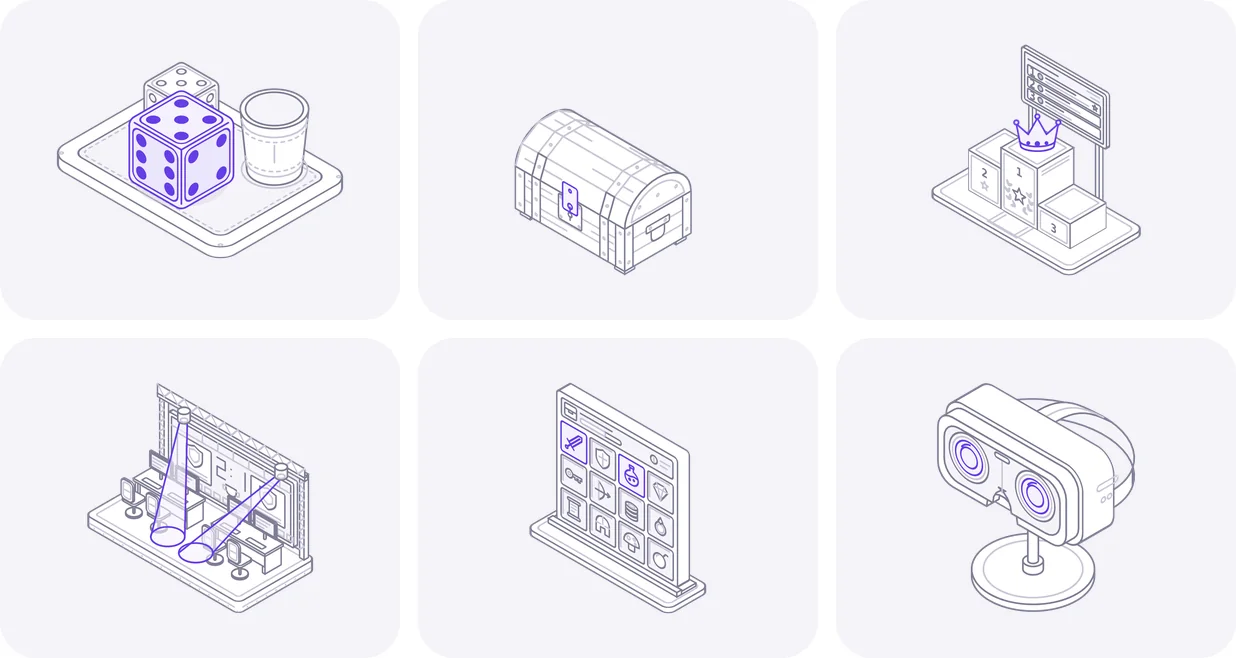
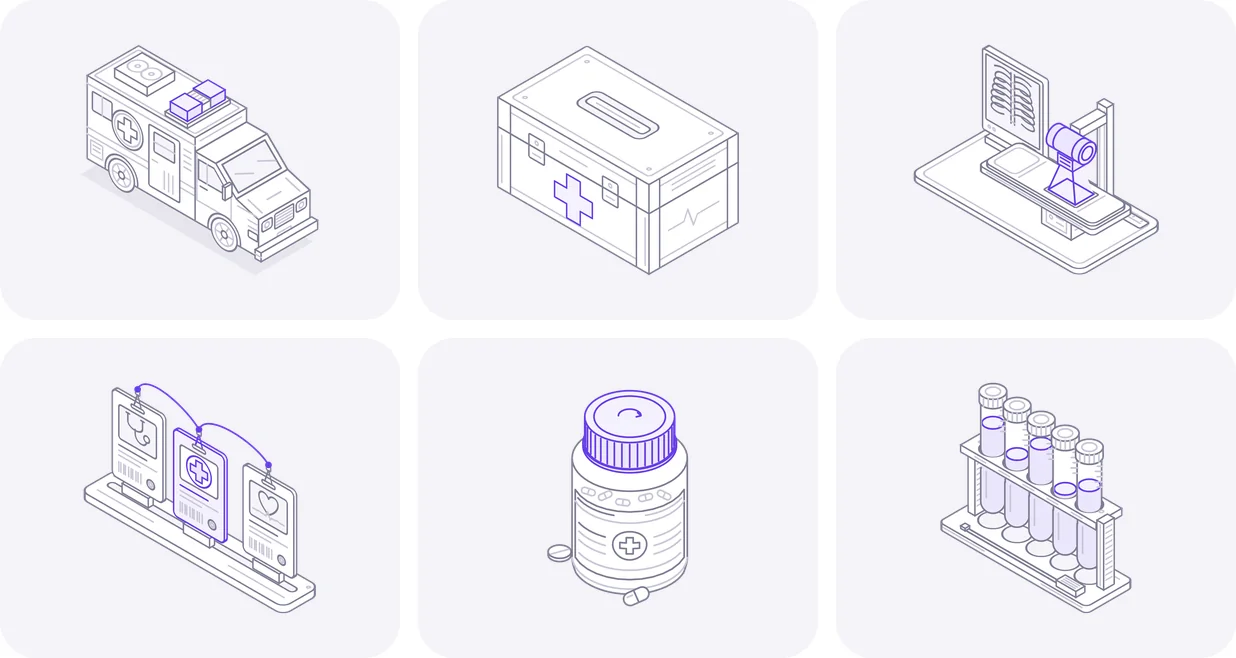
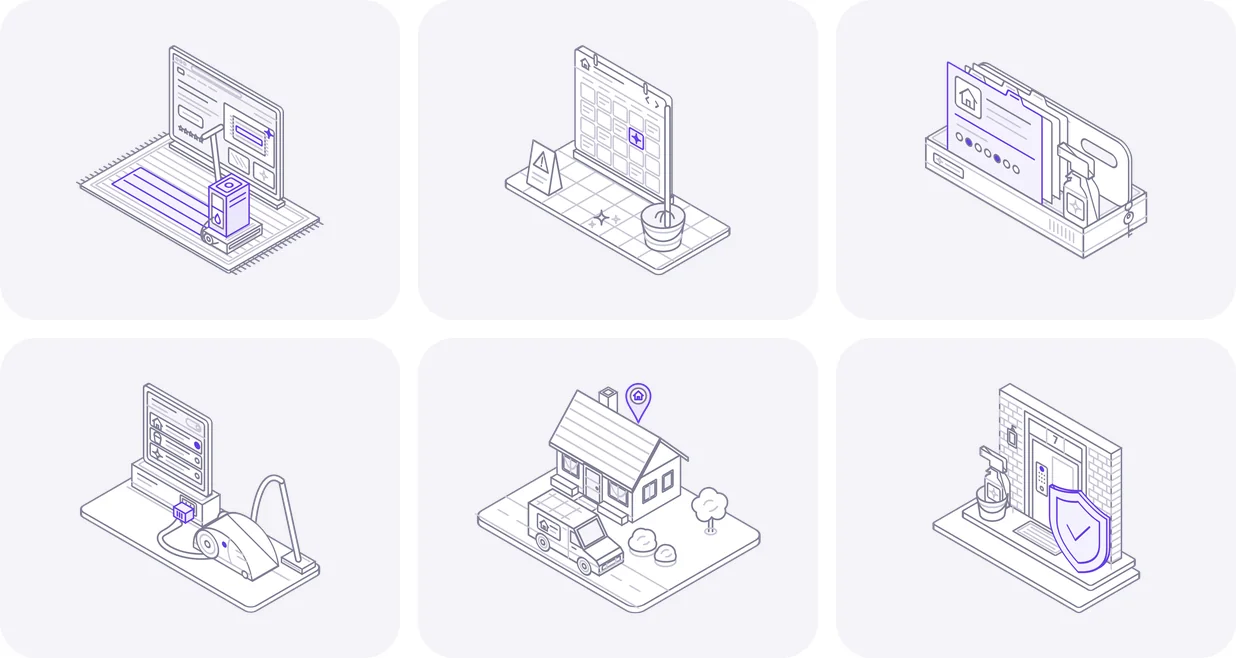
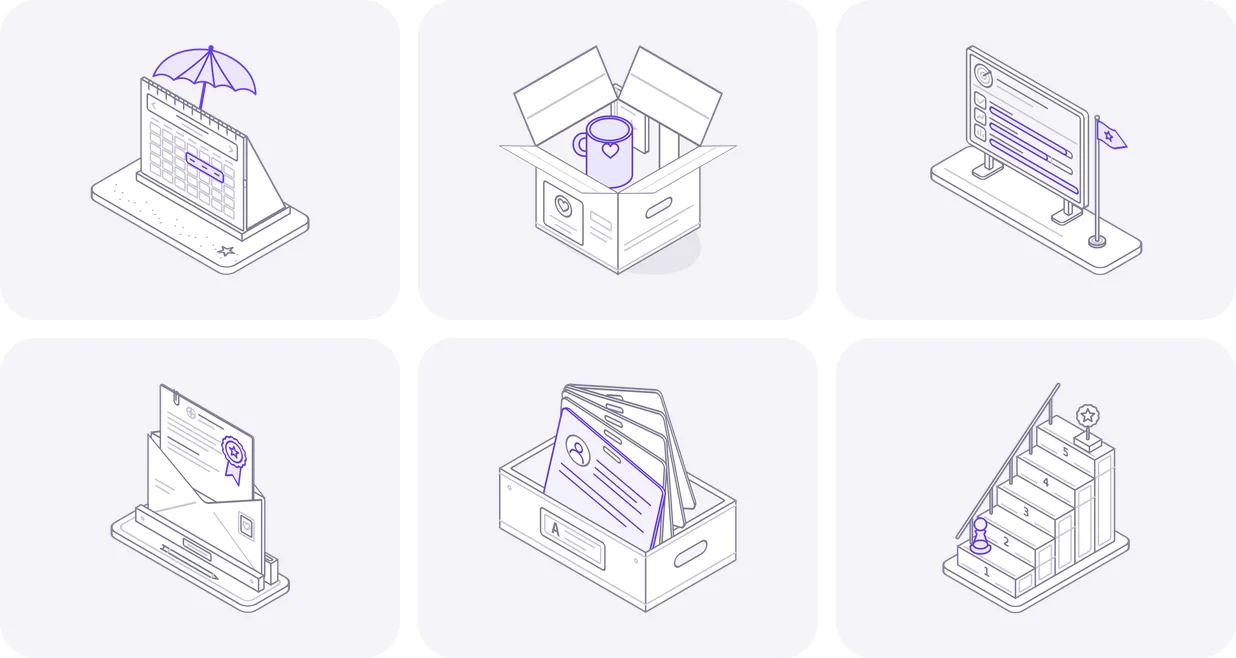
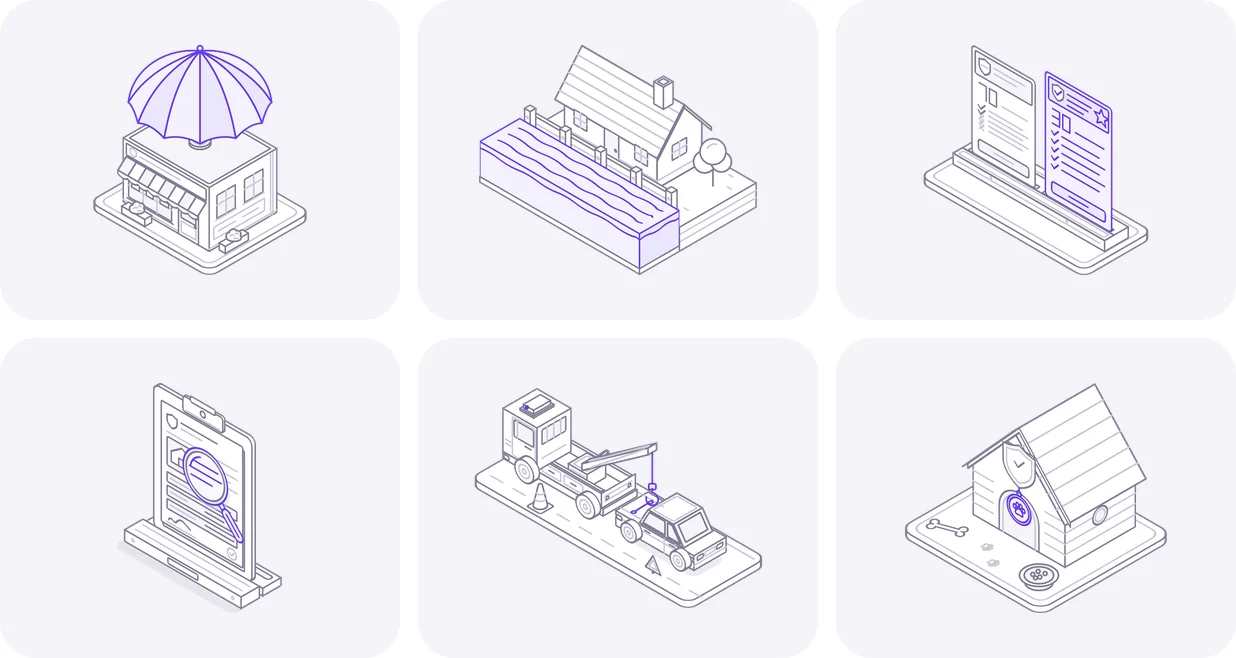
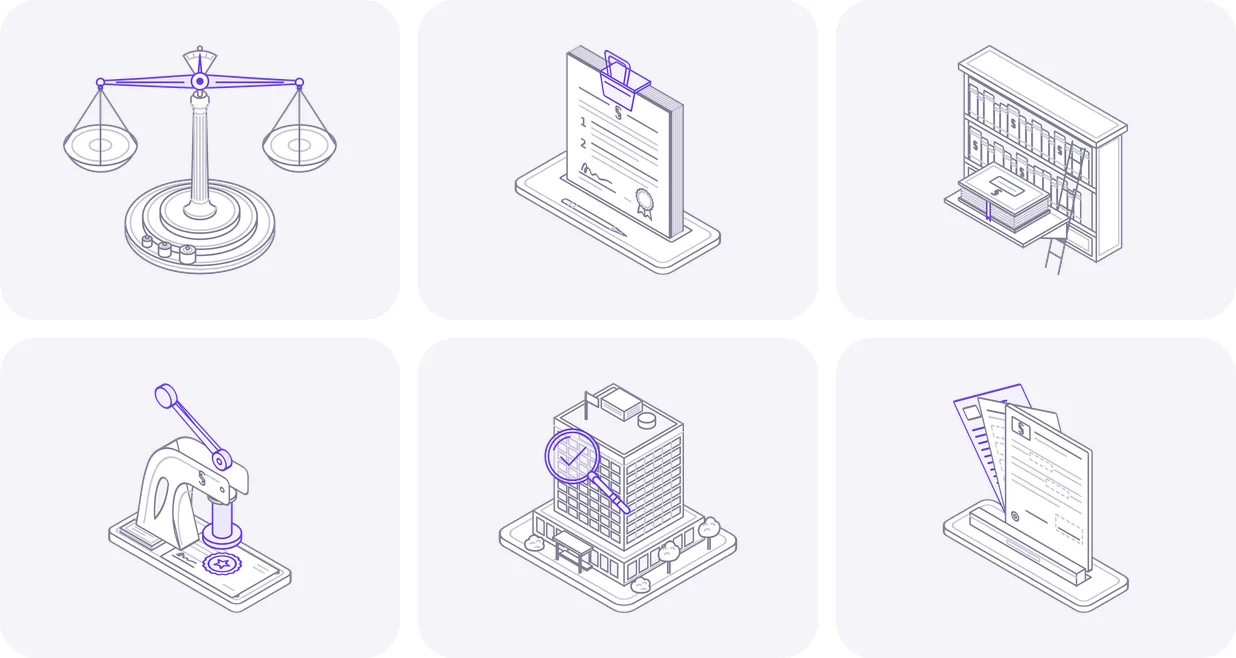
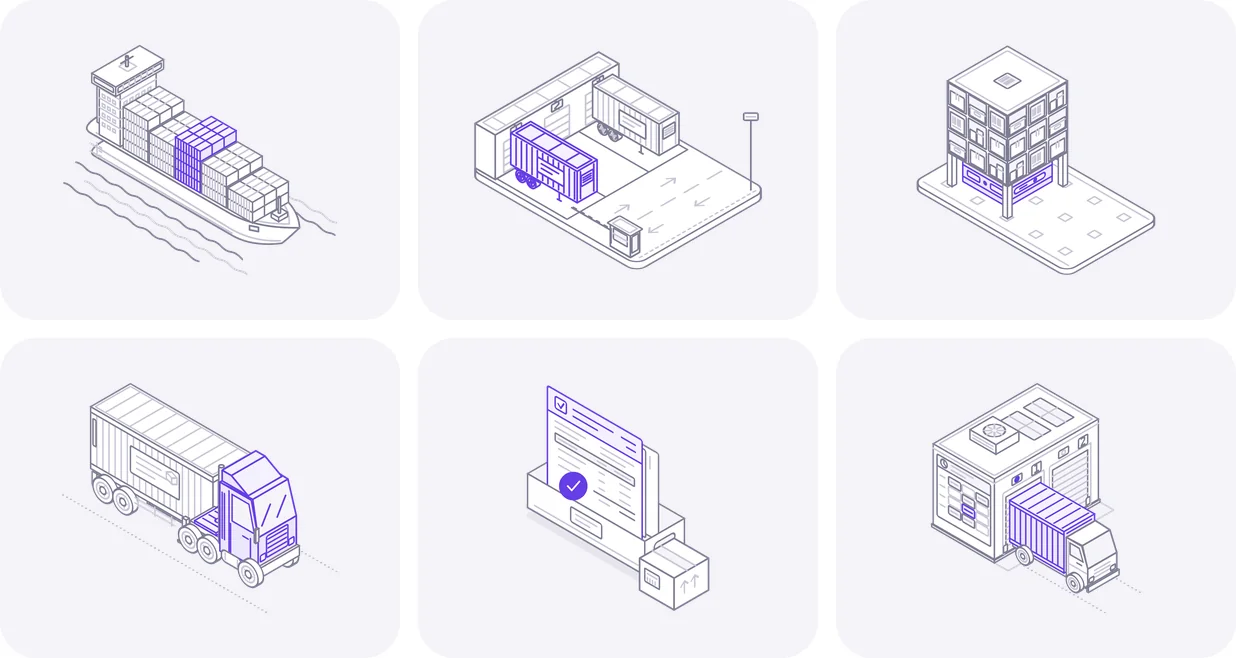
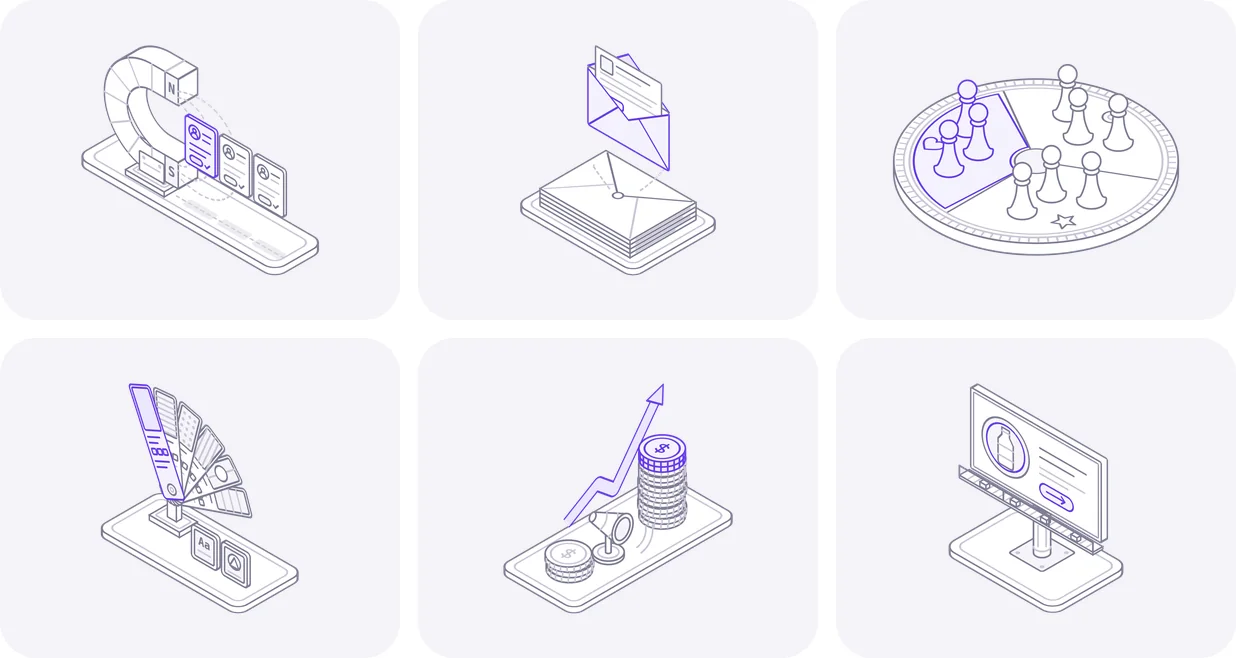
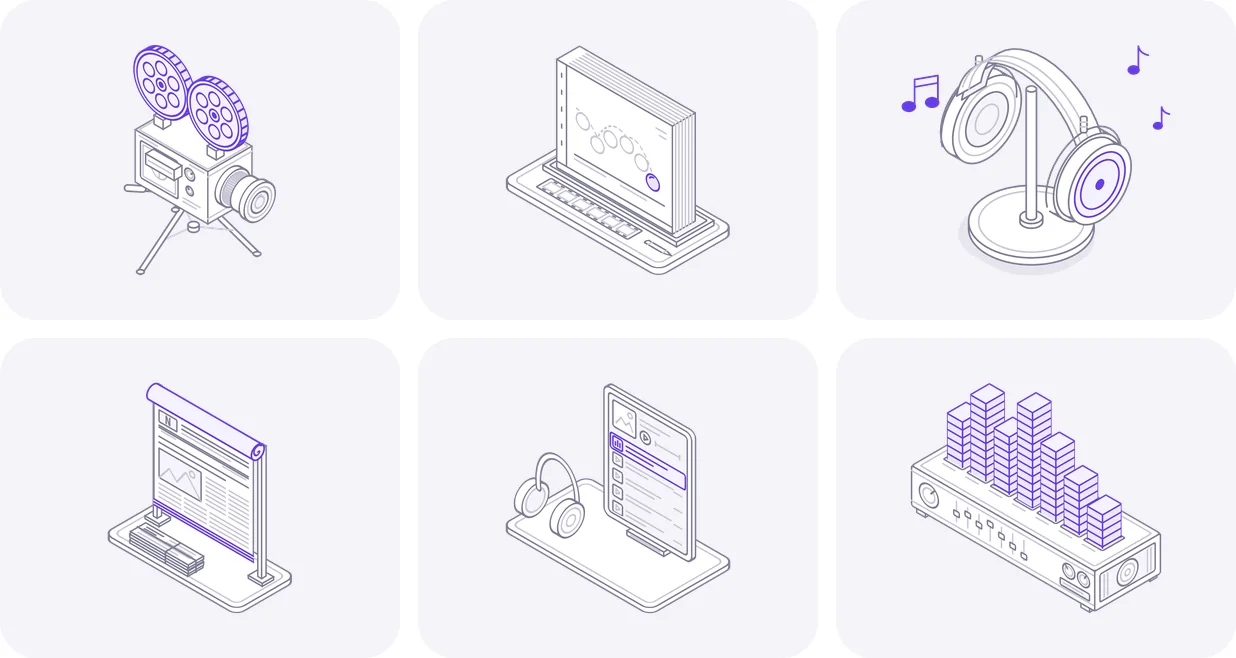
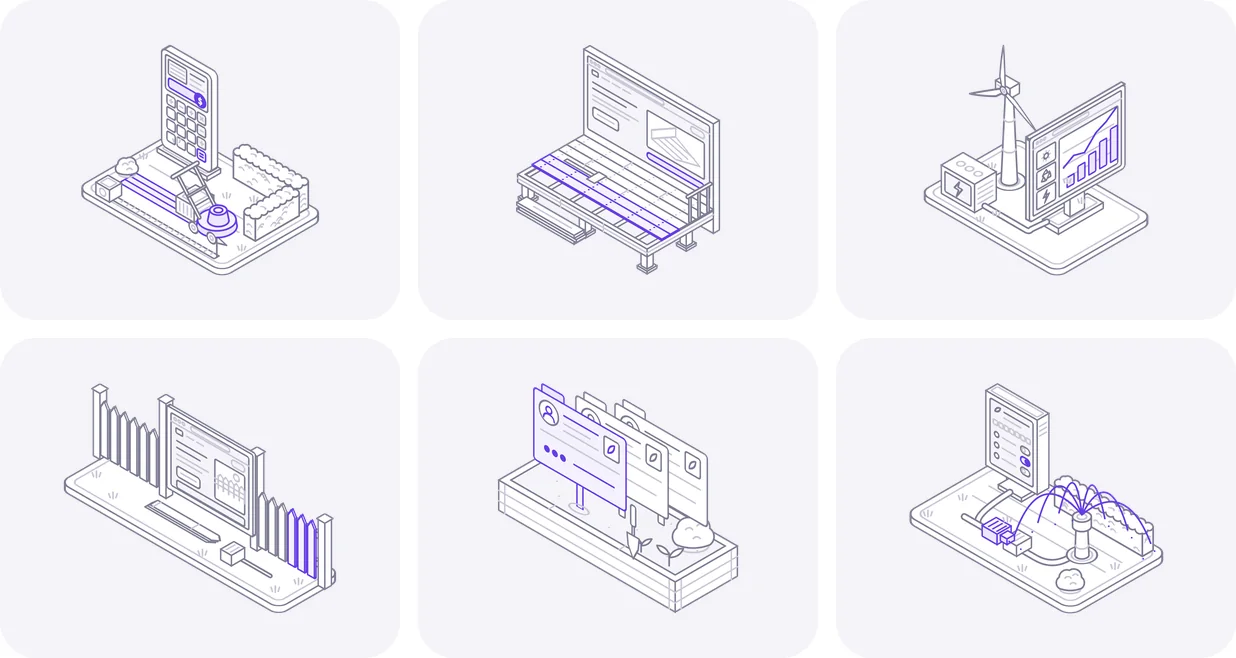
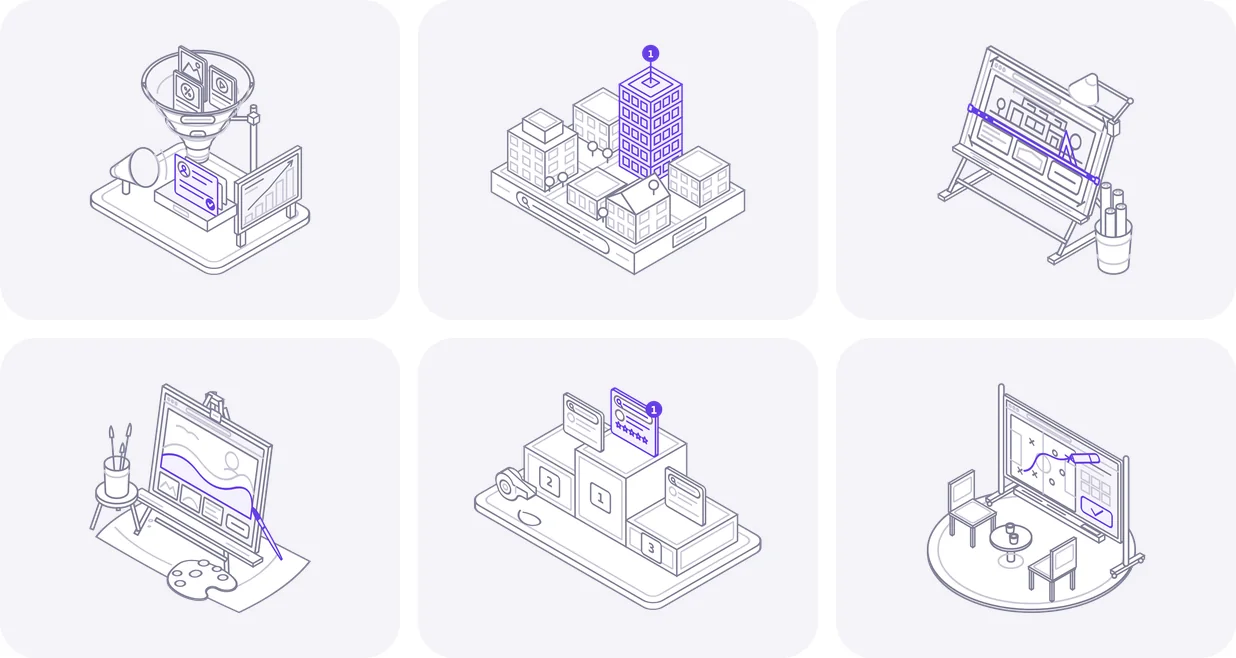
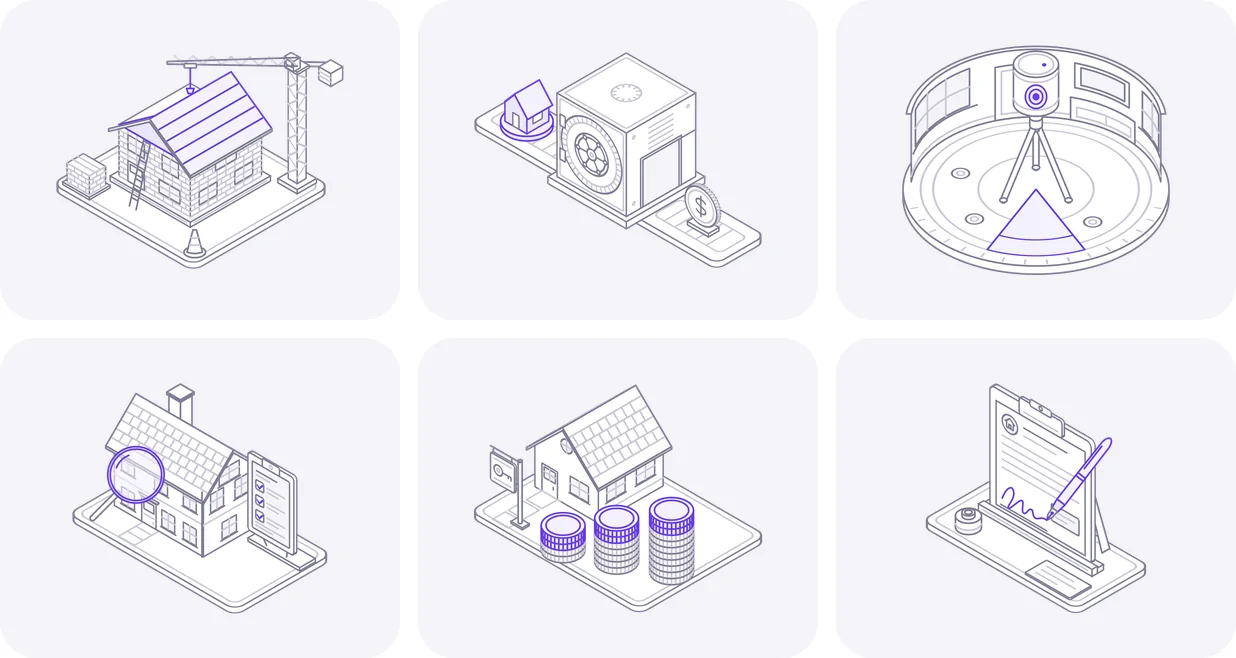
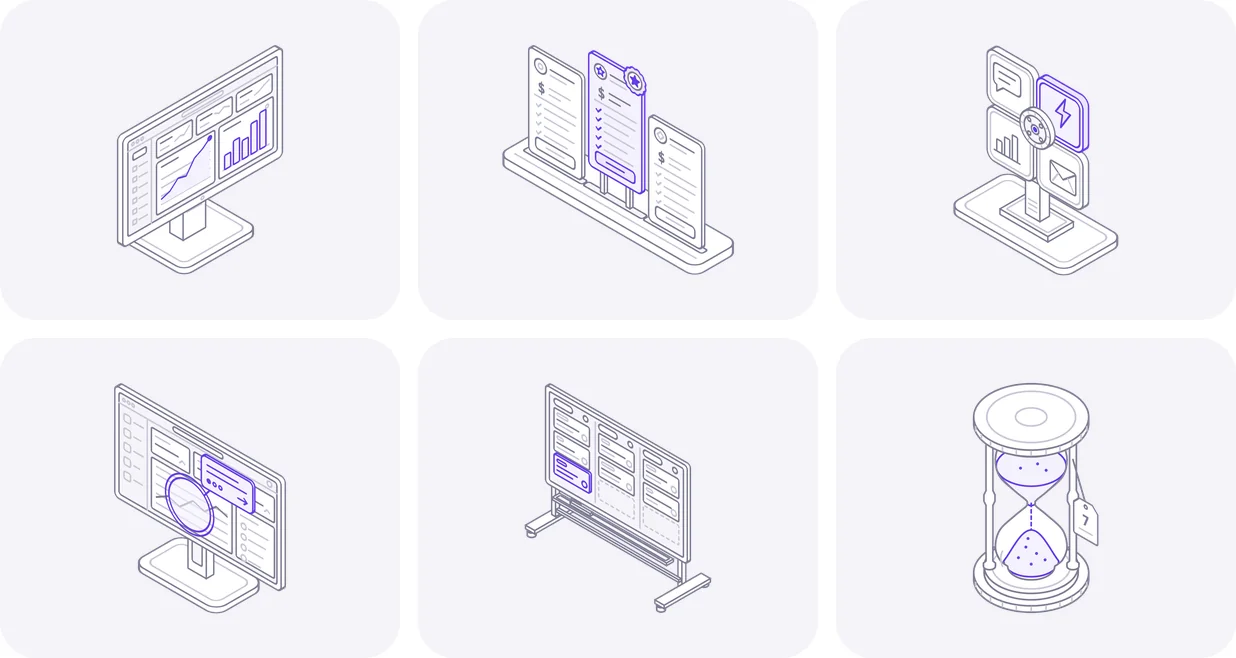
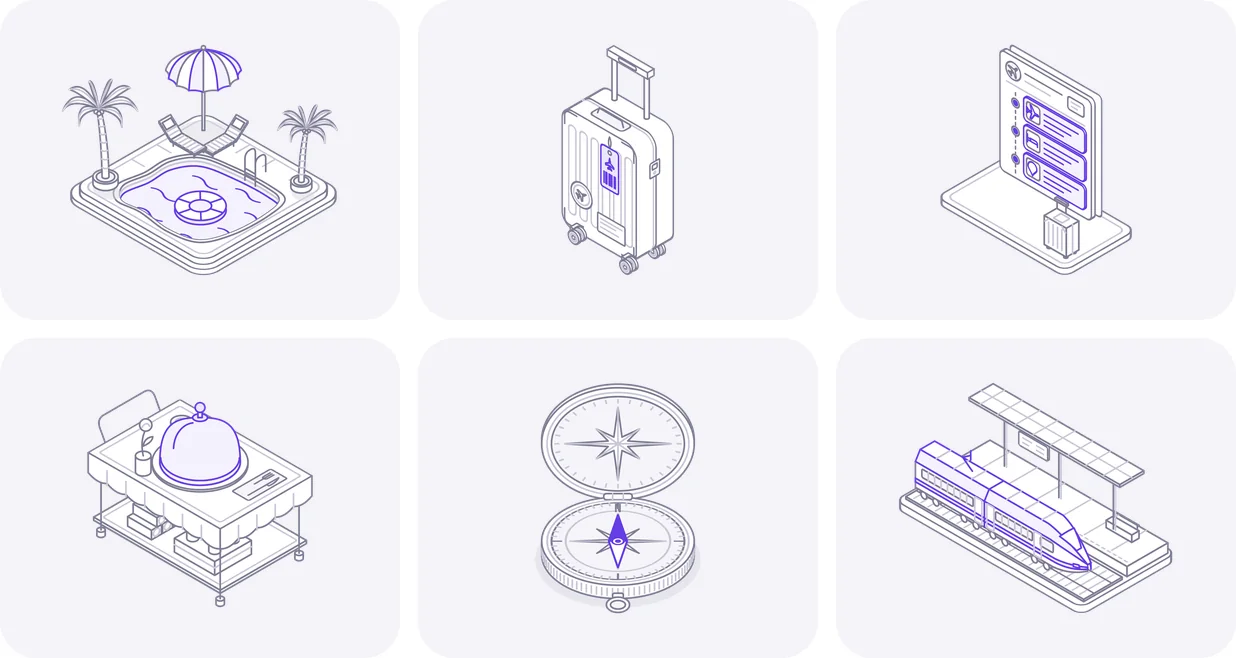
Each icon is an isometric line drawing with a 3.2 second motion loop, saved as one self-contained SVG file: no JavaScript, no icon font, nothing to install. Every batch also has a GIF and a PNG of each icon.
Use an icon as an image and it loops on its own. Paste it inline and it can play on hover, take your brand's accent colour and switch to dark mode with one attribute.
Building something?
Icons are the easy part. We build the rest.
DeveloperLook designs and builds websites, SaaS products and stores. Tell us about yours and we reply within 24 hours.
FAQ
Questions about these animated icons
 Saimul IslamFounder & CEO, DeveloperLook
Still have questions?
Send a message or book a call with the team.
Yes. The icons are free for personal and commercial work: websites, apps, products and client projects. Attribution is appreciated but not required. What you can't do is sell or share them as icons (in packs or on asset marketplaces), claim them as your own, or use one in a logo. The license page has the full terms.
Each icon is one SVG file with its animation written in CSS inside the file. The canvas is 400 by 320 (a 5:4 frame) and the fine line stays crisp at any size. Every batch also has a still PNG and a GIF of each icon at 1800 by 1440, for places that can't play SVG, such as email.
Paste the SVG markup into your page and add data-play="hover" to the svg tag. To start it when a whole card or button is hovered or focused, put data-cm-play="hover" on that wrapper instead. Used as a plain image, the icon simply loops.
Yes. Every icon has one accent colour, purple by default. Set --cm-accent to your brand colour on the svg or any parent element and the moving part follows it. For dark backgrounds, add data-theme="dark" to the svg or a parent and the surfaces and lines switch to a dark palette.
Open your industry, enter your email and confirm it. The first 8 icons arrive right away and 8 more each week until you have the set, up to 24. Icons go out per industry, and one address can follow one industry. You can unsubscribe at any time.
Yes. When a visitor's system has reduced motion turned on, every icon holds its rest pose and never animates. You don't need to add any code for it: the rule ships inside each SVG file.
Saimul IslamFounder & CEO, DeveloperLookStill have questions?
Send a message or book a call with the team.
Free 30-min callGoogle Meet
Book a call
Book a free 30-minute call
In 30 minutes on Google Meet we walk you through how we would build it, how long it takes and what it costs. Then you get a written estimate.
Calendar not showing? Book on cal.com or send a brief.