

Job ads and multi-posting
The homepage shows how hiring teams create modern job ads and post one ad to several job sites at once. A job ads performance card with a trend chart sits beside the sample listing.

Websitefor Saasmo
A website project in technology, delivered by DeveloperLook.
About the project
DeveloperLook designed and built the website and dashboard for Saasmo, a recruiting SaaS platform for businesses. The website presents its tools for job posting, candidate tracking, and applicant management, from the first job ad to the hiring list.
Saasmo is a recruiting software platform built to help businesses find top candidates. It gives hiring teams tools for candidate tracking, job posting, and applicant management in one SaaS platform. The website had to present Saasmo as a modern, user-friendly product that a small team could start using with minimal training.
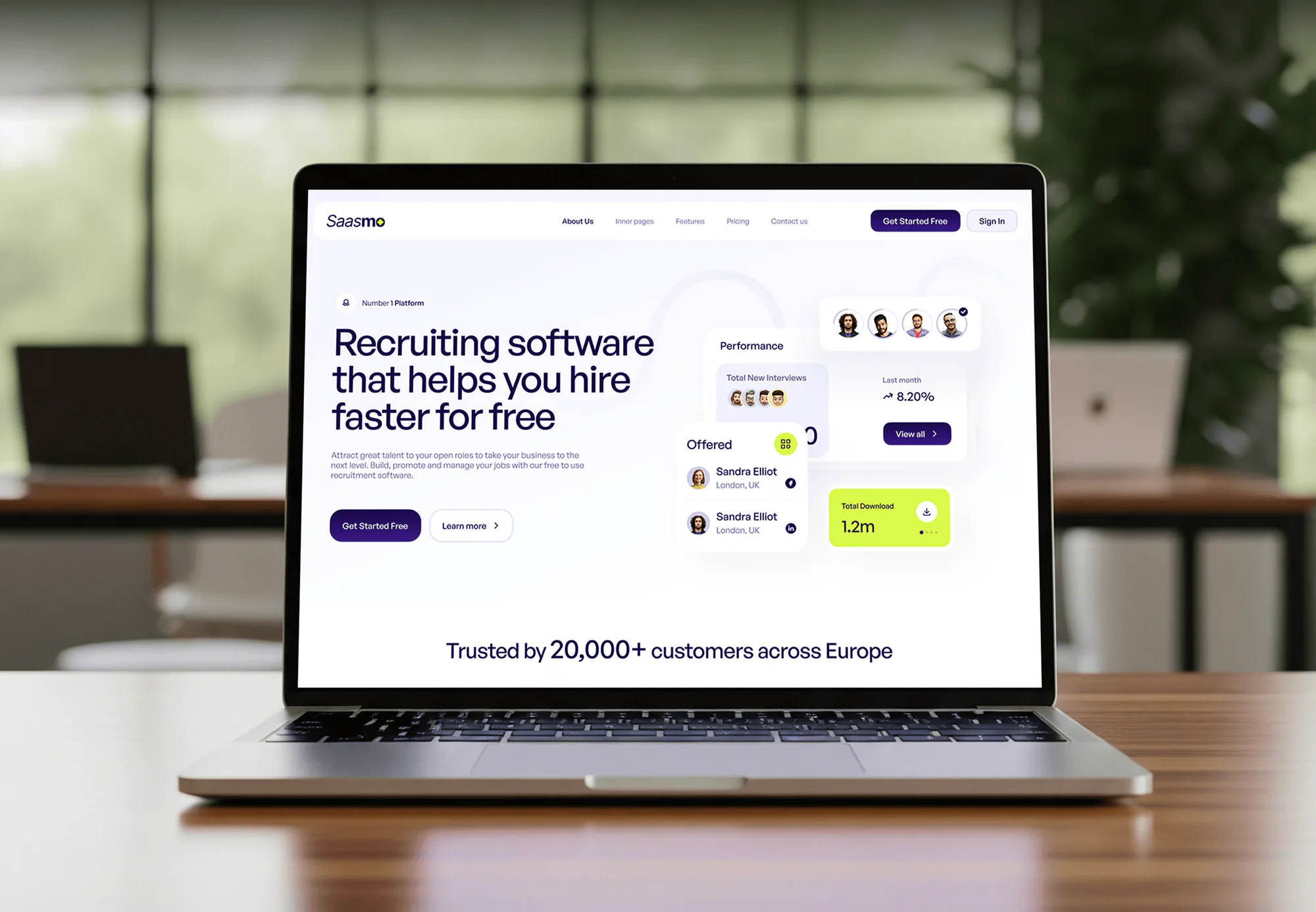
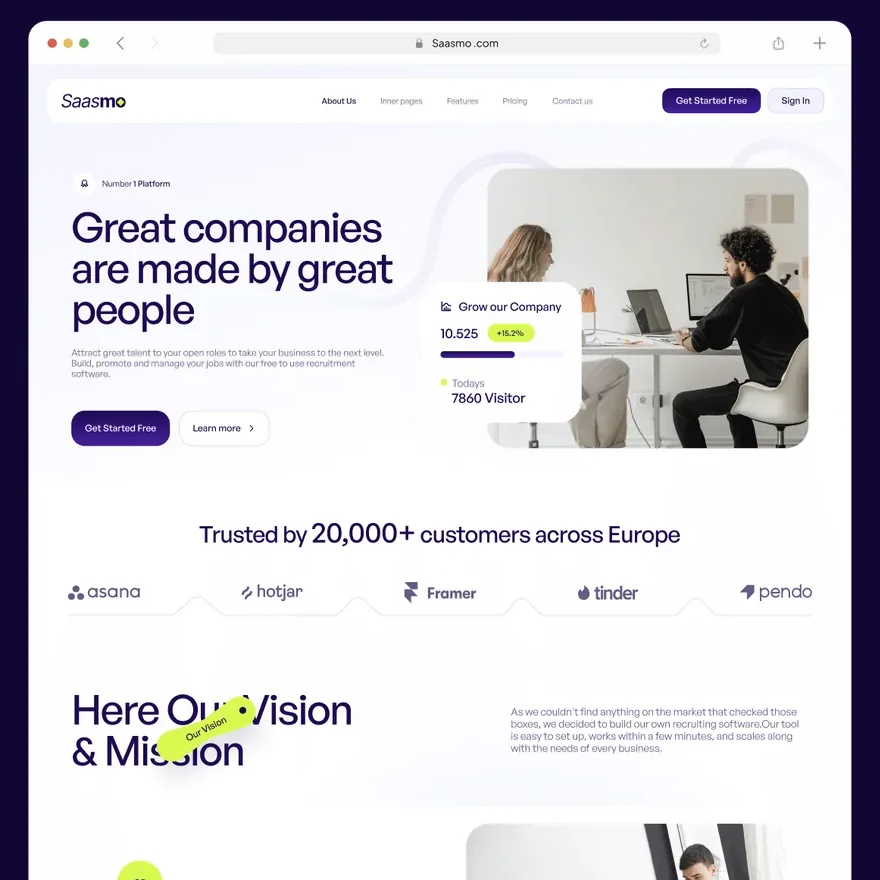
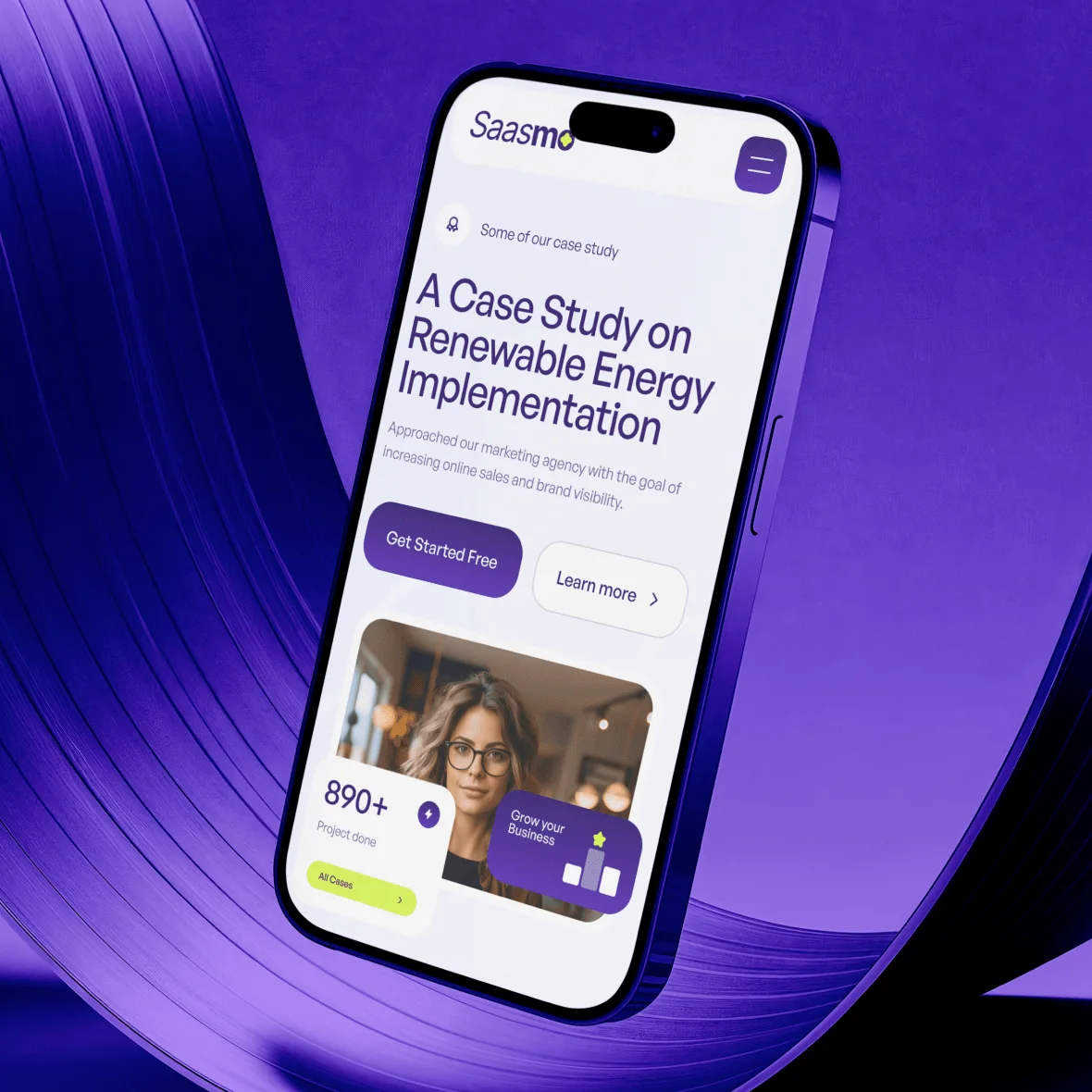
The homepage opens with a hiring headline, a Get Started Free button, and a preview of offered candidates. It then walks through the hiring flow: creating job ads, collecting applications with a CV upload, screening candidates, and moving chosen candidates to a hiring list. An applicant tracking section covers accepting and rejecting candidates, team collaboration, messaging, and branding. Integrations, testimonials, 3 pricing plans, and an FAQ follow.
A features page and an About page with the vision, mission, and team complete the site. Behind it sits the Saasmo dashboard. Its sidebar leads to the home screen, calendar, tasks, contacts, cases, communication, and leads.
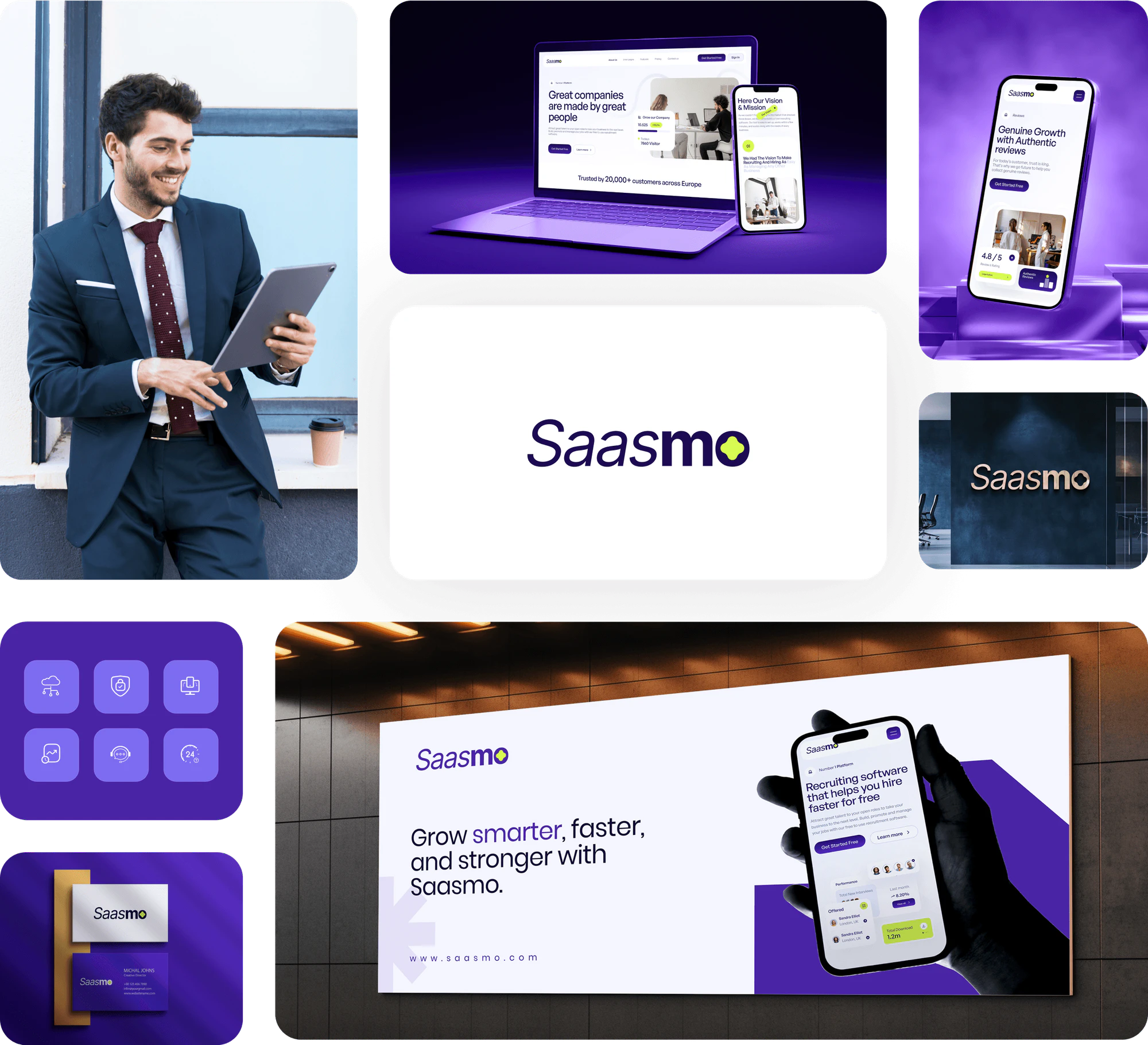
The website also has tablet and phone layouts, and the dashboard screens have tablet layouts, all in the same violet and lime palette. The Saasmo brand carries over to business cards, an office sign, a billboard, and social media posts.
Tell us what you are building. We reply within 24 hours with questions or a call time.
What do you need?
Challenge and solution
The challenge
Many hiring tools are either too complex for small companies or too limited once a team grows.
Saasmo also had to earn trust by showing quick results and a smooth fit with existing HR systems.
Candidates had to be found quickly and matched properly to each job's requirements.

Our solution
The site presented candidate tracking and automated recruiting features meant to cut manual work, from the first job ad to the hiring list.
An integrations section showed Saasmo connected to tools businesses already used, such as Google, Slack, and LinkedIn.
The dashboard brought the calendar, tasks, cases, and leads into one workspace.
What we built
Eight features, shown next to the screens they live on.
The homepage shows how hiring teams create modern job ads and post one ad to several job sites at once. A job ads performance card with a trend chart sits beside the sample listing.
An application card collects a candidate's email, first name, last name, and CV, with an Apply Now button. A requirements card beside it lists what the role asks for.
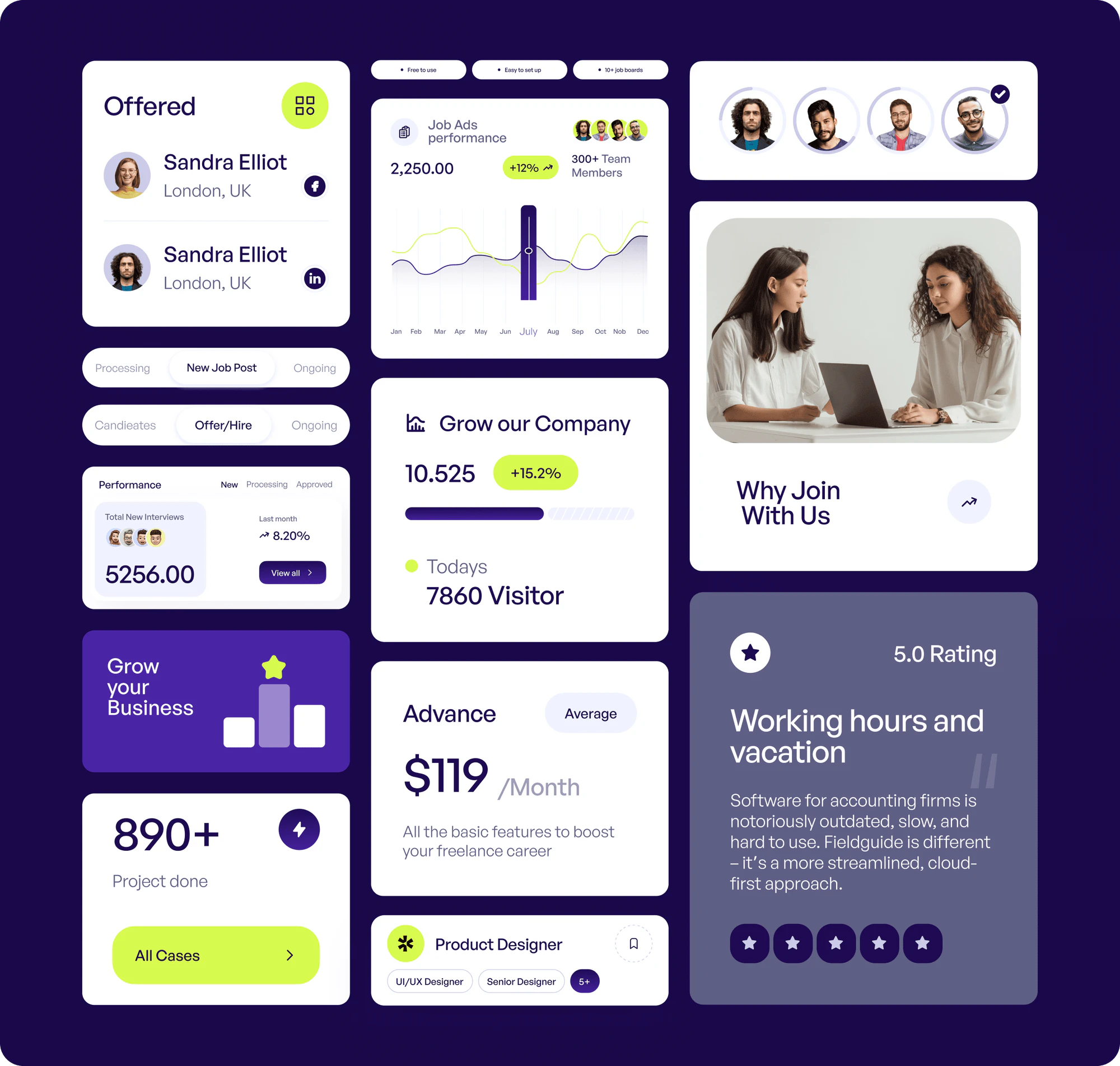
The hiring section splits candidates into Candidates, Offer/Hire, and Ongoing tabs. New candidates appear with their role and location, and recruiters move chosen candidates into a hiring list.
An applicant tracking section arranges 4 steps around the Saasmo logo: Accept and Reject, Team Collaboration, Great Message, and Boosting Branding. Each step carries a short note on automating routine hiring tasks.
An integrations section places Saasmo at the center of a hub linked to Google, Slack, LinkedIn, Facebook, and Instagram. Businesses can check that their current tools fit before they sign up.
The pricing section compares the Standard, Medium, and Advance plans side by side, with a feature comparison table below. A monthly or yearly toggle lets visitors compare billing before they start.
The dashboard greets the user and offers quick actions such as Invite Member and Schedule a Demo. A leads over time chart sits beside today's events.
The calendar switches between day, week, month, and agenda views. The task board sorts work into In Queue, In Progress, Need Revision, and Complete, with a progress bar on each card.
FAQ
 Saimul IslamFounder & CEO, DeveloperLook
Still have questions?
Send a message or book a call with the team.
DeveloperLook built a marketing website and a product dashboard for Saasmo, a recruiting SaaS platform. The website explains job ads, candidate screening, applicant tracking, integrations, and pricing across a homepage, a features page, and an About page. The dashboard gives users one place for their calendar, tasks, contacts, and leads.
It follows a candidate from job ad to hire. Visitors first see how to create modern job ads and post them to several job sites at once. An application card shows the CV upload, and the screening section moves candidates through Candidates, Offer/Hire, and Ongoing tabs. The applicant tracking section then covers accepting, rejecting, messaging, and team collaboration.
Saasmo is for small businesses and growing teams that want one recruiting tool. It speaks to companies that find most hiring software too complex, and to teams that have outgrown simpler tools. The website answers both with a free start, plain feature explanations, 3 plans, and integrations with tools such as Google, Slack, and LinkedIn.
The dashboard includes a home screen, a calendar, a task board, and sections for contacts, cases, communication, and leads. The home screen offers quick actions and a leads over time chart. The calendar has day, week, month, and agenda views. The leads section tracks eSignature requests, intake forms, and a log of calls, texts, and emails.
Yes. The homepage, About page, blog, FAQ, and hiring sections all have phone layouts. Tablet layouts cover the marketing pages and the dashboard screens, including the task board and the leads dashboard. Visitors can compare plans or get started from a phone, and the team can check the dashboard on a tablet.
Yes. DeveloperLook designs and builds SaaS websites and dashboards that explain a product in plain terms. For a recruiting tool like Saasmo, we'd start from your hiring flow: job ads, applications, screening, and offers. Then we'd design the marketing pages, the pricing toggle, and the app screens around that flow. The first step is a call about the features your product needs.
Saimul IslamFounder & CEO, DeveloperLookStill have questions?
Send a message or book a call with the team.
Free 30-min callGoogle Meet
Book a call
In 30 minutes on Google Meet we walk you through how we would build it, how long it takes and what it costs. Then you get a written estimate.
Calendar not showing? Book on cal.com or send a brief.