Page titles and descriptions
A unique title, meta description, and social preview image for every page you want found.

For startups, designers, and studios with a Framer site: a one-time SEO setup that gets every page, CMS item, and redirect ready for search. From $700.
2X
More visits from Google
100
Lighthouse SEO score target
How your project runs
01 · FreeTeams we have built for:














The Problem
It shows up a few months after launch, when the questions about Framer and SEO start: the site gets praise on social media, but almost no visits from search.
Defaults
Every page shares the site-wide title and description.
Defaults
We write a unique title, description, and social image for each page.
CMS posts
Blog and case study pages all show one description.
CMS posts
We bind CMS page settings to fields, so each item gets its own snippet.
Old paths
A renamed page left its old link on a 404.
Old paths
We add redirects in Site Settings for every changed or removed path.
No schema
Search engines can't tell your product page from your blog.
No schema
We add JSON-LD through custom code, filled from CMS fields where it fits.
You launched the Framer site in two weeks, and the design drew compliments the same day. Three months later, Framer Analytics shows a trickle of visits from Google, mostly people typing your brand name. Every blog post shares the site-wide description, because the CMS page settings were left at their defaults. You renamed a pricing page, and the old link now lands on a 404. Shared links still show the template's preview image.
We start with the settings Framer gives you and fill every one. Each page gets its own title, description, and social image, and CMS pages pull theirs from CMS fields. Changed paths get redirects in Site Settings, structured data goes in through custom code, and Search Console gets verified. Then we match the searches your buyers use to pages you have or should add. The site ends up search-ready, not just good-looking.
Every page's settings filled
Titles, descriptions, and social images written page by page instead of one site-wide default.
CMS pages that name themselves
Collection pages pull their title, description, and image from CMS fields, so every post stands apart.
Redirects for changed paths
Renamed and removed pages send visitors and search engines to the right live page.
Our Framer SEO Process
You see the findings, approve a fixed quote, and review every change in the Framer project before we publish. Your team keeps designing while the setup runs.
We review your Framer project's site settings, page settings, CMS pages, redirects, and published sitemap, plus how the site loads on a phone. You get a short findings list and a fixed quote before any work starts.
What's Included
Every setup covers the settings Framer gives you, the structured data it leaves to you, and a handover, so new pages and CMS items publish ready for search.
Compare Options
Framer already handles hosting, image compression, and pre-rendered pages, and many owners can fill basic settings themselves. Here is where each option fits a startup site.
| Feature | DeveloperLookBest fit | DIY setup | Framer designer |
|---|---|---|---|
| Page settings | Written for every page | Done when you find time | Often the homepage only |
| CMS page SEO | Bound to fields per collection | Easy to miss | Sometimes set up |
| Redirect coverage | Every changed path covered | Added when someone notices | Varies by designer |
| Structured data | JSON-LD through custom code | Rarely added | Not usually in scope |
| Search plan | Searches mapped to pages | Mostly guesswork | Outside most design scopes |
| Visual design | Left as your designer built it | Your own taste | Their core strength |
| Speed review | Phone test of heavy sections | Framer's built-in image compression | Often skipped |
| Project cost | From $700, one time | Free apart from your time | Often bundled into the build |
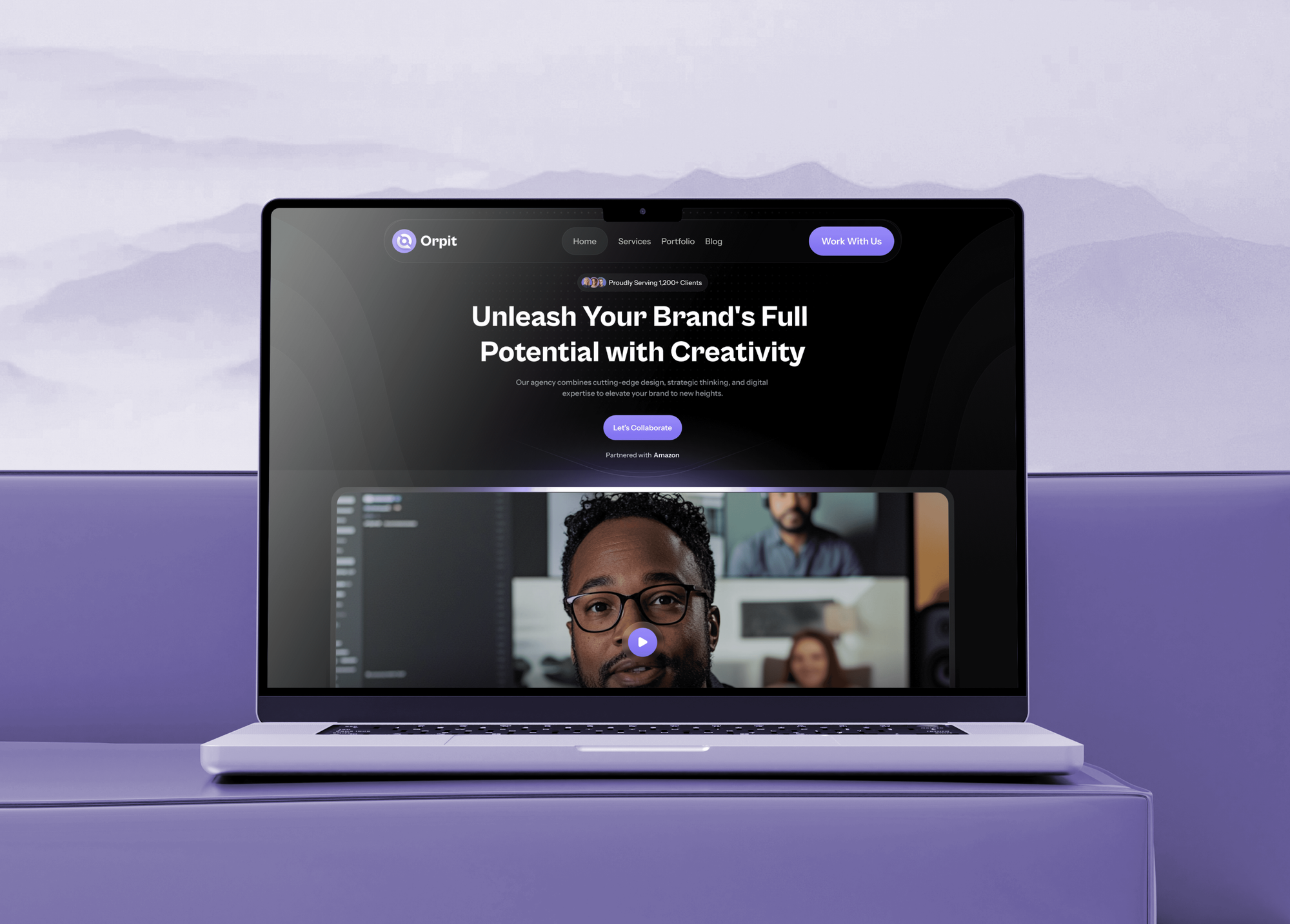
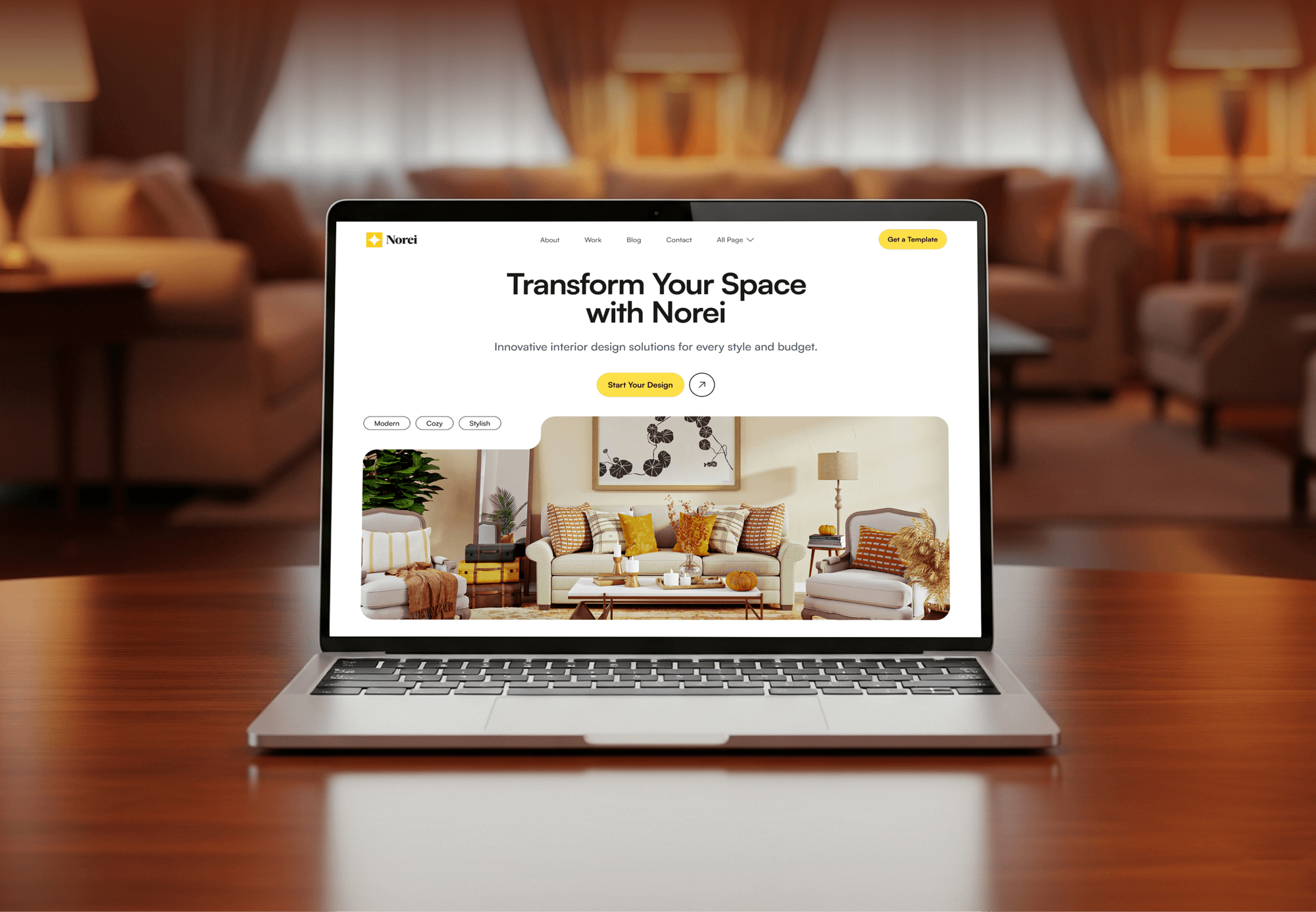
Projects We've Built
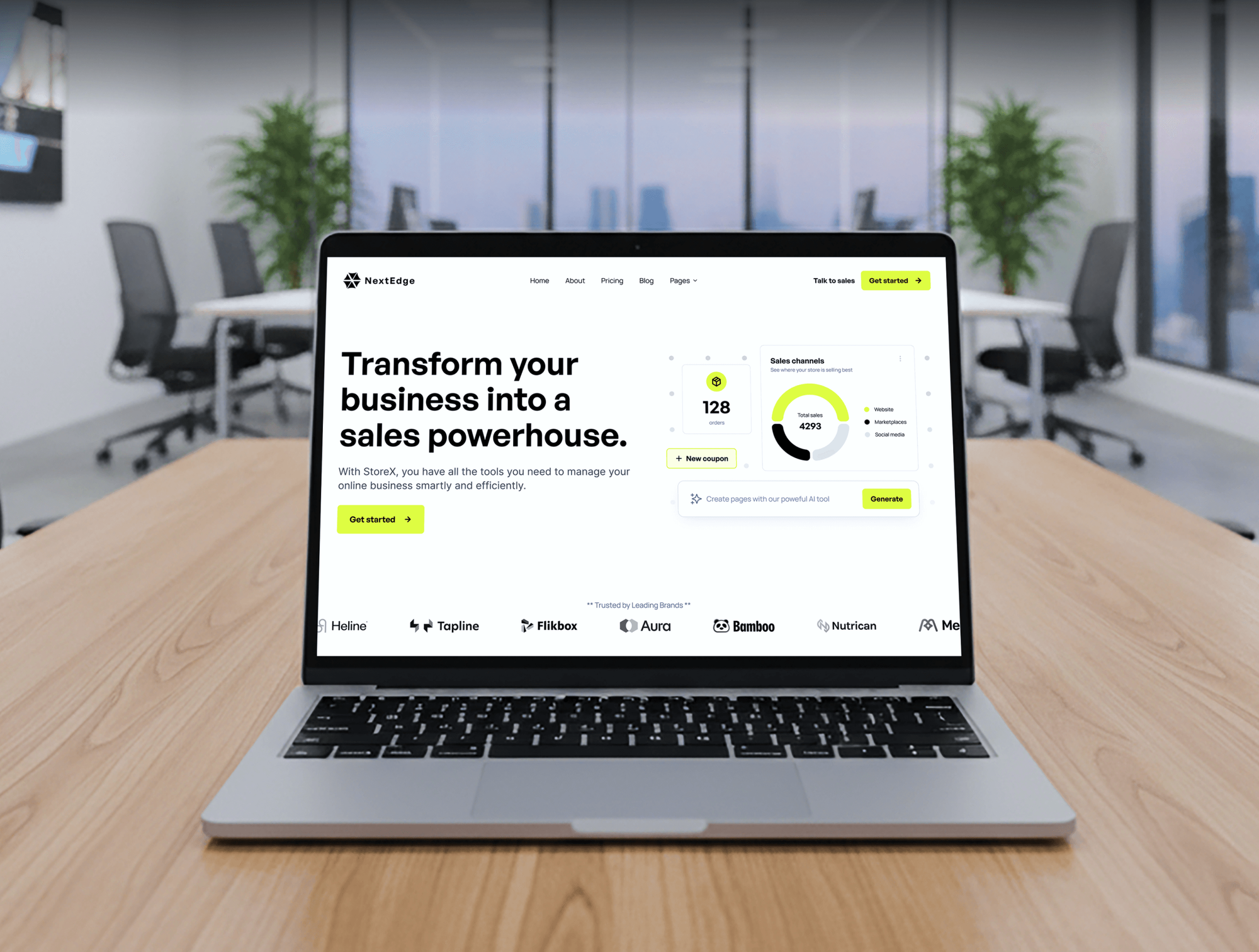
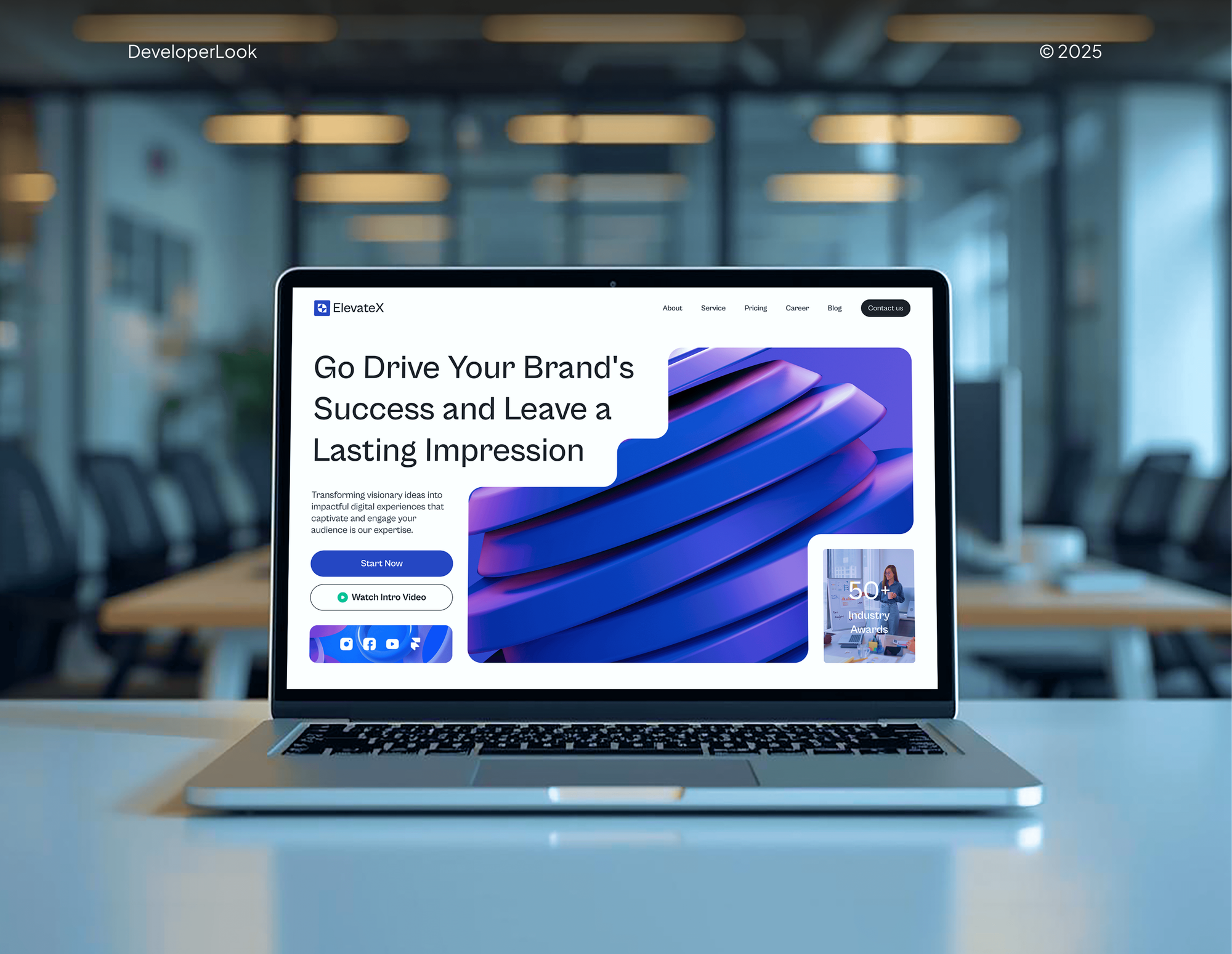
Startup, agency, and design studio websites we designed and built: the kind of marketing sites our setup work is made for.
What Our Clients Say
Feedback from teams we have built websites, apps, and platforms for.
We had a pretty specific idea of what we wanted our website to become, but I wasn’t sure how easily we could explain all of it to a development team. There were quite a few moving parts, and we were working toward a deadline, so I expected a few things to get lost along the way. That never really happened. They understood what we were trying to achieve, kept us updated throughout the process, and got everything ready within the agreed timeline. The final site feels much easier to navigate, works beautifully on mobile, and is noticeably smoother for our customers. It was a huge relief seeing the original idea actually turn into the website we had in mind.
The mobile experience is probably my favourite part of the new site. We had spent a lot of time making sure the desktop version looked right, and the team kept pushing us to think about how everything would actually feel on a phone too. They were right. The navigation is clean, the interactions feel natural, and everything we’ve tested so far works exactly as it should. They also went through the links, forms, integrations, and other details more than once before launch, which I really appreciated. And even after going live, we could still reach out when something came up. The whole process felt friendly, organised, and surprisingly straightforward.
What I appreciate most is that the website is actually easy for us to manage now. We can update content ourselves instead of sending a developer a message every time we need to change something small. They also paid attention to the technical SEO side, which mattered to us because we didn’t want a new website to create problems for the traffic we already had. I’ve probably asked more questions than I should have since launch, but every question has been handled patiently and without any fuss. The team is easy to work with, they explain things clearly, and when we need something changed, they focus on getting it done rather than making the process complicated.
1,250+
Projects shipped
10+
Years of experience
Top 3%
Upwork Top Rated Plus
5 stars
Average review score
1,250+
Projects shipped
10+
Years of experience
Top 3%
Upwork Top Rated Plus
5 stars
Average review score

Want results like these?
Tell us what you are building. You get a reply within 24 hours on business days, then a written estimate.
Work Culture
You picked Framer to move fast, so the setup stays light: a fixed scope, a short timeline, no retainer, and a handover your team can repeat.
Your setup is a fixed project with a price agreed before work starts. Monthly content later is a separate choice, not a condition.
We change settings, code embeds, and words, not your layouts or animations. If a section hurts load time on phones, we explain the trade-off and you decide.
Framer has no official HTML export, and some settings depend on your plan, so we say that up front. If your site has outgrown Framer, we'll say so before we quote.
You get a short written guide to the settings we used and why. Your team can then launch new pages and CMS items search-ready without us.
The Framer project, the domain, and Search Console all remain yours. We join as an invited editor and step out once the handover is done.
We load key pages on a mid-range phone, not only on a fast laptop. Heavy video backgrounds and embeds get flagged with a lighter alternative.
Overview
DeveloperLook handles Framer SEO setup for startups, designers, and studios whose sites launched on default settings. We write page titles and descriptions, bind CMS pages to fields, add redirects and JSON-LD, and verify Search Console. Projects start at $700 one time, most finish in 1 to 3 weeks, and you get a handover your team can reuse.
DEVELOPERLOOK
Project facts · Framer SEO Services
Reviewed 28 Oct 2026 by Saimul Islam
Good fit
Startups on a Framer marketing site
Your Framer site launched fast and looks sharp, but Google sends almost no visits beyond people who already know your brand name.
Designers handing off Framer sites
You build Framer sites for clients and want SEO for Framer handled properly before handoff, without learning every setting yourself.
Teams weighing Webflow or Framer
Your team is weighing Webflow vs Framer SEO before a redesign and wants a straight answer on what each platform lets you control.
Founders publishing in Framer CMS
Your blog and changelog live in Framer CMS, and every post shows the same description in search results because the page settings stayed at their defaults.
Studios running several Framer sites
Your studio runs Framer sites for several clients and wants one repeatable Framer SEO optimization checklist applied to every launch.
Not a fit
Want monthly content and links
You want ongoing articles, links, and monthly reports rather than a setup. Our SEO Agency for Startups service runs that as a monthly program.
Site isn't built yet
You still need the Framer site designed and built. Our Framer Experts for Hire service builds it, and the SEO settings can go in before launch.
Outgrowing Framer
You need thousands of generated pages, logged-in app screens, or full control of rendering. Our Next.js Development service fits that better than more Framer settings.
Budget under $700
If $700 is more than you can spend right now, Framer's own help articles on page settings and redirects cover the basics you can set yourself.
Not sure we're the right fit?
Book a free call or message us. We'll tell you honestly whether we're the right team.
Pricing
These are starting points in USD. Your final price depends on page count, CMS collections, and locales, and you get a fixed proposal after a free check.
For Agencies
You own the client relationship. We supply the search setup behind it: settings, CMS bindings, redirects, and schema finished before your client's launch day. Your designers keep designing while the search work gets done.
White label: your client only ever sees your brand
Add us as an editor on the Framer project and share the launch date.
Settings, CMS bindings, redirects, and schema are done before the site goes live.
Your client gets a search-ready site and handover notes in your studio's branding.
Add us as an editor on the Framer project and share the launch date.
Settings, CMS bindings, redirects, and schema are done before the site goes live.
Your client gets a search-ready site and handover notes in your studio's branding.
The Right Technology for Your Project
For SEO, Framer handles hosting, pre-rendering, and image compression on its own, so our tools focus on settings, structured data, search data, and phone speed.
 Framer
 Google Search Console
 Google Analytics (GA4)
 Semrush
 PageSpeed Insights
 Lighthouse
 Chrome DevTools
 Figma
FigmaRelated Services
Pair this setup with a new build or monthly startup SEO, or compare the Webflow and Next.js options.
This page
Framer SEO Services
Pairs with the 6 services around it
FAQ
Straight answers on cost, timing, Framer's SEO limits, exporting, and how Framer compares with Next.js.
Saimul IslamFounder & CEO, DeveloperLookStill have questions?
Send a message or book a call with the team.
Our setups start at $700 one time for Framer sites up to 15 pages. Search-Ready Site ($1,350) covers up to 40 pages with CMS bindings, schema, and a search plan. Growth Setup ($2,100) adds locale checks, up to 4 CMS collections, and 3 new pages written. You get a fixed quote after the free check.
Most Framer site setups take 1 to 3 weeks from approval to handover. A 15-page site with no CMS usually finishes in about a week. Sites with several collections or locales take longer, because each CMS template and translated path needs its own checks. Visits from Google then build over the following months.
Yes, Framer is good for SEO once its settings are filled in. It pre-renders every page to HTML on its servers, generates a sitemap, and compresses images to modern formats. You can set titles, descriptions, redirects, and per-page indexing. Most Framer sites rank poorly because those settings stayed at their defaults.
Well, in most cases: Framer serves compressed images and pre-rendered pages, so a lean site loads quickly on phones. Slow pages usually come from autoplay video backgrounds, large embeds, and stacked scroll effects. We test key pages on a mid-range phone and suggest a lighter version of whatever drags the load time.
No, Framer offers no official HTML export for self-hosting, so your site stays on Framer's hosting. CMS content can be exported through plugins as CSV or JSON files. If owning the code matters to you, plan a rebuild on a framework such as Next.js rather than counting on an export.
Neither ranks better by default, because Google ranks pages, not frameworks. Next.js gives developers full control of rendering, routing, sitemaps, and structured data, which helps large or complex sites. Framer covers the essentials with far less upkeep, which suits marketing sites and landing pages. For SEO with Framer, the limit is control, not crawlability.
Yes, each Framer CMS item can have its own SEO title, description, and social image. In the CMS page's settings, you insert field variables such as the item's title and description, then choose a CMS image for the social preview. Once bound, every new post or case study publishes with its own search snippet.
Yes, Framer supports redirects, set in Site Settings under Hosting on plans that include them. They permanently send an old path to a new one, and wildcard patterns can move whole sections, such as an old blog folder. Redirects work within the same domain, so moving between domains needs a DNS or hosting change instead.
Follow Framer's guides if your site is small and you have a free afternoon, since page settings and redirects are well documented. If those guides already cover your case, we'll tell you before we quote. Hire help when you have CMS collections, several locales, or a launch date that can't slip.
You get a written handover and 30 days of support after launch for questions and small fixes. The handover lists every setting we changed, plus a short checklist for new pages and CMS items. If you later want monthly content and links, our startup SEO program can pick up from there.
Saimul IslamFounder & CEO, DeveloperLookStill have questions?
Send a message or book a call with the team.
Free 30-min callGoogle Meet
Book a call
In 30 minutes on Google Meet we walk you through how we would build it, how long it takes and what it costs. Then you get a written estimate.
Calendar not showing? Book on cal.com or send a brief.