
Week 1
When you confirm your email
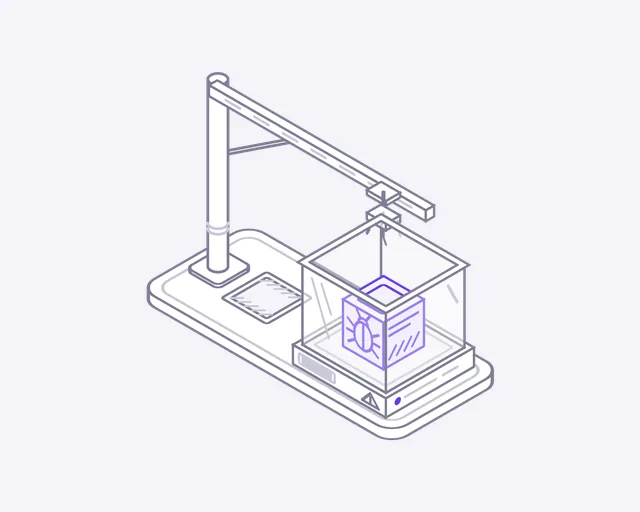
Malware
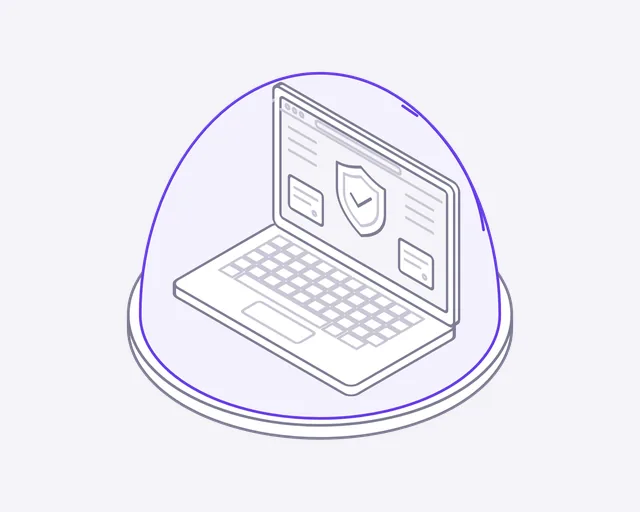
Endpoint protection
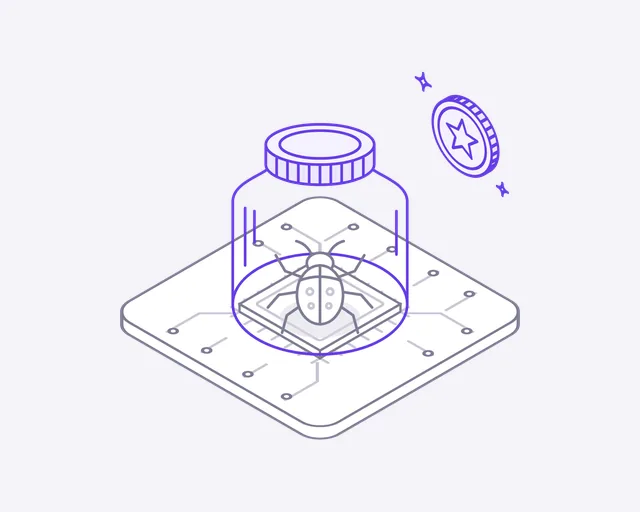
Bug bounty
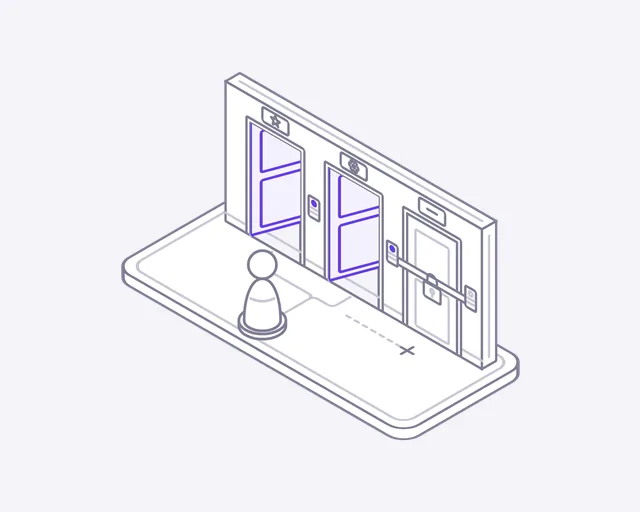
Role access
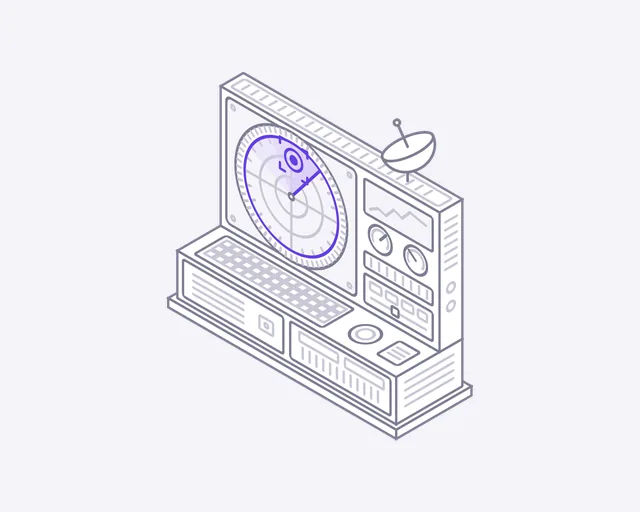
Threat radar
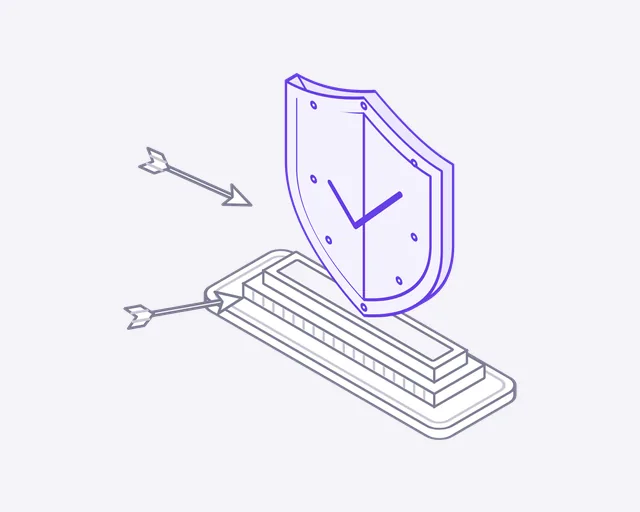
Shield
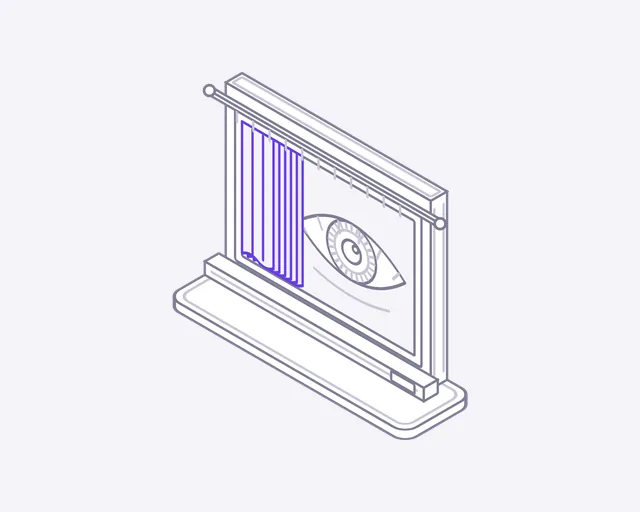
Data privacy
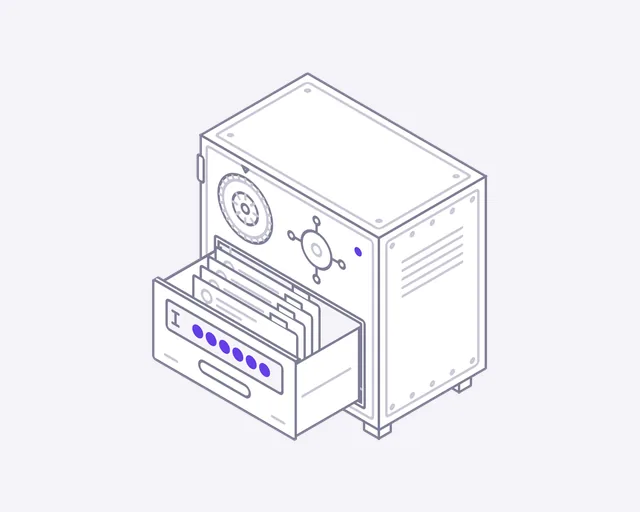
Password manager
Week 2
One week later
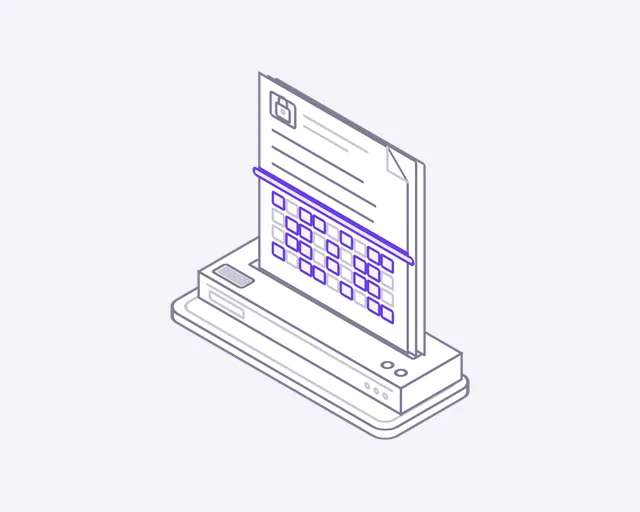
Encryption
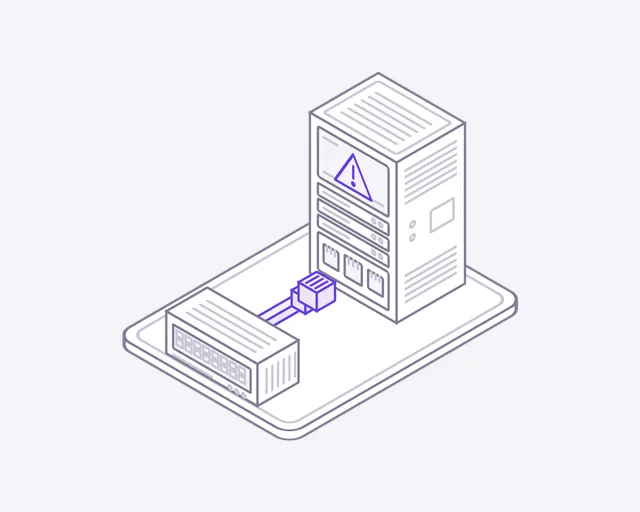
Incident response
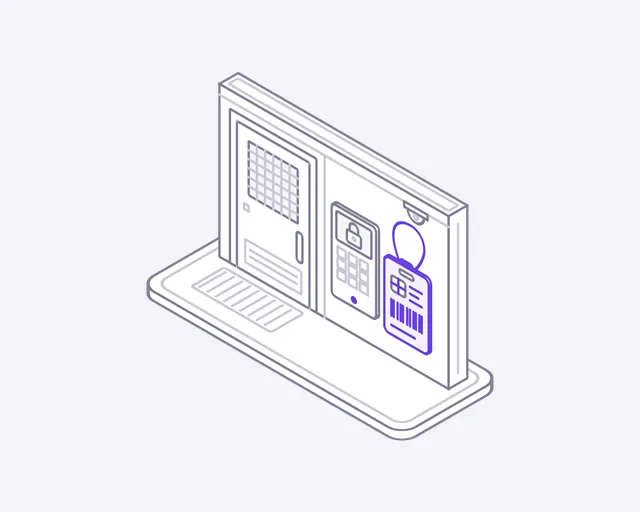
Access badge
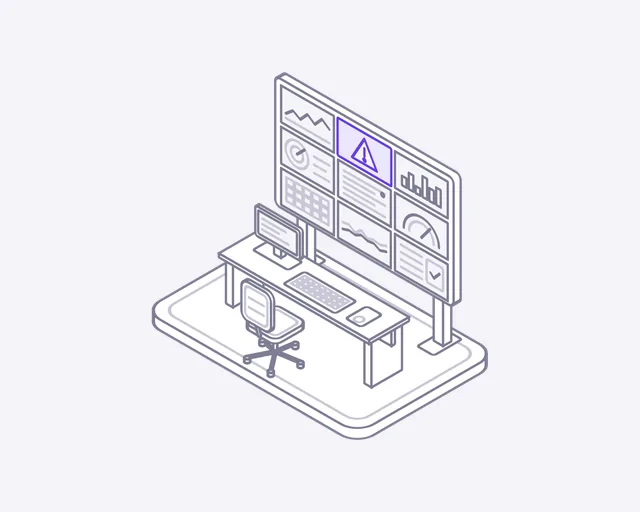
Security operations
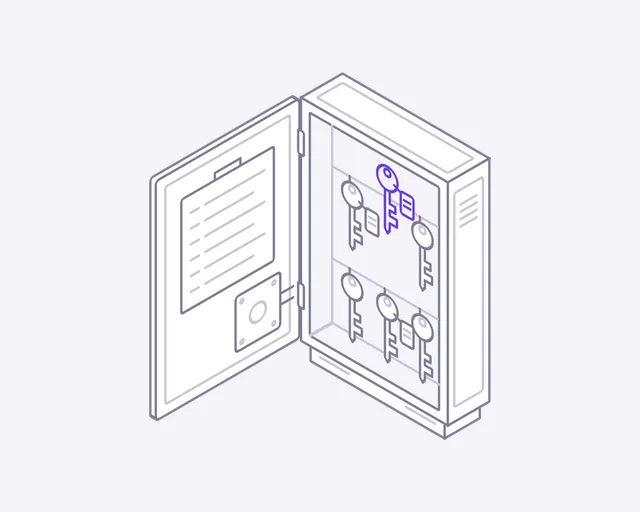
Key vault
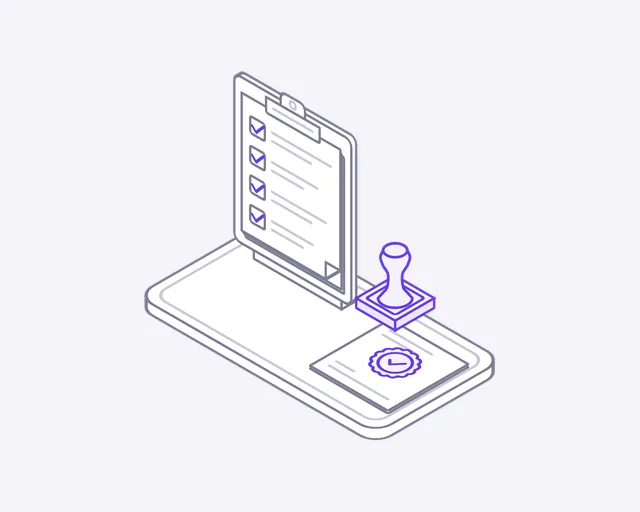
Compliance audit
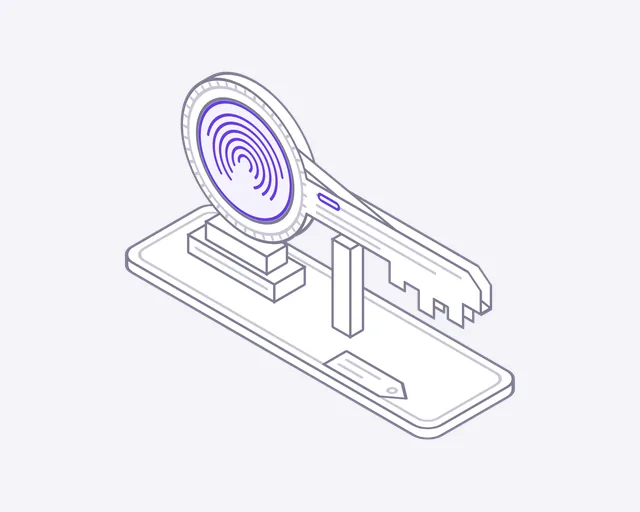
Passkey
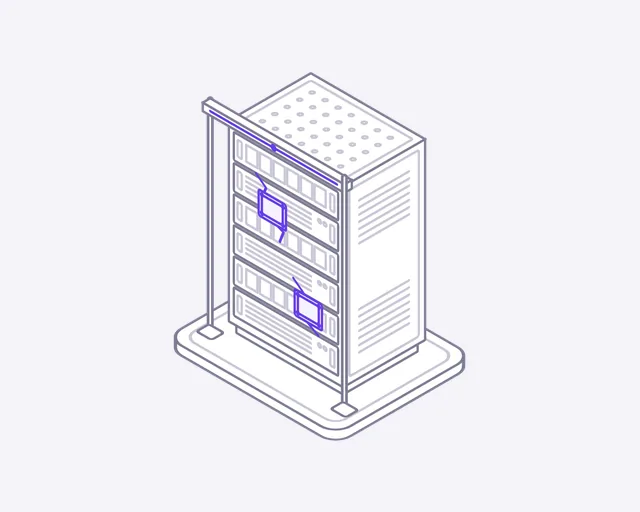
Vulnerability scan
Week 3
Two weeks later
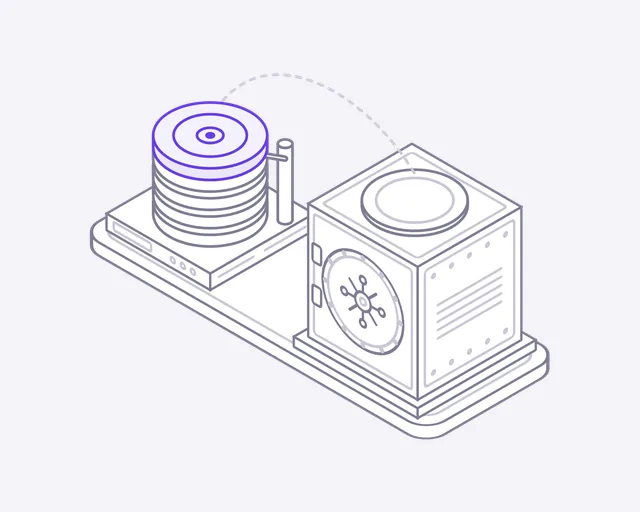
Backup & restore
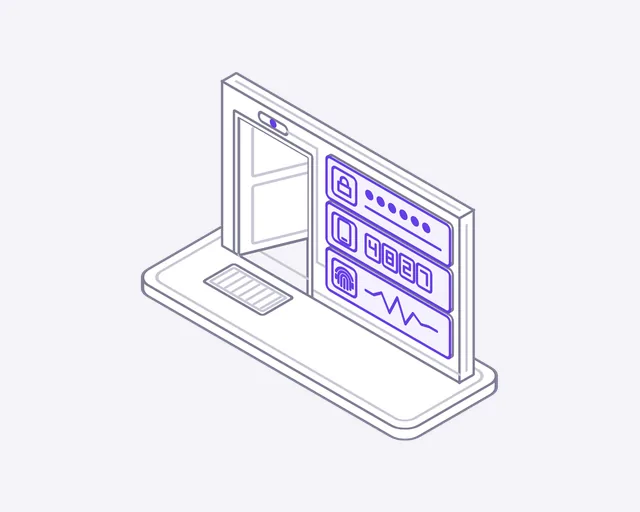
Multi-factor
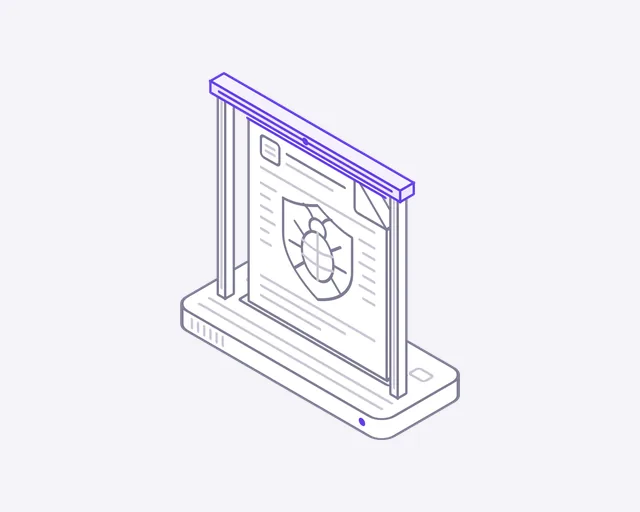
Antivirus
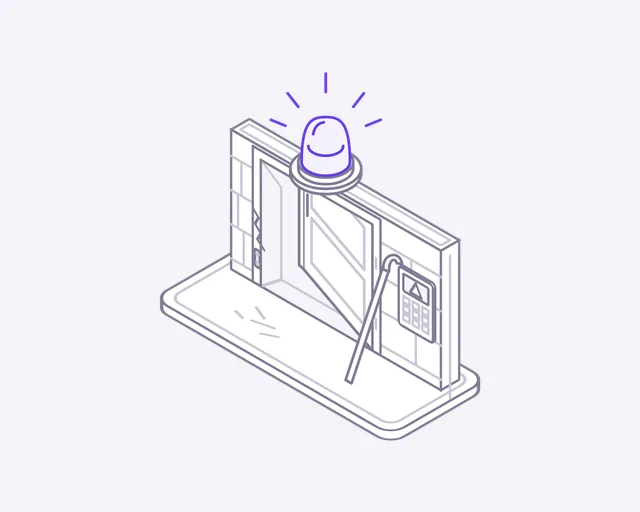
Intrusion alarm
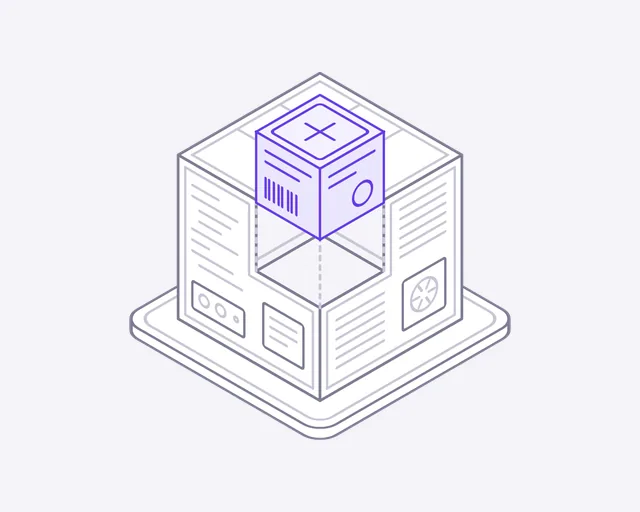
Patch update
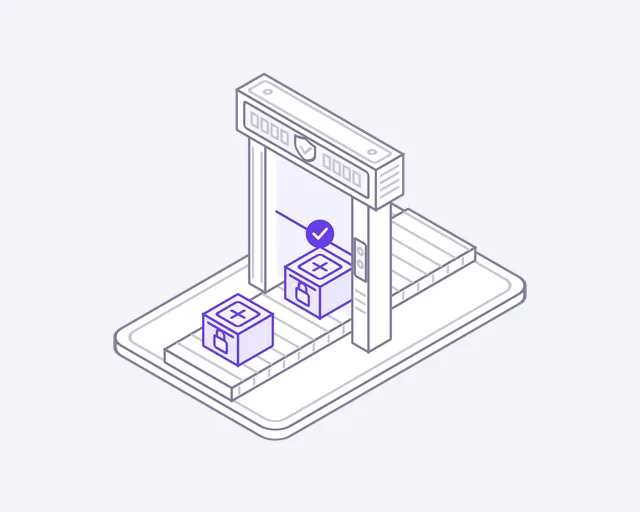
Zero trust
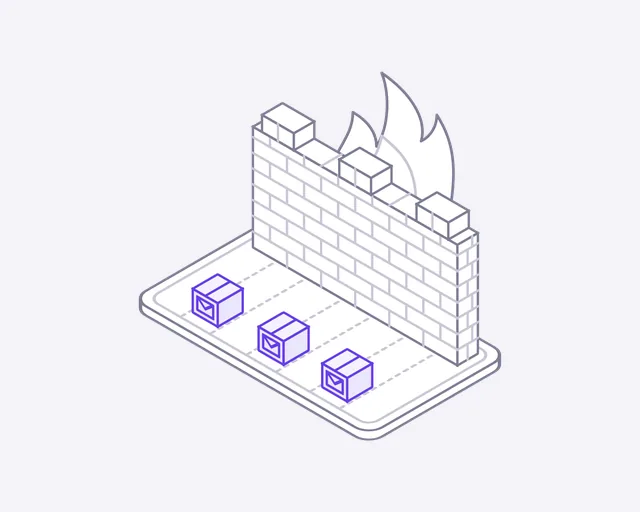
Firewall
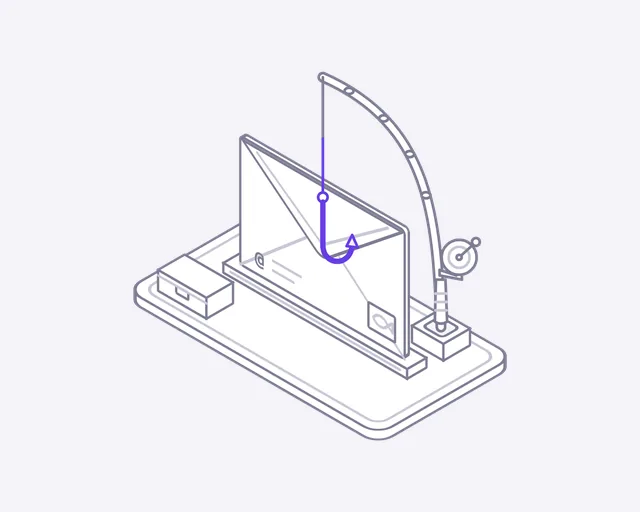
Phishing
About this set
About the Cybersecurity icons
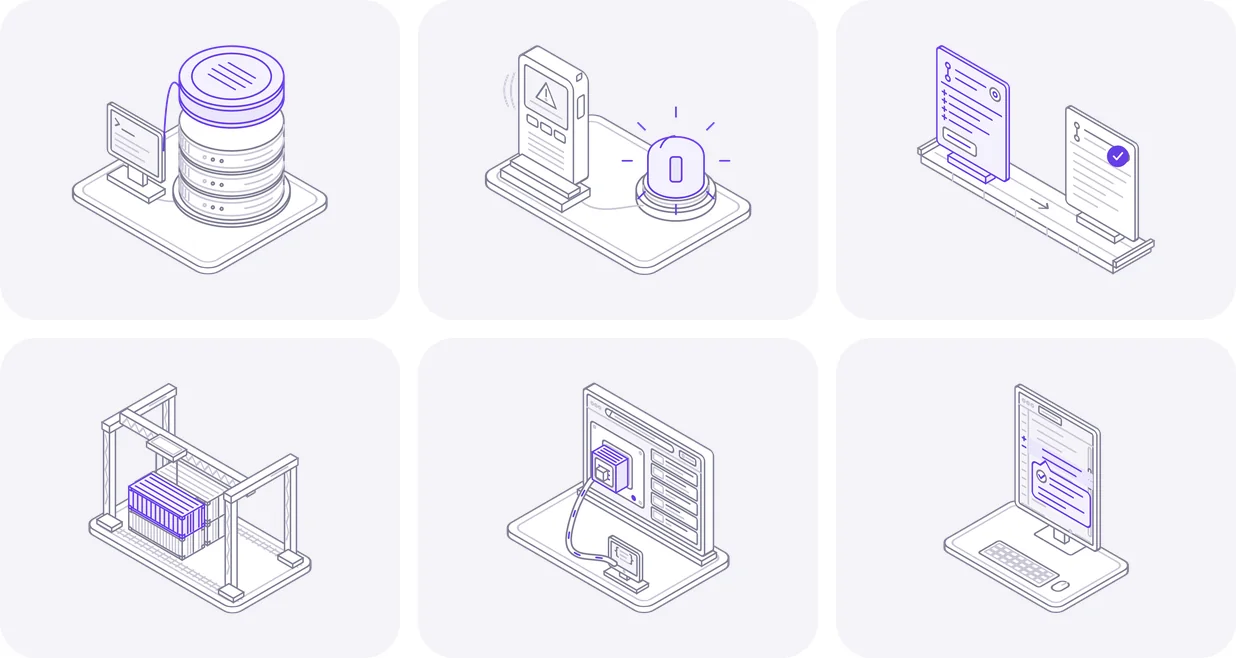
Security work is invisible when it goes well, which makes it hard to sell. These icons let visitors watch it happen. Incoming arrows glance off a shield. A scan line passes over a file and the bug is removed. A fingerprint glides into the bow of a key and merges. The set covers firewalls, passkeys, phishing, backups and incident response, so you can explain what you protect in pictures a client understands.
Where they fit
Put Firewall on your network services page, where packets slide up to the brick wall and stop. Use Phishing on an awareness training page, where the line is cut and the hook falls away from the envelope. Show Backup and restore on a recovery page, where a copy of the disk flies to the vault and back. Each one makes a technical promise easy to see.
One look across the set
All 24 icons share one 400 by 320 canvas, one line weight and a single accent colour. A page covering access, threats and compliance can pull from the whole set and still look like one calm, consistent system.
From the email to your page
- Open the email and download the ZIP. The svg folder holds the animated icons, and preview.html shows them all moving.
- For a looping icon, use the file as an image: an img tag with width 240 and height 192 keeps the 5:4 frame.
- For hover play, accent colour and dark mode, paste the SVG markup into your page instead of linking the file.
- Add data-play="hover" to the svg to play it only on hover, or data-cm-play="hover" on the card around it.
- Set --cm-accent to your brand colour, and add data-theme="dark" on dark backgrounds.
License
Free to use, with three limits
- Use them in websites, apps, products and client projects, free
- Credit is appreciated, not required
- Not allowed: selling or sharing them as icons, claiming them as yours, or using them in a logo
More industries
Building for Cybersecurity?
We build Cybersecurity products, not just their icons
DeveloperLook designs and builds the websites and software these icons are drawn for. See how we work in your market.
FAQ
Questions about the Cybersecurity icons
 Saimul IslamFounder & CEO, DeveloperLook
Still have questions?
Send a message or book a call with the team.
Yes, they're free for commercial use: your website, your app, your product or a client's project. Credit is appreciated, never required. What's off limits is selling or sharing the files as icons, passing them off as your own or building a logo from them. See the license page for the terms.
There are 24 icons in the set, and they arrive over 3 weeks, 8 a week, with the first batch sent when your email is confirmed. They cover firewalls, passkeys and vulnerability scans. Every batch is ready to use on your site as soon as it arrives.
Type your email into the form on this page, then confirm it from the message we send. Your first icons come straight after, with more every week until the set is complete. Each industry is its own list, one address can follow one of them, and you can unsubscribe whenever you like.
Yes, the SVGs open in any vector editor, Figma and Illustrator included, where you can adjust shapes, sizes or colours. Because the motion is CSS inside the file, a design tool shows only the still pose, so keep the original SVG for the animated version online. Every batch also includes GIF and PNG files.
No. Each icon is a small SVG with its motion in plain CSS, with no JavaScript and no fonts to load. Visitors who have reduced motion turned on see the still pose instead. A security company with a heavy, slow site sends the wrong message, so lightweight icons suit the job.
Saimul IslamFounder & CEO, DeveloperLookStill have questions?
Send a message or book a call with the team.
Free 30-min callGoogle Meet
Book a call
Book a free 30-minute call
In 30 minutes on Google Meet we walk you through how we would build it, how long it takes and what it costs. Then you get a written estimate.
Calendar not showing? Book on cal.com or send a brief.