
Week 1
When you confirm your email
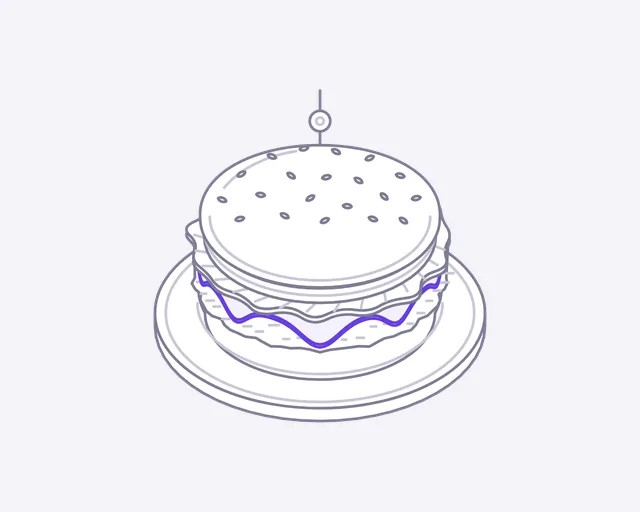
Burger
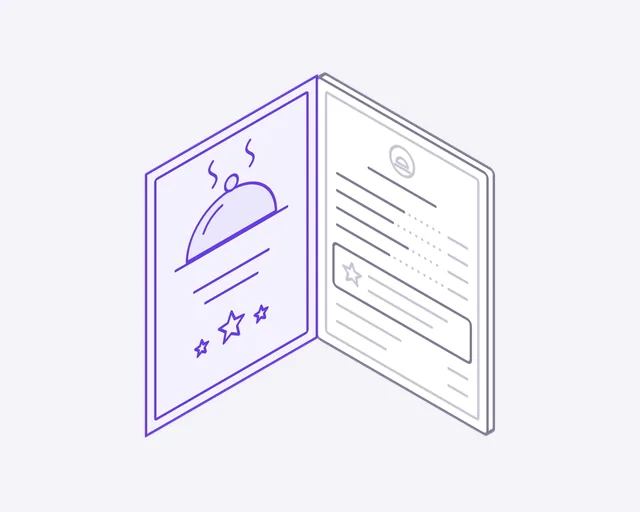
Menu
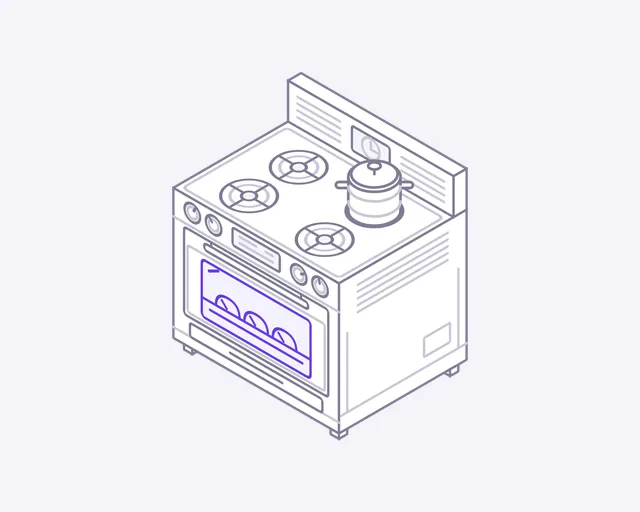
Oven
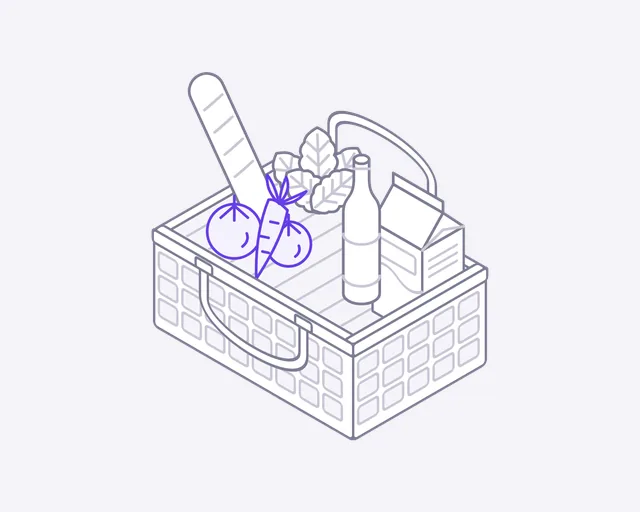
Grocery
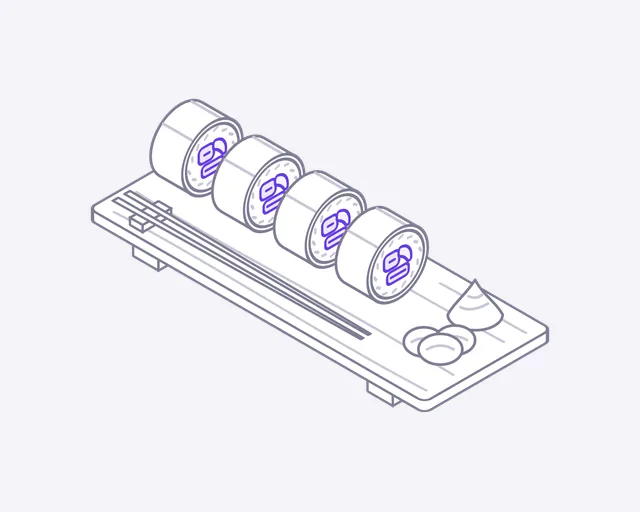
Sushi
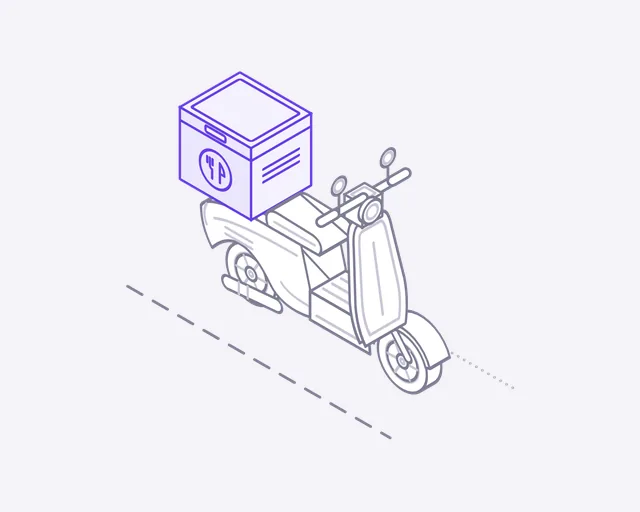
Delivery scooter
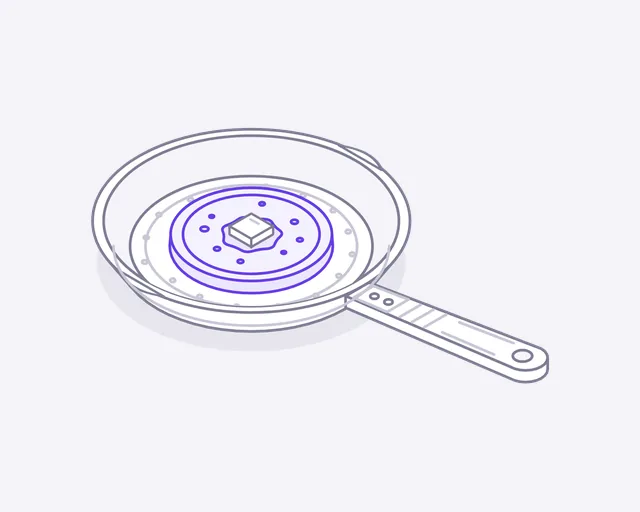
Frying pan
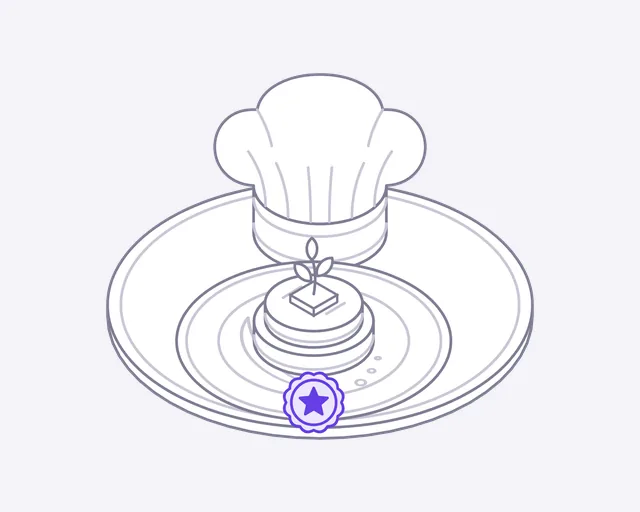
Chef's special
Week 2
One week later
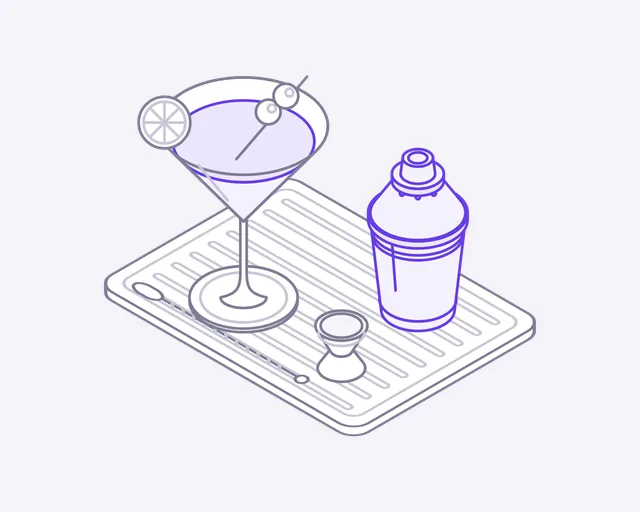
Cocktail
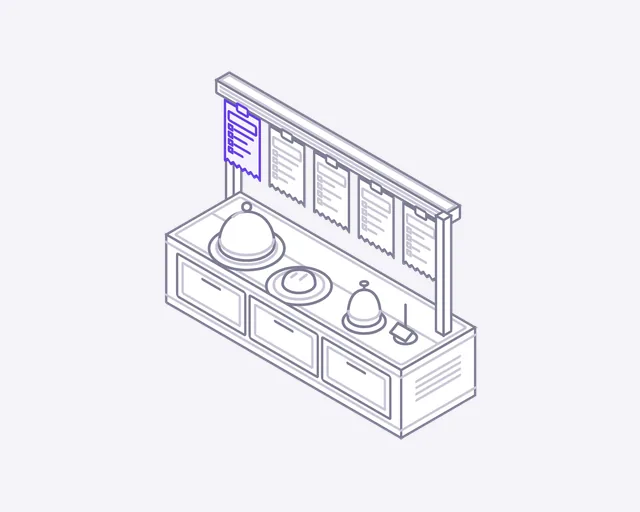
Order rail
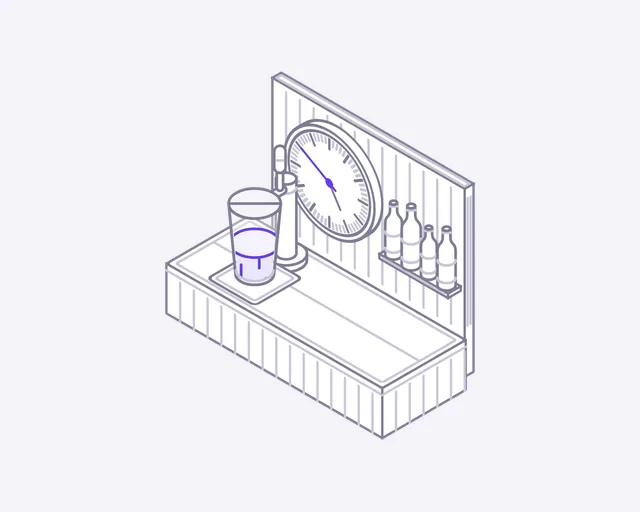
Happy hour
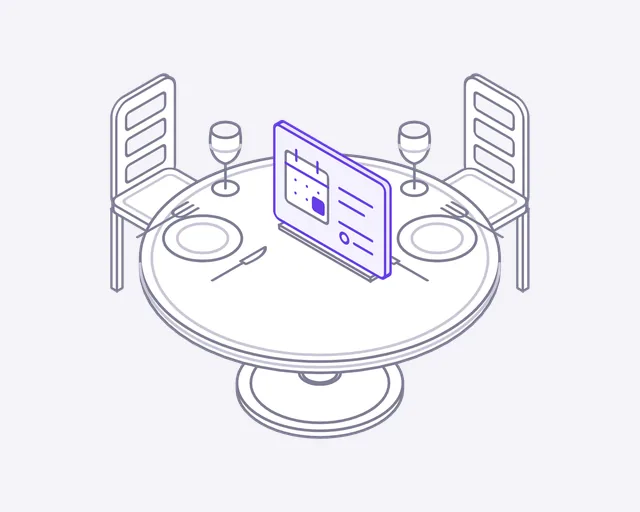
Table reservation
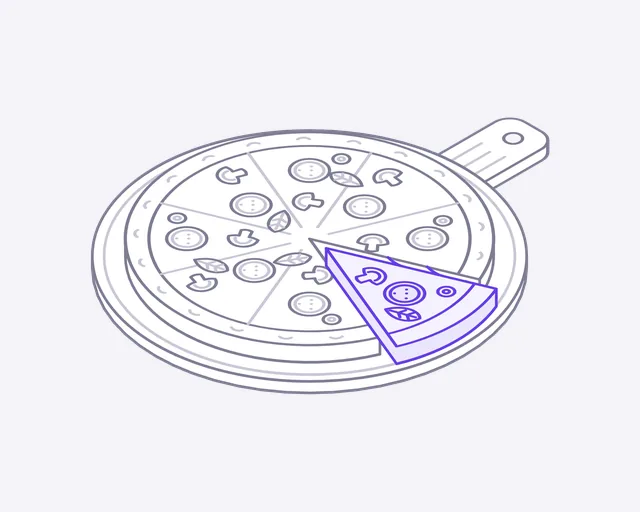
Pizza
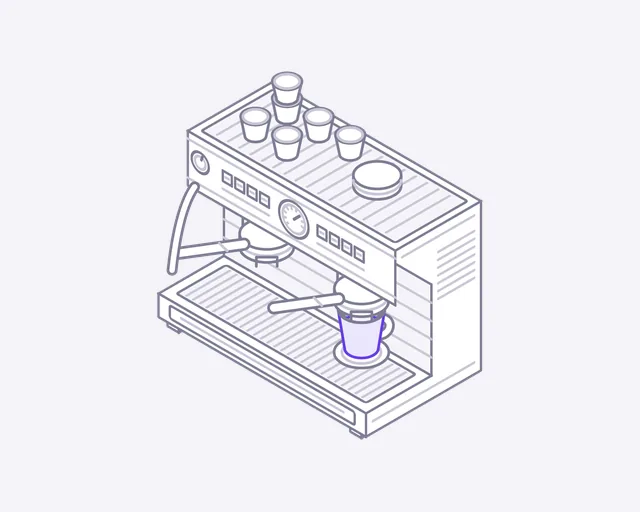
Coffee machine
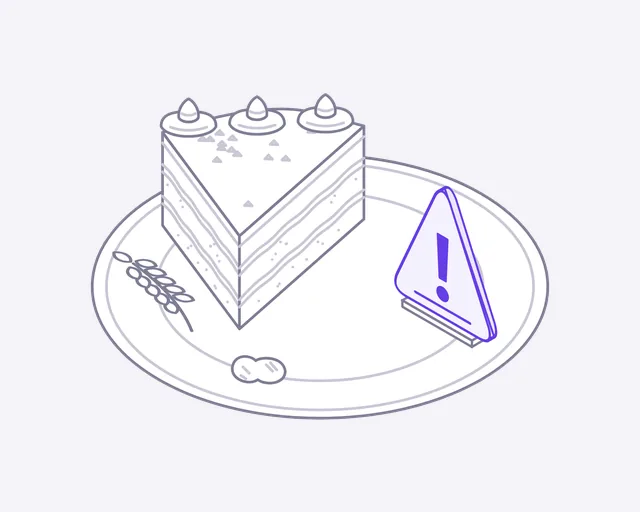
Allergens
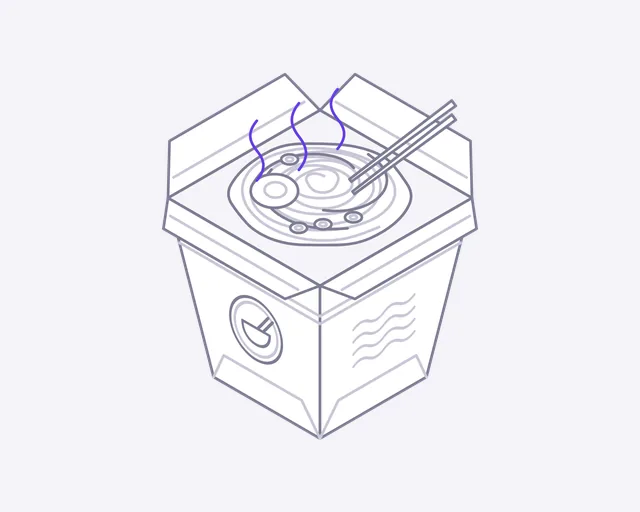
Takeaway
Week 3
Two weeks later
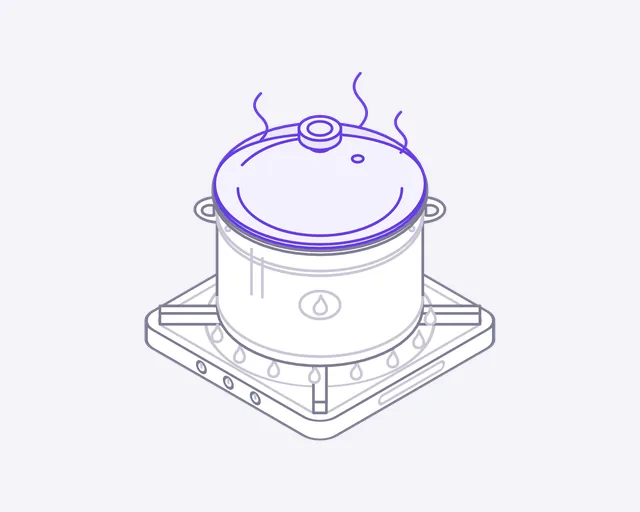
Cooking pot
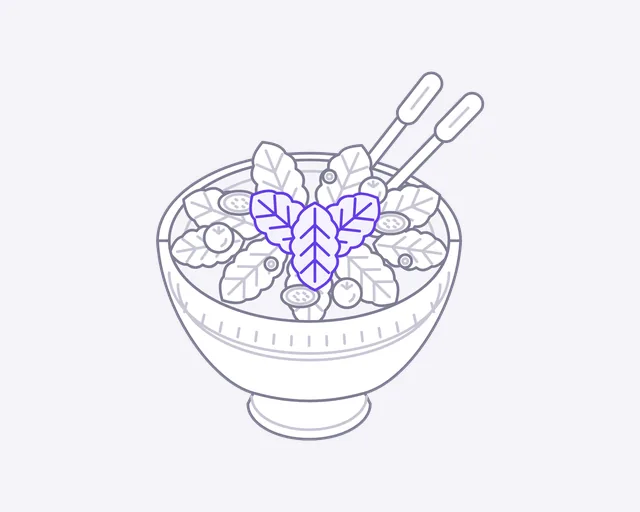
Salad
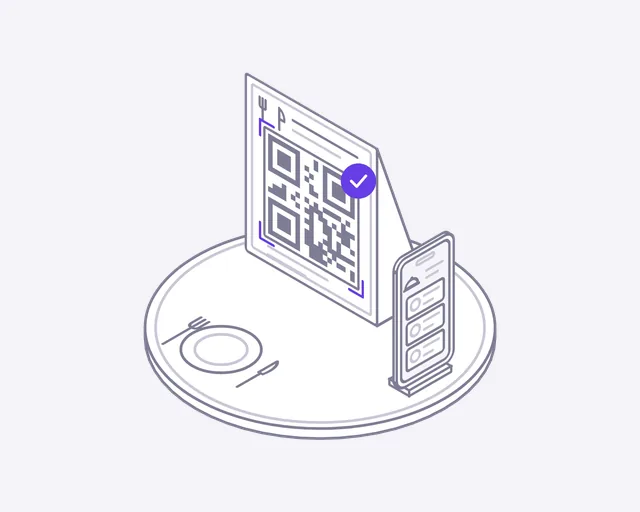
QR menu
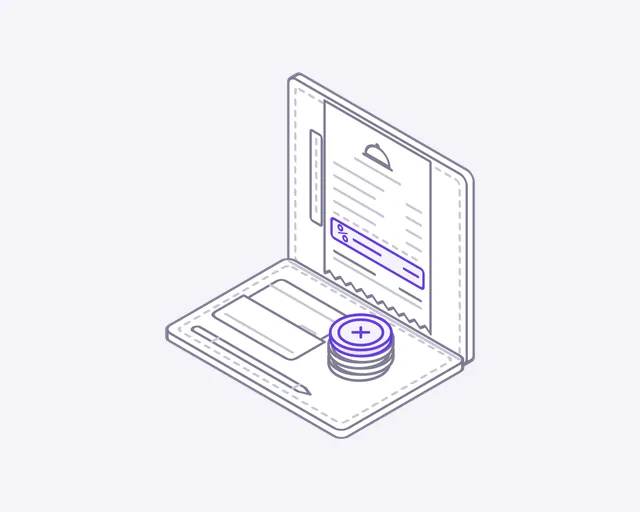
Bill & tip
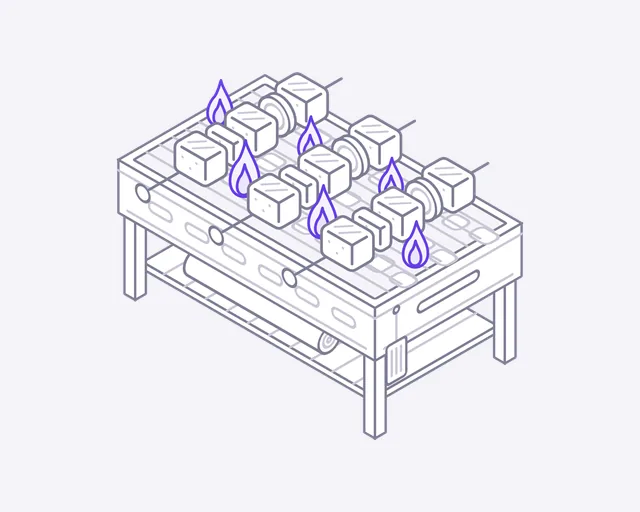
Grill

Ice cream
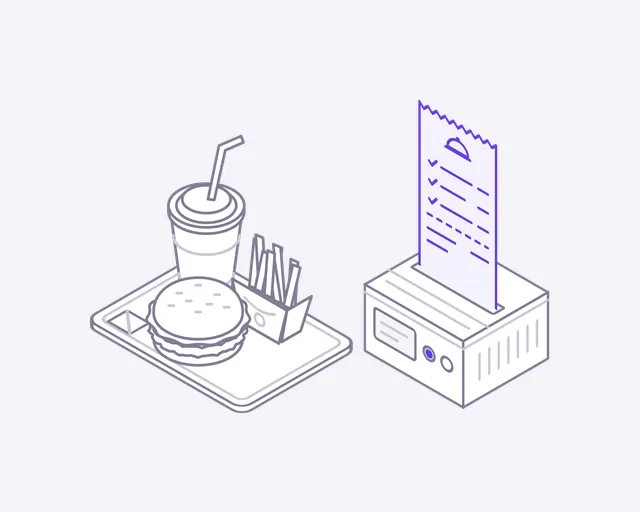
Food order
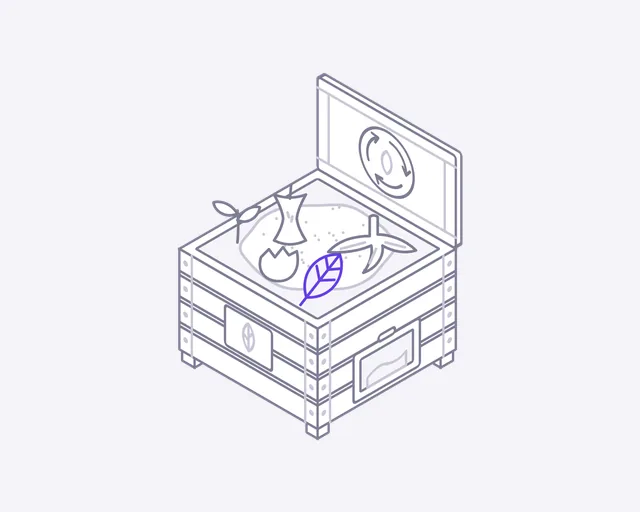
Compost
About this set
About the Food and restaurants icons
Food icons for a restaurant, a cafe or a catering business. The set covers the dishes (burger, pizza, sushi, salad), the kitchen (oven, grill, frying pan, order rail) and the service around them: menus, reservations, takeaway, delivery and the bill. Each food icon is previewed on this page as a short loop before you sign up.
Where they fit
Use Menu at the top of your menu page, where the cover swings open to show the dishes. Put Delivery scooter beside your ordering options: the scooter rides along with a food box on the back. Table reservation suits a booking section, as a reserved sign flips up on the table. Pizza, Coffee machine and Ice cream break up a long menu.
One look across the set
Every icon uses the same 400 by 320 canvas, line weight and single accent colour. A pizza, a coffee machine and a takeaway box sit side by side on a menu page and match.
From the email to your page
- Open the email and download the ZIP. The svg folder holds the animated icons, and preview.html shows them all moving.
- For a looping icon, use the file as an image: an img tag with width 240 and height 192 keeps the 5:4 frame.
- For hover play, accent colour and dark mode, paste the SVG markup into your page instead of linking the file.
- Add data-play="hover" to the svg to play it only on hover, or data-cm-play="hover" on the card around it.
- Set --cm-accent to your brand colour, and add data-theme="dark" on dark backgrounds.
License
Free to use, with three limits
- Use them in websites, apps, products and client projects, free
- Credit is appreciated, not required
- Not allowed: selling or sharing them as icons, claiming them as yours, or using them in a logo
More industries
Building for Food and restaurants?
We build Food and restaurants products, not just their icons
DeveloperLook designs and builds the websites and software these icons are drawn for. See how we work in your market.
FAQ
Questions about the Food and restaurants icons
 Saimul IslamFounder & CEO, DeveloperLook
Still have questions?
Send a message or book a call with the team.
Yes, you can use the food icons commercially in websites, apps, products and client projects. Credit is welcome but not required. What you can't do is sell or share the food icons as icons, present them as your own work, or build a logo from them. See the license page for the exact terms.
You get 24 icons, sent over three weeks at 8 a week. The first batch comes when your email is confirmed. In the food set that means dishes, menus and online orders, among others. This page shows previews, while the files are sent to your inbox.
Enter your email on this page and confirm it. The first food icons arrive right away, and more come each week until you have the whole set. Each industry is sent separately, and one address can follow one industry. You can unsubscribe any time.
Yes, you can edit them. Open a food SVG in Figma or Illustrator to change shapes, sizes or colours. The animation is CSS inside the file, so a design tool only shows the still pose, and the original file is the one to use for motion on the web. GIF and PNG versions come with every batch.
No, they are small. Each one is an SVG that moves with plain CSS, with no JavaScript or fonts, and visitors with reduced motion turned on get the still pose. A menu or ordering page has to load fast for hungry people on mobile data.
Saimul IslamFounder & CEO, DeveloperLookStill have questions?
Send a message or book a call with the team.
Free 30-min callGoogle Meet
Book a call
Book a free 30-minute call
In 30 minutes on Google Meet we walk you through how we would build it, how long it takes and what it costs. Then you get a written estimate.
Calendar not showing? Book on cal.com or send a brief.