
Destination discovery home
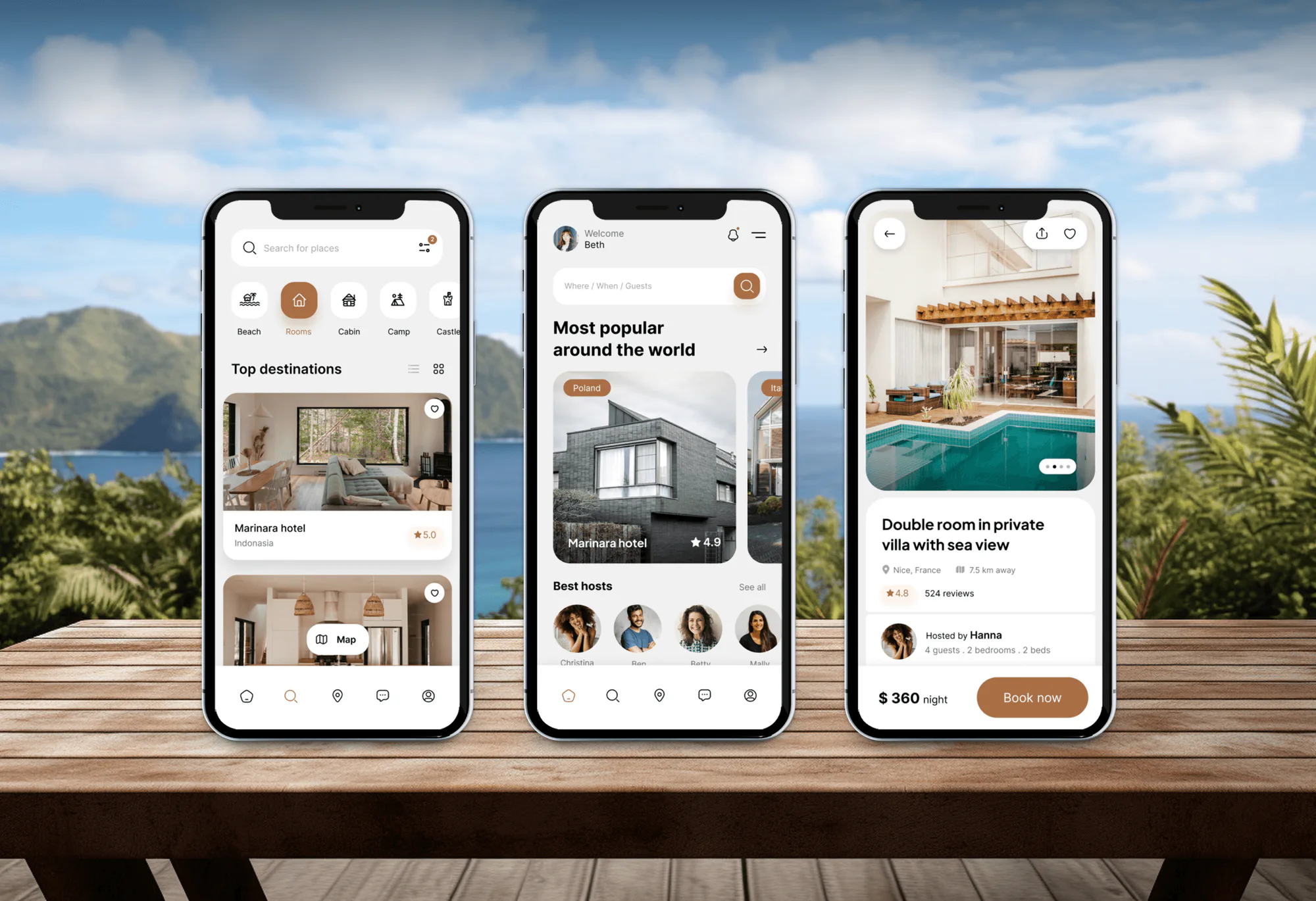
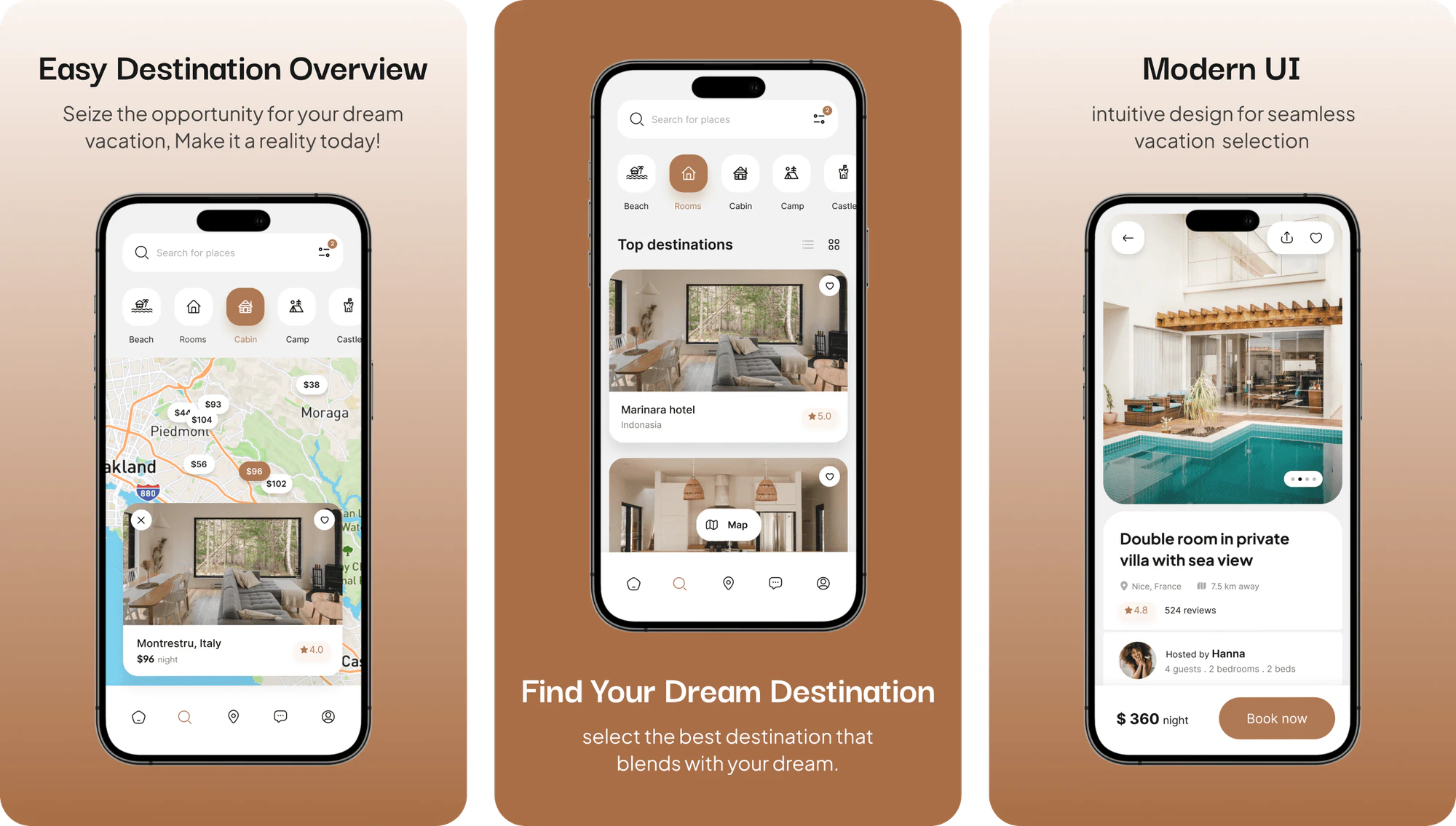
The home screen welcomes travelers by name and lists popular places, top destinations, and featured hosts. Category chips for beaches, rooms, cabins, camps, and castles narrow the feed with one tap.

Mobile Appfor NextWay
A mobile app project in travel, delivered by DeveloperLook.
About the project
DeveloperLook designed and built NextWay, a mobile-first tour booking app for travelers. A connected dashboard lets tour operators and administrators manage listings, bookings, customer messages, and analytics.
NextWay is a tour booking product with 2 sides. Travelers use a mobile-first app to explore destinations, book guided tours and places to stay, and manage itineraries on the go. Tour operators and administrators use a dashboard to run the business behind those bookings.
The app opens on a home screen of popular destinations and featured hosts, with category shortcuts for beaches, rooms, cabins, camps, and castles. Travelers can switch to a map that pins each listing with its price, or open search to set dates, nights, and guest counts. Every listing page carries photos, host details, reviews, house rules, and cancellation terms before the Book now button.
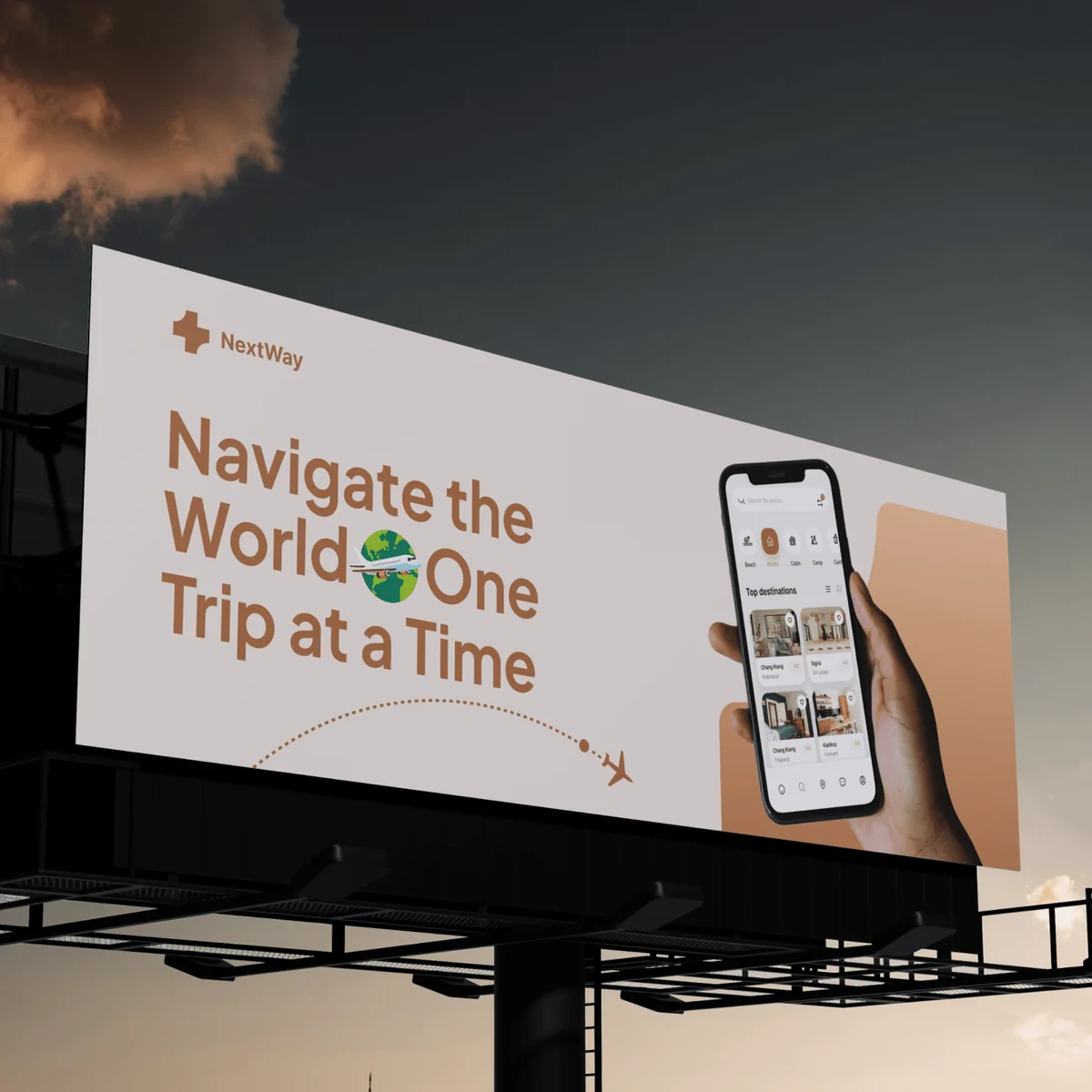
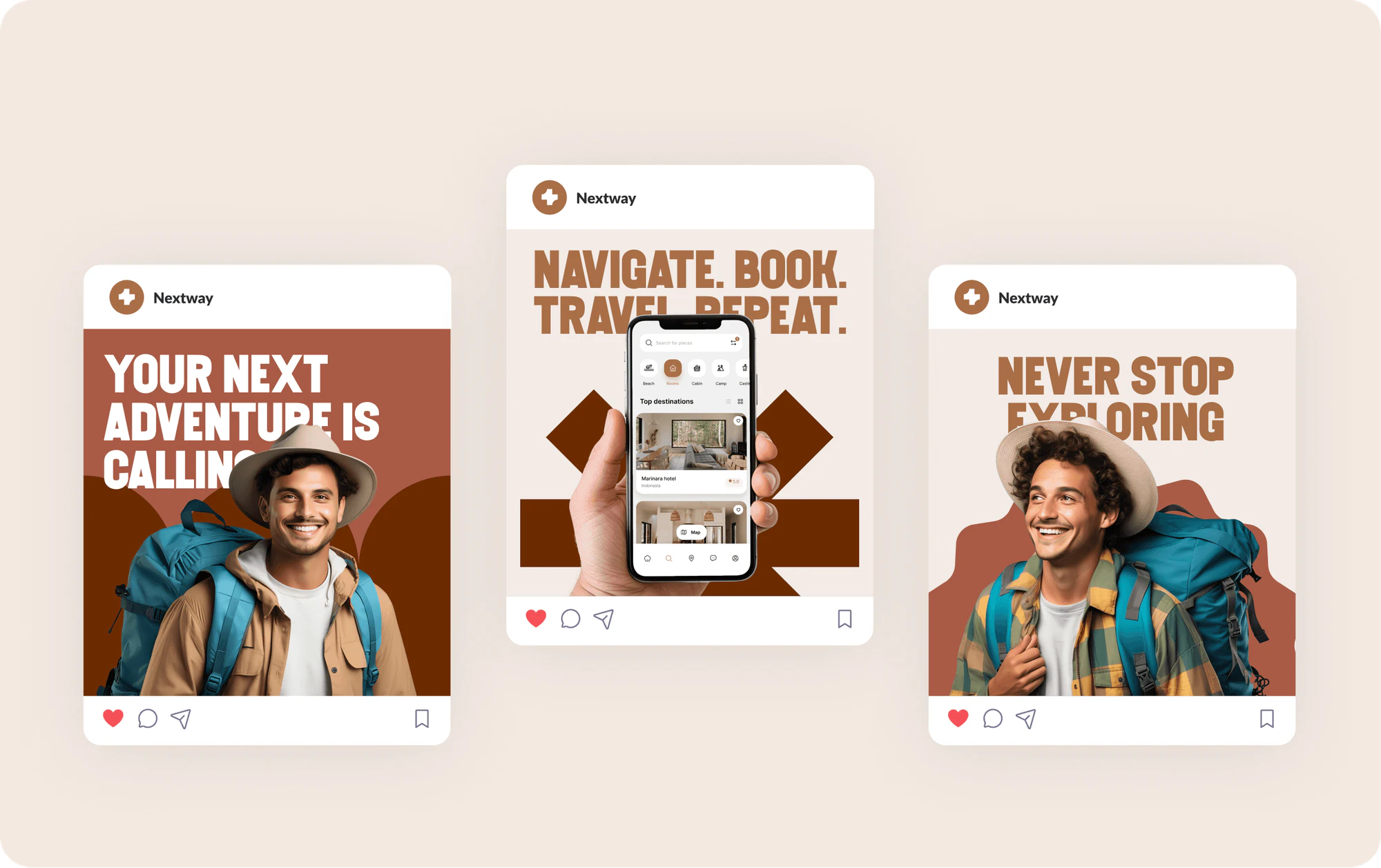
The dashboard groups the operator's work into sections for packages, bookings, the calendar, travelers, guides, the gallery, messages, deals, and feedback. Its overview sums up total bookings, new customers, earnings, revenue over time, and top destinations. The project also covered the NextWay brand assets shown in the gallery: the logo, app icon, social media posts, and billboard concepts.
Tell us what you are building. We reply within 24 hours with questions or a call time.
What do you need?
Challenge and solution
The challenge
Destination photos and maps had to load without slowing the app down.
Bookings and tour schedules had to fit into screens that stayed easy to read.
The app and the dashboard also had to stay in sync in real time.

Our solution
Personalized recommendations and secure payment options support planning, with a full price breakdown before travelers confirm.
For tour providers, the dashboard adds management tools, analytics, and automated notifications.
Real-time data sync keeps the bookings in the app and the dashboard matched.
What we built
Seven features, shown next to the screens they live on.
The home screen welcomes travelers by name and lists popular places, top destinations, and featured hosts. Category chips for beaches, rooms, cabins, camps, and castles narrow the feed with one tap.
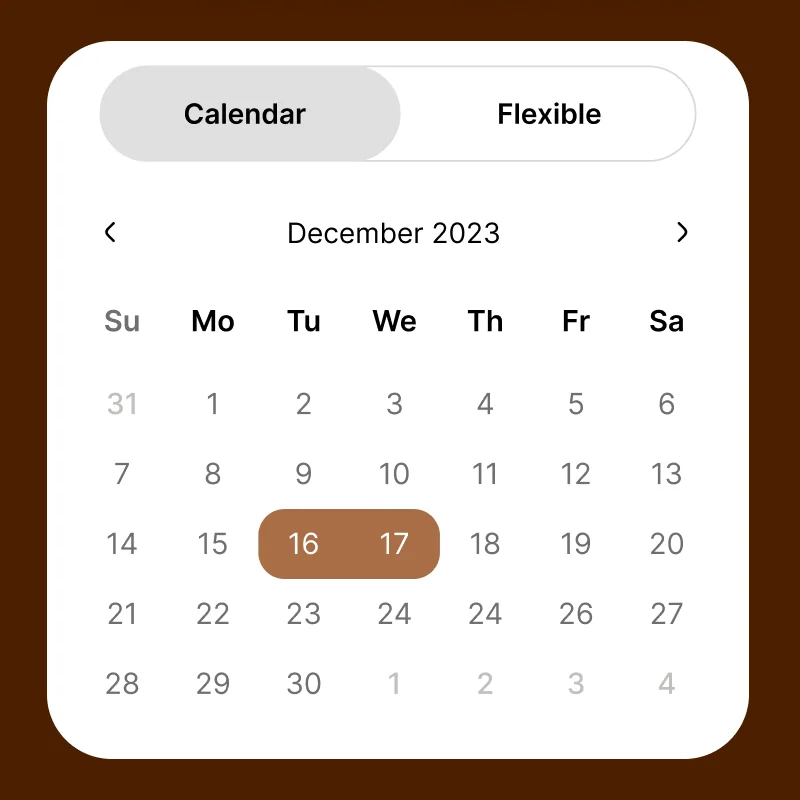
Filters cover property type, price range, bedrooms, and beds. Search accepts fixed calendar dates or flexible plans by weekend, week, or month, plus counts for rooms, adults, children, and pets.
A map view pins each listing with its price and shows a preview card for the selected stay. Travelers can compare neighborhoods before they open a listing.
Each listing shows photos, amenities, house rules, cancellation terms, and guest reviews next to the nightly price. Host profiles add a short bio, a review count, a rating, and the host's other properties.
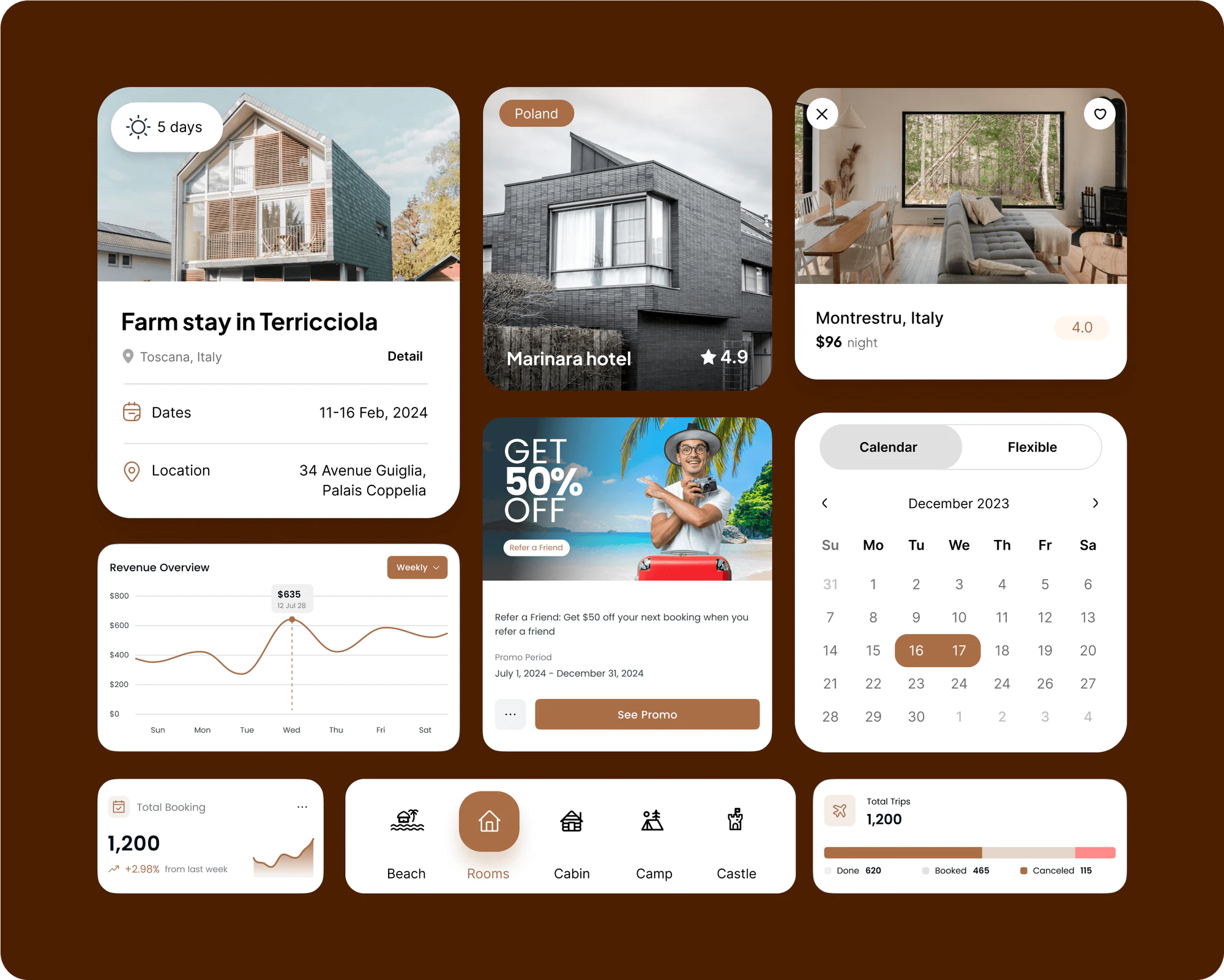
The booking screen confirms dates and guests, then splits the total into nights, service fee, and taxes. Travelers pick a saved card or PayPal account, or add a new payment method, before booking.
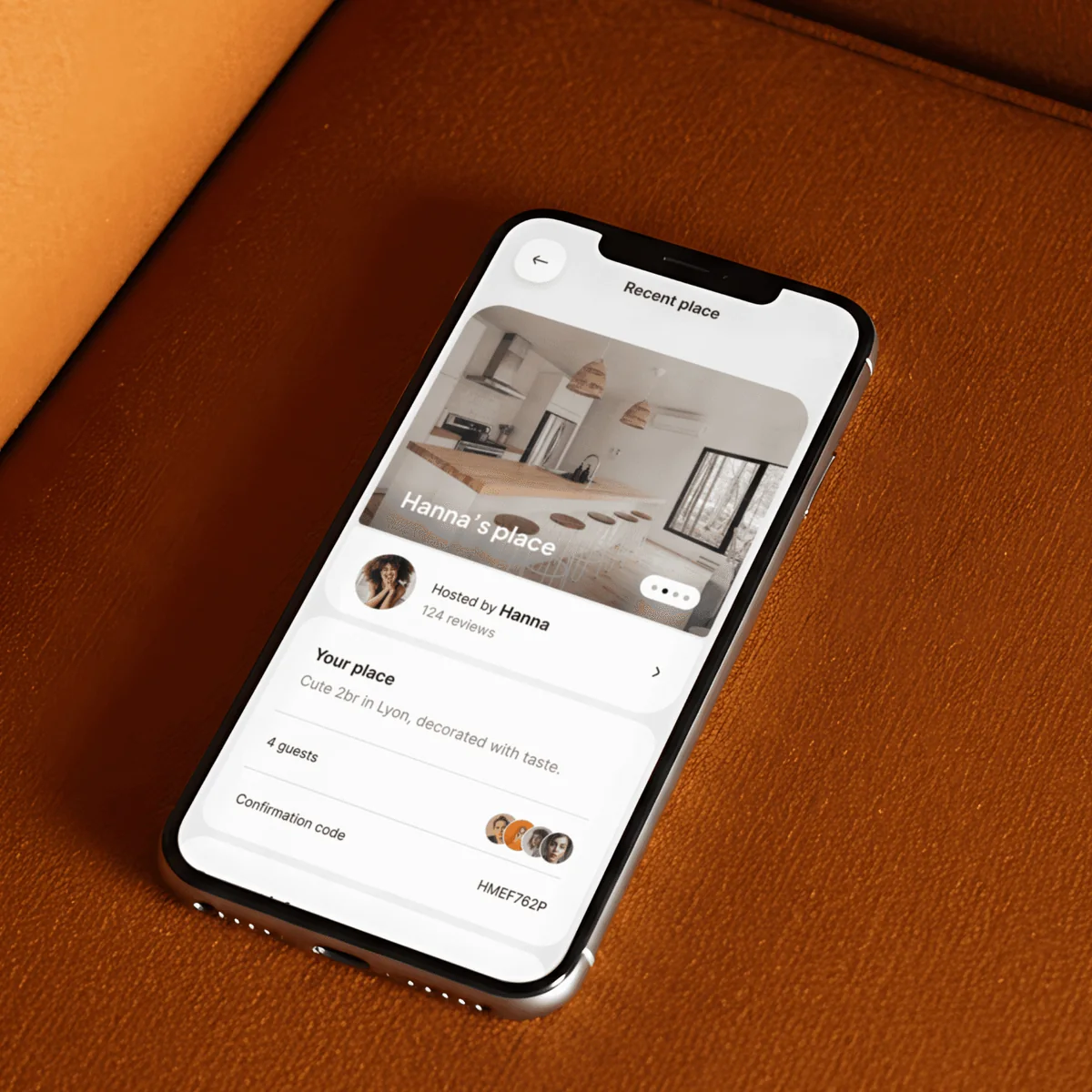
An inbox keeps conversations with hosts in one list and flags unread messages. My Trips shows each stay with its dates and address, and every booked place carries its own confirmation code.
Operators manage packages, itineraries, bookings, traveler records, tour guides, deals, and feedback from one sidebar. The overview tracks bookings, new customers, earnings, revenue trends, top destinations, and upcoming trips.
FAQ
 Saimul IslamFounder & CEO, DeveloperLook
Still have questions?
Send a message or book a call with the team.
A mobile-first tour booking app for travelers and a dashboard for tour operators and administrators. In the app, travelers explore destinations, book tours and stays, and manage their trips. In the dashboard, operators handle listings, bookings, customer messages, and analytics. The project also included NextWay brand assets such as the logo, app icon, and social media posts.
Travelers open a listing and check its reviews, house rules, and cancellation terms. Then they tap Book now. The request screen confirms the dates and number of guests and breaks the total into nightly cost, service fee, and taxes. They choose a saved card or PayPal, or add a new payment method, and send the booking. My Trips then lists each stay with its dates and address.
Packages, bookings, the calendar, travelers, tour guides, the media gallery, messages, deals, and feedback, each in its own section. The overview page sums up total bookings, new customers, and earnings, with a revenue chart and a breakdown of top destinations. Operators can also open detailed package itineraries and traveler records from the same sidebar.
Phones for travelers and larger screens for operators. The traveler app was designed mobile first, with bottom navigation and screens built around one task at a time. The dashboard uses a desktop layout with a left sidebar and a top bar for branding and account options. Tables, charts, and the booking calendar fill the main content area.
Yes. We'd start from your tours, stays, and booking rules, then plan the traveler app and the operator dashboard together so both work from the same data. Next come the key screens, the payment options, and the notifications your team needs. Contact us with your current booking process and we'll suggest where to begin.
Saimul IslamFounder & CEO, DeveloperLookStill have questions?
Send a message or book a call with the team.
Free 30-min callGoogle Meet
Book a call
In 30 minutes on Google Meet we walk you through how we would build it, how long it takes and what it costs. Then you get a written estimate.
Calendar not showing? Book on cal.com or send a brief.