Mobile Appfor OASIS

OASIS Vacation Rental App with Map Search, Room Booking, and a Hotel Dashboard

A mobile app project in vacation rental, delivered by DeveloperLook.

Industry
Vacation Rental
Type
Mobile App
Features
Booking System, Dashboard
Status
Delivered

About the project

OASIS Project Overview

DeveloperLook designed and developed OASIS, a vacation rental app that connects travelers with short-term stays around the world. Guests find hotels on a map, book rooms, and get directions to their stay, while hotel staff run reservations and rooms from a web dashboard.

OASIS is a vacation rental app that connects travelers with unique short-term rental properties around the world. The aim was a clear, attractive product that makes finding, booking, and managing a stay simple. It serves guests on one side and hosts on the other, and its brand leans on beach and travel imagery throughout.

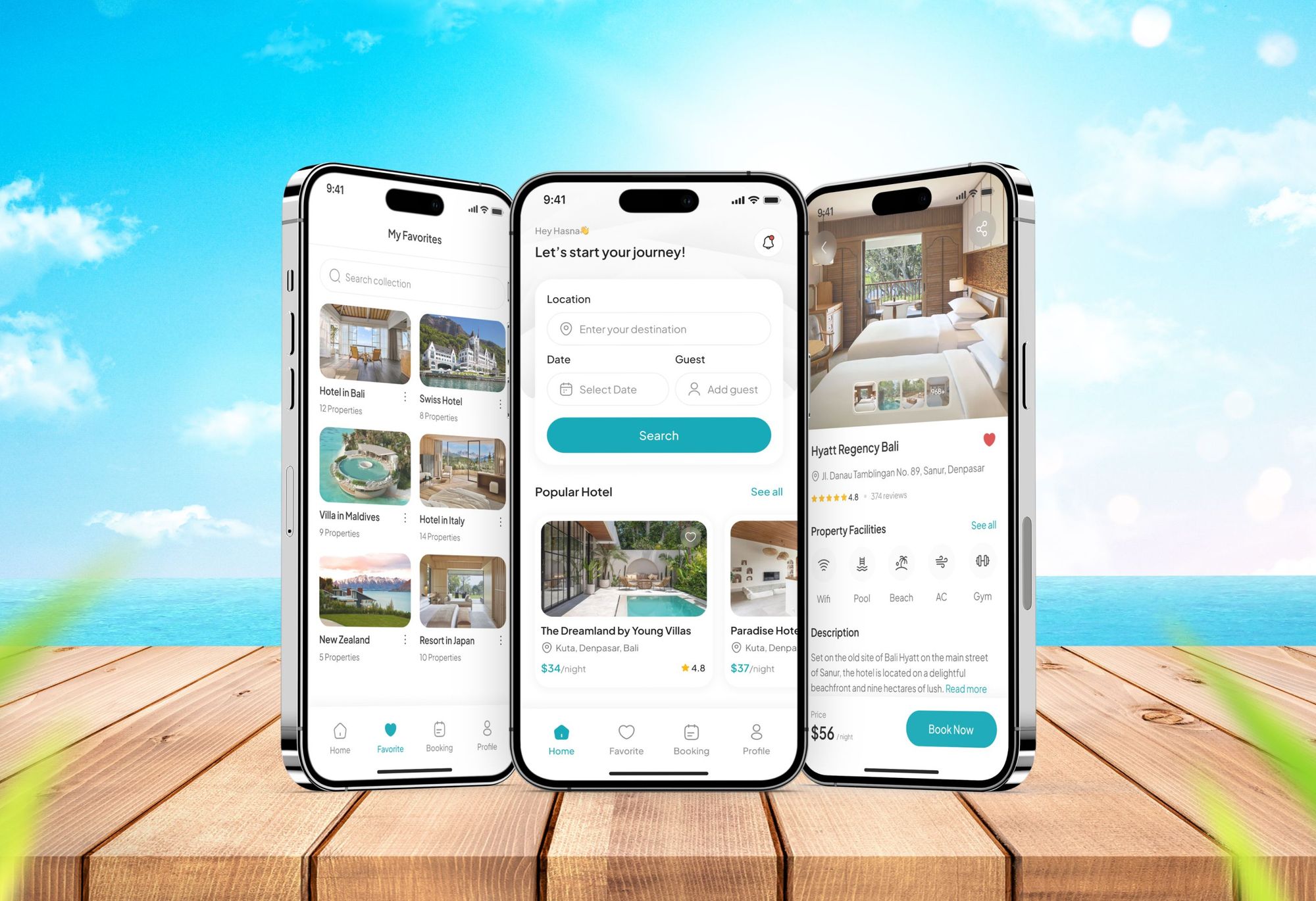
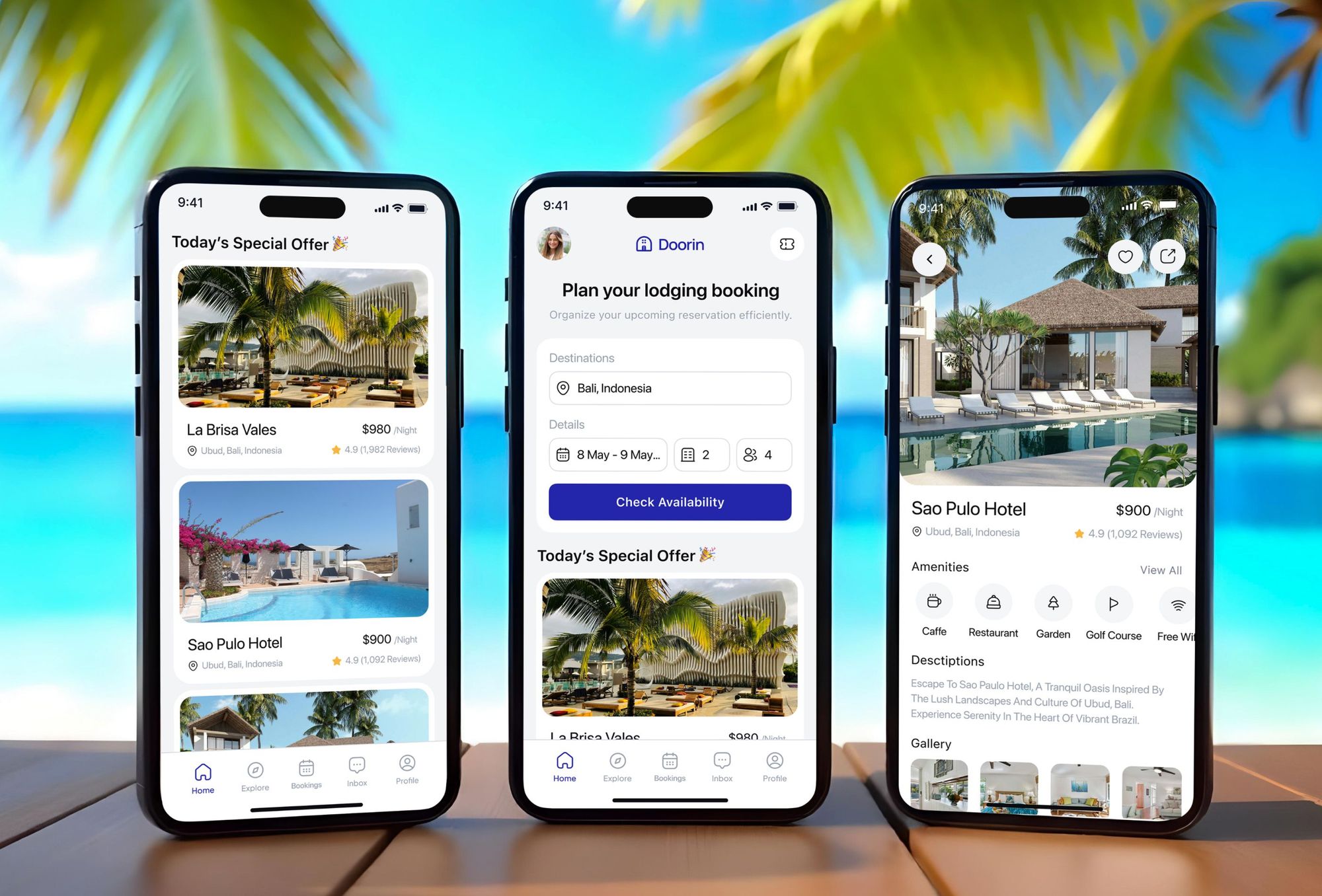
The guest app starts with exploration. Travelers browse cities such as Barcelona and Los Angeles, see hotels near them on a map, and preview stays in a 360 view. Search filters cover price, rating, hotel facilities, and bed type. Each hotel page shows photos, facilities, hotel policies, the location, and reviews. A Select Room step lists the room types with their prices before Booking Now. After booking, guests open a booking detail with the dates, guests, room type, and price, and download it as a PDF. They can also chat with the host and follow directions to the hotel, down to the parking.

Hotel staff work from a web dashboard built for a quick read of the day. It shows new bookings, check-ins and check-outs, revenue, room availability, bookings by platform, guest ratings, and tasks. Further pages handle reservations, guest profiles, room types, messages, housekeeping, inventory, the calendar, financials, and reviews.

Client
OASIS
Industry
Vacation Rental
Type
Mobile App
Status
Delivered

Challenge and solution

What OASIS Needed and How We Built It

The challenge

OASIS had to serve renters and property owners in one interface without clutter or confusion.

The feature list was long: advanced search filters, dynamic calendars, secure payments, and high-resolution media. Keeping all of it fast and easy to use was the central balance of the project.

Our solution

We designed a responsive interface with separate flows for guests and hosts.

Guests get interactive maps, smart filters, and clear calls to action, from the nearby hotel map to the booking detail. Hosts get a dashboard for bookings and messages. A vibrant palette and large travel photography give the app a feeling of adventure and trust.

What we built

Features We Built for OASIS

  • Nearby hotels on a map

    A Nearby Hotel screen pins stays on a map around the traveler, with a card for each hotel it finds. Guests filter by type and open the stay closest to their plans.

  • City guides and 360 previews

    Explore City cards lead to destinations such as Barcelona, Bavaria, and Los Angeles, each with its most popular stays. An Experience 360 row lets guests look around a hotel before booking.

  • Detailed search filters

    Search takes a location and check-in and check-out dates. Filters then narrow hotels by price range, star rating, facilities such as a swimming pool, and bed type, from king size to queen size.

  • Room selection and booking

    Hotel pages show photos, facilities, policies, location, and reviews. Select Room lists each room type, such as a royal suite or a castle view chamber, with its rating and price before Booking Now.

  • Directions to the stay

    After booking, guests get directions from their location to the hotel, with turn-by-turn navigation that ends at a nearby parking area. The booking detail also downloads as a PDF.

  • Host chat and sharing

    A chat screen lets guests ask a host about a room, with the stay pinned at the top. A share sheet sends a hotel to friends through apps such as WhatsApp, Facebook, and Instagram.

  • Hotel operations dashboard

    Staff see new bookings, check-ins, check-outs, revenue, room availability, bookings by platform, guest ratings, and tasks. Other pages cover reservations, rooms, housekeeping, inventory, the calendar, financials, and reviews.

Want a project like this one?

Tell us what you are building. We reply within 24 hours with questions or a call time.

What do you need?

FAQ

Questions About the OASIS Project

  • A vacation rental app for travelers and a web dashboard for the hotels behind the stays. Guests explore cities, find hotels on a map, filter results, pick a room, book, and follow directions to their stay. Staff use the dashboard to run reservations, rooms, housekeeping, and finances. DeveloperLook handled the design and development of both.

  • They find a hotel first, through the nearby map, a city guide, or search with filters. The hotel page shows photos, facilities, policies, location, and reviews. Select Room then lists each room type with its rating, review count, and price, and the total appears beside the Booking Now button.

  • Yes. Once a stay is booked, guests open directions from their current location to the hotel. A navigation screen gives turn-by-turn guidance with the time left and ends at a nearby parking area. The booking detail, with the dates, guests, room type, and price, can be opened or downloaded as a PDF.

  • The day's operations at a glance. It shows new bookings, check-ins, check-outs, and revenue, plus room availability split into occupied, reserved, available, and not ready. Charts cover reservations and bookings by platform. Guest ratings break down by category, and a task list keeps housekeeping and guest requests on schedule.

  • Yes. A chat screen connects the guest with the host, with the hotel and its nightly price pinned at the top of the conversation. Guests can ask whether a room is available or request details before booking. Hotel staff answer from the Messages page of the web dashboard.

  • Yes. DeveloperLook designs and builds vacation rental apps like OASIS, with map search, filters, room selection, booking details, and guest chat. A dashboard for the staff who run the properties can sit behind it. We start from your properties, your guests, and the way your team works, then design the flows each side needs.

Saimul IslamFounder & CEO, DeveloperLook

Still have questions?

Send a message or book a call with the team.

Book a free call

Free 30-min call

Book a call

Book a free 30-minute call

In 30 minutes on Google Meet we walk you through how we would build it, how long it takes and what it costs. Then you get a written estimate.

Calendar not showing? Book on cal.com or send a brief.