
Page and content plan
An outline of every page, its sections, and its call to action, approved before design starts.

For small businesses on Squarespace or choosing it: a site designed around your services, built so you can edit every page yourself, from $750.
100%
Pages you can edit yourself
10+ hrs
Of template fiddling saved
Teams we have built for:














The Problem
Squarespace makes it easy to start, and that's the trap. Many DIY sites stop at the template's demo layout, with your text squeezed into blocks meant for someone else.
01 · Demo look
The site still looks like the template demo.
Pages get designed around your services, not the template's placeholder layout.
02 · Mixed message
Visitors can't tell what you sell from the homepage.
A planned homepage leads with your main service and one clear action.
03 · Phone layouts
Spacing and text jump around on phones.
We adjust each page's mobile layout in Fluid Engine and test it on phones.
04 · Lost enquiries
Contact form emails land in spam or nowhere.
Forms get tested from start to finish, with notifications sent where you'll see them.
You picked a beautiful template and spent weekends swapping in your photos. It still looks like the demo. The homepage talks about everything, so visitors can't tell what you sell. Spacing jumps around on phones, the contact form lands in a spam folder, and your pages barely show up for your own business name. Every change takes an evening of dragging blocks around in Fluid Engine.
We start with your services and your buyers, then plan the pages before touching the template. Layouts get designed in Fluid Engine, with fonts and colors set once in Site Styles so changes stay consistent. We check every page on phones, set up SEO basics, and test your forms. You leave with a site you can edit in minutes, not a weekend project that drags on.
Planned around your buyers
Pages and sections mapped to what visitors need before any design work starts.
Consistent Site Styles
Fonts, colors, and spacing set once in Site Styles, so every page matches.
Easy for you to edit
Built with native Squarespace sections, so you change text and images without code.
Our Squarespace Website Design Process
You approve the page plan, review designs before launch, test the site on your phone, and learn to edit it before it goes live.
We look at your current site or plans, your Squarespace plan level, and sites you like. You get honest notes on what to change, whether your plan fits, and a fixed quote.
What's Included
Each project covers planning, design, mobile layouts, SEO basics, forms, and training, built with Squarespace's own tools so you can maintain the site yourself.
Compare Options
Doing it yourself costs the least, and Squarespace designers who freelance can be quick for small sites. Here's how each option handles Squarespace website development and design.
| Feature | DeveloperLookBest fit | DIY template | Freelancer |
|---|---|---|---|
| Planning | Page plan before design | Start from the demo | Varies by designer |
| Design fit | Built around your services | Template's demo layout | Depends on portfolio |
| Mobile layouts | Checked on every page | Automatic, often uneven | Usually checked |
| SEO basics | Titles, URLs, redirects set | Easy to miss | Sometimes included |
| Your time | A few review calls | Weekends of editing | Some back and forth |
| Speed to launch | 2 to 5 weeks | As fast as you work | Often quick |
| Training | Recorded editing walkthrough | Squarespace help guides | Varies |
| Upfront cost | From $750, fixed scope | Only your plan fee | Often lower hourly |
Projects We've Built
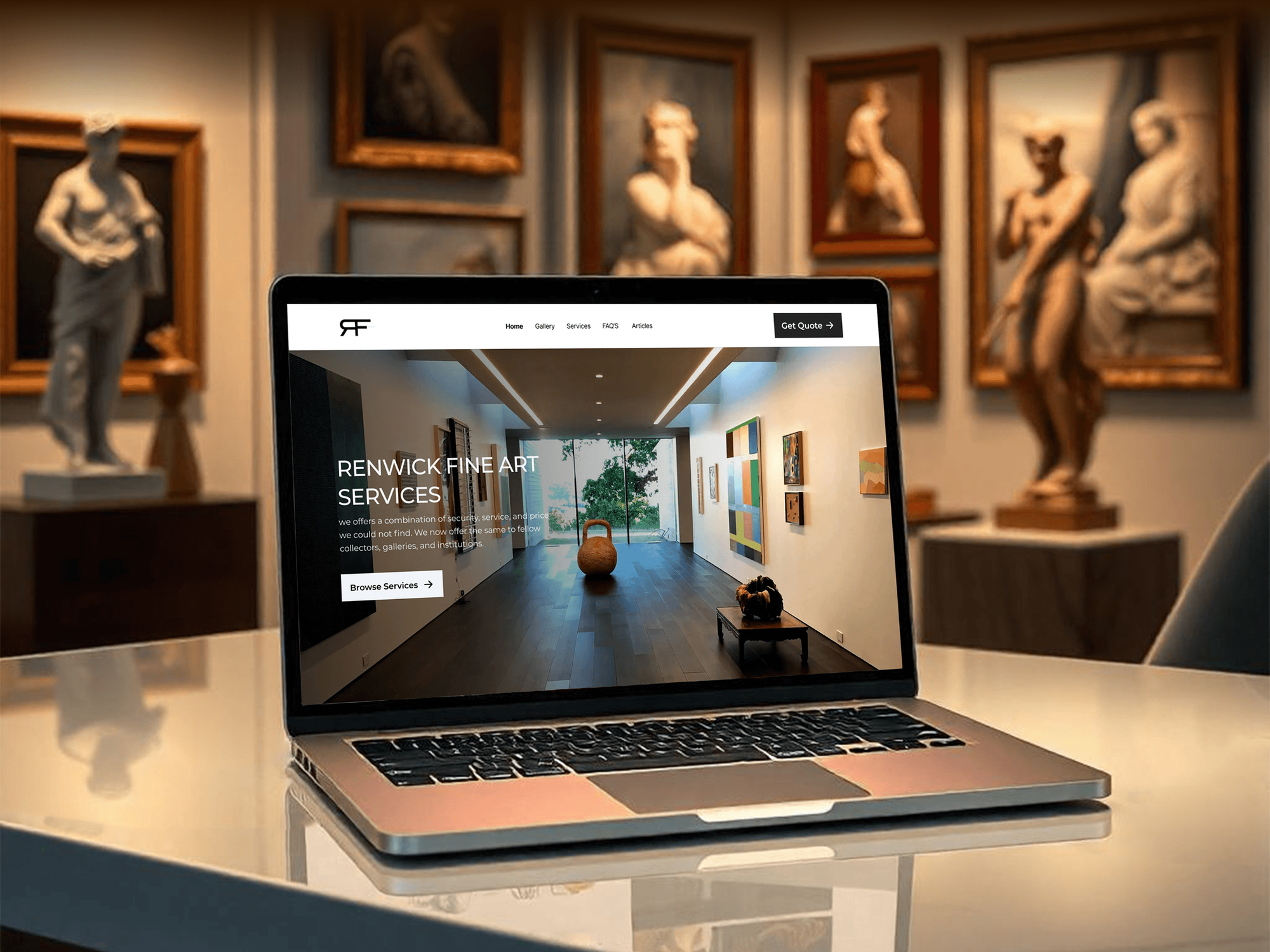
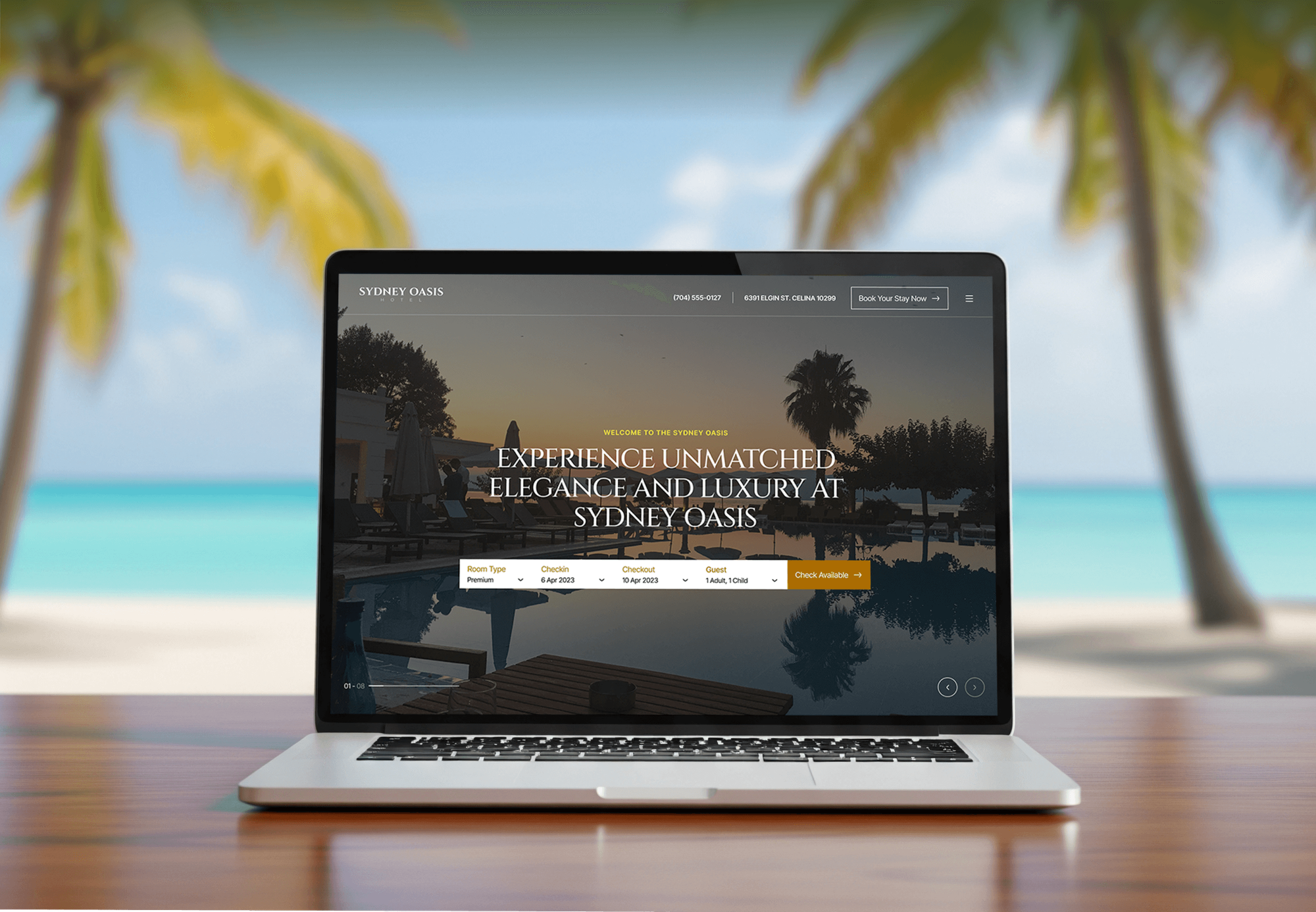
Art, concierge, vacation rental, and interior design websites from our team, planned with clear pages and simple editing in mind.


What Our Clients Say
Feedback from small businesses and teams we have designed websites for.
We had a pretty specific idea of what we wanted our website to become, but I wasn’t sure how easily we could explain all of it to a development team. There were quite a few moving parts, and we were working toward a deadline, so I expected a few things to get lost along the way. That never really happened. They understood what we were trying to achieve, kept us updated throughout the process, and got everything ready within the agreed timeline. The final site feels much easier to navigate, works beautifully on mobile, and is noticeably smoother for our customers. It was a huge relief seeing the original idea actually turn into the website we had in mind.
The mobile experience is probably my favourite part of the new site. We had spent a lot of time making sure the desktop version looked right, and the team kept pushing us to think about how everything would actually feel on a phone too. They were right. The navigation is clean, the interactions feel natural, and everything we’ve tested so far works exactly as it should. They also went through the links, forms, integrations, and other details more than once before launch, which I really appreciated. And even after going live, we could still reach out when something came up. The whole process felt friendly, organised, and surprisingly straightforward.
What I appreciate most is that the website is actually easy for us to manage now. We can update content ourselves instead of sending a developer a message every time we need to change something small. They also paid attention to the technical SEO side, which mattered to us because we didn’t want a new website to create problems for the traffic we already had. I’ve probably asked more questions than I should have since launch, but every question has been handled patiently and without any fuss. The team is easy to work with, they explain things clearly, and when we need something changed, they focus on getting it done rather than making the process complicated.
1,250+
Projects shipped
10+
Years of experience
Top 3%
Upwork Top Rated Plus
5 stars
Average review score

Want results like these?
Tell us what you are building. You get a reply within 24 hours on business days, then a written estimate.
Work Culture
Our Squarespace website design services work best when the owner can run the site. These habits keep it simple to edit and honest about the platform's limits.
If Squarespace can't do what you need, such as complex bookings or a large store, we'll tell you before we quote. Switching platforms later costs more.
We use Squarespace's own sections, blocks, and Site Styles before custom code. Native features survive platform updates and stay editable for you.
Custom CSS works on every plan, but code injection needs Core or higher. We keep custom code small and documented so platform updates don't break it.
Fluid Engine lets mobile layouts differ from desktop, so we check every page on a real phone. Small fixes there make a big difference to visitors.
You get a recorded walkthrough of the edits you'll make most. The goal is a site you update yourself, not one you pay us to touch.
The site sits in your Squarespace account and the domain stays in your name. We work as a contributor, and you can remove our access whenever you like.
Overview
DeveloperLook offers Squarespace website design for small businesses that want a professional site they can edit themselves. We plan your pages, set Site Styles, design layouts in Fluid Engine, check phones, set up SEO and forms, and train you. Projects start at $750, take 2 to 5 weeks, and the site stays in your account.
DEVELOPERLOOK
Project facts · Squarespace Website Design
Reviewed 7 Oct 2026 by Saimul Islam
Good fit
New businesses launching online
You're opening a studio or practice and want a clean Squarespace site live before your first clients start searching for you.
Owners stuck on a DIY site
You built your own site from a template, and it still looks like the demo no matter how many evenings you spend on it.
Service businesses taking bookings
You need visitors to book a session or call, and you want a Squarespace web designer who sets up Scheduling and forms properly.
Owners hiring their first designer
You're looking for a Squarespace website designer who gives you a clear plan, a fixed price, and training before you commit.
Agencies needing Squarespace help
Your agency has clients on Squarespace and needs Squarespace web designers who can deliver under your brand when your team is full.
Not a fit
Need a large store
You plan to sell hundreds of products with complex shipping and inventory. Our Squarespace to Shopify Migration service covers moving to Shopify.
Need custom features
You need memberships with custom logic, deep integrations, or full code control. Our WordPress Website Design Services page fits those needs better.
Happy doing it yourself
You enjoy building it yourself and only want a quick opinion. Squarespace's Blueprint tool and help guides may be enough for now.
Budget under $750
Your budget is under $750. A Squarespace template with your own photos, set up with Squarespace's guides, is the sensible place to start.
Not sure we're the right fit?
Book a free call or message us. We'll tell you honestly whether we're the right team.
Pricing
These are starting points in USD. Your final price depends on page count, booking or store needs, and migration, and you get a fixed proposal after a free Squarespace review.
For new businesses that want a polished Squarespace site built on a template, done right.
$750one-time, USD
For businesses that want a custom-looking Squarespace site built around their services.
$1,650one-time, USD
For larger sites that need a store, a move from another platform, or custom code.
$3,200one-time, USD
For Agencies
You own the client relationship. We supply the Squarespace design work behind it: page plans, Site Styles, Fluid Engine layouts, and training for your client. Everything ships under your brand, and we work as contributors on the client's own account.
White label: your client only ever sees your brand
Send the client's goals, brand assets, and Squarespace contributor access.
You get a page plan and a fixed price that you can resell.
Pages designed, checked on phones, and a recorded walkthrough for your client.
Plans, preview links, and training videos go out with your agency's name.
Designers who know Fluid Engine, Site Styles, and each plan's limits.
A clear price per site and page count that you can mark up.
Design capacity when several small client sites land at the same time.
The Right Technology for Your Project
We work inside Squarespace's own tools, so your site stays fully supported by the platform and easy for you to edit.
 Figma
Figma Canva
Canva Adobe XD
 Google Analytics
 Google Search Console
 Google Tag Manager
 PageSpeed Insights
 HTML5
HTML5 CSS3
CSS3 JavaScript
 Chrome DevTools
FAQ
Straight answers on Squarespace design costs, ease of use, changing your design, custom code, and what designers charge.
Saimul IslamFounder & CEO, DeveloperLookStill have questions?
Send a message or book a call with the team.
Designing a Squarespace site with DeveloperLook starts at $750 for a template styled to your brand with up to 5 pages. Custom designs with up to 12 pages and Scheduling or a blog start at $1,650, and full builds with a store or a migration start at $3,200. Your Squarespace plan is billed separately by Squarespace.
A template-based Squarespace site takes 2 to 3 weeks, and a custom design takes 4 to 5 weeks. Content is usually the slowest part, so having your text and photos ready shortens it. Migrations from Wix or WordPress add about a week for moving pages and setting redirects.
Squarespace web designers price by project or by the hour, and rates vary with experience and location. Compare what each quote includes: page count, mobile checks, SEO setup, and training. Our fixed prices start at $750, $1,650, and $3,200, which gives you a reference point whether you hire us or someone else.
We plan the pages first, then set Site Styles for fonts, colors, and buttons. Each page gets built from native sections in Fluid Engine, checked on phones, and connected to forms and SEO settings. You approve the design on a private link before launch, then learn to edit it in a recorded walkthrough.
Pick a template close to your goal, then set fonts and colors in Site Styles before adding content. Build each page from Squarespace's ready-made sections, keep pages short, and check the mobile view in Fluid Engine. Squarespace's Blueprint tool can also suggest a starting layout based on your answers to a few questions.
Yes, for most beginners. Squarespace handles hosting, SSL certificates, and platform updates on every plan, and Fluid Engine lets you drag blocks into place. The harder part is design: making pages look consistent and work well on phones takes practice, which is where a designer saves you time.
On Squarespace 7.1, you change the design through Site Styles rather than by switching templates. Squarespace's own help guide says 7.1 sites can't change templates, because every template shares one structure. You adjust fonts, colors, and section layouts instead, or rebuild pages section by section for a bigger refresh.
Yes, within limits. Custom CSS works on every Squarespace plan, while code injection and JavaScript code blocks need the Core plan or higher. We keep custom code small and documented, because heavy custom code can break when Squarespace changes its features. If you need more control than that, WordPress is usually the better platform.
Choose Squarespace if you want an all-in-one platform you can edit yourself, with hosting and security handled for you. Choose WordPress if you need custom features, many integrations, or full control over code and hosting. We work on both platforms and recommend the one that fits how you'll run the site.
You do. The site lives in your Squarespace account, the domain stays in your name, and we work as a contributor you can remove. Squarespace can export some content to WordPress, though not every page type, so we note which parts would need rebuilding if you ever move.
Saimul IslamFounder & CEO, DeveloperLookStill have questions?
Send a message or book a call with the team.
Free 30-min callGoogle Meet
Book a call
In 30 minutes on Google Meet we walk you through how we would build it, how long it takes and what it costs. Then you get a written estimate.
Calendar not showing? Book on cal.com or send a brief.