Page SEO settings
SEO title, description, and URL slug written for every page, blog post, and product.

For small businesses and creatives on Squarespace: a monthly SEO program that gets your pages found without leaving the platform you like. From $750 per month.
2X
More inquiries from Google
100%
Pages with unique SEO titles
How your project runs
01 · FreeTeams we have built for:














The Problem
It shows up after launch, when friends praise the design, but searches for your service in your own town show competitors with plainer, older sites.
Defaults
Pages still carry the default title and an empty description.
Defaults
We write a unique SEO title, description, and URL slug for each page.
Renames
A renamed page left its old link returning 404 errors.
Renames
URL mappings send every old address to the new page with a 301.
Images
Photo files named with camera numbers tell Google nothing.
Images
We rename files and write alt text that describes what each photo shows.
One page
Every service sits on one long page with nothing specific.
One page
Each service gets its own page, built around how buyers search for it.
You built the site yourself over a few weekends, and it looks better than any competitor's. But most pages still carry the default SEO title, and the image files are named after camera numbers. Your services sit on one long page, so Google has nothing specific to rank. When you renamed a page, its old link started returning a 404. Search Console isn't connected, so nobody knows which searches find you, if any.
We start with what Squarespace lets you control and use all of it. Every page gets an SEO title, description, and clean URL slug, every renamed page gets a URL mapping, and images get descriptive names and alt text. Each service gets its own page, and blog posts answer what your buyers search for. For SEO, Squarespace already handles hosting, SSL, and the sitemap, so the work goes into pages and content instead.
Every page's SEO fields filled
Unique titles, descriptions, and slugs written for every page, post, and product you publish.
Renamed pages redirected
URL mappings send every old address to its new page with a permanent 301 redirect.
Images named and described
Descriptive file names and alt text on your photos, so images help your pages rank.
Our Squarespace SEO Process
You see what we find on your Squarespace site, approve each change, and keep editing the site yourself while we handle the SEO work behind it.
We check every page's SEO settings, your URL slugs, images, site structure, and Search Console if it is connected. You get a short list of fixes in priority order, with notes on which ones you can make yourself.
What's Included
Every plan covers the settings Squarespace gives you, the pages your buyers search for, and a plain report, all done inside your existing site and design.
Compare Options
Doing it yourself is fine for a small site and an owner with spare hours. Agencies cover wider marketing. Here is what each option means for a Squarespace site.
| Feature | DeveloperLookBest fit | DIY with guides | Generic agency |
|---|---|---|---|
| Search and page plan | Built around your buyers' searches | Guesswork from checklists | Keyword list, often generic |
| Page SEO settings | Written for every page | You fill them one by one | Usually included |
| Redirects for renamed pages | URL mappings kept current | Easy to forget | Varies by agency |
| Platform know-how | Works inside Squarespace limits | Learned through trial and error | Often WordPress-first advice |
| Content writing | Service pages and posts monthly | You write everything | Included, depth varies |
| Local search | Service area pages and profile | Possible with time | Often a separate package |
| Monthly cost | From $750 per month | Free apart from your time | Retainers vary widely |
| Who edits the site | You keep full control | Sometimes the agency only |
Projects We've Built
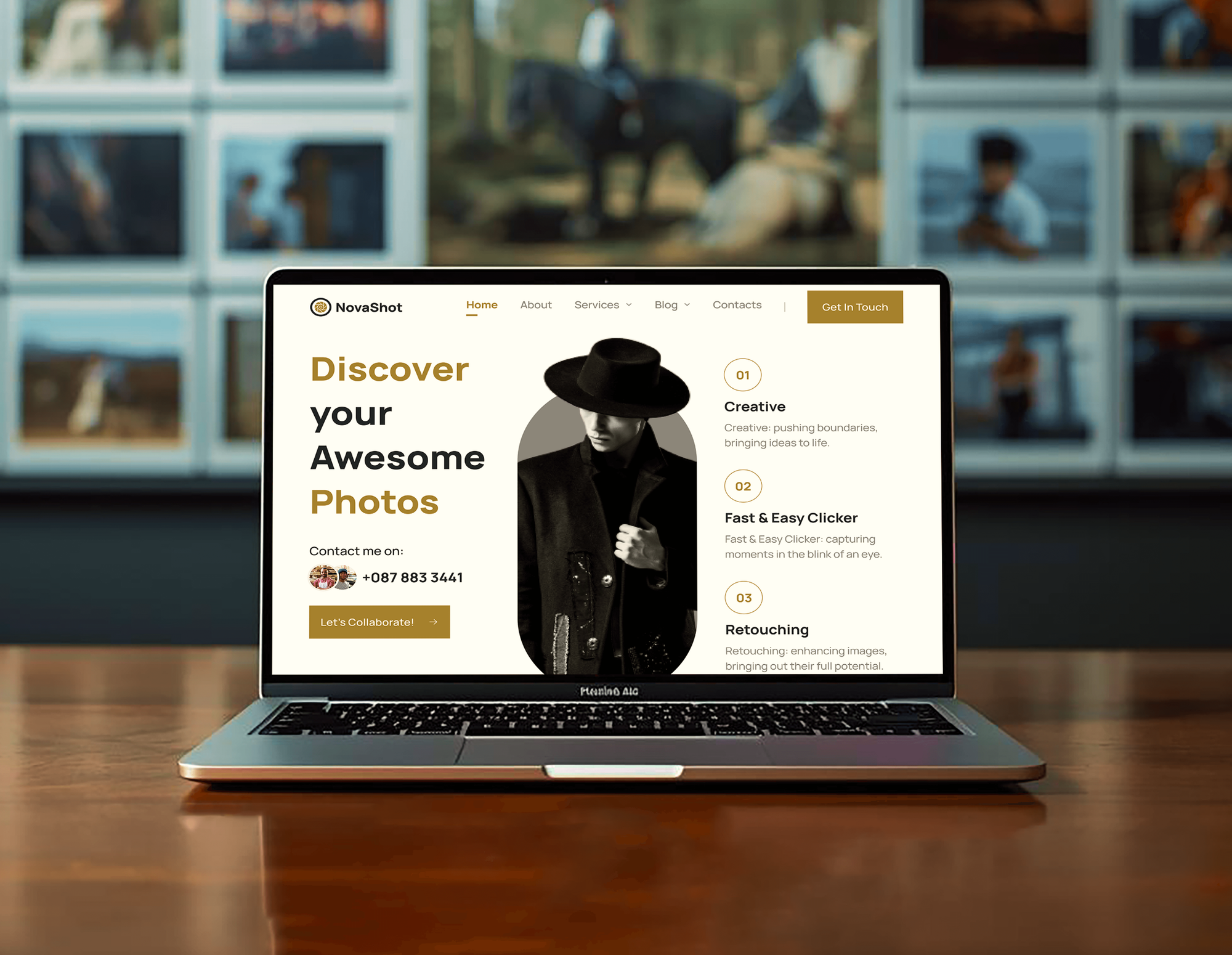
Portfolio, studio, and service websites we designed and built: the kind of small, visual sites our Squarespace SEO work is made for.



What Our Clients Say
Feedback from teams we have built websites, apps, and platforms for.
We had a pretty specific idea of what we wanted our website to become, but I wasn’t sure how easily we could explain all of it to a development team. There were quite a few moving parts, and we were working toward a deadline, so I expected a few things to get lost along the way. That never really happened. They understood what we were trying to achieve, kept us updated throughout the process, and got everything ready within the agreed timeline. The final site feels much easier to navigate, works beautifully on mobile, and is noticeably smoother for our customers. It was a huge relief seeing the original idea actually turn into the website we had in mind.
The mobile experience is probably my favourite part of the new site. We had spent a lot of time making sure the desktop version looked right, and the team kept pushing us to think about how everything would actually feel on a phone too. They were right. The navigation is clean, the interactions feel natural, and everything we’ve tested so far works exactly as it should. They also went through the links, forms, integrations, and other details more than once before launch, which I really appreciated. And even after going live, we could still reach out when something came up. The whole process felt friendly, organised, and surprisingly straightforward.
What I appreciate most is that the website is actually easy for us to manage now. We can update content ourselves instead of sending a developer a message every time we need to change something small. They also paid attention to the technical SEO side, which mattered to us because we didn’t want a new website to create problems for the traffic we already had. I’ve probably asked more questions than I should have since launch, but every question has been handled patiently and without any fuss. The team is easy to work with, they explain things clearly, and when we need something changed, they focus on getting it done rather than making the process complicated.
1,250+
Projects shipped
10+
Years of experience
Top 3%
Upwork Top Rated Plus
5 stars
Average review score
1,250+
Projects shipped
10+
Years of experience
Top 3%
Upwork Top Rated Plus
5 stars
Average review score

Want results like these?
Tell us what you are building. You get a reply within 24 hours on business days, then a written estimate.
Work Culture
You chose Squarespace so you could run the site yourself. We keep it that way, working within the platform and explaining each change in plain language.
We change words, settings, and structure, not your look, unless a layout hides text Google needs. You approve any design change before it goes live.
Squarespace doesn't let anyone edit the sitemap or a page's source code, so we won't sell fixes that need it. If you outgrow the platform, we'll say so plainly.
Each report explains one change in plain words, so you can repeat it on new pages. Many owners end up writing better SEO titles themselves.
The monthly report names each page, setting, and redirect we touched, with dates. You can see exactly what changed on your own site.
Your Squarespace site, domain, and Search Console stay in your name. We work through a contributor login that you can remove whenever you like.
For businesses with a service area, we build pages for the places you serve. Searchers nearby see a page written for them, not a generic homepage.
Overview
DeveloperLook is a Squarespace SEO expert team for small businesses and creatives who run their own site. Each month we write page SEO settings, keep URL mappings current, name and describe images, and publish service pages and posts. Monthly plans start at $750 per month, the first fixes go live in 3 to 4 weeks, and your design stays as it is.
DEVELOPERLOOK
Project facts · Squarespace SEO Expert
Reviewed 28 Oct 2026 by Saimul Islam
Good fit
Service businesses on Squarespace
Your Squarespace site brings in referrals but almost nothing from search, and you want a page for each service people look for.
Artists, designers, and creative studios
You post new work every month, but your galleries rank for nothing because the images carry camera file names and no descriptions.
Owners who need Squarespace SEO help
You read the guides and filled in some settings, but you want a Squarespace SEO expert to say which fixes matter and in what order.
Small online shops on Squarespace
You sell a modest range with Squarespace Commerce, and your product pages carry thin descriptions and no clear category structure.
Agencies wanting a Squarespace SEO specialist
Your agency designs Squarespace sites and wants a Squarespace SEO specialist for clients who ask about rankings after launch.
Not a fit
Budget under $750 a month
If $750 a month is more than your site can carry, a one-time ranked plan from our SEO Consultant service lets you do the work yourself.
You need a new design
Your site needs a fresh design or layout, not SEO alone. Our Squarespace Website Design team handles that, with SEO settings built in.
Store moving to Shopify
You plan to move your store off Squarespace to Shopify. Our Squarespace to Shopify Migration service moves products and redirects first.
Code-level changes needed
You need edits to the sitemap or page source code. Squarespace doesn't allow those, so a platform such as WordPress fits better.
Not sure we're the right fit?
Book a free call or message us. We'll tell you honestly whether we're the right team.
Pricing
These are monthly starting points in USD. Your plan depends on page count, whether you sell products, and how much new content you want, and you get a fixed proposal after a free review.
For Agencies
You own the client relationship. We supply the Squarespace SEO work behind it: settings, redirects, pages, and monthly reports in your branding. Your designers keep building beautiful sites while we make sure clients can find them.
White label: your client only ever sees your brand
Share the site, contributor access, and goals, and we review it within a week.
You get a fixed monthly scope and a price you can mark up.
We send changes and reports each month for you to present to your client.
Share the site, contributor access, and goals, and we review it within a week.
You get a fixed monthly scope and a price you can mark up.
We send changes and reports each month for you to present to your client.
The Right Technology for Your Project
Squarespace handles hosting and security, so our tools focus on settings, search data, and content that bring visitors to your pages.
 Squarespace
 Google Search Console
 Google Analytics (GA4)
 Semrush
 PageSpeed Insights
 Lighthouse
 Chrome DevTools
Related Services
Pair Squarespace SEO with design and local work, or compare our other platform and small business SEO programs.
This page
Squarespace SEO Expert
Pairs with the 6 services around it
FAQ
Straight answers on cost, timelines, platform limits, and how Squarespace compares with Wix for search.
Saimul IslamFounder & CEO, DeveloperLookStill have questions?
Send a message or book a call with the team.
Yes, Squarespace is good for SEO for most small business sites. It includes SSL, an automatic sitemap, mobile-friendly templates, and an SEO panel on every page for titles, descriptions, and URL slugs. Results come from how you use those settings and what you publish, which is where most Squarespace sites fall short.
No, but it has limits worth knowing. Squarespace doesn't let you edit the sitemap or a page's source code, and large galleries slow pages down if image files aren't sized well. Collection URLs also follow the platform's own patterns. For a small business site these limits rarely matter; for a large catalog, they can.
Our plans start at $750 per month. Site Basics covers settings on every page, URL mappings, image alt text, and 1 page a month. Steady Growth ($1,200) adds 3 pieces a month plus service and location pages. Full Program ($1,800) adds 5 pieces, Commerce product pages, and link outreach. You get a fixed proposal after the free review.
First fixes are usually live in 3 to 4 weeks, and visits from Google tend to build over 3 to 6 months. Settings and redirect fixes can show within weeks, once Google recrawls the pages. New service pages and posts take longer, because Google has to find them, rank them, and test them against competing pages.
Yes, and almost all of it happens in the built-in settings and content, with no code needed. Good SEO for Squarespace website owners means setting each page's SEO title, description, and slug, adding URL mappings for renamed pages, describing images, and connecting Search Console. Code injection can add extra structured data where your plan allows it.
Partly: a Squarespace content editor can usually change page-level SEO settings, but site-wide settings need an administrator. Page titles, descriptions, and URL slugs sit in page settings, which that permission covers. URL mappings, the site title format, and connected accounts such as Search Console need an administrator. Check your own Permissions panel, since Squarespace adjusts roles over time.
Squarespace sites can rank as well as sites on any other platform when the content and settings are right. Google ranks pages, not website builders, so a clear service page with a strong title beats a vague one anywhere. Where Squarespace sites struggle is thin pages: one long services page, or a gallery with no text at all.
Neither is clearly better for SEO: both give you editable titles, descriptions, slugs, redirects, and automatic sitemaps. Wix exposes more advanced settings, such as an editable robots.txt file, while Squarespace keeps fewer settings and no code-level access. Pick the one you'll keep updating, because steady, useful pages matter more than the platform.
Choose one that works inside Squarespace's real limits and shows its work. Ask for a sample monthly report, how they handle URL mappings, and whether they'll touch your design. Be wary of anyone promising first-page rankings by a date, since Google says no one can promise that. A good partner leaves every account in your name.
Yes, you keep full control of your Squarespace site the whole time. We work through a contributor login you can remove at any moment, and every change appears in the monthly report. You can keep editing pages, adding products, and posting while we work, and we check new pages for SEO settings each month.
Saimul IslamFounder & CEO, DeveloperLookStill have questions?
Send a message or book a call with the team.
Free 30-min callGoogle Meet
Book a call
In 30 minutes on Google Meet we walk you through how we would build it, how long it takes and what it costs. Then you get a written estimate.
Calendar not showing? Book on cal.com or send a brief.