
Session types and pricing
Consultations, hourly sessions, half days, and full days, each with the length and deposit rule you choose.

Tattoo booking software set up for deposits, consent forms with ID upload, aftercare texts, and synced artist calendars. From $750.
10+ hrs
Admin time saved weekly
100%
Consent signed before sessions
How your project runs
Teams we have built for:














The Problem
Most days start at the counter. A client reads a clipboard consent form while the artist waits, and a consultation lands on a day blocked for needle time.
01 · Deposits
Deposits for long projects get lost between sessions.
Each project keeps its deposit until the final sitting.
02 · Consent
Clients fill in clipboard forms while the artist waits.
Consent and ID arrive with the confirmation, signed before arrival.
03 · Calendars
Consultations land on days blocked for needle time.
Artist calendars sync both ways and block each other.
04 · Aftercare
Aftercare instructions go out from memory, if at all.
Opted-in clients get an aftercare text after every session.
A client arrives for session 3 of a sleeve, and nobody can find the deposit from April. The consent form is on a clipboard, the ID photo is on someone's phone, and your artist is setting up while the client reads. A guest artist's consultation lands on a day your resident blocked for a back piece. Aftercare goes out from memory, if at all. And every change means another round of DMs.
Your booking software gets set up around projects, not single appointments. Deposits carry to the final sitting, and consent forms with an ID upload arrive with the confirmation, signed before anyone sits down. Aftercare texts reach clients who opted in after each session. Your artists' calendars sync both ways, so consultations can't land on needle days. Flash days and guest spots book through pages on your own site.
Projects, not single slots
Multi-session pieces keep one deposit, one consent record, and notes that carry forward.
Consent signed before the chair
Forms and ID uploads arrive with the confirmation, and the front desk sees who hasn't signed.
Calendars that block each other
Consultation days and needle time sync with each artist's calendar, so they can't overlap.
Our Tattoo Booking Setup Process
You approve each rule before it goes live: deposits, forms, texts, and calendar blocks. We run test bookings with your team before clients see anything.
We map how your bookings, deposits, and consent work today, including where things slip. You get a short plan, a tool recommendation if yours doesn't fit, and a fixed quote for the setup.
What's Included
Your booking tool, set up for tattooing. Session types, deposits, consent with ID, aftercare texts, synced calendars, and booking pages for flash days and guest artists.
Compare Options
Tattoo shop management software and a DIY scheduler both work for plenty of studios and cost less upfront. Here is where each leaves gaps.
| Feature | DeveloperLookBest fit | Tattoo app | DIY setup |
|---|---|---|---|
| Fits your tools | Works with your current tools | You move everything over | Whatever you configure |
| Multi-session deposits | Carried to the final sitting | Built in on some apps | Tracked by hand |
| Consent and ID | Signed before arrival | Included in tattoo apps | Clipboard or separate form |
| Aftercare texts | Per session, opt-in recorded | Templates you edit | Manual messages |
| Calendar sync | Two-way, busy rules tested | Varies by app | Easy to misconfigure |
| Flash and guest pages | Built on your own site | Inside the app's pages | Rarely possible |
| Setup cost | From $750, fixed scope | Monthly fee, quick setup | Your time only |
| Switching later | Your data stays exportable | Depends on export options | Easy but manual |
Projects We've Built
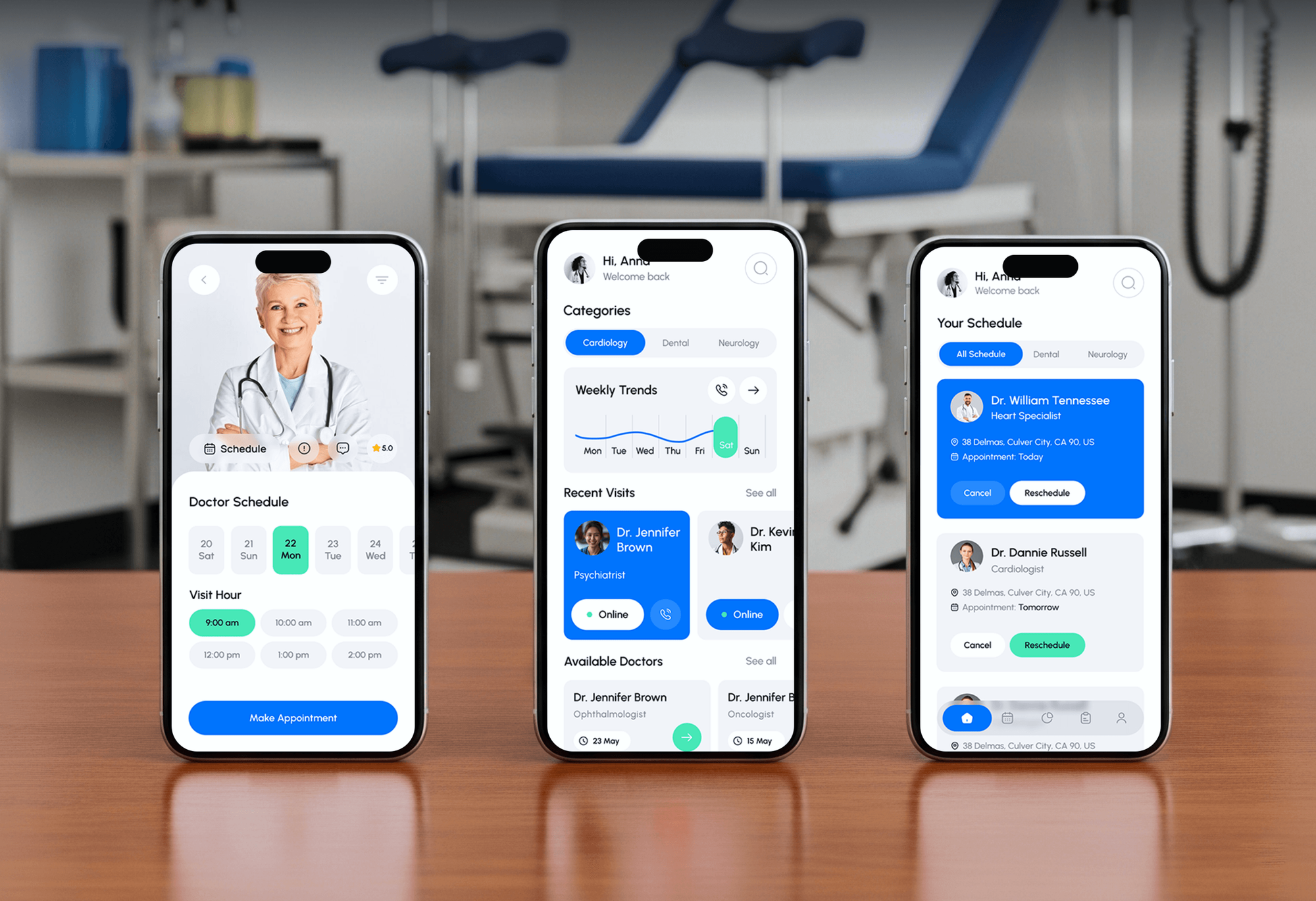
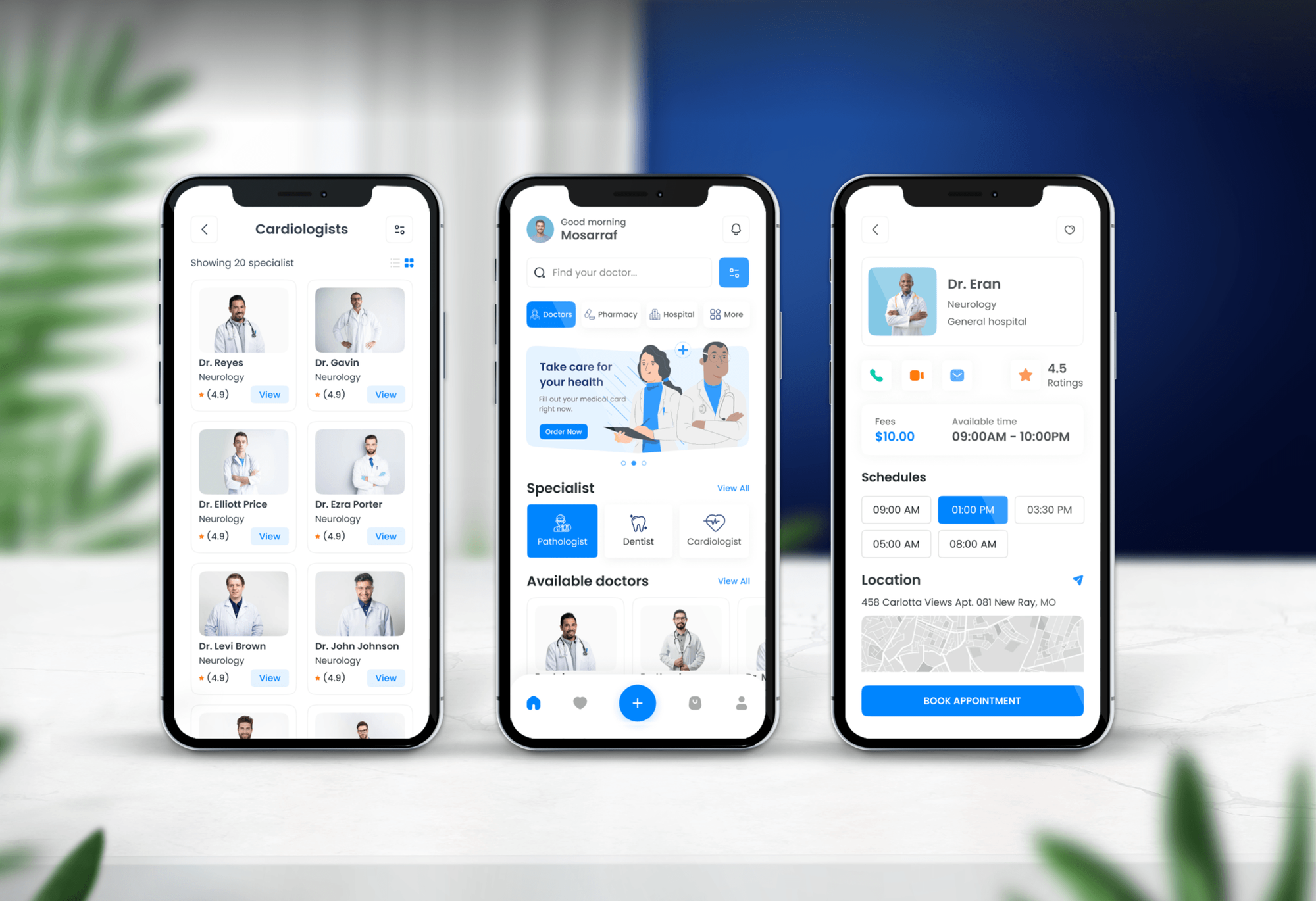
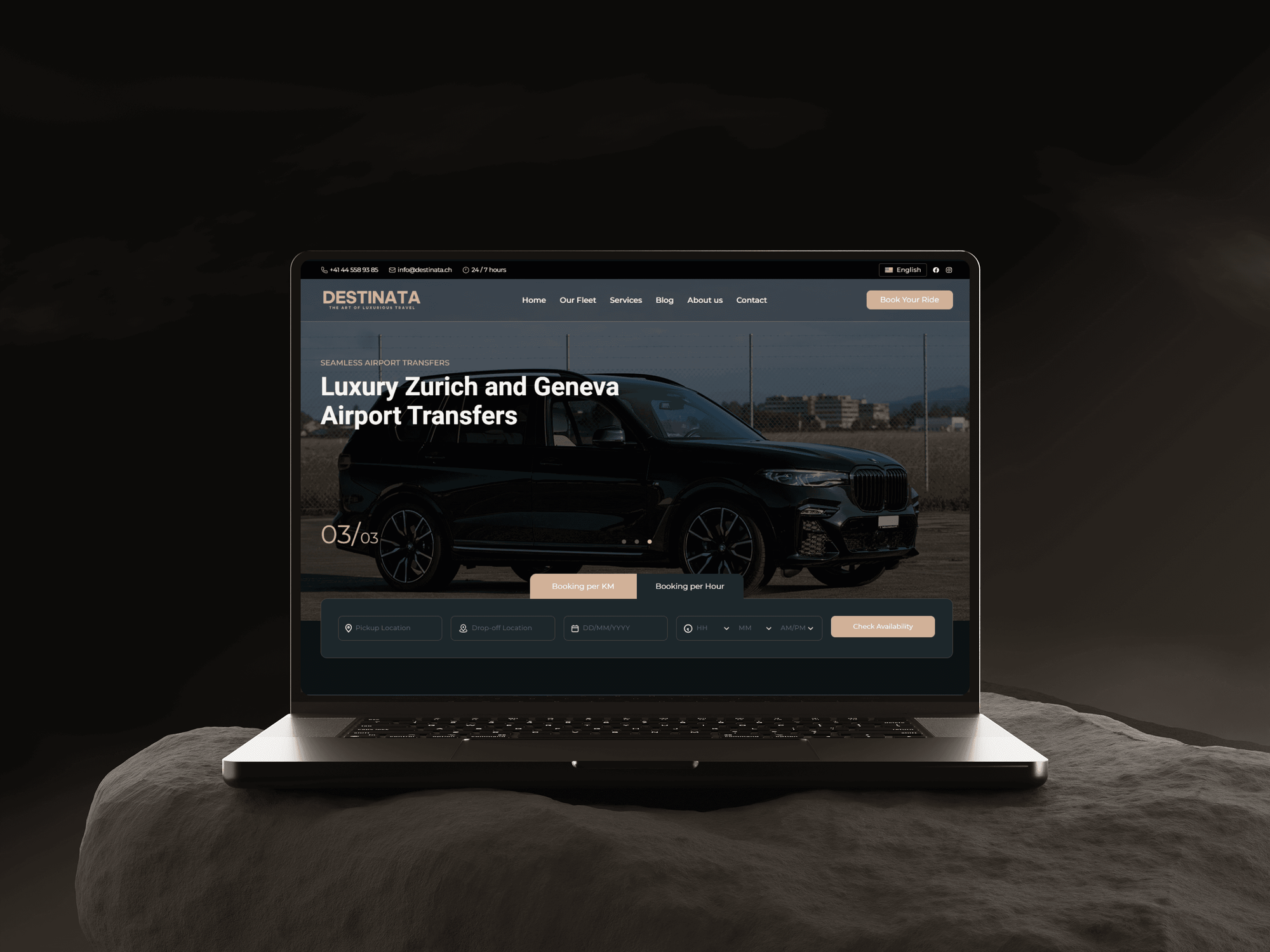
Appointment, clinic, and reservation booking projects we have designed and built. They run on the calendar, availability, and form logic a tattoo studio's bookings need.

What Our Clients Say
Feedback from teams we have built booking systems and integrations for.
We had a pretty specific idea of what we wanted our website to become, but I wasn’t sure how easily we could explain all of it to a development team. There were quite a few moving parts, and we were working toward a deadline, so I expected a few things to get lost along the way. That never really happened. They understood what we were trying to achieve, kept us updated throughout the process, and got everything ready within the agreed timeline. The final site feels much easier to navigate, works beautifully on mobile, and is noticeably smoother for our customers. It was a huge relief seeing the original idea actually turn into the website we had in mind.
The mobile experience is probably my favourite part of the new site. We had spent a lot of time making sure the desktop version looked right, and the team kept pushing us to think about how everything would actually feel on a phone too. They were right. The navigation is clean, the interactions feel natural, and everything we’ve tested so far works exactly as it should. They also went through the links, forms, integrations, and other details more than once before launch, which I really appreciated. And even after going live, we could still reach out when something came up. The whole process felt friendly, organised, and surprisingly straightforward.
What I appreciate most is that the website is actually easy for us to manage now. We can update content ourselves instead of sending a developer a message every time we need to change something small. They also paid attention to the technical SEO side, which mattered to us because we didn’t want a new website to create problems for the traffic we already had. I’ve probably asked more questions than I should have since launch, but every question has been handled patiently and without any fuss. The team is easy to work with, they explain things clearly, and when we need something changed, they focus on getting it done rather than making the process complicated.
1,250+
Projects shipped
10+
Years of experience
Top 3%
Upwork Top Rated Plus
5 stars
Average review score

Want results like these?
Tell us what you are building. You get a reply within 24 hours on business days, then a written estimate.
Work Culture
Booking rules touch money, consent, and every artist's day. These habits keep all three straight for your studio.
Acuity only blocks time for outside events marked Busy, and it ignores events more than 200 days out. Your drawing days get marked correctly, and far-off dates are blocked in the scheduler.
A deposit belongs to the whole piece, not one sitting. You decide how it carries to the final session, so nobody on your team refunds or charges it by mistake.
Signed forms and ID uploads arrive with the confirmation, not at the counter. Your front desk sees who hasn't signed before the day starts.
Aftercare texts go only to clients who opted in, and the record is kept. US texting also requires A2P 10DLC registration, which we file for you.
We set the switch-over around your busiest weeks, not ours. If moving your bookings needs more time, you hear it before we start.
Your booking account, client list, and signed forms stay in your name. If you change tools later, we'll show you how to export them.
Overview
DeveloperLook sets up tattoo booking software for studios and solo artists, in the tool you use or one we help you choose. We configure session types, project deposits, consent forms with ID upload, aftercare texts, and two-way calendar sync. Setups start at $750 and most go live in 2 to 6 weeks, with every account in your name.
DEVELOPERLOOK
Project facts · Tattoo Booking Software Integration
Reviewed 28 Sep 2026 by Saimul Islam
Good fit
Studios switching off paper consent
You still hand clients a clipboard. You want consent, ID, and deposits done before anyone reaches the counter.
Solo artists with long waitlists
Your books open months ahead, and you need booking software for tattoo artists that respects drawing days.
Studios running guest spots and flash days
You host guest spots and flash days each season, and those bookings arrive through DMs and spreadsheets.
Studios with several resident artists
Your 6 artists each keep their own calendar, and consultations keep landing on someone's blocked needle day.
Agencies with studio clients
You run an agency with tattoo studio clients and need a white-label team to configure booking, consent, and deposits.
Not a fit
Budget under $750
Your budget for setup is under $750. Your booking tool's own onboarding guides cover a simple single-artist setup.
Need a new website
Your website itself needs a rebuild with galleries and inquiry forms. Our Tattoo Artist & Studio Website Design page covers that.
Salon, not tattoo
You run a salon rather than a tattoo studio and need deposit rules. Our Salon Booking Software & Deposit Setup page fits.
Happy with your app
Your all-in-one tattoo app already handles consent, deposits, and calendars well. Keep it, and we'll say so if you ask.
Not sure we're the right fit?
Book a free call or message us. We'll tell you honestly whether we're the right team.
Pricing
These are starting points in USD. Your final price depends on how many artists you have, the booking tool, and any custom pages, and you get a fixed proposal after a free call.
For solo artists and small studios that need deposits, consent, and reminders set up in 2 to 3 weeks.
$750one-time, USD
For busy studios that need multi-session projects, aftercare texts, and synced calendars in 3 to 5 weeks.
$1,850one-time, USD
For studios running flash days and guest spots that want booking pages on their site in 5 to 6 weeks.
$3,900one-time, USD
For Agencies
Your agency keeps the studio relationship. We configure the booking side behind it: session types, deposits, consent forms, and synced calendars, plus a written setup record your team can maintain.
White label: your client only ever sees your brand
Share the tool, artist count, deposit policy, and the go-live date your client wants.
We return the scope, the rule list, and a price you can resell.
We configure and test everything, then hand over logins and notes under your name.
Studio staff deal with your team, and we work behind it.
Every deposit, form, and calendar rule written down for your support team.
Forms, ID uploads, and texting opt-ins set up and tested before launch.
Configure one studio or a group of shops on the same tool.
The Right Technology for Your Project
Your booking tool stays at the center. We add small pieces around it where the tool stops, so your staff keep one calendar.
 Zapier
 Stripe
 Twilio
 Apple Pay
 Google Pay
 Next.js
 React
React Node.js
 PostgreSQL
FAQ
Straight answers on cost, timelines, tool choice, consent forms, deposits, and calendar sync.
Saimul IslamFounder & CEO, DeveloperLookStill have questions?
Send a message or book a call with the team.
Tattoo booking software integration starts at $750 for up to 3 artists with deposits, consent forms, and reminders. Multi-session projects, aftercare texts, and synced calendars start at $1,850. Flash day and guest spot pages on your site start at $3,900. The vendor bills the booking tool's subscription to you.
Most setups go live in 2 to 6 weeks. A basic setup takes 2 to 3 weeks, the full consent and calendar flow 3 to 5, and custom flash and guest pages 5 to 6. Texting registration and moving future bookings usually set the pace.
No single tool wins for every studio, so it depends on how you price and book. Porter and similar tattoo apps handle approval-based requests, deposits, consent forms, and aftercare messages. Square Appointments and Acuity Scheduling treat each sitting as its own appointment. Either way, we set sessions by length at your hourly rate.
You attach them to the booking so they send themselves. The confirmation carries a consent form with a signature and an ID photo upload, and staff see who hasn't finished. Your team checks the ID against your state's age rules, and opted-in clients get aftercare texts after each session.
It makes each artist's personal calendar block bookings, and it puts every booking on that calendar. In Acuity, only outside events marked Busy block time, and events more than 200 days ahead are ignored. So your drawing days and far-off dates get set to match, and consultations land only on days you've opened.
We build the pages on your site and write each booking into your scheduler through its API. A flash drop page lists designs that come down once claimed, each held by a deposit. Guest spot pages show the visiting artist's dates. With Square, this needs Appointments Plus or Premium.
It should capture the client's signature, an ID photo, age confirmation, the placement and design, and the health questions your state or county requires. Each signed form belongs with the booking and the client record. We add those fields to your booking tool's forms, or connect a form service if yours falls short.
Yes, with a rule set up for it. Most general booking tools attach a deposit to a single appointment, so a multi-session piece needs a plan. Your deposit then applies at the first sitting or is tracked toward the last, as your policy says, with a note on the client record.
Yes, client lists move by export and import in most tools. Your future appointments are either recreated in the new tool or finished in the old one, and you choose which. Signed forms move as PDF copies where your old tool exports them, and we pick a quiet week for the switch.
Your studio owns all of it. Every booking, payment, and texting account is opened in your name, and we work as invited users. Client records and signed forms stay in your tool, and we hand over admin access at go-live. Support runs 30, 60, or 90 days, depending on plan.
Saimul IslamFounder & CEO, DeveloperLookStill have questions?
Send a message or book a call with the team.
Free 30-min callGoogle Meet
Book a call
In 30 minutes on Google Meet we walk you through how we would build it, how long it takes and what it costs. Then you get a written estimate.
Calendar not showing? Book on cal.com or send a brief.