Key takeaways
5 points
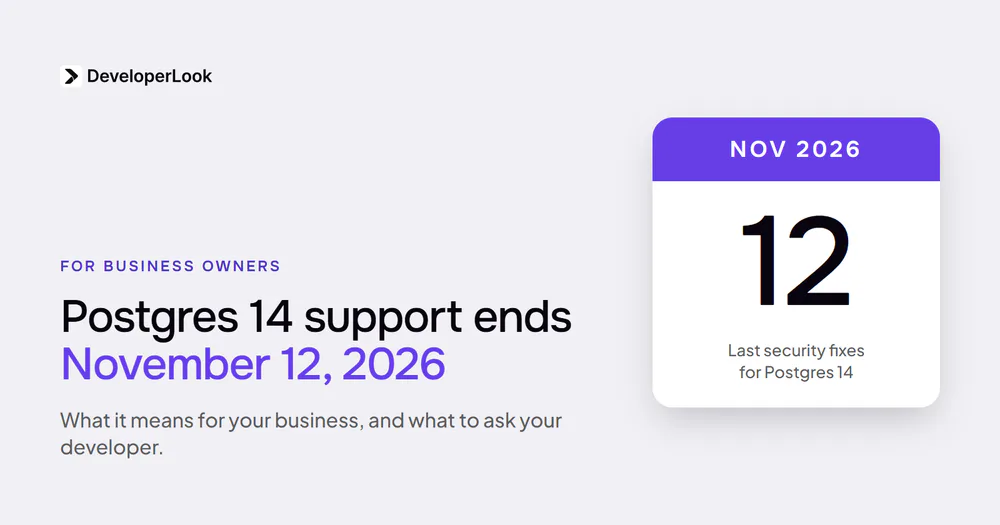
- 01Postgres 14 gets its last fixes on November 12, 2026. After that, new security problems in 14 stay unfixed.
- 02A safe upgrade starts with a backup that someone has restored on purpose, with the time it took written down.
- 03"Just change the version" is the risky way. If your database runs in Docker (a tool that packages it to run on a server), Postgres 18 moved where the data lives. A quick version swap can refuse to start or come up empty.
- 04The fastest method can keep downtime to seconds or minutes, but it has no undo once the new version starts. Your restored backup is the undo.
- 05Postgres 19 is planned for October 29, 2026 (as of October 2026). Don't put your live app on it on day one.
If your app runs on Postgres 14, yes, you need to upgrade, and soon. Postgres is the database many web apps keep their customers, orders, and accounts in, and Postgres 14 reaches end of life on November 12, 2026, when it stops getting security fixes. The upgrade is safe when it's done in the right order, and risky when it isn't.
Here's what a failed upgrade looked like for a client of mine. Their database was upgraded, came back empty, and the app couldn't connect. They were down for a few hours.
My own upgrade, on a database I run myself, went the other way: under a minute of downtime. It still stopped twice, once on a settings mismatch and once because the app couldn't connect afterward.
This guide is for founders and owners whose developer or agency runs their database. You'll learn whether this affects you, what's at stake, your options, and the questions that tell you your developer has it covered.
Does this affect you?
Ask your developer these four questions. Each takes a minute to answer.
- Is our database Postgres, and which version? Version 14 is the urgent one. Version 13 stopped getting fixes in November 2025, and older versions before that, so they're overdue. Version 15 has until November 2027.
- Does it run in Docker? If yes, the version 18 change below applies to you.
- Is it on a tool like Dokploy or Coolify? These are tools your developer uses to run apps on a server you rent. Dokploy needs one extra decision before the next upgrade.
- When was our backup last restored as a test? If the answer is "never," start there.
If you're on 14 or 15 and nobody has restored a backup, this is your next database job.
What's at stake
There are two risks: staying on an old version, and a botched upgrade.
Staying on 14. As of October 2026, the Postgres project's security page lists 38 security problems fixed in version 14 across its last four quarterly releases. Twenty-four of them scored 7.0 or more out of 10 on the standard severity scale. After November 12, problems like those stop getting fixed in 14 at all (PostgreSQL versioning policy).
How likely is an attack? Most of those 38 (28 of them) need someone who can already log in to the database, and none is on CISA's list of flaws known to be used in attacks (as of October 2026). So none of these is known to be under attack. The bigger risk is that every problem found after November 12 stays open.
A botched upgrade. My client's few hours looked like this: the app was down, and the database looked empty. What would a few hours of your app being down cost you?
The worse version is a backup that doesn't work when you need it. In January 2017, GitLab's backups had been failing quietly. Its public write-up of the outage says it lost over six hours of database changes, affecting roughly 5,000 projects, 5,000 comments, and 700 new user accounts.
How likely is the bad version? The research for this guide found no reliable published failure rate for database upgrades, only small, old community polls (as of October 2026). What the documented failures have in common is a skipped step: a backup nobody tested, or a version swap without moving the data.
Why upgrades go wrong
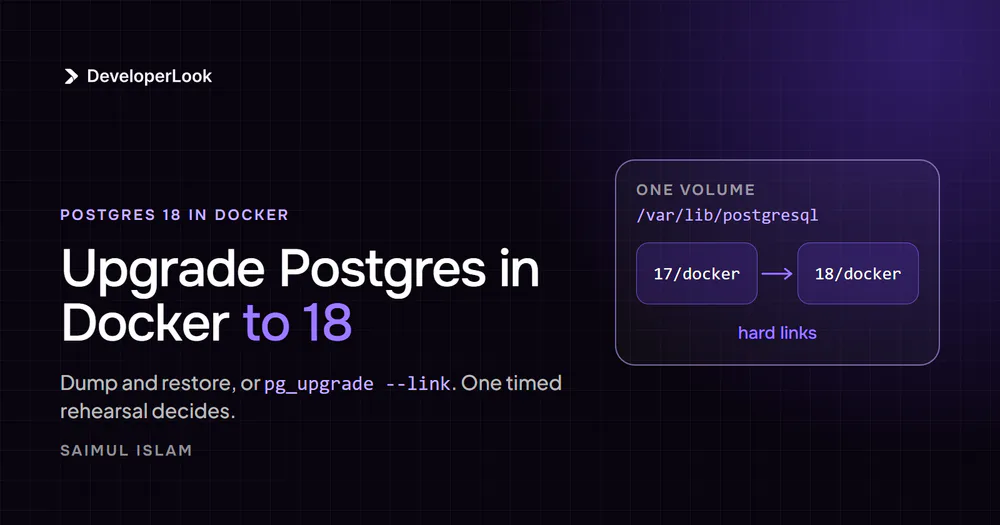
Postgres 18's official Docker setup moved where the data lives on the server. Think of a warehouse that changed which shelf it keeps your stock on. If your developer only changes the version number, the new database looks on the new shelf and finds nothing.
On current versions it then refuses to start, which is the safe outcome. On some older setups it started fresh and empty instead. The analogy stops there: your data isn't gone in that case, it's on the old shelf, as long as nobody "fixes" things by starting over.
Two more things trip people up, and they're the two stops in my own upgrade. Version 18 turns on a data safety feature by default that older databases usually don't have, so the upgrade stops with an error until your developer matches the setting. And the upgraded database starts with fresh access rules, which is why my app couldn't connect. Both are routine to fix when someone expects them.
Your developer can find the full walkthrough in the developer version of this guide.
Your options
| Option | What it costs | Risk left | Who it suits |
|---|---|---|---|
| Do nothing | Nothing now | No security fixes for 14 after November 12, 2026 | Nobody past November |
| Copy and reload (dump and restore) | Downtime while everything is copied out and back in. My test restore alone took 10 minutes (the database was a couple hundred MB) | Low: the old database stays untouched as your way back | Most small and medium apps |
| Fast upgrade on the same server (pg_upgrade) | Seconds to minutes of downtime, plus one-time preparation | In its fastest mode, no undo once the new version starts, except your restored backup | Bigger databases, or apps that can't be down for long |
| Move to a hosted database (a company runs it for you) | A monthly bill and a one-time move | As of October 2026, some providers (Amazon RDS, Supabase) run the upgrade for you; others, like Neon, leave it to you. You still schedule it and test it | Teams with nobody to own the database |
How big is the speed gap? In one published test from 2015, on older versions, copying and reloading 8.5 GB took 1,927 seconds, about 32 minutes. The fast method's quickest mode took about 13 seconds at every size tested (End Point). For a small database, copy and reload is usually fast enough, and it's simpler.
My own pick for a live database is pg_upgrade, the fast method, because it's faster on big ones. On a small database, copy and reload is simpler and fast enough. A practice run on a copy shows which one you have.
When a client asks me whether to upgrade, I say yes, before support ends. But only after a backup has been restored as a test, and in a quiet hour we've scheduled.
What to ask your developer
Three answers would worry me before any database upgrade: "we'll just change the version," "we have backups" from someone who has never restored one, and "it's managed, not our problem." These questions get past all three.
- "Which version are we on, and when does it stop getting security fixes?" A good answer is a number and a date: for 14, November 12, 2026.
- "When did you last restore our backup, and how long did it take?" A good answer is a date and a duration. "We have backups" isn't an answer until one has been restored.
- "Which upgrade method will you use, and how long will the app be down?" A good answer names the method and gives a downtime number from a practice run on a copy.
- "If it goes wrong halfway, how do we get back?" A good answer is either "the old database stays untouched until we've checked," or "we restore the backup, and that takes about X minutes."
- "After the upgrade, how will you check the app connects and all the data is there?" A good answer mentions logging in to the app, checking key records, and reading the whole database once without errors.
- If you're on Dokploy: "Is our database set up so the next upgrade can be the fast kind?" Dokploy's default setup for Postgres 18 (as of October 2026) blocks the fastest kind of upgrade to 19. A good answer is a plan: a copy and reload, or a one-time storage change first.
- "Will we move to 19 on release day?" A good answer is "no, we'll wait for the first fixes." Version 18's early months needed fixes, including one that some early adopters had to apply by hand (18.3 release notes).
If you hear "it's managed, not our problem," ask who tests the backup. Someone still has to.
How to tell it's done
Ask for proof, not a promise:
- The new version number, shown by the database itself.
- The restore test: the date, how long it took, and what was checked afterward.
- The downtime: when the app went down and when it came back.
- A check after the upgrade: logins work, recent orders or records are there, and the app's logs show no connection errors.
When this doesn't apply to you
- You're already on 16, 17 or 18, with a tested backup. You have time. Plan 19 for after its first fixes.
- Your database isn't Postgres. The deadline here is Postgres's. Ask your developer when your database's support ends.
- A hosting company runs your database. Ask whether it runs the upgrade or leaves it to you, when, and whether you can test first.
Upgrade before November, with proof
My client was down for a few hours. My own upgrade had the database down for under a minute. Both ended with an app that couldn't connect at first. That's what questions 2, 4 and 5 are for.
Here's the decision. On 14, schedule the upgrade before November 12, 2026. On 15, you have until November 2027, and the same steps apply. Either way, start with a restored backup.
Your next step is one message to your developer with questions 1 and 2, and a link to the developer version of this guide for them. A backup you've never restored isn't a backup. It's a file you feel good about.
If nobody on your side owns the database, our PostgreSQL consulting team can run the restore test, the practice run and the upgrade for you. If the server and backups around it need an owner too, see our DevOps services.
Sources
- [1]Versioning policy, PostgreSQL
- [2]PostgreSQL security information, PostgreSQL
- [3]Postmortem of database outage of January 31, GitLab
- [4]How fast is pg_upgrade anyway?, End Point
- [5]PostgreSQL 18.3 release notes, PostgreSQL
- [6]pg_upgrade, PostgreSQL 18 documentation
- [7]PostgreSQL 19 Open Items, PostgreSQL wiki
- [8]Dokploy pull request #5005, Dokploy
- [9]Known Exploited Vulnerabilities catalog, CISA
Related services
Share
Get new guides by email
Practical build advice for founders. No spam.
5,000+ joined our newsletter
 Questions about your build?Book a free 30-minute call with Saimul