
Nearby gym discovery
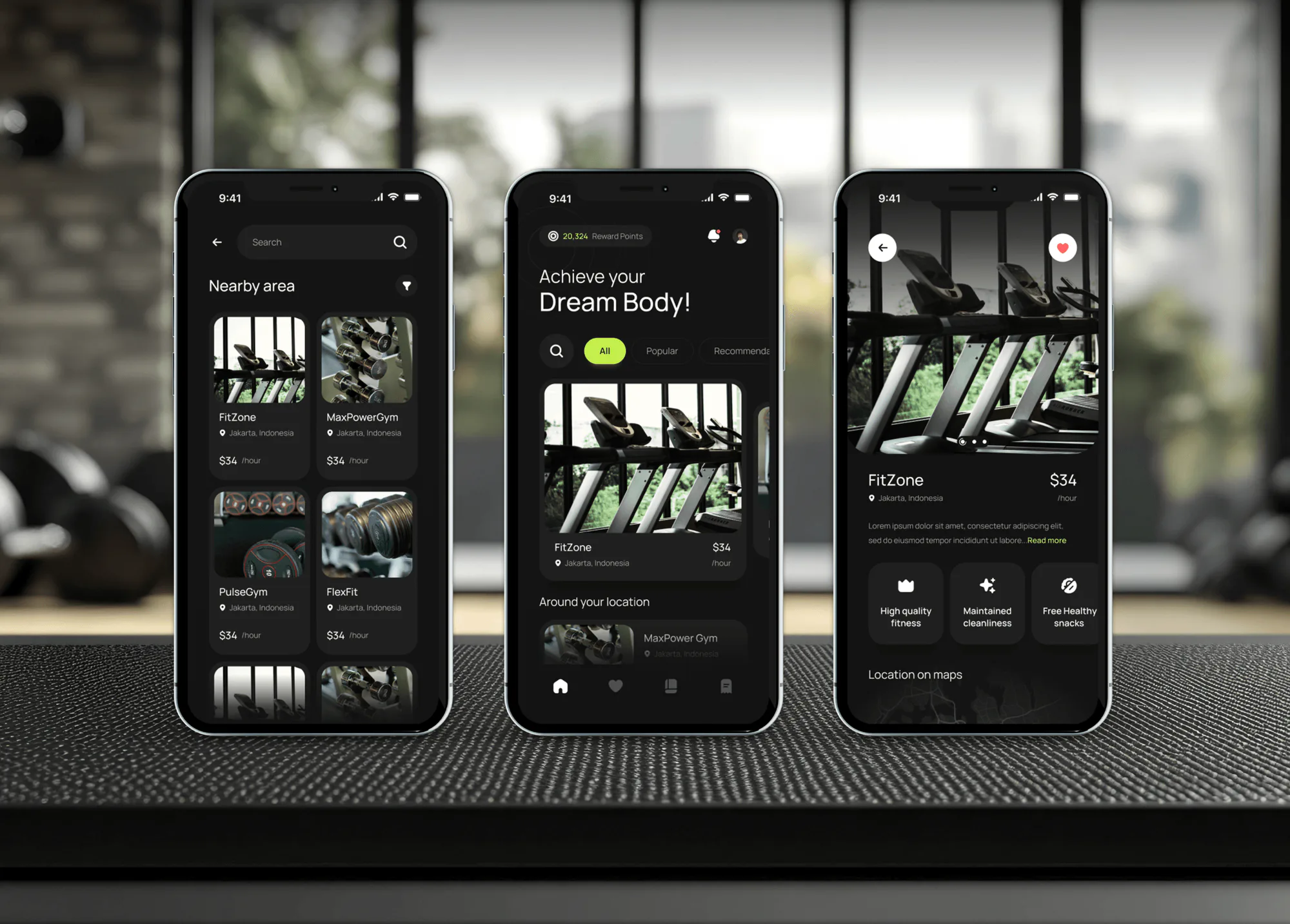
The home screen lists gyms around the user's location with popular and recommended filters, and a searchable nearby area grid shows each gym's photo, location, and hourly price.

Mobile Appfor SteelFit
A mobile app project in fitness & gym, delivered by DeveloperLook.
About the project
DeveloperLook designed and built SteelFit, a gym and fitness app where users find nearby gyms, book sessions by the hour, and pay by card. Users can add a personal trainer and earn reward points, all under a bold SteelFit brand.
SteelFit is a gym and fitness app made to help people reach their health goals with structure, motivation, and trainer support. The brief called for one app that works for beginners and experienced gym users alike, under a brand that feels motivating but still professional.
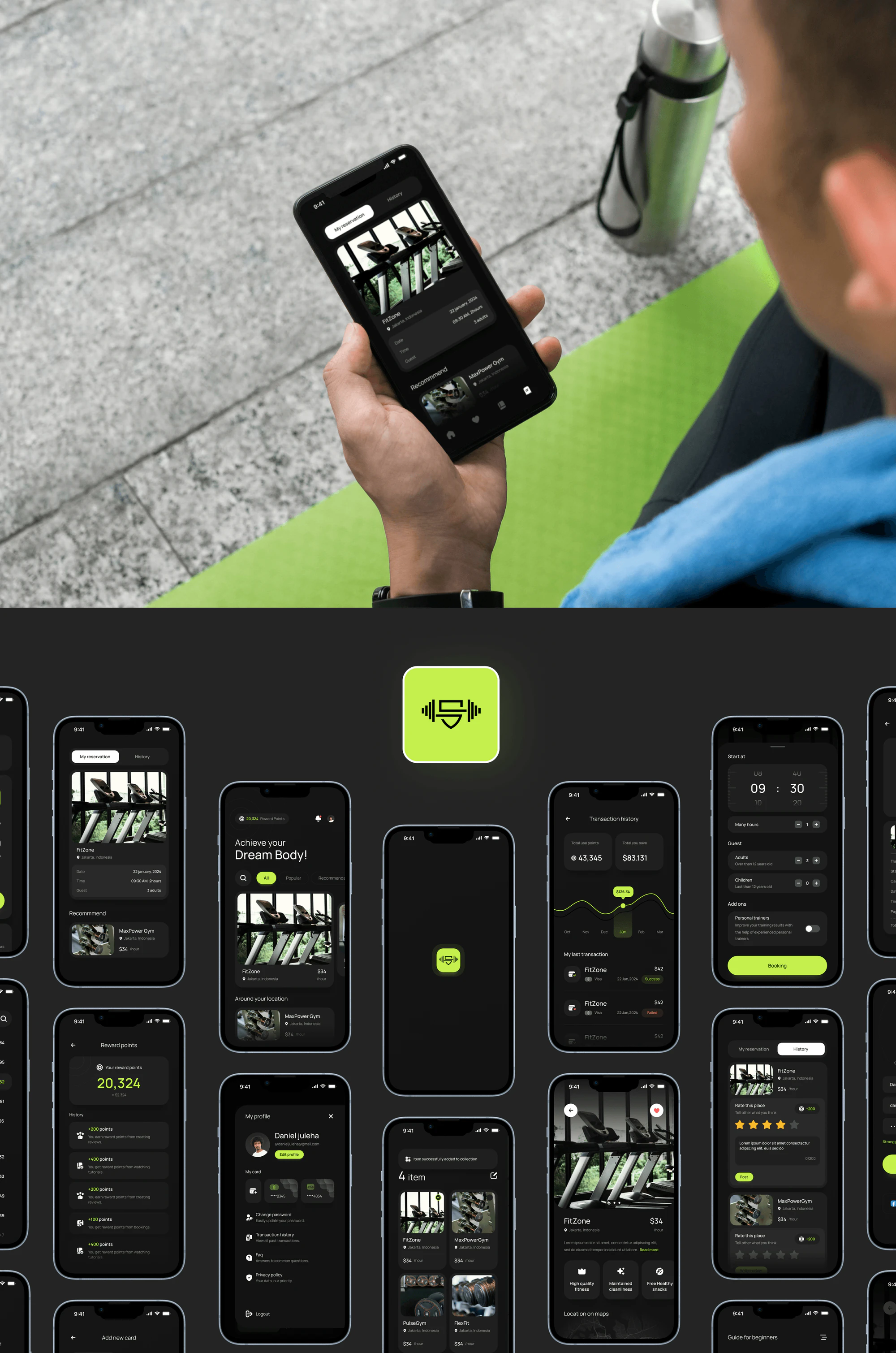
The home screen greets users with their reward points and a list of gyms around their location, filtered by popular or recommended. A nearby area view shows gyms in a grid with hourly prices. Each gym page has photos, a short description, amenities such as maintained cleanliness and free healthy snacks, and its location on a map.
Booking happens on one screen: a start time, the number of hours, adult and child guests, and an optional personal trainer. Users pay with a saved card, can apply reward points for a discount, and get a payment receipt. Reservation and history tabs keep upcoming and past visits, and users rate each place to earn more points.
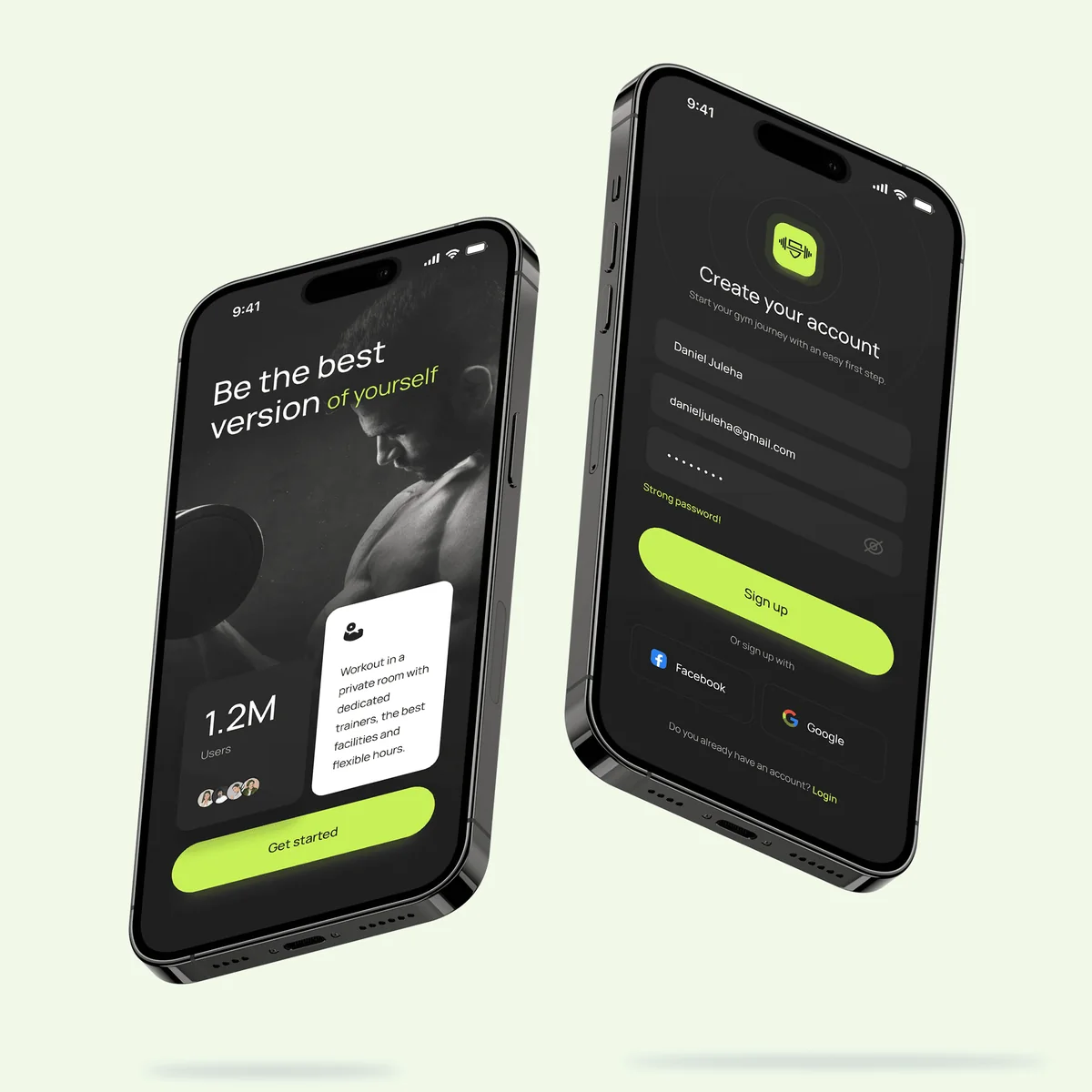
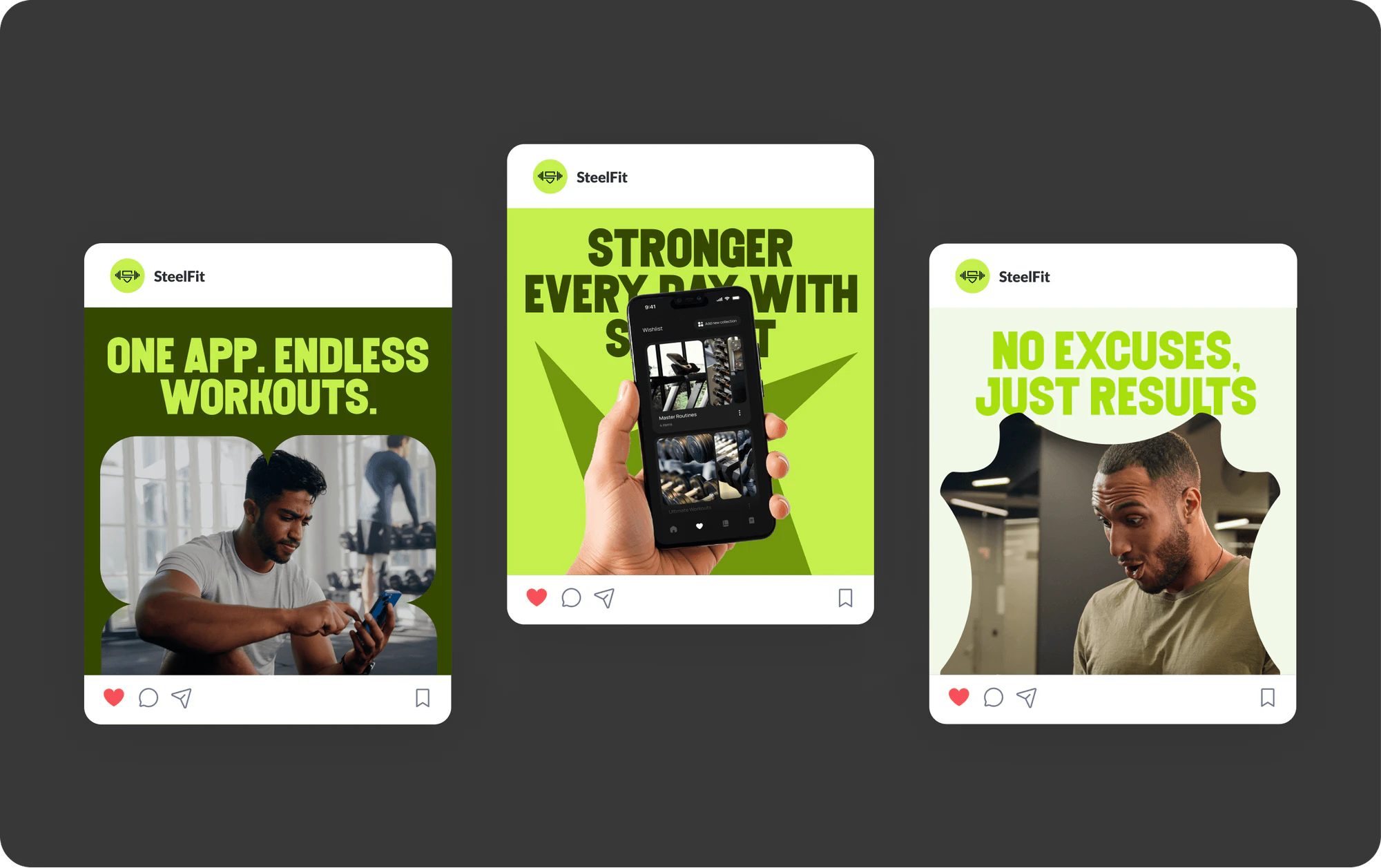
Profiles hold saved cards, transaction history, password settings, FAQ, and the privacy policy. Wishlist collections keep favorite gyms together, and beginner guides explain how to use gym equipment. The gallery also shows the SteelFit identity: a dumbbell logo with an S shield, lime and black colors, social posts, a billboard, and branded gym gear.
Tell us what you are building. We reply within 24 hours with questions or a call time.
What do you need?
Challenge and solution
The challenge
Newcomers needed simplicity, while regular users expected more depth.
The app also had to bring several tasks together, from gym bookings to trainer sessions, without clutter.
Keeping a motivating yet professional brand identity mattered just as much.
Our solution
We let users book sessions by the hour, add a personal trainer when they wanted guidance, and pay in the app.
We added reward points for bookings, reviews, and tutorials to keep users motivated, plus beginner guides for newcomers.
What we built
Eight features, shown next to the screens they live on.
The home screen lists gyms around the user's location with popular and recommended filters, and a searchable nearby area grid shows each gym's photo, location, and hourly price.
Each gym page shows photos, the hourly price, a short description, and amenities such as maintained cleanliness and free healthy snacks. A map shows the location, and a heart saves the gym.
Users choose a start time and the number of hours, add adult and child guests, and switch on a personal trainer add-on before confirming the booking.
Checkout lists saved cards with an option to add a new one, then the subtotal, trainer fee, and total. A receipt shows the transaction ID, status, date, and time.
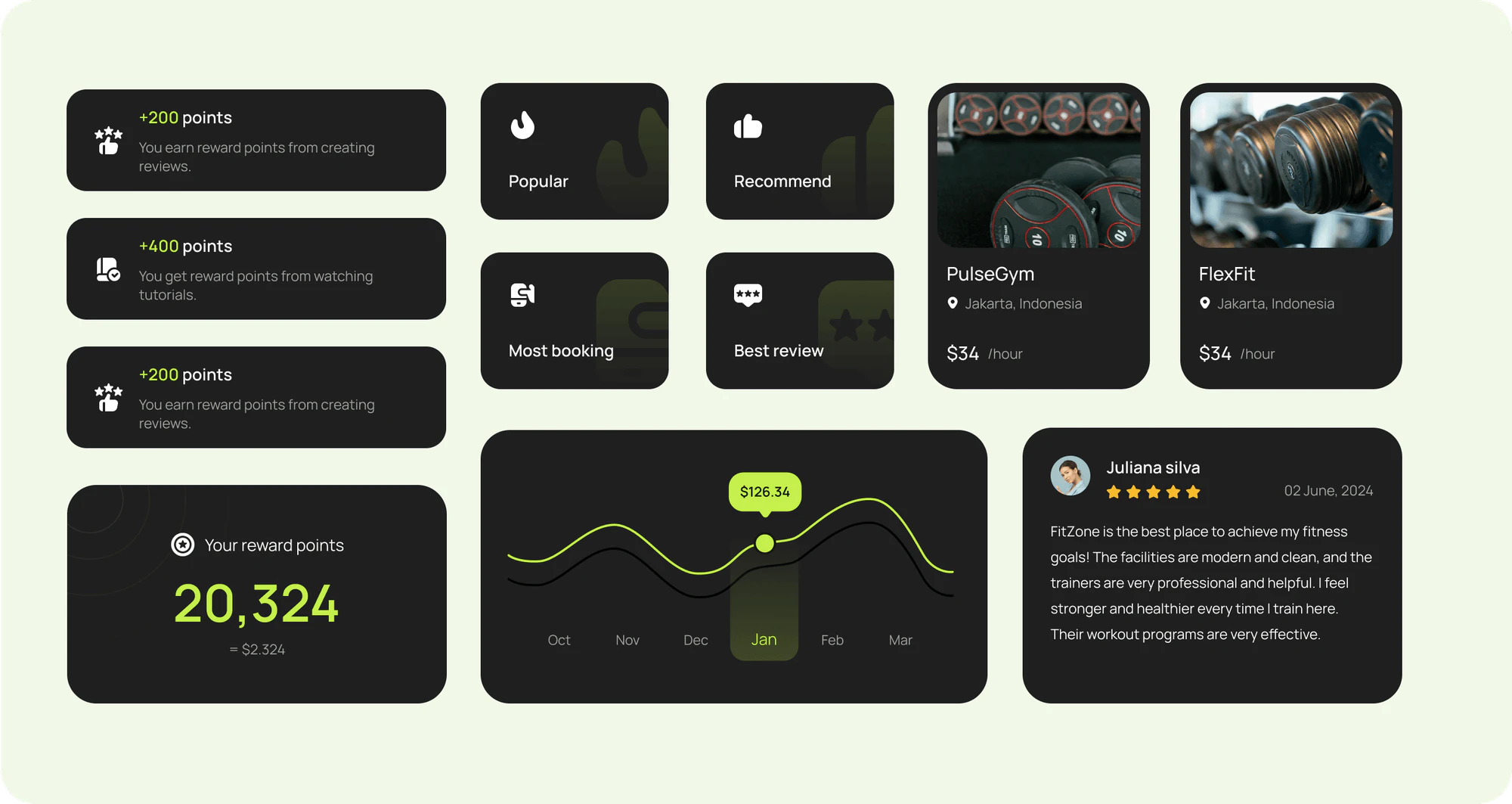
Users earn points for bookings, reviews, and watched tutorials, follow their balance and history, and use points at checkout for a discount. Transaction history shows points used and money saved.
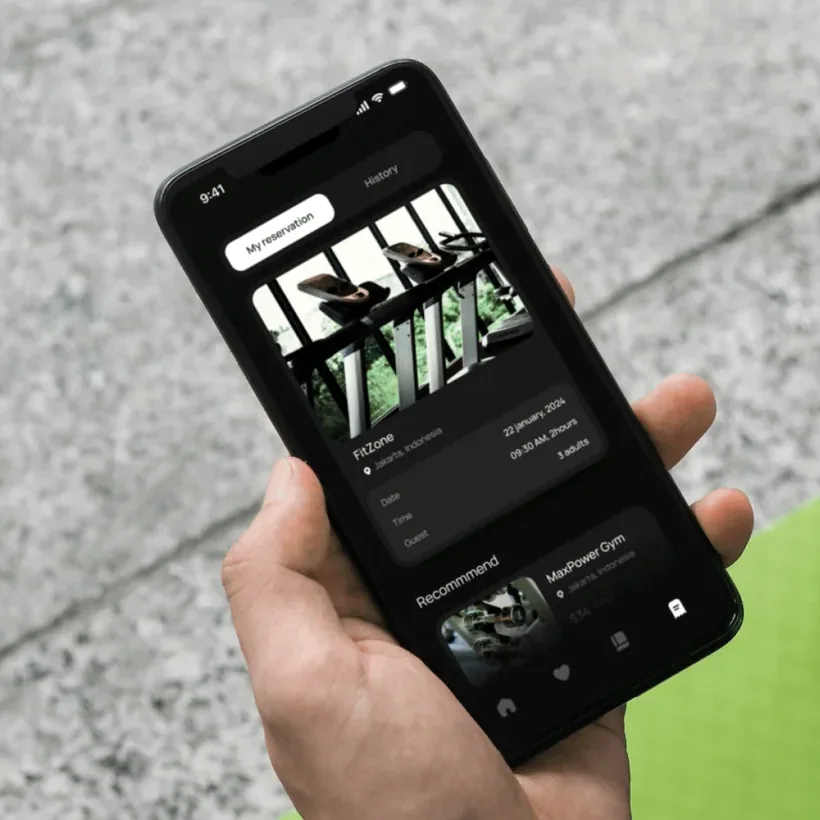
The reservation tab shows the next visit's gym, date, time, and guests. The history tab lists past visits, where users rate each place with stars and a short comment.
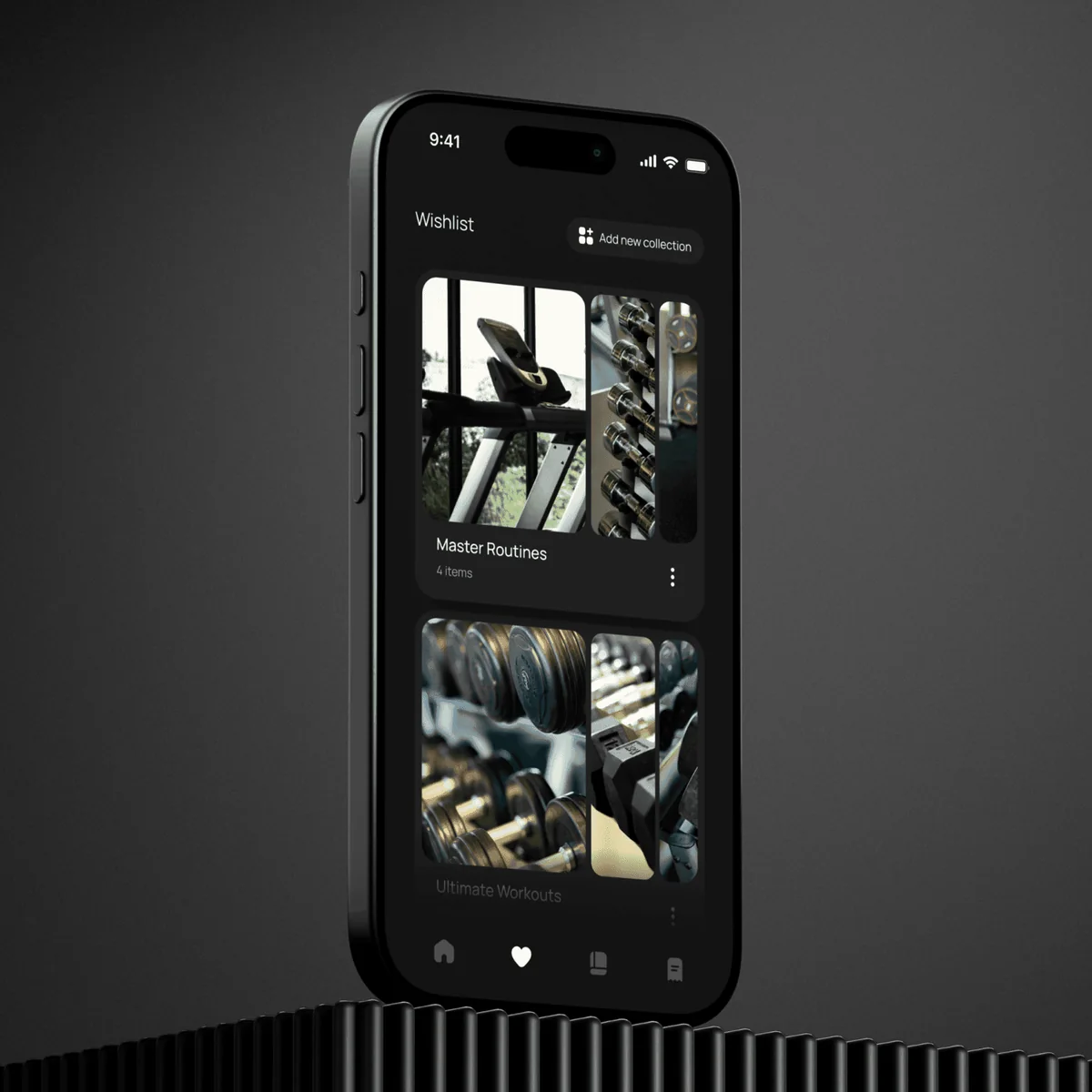
Users save gyms into named collections, such as Master Routines and Ultimate Workouts. A confirmation appears each time an item is added, so favorite places stay close at hand.
The app carries a SteelFit look built for motivation: a dumbbell logo with an S shield and a lime and black palette. The same look runs through social posts, a billboard, and branded gym gear.
FAQ
 Saimul IslamFounder & CEO, DeveloperLook
Still have questions?
Send a message or book a call with the team.
A gym and fitness app for finding and booking gyms. Users discover gyms near them, book sessions by the hour with an optional personal trainer, pay by card, and earn reward points. The app also covers reservations, reviews, wishlists, beginner guides, and a profile, all under a bold lime and black SteelFit identity.
They open a gym and fill in one booking screen. Users set a start time and the number of hours, add adult and child guests, and choose whether to include a personal trainer. Checkout then shows saved cards, the subtotal and fees, and an option to apply reward points before paying.
Users earn points for actions in the app: making bookings, writing reviews, and watching tutorials. A reward points screen shows the current balance and a history of every point earned. At checkout, users switch on their points to get a discount, and the transaction history shows total points used and total saved.
With guides and short, clear steps. A guide for beginners explains how to use gym equipment, and watching tutorials earns reward points. The personal trainer add-on lets newcomers book an experienced trainer for a session. Plain screens for search, booking, and payment keep the app easy for first-time users while regulars move quickly.
Yes. After a visit, the history tab lets users rate the place with stars and a short comment, which also earns reward points. A heart on each gym page saves it, and wishlist collections group favorite gyms under names users choose, so they can return to a gym without searching again.
Yes. DeveloperLook designs and builds gym and fitness apps with location-based gym search, session booking, trainer add-ons, card payments, and reward programs. We start from how your members find, book, and pay for your gym today, then design screens that keep each step short for beginners and regulars alike.
Saimul IslamFounder & CEO, DeveloperLookStill have questions?
Send a message or book a call with the team.
Free 30-min callGoogle Meet
Book a call
In 30 minutes on Google Meet we walk you through how we would build it, how long it takes and what it costs. Then you get a written estimate.
Calendar not showing? Book on cal.com or send a brief.