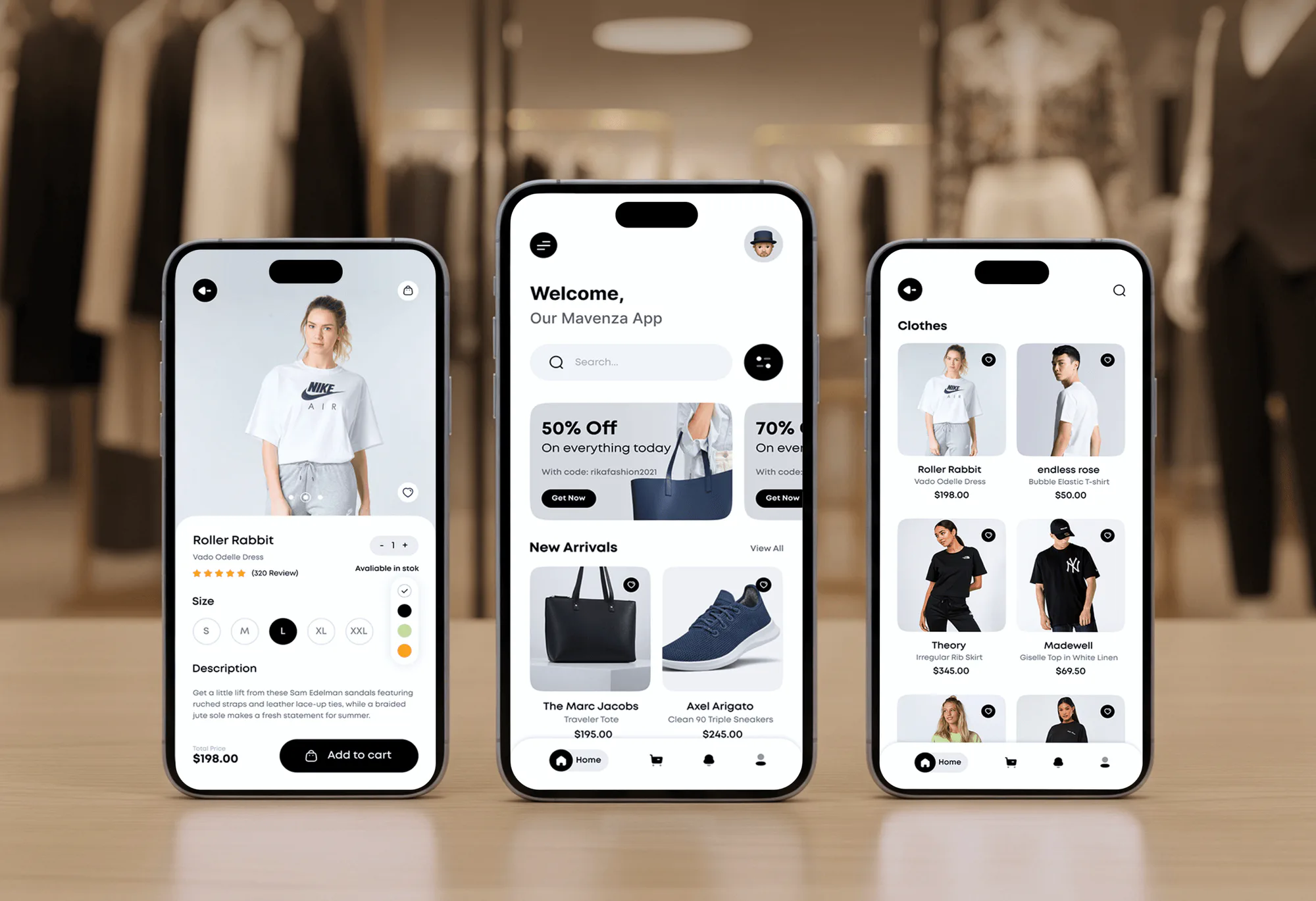
Mavenza Fashion Ecommerce App and Admin Dashboard
- Business
- Fashion
- E-commerce
BigCommerce to Shopify migration with products, options, customers, and orders moved and a 301 for every URL.
100%
Store data moved and checked
301
Redirect for every BigCommerce URL
Industry leaders we work with
 BigCommerce
 Node.js
 Python
 Google Sheets
 Shopify
 GraphQL
 HTML5
HTML5 CSS3
CSS3 Figma
Figma PayPal
 Apple Pay
 SAP
SAP Microsoft Dynamics 365
 Google Search Console
 Google Analytics (GA4)
 Semrush
The Problem
It shows up when a feature you need means another script, a custom template, or an app with few reviews. Each workaround adds upkeep your team didn't plan for.
App limits
Each new feature means a Stencil edit or a pasted script.
App limits
Your Stencil design is rebuilt as a Shopify theme in Liquid.
Mixed options
Product options mix variants, text fields, and file uploads.
Mixed options
Text fields, checkboxes, and uploads become custom fields instead of disappearing.
Wholesale
Wholesale buyers expect their prices to work on day one.
Wholesale
Customer group pricing moves to tags, discounts, or B2B catalogs.
Root URLs
Your root-level product URLs have ranked for years.
Root URLs
Each root-level URL gets a redirect to its new /products/ address.
You want a subscription option, a better review widget, and a loyalty program. On BigCommerce, each one means a smaller app marketplace, a Stencil template edit, or a script someone pasted in years ago. Your product options mix variants with text fields and file uploads, and nobody remembers why. Moving sounds right, but your root-level product URLs have ranked for years, and wholesale buyers expect their price lists to work on day one.
We start by sorting your BigCommerce options into variants and modifiers, and your customer groups and price lists into Shopify tags, discounts, or B2B catalogs. Then everything moves to a preview store, your Stencil design is rebuilt in Liquid, and each root-level URL gets a 301. You check prices, filters, and orders there first. The workarounds stay behind on BigCommerce.
Modifiers kept, not dropped
Text fields, checkboxes, and file uploads become line item properties instead of disappearing.
Price lists find a home
Customer group pricing moves to tags, discounts, or Shopify B2B catalogs, whichever fits your buyers.
Root URLs redirected
BigCommerce product URLs at the site root each get a 301 to their new /products/ address.
Our BigCommerce Migration Process
You see the option map, the preview store, and every redirect before your domain moves. Each step ends with a sign-off you control.
We review your products, option sets, customer groups, price lists, and installed apps, and check which pages bring search traffic. You get a plain answer on what moves cleanly. If an automated migration app handles your catalog well, we'll tell you before we quote.
Projects We've Built
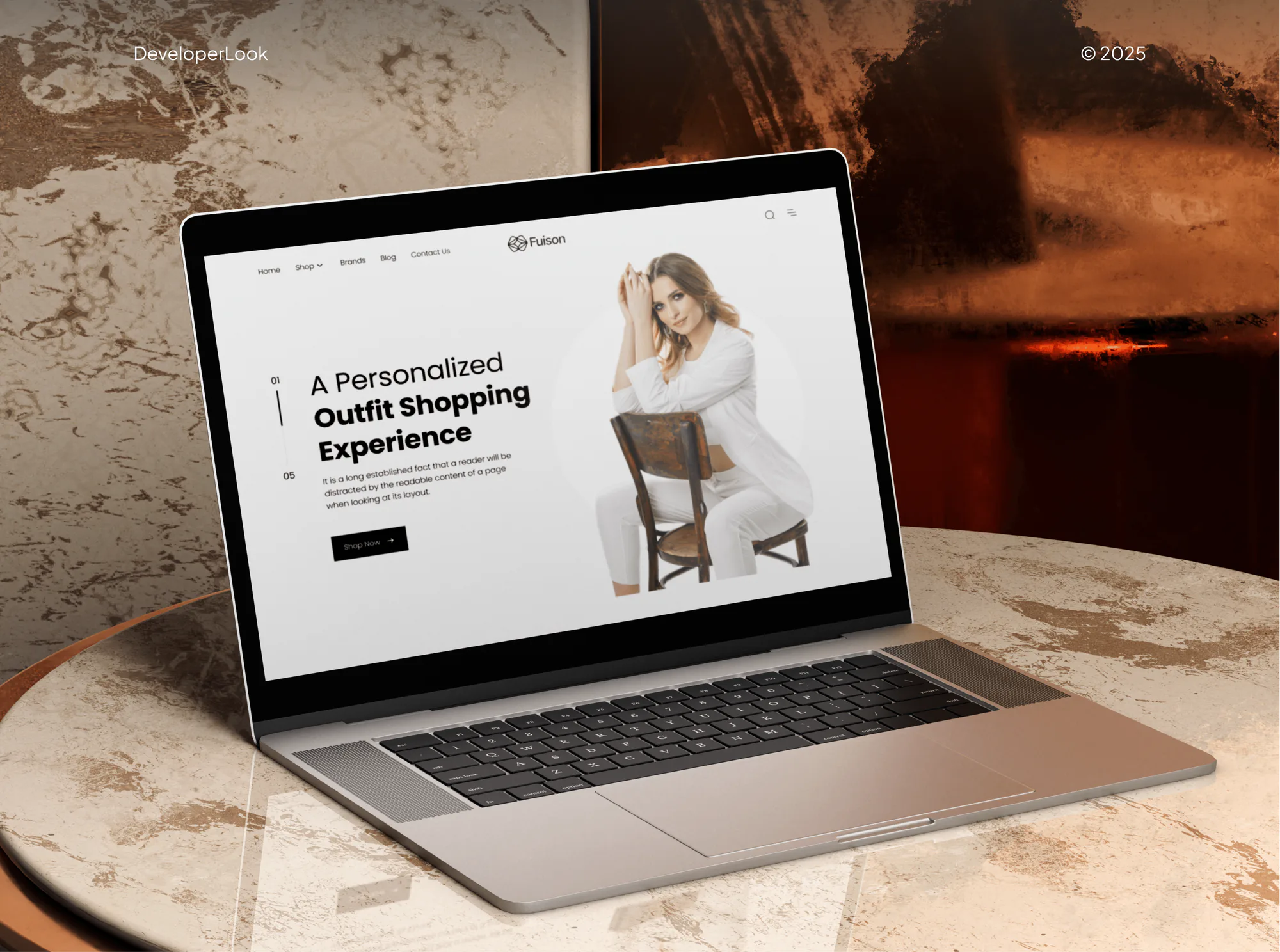
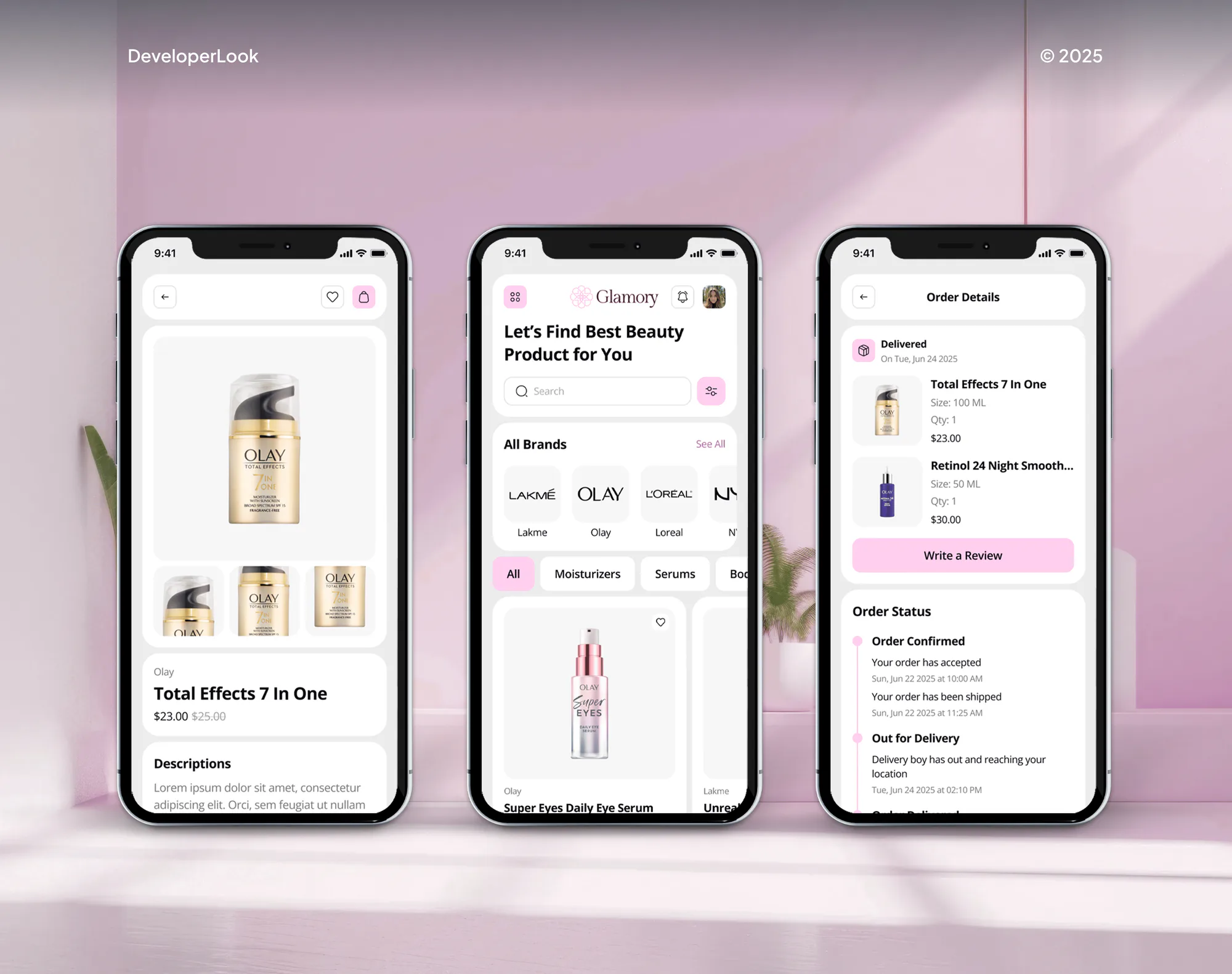
Ecommerce stores our team has designed and built. A store leaving BigCommerce gets the same build standards and testing.

What's Included
Every plan moves products, options, customers, and orders and redirects every URL. Larger plans add modifiers, price lists, your design, and a Shopify Plus build.
Compare Options
An automated app moves clean catalogs fast, and your own developer already knows the store. Here's where each option falls short on a BigCommerce move.
| Feature | DeveloperLookBest fit | Automated migration app | In-house developer |
|---|---|---|---|
| Upfront cost | From $1,050, fixed | Low, priced by record count | Salary hours, no invoice |
| Speed on clean data | 2 to 3 weeks to preview | Hours for simple catalogs | Depends on their workload |
| Modifier options | Kept as line item properties | Often dropped | Built if they know how |
| Customer price lists | Tags, discounts, or B2B catalogs | Usually left behind | Rebuilt by hand |
| Knowledge of your store | Learned in the review | No context | Knows it best |
| Redirect map | 301 for every URL | A basic URL list | If time allows |
| Theme rebuild | Liquid rebuild included | Not included | A separate project |
| Launch support | 30 days included | Tool support only | Pulled back to other work |
What Our Clients Say
Feedback from ecommerce teams we have built and moved stores for.
We had a different kind of problem. People were visiting the store, adding products to their carts, and then disappearing before they finished the order. We had tried a few apps and made changes here and there, but nothing really seemed to solve the bigger issue. The team went through the shopping experience with us and pointed out things we hadn't really noticed ourselves. They cleaned up the cart and checkout flow, made the mobile experience much smoother, and helped us make the store feel easier to shop. I’m not going to pretend we fixed everything overnight, but it finally feels like the store is helping the sale instead of getting in the way of it.
The mobile experience is probably my favourite part of the new site. We had spent a lot of time making sure the desktop version looked right, and the team kept pushing us to think about how everything would actually feel on a phone too. They were right. The navigation is clean, the interactions feel natural, and everything we’ve tested so far works exactly as it should. They also went through the links, forms, integrations, and other details more than once before launch, which I really appreciated. And even after going live, we could still reach out when something came up. The whole process felt friendly, organised, and surprisingly straightforward.
We had a pretty specific idea of what we wanted our website to become, but I wasn’t sure how easily we could explain all of it to a development team. There were quite a few moving parts, and we were working toward a deadline, so I expected a few things to get lost along the way. That never really happened. They understood what we were trying to achieve, kept us updated throughout the process, and got everything ready within the agreed timeline. The final site feels much easier to navigate, works beautifully on mobile, and is noticeably smoother for our customers. It was a huge relief seeing the original idea actually turn into the website we had in mind.
1,250+
Projects shipped
10+
Years of experience
5 stars
Clutch rating
5 stars
GoodFirms rating
Excellent
Trustpilot rating
Top 3%
Upwork Top Rated Plus
1,250+
Projects shipped
10+
Years of experience
5 stars
Clutch rating
5 stars
GoodFirms rating
Excellent
Trustpilot rating
Top 3%
Upwork Top Rated Plus

Want results like these?
Tell us what you are building. You get a reply within 24 hours on business days, then a written estimate.
Work Culture
BigCommerce stores carry option sets, price lists, and filters that don't map one to one, so we plan each before moving anything.
We sort every BigCommerce option into variants and modifiers before import. Sizes and colors become variants, while text fields and uploads become line item properties.
Customer groups and B2B Edition price lists get a Shopify home: tags, discounts, or B2B catalogs. Wholesale buyers see their prices on day one.
We rebuild category filters with Shopify's Search & Discovery app and your product data. Shoppers can still narrow by size, color, and brand.
We rebuild your Stencil layout as a clean Shopify theme instead of copying old scripts across. Pages keep the look your customers know.
The option map, redirect list, and price are settled up front. Anything new gets a separate quote, so invoices hold no surprises.
Your Shopify store, apps, and theme files belong to you from the first day. You can remove our access whenever the project ends.
Overview
DeveloperLook offers BigCommerce to Shopify migration services built around option sets and price lists. We move products, variants, modifiers, customers, and orders, rebuild your Stencil theme in Liquid, and send every old URL to its new page with a 301. Pricing starts at $1,050, and most stores launch in 3 to 9 weeks, with a Shopify Plus route for B2B.
DEVELOPERLOOK
Project facts · BigCommerce to Shopify Migration
Reviewed 28 Sep 2026 by Saimul Islam
Good fit
BigCommerce stores short on app choices
You keep finding the app you want in Shopify's App Store but not for BigCommerce, so features wait on custom work.
Stores with complex option sets
Your products mix sizes and colors with engraving fields, checkboxes, and file uploads, and all of them must survive the move.
Wholesale stores using price lists
Your customer groups or B2B Edition price lists give buyers their own prices, and those can't break at launch.
Stores protecting root-level URLs
Your product pages rank at short root URLs like /product-name, and you want every one redirected before launch.
Agencies with a BigCommerce client
Your agency took on a BigCommerce store moving to Shopify, and you need the data work done under your name.
Not a fit
Simple catalog, small budget
Your budget is under $1,050 and your catalog has no modifiers or price lists. A self-serve migration tool can handle simple data for now.
Large Magento B2B catalog
You're moving a large B2B catalog from Magento instead. Our Magento to Shopify Plus Migration page covers that route.
Store runs on WordPress
Your store runs on WordPress. The WooCommerce to Shopify Migration page covers plugin maps and blog posts.
Theme refresh only
You only need your BigCommerce theme refreshed, not a new platform. A BigCommerce designer can update Stencil for less than a full move.
Not sure we're the right fit?
Book a free call or message us. We'll tell you honestly whether we're the right team.
Pricing
These are starting points in USD. Your final price depends on catalog size, option complexity, and price lists, and you get a fixed proposal after a free catalog review.
For Agencies
You own the client relationship. We supply the migration engineering for your BigCommerce clients: option maps, price list moves, theme rebuilds, and redirect plans, all delivered under your agency's name.
White label: your client only ever sees your brand
Send store access, the price list rules, and your launch date.
You get a free catalog review, an option map, and one fixed price.
We handle data and launch while you keep the client updated.
Send store access, the price list rules, and your launch date.
You get a free catalog review, an option map, and one fixed price.
We handle data and launch while you keep the client updated.
The Right Technology for Your Project
We export through the BigCommerce API, import with Shopify's Admin API and Matrixify, and rebuild filters with Search & Discovery.
BigCommerceNode.js PythonGoogle SheetsShopifyGraphQLHTML5CSS3FigmaPayPalApple PaySAPMicrosoft Dynamics 365Google Search ConsoleGoogle Analytics (GA4)Semrush
 Lighthouse
 Chrome DevTools
FAQ
Straight answers on BigCommerce options, cost, rankings, Shopify Plus, and launch support.
Saimul IslamFounder & CEO, DeveloperLookStill have questions?
Send a message or book a call with the team.
Products, variants, customers, orders, reviews, and blog posts all move, and subscriptions move into the Shopify subscription app you choose. BigCommerce customer passwords can't transfer, so shoppers set a new one at first login, or skip passwords with Shopify's newer customer accounts. Custom fields move as metafields, and product images keep their alt text.
Variant options become Shopify options, and modifiers become line item properties. BigCommerce treats sizes and colors as variant options with their own SKUs, while text fields, checkboxes, and file uploads are modifiers that don't create variants. Shopify supports 3 options per product, so we restructure anything larger before import.
A BigCommerce move with us costs $1,050, $2,650, or $5,900, depending on catalog size, modifiers, and price lists. The $1,050 plan transfers up to 1,000 products with simple options. The $2,650 plan adds modifiers, customer groups, and your design for up to 10,000 products. The $5,900 plan builds a Shopify Plus store with B2B price lists.
Most BigCommerce stores switch to Shopify in 3 to 9 weeks. Simple catalogs of up to 1,000 products with a ready-made theme are done in about 3 weeks. Modifier rebuilds, price lists, and a Plus setup stretch it toward 9. Buyer and filter testing on the preview store sets the final date.
Your rankings should hold if every old URL has a 301 to its new page and your titles, descriptions, and copy stay the same. BigCommerce's default short URLs sit at the site root, like /product-name, and Shopify keeps products under /products/, so almost every address changes. We map each one and track Search Console for 30 days.
We pull product, category, brand, page, and blog URLs from BigCommerce, crawl the live store for anything missed, and match each to its Shopify page. Brand pages usually become Shopify collections. You approve the list, we import it at launch, and we crawl the old URLs again to confirm each lands in one hop.
A Plus migration makes sense when you give companies their own price lists, need more than 3 B2B catalogs, or want checkout extensions. Standard Shopify plans include B2B companies with up to 3 active catalogs, which covers many wholesale stores. Plus pricing starts at $2,300 a month when you sign for 3 years, so we weigh both plans in the review.
We rebuild it, because BigCommerce's Stencil themes use Handlebars templates that Shopify can't run. Catalog Transfer puts your logo, colors, and fonts on a proven premium theme. Store Rebuild recreates your current design in Liquid, and Plus and B2B Move includes a custom theme built from your design files.
We list each BigCommerce app, gateway, and integration, then choose the Shopify app or connection that replaces it. Search and filters move to Shopify's free Search & Discovery app. For payments, we set up Shopify Payments or connect a gateway from Shopify's supported list. Your ERP and shipping connections get rebuilt as Shopify integrations and tested before launch.
QA covers option choices, modifier fields, group prices, filters, checkout, taxes, and a redirect crawl. Once you're live, we watch sales, broken links, and search positions for 30 days, fixing issues as they appear. Your team also gets a short walkthrough of the Shopify admin and a list of every app we installed.
Saimul IslamFounder & CEO, DeveloperLookStill have questions?
Send a message or book a call with the team.
Free 30-min callGoogle Meet
Book a call
In 30 minutes on Google Meet we walk you through how we would build it, how long it takes and what it costs. Then you get a written estimate.
Calendar not showing? Book on cal.com or send a brief.