
QuickBooks Online and Desktop links
Jobs, bills, invoices, deposits, and approved hours sent to QuickBooks, with Desktop syncs scheduled through the Web Connector.

For home builders and remodelers on Buildertrend: jobs, bills, leads, and crew hours that reach QuickBooks, Xero, your CRM, and payroll without anyone typing them twice.
10+ hrs
Double entry saved each month
100%
Bills coded to a job and cost code
How your project runs
Teams we have built for:














The Problem
Buildertrend integrations usually get ordered after a job closes. The budget in Buildertrend shows one margin, QuickBooks shows another, and nobody can trace which bill or change order went missing.
01 · Bills
Approved bills get retyped into QuickBooks every Friday.
Bills push from Buildertrend to QuickBooks once vendors and cost codes are linked.
02 · New vendors
A vendor added in one system blocks the next sync.
A vendor setup checklist keeps both systems matched each time you add a sub.
03 · Leads
CRM leads wait in a spreadsheet before anyone copies them.
CRM deals at the status you pick create lead opportunities on their own.
04 · Hours
Payroll still collects jobsite hours by text message.
Approved Time Clock shifts go to payroll, so nobody rebuilds timesheets from texts.
Your project manager approves a sub's bill in Buildertrend, and your bookkeeper types it into QuickBooks again on Friday. A new vendor gets added in one system but not the other, so their next bill doesn't sync. Leads from your CRM wait in a spreadsheet until someone copies them. Your crew clocks in on the jobsite, and payroll still gets hours by text message. At month-end, job costs in the two systems don't match, and nobody can say which entry broke.
We start by linking every cost code, job, sub, and vendor in Buildertrend to its QuickBooks or Xero record, because unlinked records are why bills stop transferring. Then we connect your CRM through Buildertrend's Marketplace, embed the lead form on your website, and send approved Time Clock shifts to payroll. Each link is tested on one real job first, so mismatches show up in a test, not in your margins.
Records linked before sync
Cost codes, jobs, subs, and vendors matched to accounting records, so bills and invoices actually transfer.
Leads arrive ready to work
Website forms and CRM deals at the right status become Buildertrend lead opportunities without copying.
Approved hours reach payroll
Approved Time Clock shifts go to Gusto or QuickBooks, or out in a file your payroll imports.
Our Buildertrend Integration Process
You see which links Buildertrend already offers, approve the record mapping with your bookkeeper, and watch one real job flow through every system before your team switches over.
We list every tool your office uses and check which Marketplace integration covers each one. Each tool gets a written answer: native link, configured connection, or a small custom step.
What's Included
Most builders need the accounting link plus two or three of these parts, set up inside tools you already pay for before any custom code.
Compare Options
Switching on the native links yourself costs nothing and suits simple books, and manual entry works for a few jobs a year. Here's where each holds up as jobs and subs multiply.
| Feature | DeveloperLookBest fit | DIY setup | Manual entry |
|---|---|---|---|
| Setup check | Every tool reviewed first | Trial and error | No setup needed |
| Record linking | Codes, jobs, and vendors matched | Linked as errors appear | Typed into both systems |
| QuickBooks Desktop | Web Connector on a schedule | Manual runs when remembered | Works with any version |
| CRM leads | Status rules configured and tested | Possible with admin access | Copied by hand |
| Payroll hours | Approved shifts to payroll | Gusto only, if set up | Rebuilt from texts |
| Speed to start | 2 to 6 weeks | Same day for one link | No setup time |
| Testing | One real job end to end | Live data from day one | Checked at month-end |
| Cost | Fixed price from $650 | Free, plus your time | Bookkeeper hours every month |
Projects We've Built
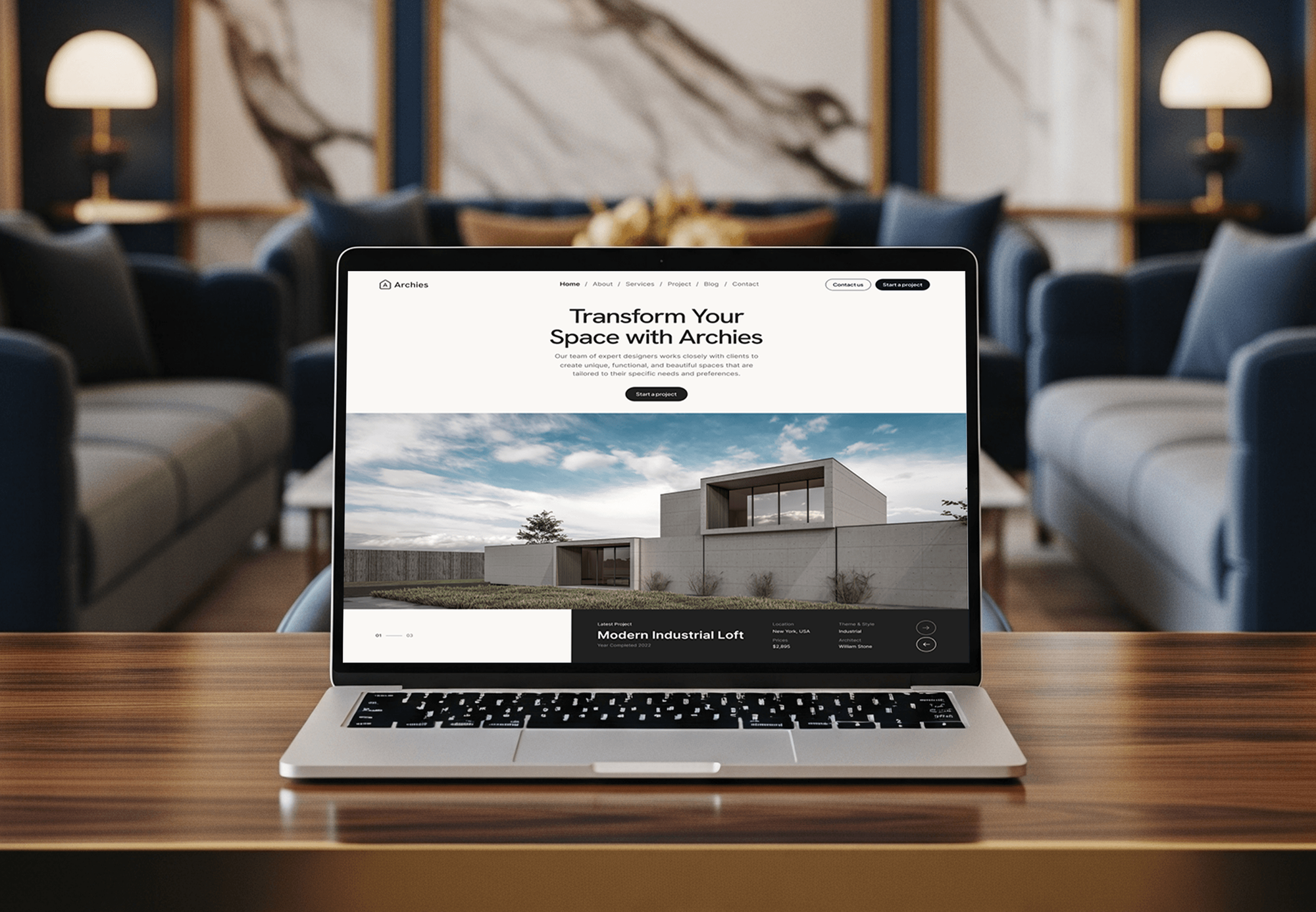
Construction, architecture, and interior design sites. None of them ran Buildertrend, but they show the project pages and client-facing work we build for builders.



What Our Clients Say
Feedback from teams we have built websites and business software for.
We had a pretty specific idea of what we wanted our website to become, but I wasn’t sure how easily we could explain all of it to a development team. There were quite a few moving parts, and we were working toward a deadline, so I expected a few things to get lost along the way. That never really happened. They understood what we were trying to achieve, kept us updated throughout the process, and got everything ready within the agreed timeline. The final site feels much easier to navigate, works beautifully on mobile, and is noticeably smoother for our customers. It was a huge relief seeing the original idea actually turn into the website we had in mind.
The mobile experience is probably my favourite part of the new site. We had spent a lot of time making sure the desktop version looked right, and the team kept pushing us to think about how everything would actually feel on a phone too. They were right. The navigation is clean, the interactions feel natural, and everything we’ve tested so far works exactly as it should. They also went through the links, forms, integrations, and other details more than once before launch, which I really appreciated. And even after going live, we could still reach out when something came up. The whole process felt friendly, organised, and surprisingly straightforward.
What I appreciate most is that the website is actually easy for us to manage now. We can update content ourselves instead of sending a developer a message every time we need to change something small. They also paid attention to the technical SEO side, which mattered to us because we didn’t want a new website to create problems for the traffic we already had. I’ve probably asked more questions than I should have since launch, but every question has been handled patiently and without any fuss. The team is easy to work with, they explain things clearly, and when we need something changed, they focus on getting it done rather than making the process complicated.
1,250+
Projects shipped
10+
Years of experience
Top 3%
Upwork Top Rated Plus
5 stars
Average review score

Want results like these?
Tell us what you are building. You get a reply within 24 hours on business days, then a written estimate.
Work Culture
Builders lose margin in the gaps between systems. These habits keep every link traceable, approved by your bookkeeper, and easy to fix when a sub or cost code changes.
We check the Marketplace integrations against your tools first. If a listed integration already covers the job, we'll tell you before we quote.
Your bookkeeper signs off on every cost code, job, and vendor match before syncing starts. You skip the cleanup that follows guesswork.
We push one real job through leads, bills, invoices, and hours before rollout. Your office sees the flow work on numbers it knows.
We document what happens first, like linking a new sub before entering their bill. New office hires follow it without breaking the sync.
Custom steps send failed records to a named person with the reason attached. Nobody finds a missing bill weeks later at month-end.
Integration settings, any custom code, and app credentials stay in your company's accounts. Changing providers later doesn't mean starting over.
Overview
DeveloperLook sets up Buildertrend integrations for home builders and remodelers. We link cost codes, jobs, and vendors to QuickBooks or Xero, connect HubSpot or Salesforce leads, embed the website lead form, and send approved hours to payroll. Projects start at $650, take 2 to 6 weeks, and every link is tested on a real job first.
DEVELOPERLOOK
Project facts · Buildertrend Integrations
Reviewed 7 Oct 2026 by Saimul Islam
Good fit
Remodelers on QuickBooks Online
Your bookkeeper retypes approved bills and deposits into QuickBooks Online every week, and job costs stop matching the books.
Builders still on QuickBooks Desktop
Your accounting runs on QuickBooks Desktop in the office, and the Web Connector only syncs when someone remembers to run it.
Sales teams working in HubSpot
You want a Buildertrend HubSpot integration that turns qualified deals into lead opportunities, so estimators stop asking sales for contact details.
Builders keeping their books in Xero
Your accountant works in Xero, and you need a Buildertrend Xero integration that sends bills and invoices while job expenses flow back to budgets.
Agencies serving home builders
Your agency builds websites for remodelers and custom builders, and you need a partner for the integration side under your name.
Not a fit
No CRM chosen yet
You haven't picked a CRM yet, and sales lives in a notebook. Our CRM for Contractors page covers choosing one first.
QuickBooks without Buildertrend
Your apps feed QuickBooks, but Buildertrend isn't one of them. Our QuickBooks Integration Services page covers payment, payroll, and field service apps.
Website needs a rebuild
Your website brings in few leads, so a new form won't fix it. Our Remodeling Contractor Website Design page covers the site itself.
Budget under $650
Your budget is under $650 and the native QuickBooks link already works. A bookkeeper can tidy the records, and we'll say so before we quote.
Not sure we're the right fit?
Book a free call or message us. We'll tell you honestly whether we're the right team.
Pricing
These are starting points in USD. Your final price depends on your accounting system, how many tools connect, and any custom steps, and you get a fixed proposal after a free integration review.
For builders connecting Buildertrend to QuickBooks or Xero for the first time.
$650one-time, USD
For builders who also want leads and crew hours flowing in without retyping.
$1,850one-time, USD
For multi-division builders adding Sage Intacct or reporting across several systems.
$3,950one-time, USD
For Agencies
You own the client relationship. We supply the integration work behind it: accounting links, CRM connections, lead forms, and payroll hours. Fixed quotes protect your margin, and the client's bookkeeper approves every mapping before anything syncs.
White label: your client only ever sees your brand
Send the Buildertrend setup, the accounting system, and what the client wants connected.
You get a record map, a fixed quote, and a go-live date to share.
Tested links, an office guide, and support delivered under your agency's name.
Your brand on every document, and we only talk to clients when you ask.
Each builder's tools priced upfront, so you resell with a known margin.
Engineers who understand cost codes, change orders, subs, and job costing.
Extra hands for busy seasons without hiring another integration specialist.
The Right Technology for Your Project
We work inside Buildertrend's Marketplace connections first, then use the accounting and CRM tools' own APIs only where a step needs custom code.
 QuickBooks
 Xero
Xero HubSpot
 Salesforce
 Google Sheets
 WordPress
 Webflow
 Google Analytics (GA4)
 Google Tag Manager
 Node.js
 PostgreSQL
FAQ
Straight answers on costs, QuickBooks Online and Desktop links, Sage, payroll hours, and what Buildertrend does for a builder.
Saimul IslamFounder & CEO, DeveloperLookStill have questions?
Send a message or book a call with the team.
DeveloperLook's Buildertrend setups start at $650 for one accounting link to QuickBooks Online, QuickBooks Desktop, or Xero, with records matched and one job tested. Adding CRM lead sync, the website form, and payroll hours starts at $1,850, and Sage Intacct or multi-division work starts at $3,950. Software subscriptions stay with their vendors.
An accounting link takes 2 to 3 weeks, including record mapping and one tested job. Adding CRM sync, the lead form, and payroll hours means 3 to 5 weeks, and multi-division setups take up to 6. Your bookkeeper's review is usually the longest wait, so we send the map in week 1.
Yes, with both QuickBooks Online and QuickBooks Desktop, and the vendor says the link works on every plan with your own QuickBooks subscription. The catch is setup: cost codes, jobs, internal users, subs, and vendors must be linked to QuickBooks records, or their data won't transfer. That linking is the first thing we do.
Yes, and the Online link syncs whenever records change. Jobs, clients, subs, vendors, bills, invoices, deposits, credit memos, and approved Time Clock entries go out, while estimates, bill payments, invoice payments, and budget actuals come back. In a Buildertrend QuickBooks Online integration, invoices sync once they're sent to the client, and deposits land in Undeposited Funds.
Yes, through the QuickBooks Web Connector installed on the computer that runs QuickBooks Desktop. It syncs invoices, bills, time entries, and job costs, but only when the Web Connector runs. We set its Auto-Run schedule, so nobody has to click a button. Then we check that payments recorded in QuickBooks mark the matching invoices and bills as paid.
Buildertrend is cloud construction management software built for residential home builders, remodelers, and their crews. It keeps sales leads, estimates, schedules, change orders, daily logs, a client portal, budgets, and Time Clock in one system. Its pricing page describes custom quotes, with unlimited users on every account.
Buildertrend gives the office and the field one shared job record from first lead to closeout. Sales tracks lead opportunities, estimators build proposals, project managers run schedules and change orders, crews clock in on site, and clients follow progress in their portal. Integrations keep that record accurate once it reaches QuickBooks or payroll.
Yes, with Sage Intacct, through an integration announced in June 2026. Jobs, bills, and invoices sync into Sage Intacct, with bills arriving as draft AP bills for review, and invoice payments come back. For Sage 100 Contractor, we check Buildertrend's Marketplace for a current listing first, and scope an export-based bridge if there isn't one.
Not directly, based on Buildertrend's own integration listings, which name Gusto as the payroll connection. Approved Time Clock shifts sync to Gusto, and approved entries can also go to QuickBooks. For ADP, we set up an export of approved shifts in the file layout your ADP payroll import accepts, then check one pay period with your payroll admin.
Sometimes, depending on access. Teams often ask for a Buildertrend Zapier integration first, but its integrations run through the Marketplace, and outside developer access depends on its partner program. So a Buildertrend API integration usually starts from the other tool's API, sending data through QuickBooks Online or your CRM where Buildertrend already reads it. Any custom code stays in your accounts.
Saimul IslamFounder & CEO, DeveloperLookStill have questions?
Send a message or book a call with the team.
Free 30-min callGoogle Meet
Book a call
In 30 minutes on Google Meet we walk you through how we would build it, how long it takes and what it costs. Then you get a written estimate.
Calendar not showing? Book on cal.com or send a brief.