
Projects from CRM jobs
Each new deal or job opens a CompanyCam project with the same name, address, and assigned crew.

For roofers and trade contractors on CompanyCam: job photos, checklists, and reports that land on the right CRM record, starting at $550.
2X
Faster photo reports to customers
100%
Jobs with a matching photo project
How your project runs
Teams we have built for:














The Problem
It starts when the CRM and CompanyCam each hold half the job. Sales can't see the roof, and the office can't find the photos the adjuster asked for.
01 · Project setup
Crews start projects by hand with random names.
New CRM deals open matching projects with the right name and address.
02 · Lost photos
Untagged photos bury the shots the office needs.
Tag rules file each photo where it belongs as soon as it uploads.
03 · Slow reports
Customer reports are rebuilt by hand from downloads.
Tagged photos flow into a document template that exports a clean PDF.
04 · Blind sales
Sales can't see job progress from the CRM.
Webhooks post new photos and checklists to the CRM record as they happen.
Your sales rep closes a roof replacement in HubSpot, then texts the crew lead to start a CompanyCam project. The project gets named after the street, not the deal. Photos pile up with no tags, so the office scrolls through 400 images to find the hail damage shots. Someone downloads 30 of them, builds a PDF by hand, and emails it to the homeowner two days late. The adjuster asks for the same set again next week, and the hunt starts over.
We start with your tags. Each tag decides where a photo goes: the CRM record, a customer report, or a claim packet. Then a new deal or job opens a matching CompanyCam project automatically, with the right name and address. Webhooks pick up photos, checklists, and documents as they happen and file them back on that record. Your office finds the right photos in seconds, not after a long scroll.
Tags that route photos
Each tag maps to a destination, so damage, progress, and completion photos land in the right place.
One project per job
A new CRM deal or job opens its CompanyCam project with the same name and address.
Reports without rebuilding
Tagged photos fill a document template that exports to PDF for customers and adjusters.
Our CompanyCam Integration Services Process
You approve the tag map and the project naming rule before anything connects. Then you watch real jobs open projects and file photos before we hand over.
We look at your CompanyCam plan, your CRM, and how crews tag photos today. You get a short map of which listed integrations already fit and where the CompanyCam API docs point to custom work.
What's Included
Projects created from your CRM, tag rules that route photos, reports built from templates, and custom API work where the listed integrations stop.
Compare Options
DIY Zapier suits one trigger, like posting new photos to Slack, and a freelancer can be cheaper for a single script. Here is where each falls short on CompanyCam.
| Feature | DeveloperLookBest fit | DIY Zapier | Freelancer |
|---|---|---|---|
| Planning | Tag map and naming rule first | One zap at a time | Starts from the code |
| Project creation | Matched to each CRM job | Possible with Find or Create | Varies by experience |
| Photo routing | Rules by tag and label | Every photo sent the same way | Often hard-coded |
| Webhooks | Signatures checked, retries handled | Not available | Sometimes, rarely verified |
| Reports | Templates filled from tags | Built by hand | Custom PDF code to maintain |
| Speed to start | 1 to 2 weeks for a listed link | Same afternoon | Often fast to start |
| Cost | Fixed price from $550 | Zapier plan only | Often cheaper per hour |
| Ownership | Tokens and code stay yours | Zaps in your account | Sometimes kept by the freelancer |
Projects We've Built
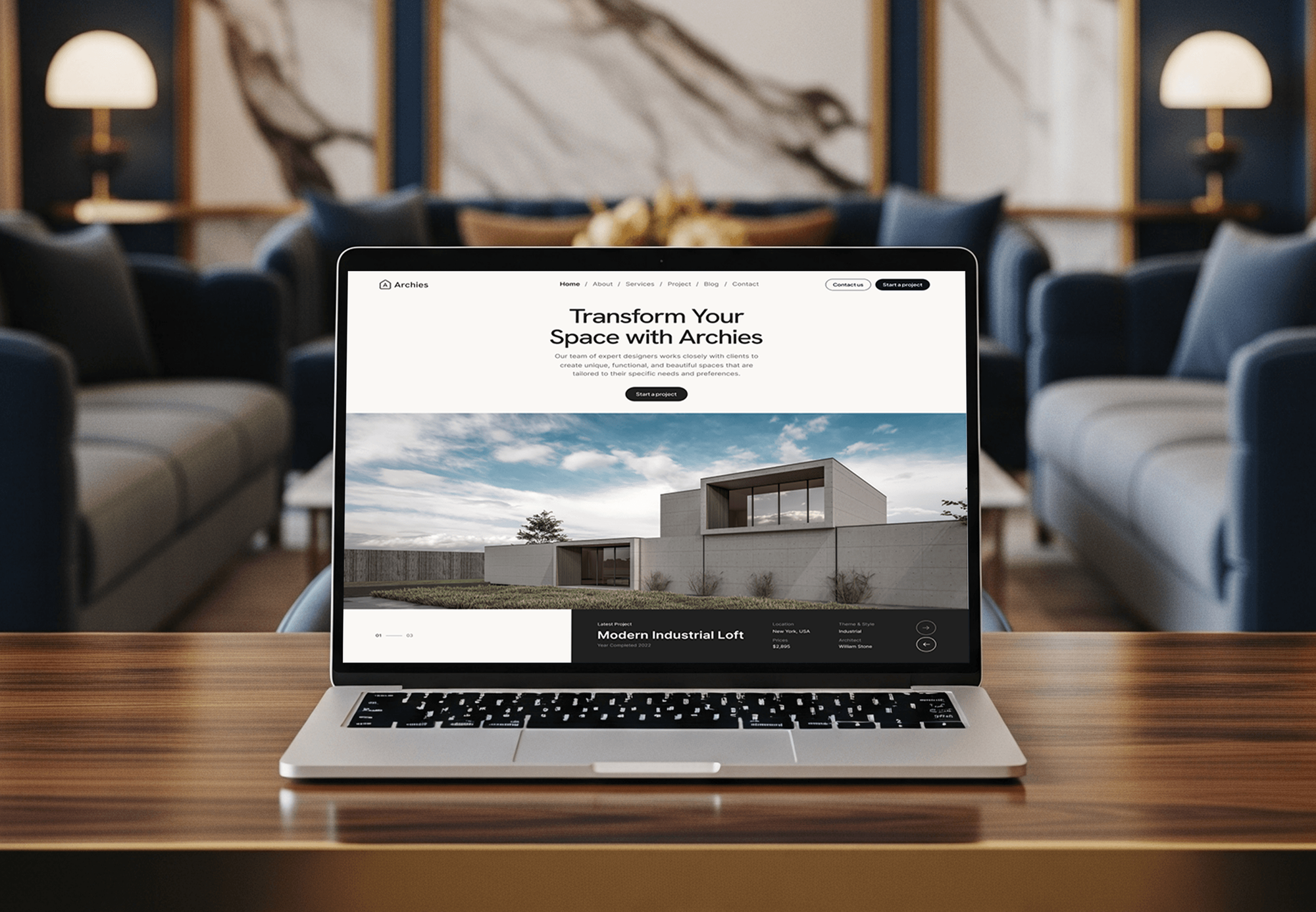
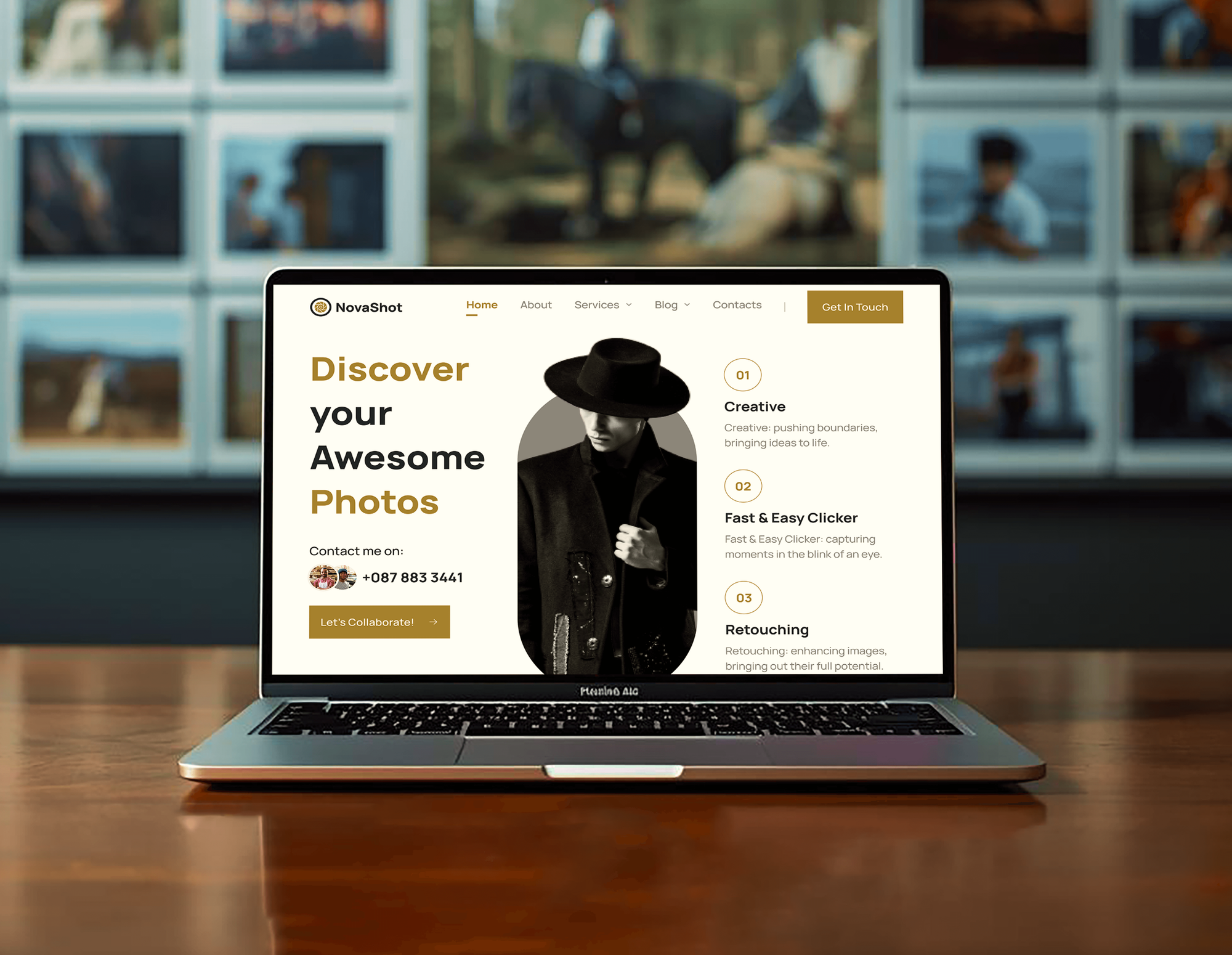
Construction sites, an architecture portfolio, and a photographer's gallery we designed and built. None used CompanyCam, but each one organizes large sets of project images.


What Our Clients Say
Feedback from teams we have built websites and business software for.
We had a pretty specific idea of what we wanted our website to become, but I wasn’t sure how easily we could explain all of it to a development team. There were quite a few moving parts, and we were working toward a deadline, so I expected a few things to get lost along the way. That never really happened. They understood what we were trying to achieve, kept us updated throughout the process, and got everything ready within the agreed timeline. The final site feels much easier to navigate, works beautifully on mobile, and is noticeably smoother for our customers. It was a huge relief seeing the original idea actually turn into the website we had in mind.
The mobile experience is probably my favourite part of the new site. We had spent a lot of time making sure the desktop version looked right, and the team kept pushing us to think about how everything would actually feel on a phone too. They were right. The navigation is clean, the interactions feel natural, and everything we’ve tested so far works exactly as it should. They also went through the links, forms, integrations, and other details more than once before launch, which I really appreciated. And even after going live, we could still reach out when something came up. The whole process felt friendly, organised, and surprisingly straightforward.
What I appreciate most is that the website is actually easy for us to manage now. We can update content ourselves instead of sending a developer a message every time we need to change something small. They also paid attention to the technical SEO side, which mattered to us because we didn’t want a new website to create problems for the traffic we already had. I’ve probably asked more questions than I should have since launch, but every question has been handled patiently and without any fuss. The team is easy to work with, they explain things clearly, and when we need something changed, they focus on getting it done rather than making the process complicated.
1,250+
Projects shipped
10+
Years of experience
Top 3%
Upwork Top Rated Plus
5 stars
Average review score

Want results like these?
Tell us what you are building. You get a reply within 24 hours on business days, then a written estimate.
Work Culture
Your crews shoot the photos that win claims and settle disputes. These habits keep our CompanyCam work from losing a single image along the way.
Every token starts read-only and gains write access only where a flow needs it. If a key leaks, it can't delete projects or photos.
We map the tags your crews already use before suggesting new ones. Crews keep shooting the way they do, and the routing adapts to them.
If JobNimbus, AccuLynx, or another listed integration already does the job, we'll tell you before we quote. Custom API work covers only the gaps.
We track CompanyCam's changelog and the legacy v2 end date of September 1, 2027. Your integration moves to Public API v1 before anything breaks.
Our code reads and copies photos, and its token has no right to edit or delete them in CompanyCam. Marked-up versions stay separate, so the evidence stays intact.
You get a fixed quote once the tag map is agreed. Changes are priced before work starts, so a busy storm season doesn't bring surprise bills.
Overview
DeveloperLook builds CompanyCam integrations for roofing, remodeling, and trade contractors. We create a CompanyCam project from each CRM job, then route tagged photos, checklists, and PDF reports back to HubSpot, Salesforce, or your field software. Projects start at $550, take 1 to 6 weeks, and run on tokens your company owns.
DEVELOPERLOOK
Project facts · CompanyCam Integration Services
Reviewed 23 Oct 2026 by Saimul Islam
Good fit
Roofing companies selling from HubSpot
Your sales team works deals in HubSpot, and you want the CompanyCam HubSpot integration to open a project the moment a deal is created.
Contractors running Salesforce
Your office tracks jobs on Salesforce records, and a CompanyCam Salesforce integration should show the crew's photos without anyone downloading and reattaching them.
Restoration teams building claim packets
You photograph water and storm damage all day, and tagged photos need to become a PDF report for the adjuster before the crew leaves.
In-house developers maintaining old code
Your developer wrote a script against the legacy v2 API years ago, and it has to move to Public API v1 before support ends.
Agencies serving home service brands
Your agency runs the CRM for several contractors, and each one wants CompanyCam photos and checklists flowing into it the same way.
Not a fit
Only the JobNimbus link
You run JobNimbus and only need its built-in CompanyCam link switched on. Our JobNimbus integration page covers that setup with your other JobNimbus connections.
Photos stored in Procore
Your project photos live in Procore's own photo tool, not CompanyCam. Our Procore integration page covers its CRM, ERP, and signature links instead.
Budget under $550
You need one simple zap and have less than $550 to spend. CompanyCam's own Zapier help article may be all you need.
A new photo app
You want your own photo capture app in place of CompanyCam. That's a custom mobile app build, which we scope as a separate project.
Not sure we're the right fit?
Book a free call or message us. We'll tell you honestly whether we're the right team.
Pricing
These are starting points in USD. Your final price depends on your CRM and how many photo routes you need, and you get a fixed proposal after a free photo workflow review.
For contractors who want a listed integration or Zapier flow set up properly.
$550one-time, USD
For teams that want photos, checklists, and reports filed on HubSpot or Salesforce records.
$1,550one-time, USD
For larger contractors that need custom flows on CompanyCam Public API v1.
$3,400one-time, USD
For Agencies
You own the contractor relationship. We supply the CompanyCam work behind your brand: CRM links, tag routing, report templates, and API builds. Your client hears from your team, and every runbook carries your name.
White label: your client only ever sees your brand
Send the CRM, the CompanyCam plan, and how the client's crews tag photos.
We draft the tag map and send a fixed scope you can resell.
We build, test on live jobs, and hand over white-label runbooks.
Your brand on every tag map, runbook, and progress update.
One tested pattern reused across your contractor clients' CompanyCam accounts.
Launches planned outside your clients' peak roofing and storm weeks.
Extra developers for CompanyCam work without adding to your payroll.
The Right Technology for Your Project
We use CompanyCam's listed integrations and Zapier app first, then Public API v1 and signed webhooks where a flow needs more control.
 HubSpot
 Salesforce
 Zapier
 Make
Make n8n
n8n Slack
Slack Node.js
 PostgreSQL
 AWS
AWSFAQ
Straight answers on CompanyCam costs, what the app does, roofing use, downloads, PDF reports, and the API.
Saimul IslamFounder & CEO, DeveloperLookStill have questions?
Send a message or book a call with the team.
CompanyCam integrations from DeveloperLook start at $550 for one listed integration or Zapier flow, set up with a tag map and naming rule. HubSpot or Salesforce photo sync starts at $1,550, and custom Public API v1 builds start at $3,400. Your CompanyCam subscription is billed separately, and you get a fixed quote after a free photo workflow review.
CompanyCam's paid plans start at $63 a month for Core, billed annually, as of October 2026. Crew is $129 and Scale is $199 a month, each with 3 users, and extra users cost $29 each. Enterprise pricing is quoted for 50 or more users, and annual billing saves 20% compared with monthly.
No, CompanyCam has no free plan, but it offers a free trial before you pay. Its help center and HubSpot listings put the trial at 14 days. API access needs a paid plan, so we confirm your plan during the review before quoting any custom work.
CompanyCam is a photo and project app for contractors that runs on iOS, Android, and the web. Crews capture photos and video on site, and each image is saved to a project with date, time, and GPS stamps. Offline capture syncs later, so crews keep shooting where signal drops out.
CompanyCam keeps every job's photos, videos, checklists, and documents in one shared project for the office and the field. Crews mark up photos, tag them, and complete checklists, while the office shares timelines and reports with customers. AI tools such as Walkthrough and Daily Log turn site visits into written notes on select plans.
Yes, CompanyCam is built for construction and trade work, with more than 50 trades listed on its site. Before and after photos, annotations, checklists, and signed documents cover proof of work for remodelers, roofers, and builders. It doesn't replace a full project management tool, which is why it connects to CRMs and field software.
Roofers use CompanyCam to document inspections, damage, and finished work, then share PDF photo reports with homeowners and adjusters. Its roofing page lists before and after proof and integrations with AccuLynx, JobNimbus, and HOVER. Many crews tag damage shots on the roof so the office can build a claim packet the same day.
Download pictures from the CompanyCam web app: open a photo's menu and choose Download, or select several and use Actions, then Download. A whole project downloads from its menu with Download All Photos, which emails a zip file. Projects with more than 1,500 photos arrive as several zip files.
Convert photos to a PDF by building a Report document inside the project. Open the Documents tab, add a new document with the Report layout, place your photos, and choose Export PDF at the top. Document templates keep the same layout for every job, and we can fill them with tagged photos automatically.
No, CompanyCam itself isn't open source, but its API is public and documented. The CompanyCam API documentation lives on its developer site, with an OpenAPI file and a Postman collection on GitHub. CompanyCam API authentication uses a personal access token, an application key, or OAuth, and only admins or managers can create a CompanyCam API key.
Saimul IslamFounder & CEO, DeveloperLookStill have questions?
Send a message or book a call with the team.
Free 30-min callGoogle Meet
Book a call
In 30 minutes on Google Meet we walk you through how we would build it, how long it takes and what it costs. Then you get a written estimate.
Calendar not showing? Book on cal.com or send a brief.