
Seasonal drink menu
Espresso, brewed, cold, and seasonal drinks with sizes, milk swaps, and add-on prices that phones and search engines read.

For cafes and coffee shops: a site where regulars check the seasonal menu, order ahead for pickup, and buy beans or gift cards, from $1,100.
2X
More order-ahead pickups
60sec
To swap a seasonal drink
How your project runs
Teams we have built for:














The Problem
It shows up on a weekday morning, when a regular wants to order ahead and a visitor searches for coffee nearby. Both check your site first, on a phone, in under a minute.
01 · Order ahead
Regulars can't find an order-ahead link, so they queue.
A pickup button links to the ordering page you already run, on every screen.
02 · Old menu
Last season's drinks still show, with no alternative milk prices.
Drinks sit in simple fields with sizes, milk swaps, and add-ons baristas edit.
03 · Workspace
Remote workers can't tell if you have Wi-Fi or outlets.
A workspace block lists Wi-Fi, outlets, and laptop-friendly hours beside your opening times.
04 · Retail coffee
There's no way to buy beans or a gift card online.
Retail bags and gift cards sell through the shop tool your cafe already uses.
A regular wants their usual oat latte ready at 7:45. Your site has no order-ahead link, so they join a line that reaches the door. A remote worker wonders if you have Wi-Fi and outlets, and the site doesn't say. The menu still lists a pumpkin drink from last fall, with no price for alternative milks. Someone wants a bag of your house blend as a gift, and there's nowhere to buy it. Each gap costs a sale, and most of them happen before anyone walks in.
We start with the drink menu, because good coffee shop web design follows whatever changes most. Each drink sits in simple fields with sizes, milk swaps, and add-on prices, so a barista can update it between rushes. An order-ahead button links to the ordering page you already use. Workspace details, hours, and a shop for beans and gift cards sit one tap away. Regulars skip the line instead of standing in it.
A menu baristas can edit
Seasonal drinks, sizes, milk swaps, and add-on prices in fields anyone on shift can update.
Order ahead in one tap
A pickup button on every page sends regulars to the ordering tool you already pay for.
Answers for laptop guests
Wi-Fi, outlets, seating, and laptop-friendly hours shown before anyone carries a bag across town.
Our Cafe Website Design Process
You approve the menu structure, review the home and menu page designs, and place a test pickup order yourself before the new site goes live.
We open your current site on a phone at the counter, the way a regular checks it before leaving home. You get notes on the menu, hours, and ordering path, plus a fixed quote. If a builder template covers your needs, we'll tell you before we quote.
What's Included
Each project covers a seasonal drink menu, an order-ahead button, visit and workspace details, retail coffee and gift cards, room bookings, and launch checks.
Compare Options
A POS site builder or a DIY template suits some cafes, especially new ones with one short menu and a tight budget. Here's how each handles drinks, ordering, and retail coffee.
| Feature | DeveloperLookBest fit | POS site builder | DIY template |
|---|---|---|---|
| Drink menu detail | Sizes, milks, and add-ons | Basic item list | Whatever the theme allows |
| Order-ahead link | Your current tool, tested | Built in, same vendor | Added by hand |
| Retail beans and gifts | Styled shop on your platform | Built in, simple layouts | Needs a plugin or app |
| Workspace details | Wi-Fi, outlets, laptop hours | Not a standard section | Up to you |
| Local search basics | Cafe schema and profile match | Basic settings only | Rarely set up |
| Phone testing | Mid-range phones, busy networks | Template tested | Your own phone |
| Upfront cost | From $1,100, fixed scope | Low monthly fee | Your time only |
| Site ownership | Your domain and accounts | Tied to the POS vendor | Yours, built yourself |
Projects We've Built
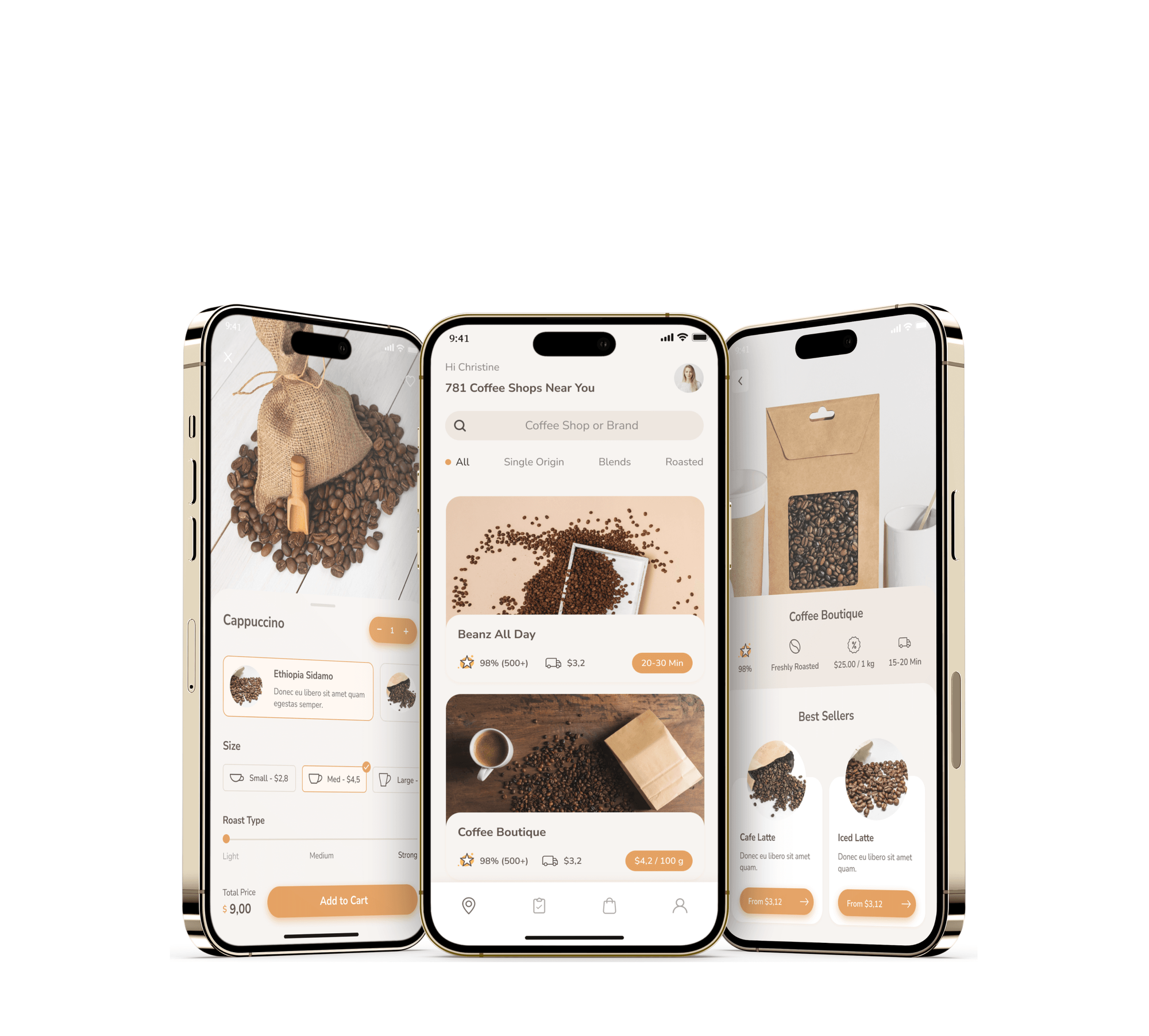
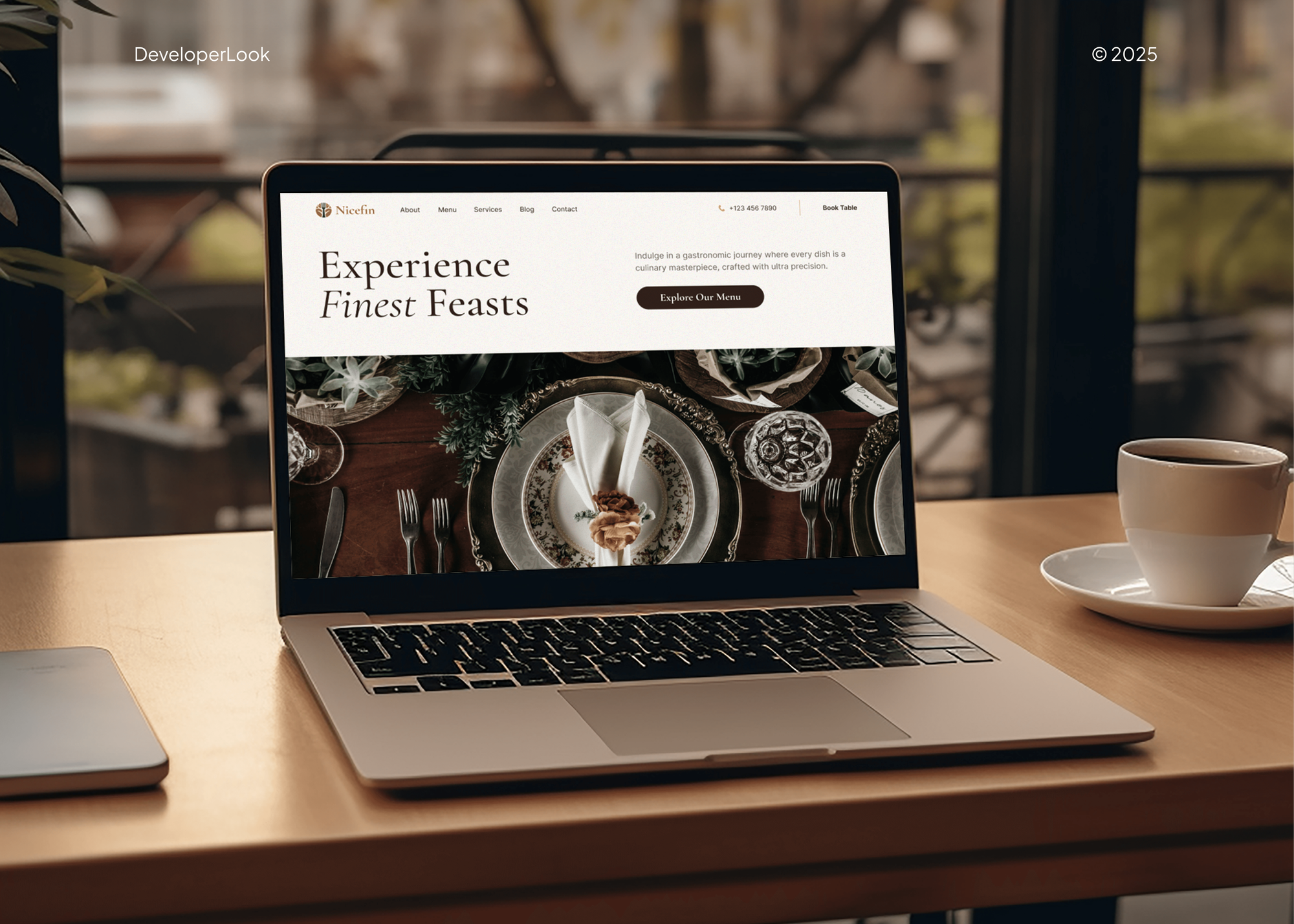
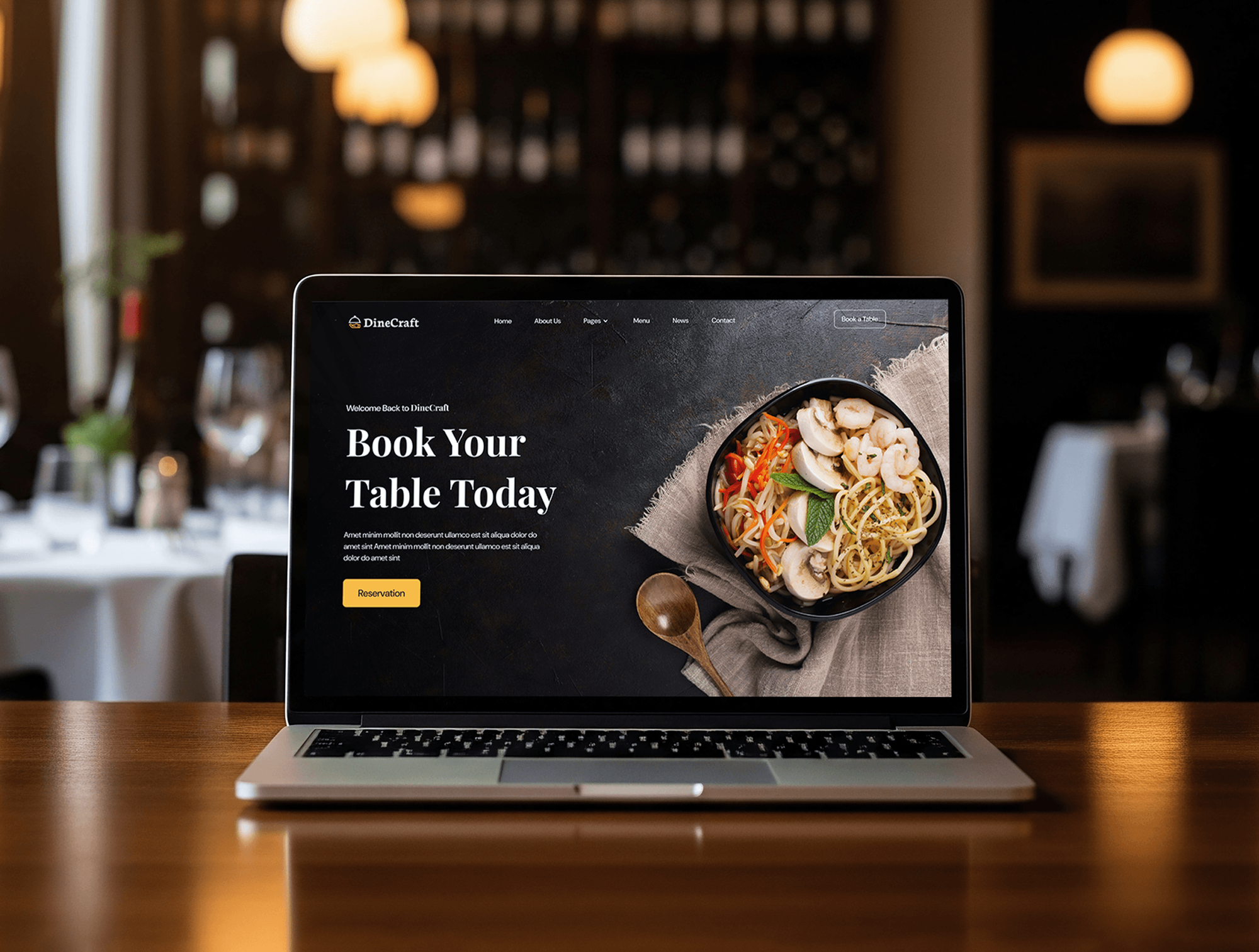
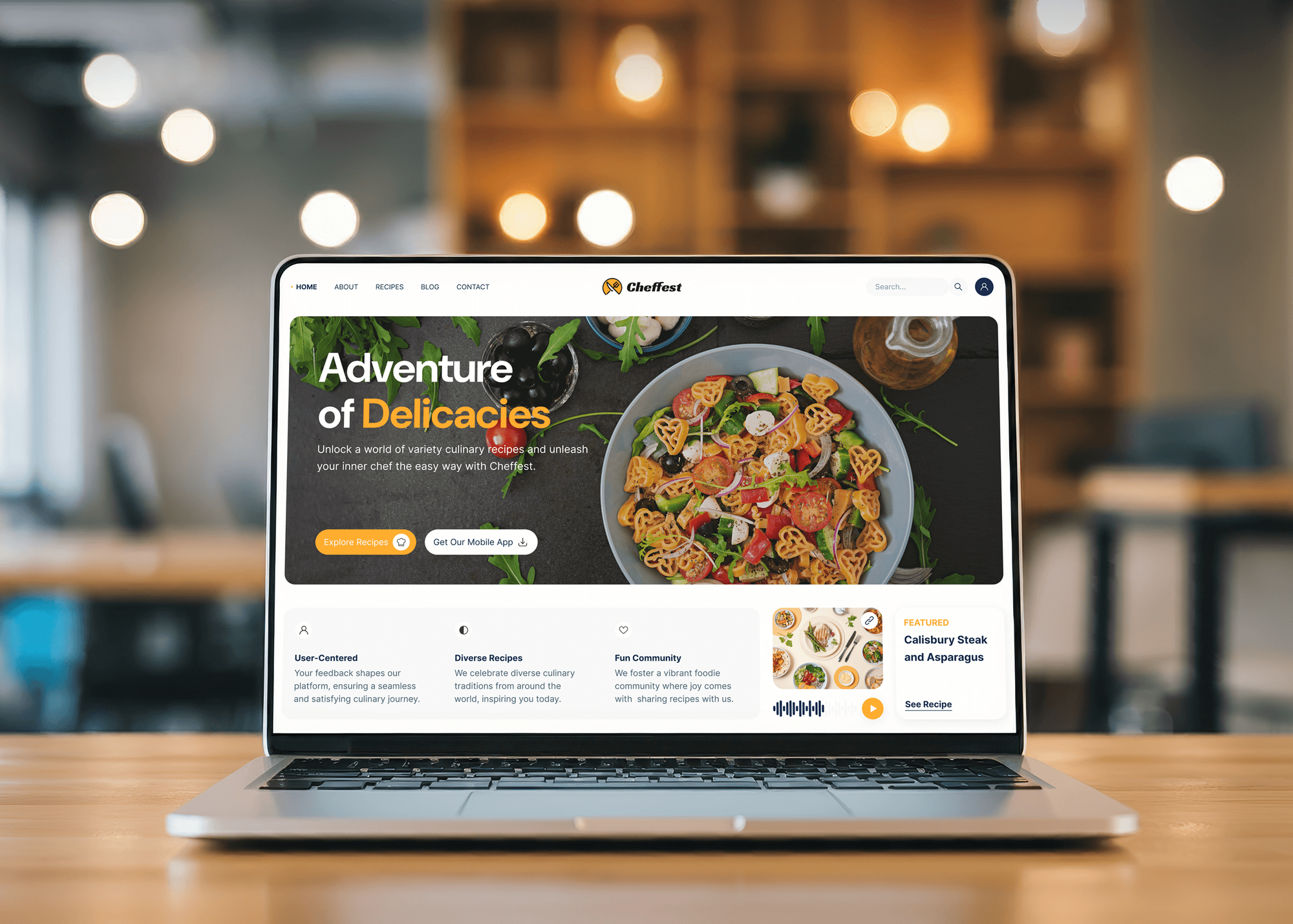
These include a specialty coffee ordering app and restaurant websites with menus and table booking. They show our food and drink work; none of them is a cafe website.
What Our Clients Say
Feedback from teams we have designed and built websites for.
We had a pretty specific idea of what we wanted our website to become, but I wasn’t sure how easily we could explain all of it to a development team. There were quite a few moving parts, and we were working toward a deadline, so I expected a few things to get lost along the way. That never really happened. They understood what we were trying to achieve, kept us updated throughout the process, and got everything ready within the agreed timeline. The final site feels much easier to navigate, works beautifully on mobile, and is noticeably smoother for our customers. It was a huge relief seeing the original idea actually turn into the website we had in mind.
The mobile experience is probably my favourite part of the new site. We had spent a lot of time making sure the desktop version looked right, and the team kept pushing us to think about how everything would actually feel on a phone too. They were right. The navigation is clean, the interactions feel natural, and everything we’ve tested so far works exactly as it should. They also went through the links, forms, integrations, and other details more than once before launch, which I really appreciated. And even after going live, we could still reach out when something came up. The whole process felt friendly, organised, and surprisingly straightforward.
What I appreciate most is that the website is actually easy for us to manage now. We can update content ourselves instead of sending a developer a message every time we need to change something small. They also paid attention to the technical SEO side, which mattered to us because we didn’t want a new website to create problems for the traffic we already had. I’ve probably asked more questions than I should have since launch, but every question has been handled patiently and without any fuss. The team is easy to work with, they explain things clearly, and when we need something changed, they focus on getting it done rather than making the process complicated.
1,250+
Projects shipped
10+
Years of experience
Top 3%
Upwork Top Rated Plus
5 stars
Average review score

Want results like these?
Tell us what you are building. You get a reply within 24 hours on business days, then a written estimate.
Work Culture
Your site gets updated between the morning rush and the afternoon lull, by whoever is on shift. These habits keep cafe web design simple to run and honest about cost.
A new seasonal drink or an oat milk price change takes a few fields and a save. Your shift lead can do it from a phone between orders.
We link the ordering, gift card, and shop tools you already pay for. Changing vendors later stays your decision, not ours.
We test pages on a mid-range phone over a crowded cell network. That's how a regular checks your menu from the bus stop at 7:30.
Some cafes are better served by the site builder inside their point-of-sale system. When that's you, we say it on the first call and skip the quote.
We use photos of your bar, your cups, and the corner your regulars fight over. Visitors can tell a real cafe from a stock image right away.
Domain, hosting, analytics, and shop accounts open in the cafe's name. Every login is yours at launch, so a staff change doesn't lock you out.
Overview
DeveloperLook is a cafe website design company for independent cafes, coffee shops, and small roasters. We build seasonal drink menus with milk and add-on prices, order-ahead pickup buttons, workspace details, and shops for beans and gift cards. Most cafe sites launch in 2 to 8 weeks from $1,100, on a fixed scope, with the domain and logins in your name.
DEVELOPERLOOK
Project facts · Cafe Website Design
Reviewed 8 Oct 2026 by Saimul Islam
Good fit
Neighborhood cafes with a changing menu board
Your menu board changes with the seasons, but your website still lists last winter's drinks and no price for oat milk.
Coffee shops adding order-ahead pickup
You started taking pickup orders through your point-of-sale app, and regulars can't find the link anywhere on your site.
Small roasters selling retail bags
You roast your own beans and want a coffee house website design that sells retail bags and gift cards without a second store to manage.
Cafes with a back room or classes
You host cuppings, latte art classes, or book club nights in the back room, and every booking still arrives as a direct message.
Agencies with cafe clients
Your agency has a cafe client who needs a new site within weeks, and you want the menu and shop work handled under your brand.
Not a fit
Full kitchen and table service
You run a full kitchen with table service and dinner reservations. Our Restaurant Website Design page fits menus by daypart and table booking better.
Mostly cake and pastry orders
Most of your sales are custom cakes and pastry preorders, not coffee. Bakery Website Design covers order forms with lead times and deposits.
Coffee cart or truck
You serve coffee from a cart or truck that moves between markets. Food Truck Website Design handles a today's-location block and catering requests.
Budget under $1,100
Your budget is under $1,100. A builder template with your menu typed in, plus a complete Google Business Profile, is a fair place to start.
Not sure we're the right fit?
Book a free call or message us. We'll tell you honestly whether we're the right team.
Pricing
These are starting points in USD. Your final price depends on pages, menu size, and online retail, and you get a fixed proposal after a free cafe site review.
For single cafes that need a current drink menu, hours, and an order-ahead button.
$1,100one-time, USD
For busy cafes selling beans, gift cards, and room bookings alongside coffee.
$2,600one-time, USD
For roasters and owners with up to 3 cafes, wholesale coffee, and a larger shop.
$5,200one-time, USD
For Agencies
You own the client relationship. We supply the cafe build behind you: drink menus, order-ahead links, retail coffee pages, and visit details, all delivered under your agency's name. The cafe keeps its own accounts and logins.
White label: your client only ever sees your brand
Send the menu, photos, branding, and the ordering and shop tools the cafe uses.
You receive a page plan, a menu structure, and a price to resell.
Pages built, test orders placed, and baristas trained under your agency's name.
Plans, preview links, and barista training carry your agency's name, not ours.
Milk swaps, add-ons, and seasonal drinks structured for quick edits on shift.
A fixed quote for each cafe site that you can mark up.
Extra hands when several cafe clients want new menus before fall drinks launch.
The Right Technology for Your Project
We build on platforms a shift lead can update, and connect the ordering, payment, and map tools your cafe already runs.
 Figma
Figma Canva
Canva WordPress
 Shopify
 CSS3
CSS3 Stripe
 Google Analytics
 Google Search Console
 Lighthouse
 PageSpeed Insights
FAQ
Straight answers on cafe website costs, timelines, features, order-ahead pickup, and room bookings.
Saimul IslamFounder & CEO, DeveloperLookStill have questions?
Send a message or book a call with the team.
Cafe websites start at $1,100 with DeveloperLook. That covers up to 6 pages: your drink menu with milk and add-on prices, hours, and an order-ahead button. Adding a beans and gift card shop and room bookings moves you to $2,600, and roaster or multi-cafe builds start at $5,200. Your ordering and shop platforms bill you separately.
Most cafe menu sites launch in 2 to 3 weeks. Sites with a beans shop, gift cards, and booking forms take 4 to 6 weeks, and roaster or multi-cafe builds take up to 8 weeks. The usual delay is photos, so we plan a short morning shoot early if you need one.
Yes, most cafes do, because people check the menu, hours, and location before they walk over. Map and review apps show your cafe too, often with outdated hours and photos guests posted. Your own site is the place you control: today's drinks, milk prices, and the hours you actually keep.
Yes, because Instagram shows your latest post, not your menu or opening hours. Someone searching for coffee nearby lands on search results, not your feed. Even one coffee shop web page with the menu, hours, and an order-ahead link answers that searcher in a way your posts can't.
Yes, and the benefit goes past foot traffic. A site sells retail bags and gift cards while you're closed, takes requests for the back room or a cupping, and gives job seekers a place to apply. Each of those used to be a message or a phone call your staff answered mid-rush.
It should have the drink menu as text with sizes and milk options, current hours, an order-ahead button, and directions. Add Wi-Fi and seating details if laptop guests matter to you, plus retail coffee and gift cards if you sell them. Skip features nobody will update, like a blog that stops after 2 posts.
Cafes take bookings with a request form for the room, class, or event. It asks for the date, time, group size, and any food or drink order. We send each request to your email or the booking tool you already use. For paid classes, the form can link to a payment page from your current payment processor.
Start with what customers ask at the counter: what's on the menu, when you open, and whether they can order ahead. Plan the pages around those answers, design the menu and home pages first, then connect ordering and your shop. Test everything on a phone before launch, including a real pickup order.
Create it on the platform that matches what you sell, then add the menu, hours, and ordering link. Squarespace suits menu-led cafes, WordPress gives you more control over pages, and Shopify suits roasters with a large coffee catalog. We set it up in your own accounts, so nothing stays tied to us.
Every plan includes 30 to 90 days of post-launch support. The Cafe Menu Site has 30 days, the Cafe and Retail Site 60, and the Roaster and Multi-Cafe Build 90. During that time we fix bugs and help with menu changes. Your domain, hosting, and shop accounts stay in your cafe's name from day one.
Saimul IslamFounder & CEO, DeveloperLookStill have questions?
Send a message or book a call with the team.
Free 30-min callGoogle Meet
Book a call
In 30 minutes on Google Meet we walk you through how we would build it, how long it takes and what it costs. Then you get a written estimate.
Calendar not showing? Book on cal.com or send a brief.