
Town shortlist from job data
Towns ranked by past jobs, drive time, and search demand, so pages go where calls can come from.

For contractors and other service area businesses that work in many towns but only show up near the office. Pages built from real local jobs, from $850.
2X
More calls from nearby towns
100%
Town pages from real jobs
How your project runs
Teams we have built for:














The Problem
Most city pages for service area businesses fail in one of two ways. They don't exist at all, or one template repeats across dozens of towns with only the name swapped.
01 · Coverage
Your site names one city and buries the rest in a footer.
We give your busiest towns their own pages and list the others on a hub.
02 · Copied pages
Old location pages swap the town name and nothing else.
We write each page from jobs, photos, and reviews in that town.
03 · Profile limit
Your Google profile can't list every town you drive to.
Your website covers the towns your profile's service areas leave out.
04 · Local proof
A rival with job photos from that town wins the call.
Your pages show finished work and real reviews from each town you serve.
A homeowner two towns over searches for a water heater replacement. Your company isn't on the first page, even though your vans are there every week. Your website names one city, and the rest of your coverage sits in a footer list. An old agency added pages that swap only the town name, and Search Console shows they barely get impressions. Your Google profile stops at 20 service areas. Meanwhile, a competitor with real job photos from that town gets the call.
We start with your job records and search demand to choose the towns that deserve a page. Each city page gets jobs, photos, reviews, and answers to questions people in that town ask. A service area hub links every page to the services you sell there, and LocalBusiness markup lists the towns you cover. The result is a set of pages that prove you work in each town instead of just naming it.
Towns chosen from real jobs
We pick towns from your job records and search demand, not from a list of every ZIP code nearby.
Local proof on every page
Each city page carries jobs, photos, and reviews from its own town, so no two pages read alike.
Hub, city, and service links
A hub page lists every town, and each city page points to the services you sell there.
Our SAP Architecture Process
You approve the town list before any writing starts, review every city page draft, and get a baseline for each town when the pages go live.
We compare your job records, Google profile service areas, and current pages with what people search in each town. You get a ranked town list and a plain verdict on any town pages you already have: keep, fix, merge, or remove.
What's Included
A town list from your job data, a hub, and pages written from local proof. Internal links, markup, and tracking for each page come with it, built once and handed over with support.
Compare Options
Writing pages yourself costs only time, and generator plugins publish in minutes. On service area pages, SEO comes from local proof, and that's the part both shortcuts tend to skip.
| Feature | DeveloperLookBest fit | Page generator | DIY writing |
|---|---|---|---|
| Upfront cost | From $850, one time | Low plugin or tool fee | Free, plus your time |
| Town selection | From jobs and search demand | Any list you paste in | You know your towns best |
| Page content | Written from local jobs | One template, names swapped | As good as your time allows |
| Doorway risk | Checked against Google's policy | High with near-identical pages | Low when pages truly differ |
| Speed to publish | 2 to 5 weeks | Minutes once set up | Often months, between jobs |
| Internal links | Hub, city, and service links | Template link blocks | Added when remembered |
| Business markup | LocalBusiness with areaServed | Varies by plugin | Usually missing |
| Tracking by town | Search Console views per page | Rarely included | Spot checks by hand |
Projects We've Built
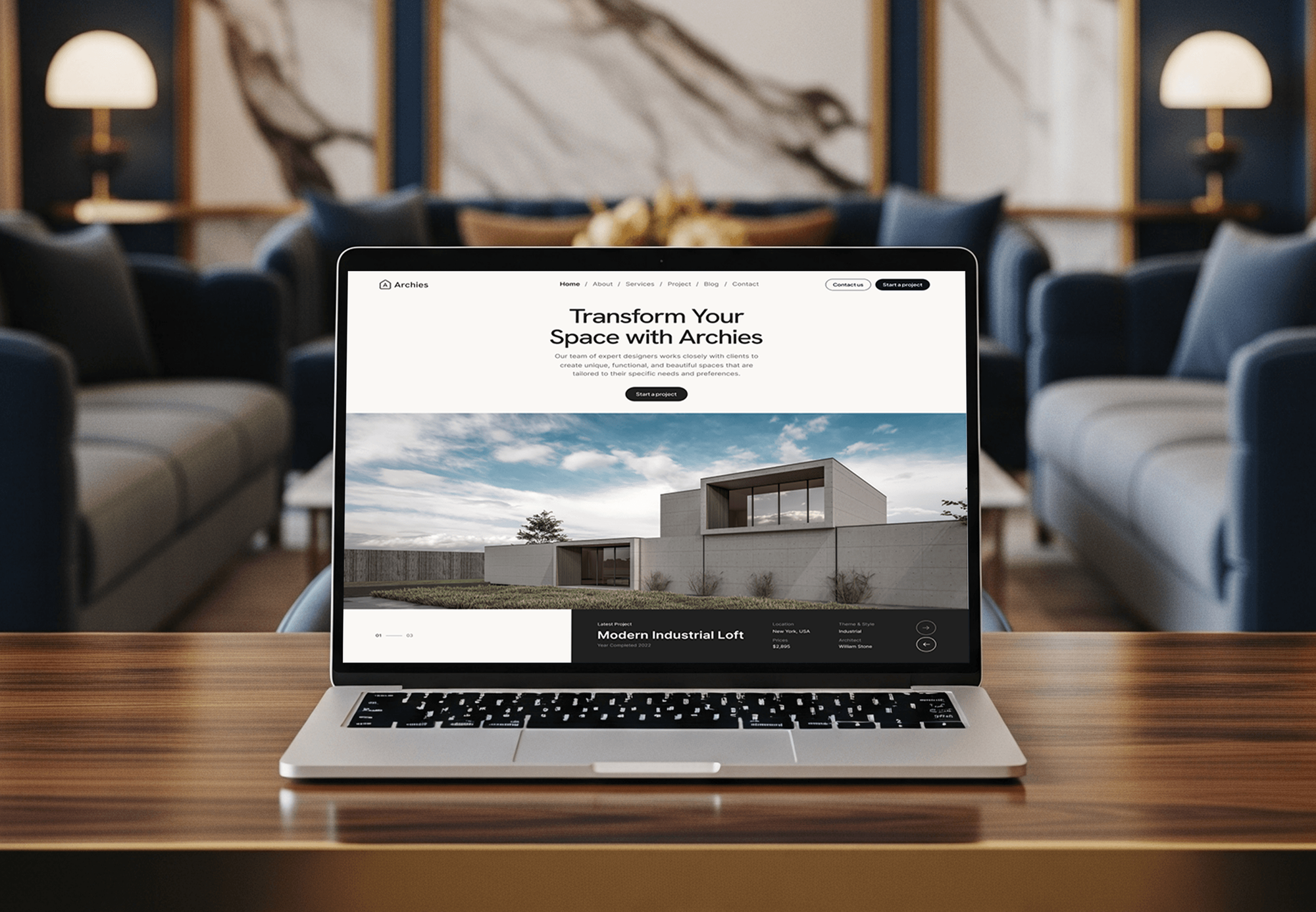
Websites we built for a construction firm, a limo booking service, and two design studios. They show the kind of sites these pages plug into, not ranking results.



What Our Clients Say
Feedback from teams we have built websites for.
We had a pretty specific idea of what we wanted our website to become, but I wasn’t sure how easily we could explain all of it to a development team. There were quite a few moving parts, and we were working toward a deadline, so I expected a few things to get lost along the way. That never really happened. They understood what we were trying to achieve, kept us updated throughout the process, and got everything ready within the agreed timeline. The final site feels much easier to navigate, works beautifully on mobile, and is noticeably smoother for our customers. It was a huge relief seeing the original idea actually turn into the website we had in mind.
The mobile experience is probably my favourite part of the new site. We had spent a lot of time making sure the desktop version looked right, and the team kept pushing us to think about how everything would actually feel on a phone too. They were right. The navigation is clean, the interactions feel natural, and everything we’ve tested so far works exactly as it should. They also went through the links, forms, integrations, and other details more than once before launch, which I really appreciated. And even after going live, we could still reach out when something came up. The whole process felt friendly, organised, and surprisingly straightforward.
What I appreciate most is that the website is actually easy for us to manage now. We can update content ourselves instead of sending a developer a message every time we need to change something small. They also paid attention to the technical SEO side, which mattered to us because we didn’t want a new website to create problems for the traffic we already had. I’ve probably asked more questions than I should have since launch, but every question has been handled patiently and without any fuss. The team is easy to work with, they explain things clearly, and when we need something changed, they focus on getting it done rather than making the process complicated.
1,250+
Projects shipped
10+
Years of experience
Top 3%
Upwork Top Rated Plus
5 stars
Average review score

Want results like these?
Tell us what you are building. You get a reply within 24 hours on business days, then a written estimate.
Work Culture
Service area pages for SEO can lift a whole site or drag it down. These habits keep every page useful to homeowners and inside Google's spam policies.
We would rather build a few pages with real proof than dozens of thin ones. Google's doorway policy targets near-copies, and thin pages rarely bring calls anyway.
Every local detail, from permit rules to neighborhood names, goes to you for a check before publishing. One wrong fact on a town page costs trust with exactly the homeowners you want.
We leave out house numbers and customer names unless you have written consent. Pages describe the neighborhood and the job, which is enough to show you work there.
We write from your jobs and reviews instead of repeating a town name in every heading. Homeowners trust a finished job nearby more than a page stuffed with their town's name.
Each city page follows a clear layout your team can add new jobs and photos to. Fresh local work keeps a page accurate long after our project ends.
If a town brings no jobs and little search demand, we tell you to leave it on the hub. You pay for pages that have a reason to exist.
Overview
DeveloperLook builds city pages for service area businesses: one page for each town where a contractor has real jobs, linked from a service area hub. Each page carries local job photos, reviews, answers to town questions, and LocalBusiness markup with areaServed. Projects start at $850, most take 2 to 5 weeks, and towns come from your job records, not a ZIP code list.
DEVELOPERLOOK
Project facts · Service Area Pages (SAP) Architecture for Contractors
Reviewed 6 Oct 2026 by Saimul Islam
Good fit
Contractors working across many towns
You run crews in 15 or more towns, but your website only names the city where your office or yard is.
Owners with copied town pages
Your old agency published dozens of pages that differ only by town name, and you suspect they now hold back the whole site.
Trades past Google's 20-area limit
Your Google profile already lists 20 service areas, and you still drive past them for jobs every week.
Contractors opening a second office
You opened a second office and need multi-location SEO for contractors that keeps each office's towns, pages, and profile apart.
Agencies with home service clients
You manage sites for home service brands and need city pages for service area businesses, written from job data, under your agency's name.
Not a fit
Wants hundreds of pages
You want a page for every town and ZIP code in reach, published this month. That pattern matches Google's doorway examples, so we'd steer you to a smaller set.
No website you control
You rent your website from a lead service or can't edit it. Contractor Website Design builds a site you own first, with room for town pages.
Wants monthly SEO work
You want new pages, links, and reviews every month instead of a one-time build. Contractor Local SEO Services runs that monthly program for trades.
Customers visit your shop
Customers come to your location, and you only need to show up on the map near it. Google Business Profile Optimization for Contractors is the smaller, cheaper job.
Not sure we're the right fit?
Book a free call or message us. We'll tell you honestly whether we're the right team.
Pricing
These are starting points in USD. Your final price depends mainly on how many towns need pages and how much job proof you have. You get a fixed proposal after a free coverage review.
For a contractor with one office that needs pages for its busiest towns first.
$850one-time, USD
For contractors working across many towns that need a dozen pages and an old-page cleanup.
$1,800one-time, USD
For contractors with up to 3 offices that need towns grouped by the office serving them.
$2,750one-time, USD
For Agencies
You own the client relationship. We handle the city page work for your contractor clients: town research from job data, pages written from local proof, markup, and tracking. Everything goes out under your agency's name, with drafts your team reviews first.
White label: your client only ever sees your brand
Send each client's job records, photos, and the towns they want to win.
We send a town shortlist, then write and mark up the approved pages.
You get finished pages, a tracking baseline, and a support window per client.
Drafts, reports, and handovers carry your agency's name, not ours.
Each client's town list comes from their own job records.
Every page is checked against Google's doorway policy before delivery.
Add client towns as you sign them, without hiring writers.
The Right Technology for Your Project
The research, site, markup, and tracking tools we use to pick towns, build pages on your platform, and measure each page.
 Google Search Console
 Semrush
 Google Sheets
 WordPress
 Webflow
 Next.js
 Chrome DevTools
 PageSpeed Insights
 Google Analytics (GA4)
 Google Tag Manager
FAQ
Straight answers on doorway risk, page counts, cost, timing, linking, markup, and tracking by town.
Saimul IslamFounder & CEO, DeveloperLookStill have questions?
Send a message or book a call with the team.
Contractors need them because a search that names a town is best answered by a page about that town. Each city page shows the jobs you've done there, photos, reviews, and answers locals want. Your Google profile can list up to 20 service areas, but your website can cover every town where you have real work to show.
Write each city page from facts only that town has: jobs, photos, reviews, and local questions. Google says duplicate content isn't grounds for action unless it's meant to deceive and manipulate results. The bigger risk is its doorway abuse policy, whose examples include pages targeted at specific cities that funnel visitors to one place. A shared license or warranty block is fine when it isn't the whole page.
Our service area page builds start at $850 for a hub and 5 city pages for a contractor with one office. Wider Coverage, at $1,800, brings the total to 12 pages, fixes or merges old ones, and adds local rank checks. Multi-Office Coverage starts at $2,750 for 20 pages plus up to 3 office location pages. Each plan starts with a free coverage review.
Most city page projects take 2 to 5 weeks, depending on how many pages you need and how fast your team sends job photos. A hub and 5 city pages usually take 2 to 3 weeks, and 20 pages take closer to 5. After launch, Google needs time to crawl the pages, and rankings in each town build over the following months.
A home service business should have one page for each town where it has real jobs, steady search demand, and local proof to show. Towns without that belong in the list on your hub page until you have work there to describe. Our plans cover 5, 12, or 20 city pages, and the free coverage review shows which towns qualify first.
Each city landing page needs its own job photos, reviews from customers in that town, and answers to questions locals actually ask. Add the neighborhoods you work in, the jobs you do most there, and details your team confirms, such as permit steps or the age of local homes. Your license, insurance, and warranty details can repeat across pages, as long as they support the local content instead of replacing it.
Link every city page from one hub page, and link each city page to the services you sell in that town. Service pages then link back to the towns where those jobs happen most. Keep each city page within a few clicks of your home page, and use plain link text such as the service and town. Skip footer blocks that link every town from every page.
Schema markup helps search engines read what your business does and where it works, but it isn't a shortcut to higher rankings. Service area business schema uses a LocalBusiness subtype, such as Plumber or RoofingContractor, with areaServed listing your towns. Schema.org replaced the older serviceArea property with areaServed. GeoCoordinates describe your real office location, not each town, and Google notes that structured data doesn't ensure any search feature appears.
Track each city page in Google Search Console, then run a rank tracker set to each town's location. Search Console's performance report filters by page, so you see clicks, impressions, average position, and the searches behind every city page. A location-set rank tracker shows positions as searchers in each town see them, and a rank grid shows your map listing across the area.
You own the pages, text, photos, and markup, because they live on your own website. They stay if you stop working with us, unlike town pages rented through a lead service. Support runs 30, 60, or 90 days by plan, and the Multi-Office plan adds a page template and photo guide so your team can keep adding jobs.
Saimul IslamFounder & CEO, DeveloperLookStill have questions?
Send a message or book a call with the team.
Free 30-min callGoogle Meet
Book a call
In 30 minutes on Google Meet we walk you through how we would build it, how long it takes and what it costs. Then you get a written estimate.
Calendar not showing? Book on cal.com or send a brief.