
Donation page and form
A giving page on your own site with suggested amounts and only the fields your team uses.

For nonprofits whose donate button loses people: a giving page on your own site, with monthly gifts and every gift tracked by appeal, from $950.
2X
More monthly donors
100%
Gifts tracked to their appeal
How your project runs
Teams we have built for:














The Problem
It shows up on appeal days, when an email or a post sends supporters to give. They arrive ready, and the form makes them wait, doubt, or quit.
01 · Off-brand page
The donate button opens a page that looks unrelated.
The form sits on your own site, styled like every other page.
02 · Long form
Supporters face a dozen fields before they can give.
We keep only the fields your finance team and CRM actually use.
03 · No monthly
The form only takes one-time gifts.
A monthly option sits on the same form, charged by your processor.
04 · Blind appeals
Nobody can tell which appeal brought in each gift.
GA4 records every gift with the appeal link that sent it.
Your year-end email goes out at 9 a.m. A supporter taps Donate on their phone and lands on a page with a different logo, a dozen fields, and no monthly option. They wonder whether it's a scam and close the tab. The supporters who push through get a plain receipt and no thank-you page. In January your board asks which appeal worked, and the only answer is a total in the processor dashboard. Each of those gaps costs gifts from people who already wanted to give.
We start with a test gift on your current form, on a phone. Then we rebuild the donation page on your own site, on Stripe, PayPal, or the giving tool you already pay for. It gets suggested amounts, a monthly option, and a short note on where gifts go. Every completed gift is recorded in GA4 with the appeal that sent it. Donors see one familiar page from tap to thank-you, not three different brands.
Monthly giving built in
One-time and monthly options sit on the same form, and your processor handles every recurring charge.
Proof beside the form
A short note on where gifts go, written from figures your team supplies, sits next to the amounts.
Every gift traced
GA4 records each completed gift with the email, mailer, or post that sent the donor.
Our Donation Website Development Process
You see where gifts drop before any donation page website design starts, approve the form on a phone, and make a live test gift yourself before launch.
We make a test gift on your current form, on a phone, and read your analytics for the donate page. You get a short list of where gifts drop and a fixed quote. If your giving tool's hosted page already works, we'll tell you before we quote.
What's Included
Every plan covers the donation page, monthly and tribute gifts, and gift tracking. Larger plans add campaign pages with goals, more giving pages, and a hand-off to your donor CRM.
Compare Options
A hosted page or a form plugin suits some nonprofits, especially on a tight budget. Here's how each one handles a website donation page, from monthly gifts to tracking.
| Feature | DeveloperLookBest fit | Hosted page | DIY plugin |
|---|---|---|---|
| Look and feel | Matches your own site | The platform's layout | Your theme's styling |
| Monthly giving | Built in and tested | Usually included | Depends on the plugin |
| Gift tracking | GA4 by appeal | Platform reports only | Often not set up |
| Form fields | Only what you use | The platform's defaults | You choose them |
| Upfront cost | From $950, fixed scope | Often free to start | Low license fee |
| Per-gift fees | Your processor's rates | May add a platform fee | Your processor's rates |
| Speed to launch | 2 to 6 weeks | Same day | A few days |
| Ownership | Your accounts and data | Donor data on their platform | Your site, their plugin |
Projects We've Built
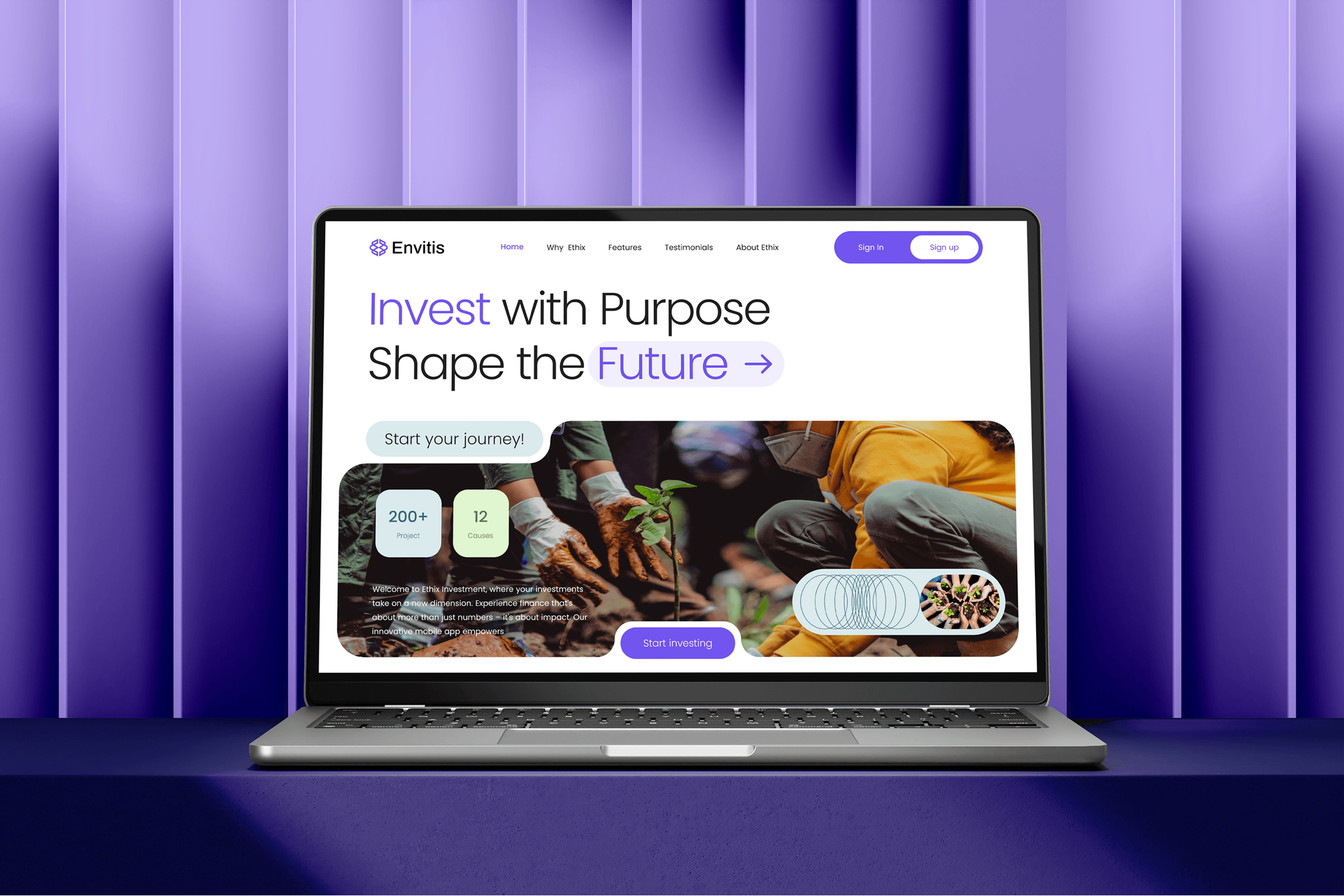
An impact investment site with funding progress bars, plus membership, e-learning, and news sites. They show how we design pages around one action, not nonprofit donation work.



What Our Clients Say
Feedback from teams we have built websites and online forms for.
We had a pretty specific idea of what we wanted our website to become, but I wasn’t sure how easily we could explain all of it to a development team. There were quite a few moving parts, and we were working toward a deadline, so I expected a few things to get lost along the way. That never really happened. They understood what we were trying to achieve, kept us updated throughout the process, and got everything ready within the agreed timeline. The final site feels much easier to navigate, works beautifully on mobile, and is noticeably smoother for our customers. It was a huge relief seeing the original idea actually turn into the website we had in mind.
The mobile experience is probably my favourite part of the new site. We had spent a lot of time making sure the desktop version looked right, and the team kept pushing us to think about how everything would actually feel on a phone too. They were right. The navigation is clean, the interactions feel natural, and everything we’ve tested so far works exactly as it should. They also went through the links, forms, integrations, and other details more than once before launch, which I really appreciated. And even after going live, we could still reach out when something came up. The whole process felt friendly, organised, and surprisingly straightforward.
What I appreciate most is that the website is actually easy for us to manage now. We can update content ourselves instead of sending a developer a message every time we need to change something small. They also paid attention to the technical SEO side, which mattered to us because we didn’t want a new website to create problems for the traffic we already had. I’ve probably asked more questions than I should have since launch, but every question has been handled patiently and without any fuss. The team is easy to work with, they explain things clearly, and when we need something changed, they focus on getting it done rather than making the process complicated.
1,250+
Projects shipped
10+
Years of experience
Top 3%
Upwork Top Rated Plus
5 stars
Average review score

Want results like these?
Tell us what you are building. You get a reply within 24 hours on business days, then a written estimate.
Work Culture
Our donation website development for nonprofits is built around donors on phones, small development teams, and finance staff who need clean records.
We give one-time and monthly test gifts on a phone and a laptop, then refund them. You see the exact confirmation your donors will get.
We keep the fields your finance team and CRM actually use and drop the rest. Each extra field is one more reason to quit before giving.
Card details go into Stripe or PayPal fields, so they don't pass through your web server. You don't take on payment data you'd then have to protect.
If your giving tool's own page already converts well, we'll tell you before we quote. Money spent rebuilding a working form is money your programs don't get.
Gift tracking shows visits, gifts, and average gift by appeal in plain terms. Your development director shouldn't need analytics training to use it.
Processor, analytics, and site accounts sit in your organization's name, and donor data stays in your tools. We hand over every login at launch.
Overview
DeveloperLook offers donation page website design and development for nonprofits that lose gifts at the form. We build one-time and monthly giving forms on Stripe, PayPal, or your current giving tool, add campaign pages with goals, and record every gift in GA4 by appeal. Projects start at $950, take 2 to 6 weeks, and every account stays in your name.
DEVELOPERLOOK
Project facts · Donation Website Development for Nonprofits
Reviewed 8 Oct 2026 by Saimul Islam
Good fit
Nonprofits with an off-brand donate page
Your donate button opens a slow third-party page that looks nothing like your site, and supporters email to ask whether it's really you.
Small charities starting online giving
You take checks and cash at events, and your board wants online donations for nonprofits your size running before the next giving season.
Development teams launching monthly giving
You want a monthly giving program, but your form only takes one-time gifts and nobody can say which donors give every month.
Teams that can't see which appeal worked
Your email, mailer, and social appeals all point to one donate page, so you can't tell which one brought in last month's gifts.
Agencies with nonprofit clients
Your agency builds sites for nonprofit clients and needs a partner for the non-profit donation website work: forms, processor setup, and tracking, under your brand.
Not a fit
Need a full nonprofit site
Your whole site needs a rebuild, from programs and events to volunteer sign-ups. Our Nonprofit Website Design service covers the full site with a donate path built in.
Donor records are the problem
Gifts come in fine, but donor records are scattered across spreadsheets. Our CRM for Nonprofits service sets up your donor CRM without touching the donation page.
Budget under $950
Your budget is under $950. Your giving tool's own hosted page, linked from a clear Donate button in your header, is a sensible start until gifts grow.
Only need Stripe connected
Your form already works and you only need Stripe connected to it. Our Stripe Integration Services page covers that smaller job for less.
Not sure we're the right fit?
Book a free call or message us. We'll tell you honestly whether we're the right team.
Pricing
These are starting points in USD. Your final price depends on the number of giving pages, your processor, and the CRM hand-off, and you get a fixed proposal after a free giving review.
For nonprofits that need one donation page on their current site that donors actually finish.
$950one-time, USD
For nonprofits running regular appeals that want campaign pages and gifts sent to their donor CRM.
$2,400one-time, USD
For organizations that need a whole site built around giving, such as a capital campaign or a named fund.
$4,900one-time, USD
For Agencies
You own the client relationship. We supply the giving side of the build: donation pages, processor setup in test and live mode, monthly gifts, and appeal tracking. It all ships under your brand, in your client's own accounts.
White label: your client only ever sees your brand
Share the client's site, processor, donation tool, and the appeals they plan to run.
You get the gift flow, the page list, and a fixed price you can resell.
Pages built, test gifts made and refunded, and tracking handed over under your name.
Plans, test reports, and walkthrough videos go out under your agency's name.
Stripe or PayPal configured, tested in test mode, then switched live with your client.
One quote per donation page or giving section, ready to mark up and resell.
Extra hands when several clients launch year-end appeals in the same weeks.
The Right Technology for Your Project
We work with the payment and giving tools you already pay for, then add tracking so your team can see which appeals bring in gifts.
 Stripe
 PayPal
 Apple Pay
 Google Pay
 WordPress
 Webflow
 Figma
Figma HTML5
HTML5 Google Analytics
 Google Tag Manager
 Google Search Console
 PageSpeed Insights
 HubSpot
 Salesforce
 Google Sheets
FAQ
Straight answers on accepting donations, setting up a donation page, costs, tracking gifts, and donor trust.
Saimul IslamFounder & CEO, DeveloperLookStill have questions?
Send a message or book a call with the team.
Yes, any website can accept donations once it's connected to a payment processor such as Stripe or PayPal, or to a donation tool. The processor handles the card, the charge, and the payout to your bank, while your site hosts the page and the form. Check each processor's own rules first, since Stripe and PayPal set their own requirements for accepting donations.
You set up a donation page in three parts: a processor account, a form with your gift amounts, and a page of its own. Add a monthly option, a short note on what a gift pays for, and a thank-you page. Before you switch to live payments, run test gifts on a phone in the processor's test mode and refund them.
Donation website development with DeveloperLook starts at $950 for one donation page on your current site, with monthly gifts and GA4 tracking. A giving section with campaign pages and a donor CRM hand-off starts at $2,400. A full giving site of up to 20 pages starts at $4,900. Your processor's per-gift fees are separate and paid to them.
A single donation page on your current site takes 2 to 3 weeks, and a full giving site takes 4 to 6 weeks. Most of that time goes to review and test gifts, not code. If your appeal date is fixed, we plan backward from it and put the donation page live first, then add the campaign pages.
We build it on your CMS, such as WordPress or Webflow, with the form running on Stripe, PayPal, or your giving tool. One detail shapes monthly giving: Stripe's let-donors-choose-the-amount option doesn't support recurring payments, so monthly gifts use set amounts or a custom form built on Stripe's subscription tools. Wallets such as Apple Pay and Google Pay can appear on phones through Stripe.
You make one by deciding what a donor needs before giving: the cause, the amount, and proof that gifts are used well. In practice that's a donation page, a ways-to-give page, campaign pages for appeals, and a page on where money goes. Give each page one job and one button, so the path to a gift stays short.
You can go two ways: use the hosted page your donation tool provides, or build giving pages on your own site. Hosted pages are quick and often free to start, but they look like the platform, not you. Pages on your own site cost more upfront but keep the design, tracking, and donor trust in one place. That's where donation page website design earns its cost.
You add it as a page of its own, link it from your header, and place the form or embed your processor provides. On WordPress or Webflow that means one new page template, not a stack of plugins. Link to it from every program page and your email footer too, so a donor can reach it in one tap from anywhere.
You track donation conversions by sending a GA4 event when a gift completes and tagging every appeal link with UTM parameters. GA4 then shows which email, mailer, or post brought each gift. We send the gift amount with the event, so you can compare appeals by money raised, not clicks. Your processor's records stay the source of truth for accounting.
Donors trust a charity website when the form clearly belongs to the charity and the page shows where gifts go. Keep the form on your own domain and styled like your site, with card fields from a processor donors recognize. Add a short note on what a gift funds, a contact email, and a real thank-you page. Most nonprofit website donation page best practices come down to those signals.
Saimul IslamFounder & CEO, DeveloperLookStill have questions?
Send a message or book a call with the team.
Free 30-min callGoogle Meet
Book a call
In 30 minutes on Google Meet we walk you through how we would build it, how long it takes and what it costs. Then you get a written estimate.
Calendar not showing? Book on cal.com or send a brief.