
A CRM sized to your budget
Bloomerang, Little Green Light, Neon CRM, or Salesforce Nonprofit Cloud compared with nonprofit pricing applied.

For development teams juggling donor spreadsheets and payment exports: every gift on a donor record, thanked quickly, and every lapsed donor on a list. From $700.
48hrs
From gift to thank-you
2X
More lapsed donors re-engaged
How your project runs
Teams we have built for:














The Problem
It shows up when giving grows past what one person can track. Gifts arrive from several platforms, and nobody can see a donor's whole story.
01 · Scattered gifts
Gifts sit in Stripe, PayPal, and last year's spreadsheet.
Every gift is linked to one donor record with its date and source.
02 · Late thank-yous
A December gift arrives and nobody sends a thank-you.
Each new gift creates an acknowledgment task with your approved receipt wording.
03 · Hidden volunteers
Your best volunteer is also a donor, and nobody knows.
Volunteers and donors share one record, so every role is visible.
04 · One-size appeals
Year-end appeals go to everyone, including last week's donors.
Segments split first-time, monthly, and lapsed donors before any appeal goes out.
A long-time donor calls to ask whether her December gift arrived. Your development director checks Stripe, then the PayPal export, then last year's spreadsheet. The gift is there, but nobody sent a thank-you. The volunteer who led your spring cleanup is also a monthly donor, and nobody knew. Your year-end appeal goes to everyone at once, including people who gave last week. Donors who skipped this year quietly drift away.
We start by mapping where gifts, donors, and volunteers live today and what your appeals need. Then we pick a donor CRM that fits your budget, import gift history, and link each gift to a donor record with a thank-you task. Segments separate first-time, monthly, and lapsed donors. Appeals reach the right people, not the whole list at once.
Every gift on a donor record
Online, check, and event gifts linked to one donor, with soft credits and tributes kept.
Thank-yous that go out fast
Each new gift creates an acknowledgment task or email, using receipt wording you approve.
Segments for every appeal
First-time, monthly, major, and lapsed donors sorted, so each appeal reaches the right group.
Our Donor CRM Setup Process
You approve the CRM choice, the gift and donor fields, and every acknowledgment template, and your team checks a sample of imported donors first.
We look at where donors, gifts, and volunteers live today and how your team runs appeals. You get a short written plan. If a free or donated CRM edition fits your size, we'll tell you before we quote.
What's Included
Every plan covers the CRM choice, donor and gift setup, acknowledgments, and donor lists for appeals. Higher plans add donation form sync, volunteers, email segments, major gifts, and migration.
Compare Options
Many nonprofits set up a CRM themselves or lean on a tech-savvy volunteer. Both can work. Here's where each one tends to stop.
| Feature | DeveloperLookBest fit | DIY setup | Volunteer helper |
|---|---|---|---|
| CRM choice | Compared with nonprofit pricing | Whatever you trial first | What the volunteer knows |
| Gift history import | Cleaned, merged, and checked | CSV upload as is | Depends on their time |
| Acknowledgments | Triggered by each gift | Manual letters | Varies |
| Donor segments | LYBUNT, SYBUNT, monthly, major | Basic tags | Basic tags |
| Documentation | Written guide for staff | In someone's head | Often leaves with them |
| Continuity | Your account, documented | Your account | Rests on one person |
| Cost to start | From $700, fixed scope | Free, plus staff hours | Free |
| Speed to start | 2 to 3 weeks | Same day | When they're available |
Projects We've Built
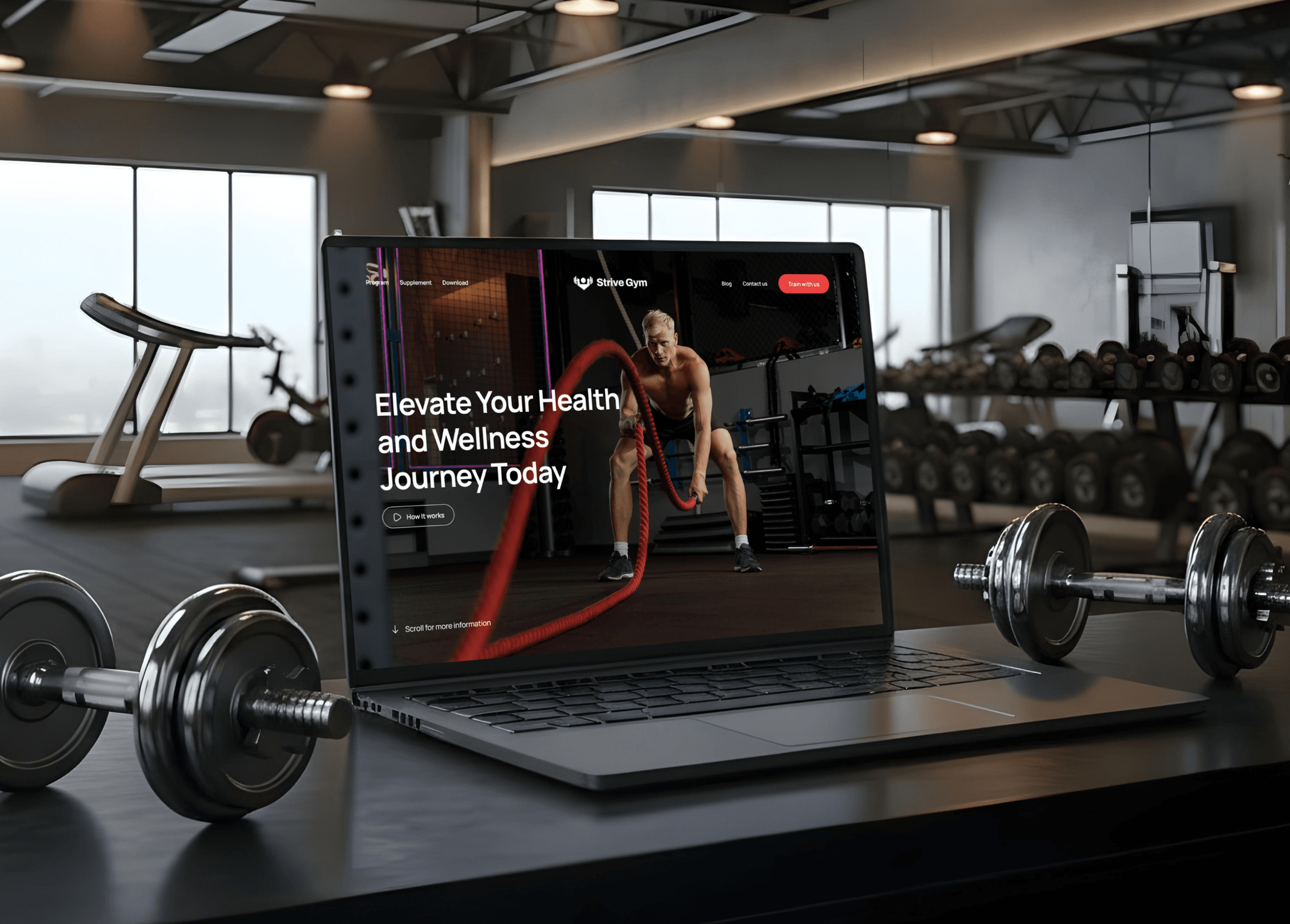
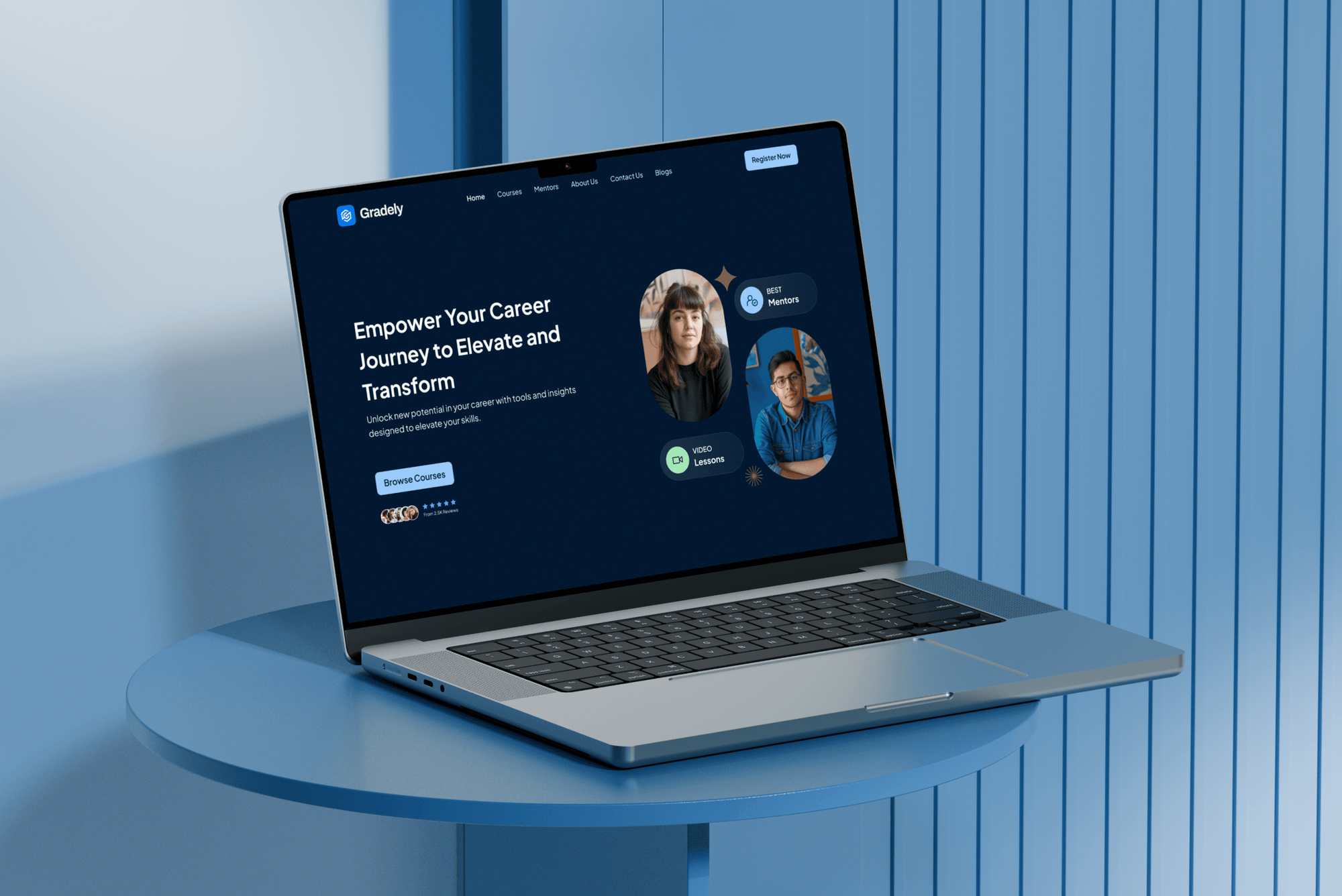
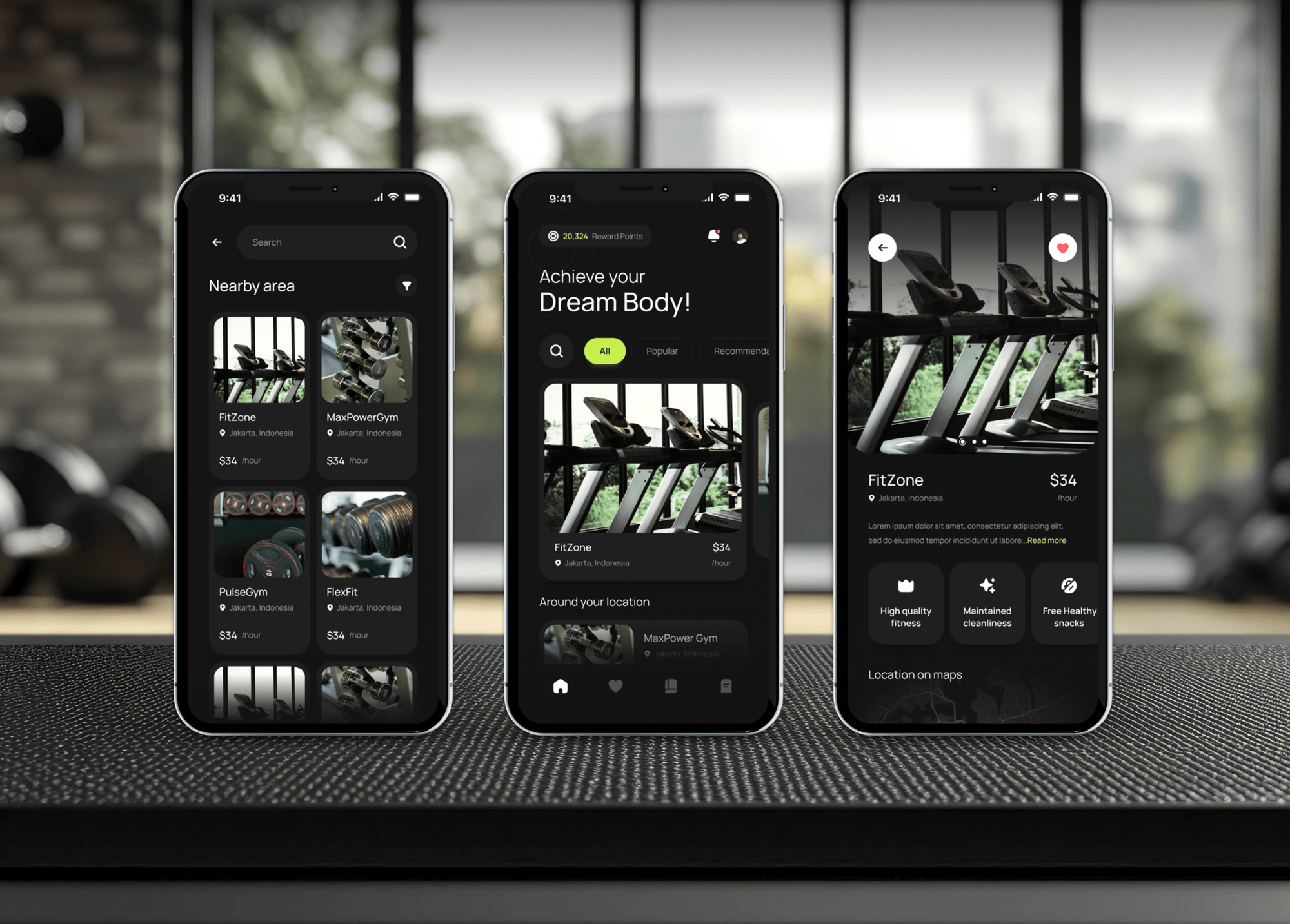
Membership sites and learning platforms our team built, where sign-ups, payments, and member records had to stay in step.

What Our Clients Say
Feedback from teams we have built websites, dashboards, and integrations for.
We had a pretty specific idea of what we wanted our website to become, but I wasn’t sure how easily we could explain all of it to a development team. There were quite a few moving parts, and we were working toward a deadline, so I expected a few things to get lost along the way. That never really happened. They understood what we were trying to achieve, kept us updated throughout the process, and got everything ready within the agreed timeline. The final site feels much easier to navigate, works beautifully on mobile, and is noticeably smoother for our customers. It was a huge relief seeing the original idea actually turn into the website we had in mind.
The mobile experience is probably my favourite part of the new site. We had spent a lot of time making sure the desktop version looked right, and the team kept pushing us to think about how everything would actually feel on a phone too. They were right. The navigation is clean, the interactions feel natural, and everything we’ve tested so far works exactly as it should. They also went through the links, forms, integrations, and other details more than once before launch, which I really appreciated. And even after going live, we could still reach out when something came up. The whole process felt friendly, organised, and surprisingly straightforward.
What I appreciate most is that the website is actually easy for us to manage now. We can update content ourselves instead of sending a developer a message every time we need to change something small. They also paid attention to the technical SEO side, which mattered to us because we didn’t want a new website to create problems for the traffic we already had. I’ve probably asked more questions than I should have since launch, but every question has been handled patiently and without any fuss. The team is easy to work with, they explain things clearly, and when we need something changed, they focus on getting it done rather than making the process complicated.
1,250+
Projects shipped
10+
Years of experience
Top 3%
Upwork Top Rated Plus
5 stars
Average review score

Want results like these?
Tell us what you are building. You get a reply within 24 hours on business days, then a written estimate.
Work Culture
Donor trust is your most valuable asset. These habits keep your CRM affordable, accurate, and easy for a small team to keep up.
We check donated licenses, nonprofit discounts, and free editions before recommending anything. Every dollar saved on software stays with your mission.
Acknowledgments and receipts use language your team signs off on. A thank-you is often the first thing a new donor reads from you.
Staff see what their role needs, and card details stay with your payment processor, not the CRM. Donors trust you with more than money.
We set up the fields and screens your staff and volunteers will actually use. A CRM only one person understands stops working when they leave.
The CRM account and all donor data sit in your organization's name. Board turnover or staff changes don't lock you out of your own history.
You get a short guide covering gift entry, acknowledgments, and appeals. New staff learn the system without needing us on a call.
Overview
DeveloperLook sets up a CRM for nonprofits and small development teams. We compare Bloomerang, Little Green Light, Neon CRM, and Salesforce Nonprofit Cloud, import your gift history, and build acknowledgments, donor segments, and volunteer records. Setups start at $700 and take 2 to 7 weeks, in an account your organization owns.
DEVELOPERLOOK
Project facts · CRM for Nonprofits: Donor CRM Setup
Reviewed 7 Oct 2026 by Saimul Islam
Good fit
Small nonprofits on spreadsheets
You track donors in a spreadsheet and gifts in your payment exports. You want a non profit CRM that a two-person team can keep up.
Development teams planning appeals
Your year-end appeal goes to one big list. You want donors segmented so first-time, monthly, and lapsed supporters each hear the right message.
Organizations run by volunteers
Your work runs on volunteers who also give. You want hours and gifts on one record, so you don't ask the same person twice.
Associations and member groups
You're looking for CRM implementation partners for associations and nonprofits who understand dues, events, and donations sitting on one record.
Charities leaving old software
Your charity runs an aging donor database that nobody can export cleanly. You want a not for profit CRM with full gift history moved over.
Not a fit
Membership dues platform
You mainly need dues, renewals, and a member portal with paid access. Our Membership Website Development service covers that build.
Social enterprise sales
You run a social enterprise that mainly sells products or services. Our CRM for Small Business setup fits a sales pipeline better.
Budget under $700
Your budget is under $700, or you have only a few hundred donors. A free CRM edition and a careful spreadsheet cleanup will do for now.
Custom donation platform
You need a custom donation platform or giving app built from scratch. That's a separate software project, and we quote it on its own.
Not sure we're the right fit?
Book a free call or message us. We'll tell you honestly whether we're the right team.
Pricing
These are starting points in USD. Your price depends on donor count, gift history, and the tools to connect, and you get a fixed proposal after a free review.
For small nonprofits moving donor lists from spreadsheets into their first CRM.
$700one-time, USD
For development teams running appeals, events, and volunteers from one CRM.
$1,650one-time, USD
For established nonprofits migrating from another donor CRM with full history.
$3,600one-time, USD
For Agencies
You own the client relationship. We supply the donor CRM work behind your nonprofit clients: selection, gift imports, acknowledgments, and segments for appeals. It runs under your brand, in accounts each organization owns.
White label: your client only ever sees your brand
Their donor data, payment tools, appeal calendar, and board reporting needs.
You get a CRM pick, a field plan, and a fixed resale price.
We import, test with sample donors, and document under your brand, then hand back every login.
We stay behind your agency on calls, documents, and training.
Clean segments give your campaigns the right audience from day one.
Fixed milestones and a donor sample your client approves first.
One method across the nonprofits on your roster.
The Right Technology for Your Project
We set up the donor CRM that fits your budget, then connect the donation forms, payments, and email tools you already use.
 Salesforce Nonprofit Cloud
 Stripe
 PayPal
 QuickBooks
 Xero
Xero Google Sheets
FAQ
Straight answers on donor CRM cost, choosing one, segmenting donors, and volunteers.
Saimul IslamFounder & CEO, DeveloperLookStill have questions?
Send a message or book a call with the team.
Our donor CRM setup starts at $700 for donor and gift records, acknowledgments, and up to 3,000 donors imported. Fundraising workflows with donation form sync, volunteers, and email segments start at $1,650, and migrations with major gift tracking start at $3,600. CRM subscriptions are billed by the vendor, often with nonprofit pricing.
A small nonprofit's setup takes 2 to 3 weeks. Adding donation form sync, volunteers, and email segments takes 3 to 5 weeks, and migrations with years of gift history take 5 to 7 weeks. Cleaning old spreadsheets is usually the slowest part, so we start it first.
It's a donor database with relationship tools built in. It records gifts, pledges, and recurring giving, plus every call, email, event, and volunteer shift. Unlike a sales CRM, it's organized around donors and campaigns rather than deals, and it produces acknowledgments and fundraising reports for your board.
A CRM matters because donor retention depends on timely thank-yous and personal follow-up, and both slip without a system. It shows each donor's full history before anyone calls them. It also gives your board clear numbers on revenue, retention, and campaign results instead of a patchwork of exports.
Staff enter or sync each gift, send the acknowledgment the CRM prompts, and log calls and meetings with donors. Before an appeal, you pull a segment, such as last year's donors who haven't given yet. Volunteer coordinators log shifts on the same records, so the whole team sees each supporter's story.
The best CRM for nonprofits depends on your size and budget. Little Green Light and Bloomerang suit small teams focused on donor retention, Neon CRM adds events and memberships, and Salesforce Nonprofit Cloud fits larger organizations with technical staff. We compare them with nonprofit pricing applied before you choose.
Look for gift types that match your fundraising, such as pledges, recurring gifts, tributes, and soft credits. Check that it connects to your donation forms and email tool, and that reports answer your board's questions. A CRM for nonprofit organizations should also be simple enough for part-time staff and volunteers.
Choose one that tracks volunteers and donors on the same record, with shifts, hours, and skills. Check that volunteers can sign up through a form that feeds the CRM, and that coordinators get a simple screen. If volunteer scheduling is complex, a dedicated volunteer tool linked to the CRM may serve you better.
Start with your gift history: how many donors, which gift types, and where gifts come in. Then test how each CRM handles acknowledgments, recurring gifts, and appeal segments. CRM software for nonprofits varies most in reporting and price, so we compare those with your real data before you decide.
Nonprofits segment donors by recency, frequency, and gift size, then by interests and campaign history. Common lists are first-time donors, monthly givers, major donors, and LYBUNT donors who gave last year but not this year. Those segments sync to Mailchimp or your email tool, so each appeal speaks to its group.
Saimul IslamFounder & CEO, DeveloperLookStill have questions?
Send a message or book a call with the team.
Free 30-min callGoogle Meet
Book a call
In 30 minutes on Google Meet we walk you through how we would build it, how long it takes and what it costs. Then you get a written estimate.
Calendar not showing? Book on cal.com or send a brief.