
Pipedrive Outlook integration
Microsoft 365 or Exchange email, calendar, and contacts synced, or Gmail and Google Calendar for Workspace teams.

For small sales teams who sell from their inbox and phone: Pipedrive connected to email, calls, quotes, and forms, so every deal shows the full story.
10+ hrs
Saved on manual entry weekly
3
Core apps wired: email, phone, docs
How your project runs
Teams we have built for:














The Problem
It shows up once a team grows past a few reps. Calls, emails, and quotes happen in other tools, and the pipeline stops telling the truth.
01 · Missing calls
Reps log some calls and forget the rest.
Your phone app logs every call and recording on the matching deal.
02 · Inbox silos
Emails stay in personal inboxes, so deals look quiet.
Email and calendar sync puts each thread on the contact and deal.
03 · Typed quotes
Prices get retyped into quotes, and typos reach clients.
PandaDoc pulls deal products into the pricing table for you.
04 · Double leads
Form leads get copied in by hand, sometimes twice.
Forms post straight into Pipedrive leads, with duplicate checks on email address.
Your rep spends the morning on calls, then logs 2 of them before lunch. Emails sit in Outlook, so the deal shows no activity for a week. Quotes go out from PandaDoc with prices typed by hand, and a typo reaches the client. Website form leads arrive by email and get copied into Pipedrive, sometimes twice. When a deal is won, someone retypes the customer into QuickBooks.
We start with the apps Pipedrive already supports: email and calendar sync, your phone system, and PandaDoc, each configured and tested. Then we use the Pipedrive API and webhooks for what apps miss, such as website forms, your helpdesk, or accounting. Duplicate rules and field keys are written down before anything syncs. Your pipeline shows what actually happened, not what reps remembered to type.
Calls logged without typing
Calls, voicemails, and recording links attach to the right deal straight from your phone app.
Email on every deal
Gmail or Outlook threads sync to contacts and deals, so nothing stays trapped in one inbox.
Quotes built from deals
PandaDoc fills prices from deal products, and signed PDFs attach back to the deal.
Our Pipedrive Integration Services Process
You approve the app list and any custom syncs first, test every connection with your own reps, and sign off before it goes live.
We review your Pipedrive plan, pipelines, custom fields, and the apps already installed. We also check what your plan includes, since email sync needs Growth or higher. You get a written plan, an app list, and a fixed price.
What's Included
Most sales teams need email, phone, and quoting done properly before anything custom. These six parts cover the connections we set up most often.
Compare Options
Installing Marketplace apps yourself is cheapest when they fit, and DIY automation tools cover simple handoffs. Here is where each one runs out.
| Feature | DeveloperLookBest fit | Apps only | DIY automation |
|---|---|---|---|
| Setup speed | 1 to 3 weeks for most stacks | Minutes per app | Weekends of trial and error |
| Cost | Fixed project price | App subscriptions only | Tool fees plus your time |
| Custom systems | Any tool with an API | Only listed apps | Only supported triggers |
| Duplicates | Rules agreed before sync | Varies by app | Easy to miss |
| Field mapping | Field keys documented | App defaults | Mapped once, rarely documented |
| API limits | Planned against your token budget | Handled by the app | Often hit unexpectedly |
| Testing | Tested with your reps | Your own testing | Your own testing |
| Ownership | Code and docs you own | Vendor's app | Your automation account |
Projects We've Built
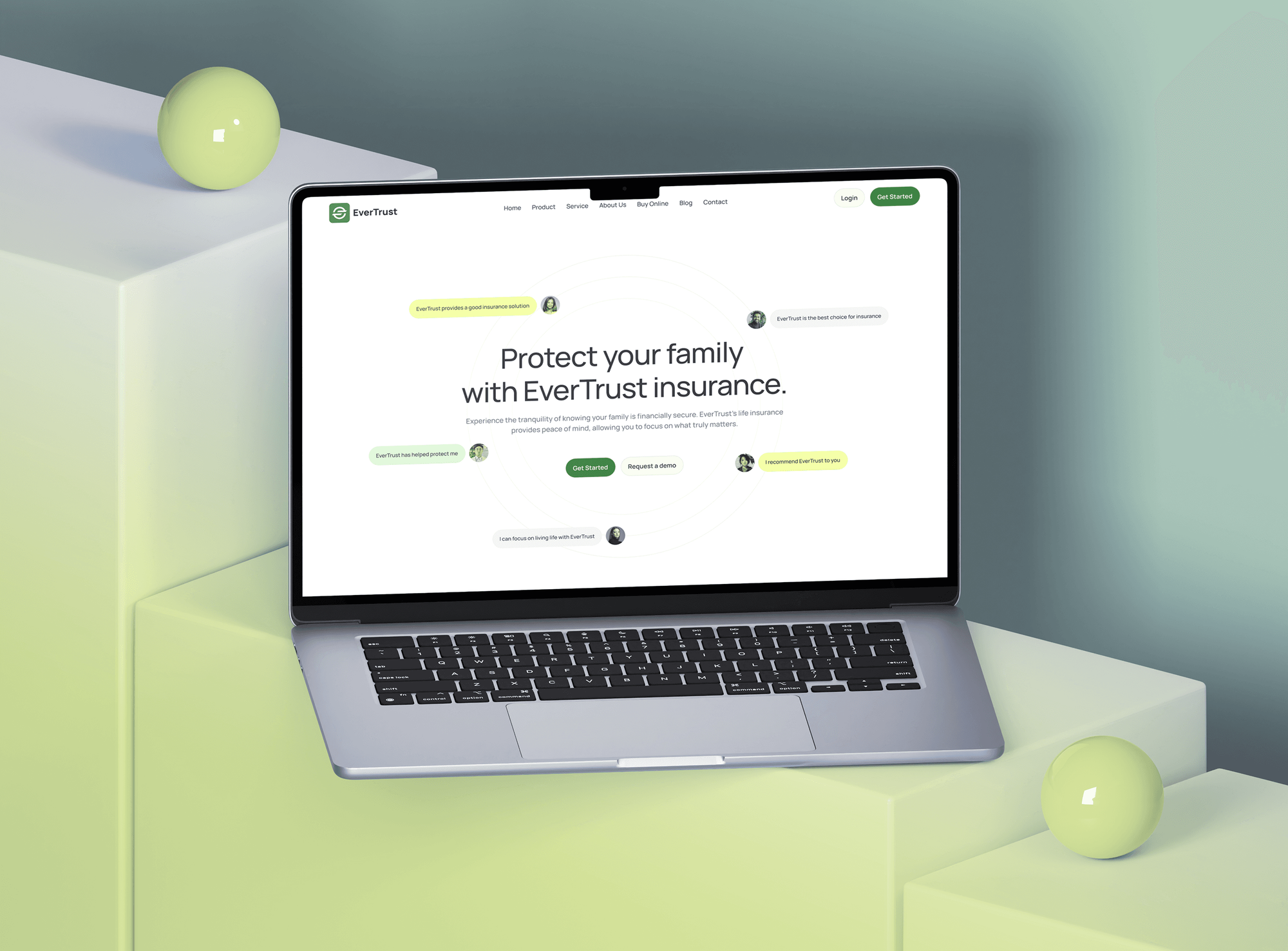
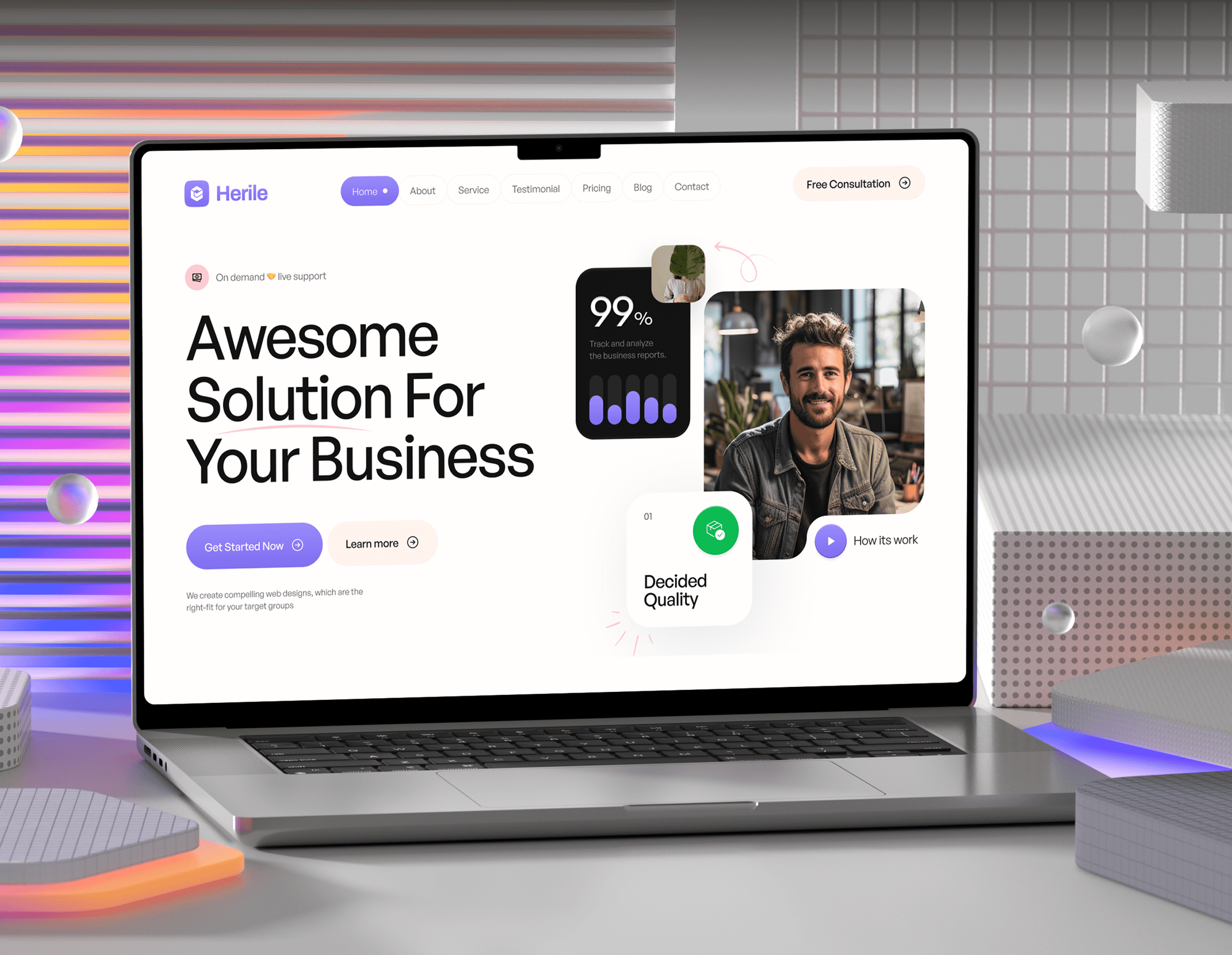
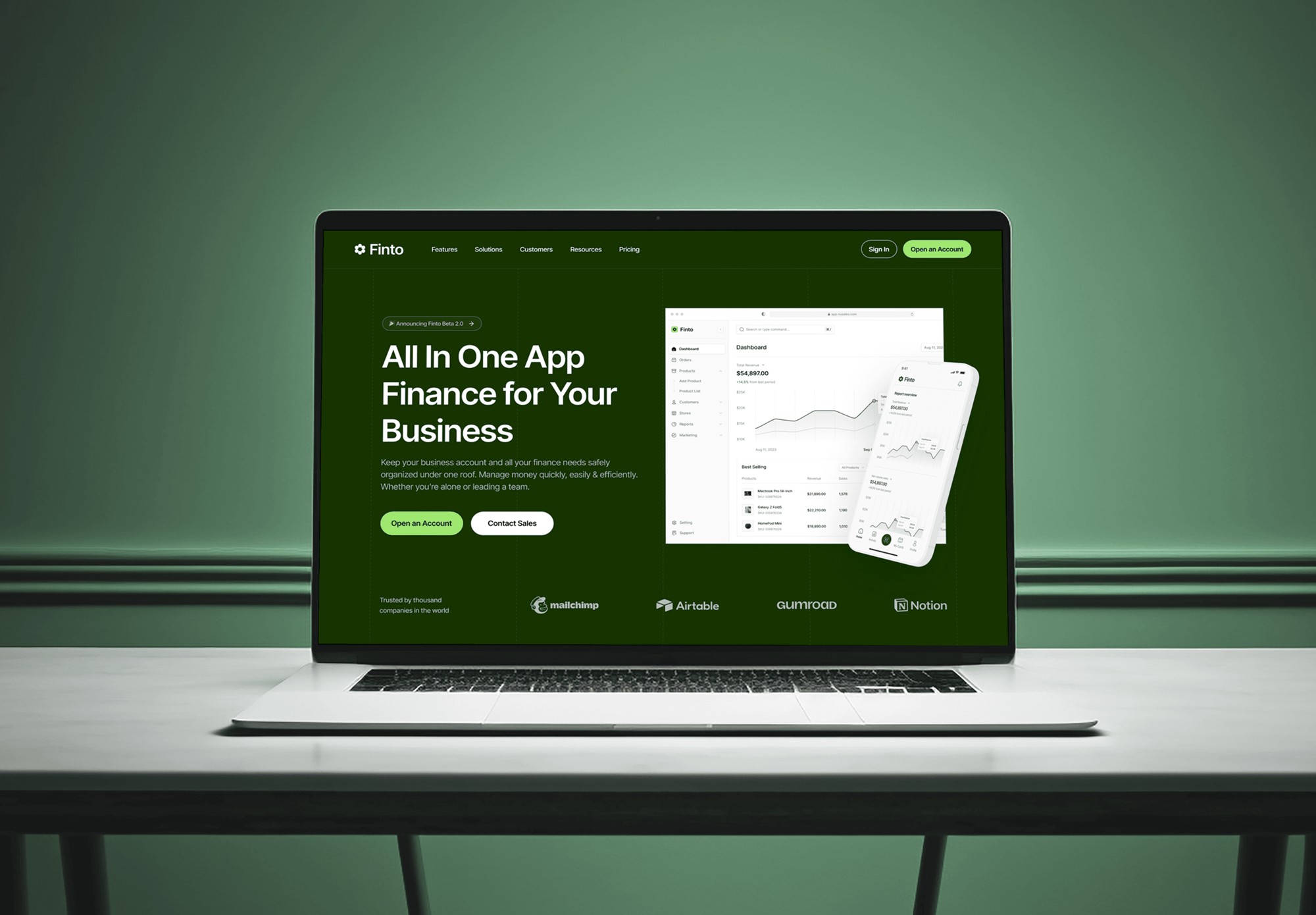
Insurance, IT agency, construction, and fintech websites built to bring in inquiries for a sales team. They weren't Pipedrive projects, but their leads end up in a CRM.

What Our Clients Say
Feedback from teams we have built websites and business software for.
We had a pretty specific idea of what we wanted our website to become, but I wasn’t sure how easily we could explain all of it to a development team. There were quite a few moving parts, and we were working toward a deadline, so I expected a few things to get lost along the way. That never really happened. They understood what we were trying to achieve, kept us updated throughout the process, and got everything ready within the agreed timeline. The final site feels much easier to navigate, works beautifully on mobile, and is noticeably smoother for our customers. It was a huge relief seeing the original idea actually turn into the website we had in mind.
The mobile experience is probably my favourite part of the new site. We had spent a lot of time making sure the desktop version looked right, and the team kept pushing us to think about how everything would actually feel on a phone too. They were right. The navigation is clean, the interactions feel natural, and everything we’ve tested so far works exactly as it should. They also went through the links, forms, integrations, and other details more than once before launch, which I really appreciated. And even after going live, we could still reach out when something came up. The whole process felt friendly, organised, and surprisingly straightforward.
What I appreciate most is that the website is actually easy for us to manage now. We can update content ourselves instead of sending a developer a message every time we need to change something small. They also paid attention to the technical SEO side, which mattered to us because we didn’t want a new website to create problems for the traffic we already had. I’ve probably asked more questions than I should have since launch, but every question has been handled patiently and without any fuss. The team is easy to work with, they explain things clearly, and when we need something changed, they focus on getting it done rather than making the process complicated.
1,250+
Projects shipped
10+
Years of experience
Top 3%
Upwork Top Rated Plus
5 stars
Average review score

Want results like these?
Tell us what you are building. You get a reply within 24 hours on business days, then a written estimate.
Work Culture
Integrations decide whether your pipeline tells the truth. These habits keep your data clean, your reps typing less, and your Pipedrive account in your hands.
If an existing app does the job, we'll tell you before we quote and set it up properly. We only write code where apps fall short.
We watch how your reps call, email, and quote before choosing tools. A connection nobody uses on a busy day is wasted money.
We tie each connection to your real stages, so a signed quote or won deal moves things forward. Your forecast reflects what happened, not what someone remembered.
Pipedrive meters API calls with a daily token budget per account. We design syncs to stay inside it, so your other apps keep working.
API tokens, OAuth apps, and webhooks live in your Pipedrive account. Another developer can pick up the work without starting over.
Pipedrive custom fields use long hashed keys, and we document every one we touch. Your admin can trace any synced field back to its source.
Overview
DeveloperLook handles Pipedrive integration for small sales teams who sell from their inbox and phone. We configure email sync, phone apps, and PandaDoc, then build Pipedrive API connections for forms, helpdesk, and accounting. Projects start at $400, take 1 to 6 weeks, and every token stays in your account.
DEVELOPERLOOK
Project facts · Pipedrive Integration Services
Reviewed 8 Oct 2026 by Saimul Islam
Good fit
Small sales teams living in Gmail
Your reps sell from Gmail and forget to log half their emails, and you want a Pipedrive Gmail integration that puts every thread on the deal.
Outlook and Microsoft 365 teams
Your company runs on Microsoft 365, and you need Pipedrive Outlook integration for email, calendar, and contacts without a fragile add-in.
Teams making sales calls all day
Your reps dial from Aircall, and you want an Aircall Pipedrive integration that logs every call, voicemail, and recording on the right deal.
Businesses quoting with PandaDoc
You send quotes from PandaDoc, and you want a Pipedrive PandaDoc integration that fills prices from deal products and updates the stage once signed.
Agencies managing client CRMs
Your agency sets up Pipedrive for clients and needs Pipedrive API integration work done under your name, with every field key documented.
Not a fit
HubSpot is your main CRM
You're moving to HubSpot or already run it as your main CRM. Our HubSpot Integration Services page covers connecting HubSpot to your other tools.
No CRM chosen yet
You haven't picked a CRM yet, or you're comparing several. Our CRM Integration Services page covers vendor-neutral lead plumbing, whichever CRM you choose.
Email sync on the Lite plan
You're on Pipedrive's Lite plan and want email sync. Lite doesn't support it, so upgrading to Growth costs less than any workaround we could build.
Budget under $400
Your budget is under $400 and one Marketplace app covers the job. Install it from Pipedrive's Marketplace yourself, since most apps take minutes to set up.
Not sure we're the right fit?
Book a free call or message us. We'll tell you honestly whether we're the right team.
Pricing
These are starting points in USD. Your final price depends on the apps involved, custom syncs, and field cleanup, and you get a fixed proposal after a free Pipedrive review.
For small sales teams connecting email, a phone app, and documents to Pipedrive.
$400one-time, USD
For one system without a good Marketplace app, connected through the Pipedrive API.
$1,350one-time, USD
For up to 4 custom connections across accounting, helpdesk, forms, and reporting.
$3,250one-time, USD
For Agencies
You own the client relationship. We supply the Pipedrive engineering: app setup, API syncs, webhooks, and field documentation. Tokens and connections sit in your client's account, and fixed quotes keep your proposals easy to build.
White label: your client only ever sees your brand
Share the client's Pipedrive plan, their tools, and what reps need logged.
You get an app list, any custom syncs needed, and a fixed price.
Tested connections and guides handed over under your agency's name, ready to present.
You run every client call while we configure and test quietly.
Email, phone, and PandaDoc setups we've configured before, adapted per client.
Every connection is priced upfront, so your proposals hold their margin.
Each client gets a guide to every synced field and webhook.
The Right Technology for Your Project
We use Pipedrive's Marketplace apps first, then its API and webhooks to connect the tools your reps already use.
 Zendesk
 QuickBooks Online
 Xero
Xero Node.js
 Python
 AWS
AWSFAQ
Straight answers on Pipedrive integration costs and timelines, Outlook, QuickBooks, Xero, LinkedIn, phone systems, and other apps.
Saimul IslamFounder & CEO, DeveloperLookStill have questions?
Send a message or book a call with the team.
A Pipedrive integration with DeveloperLook starts at $400 for email and calendar sync, one phone app, and PandaDoc, configured and tested. One custom sync on the Pipedrive API, such as website forms, starts at $1,350, and stacks of up to 4 custom connections start at $3,250. Pipedrive and app subscriptions are billed to you.
Core app setups take 1 to 2 weeks, including tests with your reps. Custom API connections and fuller stacks take 3 to 6 weeks, depending on the tools and how clean your fields are. Accounting connections take longest, because invoice and tax mapping needs your bookkeeper's sign-off.
Yes. Pipedrive's email sync connects Microsoft 365 or Outlook through OAuth, Exchange through EWS, or other inboxes through IMAP, and calendar sync runs one way or both ways. Contact sync supports Outlook.com and Microsoft 365. Email sync needs the Growth plan or higher, and the Outlook add-ins in Pipedrive's Marketplace come from third parties.
In Pipedrive, open the email sync settings, choose Microsoft 365 or Exchange, and sign in, using an app password if two-factor authentication blocks it. Then turn on calendar and contact sync and choose one-way or two-way. We also agree with your team which threads link to deals, so personal mail stays out of shared history.
Yes, with QuickBooks Online through Pipedrive's own app. You create and send invoices from the deal view, sync contacts and products, and see invoice status on the deal. It works with QuickBooks Online only, and it isn't offered in France. When you need custom rules, such as deposits or split invoices, we build them on both APIs.
Yes, mainly through Marketplace apps. Apps such as Cloudify's Xero integration create invoices or quotes from deals and sync their status back. If an app can't handle your tax rates or tracking categories, we build a custom sync on both APIs. We test it against Xero's demo company first.
Yes, through third-party Marketplace apps. A Make-built app turns LinkedIn Lead Gen Form submissions into Pipedrive deals, and tools such as Surfe or LeadCRM add LinkedIn and Sales Navigator profiles from your browser. Pick one route per team, because two tools adding the same people creates duplicate contacts quickly.
Start in Pipedrive's Marketplace, where apps such as the Zendesk Pipedrive integration show deals inside tickets and up to 20 tickets on each Pipedrive record. Automations on Growth and higher can send webhook requests to other tools. For anything else, the Pipedrive API uses an API token or OAuth, with webhooks for changes and a daily token budget.
Aircall, CloudTalk, JustCall, Kixie, CallHippo, and RingCentral all list Pipedrive apps, and Pipedrive no longer has built-in calling. Aircall's app logs calls, voicemails, notes, and recording links, and creates contacts or deals from unknown numbers. The right Pipedrive phone integration depends on your countries, call volume, and whether reps also text.
You do. API tokens, OAuth apps, webhooks, and any code live in your accounts and repository, and you get a guide to every synced field key. Support runs 30, 60, or 90 days depending on plan, and your Pipedrive admin can manage app settings without us after that.
Saimul IslamFounder & CEO, DeveloperLookStill have questions?
Send a message or book a call with the team.
Free 30-min callGoogle Meet
Book a call
In 30 minutes on Google Meet we walk you through how we would build it, how long it takes and what it costs. Then you get a written estimate.
Calendar not showing? Book on cal.com or send a brief.