
CRM website integration
Website forms, chat, and booking tools posting straight to the CRM, with spam filtering and owner assignment.

For sales and marketing teams on any CRM: website forms, ad leads, marketing tools, and accounting data flowing into one pipeline with clear owners.
1
Pipeline for every lead source
2X
Faster lead follow-up
How your project runs
Teams we have built for:














The Problem
CRM integration gaps show up in pipeline reviews. Marketing reports more leads than sales can find, and nobody can say which campaign closed last month's deals.
01 · Web forms
Website leads wait in a shared inbox over the weekend.
Forms post straight to the CRM, with an owner assigned on arrival.
02 · Ad leads
Lead ad exports sit in a spreadsheet for days.
Ad platform lead forms sync into the CRM with campaign and source fields.
03 · Duplicates
The same customer appears twice across two CRMs.
Matching on email, phone, and domain merges records before they split.
04 · Silent breaks
An API change stops the form sync without warning.
Failed syncs raise an alert the same day, with the record queued for retry.
A lead fills in your website form on Saturday and waits in an inbox until Monday. Facebook lead ads sit in a spreadsheet someone exports each week. Your marketing tool and the CRM disagree on who unsubscribed. After an acquisition, half the team works in a second CRM, so one customer appears twice with two owners. Finance keeps invoices in QuickBooks, out of sight of sales. Then an API change breaks the form sync, and nobody notices for a week.
We start by listing every place a lead or customer record comes from and where it should land. Each source gets a path: a native connector, an iPaaS, or a custom sync on the CRM's API, with source fields, owner rules, and duplicate checks. Failures raise an alert the same day. Every lead lands in one pipeline, tagged with where it came from, instead of waiting in someone's inbox.
Every lead source mapped
Forms, ad lead forms, chat, and marketing tools feed the CRM with source and campaign fields.
Duplicates caught at entry
Matching rules check email, phone, and domain before a new record is created.
Broken syncs caught fast
Alerts fire when a sync fails, so a broken form doesn't sit silent for a week.
Our CRM Integration Services Process
You see every lead source, its path into the CRM, and a test lead from each one before anything goes live.
We list every place leads and customer data come from: forms, ads, chat, marketing tools, accounting, and any second CRM. You get a written map of what's connected, what's broken, and what's missing.
What's Included
Every project is scoped to your CRM and lead sources. Most combine these six parts, from website forms to a single API layer for your own apps.
Compare Options
Most CRM integration solutions are an iPaaS tool, a native connector, or custom work. The first two suit simple links. Here's where each breaks down as lead sources multiply.
| Feature | DeveloperLookBest fit | iPaaS tool | Native connector |
|---|---|---|---|
| Lead sources covered | Every source, mapped | One recipe per source | Vendor's list only |
| Source tracking | Source and campaign fields | If you configure it | Basic source field |
| Duplicates | Checked before records exist | Often creates duplicates | The CRM's own rules |
| Custom logic | Built to your process | Simple branches | Fixed by the vendor |
| Failure alerts | Same-day alerts and retries | Email on failure | Varies by connector |
| Setup speed | 1 to 6 weeks | Hours for simple links | Minutes to install |
| Ownership | Your code and accounts | Your iPaaS account | Vendor-managed |
| Cost | Fixed price from $750 | Monthly task fees | Often included |
Projects We've Built
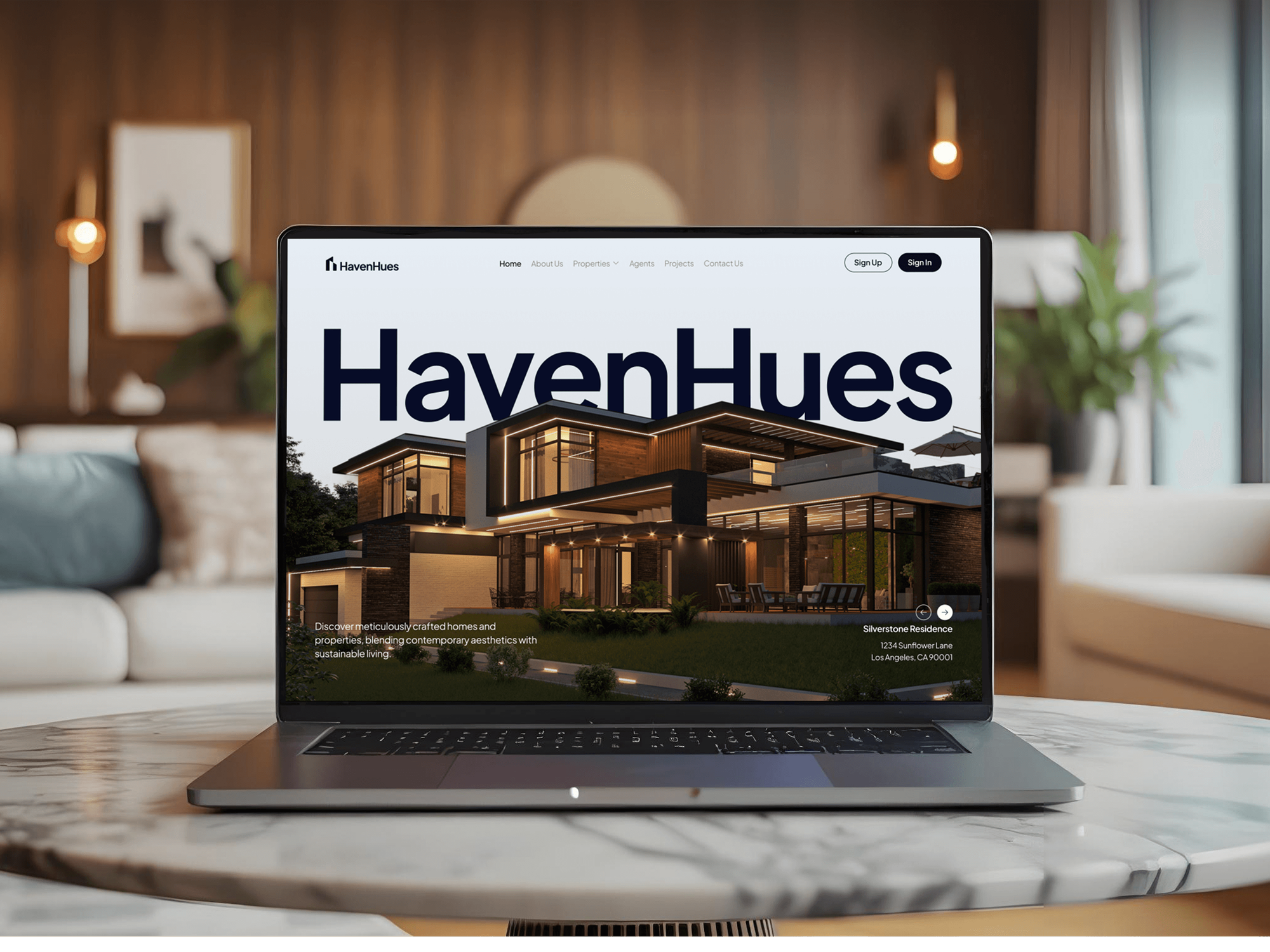
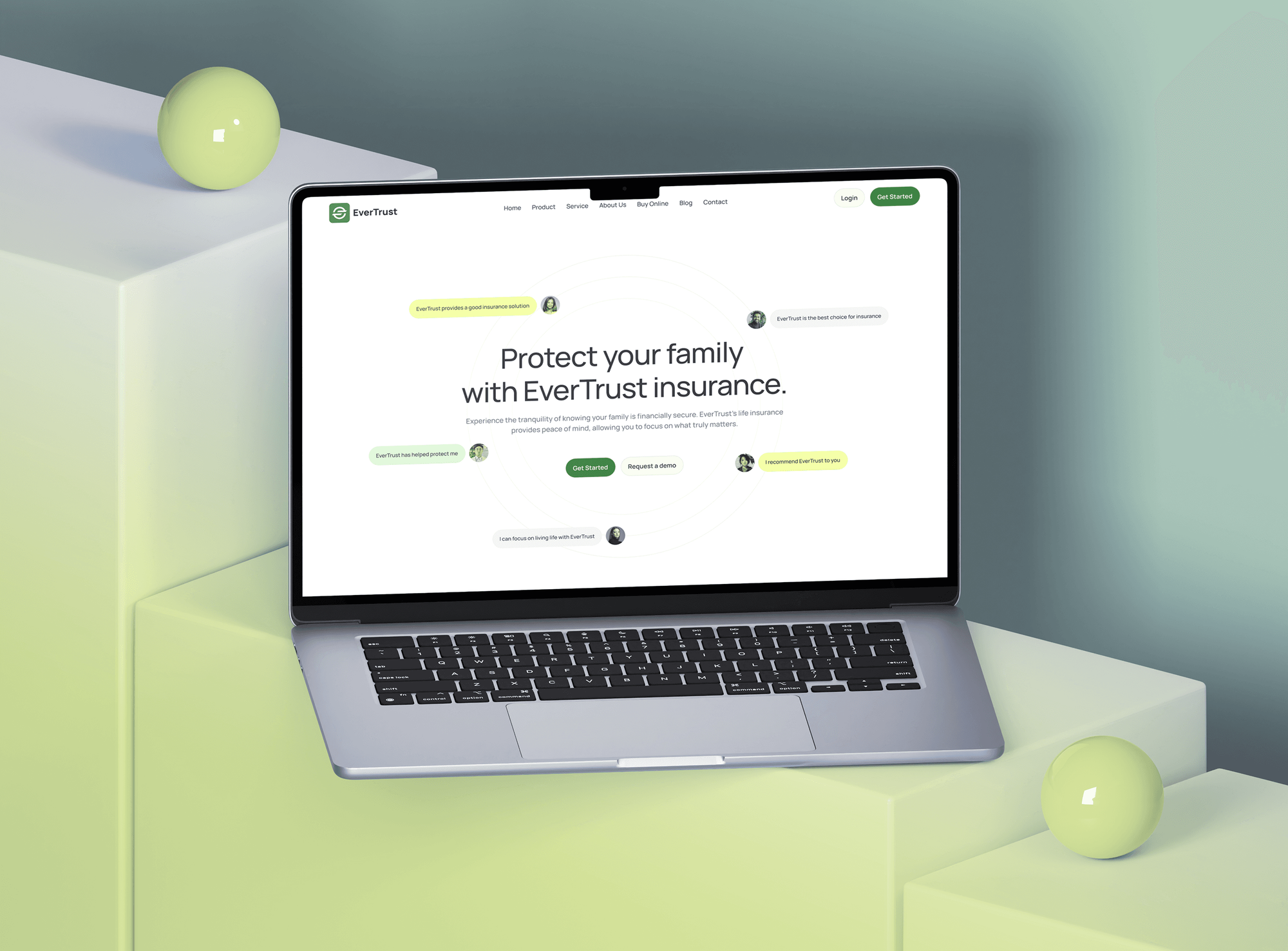
Real estate, agency, and insurance websites built around enquiry forms. They aren't CRM integration projects, but capturing leads cleanly is where every CRM sync starts.


What Our Clients Say
Feedback from teams we have built websites and lead capture for.
We had a pretty specific idea of what we wanted our website to become, but I wasn’t sure how easily we could explain all of it to a development team. There were quite a few moving parts, and we were working toward a deadline, so I expected a few things to get lost along the way. That never really happened. They understood what we were trying to achieve, kept us updated throughout the process, and got everything ready within the agreed timeline. The final site feels much easier to navigate, works beautifully on mobile, and is noticeably smoother for our customers. It was a huge relief seeing the original idea actually turn into the website we had in mind.
The mobile experience is probably my favourite part of the new site. We had spent a lot of time making sure the desktop version looked right, and the team kept pushing us to think about how everything would actually feel on a phone too. They were right. The navigation is clean, the interactions feel natural, and everything we’ve tested so far works exactly as it should. They also went through the links, forms, integrations, and other details more than once before launch, which I really appreciated. And even after going live, we could still reach out when something came up. The whole process felt friendly, organised, and surprisingly straightforward.
What I appreciate most is that the website is actually easy for us to manage now. We can update content ourselves instead of sending a developer a message every time we need to change something small. They also paid attention to the technical SEO side, which mattered to us because we didn’t want a new website to create problems for the traffic we already had. I’ve probably asked more questions than I should have since launch, but every question has been handled patiently and without any fuss. The team is easy to work with, they explain things clearly, and when we need something changed, they focus on getting it done rather than making the process complicated.
1,250+
Projects shipped
10+
Years of experience
Top 3%
Upwork Top Rated Plus
5 stars
Average review score

Want results like these?
Tell us what you are building. You get a reply within 24 hours on business days, then a written estimate.
Work Culture
A CRM is only as good as the data that reaches it. These habits keep every lead traceable, every customer on one record, and every sync visible.
We check what your CRM and tools already sync before writing code. If a native connector covers it, we'll tell you before we quote.
We set source, campaign, and first-touch fields on every new record. Your pipeline reports can finally show which channel closes deals.
Matching rules run before a record is created, not in a cleanup project months later. Your reps stop calling the same person twice.
A sync that fails raises an alert the same day and queues the record for retry. Leads don't vanish when a vendor changes its API.
Unsubscribes and consent flags move with the contact between systems. Your marketing tool won't email someone who opted out in the CRM.
Code, API keys, and iPaaS accounts are set up in your company's name. You can switch CRMs or providers without losing the integration logic.
Overview
DeveloperLook provides CRM integration services for sales and marketing teams on any CRM. We connect website forms, ad lead forms, marketing tools, QuickBooks or ERP data, and second CRMs, with source fields, owner rules, and duplicate checks. Projects start at $750, take 2 to 9 weeks, and you own every connection.
DEVELOPERLOOK
Project facts · CRM Integration Services
Reviewed 7 Oct 2026 by Saimul Islam
Good fit
Teams with leads in too many places
Your leads come from web forms, Facebook lead ads, chat, and phone calls, and only some of them reach the CRM with a source attached.
Companies merging two CRMs
You acquired a company that runs a different CRM, and both sales teams need one pipeline without losing years of history.
Sales teams blind to billing
Your reps can't see unpaid QuickBooks invoices or ERP credit holds, so they keep quoting customers who are already on stop.
SaaS teams connecting customer CRMs
Your product needs to read and write your customers' CRMs, and you want one integrated CRM layer instead of a separate build for each.
Brokerages and lead-heavy agencies
Your brokerage or agency runs busy websites and needs every enquiry routed into the CRM with the right agent assigned.
Not a fit
Salesforce-only work
Your project is all about Salesforce: Outlook, Slack, Zendesk, or API work around one org. Our Salesforce Integration Services page goes deeper on that.
ERP-centered project
The ERP is the center of your project and the CRM is one of several systems around it. Our ERP Integration Services page fits that scope.
CRM not chosen yet
You haven't picked a CRM yet and want help comparing vendors. Choose the CRM first, because every integration plan depends on which one you run.
Budget under $750
Your budget is under $750 and one form needs to reach the CRM. Your CRM's own form tool or a single Zapier step may do it, and we'll say so before we quote.
Not sure we're the right fit?
Book a free call or message us. We'll tell you honestly whether we're the right team.
Pricing
These are starting points in USD. Your final price depends on the number of lead sources, two-way syncs, and CRMs involved, and you get a fixed proposal after a free source audit.
For teams sending website forms or one marketing tool into the CRM they already use.
$750one-time, USD
For companies syncing the CRM with accounting, an ERP, or ad platforms in both directions.
$2,300one-time, USD
For companies merging several CRMs into one, or serving many CRMs through one API.
$5,400one-time, USD
For Agencies
You own the client relationship. We supply the CRM integration engineering: form and ad lead syncs, two-way data links, and consolidation work. Fixed quotes protect your margin, and source maps make every lead traceable in your client reports.
White label: your client only ever sees your brand
Send the CRM, the lead sources, and the reports your client needs.
You get a source map, a fixed quote, and a go-live date.
Tested lead flows and a runbook delivered under your agency's brand.
Your brand on every report, and no client contact unless you ask.
Source fields your client reports can rely on from the first day.
Quotes you can resell, with every lead source priced upfront.
We work across HubSpot, Salesforce, Pipedrive, Zoho CRM, and more.
The Right Technology for Your Project
We work with the CRM you already run, its own APIs and webhooks first, and add an iPaaS or custom code only where needed.
 HubSpot
 Salesforce
 Meta Lead Ads
 Google Analytics (GA4)
 Webflow
 Twilio
 QuickBooks
 Xero
Xero Microsoft Dynamics 365
 Odoo
Odoo Node.js
 PostgreSQL
 Make
Make Zapier
FAQ
Straight answers on CRM integration costs, website and ad lead syncs, merging CRMs, and fixing broken integrations.
Saimul IslamFounder & CEO, DeveloperLookStill have questions?
Send a message or book a call with the team.
CRM integration services with DeveloperLook start at $750 for website forms or one marketing tool connected to your CRM with source and owner fields. Two-way syncs with QuickBooks, an ERP, or ad platforms start at $2,300, and merging or unifying several CRMs starts at $5,400. CRM and iPaaS subscriptions stay on your own accounts, and the quote is fixed once the free audit is done.
CRM integration is connecting your CRM to the tools that create or use customer data, so records update automatically. Common links are website forms, ad lead forms, email platforms, accounting, and ERPs. Done well, every contact arrives once, carries its source, and lands with an owner already assigned.
Point your website forms at the CRM through its own form embed, a webhook, or a server-side call to its API. Server-side posting is the most reliable, because it can check for duplicates, add source fields, and retry when the CRM is down. We test every form with a real submission before launch.
Most CRMs and marketing platforms connect through native integrations that sync contacts, lists, and campaign activity. The tricky parts are field ownership, unsubscribes, and lifecycle stages, because both tools want to edit them. We decide which system owns each field and test that an opt-out in one tool reaches the other.
Yes. Meta and Google lead forms can sync new leads straight into your CRM, and closed deals can flow back as offline conversions. That lets the ad platforms learn which leads became customers, not just who filled in a form. We map campaign and ad fields onto each record so revenue reports show which ads paid off.
Pick the CRM that stays, then migrate or sync the others into it with matching rules for contacts, companies, and deals. During the transition, a two-way sync lets both teams keep working while history moves across. We run a test import first and compare record counts before switching anyone over.
Build one integration layer, a CRM integration API, that translates your app's requests into each CRM's own API calls. Unified API services can speed this up for common objects such as contacts and deals. Custom objects and write-heavy flows usually need code of your own, which we document and hand over.
Use the CRM's API to create or update company records, matched on a stable key such as the web domain or an external ID. Enrichment data, ERP accounts, or product usage can then flow in on a schedule or by webhook. Batch endpoints keep large imports inside the CRM's rate limits.
Send every enquiry, showing request, and IDX lead from your site to the CRM with the listing and agent attached. Most real estate CRMs, such as Follow Up Boss, accept leads through an API or email parsing. Our Follow Up Boss Integration and IDX and MLS Integration pages cover those builds in more detail.
Start with the error log, because most broken CRM integrations fail from expired tokens, renamed fields, or a retired API version. We trace each failed record, fix the cause, and replay the queue so no lead is lost. Then we add alerts, so the next break shows up the same day instead of a week later.
Saimul IslamFounder & CEO, DeveloperLookStill have questions?
Send a message or book a call with the team.
Free 30-min callGoogle Meet
Book a call
In 30 minutes on Google Meet we walk you through how we would build it, how long it takes and what it costs. Then you get a written estimate.
Calendar not showing? Book on cal.com or send a brief.