
Native app check
Docusign's apps for Salesforce, HubSpot, Slack, and Workday tested on your real agreements before any custom work.

For sales, HR, and operations teams who send agreements every week: contracts that fill from your CRM, get signed anywhere, and file themselves back.
2X
Faster contract turnaround
100%
Signed PDFs filed automatically
How your project runs
Teams we have built for:














The Problem
A Docusign integration usually gets ordered when deals stall on paperwork. Contracts go out late, signed copies go missing, and nobody can say which agreements are still waiting.
01 · Retyping
Reps paste deal details into envelopes by hand.
Templates fill from CRM fields, so each envelope matches the deal.
02 · Lost PDFs
Signed contracts sit in inboxes, not on the account.
Connect webhooks file each signed PDF back to the right record.
03 · Status
Nobody knows which deals are waiting on a signature.
Envelope status updates the CRM as soon as a signer acts.
04 · Website
Customers print, sign, and scan forms from your website.
Embedded signing lets customers sign on your site without leaving it.
Your rep exports deal details, pastes them into a Docusign template, and fixes the signer's name by hand. The contract comes back signed, but the PDF sits in someone's inbox instead of on the account. Sales can't tell which deals are waiting on a signature. Your website still asks customers to print, sign, and scan. HR sends offer letters from a different account than sales, with different templates. Every signature works, yet the paperwork around it still runs on email.
We start with one agreement and follow it end to end. Where Docusign's app for your CRM covers the flow, we set it up with templates, anchor tabs, and field mapping. Where it doesn't, we build on the eSignature REST API, with embedded signing on your site and Connect webhooks that file signed PDFs and update records. Agreements move on events, not on someone remembering to check email.
Templates that fill themselves
CRM and form data flow into Docusign templates, so nobody retypes names, prices, or terms.
Signed copies filed back
Each completed envelope's PDF lands on the CRM record, drive, or database it belongs to.
Rules explained, not guessed
ESIGN, UETA, and eIDAS basics laid out, so your counsel decides with the facts in hand.
Our Docusign and E-Signature Integration Process
You see which agreements Docusign's apps already handle, approve the template map, and watch test envelopes run end to end before anything goes live.
We trace one agreement from first draft to signed copy: where the data comes from, who signs, and where the PDF should end up. Then we test what Docusign's own app for your CRM already handles. You get a written plan.
What's Included
Projects range from one CRM app to agreement flows across several systems. These six parts cover both ends, and your plan sets which ones you get.
Compare Options
Docusign's own apps are quick for one CRM, and Zapier covers simple hand-offs cheaply. Here's where each holds up as agreements cross more systems.
| Feature | DeveloperLookBest fit | Native app | DIY Zapier |
|---|---|---|---|
| Agreement review | Whole flow mapped first | Installed per system | Built zap by zap |
| Templates | Anchor tabs filled from data | Basic field mapping | Template-based sends only |
| Embedded signing | On your site or app | Inside the CRM only | Email links only |
| Status updates | Connect webhooks per event | Inside one system | One zap per event |
| Multi-system flows | Up to 4 systems linked | One system each | Many zaps to maintain |
| Speed to start | 1 to 7 weeks | Same day for one CRM | Hours for simple flows |
| Ownership | Your accounts and code | Your Docusign account | Your Zapier account |
| Cost | Fixed price from $700 | Included with some plans | Low monthly task fees |
Projects We've Built
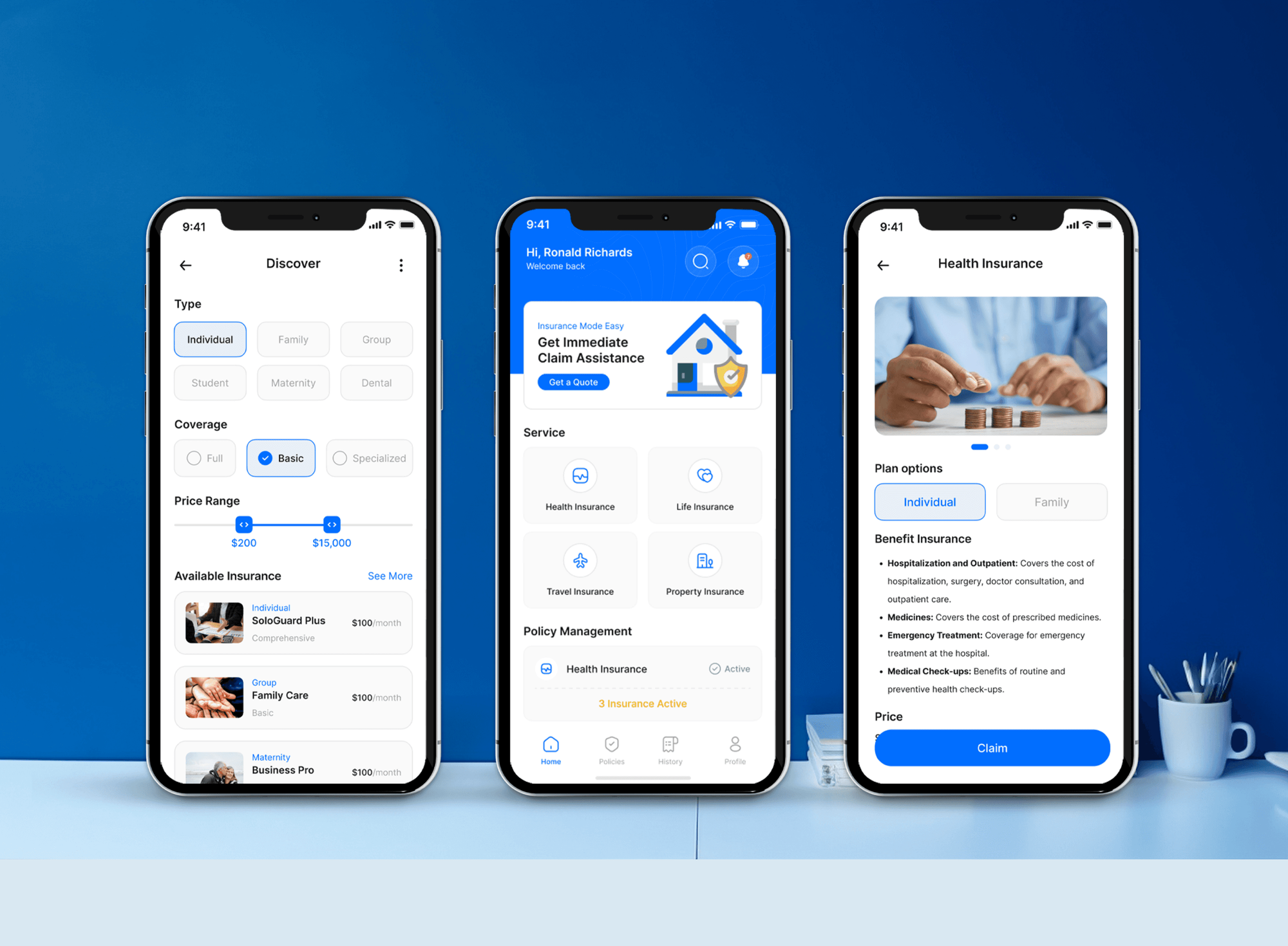
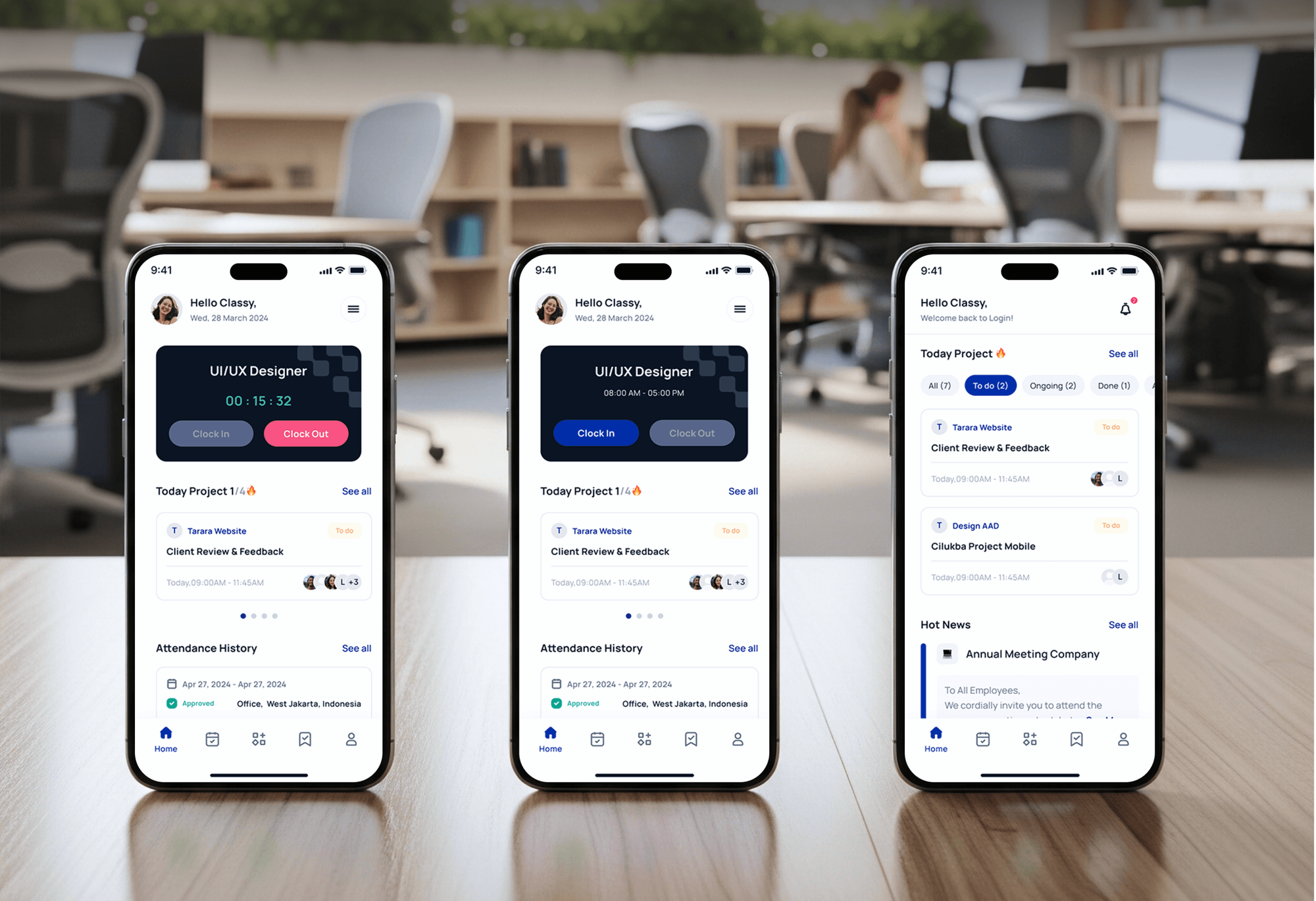
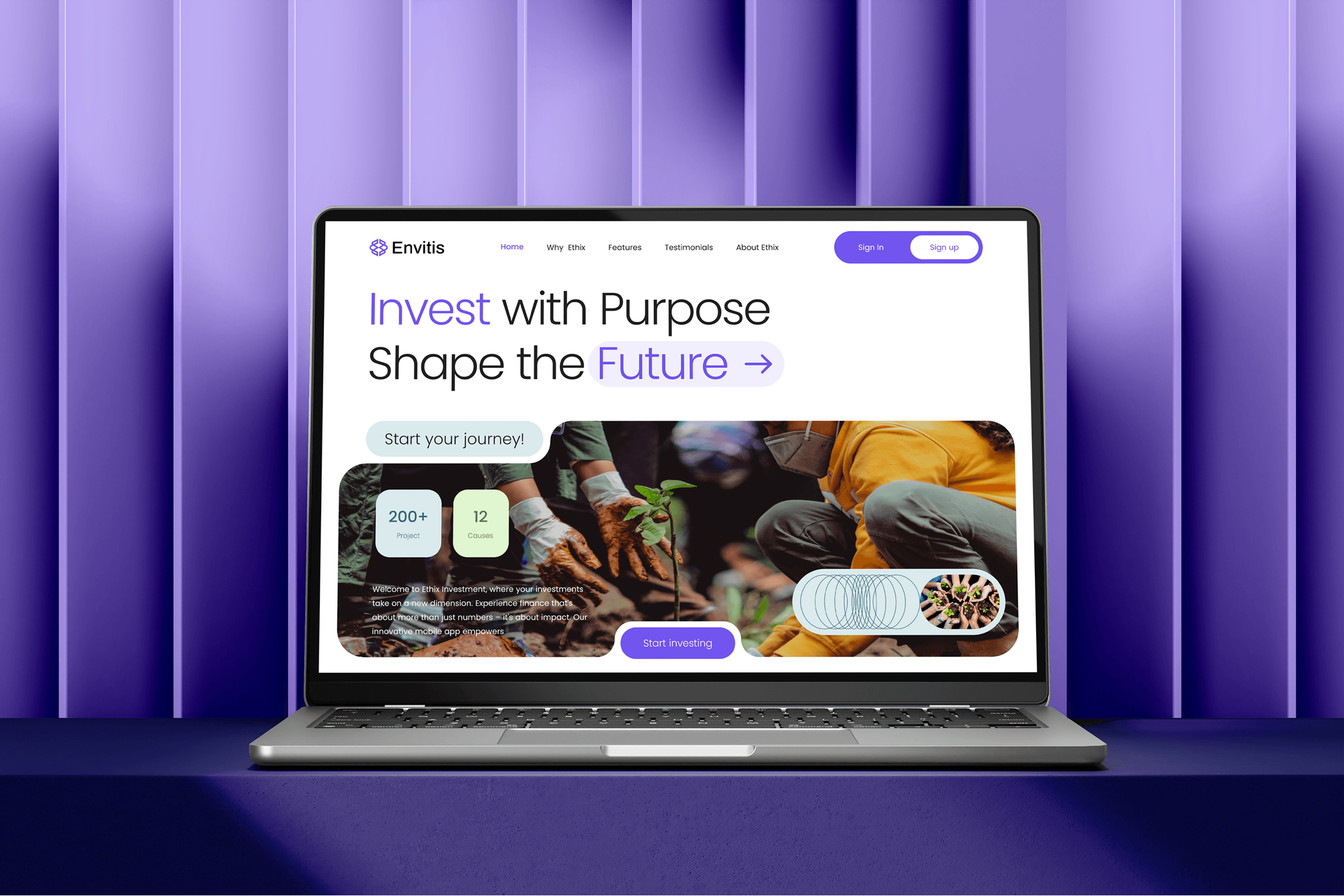
Insurance, staffing, investment, and real estate builds where agreements and onboarding matter. They aren't Docusign integrations, but the forms and records around signing are related work.

What Our Clients Say
Feedback from teams we have built websites and business software for.
We had a pretty specific idea of what we wanted our website to become, but I wasn’t sure how easily we could explain all of it to a development team. There were quite a few moving parts, and we were working toward a deadline, so I expected a few things to get lost along the way. That never really happened. They understood what we were trying to achieve, kept us updated throughout the process, and got everything ready within the agreed timeline. The final site feels much easier to navigate, works beautifully on mobile, and is noticeably smoother for our customers. It was a huge relief seeing the original idea actually turn into the website we had in mind.
The mobile experience is probably my favourite part of the new site. We had spent a lot of time making sure the desktop version looked right, and the team kept pushing us to think about how everything would actually feel on a phone too. They were right. The navigation is clean, the interactions feel natural, and everything we’ve tested so far works exactly as it should. They also went through the links, forms, integrations, and other details more than once before launch, which I really appreciated. And even after going live, we could still reach out when something came up. The whole process felt friendly, organised, and surprisingly straightforward.
What I appreciate most is that the website is actually easy for us to manage now. We can update content ourselves instead of sending a developer a message every time we need to change something small. They also paid attention to the technical SEO side, which mattered to us because we didn’t want a new website to create problems for the traffic we already had. I’ve probably asked more questions than I should have since launch, but every question has been handled patiently and without any fuss. The team is easy to work with, they explain things clearly, and when we need something changed, they focus on getting it done rather than making the process complicated.
1,250+
Projects shipped
10+
Years of experience
Top 3%
Upwork Top Rated Plus
5 stars
Average review score

Want results like these?
Tell us what you are building. You get a reply within 24 hours on business days, then a written estimate.
Work Culture
Contracts carry legal weight and real money. These habits keep templates accurate, signed copies where they belong, and legal decisions with your counsel.
We test Docusign's own app for your CRM before quoting any build. If it already covers your agreements, we'll tell you before we quote.
Fields are placed by text in the document, not by fixed page positions. Legal can reword a clause without breaking every signature field.
Everything runs in a free Docusign developer account first, where envelopes aren't legally binding. Real signers only see flows that already passed.
Connect webhooks tell your systems as soon as an envelope changes. Records update without someone refreshing a page, and calls stay inside API limits.
We explain what ESIGN, UETA, and eIDAS say about electronic signatures and build to your counsel's decisions. Your lawyers decide which documents qualify.
Integration keys, templates, and code belong to your company. Changing developers later doesn't mean rebuilding templates, webhooks, or the agreement flows your team relies on.
Overview
DeveloperLook builds Docusign integration for teams that send agreements from a CRM, website, or app. We set up Docusign's native apps, build embedded signing and templates with anchor tabs, and use Connect webhooks to file signed PDFs back. Projects start at $700, take 1 to 7 weeks, and integration keys stay in your account.
DEVELOPERLOOK
Project facts · Docusign and E-Signature Integration
Reviewed 7 Oct 2026 by Saimul Islam
Good fit
Sales teams sending contracts from Salesforce
Your reps copy deal data into Docusign by hand, and you need a Docusign Salesforce integration that fills templates and files signed PDFs back.
Teams closing deals from HubSpot
Your team sends proposals from HubSpot deals and wants each signature to move the deal stage without anyone checking email.
Operations teams tracking contracts in spreadsheets
Your ops team logs every contract in a spreadsheet, and you want a Docusign Google Sheets integration that adds a row when an envelope completes.
HR teams running onboarding in Workday
Your offers and onboarding run in Workday, and you need the Docusign Workday integration set up as the signing step in each process.
Software teams adding signing to a product
Your product needs in-app signing, and you're choosing the best e-signature API for your users among Docusign, Dropbox Sign, Adobe Acrobat Sign, and signNow.
Not a fit
Legal advice on signatures
You need a lawyer's view on whether a document type can be signed electronically. We build the flow; your counsel decides which documents qualify.
The CRM itself is messy
Your real problem is duplicate or missing CRM data, not signatures. Our CRM Integration Services page covers cleaning up lead and customer data first.
Approvals across many tools
You need multi-step approvals across many tools, with signing as one small step. Our Workflow Automation Services page covers that broader build.
Under $700, few contracts
You send a few contracts a month and your budget is under $700. Docusign's own templates and CRM app cover that, and we'll tell you before we quote.
Not sure we're the right fit?
Book a free call or message us. We'll tell you honestly whether we're the right team.
Pricing
These are starting points in USD. Your final price depends on how many systems and templates are involved and whether you need embedded signing, and you get a fixed proposal after a free agreement review.
For teams connecting Docusign to one CRM or app through its existing integration.
$700one-time, USD
For websites and apps that need embedded signing or a custom API flow.
$1,950one-time, USD
For agreements moving across up to 4 systems, with generation, routing, and reporting.
$4,250one-time, USD
For Agencies
You own the client relationship. We supply the e-signature engineering: Docusign app setups, embedded signing, and Connect webhooks into the client's CRM. Fixed quotes protect your margin, and integration keys stay in each client's own Docusign account.
White label: your client only ever sees your brand
Send sample contracts, the systems involved, and who signs each one.
You get a template map, a fixed quote, and a go-live date.
Tested agreement flows and a runbook delivered under your agency's brand.
Your agency's name on the work, with us off client calls unless invited.
Engineers who know templates, anchor tabs, Connect, and go-live reviews.
Each client's agreement flow priced upfront and ready to resell.
Template and key runbooks your team can hand over to clients.
The Right Technology for Your Project
We build on Docusign's eSignature REST API and native apps, and on other signing APIs when they suit your product better.
 Salesforce
 HubSpot
 Slack
Slack Google Sheets
 Node.js
 .NET
.NET PostgreSQL
 AWS
AWSFAQ
Straight answers on signing APIs, Docusign costs, and how Docusign connects to HubSpot, Salesforce, QuickBooks, websites, and Zapier.
Saimul IslamFounder & CEO, DeveloperLookStill have questions?
Send a message or book a call with the team.
APIs let other software create, send, and track agreements without anyone opening the e-signature app. With Docusign's eSignature REST API, your system builds an envelope from a template, adds recipients and fields, and gets status updates through Connect webhooks. That's how a CRM, website, or product sends contracts and files the signed copy on its own.
Docusign, Dropbox Sign, Adobe Acrobat Sign, signNow, and PandaDoc all accept PDF uploads through their APIs. Docusign can place fields by searching the PDF for anchor text, so tabs follow the wording. Adobe Acrobat Sign uploads files as transient documents first. We pick the API by your volume, signer experience, and existing contracts, then build on it.
Docusign says it offers 1,000+ pre-built integrations, including Salesforce, Microsoft 365, Google Workspace, Workday, ServiceNow, Slack, and Box. Most let you send and track agreements from inside that system. A Docusign Slack integration, for example, lets teams send and sign from Slack. We check which app covers your flow before suggesting custom API work.
A Docusign integration with DeveloperLook starts at $700 for one native app, such as Salesforce or HubSpot, with up to 3 templates. Embedded signing or custom API builds start at $1,950, and flows across up to 4 systems start at $4,250. Docusign plan and API plan fees are paid to Docusign, and our fixed quote follows a free agreement review.
Yes. The Docusign app in HubSpot's marketplace works with contacts, companies, and deals, so you can send, track, and store envelopes from a record. It maps HubSpot properties to envelope fields and can trigger workflows when status changes, though it isn't a full data sync. A Docusign HubSpot integration needs a paid Docusign plan, and custom property mapping needs Business Pro or higher.
Yes, in a limited way. Intuit launched a Docusign eSignature connector in 2021 that sends QuickBooks Online estimates for signature, available only on QuickBooks Online Advanced. Invoices and other forms aren't covered. We confirm the connector is offered on your account first, and build on both APIs when signed estimates need to create invoices or projects.
You install Docusign eSignature for Salesforce from the AppExchange and connect it to your Docusign account. Then you add send buttons and templates to objects such as opportunities. It writes envelope status and signed documents back to Salesforce. For a Docusign Salesforce integration with custom objects or generated documents, we add Docusign Gen or build on the API.
You either embed signing in your page or link to a self-service form. Embedded signing creates a signing URL through the API and shows it on your site, using Docusign's focused view for an in-page experience. PowerForms and Web Forms suit simpler public forms, but they depend on your Docusign plan, so we check yours first.
The most common use is sending an envelope from a template when a form is submitted, then acting when it completes. Teams log completed contracts to Google Sheets, post alerts in Slack, or create a project in another app. Zapier suits light volume. We move flows to the API when they need retries, error alerts, or many templates.
You start agreements from business events and act on their results. Docusign's Workflow Builder, formerly Maestro, runs no-code agreement flows, while Connect webhooks or Power Automate trigger the next step in other systems. We map which system starts each agreement and what happens after signing, then build it with the lightest tool that holds up.
Saimul IslamFounder & CEO, DeveloperLookStill have questions?
Send a message or book a call with the team.
Free 30-min callGoogle Meet
Book a call
In 30 minutes on Google Meet we walk you through how we would build it, how long it takes and what it costs. Then you get a written estimate.
Calendar not showing? Book on cal.com or send a brief.