
Web app manifest and icons
Name, colors, icons at 192 and 512 pixels, and a display mode, so browsers offer to install your app.

For teams whose users work on phones and patchy connections: your web app becomes installable, loads fast, and keeps forms working offline. From $1,200.
1
Codebase for phone, tablet, and desktop
100%
Installable from the browser
How your project runs
Teams we have built for:














The Problem
It shows up when your users leave the office. A web app built for desks and fast Wi-Fi meets warehouses, job sites, and commutes.
01 · Offline
The app shows a blank screen when the signal drops.
A cached app shell and offline screens that read from IndexedDB.
02 · Forms
Field entries vanish when a form submits without a connection.
Submissions queue on the device and send once the connection returns.
03 · Install
Users bookmark the site, then lose it among browser tabs.
A manifest and install prompt put your app on the home screen.
04 · Updates
Users keep running an old cached version after you deploy.
An update banner tells users a new version is ready to load.
Your team uses the web app where the signal drops: a warehouse aisle, a client's basement, a train. The screen goes blank, and a form someone spent 10 minutes on disappears when they press Submit. Users ask for an app, so the quote comes back for two native builds, two app store reviews, and two codebases to maintain. Meanwhile, the people who bookmarked your site lose it among 40 open tabs. You don't need a second product. You need the one you have to behave like an app.
We start with the screens people need away from a desk, then decide what each one caches and for how long. A manifest lets browsers offer to install the app, and a service worker loads the app shell from cache. Core data lives in IndexedDB, and form entries wait on the device until the connection returns. On iPhone we plan around what Safari supports, and we tell you where a native app still wins.
Installs without an app store
Users add your app from the browser, and it opens in its own window like any app.
Works with a weak signal
Cached screens and queued forms keep people working in basements, warehouses, and trains.
Updates without store reviews
New versions reach users on their next visit, with no app store review in between.
Our PWA Development Services Process
You approve which screens work offline, how data syncs, and which notifications users get, then you see test results for every device before launch.
We open your web app on Android and iPhone, check its manifest, caching, and HTTPS setup, and ask which screens people use away from a desk. You get a recommended plan, a list of iPhone limits, and a fixed price within 2 business days.
What's Included
Every plan makes your app installable with a manifest and service worker. Larger plans add offline data, queued forms, push notifications, and app store packages.
Compare Options
Native apps still win on iPhone and on deep device features, and cross-platform frameworks cut that cost. Here's where a PWA from a progressive web apps company fits between them.
| Feature | DeveloperLookBest fit | Native apps | Cross-platform app |
|---|---|---|---|
| Codebase | Your existing web app | Separate iOS and Android apps | One app codebase plus your website |
| Shipping updates | No app store review | Store review for each release | Store review for each release |
| Installation | From the browser or Google Play | App Store and Google Play | App Store and Google Play |
| Offline support | Cached screens and queued forms | Full device storage | Full device storage |
| Device features | Camera, location, push; fewer on iPhone | Every device feature available | Most features through plugins |
| iPhone experience | Good, within Safari's limits | Best on iPhone | Close to native |
| Cost | From $1,200, fixed scope | Highest: two separate builds | Lower than two native apps |
| Search visibility | Pages can rank in search | App store search only | App store search only |
Projects We've Built
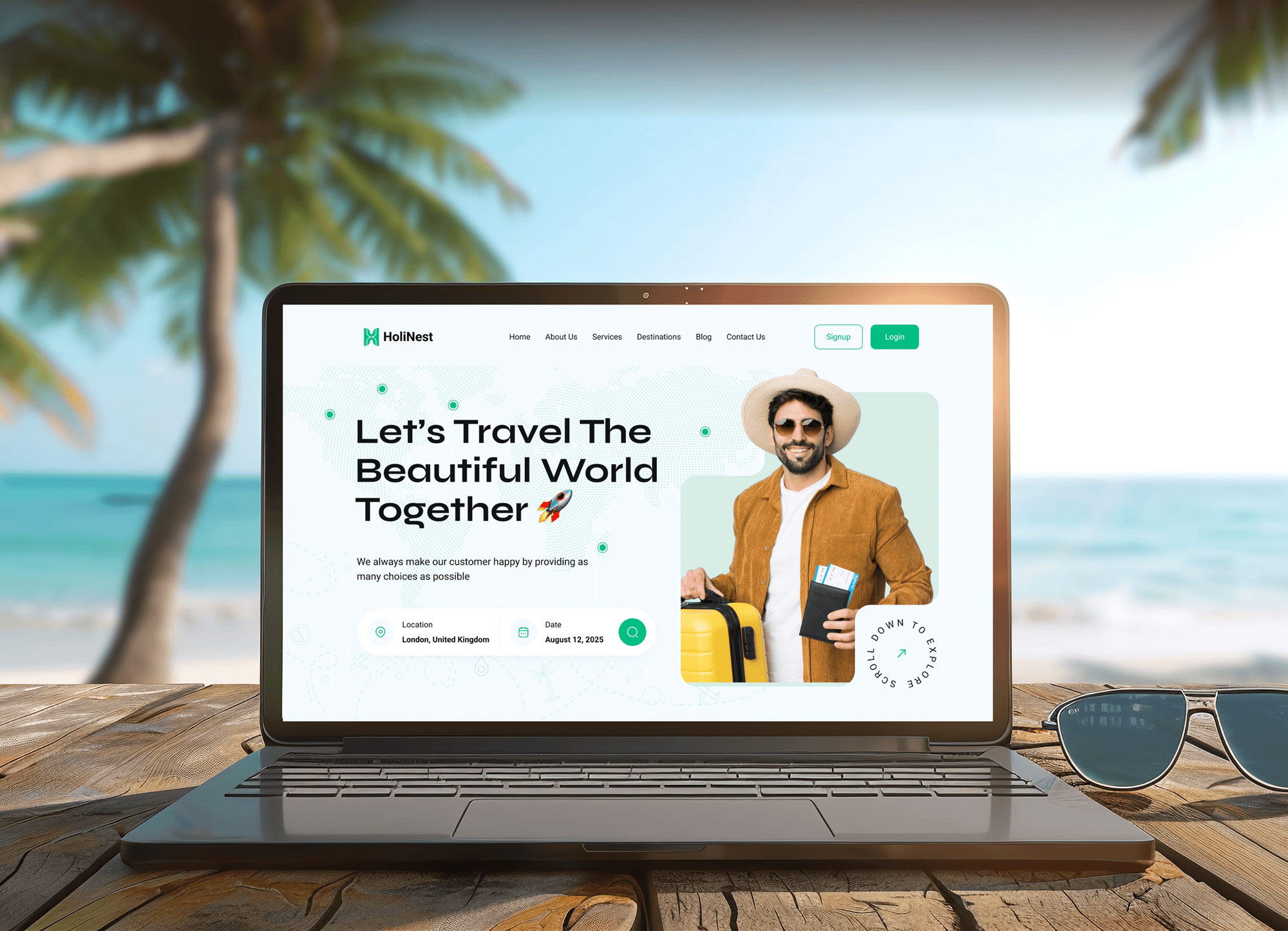
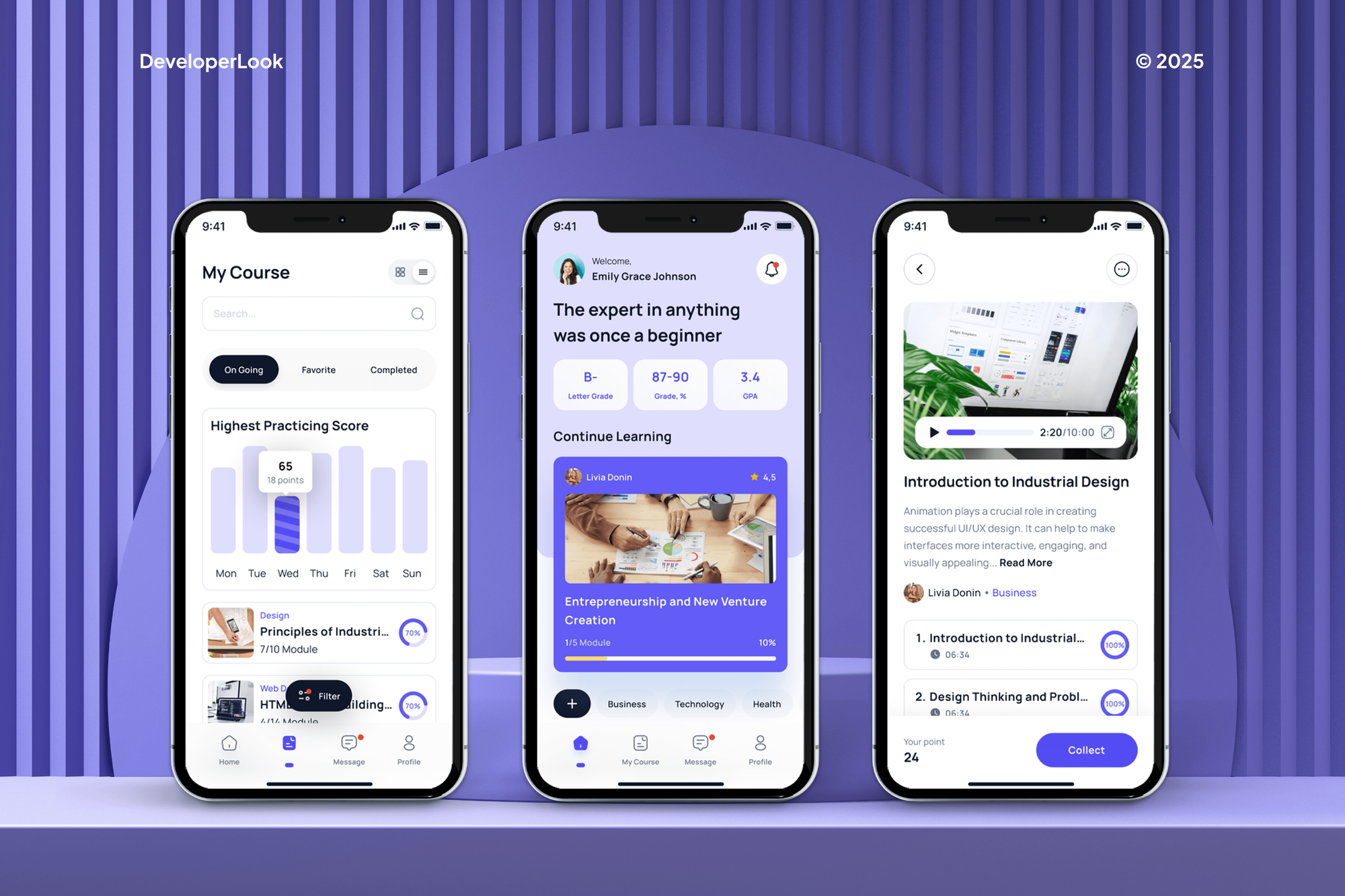
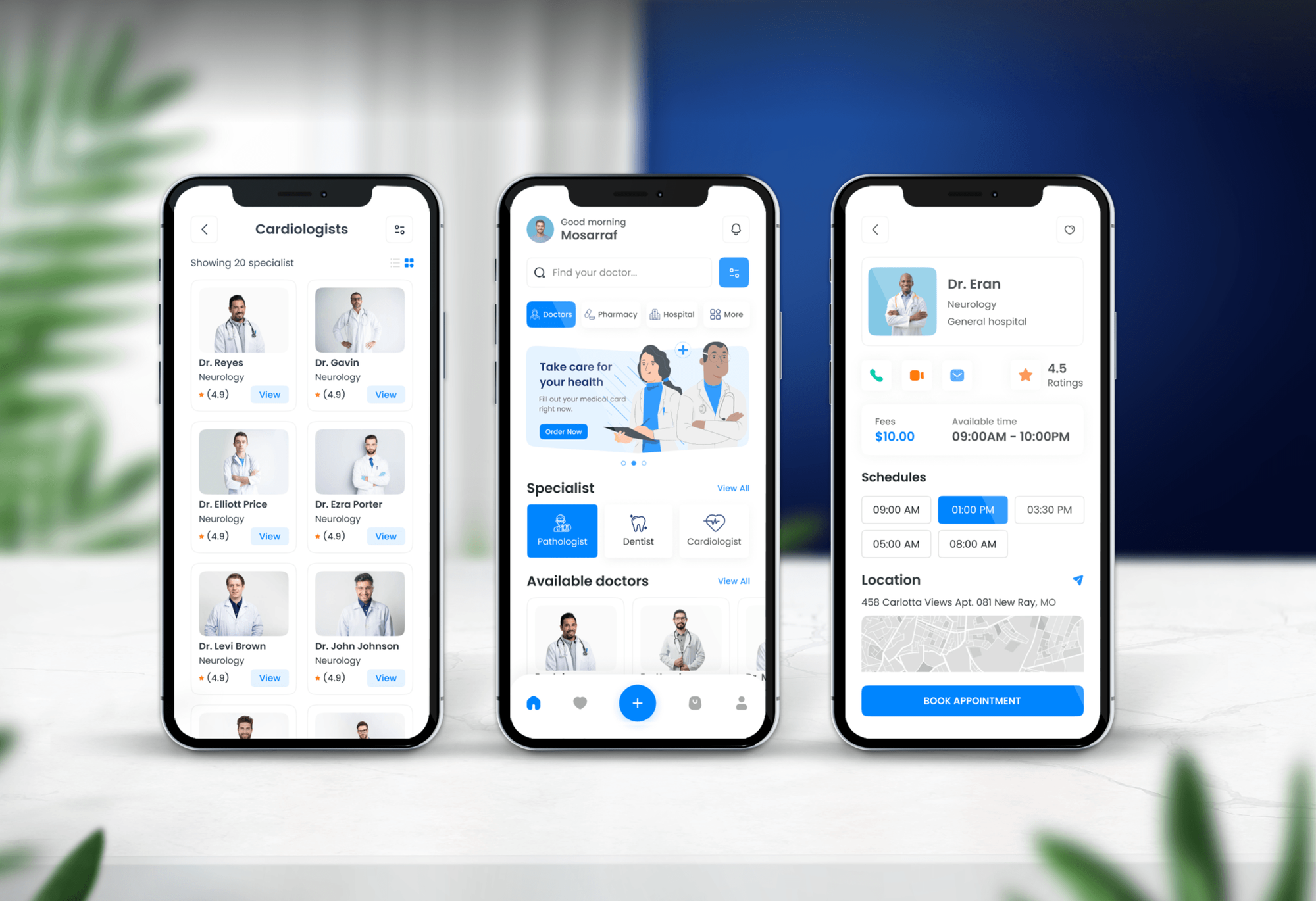
Web apps, dashboards, and mobile apps we designed and built. They show the interface and build work behind a PWA, though not every one shipped as a PWA.

What Our Clients Say
Feedback from teams we have built web apps and websites for.
We had a pretty specific idea of what we wanted our website to become, but I wasn’t sure how easily we could explain all of it to a development team. There were quite a few moving parts, and we were working toward a deadline, so I expected a few things to get lost along the way. That never really happened. They understood what we were trying to achieve, kept us updated throughout the process, and got everything ready within the agreed timeline. The final site feels much easier to navigate, works beautifully on mobile, and is noticeably smoother for our customers. It was a huge relief seeing the original idea actually turn into the website we had in mind.
The mobile experience is probably my favourite part of the new site. We had spent a lot of time making sure the desktop version looked right, and the team kept pushing us to think about how everything would actually feel on a phone too. They were right. The navigation is clean, the interactions feel natural, and everything we’ve tested so far works exactly as it should. They also went through the links, forms, integrations, and other details more than once before launch, which I really appreciated. And even after going live, we could still reach out when something came up. The whole process felt friendly, organised, and surprisingly straightforward.
What I appreciate most is that the website is actually easy for us to manage now. We can update content ourselves instead of sending a developer a message every time we need to change something small. They also paid attention to the technical SEO side, which mattered to us because we didn’t want a new website to create problems for the traffic we already had. I’ve probably asked more questions than I should have since launch, but every question has been handled patiently and without any fuss. The team is easy to work with, they explain things clearly, and when we need something changed, they focus on getting it done rather than making the process complicated.
1,250+
Projects shipped
10+
Years of experience
Top 3%
Upwork Top Rated Plus
5 stars
Average review score

Want results like these?
Tell us what you are building. You get a reply within 24 hours on business days, then a written estimate.
Work Culture
A PWA has to behave on devices you don't control. These habits keep yours honest about iPhone limits, safe with offline data, and easy to update.
We list what Safari supports for your features before you sign anything. You decide with the facts instead of finding the gaps after launch.
Every cached screen gets a freshness rule, and every queued form gets a conflict rule. Nobody overwrites a colleague's edit because one phone was offline.
We test on mid-range Android phones and iPhones as well as laptops. Airplane mode and throttled connections are part of every test run.
We agree on each notification type and when it fires before we build push. Users who get useful alerts keep them switched on.
If your app needs features Safari doesn't offer, we'll say a native app fits better before we quote. A PWA that can't do the job costs you twice.
The PWA lives in your repository and deploys to your hosting. Your developers maintain one codebase instead of three, with every caching rule documented.
Overview
DeveloperLook offers PWA development services that make web apps installable, fast on repeat visits, and usable offline. We build the web app manifest, a Workbox service worker, offline storage in IndexedDB, and push notifications, then test on Android, iPhone, and desktop. Projects start at $1,200 and take 2 to 16 weeks, and you keep one codebase.
DEVELOPERLOOK
Project facts · PWA Development Services
Reviewed 7 Oct 2026 by Saimul Islam
Good fit
Field and warehouse teams
Your technicians fill in inspection forms on site, and entries vanish whenever the warehouse or basement signal drops mid-submit.
Founders weighing native app quotes
You were quoted for separate iOS and Android apps, and you want to know if PWA development covers what your users need first.
SaaS teams with mobile users
Your customers open your dashboard on phones, and they keep asking for an app icon, notifications, and faster repeat loads.
Teams planning to hire in-house
You plan to hire pwa developers later, but you need the first version shipped now with documentation your team can maintain.
Agencies with app-minded clients
Your agency's client wants an installable app, and you need a pwa app development company that delivers under your brand.
Not a fit
Heavy iPhone hardware use
Your app depends on Bluetooth devices, background location, or other iPhone features Safari doesn't expose. Our Mobile App Development Company service builds native apps for that.
Screens not designed yet
Your screens and user flows aren't designed yet. Web App Design Services plans the interface first, and the PWA build follows from approved screens.
Budget under $1,200
You only need a basic manifest and icon set for less than $1,200. Your current developer can usually add that in a day or two.
App Store discovery first
Your growth plan depends on App Store search on iPhone. Apple doesn't list web apps there, so a native or cross-platform app suits you better.
Not sure we're the right fit?
Book a free call or message us. We'll tell you honestly whether we're the right team.
Pricing
These are starting points in USD. Your final price depends on the number of offline screens, sync complexity, and notification types, and you get a fixed proposal after a free PWA review.
For existing web apps that need to install and load fast on repeat visits, in 2 to 3 weeks.
$1,200one-time, USD
For field and mobile teams whose core screens and forms must work without a signal.
$3,900one-time, USD
For new products that want one installable app for web, Android, and desktop.
$8,400one-time, USD
For Agencies
You own the client relationship. We supply the PWA engineering behind it: manifests, service workers, offline data, and push notifications delivered under your brand. Your team keeps design and client calls while we build, test on devices, and document every caching rule.
White label: your client only ever sees your brand
Send repository access, the screens users need offline, and the target devices.
We build, test on devices, and document caching while you manage the client.
You present an installable app with a device report and an update plan.
Staging links, test reports, and handover notes carry your agency's name.
Caching, offline sync, and push built by developers who ship them often.
A pass or fail matrix per device that your client can review.
Add PWA developers for one client project or a run of them.
The Right Technology for Your Project
The front-end, offline, back-end, and hosting tools we use to make web apps installable and reliable on weak connections.
 React
React Next.js
 Vue.js
 Angular
 TypeScript
 Chrome DevTools
 Lighthouse
 Firebase
 Node.js
 Supabase
 PostgreSQL
 MongoDB
 Vercel
 Netlify
 AWS
AWS Cloudflare
FAQ
Straight answers on cost, timelines, iPhone support, app stores, and offline data in progressive web apps.
Saimul IslamFounder & CEO, DeveloperLookStill have questions?
Send a message or book a call with the team.
PWA development with DeveloperLook starts at $1,200 to make an existing web app installable with an offline fallback. Adding offline data, queued forms, and push notifications costs $3,900, and a new PWA build starts at $8,400. Progressive web app development cost depends mostly on how many screens work offline and how complex the sync is.
Upgrading an existing web app to a PWA takes 2 to 3 weeks. Offline data and push notifications bring it to 5 to 8 weeks, and a new build takes 10 to 16 weeks. Device testing takes 1 to 2 weeks in every plan, because install and offline behavior differ between browsers.
PWA development is building a progressive web app: a website that installs like an app and keeps working offline. It adds a web app manifest, a service worker that caches files and data, and HTTPS, which service workers require. The result runs in the browser but opens in its own window from the home screen.
In web development, a PWA is a normal web app enhanced with browser features that used to belong to native apps. Users can install it, open it offline, and receive push notifications. Unlike a native app, it ships from your web server, so every user gets updates on their next visit without an app store release.
The main challenges in developing a PWA are iPhone support, offline data conflicts, and cache updates. Safari supports install and push, but not every API Chrome offers, such as Background Sync. Data edited offline needs conflict rules, and a careless service worker can keep users on an old version, so we plan updates first.
A PWA saves money by replacing two native apps with the web app you already maintain. You skip separate iOS and Android builds, app store review cycles, and a second team to keep them in sync. The trade-off is weaker access to iPhone hardware, so we check your feature list before recommending it.
Yes, PWAs work on iPhone, with limits. Users install them from the Share menu with Add to Home Screen, and since iOS 16.4, installed web apps can receive push notifications. Safari doesn't support every API Chrome does, such as Web Bluetooth and Background Sync, so we check your feature list against it first.
Yes for Google Play, and no for the App Store. Google Play accepts a PWA packaged as a Trusted Web Activity, and the Microsoft Store accepts PWAs too. Apple's App Store doesn't list web apps, so iPhone users install yours from the browser. Our Full PWA Build includes the Google Play and Microsoft Store packages.
Hire PWA developers in-house when the app is your core product and changes every week. Work with a company when you need one upgrade or build shipped with tested caching and documentation. As a PWA development company in the USA, we can ship the first version and then hand it to the developers you hire.
Your developers do, because the PWA lives in your existing repository and deploys like the rest of your web app. We document every caching rule and the update flow. Support covers fixes and questions for 30 to 60 days, depending on your plan, and Website Maintenance Services can take monthly updates after that.
Saimul IslamFounder & CEO, DeveloperLookStill have questions?
Send a message or book a call with the team.
Free 30-min callGoogle Meet
Book a call
In 30 minutes on Google Meet we walk you through how we would build it, how long it takes and what it costs. Then you get a written estimate.
Calendar not showing? Book on cal.com or send a brief.