
Role and task map
Every user role, what each one needs to do, and which screens and actions each role can see.

For businesses replacing spreadsheets and email with a web app: every screen, role, and state designed before development starts, from $700.
3
Screen sizes designed per view
4
States designed for every screen
Teams we have built for:














The Problem
Most web app mockups show one perfect screen per page. Real apps have empty lists, slow loads, errors, phones, and several kinds of user, and someone has to design those too.
01 · Empty lists
The invoice list has no design for zero invoices.
Every list and table gets an empty state that tells users what to do first.
02 · Failed uploads
Upload errors show a vague message nobody understands.
Error states explain what went wrong and how to fix it, in plain language.
03 · Phone layout
The filter panel has no plan for small screens.
Each screen is designed at 1440, 1024, and 390 pixels before handoff.
04 · User roles
Developers guess which buttons a read-only user sees.
Role-by-role flows show exactly which actions each user type can take.
Your team signed off on twelve polished mockups for the new client portal. Then the developers started asking questions. What does the invoice list look like with no invoices? What happens when an upload fails? Where does the filter panel go on a phone? Which buttons should a read-only user see? Each answer got improvised in code, so the portal shipped with three table styles and an error page that only says something went wrong.
We start with the tasks each role performs, then design every screen at three widths: 1440, 1024, and 390 pixels. Each screen gets its default, empty, loading, and error state, and every component matches a code library such as MUI or shadcn/ui. Your developers build from complete designs instead of filling the gaps with guesses.
Three widths per screen
Desktop, tablet, and phone layouts for every view, checked against the devices in your analytics.
Every state designed
Empty, loading, error, and success states drawn for each screen, so nothing gets improvised in code.
Components that match code
Figma components named and built to match MUI, shadcn/ui, or your own front-end library.
Our Web App Design Process
You approve the roles and tasks first, then the flows, then the screens, and your developers check the component mapping before handoff.
We walk through the job your web app needs to do, who uses it, and what tools it replaces. You get a scope listing roles, workflows, and screens, plus a fixed price, or a note that an off-the-shelf tool fits.
What's Included
Every project covers the structure, screens, and states your developers need, designed for the people who'll use the app every working day.
Compare Options
A template kit is fast and cheap for standard admin screens, and a skilled developer can design a simple tool alone. Here's where a web app design company earns its fee.
| Feature | DeveloperLookBest fit | Template kit | In-house developer |
|---|---|---|---|
| Task fit | Designed around your roles and tasks | Generic admin layouts | Shaped by the database |
| Screen states | Four states for every screen | Some states included | Added during coding |
| Responsive layouts | Three breakpoints designed | Responsive by default | Phone layout often an afterthought |
| Speed | 1 to 10 weeks of design | Ready to use today | No separate design phase |
| Code match | Mapped to your component library | Matches its own library | Matches the code by default |
| User testing | 5-user test on larger plans | Not included | Rarely done |
| Ownership | Figma files you own | License terms apply | Lives only in code |
| Cost | Fixed price from $700 | Low one-time license | Included in development hours |
Projects We've Built
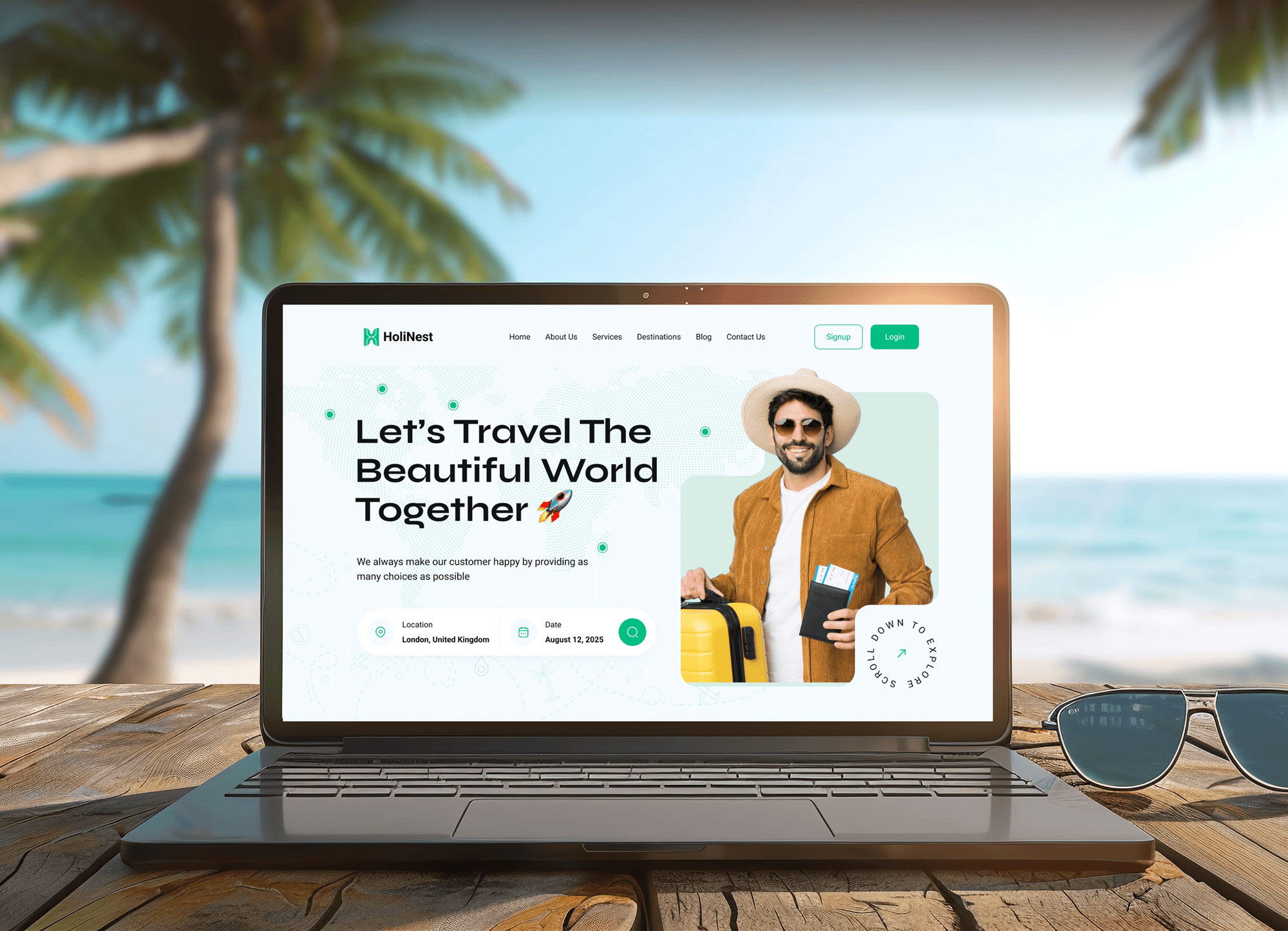
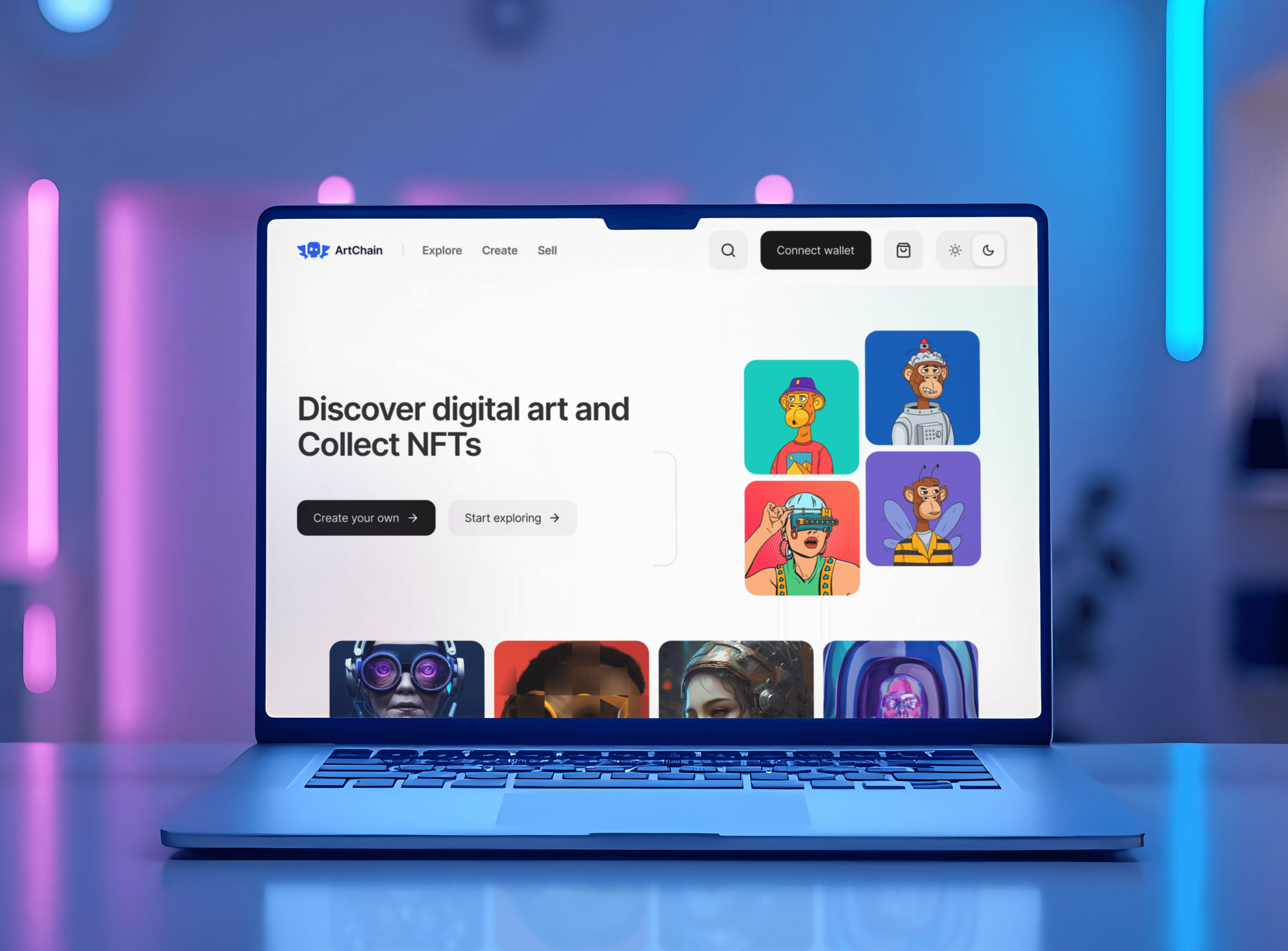
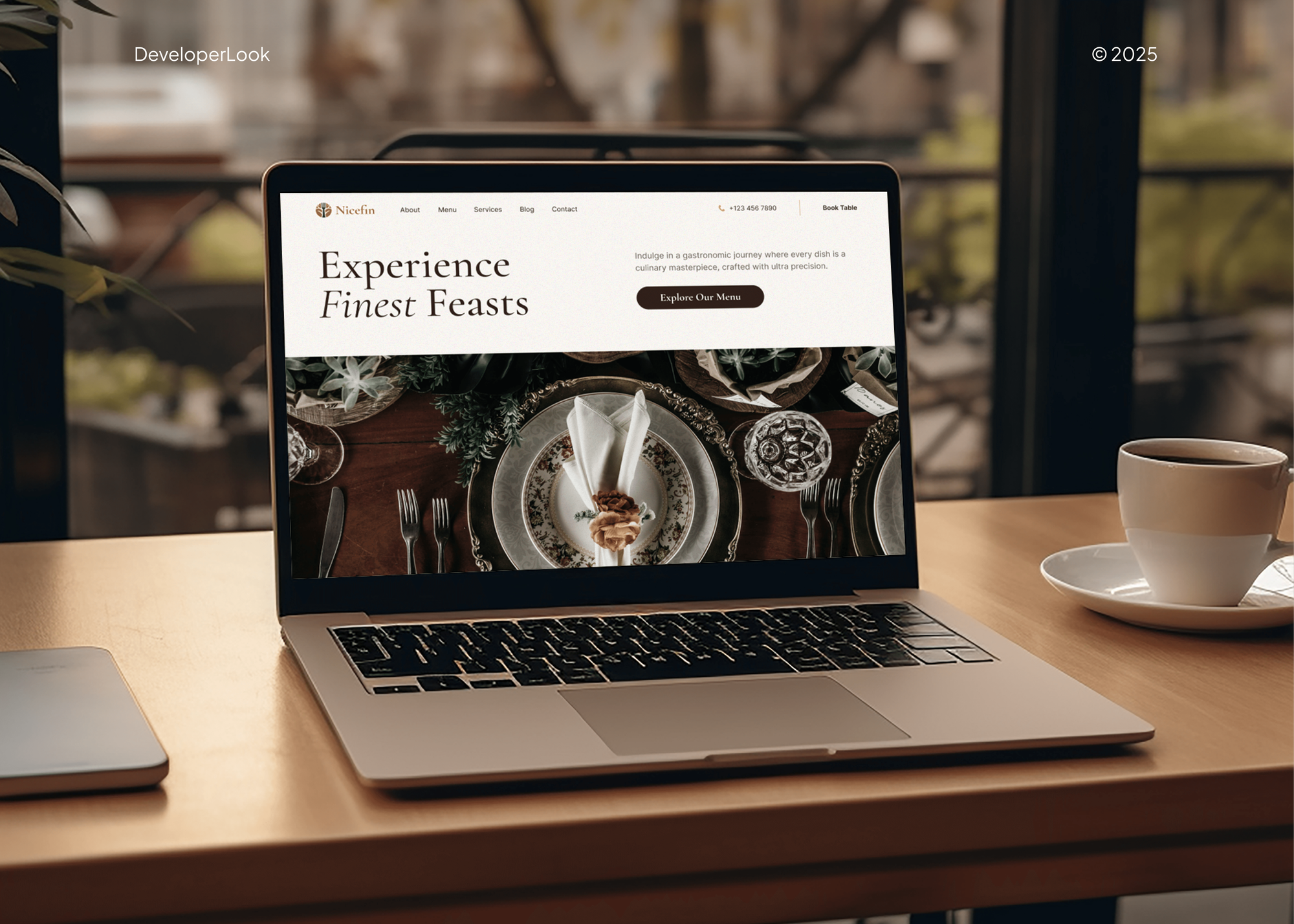
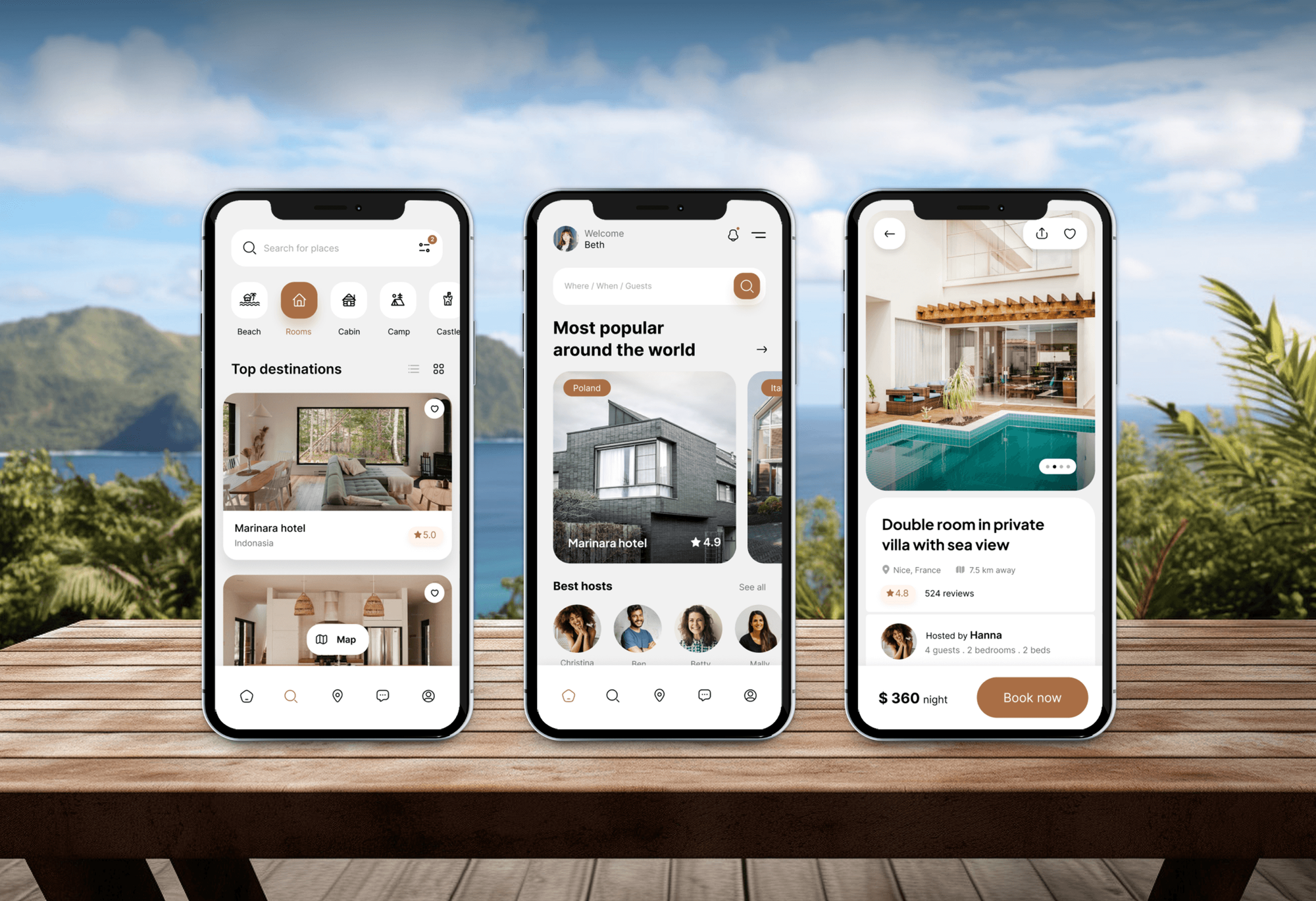
Booking platforms, marketplaces, and store back offices our team designed and built, each with admin screens that staff use every working day.
What Our Clients Say
Feedback from teams we have designed and built websites and apps for.
We had a pretty specific idea of what we wanted our website to become, but I wasn’t sure how easily we could explain all of it to a development team. There were quite a few moving parts, and we were working toward a deadline, so I expected a few things to get lost along the way. That never really happened. They understood what we were trying to achieve, kept us updated throughout the process, and got everything ready within the agreed timeline. The final site feels much easier to navigate, works beautifully on mobile, and is noticeably smoother for our customers. It was a huge relief seeing the original idea actually turn into the website we had in mind.
The mobile experience is probably my favourite part of the new site. We had spent a lot of time making sure the desktop version looked right, and the team kept pushing us to think about how everything would actually feel on a phone too. They were right. The navigation is clean, the interactions feel natural, and everything we’ve tested so far works exactly as it should. They also went through the links, forms, integrations, and other details more than once before launch, which I really appreciated. And even after going live, we could still reach out when something came up. The whole process felt friendly, organised, and surprisingly straightforward.
What I appreciate most is that the website is actually easy for us to manage now. We can update content ourselves instead of sending a developer a message every time we need to change something small. They also paid attention to the technical SEO side, which mattered to us because we didn’t want a new website to create problems for the traffic we already had. I’ve probably asked more questions than I should have since launch, but every question has been handled patiently and without any fuss. The team is easy to work with, they explain things clearly, and when we need something changed, they focus on getting it done rather than making the process complicated.
1,250+
Projects shipped
10+
Years of experience
Top 3%
Upwork Top Rated Plus
5 stars
Average review score

Want results like these?
Tell us what you are building. You get a reply within 24 hours on business days, then a written estimate.
Work Culture
A web app gets used for hours every day, so small design choices add up. These habits keep our work practical for the people using it and the people building it.
We design for the person using the app all day, not the person seeing it once in a demo. Keyboard shortcuts, dense tables, and saved filters matter more than animation.
Screens use your actual record names, long addresses, and large numbers instead of lorem ipsum. Layouts that only work with short sample text break on day one.
A developer reviews each flow before visual design and each screen before handoff. Anything expensive to build gets flagged while it's still cheap to change.
If Airtable, a portal builder, or a template kit already covers your workflow, we'll tell you before we quote. Custom design pays off only when your process is specific.
Contrast, focus order, and form labels follow WCAG 2.2 AA guidance on the larger plans. Staff who use the app all day benefit from that as much as anyone.
Figma files, prototypes, and the component library transfer to you at handoff. Any developer, ours or yours, can build from them without asking permission.
Overview
DeveloperLook provides web app design services for client portals, internal tools, and booking platforms. We map each role's tasks, design every screen at desktop, tablet, and phone widths in four states, and match components to a code library such as MUI. Projects start at $700, take 1 to 10 weeks, and you own every Figma file.
DEVELOPERLOOK
Project facts · Web App Design Services
Reviewed 7 Oct 2026 by Saimul Islam
Good fit
Operations teams leaving spreadsheets
Your team runs bookings, approvals, or inventory in shared spreadsheets, and you're ready for a web app built around how the work really happens.
Companies launching a client portal
You're launching a client portal for invoices, documents, and requests, and you need application design services before your developers estimate the build.
Developers waiting on screens
Your developers are ready to start but keep waiting on screens, and you need web app interface design that answers their questions up front.
Marketplaces with busy back offices
Your marketplace's customer side looks polished, but staff and vendors work in an admin area that was never designed at all.
Agencies with portal clients
Your agency sells portals and internal tools but has no product designer, so every project starts with developers guessing at screens.
Not a fit
You need the app built
You need the app built, not just designed. Our Web Application Development Services page covers the build, from data model to launch.
Reporting screens only
Your project is mostly charts and metrics for managers. Dashboard Design Services is the better page, because it starts from the number each person needs.
Native mobile app
You need an iPhone and Android app, not a browser-based tool. Our Digital Product Design Services page covers web and mobile products designed together.
Budget under $700
Your budget is under $700. A template kit for an admin panel, adjusted by your developer, will cover a simple internal tool well enough.
Not sure we're the right fit?
Book a free call or message us. We'll tell you honestly whether we're the right team.
Pricing
These are starting points in USD. Your final price depends on how many workflows, user roles, and screen states the app needs, and you get a fixed proposal after a free workflow call.
For teams that need one workflow, such as booking or approvals, designed before a build.
$700one-time, USD
For portals and internal tools that need every screen and role designed before development.
$2,100one-time, USD
For customer portals and multi-role platforms with admin tools and complex data.
$4,300one-time, USD
For Agencies
You own the client relationship. We supply the web app designers, the task maps, and the Figma files under your brand, so your team can quote portal and internal tool projects with confidence.
White label: your client only ever sees your brand
Send the processes the app replaces, the user roles, and any spreadsheets in use.
Task maps, flows, and screens in every state, delivered within 1 to 10 weeks.
Hand your developers complete Figma files, or add our developers to the build.
Role and task maps that make your build estimates more accurate.
Tables, filters, and approval flows designed for real business data.
Components mapped to the library your developers already use every day.
We work as part of your team on every client call.
The Right Technology for Your Project
We design in Figma against the component library and framework your developers use, then check layouts on real browsers and devices.
 Figma
Figma Loom
Loom Tailwind CSS
 Bootstrap
 React
React Next.js
 Vue.js
 Google Analytics
FAQ
Straight answers on costs, screen sizes, component libraries, and how app design differs from web design.
Saimul IslamFounder & CEO, DeveloperLookStill have questions?
Send a message or book a call with the team.
Web app design at DeveloperLook starts at $700 for one workflow of up to 12 screens. A full web app with 35 screens and 3 user roles starts at $2,100, and portals or platforms with up to 75 screens start at $4,300. The quote depends on screens, roles, and states, and it's fixed after a free workflow call.
One workflow takes 1 to 2 weeks, and a full web app takes 4 to 6 weeks. A portal or platform takes 8 to 10 weeks. Most of that time goes into task flows and screen states, not visual polish. Developers can start on approved flows while later screens are still in design.
It's the design of software that runs in a browser and that people sign in to for tasks, like a client portal or booking system. It covers user roles, task flows, screens, and states, not just the look. That's what separates it from website design, which focuses on content and marketing pages.
A great web app lets people finish frequent tasks quickly and recover easily from mistakes. That means clear navigation, dense but readable tables, helpful empty and error states, and layouts that work on a phone. It also means components developers can build without reinventing them, which keeps the app consistent as it grows.
App design focuses on tasks people repeat, while web design focuses on pages people read and act on once. A web designer shapes a homepage for first impressions and conversions. An app designer shapes a screen someone uses dozens of times a week, which calls for different patterns and far more states.
Not quite. Web app design overlaps with web design because both run in a browser, but app design deals with user roles, data, and workflows rather than marketing content. Many agencies offer both, so check whether a portfolio shows tables, forms, and multi-step flows before you hire for an app.
No, though some designers do both. Web designers usually specialize in marketing sites, branding, and conversion. App designers specialize in interaction design, information architecture, and complex screen states. For a portal or internal tool, hire someone whose past work shows data-heavy screens and workflows, not only landing pages.
We design at 3 widths: 1440 pixels for desktop, 1024 for laptops and tablets, and 390 for phones. We also check layouts at 1280 and 1920, then adjust to the devices your analytics show. Internal tools used mostly at desks can put less effort into phone layouts, which lowers the price.
Yes, if you name one. We design Figma components that match MUI, shadcn/ui, Bootstrap, or your own library, so developers can build screens from parts they already have. If you haven't chosen one, we recommend a library during the workflow call based on your stack and the screens you need.
Yes. Our developers build web apps with React, Next.js, or Vue.js, and the people who designed yours answer questions during the build. You can also take the Figma files to any developer, since they belong to you. We answer handoff questions for 2 to 6 weeks, depending on your plan.
Saimul IslamFounder & CEO, DeveloperLookStill have questions?
Send a message or book a call with the team.
Free 30-min callGoogle Meet
Book a call
In 30 minutes on Google Meet we walk you through how we would build it, how long it takes and what it costs. Then you get a written estimate.
Calendar not showing? Book on cal.com or send a brief.