
Tenant and site review
A written review of your sites, lists, permissions, and retired add-ins, with rebuild priorities in order.

For Microsoft 365 teams with a dated or broken SharePoint: SPFx web parts, a clear intranet, and apps on supported code, from $1,100.
2X
Faster to find files
100%
Built on supported SPFx
How your project runs
Teams we have built for:














The Problem
It shows up when a policy can't be found, a form stops working, or IT can't say who has access to which folder. By then the workarounds have their own workarounds.
01 · Lost files
The same document lives in several department libraries.
A hub site with shared navigation gives each document one clear home.
02 · Dead add-in
An old add-in stopped when Microsoft retired the model.
We rebuild it as an SPFx web part on supported code.
03 · Email approvals
Approvals travel by email and get tracked in a spreadsheet.
Power Automate flows route approvals and log every decision on the list.
04 · Unclear access
Permissions were granted one person at a time.
Access is set by group and department, so it's easy to review.
Your intranet was built years ago, and nobody can find the leave policy on it. Each department made its own site, so the same document lives in several libraries. An old add-in that ran your request form stopped working when Microsoft retired the add-in model. Approvals still travel by email, and someone tracks them in a spreadsheet beside a SharePoint list. Permissions were granted one person at a time, so nobody knows who can see what.
We start with a tenant review: your sites, lists, permissions, and anything still running on retired add-ins or workflows. Then we plan a clear site structure, build SPFx web parts for what out-of-box parts can't do, and move approvals into Power Automate. Permissions are set by group, not by person. Your team opens the intranet because the answer is actually there.
SPFx web parts that fit
Custom web parts built with the SharePoint Framework, Microsoft's recommended model for SharePoint Online.
Permissions set by group
Access planned per department and role, so the right people see the right files.
Findable by design
Clear hub navigation, page templates, and metadata, so documents turn up where people look first.
Our SharePoint Development Services Process
You approve the site map and the access model before anything changes in your tenant, then a pilot group from each department tests the result.
We review your sites, lists, permissions, and any add-ins or workflows still in use. You get a plain list of what out-of-box SharePoint covers, what needs SPFx, and what needs rebuilding first.
What's Included
A tenant review, a site and permission plan, SPFx web parts, list-based apps with Power Automate, rebuilt add-ins, and admin notes for your IT team.
Compare Options
In-house IT suits daily admin, and a freelancer suits one small web part. A SharePoint development company fits when sites, code, and permissions change together.
| Feature | DeveloperLookBest fit | In-house IT | Freelancer |
|---|---|---|---|
| Pricing model | Fixed price per scope | Salary already paid | Hourly, often lower |
| Speed for small fixes | After a short review | Same day | Often within days |
| SPFx and React skills | Core of every project | Often not on the team | Varies by person |
| Admin and permissions | Planned with your IT | Their main strength | Rarely covered |
| Add-in replacements | Rebuilt on supported code | Often postponed | Case by case |
| Testing | Dev site and pilot group | Often in production | Depends on the person |
| Documentation | Admin notes for every part | Mostly tribal knowledge | Often missing |
| Ownership | Code in your repo and tenant | Yours | Yours, if handed over |
Projects We've Built
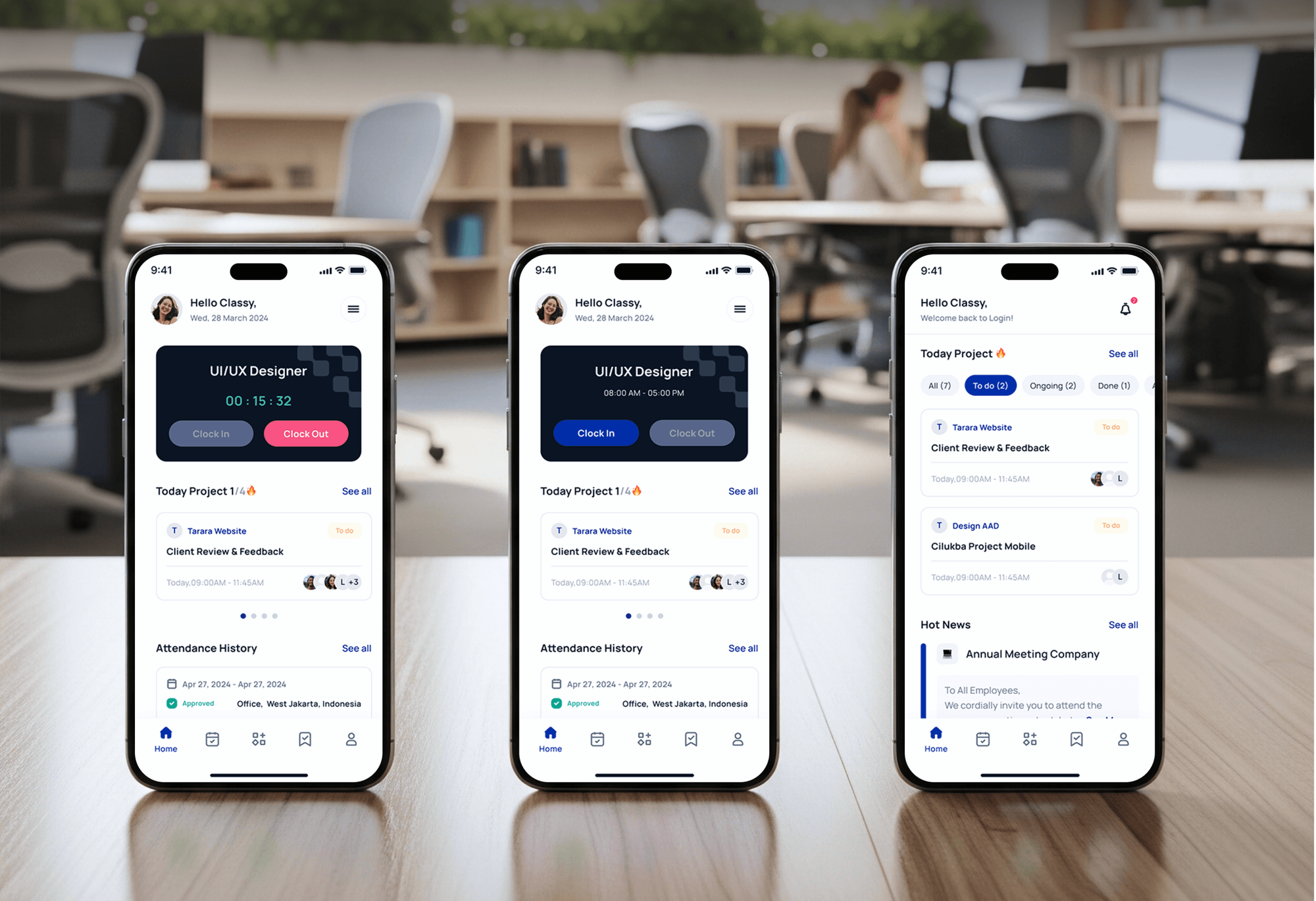
Corporate websites and a staffing app our team designed and built. Intranets and portals in SharePoint carry the same kind of pages, roles, and documents.



What Our Clients Say
Feedback from teams we have built corporate websites and business apps for.
We had a pretty specific idea of what we wanted our website to become, but I wasn’t sure how easily we could explain all of it to a development team. There were quite a few moving parts, and we were working toward a deadline, so I expected a few things to get lost along the way. That never really happened. They understood what we were trying to achieve, kept us updated throughout the process, and got everything ready within the agreed timeline. The final site feels much easier to navigate, works beautifully on mobile, and is noticeably smoother for our customers. It was a huge relief seeing the original idea actually turn into the website we had in mind.
The mobile experience is probably my favourite part of the new site. We had spent a lot of time making sure the desktop version looked right, and the team kept pushing us to think about how everything would actually feel on a phone too. They were right. The navigation is clean, the interactions feel natural, and everything we’ve tested so far works exactly as it should. They also went through the links, forms, integrations, and other details more than once before launch, which I really appreciated. And even after going live, we could still reach out when something came up. The whole process felt friendly, organised, and surprisingly straightforward.
What I appreciate most is that the website is actually easy for us to manage now. We can update content ourselves instead of sending a developer a message every time we need to change something small. They also paid attention to the technical SEO side, which mattered to us because we didn’t want a new website to create problems for the traffic we already had. I’ve probably asked more questions than I should have since launch, but every question has been handled patiently and without any fuss. The team is easy to work with, they explain things clearly, and when we need something changed, they focus on getting it done rather than making the process complicated.
1,250+
Projects shipped
10+
Years of experience
Top 3%
Upwork Top Rated Plus
5 stars
Average review score

Want results like these?
Tell us what you are building. You get a reply within 24 hours on business days, then a written estimate.
Work Culture
Custom code in SharePoint runs inside your tenant, next to every file your company owns. These habits keep it supported, secure, and easy for IT to manage.
Modern SharePoint pages, lists, and web parts handle more than most teams expect. If they already cover your case, we'll tell you before we quote.
Microsoft retired SharePoint Add-ins and 2013 workflows on April 2, 2026. Everything we build uses SPFx and Power Automate, the models Microsoft supports today.
A list holds up to 30 million items, but views fail past the 5,000-item threshold unless they filter on indexed columns. We design around that or suggest a database.
SPFx solutions request only the Microsoft Graph permissions they need. Your admin approves each one, so no web part reads more of the tenant than it should.
Every web part's source code lives in your Git repository with build notes. Your IT team can rebuild and redeploy it without us.
Each site, web part, and flow gets a short admin note: what it does, who owns it, and what to check after Microsoft updates.
Overview
DeveloperLook provides SharePoint development services for Microsoft 365 teams. We build SPFx web parts, intranet hub sites, and list-based apps with Power Automate, and rebuild retired add-ins and workflows on supported code. Web parts start at $1,100, intranets take 4 to 8 weeks, and everything stays in your tenant.
DEVELOPERLOOK
Project facts · SharePoint Development Services
Reviewed 7 Oct 2026 by Saimul Islam
Good fit
Teams hit by retired add-ins
Your old SharePoint Add-ins or 2013 workflows stopped working after Microsoft retired them in April 2026, and you need them rebuilt on supported code.
Companies replacing a dated intranet
Your intranet is a maze of old sites nobody updates, and you want SharePoint intranet development that gives each department one clear home.
Ops teams running work in lists
You track requests in SharePoint lists with email approvals, and want SharePoint application development services that turn them into a proper app.
Firms sharing files with clients
You send clients files as email attachments and want SharePoint portal development that gives each client secure access to their own documents.
IT teams without a developer
Your IT team runs Microsoft 365 well but has no developer, so you want to hire SharePoint developers for SPFx work without adding headcount.
Not a fit
Out-of-box sites cover it
Your need fits standard SharePoint pages, lists, and web parts. Microsoft's built-in site templates cover it faster and cheaper than custom code.
Heavy relational data
Your app needs complex relational data at high volume. A real database fits better than lists, and our Supabase Development page covers that build.
Approval flows only
Your main need is approval flows and automation, not custom code. Our Power Automate Development page covers that work on its own.
SharePoint Server on-premises
Your SharePoint still runs on an on-premises server. This page covers SharePoint Online, so plan the move to Microsoft 365 first.
Not sure we're the right fit?
Book a free call or message us. We'll tell you honestly whether we're the right team.
Pricing
These are starting points in USD. Your final price depends on the web parts, the sites, and any add-ins to rebuild, and you get a fixed proposal after a free tenant review.
For teams that need one custom web part, such as a document finder or news roll-up.
$1,100one-time, USD
For organizations building or rebuilding an intranet across several departments.
$3,600one-time, USD
For portals and line-of-business apps with lists, Microsoft Graph, and add-in rebuilds.
$7,400one-time, USD
For Agencies
You own the client relationship. We supply the SharePoint engineering behind it: SPFx web parts, intranet builds, list apps, and add-in rebuilds. Your client works with your team, and all the code stays in their tenant.
White label: your client only ever sees your brand
Send the client's tenant details, current sites, and the problems their users report.
You get a site map and a fixed quote for your proposal.
We build on a dev site, run the pilot, and deploy under your brand.
You lead the workshops while we build in their tenant.
Each web part and site is priced before work starts.
Hub sites and permissions planned around your client's departments.
SPFx developers for busy months without adding staff.
The Right Technology for Your Project
The SharePoint Framework and Power Platform tools Microsoft supports today, so nothing we build depends on a retired model.
 React
React Node.js
 Power Automate
FAQ
Straight answers on SharePoint project costs, timelines, coding, SPFx, list limits, and who to hire.
Saimul IslamFounder & CEO, DeveloperLookStill have questions?
Send a message or book a call with the team.
Our SharePoint work starts at $1,100 for one SPFx web part or extension, tested on a dev site and deployed through your app catalog. An intranet hub with up to 6 department sites and 3 Power Automate flows costs $3,600. Custom portals with Graph integration and an add-in rebuild start at $7,400. Microsoft 365 licenses stay separate.
One web part takes 1 to 3 weeks, including a pilot with your users. An intranet hub with department sites takes 4 to 8 weeks, and custom portals take up to 10. Content cleanup and permission decisions usually set the pace, so we start them in the first week.
No, not for most sites. Modern SharePoint pages, lists, libraries, and out-of-box web parts need no code at all. Coding comes in with SPFx web parts, extensions, Microsoft Graph integrations, and apps that lists and Power Apps can't handle on their own. We'll tell you which side of that line your request falls on.
It's building custom features on SharePoint Online: web parts, extensions, list-based apps, and integrations with Microsoft Graph. Since Microsoft retired the add-in model, this work runs on the SharePoint Framework and the Power Platform. Good projects also cover site structure and permissions, not just code.
SharePoint Framework development means building web parts and extensions with SPFx, Microsoft's recommended model for customizing SharePoint Online. SPFx solutions run in the page, use modern JavaScript tools such as React and TypeScript, and deploy through the app catalog. They can also appear in Microsoft Teams.
A SharePoint developer builds what out-of-box SharePoint can't: custom web parts, extensions, list apps, and connections to Microsoft Graph or other systems. On our projects, the role also covers site architecture, permission planning, and Power Automate flows. Testing with a pilot group before launch is part of the job.
Yes, for moderate data. A SharePoint list holds up to 30 million items, but views and queries fail past the 5,000-item list view threshold unless they filter on indexed columns. For heavy relational data or complex queries, we'll recommend Dataverse or a real database instead.
Usually not, and that's normal. Administrators manage sites, permissions, storage, and tenant settings, while developers write SPFx code and integrations. The skills overlap on lists and Power Automate. We work alongside your admin, so the code we write fits the way they already manage the tenant.
Hire developers when you have steady SharePoint work and someone to manage them. A company suits a defined project, such as an intranet rebuild or replacing retired add-ins, with a fixed scope and a team for testing. We'll tell you which fits after the free tenant review.
You do. Sites, lists, and flows live in your Microsoft 365 tenant, and every web part's source code goes into your repository. For 30 to 90 days after launch, depending on plan, we handle fixes and questions. Admin notes let your IT team maintain everything once support ends.
Saimul IslamFounder & CEO, DeveloperLookStill have questions?
Send a message or book a call with the team.
Free 30-min callGoogle Meet
Book a call
In 30 minutes on Google Meet we walk you through how we would build it, how long it takes and what it costs. Then you get a written estimate.
Calendar not showing? Book on cal.com or send a brief.