Oasic Finance SaaS Web Design & Development
- Finance
- SaaS Platform
- Dashboard

Microsoft 365 teams get approval and document flows built in their own tenant, with licenses checked first and alerts when a run fails, from $650.
5+ hrs
Approval chasing saved weekly
100%
Flows with a team owner
Teams we have built for:














The Problem
Flows come with many Microsoft plans, so they get built fast by whoever has time. Trouble starts when your volume grows, a license changes, or the builder leaves.
Stuck approvals
A purchase request waits four days in an approver's inbox.
Stuck approvals
Approvals route through Teams and Outlook, and move on their own.
Orphaned flows
A key flow runs under the account of someone who left.
Orphaned flows
Flows live in a solution with co-owners or a service account.
License surprises
A flow stopped when a Salesforce license lapsed.
License surprises
Every connector is sorted into standard or premium before the build.
No alerts
Failures only show in run history, with no alert.
No alerts
Scope blocks catch errors and send the flow name and failed step to Teams.
A purchase request sits in an approver's inbox for four days, and the requester emails finance twice. The flow that should route it runs under the account of someone who left in June, and its connection expired. Another flow calls Salesforce, so it stopped when a license lapsed. Nobody got an alert, because failures only show in run history, and that history only goes back 28 days. So your team is chasing approvals by hand again.
We start with a map of each process, its approvers, and the license every flow needs. Then we build cloud flows inside a solution, owned by a service account or a group of co-owners, with Scope blocks that catch failures and alert a person. Premium connectors get priced before the build, not after. Your approvals move on their own, and nobody chases an inbox.
Flows owned by the team
Solution flows with co-owners or a service account keep running when someone leaves.
Licenses checked before the build
Every connector is sorted into standard or premium, so license costs are known upfront.
Failed runs raise an alert
Scope blocks catch errors and send the flow name and failed step to Teams or email.
Our Flow Build Process
You see the flow map and license check before we build, and a test with real approvers before launch. Each step ends with something you approve.
We look at the process you want automated, who approves what, and any flows already running in your tenant. You get a short plan and a license check. If a Microsoft template already covers your case, we'll tell you before we quote.
Projects We've Built
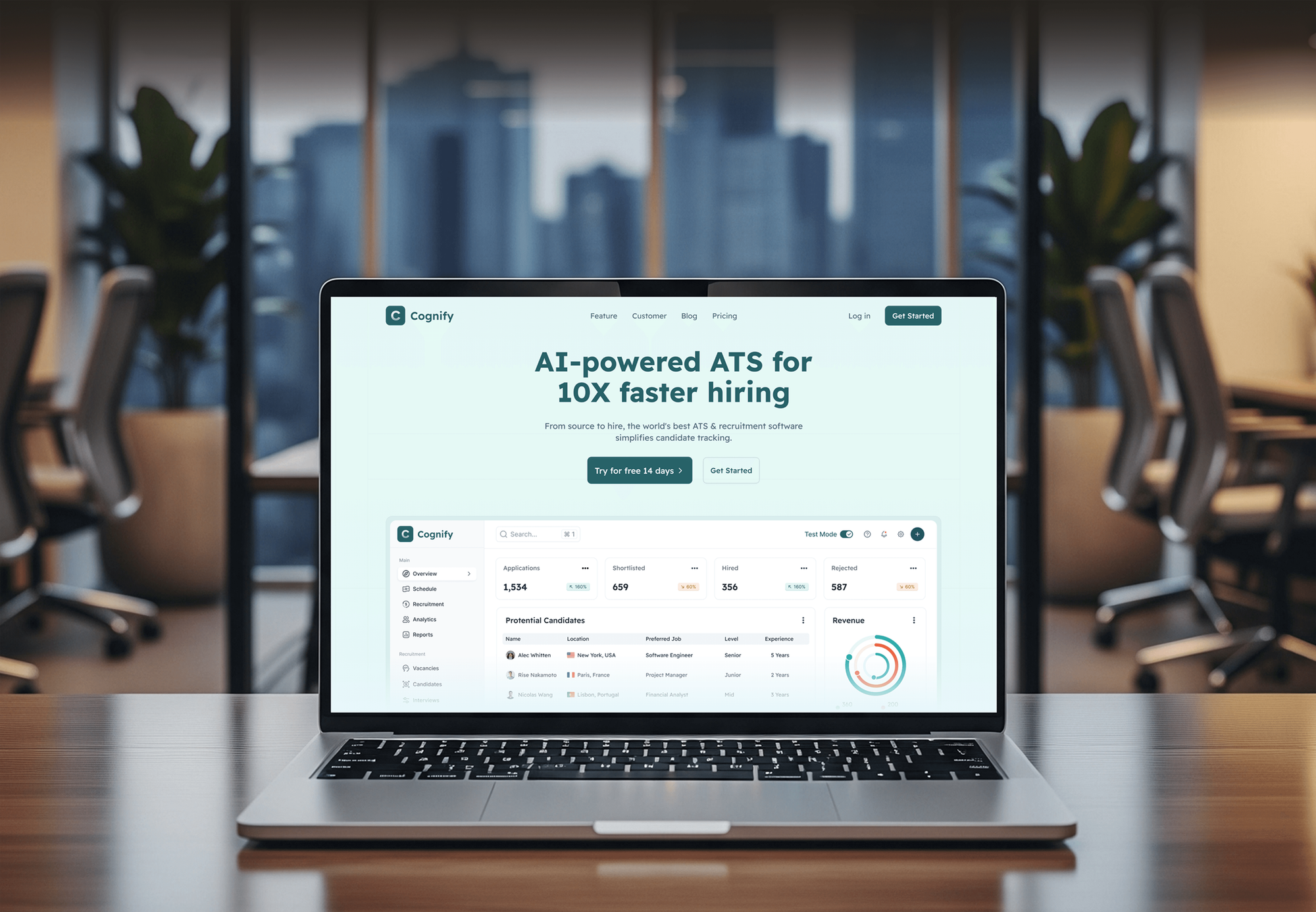
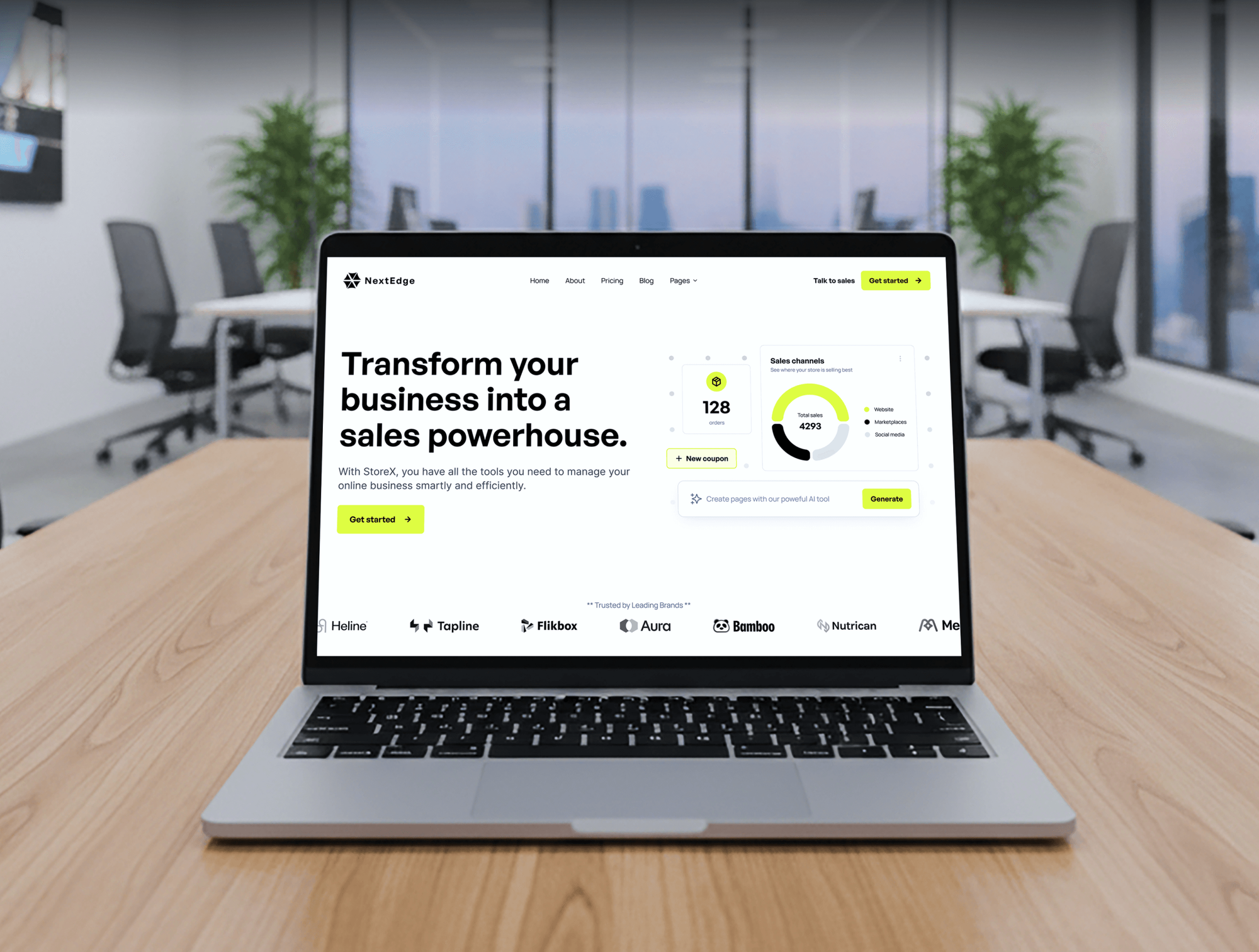
A selection of SaaS and web builds from our team. Our flow work uses the same habits: clear data maps, careful integrations, and testing before launch.

What's Included
Every project covers the flow map, license check, build, error handling, testing, and handover. Larger plans add custom connectors and governance for flows you already run.
Compare Options
A DIY flow costs only your time, and tools like Zapier or Make suit teams outside Microsoft's apps. We fit when your flows must live in your tenant and follow IT rules.
| Feature | DeveloperLookBest fit | DIY flow | Other tools |
|---|---|---|---|
| Upfront cost | From $650, fixed scope | Your team's time | Monthly plan per tool |
| Microsoft 365 fit | Native, inside your tenant | Native, often unmanaged | Runs outside your tenant |
| License planning | Checked before the build | Found when a flow stops | Separate tool subscription |
| Error handling | Scope blocks and alerts | Often only run history | Varies by tool |
| Flow ownership | Team owner or service account | Tied to one person | The tool's account |
| Time to first flow | 1 to 2 weeks | Hours for simple flows | Days for simple flows |
| Apps without connectors | Custom connectors | Often a dead end | Depends on the tool |
| IT governance | Solutions and environments | Personal default environment | Separate admin console |
What Our Clients Say
Feedback from teams we have built business software, websites, and integrations for.
We had a pretty specific idea of what we wanted our website to become, but I wasn’t sure how easily we could explain all of it to a development team. There were quite a few moving parts, and we were working toward a deadline, so I expected a few things to get lost along the way. That never really happened. They understood what we were trying to achieve, kept us updated throughout the process, and got everything ready within the agreed timeline. The final site feels much easier to navigate, works beautifully on mobile, and is noticeably smoother for our customers. It was a huge relief seeing the original idea actually turn into the website we had in mind.
The mobile experience is probably my favourite part of the new site. We had spent a lot of time making sure the desktop version looked right, and the team kept pushing us to think about how everything would actually feel on a phone too. They were right. The navigation is clean, the interactions feel natural, and everything we’ve tested so far works exactly as it should. They also went through the links, forms, integrations, and other details more than once before launch, which I really appreciated. And even after going live, we could still reach out when something came up. The whole process felt friendly, organised, and surprisingly straightforward.
What I appreciate most is that the website is actually easy for us to manage now. We can update content ourselves instead of sending a developer a message every time we need to change something small. They also paid attention to the technical SEO side, which mattered to us because we didn’t want a new website to create problems for the traffic we already had. I’ve probably asked more questions than I should have since launch, but every question has been handled patiently and without any fuss. The team is easy to work with, they explain things clearly, and when we need something changed, they focus on getting it done rather than making the process complicated.
1,250+
Projects shipped
10+
Years of experience
Top 3%
Upwork Top Rated Plus
5 stars
Average review score
1,250+
Projects shipped
10+
Years of experience
Top 3%
Upwork Top Rated Plus
5 stars
Average review score

Want results like these?
Tell us what you are building. You get a reply within 24 hours on business days, then a written estimate.
Work Culture
Flows touch your approvals, invoices, and employee records, so a quiet failure costs trust. As Power Automate specialists, we bring these habits to every flow we build or rescue.
We build flows in solutions with co-owners or a service account. When someone leaves, their flows keep running instead of turning into orphans.
We sort every connector into standard or premium before we quote. You know the Premium or Process license cost before a single flow is built.
Built-in run history covers 28 days, per Microsoft. For audit-heavy flows, we log each run to a SharePoint list, so you can trace a request months later.
Every approval gets a reminder and a backup approver. A request doesn't stall when one person is on vacation, and you can see where it stands.
If a Microsoft template covers your flow, we'll set it up and tell you it's a template. You pay for engineering only where it's needed.
Every flow, connector, and solution lives in your Microsoft tenant. We use accounts you control and remove our access at handover.
Overview
DeveloperLook provides Power Automate consulting services for Microsoft 365 teams whose approvals, requests, and documents still move by email. We build cloud flows in your tenant, check licenses before the build, add error handling, and give every flow a team owner. Projects start at $650, and a first flow goes live in 1 to 2 weeks.
DEVELOPERLOOK
Project facts · Power Automate Consulting Services
Reviewed 30 Sep 2026 by Saimul Islam
Good fit
Finance teams chasing approvals
Your purchase requests wait in someone's inbox for days, and nobody can tell who has approved what, or when.
Teams whose flows belong to one person
Your key flows run under the account of an employee who's leaving, and nobody knows what breaks when that login goes.
Teams already paying for flows
Your Microsoft plan already includes flows, but today they only send a few email alerts and one weekly reminder.
IT teams facing license questions
You need a flow to reach Salesforce or a custom API, and you want to hire a Power Automate consultant who knows which license covers premium connectors.
Agencies with Microsoft clients
Your clients want approval and document flows in Teams and SharePoint, and you need a Microsoft Power Automate consultant who builds them under your brand.
Not a fit
Different app stack
Your team doesn't work in Microsoft 365. Our Zapier Consultant and Automation Services and Make.com Automation Consultant pages fit other app stacks.
Heavy custom code
Your workflows need heavy custom code or data on your own servers. Our n8n Developer and Consultant page covers self-hosted builds.
A full business app
You need a full business app with screens, roles, and reports, not only automation. A custom web application is the better fit for that.
Budget under $650
Your budget for a first flow is under $650. Microsoft's flow templates cover many simple tasks, and the free review will show you which ones.
Not sure we're the right fit?
Book a free call or message us. We'll tell you honestly whether we're the right team.
Pricing
These are starting points in USD. Your final price depends on the number of flows, premium or custom connectors, and approval steps, and you get a fixed proposal after a free process review.
For Agencies
You own the client relationship. We supply the flow engineering: approvals, custom connectors, and governance, delivered under your brand. Your client's IT team gets a guide to every flow, and our name stays off each handover.
White label: your client only ever sees your brand
Send the client's process, the approvers, and the Microsoft apps involved.
You get a flow map, a license check, and a fixed price you can mark up.
We build and test in the client's tenant, then hand over the solution and guides.
Send the client's process, the approvers, and the Microsoft apps involved.
You get a flow map, a license check, and a fixed price you can mark up.
We build and test in the client's tenant, then hand over the solution and guides.
The Right Technology for Your Project
We build inside Microsoft's platform first, then connect the CRM, ERP, and finance tools you run, with custom connectors for the rest.
 Power Automate
 Microsoft Dynamics 365
 Power BI
 Microsoft Azure
 Salesforce
 HubSpot
 SAP
SAP Zendesk
 QuickBooks
 Xero
Xero Google Sheets
 PostgreSQL
 OpenAPI
 Node.js
 Python
 JavaScript
Related Services
Teams that automate approvals often add one of these: a process audit, a wider automation plan, or a tool for apps outside Microsoft.
This page
Power Automate Consulting Services
Pairs with the 6 services around it
FAQ
Straight answers on cost, licenses, timelines, approvals, choosing a firm, and flows left behind by former staff.
Saimul IslamFounder & CEO, DeveloperLookStill have questions?
Send a message or book a call with the team.
Your flow project with DeveloperLook starts at $650 for one flow and $1,600 for up to 5 connected flows. A custom connector plus up to 10 governed flows starts at $3,000. Microsoft licenses are billed by Microsoft, and every quote is fixed after a free process review.
You need one only if a flow uses premium or custom connectors. Microsoft then requires Power Automate Premium for the user or a Process license for the flow, per its licensing docs. Flows that stick to standard connectors, like SharePoint, Outlook, and Teams, run on the licenses most Microsoft 365 plans include.
A single flow takes 1 to 2 weeks from review to launch, including tests with real approvers. Up to 5 flows take 2 to 3 weeks, and projects with a custom connector take 4 to 6 weeks. Waiting for admin approval of connectors or environments is the most common delay.
Most processes that move through your email and spreadsheets fit: purchase approvals, invoice routing, employee onboarding, leave requests, and document filing in SharePoint. Flows can also sync records between Microsoft apps and your CRM or ERP. Steps that need a person's judgment keep them in the loop through an approval.
Yes, approvals can appear in Teams and Outlook, and your approvers answer without opening another tool. We add reminders, a backup approver, and escalation after a set time. Every response is recorded, so you can see who approved what and when, long after the request closes.
Yes, Microsoft offers connectors for Salesforce, Dynamics 365, SAP, and many other systems, though these are premium connectors that need the right license. When a system has no connector, we build a custom connector from its API definition. Your team can then reuse it in every flow that needs that system.
Yes, we start with your flow list, recent run history, and connection errors. Common fixes are moving flows into solutions, adding a team owner, replacing broken connections, and adding Scope error handling. We fix the flows that fail most often first, then clean up naming so the rest are easier to maintain.
Flows owned by one person can stop once that account is disabled, which Microsoft calls an orphaned flow. We prevent that by building flows in solutions with co-owners or a service principal owner, which isn't tied to any employee. An admin can reassign existing orphaned flows, and we handle that during a rescue.
You'll find certified firms in Microsoft's partner directory, and independent Power Automate consultants build flows too. Whether you choose a large partner or a small Power Automate consultancy, compare the flows they've shipped for teams like yours, how they handle licenses and ownership, and what support you get after launch. A good firm also tells you when a Microsoft template already covers your process.
Every project includes 30, 60, or 90 days of support, depending on your plan. In that window we fix failed runs, renew expired connections, and adjust flows when your process changes. After that, you can book small fixed-price changes whenever your team needs them, or run the flows yourselves with our guides.
Saimul IslamFounder & CEO, DeveloperLookStill have questions?
Send a message or book a call with the team.
Free 30-min callGoogle Meet
Book a call
In 30 minutes on Google Meet we walk you through how we would build it, how long it takes and what it costs. Then you get a written estimate.
Calendar not showing? Book on cal.com or send a brief.