
Base and workflow review
A written review of your tables, fields, automations, and plan limits, with clear rebuild priorities.

For operations teams running work in Airtable: clean tables, linked records, interfaces for each role, and automations that end copy-paste work, from $600.
10+ hrs
Saved every week
100%
Records linked, not copied
How your project runs
Teams we have built for:














The Problem
It shows up when a second team joins the base. Records get copied, statuses get missed, and the person who built it becomes the only one who understands it.
01 · Copied data
The same client lives in several tables with different spellings.
Linked records keep one copy of each client, so one edit updates everywhere.
02 · Status chasing
Every status change needs a message before people notice.
Automations alert the right person in Slack or email when a status changes.
03 · Wall of columns
Everyone works in one grid view with dozens of columns.
Interfaces give each role only the fields and buttons it actually uses.
04 · Mystery fields
Nobody knows which fields still matter after the builder left.
Every field gets a description, and you get a written map of the base.
Your team moved a spreadsheet into Airtable and called it done. Now the same client appears in several tables with different spellings, because records were copied instead of linked. Someone updates a status, then messages the team so they notice. A grid view with dozens of columns is the only screen anyone has. Automations were added one at a time, and two of them fight over the same field. When the builder leaves, nobody knows which fields still matter.
We start by mapping the work: who touches each record, in what order, and what they need to see. Then we rebuild the base with proper tables and linked records, give each role an interface, and move repeat steps into automations or scripts. Every field gets a description, so the next person understands it. Your team updates records, not each other.
Tables built around your work
Separate tables for clients, projects, and tasks, linked instead of copied, so one edit updates everywhere.
An interface for every role
Each person sees the fields and buttons they need, not a grid of every column.
Automations that don't collide
Triggers, conditions, and actions planned together, so no two automations fight over one field.
Our Airtable Consultant Process
You approve the new table structure before we touch your workspace, then your team tests it with real work while the old base stays untouched.
We look at your bases, fields, automations, and plan limits, then talk through how work moves across your team. You get a short list of what to keep, what to rebuild, and what Airtable won't do well.
What's Included
A base review, a workflow map, rebuilt tables with linked records, interfaces for each role, automations and scripts, and a documented handover.
Compare Options
An Airtable freelancer suits one quick fix, and a template suits a simple tracker. Here is where each one fits once your base runs a real workflow.
| Feature | DeveloperLookBest fit | Freelancer | DIY template |
|---|---|---|---|
| Upfront cost | From $600, fixed | Hourly, often lower | Free or low cost |
| Speed to start | After a 1 to 2 day review | Often within days | Immediately |
| Workflow mapping | Done before any change | Sometimes | None, generic layout |
| Linked data design | Planned for your process | Varies by person | Built for someone else |
| Interfaces by role | On request | Rarely included | |
| Automations and scripts | Planned to avoid conflicts | Added as asked | Basic or none |
| Documentation | Field notes and a base map | Often missing | Template help only |
| Ownership | Your workspace, documented | Yours, if access is clean | Yours to adapt |
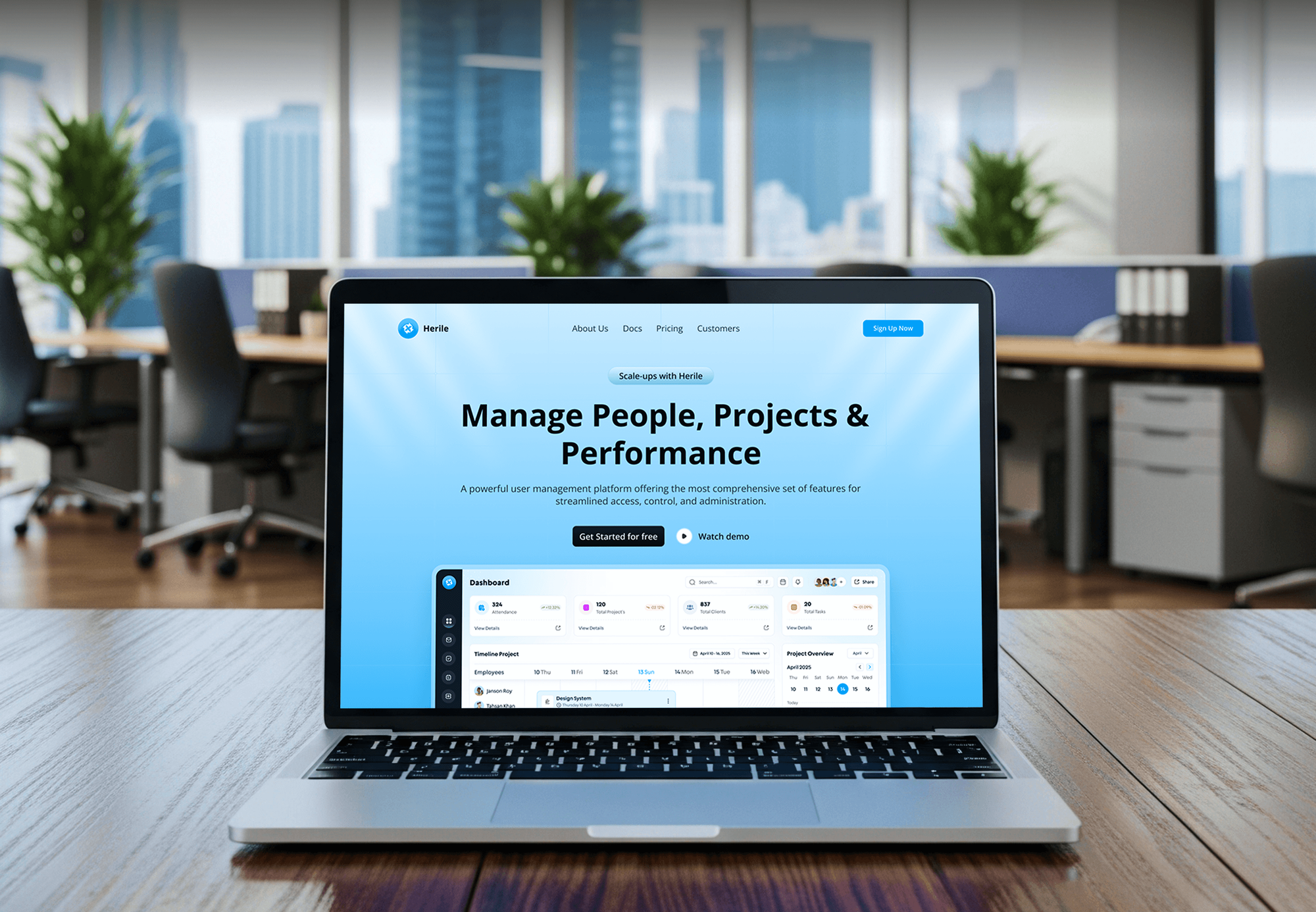
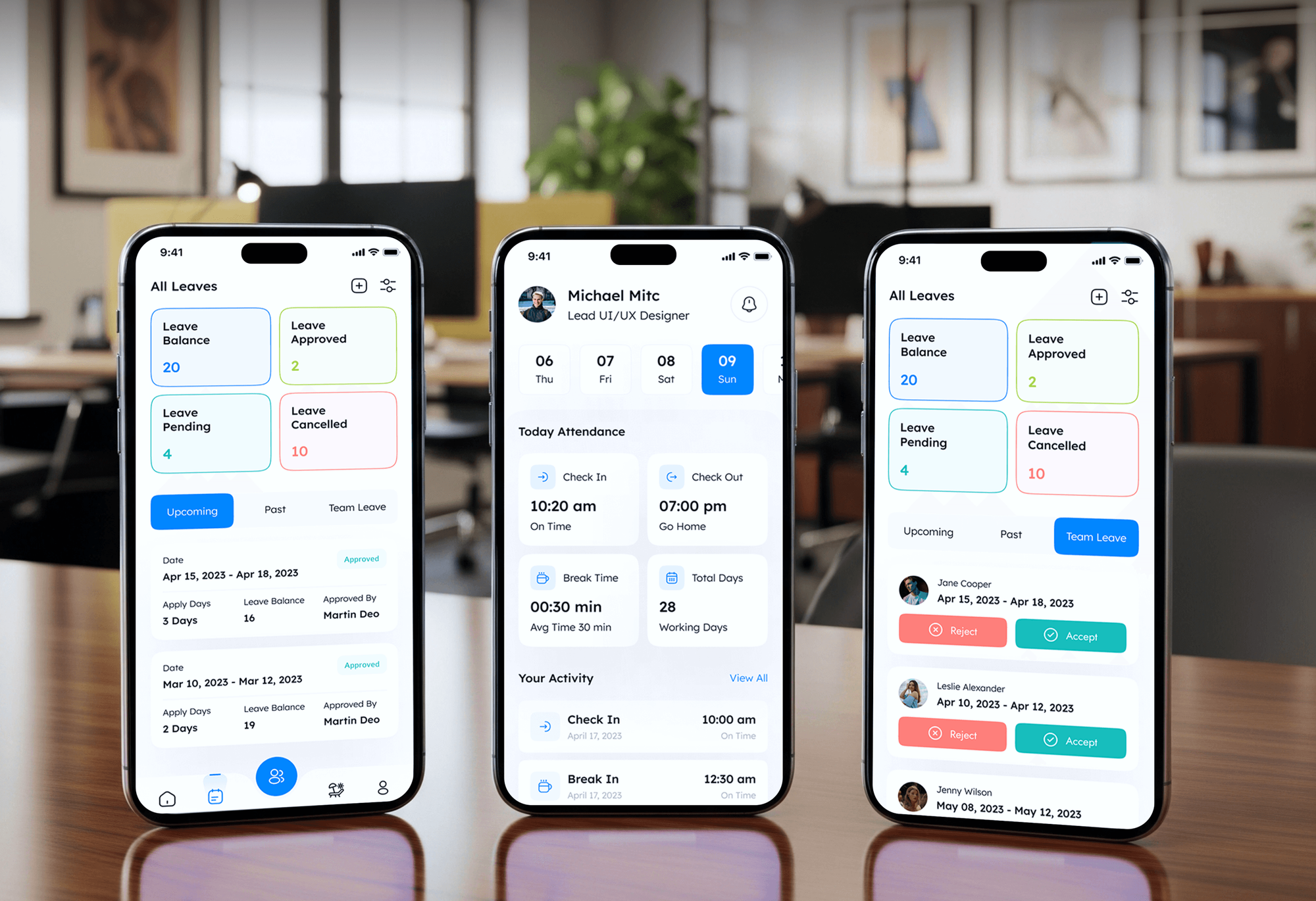
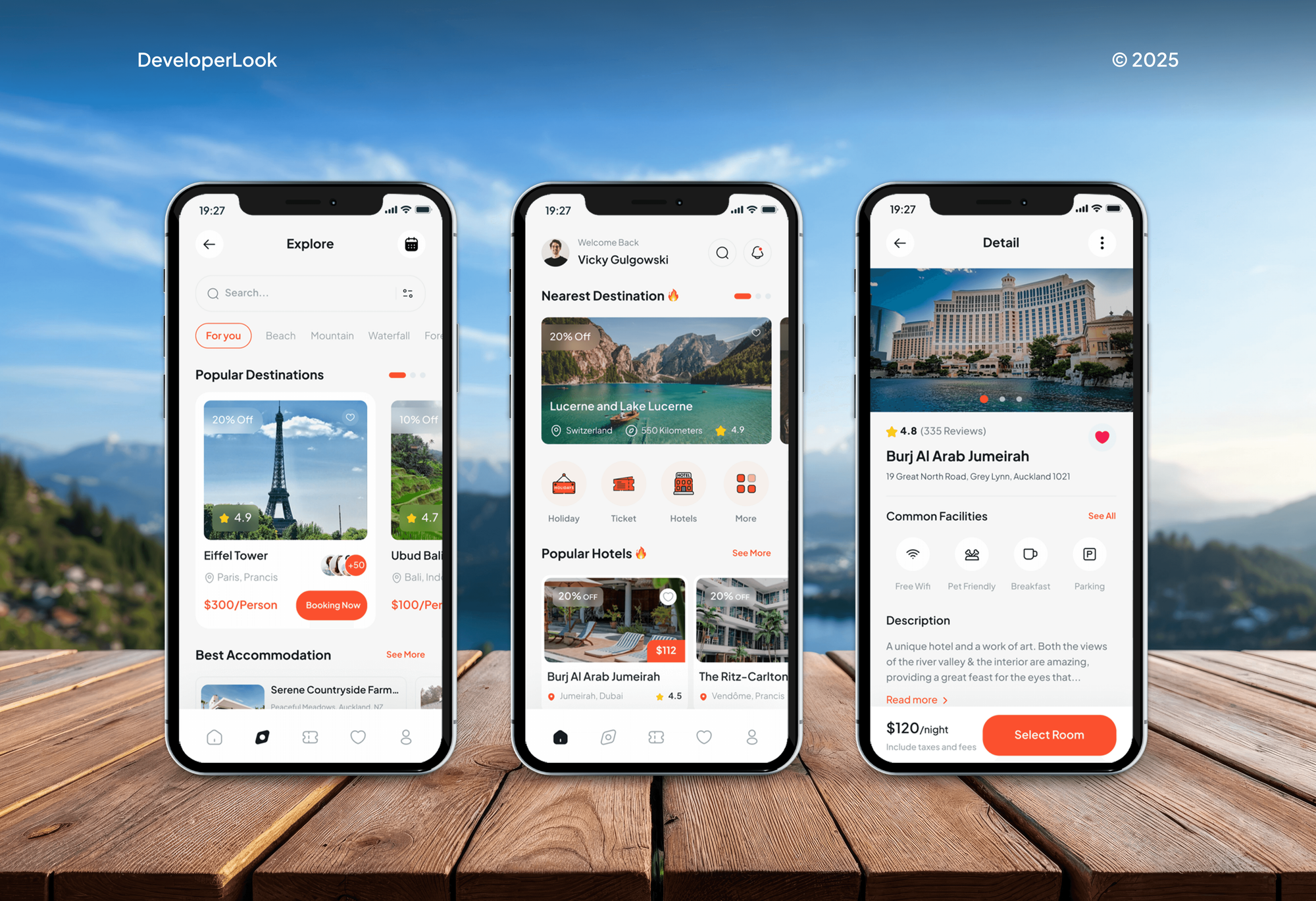
Projects We've Built
Project tracking, HR, and booking tools our team designed and built. They rest on the same ideas as a good base: linked records, roles, and clear statuses.

What Our Clients Say
Feedback from teams we have built workflow tools and web apps for.
We had a pretty specific idea of what we wanted our website to become, but I wasn’t sure how easily we could explain all of it to a development team. There were quite a few moving parts, and we were working toward a deadline, so I expected a few things to get lost along the way. That never really happened. They understood what we were trying to achieve, kept us updated throughout the process, and got everything ready within the agreed timeline. The final site feels much easier to navigate, works beautifully on mobile, and is noticeably smoother for our customers. It was a huge relief seeing the original idea actually turn into the website we had in mind.
The mobile experience is probably my favourite part of the new site. We had spent a lot of time making sure the desktop version looked right, and the team kept pushing us to think about how everything would actually feel on a phone too. They were right. The navigation is clean, the interactions feel natural, and everything we’ve tested so far works exactly as it should. They also went through the links, forms, integrations, and other details more than once before launch, which I really appreciated. And even after going live, we could still reach out when something came up. The whole process felt friendly, organised, and surprisingly straightforward.
What I appreciate most is that the website is actually easy for us to manage now. We can update content ourselves instead of sending a developer a message every time we need to change something small. They also paid attention to the technical SEO side, which mattered to us because we didn’t want a new website to create problems for the traffic we already had. I’ve probably asked more questions than I should have since launch, but every question has been handled patiently and without any fuss. The team is easy to work with, they explain things clearly, and when we need something changed, they focus on getting it done rather than making the process complicated.
1,250+
Projects shipped
10+
Years of experience
Top 3%
Upwork Top Rated Plus
5 stars
Average review score

Want results like these?
Tell us what you are building. You get a reply within 24 hours on business days, then a written estimate.
Work Culture
Airtable consultants can build almost anything in a base, which is the risk. These habits keep yours simple enough for your team to run without us.
Every Airtable plan caps records per base and automation runs per month. We check your volumes first, and if Airtable already covers your case as it is, we'll tell you before we quote.
Some data outgrows a spreadsheet-style tool. If yours needs heavy queries or huge volumes, we'll recommend a database before rebuilding the base.
Interfaces and base permissions decide who can edit what. Your sales team can't change finance fields by accident, and outside collaborators see only their interface.
Airtable's Web API accepts 5 requests per second for each base. Our scripts and syncs batch their calls, so imports and integrations don't stall or get rejected.
Each field gets a description that says what it holds and who updates it. New hires learn the base from the base itself.
Bases, scripts, and automations stay in your Airtable workspace under your account. Your team can extend them later without calling us.
Overview
DeveloperLook works as an Airtable consultant for teams whose bases grew messy. We restructure tables and linked records, build interfaces for each role, add automations and scripts, and connect Airtable to your other tools. Projects start at $600, most finish in 1 to 4 weeks, and every base stays in your own workspace.
DEVELOPERLOOK
Project facts · Airtable Consultant for Custom Workflows
Reviewed 7 Oct 2026 by Saimul Islam
Good fit
Ops teams outgrowing spreadsheets
You moved a spreadsheet into Airtable as it was, and now the same client lives in several tables with different spellings.
Teams needing automation help
You need an Airtable automation consultant to send approvals, update statuses, and alert Slack without someone checking the base all day.
Managers tired of patching
You're looking for an Airtable expert for hire who can rebuild your base properly instead of patching it one field at a time.
Companies rolling out Airtable
Your company is rolling Airtable out to several teams and wants Airtable implementation consultants to set structure and permissions first.
Agencies with Airtable clients
Your agency builds client systems on Airtable and needs Airtable contractors who deliver bases and scripts under your own brand.
Not a fit
Budget under $600
Your base has one table and a few views. Airtable's own templates and help articles will get you there without paying a consultant.
Data outgrew Airtable
You store huge record volumes or need complex queries. A real database fits better, and our Supabase Development page covers that build.
Only moving data between apps
You mainly need data passed between apps, with Airtable as one stop. Our Zapier Consultant and Automation Services page fits that better.
Team stays in Google Sheets
Your team lives in Google Sheets and won't switch. Our Google Apps Script Developer page covers automating Sheets right where it is.
Not sure we're the right fit?
Book a free call or message us. We'll tell you honestly whether we're the right team.
Pricing
These are starting points in USD. Your final price depends on your bases, your automations, and the tools to connect, and you get a fixed proposal after a free base review.
For teams with one base that grew messy and needs a sound structure.
$600one-time, USD
For teams running one process across several tables, roles, and people.
$1,650one-time, USD
For operations that need scripts, syncs, and other tools wired into Airtable.
$3,400one-time, USD
For Agencies
You own the client relationship. We supply the Airtable build behind it: base design, interfaces, automations, scripts, and integrations. Your client works with your team, and every base lives in their own workspace.
White label: your client only ever sees your brand
Send the client's current bases, their workflow, and the tools they rely on.
You get a workflow map and a fixed quote to share with your client.
We rebuild, test with real records, and hand everything over under your brand.
You run the client calls while we build in their workspace.
Each base is priced up front, so your margins stay predictable.
Field notes and a base map your account managers can share.
Airtable builders for busy months without adding headcount.
The Right Technology for Your Project
Airtable's own interfaces, automations, and scripting first, then Make or the Web API only where your workflow reaches other tools.
 n8n
n8n Slack
Slack JavaScript
 Google Sheets
 PostgreSQL
FAQ
Straight answers on Airtable project costs, timelines, plan limits, scripts, and when a database fits better.
Saimul IslamFounder & CEO, DeveloperLookStill have questions?
Send a message or book a call with the team.
Our Airtable work starts at $600 to restructure one base, with linked records, up to 5 views, and 2 automations. A workflow build across up to 3 bases with 8 automations and role interfaces costs $1,650. Connected systems with scripts, syncs, and 2 integrations start at $3,400. Your Airtable subscription is billed separately by Airtable.
Restructuring one base takes 1 to 2 weeks, including a few days of testing with your team. Workflow builds across several bases take 2 to 4 weeks, and connected systems with scripts take 3 to 6 weeks. Moving a large number of records adds time, so we plan the import early.
Fixing a messy base means redesigning how your data is structured, then rebuilding interfaces and automations around your workflow. On our projects, that means mapping who touches each record, replacing copied data with linked records, and documenting every field. The goal is a base your team runs without daily fixes.
Build it yourself if your base is a simple tracker with one or two tables. Bring in an expert when several teams share the base, records get copied between tables, or automations start breaking each other. Fixing structure early costs far less than untangling a base after a year of daily use.
Every Airtable plan caps records per base: 1,000 on Free, 50,000 on Team, and 125,000 on Business, per Airtable's plan overview. Automation runs are capped per workspace each month too, from 100 on Free to 100,000 on Business. We check your volumes in the free review, because hitting a limit mid-year forces an upgrade or a split base.
Yes. Airtable connects through its Web API, built-in integrations, and tools like Make or Zapier. We pick the simplest route for each connection. That means a native sync where Airtable offers one, Make for multi-step flows, and scripts or the API for custom logic, all documented for your team.
Scripts help when an automation needs loops, lookups across tables, or calls to an outside API. Airtable's Run a script action runs JavaScript inside an automation, with time and memory limits we design around. Simple triggers and record updates stay as standard actions, which your team can edit without code.
Airtable is right when people edit records by hand and need views, forms, and automations without code. A database fits better when you store very large volumes, run complex queries, or serve an app to customers. We'll tell you which one fits during the free review, before you pay anything.
We clean the spreadsheet first, split repeated data into separate tables, then import and link the records. Duplicates are merged and spellings fixed before linking, so every client appears once. We test on a copy of the data and switch your team over only after you check the results.
You do. Bases, interfaces, automations, and scripts stay in your Airtable workspace under your account. Our support window runs 30 to 90 days by plan, for questions, small tweaks, and any failed automation runs. Field descriptions and a written base map let your team keep improving it without us.
Saimul IslamFounder & CEO, DeveloperLookStill have questions?
Send a message or book a call with the team.
Free 30-min callGoogle Meet
Book a call
In 30 minutes on Google Meet we walk you through how we would build it, how long it takes and what it costs. Then you get a written estimate.
Calendar not showing? Book on cal.com or send a brief.