
Markets or stores decision
A written recommendation on Shopify Markets versus separate stores, based on how each region or channel actually runs.

For Shopify Plus brands adding international, wholesale, or staff stores: each new store launched from your main one and kept in step, from $1,200.
2X
Faster launch for every new store
8+ hrs
Of duplicate catalog edits saved weekly
How your project runs
Teams we have built for:














The Problem
It shows up when a Plus brand opens a second or third store for a region, wholesale buyers, or staff. Shopify gives each store its own admin, and nothing keeps them in step unless you plan it.
01 · Double edits
Every product change has to be made in each store.
A catalog sync pushes product and price changes from the store that owns them.
02 · Theme drift
A theme fix reaches one store and not the others.
Theme code lives in one repository and deploys to every store together.
03 · Wrong setup
Wholesale buyers browse the retail catalog in the wrong store.
We choose blended or dedicated B2B before launch, since switching later means redoing setup.
04 · Extra stores
A second store gets built when Markets would have covered it.
We check Markets first and recommend separate stores only when each runs differently.
Your team launched a UK store by copying the main one, and now every product edit happens twice. Prices drift apart by the end of the month. A theme fix ships to one store and not the others. Your wholesale buyers browse the retail catalog because nobody chose between a blended store and a separate one. And someone asks whether you needed a second store at all, since Shopify Markets might have covered it.
We start with the question Shopify's own team asks: is each store a different business, or the same brand that Markets could serve? If separate stores win, we create them from your organization admin, importing theme, products, collections, and files. Then we keep them in step: theme code from one repository, a catalog and inventory sync, and matching apps and staff access. Changes reach every store, not just the one someone remembered.
Markets checked first
One store with Shopify Markets often covers a new country, so we check that before adding stores.
Created from your main store
Theme, products, collections, and files import from your main store when each new store is created.
Kept in step after launch
Shopify doesn't sync expansion stores, so we set up catalog, theme, and app syncing for you.
Our Shopify Plus Expansion Stores Setup Process
You approve the store map, the sync rules, and test orders in each market before any new store takes real orders, so your launch doesn't create cleanup work.
We look at your markets, catalogs, fulfillment, and wholesale plans against Shopify's expansion store rules. You get a plain answer on whether Markets or new stores fit better, and a fixed quote.
What's Included
A Markets or stores decision, store creation and import, catalog and inventory sync, one theme repository, wholesale or staff stores, and domains with launch checks in every market.
Compare Options
Shopify Markets is cheaper and simpler when one brand sells in more countries, and a manual copy works for a short test. Here's where each option fits your plans.
| Feature | DeveloperLookBest fit | Shopify Markets | Manual copy |
|---|---|---|---|
| Best for | Stores that run differently | Same brand, more countries | A short one-off test |
| Upfront cost | From $1,200, fixed | Included in Shopify | Staff time only |
| Catalogs and prices | Separate per store, synced | Per market in one store | Copied once, then drifts |
| Fulfillment and teams | Separate per store | One shared store setup | Separate but unmanaged |
| Theme updates | One repository, every store | One theme | Edited store by store |
| Product edits | Synced from the owning store | Made once | Made in every store |
| Wholesale | Dedicated B2B store option | B2B in the same store | Not planned |
| Ongoing work | Runbook and sync monitoring | Lowest of the three | Grows with every store |
Projects We've Built
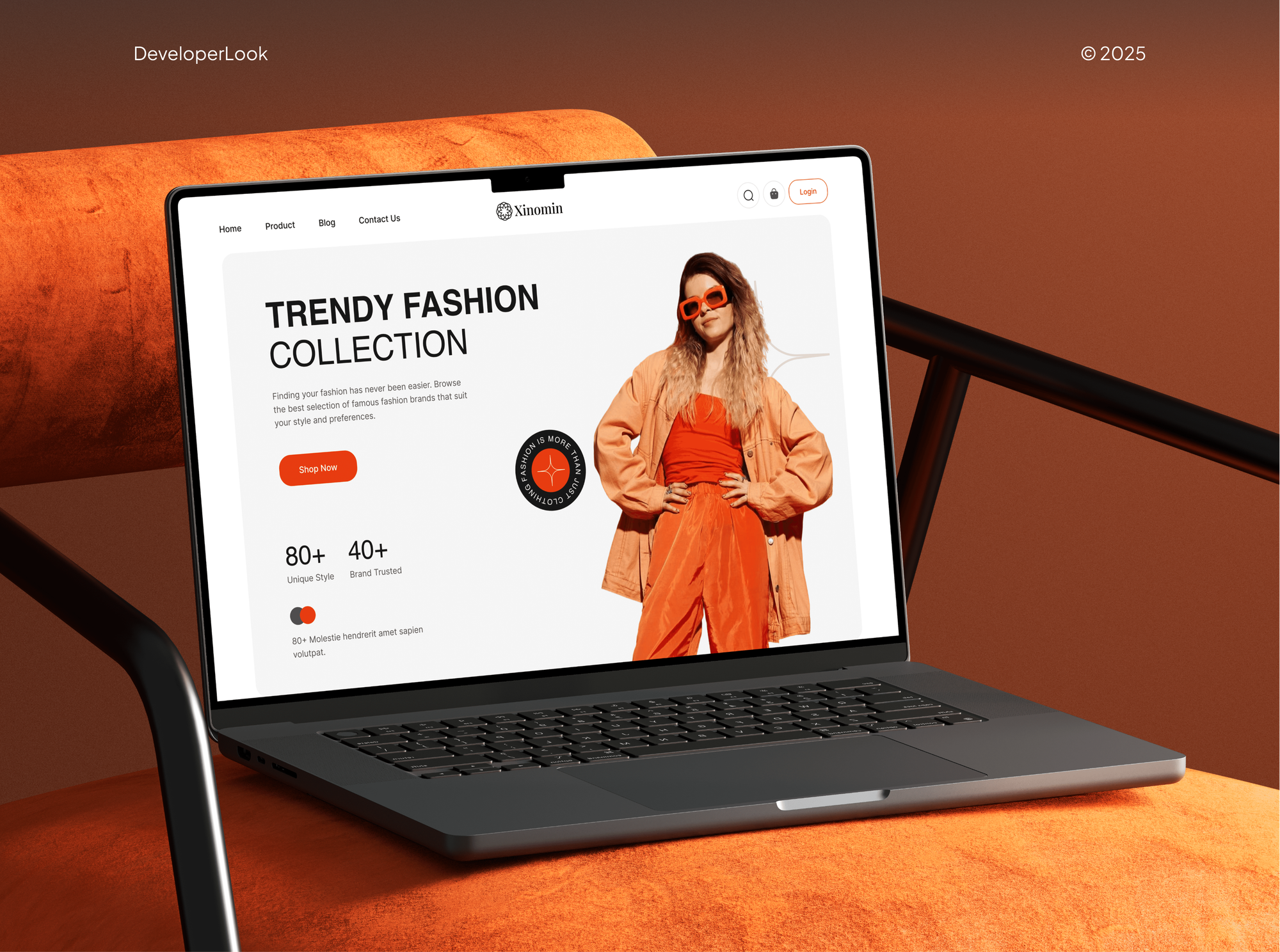
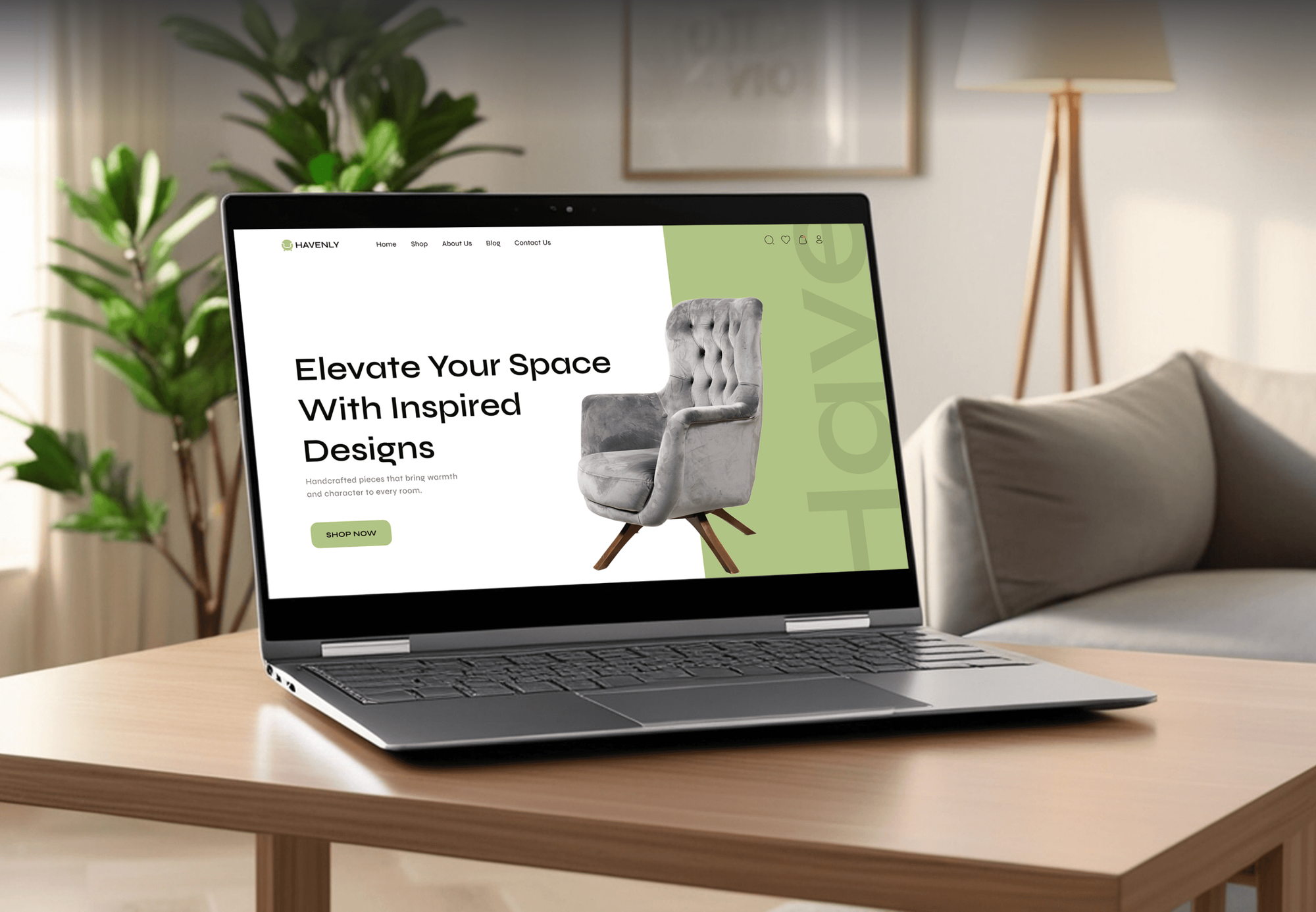
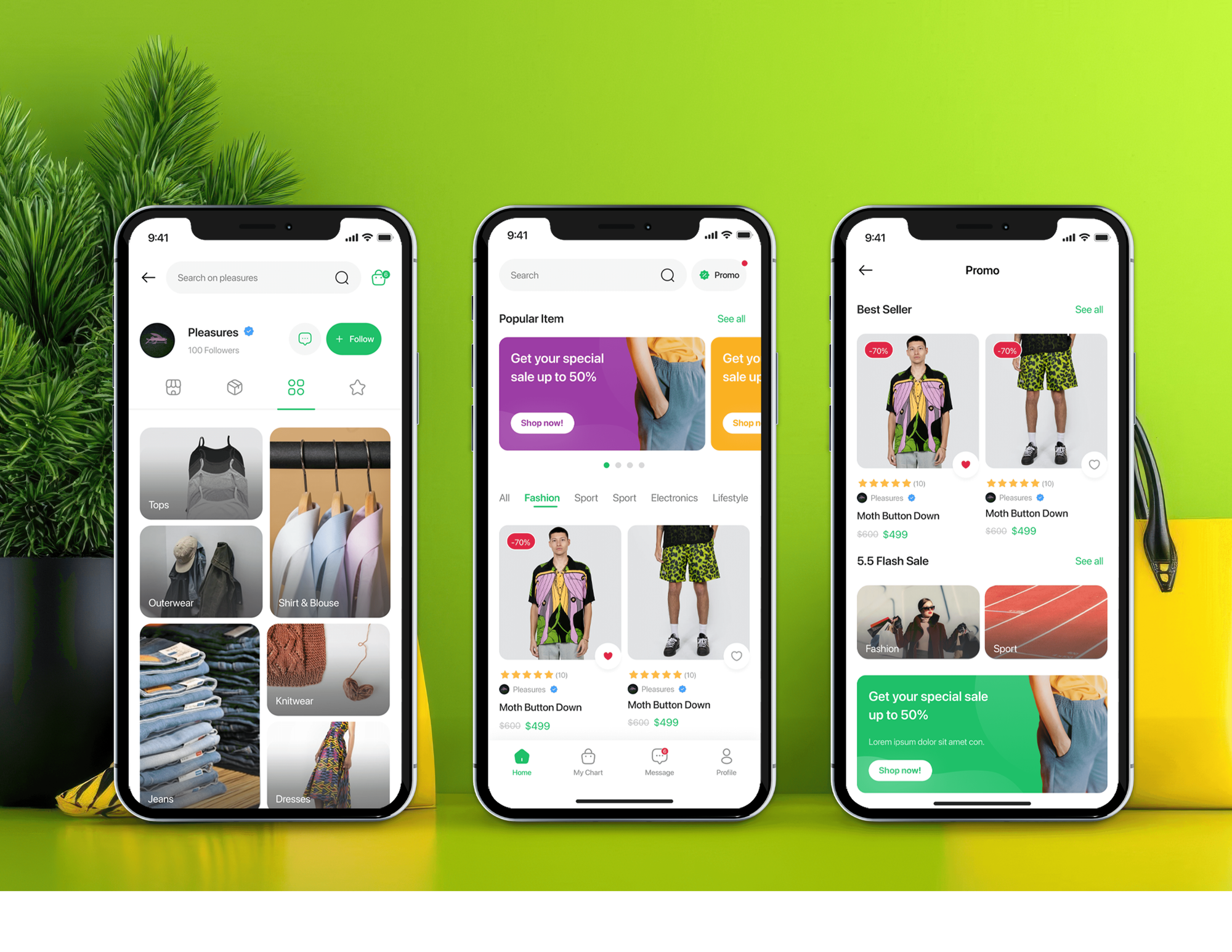
Online stores and shopping apps our team designed and built for fashion and home brands. They show the kind of storefronts you'd expand, not expansion store rollouts.

What Our Clients Say
Feedback from teams we have built online stores and multi-store setups for.
We had a pretty specific idea of what we wanted our website to become, but I wasn’t sure how easily we could explain all of it to a development team. There were quite a few moving parts, and we were working toward a deadline, so I expected a few things to get lost along the way. That never really happened. They understood what we were trying to achieve, kept us updated throughout the process, and got everything ready within the agreed timeline. The final site feels much easier to navigate, works beautifully on mobile, and is noticeably smoother for our customers. It was a huge relief seeing the original idea actually turn into the website we had in mind.
The mobile experience is probably my favourite part of the new site. We had spent a lot of time making sure the desktop version looked right, and the team kept pushing us to think about how everything would actually feel on a phone too. They were right. The navigation is clean, the interactions feel natural, and everything we’ve tested so far works exactly as it should. They also went through the links, forms, integrations, and other details more than once before launch, which I really appreciated. And even after going live, we could still reach out when something came up. The whole process felt friendly, organised, and surprisingly straightforward.
What I appreciate most is that the website is actually easy for us to manage now. We can update content ourselves instead of sending a developer a message every time we need to change something small. They also paid attention to the technical SEO side, which mattered to us because we didn’t want a new website to create problems for the traffic we already had. I’ve probably asked more questions than I should have since launch, but every question has been handled patiently and without any fuss. The team is easy to work with, they explain things clearly, and when we need something changed, they focus on getting it done rather than making the process complicated.
1,250+
Projects shipped
10+
Years of experience
Top 3%
Upwork Top Rated Plus
5 stars
Average review score

Want results like these?
Tell us what you are building. You get a reply within 24 hours on business days, then a written estimate.
Work Culture
Every extra store multiplies the work when it drifts. These habits keep your Shopify expansion plan to stores you need, all moving together.
Shopify's own guidance says one store with Markets suits the same brand and similar products. If that's you, we'll say so before we quote a new store.
Expansion stores must share your brand name and branding, sell the same types of goods, and bill in USD or INR. We check this before planning anything.
Your theme code lives in one repository and deploys to each store. A fix you approve once reaches every storefront the same day.
Products, prices, and stock each have one owning store. Your editors know where to make a change, and the sync carries it to the rest.
Organization users get access only to the stores they work in. Your wholesale team doesn't edit retail, and contractors lose access when they finish.
Every store sits under your organization, and sync and theme code go into your repository. Your team can open the next store without us.
Overview
DeveloperLook sets up Shopify expansion stores for Plus brands opening international, wholesale, or staff stores. We confirm when Markets fits better, then create each store from your main one. Products, theme code, and apps stay in step, because Shopify doesn't sync stores for you. Projects start at $1,200 and take 2 to 8 weeks.
DEVELOPERLOOK
Project facts · Shopify Plus Expansion Stores Setup
Reviewed 7 Oct 2026 by Saimul Islam
Good fit
Plus brands opening a new region
You're opening a region with its own fulfillment, catalog, or team, and want Shopify expansion stores set up properly rather than copied by hand.
Wholesale brands needing a B2B store
Your wholesale buyers need their own store with separate catalogs and prices, and you've decided a dedicated B2B store beats blending it into retail.
Brands with staff or retail stores
You want an employee-only store or separate stores for physical retail locations, both types Shopify pre-approves for expansion.
Teams near their store limit
You're close to the Shopify Plus number of stores your contract includes and need to decide which stores earn a place.
Agencies managing Plus clients
You manage a Plus brand's main store, and the client wants expansion stores launched without your team copying products by hand for weeks.
Not a fit
One brand, more countries
You sell the same brand and catalog in new countries. Our Shopify International Expansion Setup page covers Markets in one store, which is usually simpler.
Not on Shopify Plus yet
You're not on Shopify Plus, so expansion stores aren't available to you. Our Shopify Plus Migration Services page covers moving up first.
A separate brand
You want a store for a brand with its own name. Shopify requires expansion stores to share your main brand, so that brand needs its own Shopify plan.
Budget under $1,200
Your budget is under $1,200 and you need one simple copy. Shopify's import options when creating a store will get a basic version running.
Not sure we're the right fit?
Book a free call or message us. We'll tell you honestly whether we're the right team.
Pricing
These are starting points in USD. Your final price depends on your store count, what syncs, and wholesale needs, and you get a fixed proposal after a free store plan review.
For Plus brands adding one regional, wholesale, or staff store next to the main one.
$1,200one-time, USD
For brands opening up to 3 stores that share theme code and stock.
$3,400one-time, USD
For larger store networks that need a custom sync no listed app covers.
$7,200one-time, USD
For Agencies
You own the client relationship. We supply the multi-store engineering behind your Plus accounts: store plans, imports, catalog syncs, and theme deployment to every store. Your client sees your team, and every store stays under their own organization.
White label: your client only ever sees your brand
Send the client's main store, target markets, and wholesale plans.
You get a store map and a fixed quote for your proposal.
We create, sync, test, and launch each store under your brand.
You run every client conversation while we build the stores.
The same runbook for each client's next expansion store.
Ownership of products, prices, and stock written down per store.
Shopify Plus developers for rollouts without another hire.
The Right Technology for Your Project
Shopify's own organization tools to create your stores, one Git repository for your theme code, and a sync app or custom sync to keep your stores in step.
 Shopify
 GraphQL
 Node.js
 AWS
AWS Cloudflare
 Google Sheets
FAQ
Straight answers on Shopify Plus: how many stores, domains, eligibility, cloning, Markets, cost, and timelines.
Saimul IslamFounder & CEO, DeveloperLookStill have questions?
Send a message or book a call with the team.
An expansion store setup starts at $1,200 for one store created from your main store, with apps, domains, and a sync app. A rollout of up to 3 stores with shared theme code and inventory sync costs $3,400. A custom sync across up to 9 stores starts at $7,200, each at a fixed price you approve first.
One expansion store usually takes 2 to 3 weeks from plan to launch, including test orders in its market. A rollout of up to 3 stores takes 4 to 6 weeks, and a custom sync across a larger network takes 6 to 8 weeks. Clean product data in your main store keeps every rollout shorter.
They're extra stores under your Shopify Plus organization and contract. Here's the Shopify Plus expansion stores definition in practice: each store has its own settings, storefront, and admin, while users and billing are managed centrally. Shopify doesn't sync content between them, so changes need a plan from day one.
Up to 10 stores at no extra cost: your main store plus 9 expansion stores. Staging stores don't count toward that total. For more than 10, Shopify asks you to contact Shopify Support, so we help you decide which stores earn a place before you need extras.
Up to 1,000 domains or subdomains per store on Shopify Plus, compared with 20 on other plans, plus its myshopify.com address. Each expansion store has its own domain list, so we map your country or channel domains to the store that actually serves those buyers, then test each one.
Each expansion store must extend your main brand: the same name and branding, the same types of goods, and billing in USD or INR. Shopify pre-approves international, B2B wholesale, employee-only, and physical retail stores, plus D2C stores for wholesale merchants. We check your plan against these before any build.
Partly. When you create an expansion store, Shopify can import themes, products, collections, and files from another store in your organization. The import covers those items only, and Shopify doesn't sync later changes between stores, so we set up apps, settings, and a sync for everything after day one.
Use Markets when you sell the same brand and similar products in more countries. Shopify's own growth team suggests separate stores when each region works like a different business, with its own catalog, fulfillment, compliance, or service team. We map your case against both options before quoting.
Through a sync you add, because Shopify doesn't reflect changes across stores. We connect a listed sync app or build a custom one for products, prices, inventory, and metafields, and deploy theme code from one repository. The expansion stores Shopify approves for you then stay in step with your main store.
All three plans include post-launch support: 30, 60, or 90 days for syncs, domains, and store settings. You also get a runbook for opening your next store. All sync and theme code stays in your repository, so your team or another developer can carry the work on.
Saimul IslamFounder & CEO, DeveloperLookStill have questions?
Send a message or book a call with the team.
Free 30-min callGoogle Meet
Book a call
In 30 minutes on Google Meet we walk you through how we would build it, how long it takes and what it costs. Then you get a written estimate.
Calendar not showing? Book on cal.com or send a brief.