
Unicom Fashion Ecommerce App and Admin Dashboard
- Fashion
- Dashboard
- E-commerce

WooCommerce product configurator builds with option rules, a live 2D or 3D preview, and prices your server rechecks. From $900.
1
Product, not hundreds of variations
100%
Prices rechecked on your server
Industry leaders we work with
 WooCommerce
 WordPress
 PHP
PHP MySQL
MySQL JavaScript
 React
React Three.js
 Blender
 PageSpeed Insights
 Lighthouse
 Chrome DevTools
 Docker
 Google Sheets
 Odoo
Odoo SAP
SAP Microsoft Dynamics 365
The Problem
It starts once a product passes a few dozen combinations: variations pile up, shoppers hit dead ends, and custom orders drift back to email.
Dead ends
Shoppers reach a combination that doesn't exist at the last click.
Dead ends
Rules hide choices that can't go together, so nobody hits a dead end.
Variation sprawl
Your product screen has grown into hundreds of variation rows.
Variation sprawl
Variations stay only where you track stock, and options handle the rest.
Price drift
Prices drift across variations nobody can keep in sync.
Price drift
Your server rechecks the price when the item reaches the cart.
Retyped quotes
Custom buyers email, and your team retypes their choices.
Retyped quotes
Every choice lands on the order, emails, and packing slips.
A shopper picks a width, a fabric, and a mount, then clicks add to cart. WooCommerce replies that no products matched the selection. Once a product passes 30 variations, WooCommerce stops graying out combinations that don't exist, so dead ends appear at the last click. More variations only grow the product screen into hundreds of rows. Prices drift. Custom buyers email you instead, and your team retypes their choices into a quote.
We map your options and rules first, then keep variations only where you track stock. Everything else moves into a configurator on one product page, where the preview and price update with each choice. Your server rechecks the price in the cart, and every choice lands on the order. Shoppers build it themselves, instead of waiting on your reply.
Only buildable combinations shown
Rules hide choices that can't be made together, so buyers don't reach a dead end at checkout.
Prices checked by your server
The live total on the page is recalculated by WooCommerce when the item reaches the cart.
Every choice on the order
Options appear on the order screen, emails, and packing slips your team already works from.
Our WooCommerce Configurator Process
You approve the rules, the price logic, and a fixed quote first. Then you test each step on a staging copy of your store.
We review your products, price sheet, theme, and plugins. You get a written option map, a note on what Product Add-Ons could cover, and a fixed price for the build.
Projects We've Built
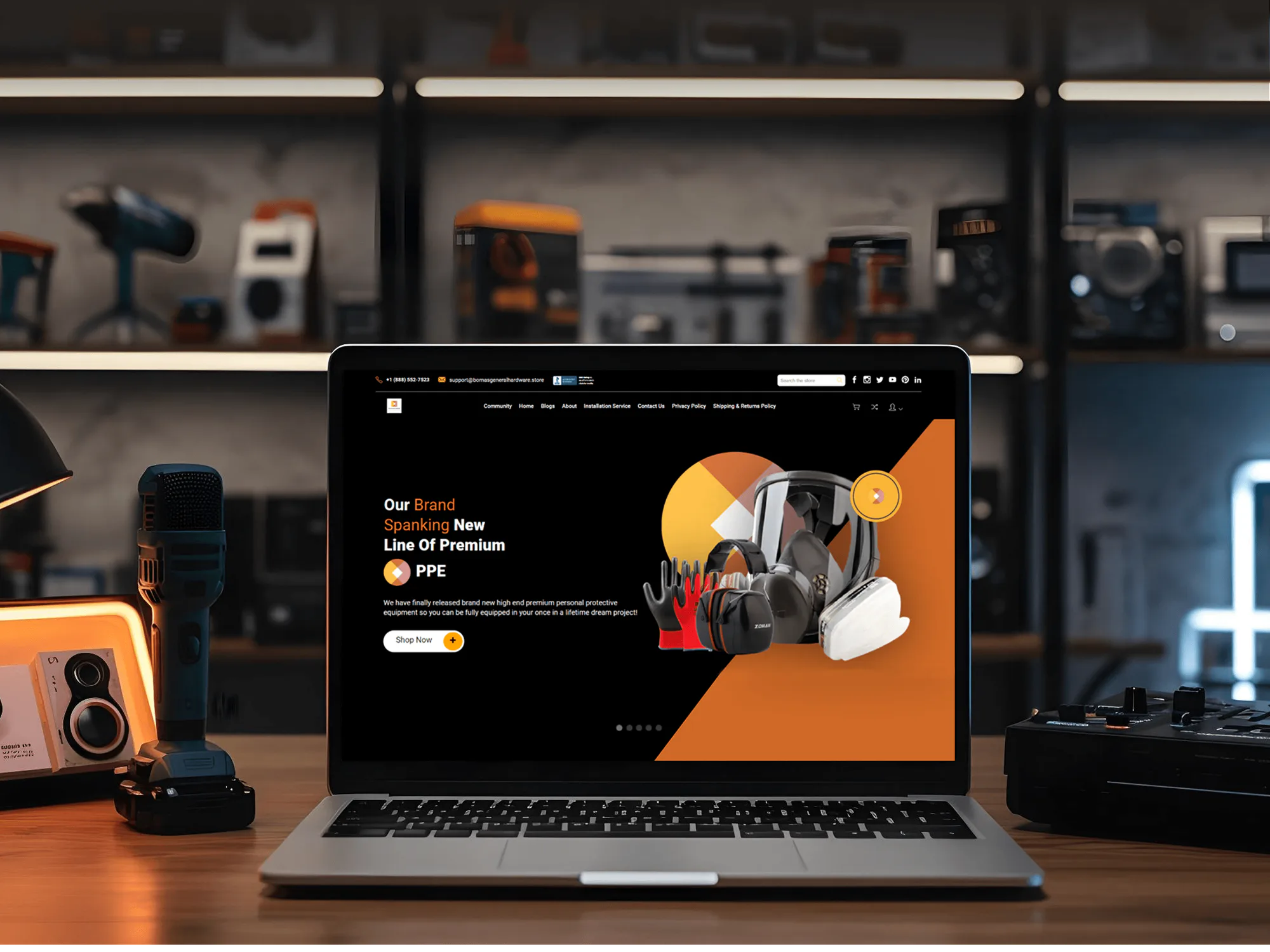
Ecommerce stores from our portfolio. On WooCommerce, a configurator sits on product pages like these and leaves the rest of your theme as it is.


What's Included
Rules, a live preview, pricing, and order data in a plugin you own. Your team edits options and prices in WordPress.
Compare Options
Plain variations cost nothing, and a plugin can run by this afternoon. Both fit some stores. Here's where each falls short once your WooCommerce product configurator needs rules and production data.
| Feature | DeveloperLookBest fit | Configurator plugin | Plain variations |
|---|---|---|---|
| Upfront cost | Fixed, from $900 | License fee, often yearly | Free in WooCommerce |
| Option rules | Any rule you need | Rules the plugin supports | Only combos you create |
| Live preview | Layered 2D or 3D | Varies by plugin | One image per variation |
| Many combinations | Handled by rules | Within plugin limits | Dead ends past 30 variations |
| Quantity pricing | Price tables, quantity breaks | Depends on the plugin | Not in WooCommerce core |
| Setup and testing | Tested on staging | You set up and test | You create each one |
| Order details | Every choice on the order | Varies by plugin | Attribute values only |
| Ownership and fees | Your code, no license fee | Vendor license and roadmap | Core WooCommerce, no fees |
What Our Clients Say
Feedback from store owners and teams we have built ecommerce sites for.
We had a different kind of problem. People were visiting the store, adding products to their carts, and then disappearing before they finished the order. We had tried a few apps and made changes here and there, but nothing really seemed to solve the bigger issue. The team went through the shopping experience with us and pointed out things we hadn't really noticed ourselves. They cleaned up the cart and checkout flow, made the mobile experience much smoother, and helped us make the store feel easier to shop. I’m not going to pretend we fixed everything overnight, but it finally feels like the store is helping the sale instead of getting in the way of it.
The mobile experience is probably my favourite part of the new site. We had spent a lot of time making sure the desktop version looked right, and the team kept pushing us to think about how everything would actually feel on a phone too. They were right. The navigation is clean, the interactions feel natural, and everything we’ve tested so far works exactly as it should. They also went through the links, forms, integrations, and other details more than once before launch, which I really appreciated. And even after going live, we could still reach out when something came up. The whole process felt friendly, organised, and surprisingly straightforward.
We had a pretty specific idea of what we wanted our website to become, but I wasn’t sure how easily we could explain all of it to a development team. There were quite a few moving parts, and we were working toward a deadline, so I expected a few things to get lost along the way. That never really happened. They understood what we were trying to achieve, kept us updated throughout the process, and got everything ready within the agreed timeline. The final site feels much easier to navigate, works beautifully on mobile, and is noticeably smoother for our customers. It was a huge relief seeing the original idea actually turn into the website we had in mind.
1,250+
Projects shipped
10+
Years of experience
5 stars
Clutch rating
5 stars
GoodFirms rating
Excellent
Trustpilot rating
Top 3%
Upwork Top Rated Plus
1,250+
Projects shipped
10+
Years of experience
5 stars
Clutch rating
5 stars
GoodFirms rating
Excellent
Trustpilot rating
Top 3%
Upwork Top Rated Plus

Want results like these?
Tell us what you are building. You get a reply within 24 hours on business days, then a written estimate.
Work Culture
Configurators fail in quiet ways: a wrong price, a missing detail, a slower page. These habits keep yours accurate, quick, and easy to run.
Your live store keeps taking orders while we work on a staging copy of WordPress. Customers see nothing until you've clicked through every option.
Sizes or colors you count in stock can stay as variations. Everything else lives in the configurator, so your admin and database stay lean.
We save choices through WooCommerce's own order functions, not raw database writes. They keep working with High-Performance Order Storage, the default for new stores.
We record product page speed before we start and again before launch. If the configurator adds weight, we trim it before customers notice.
Some stores only need a plugin, and we'll say so on the first call. We quote custom work only when your rules or orders need it.
The plugin we write lives in your site and repository, with no yearly license. Your options keep working whoever maintains the store later.
Overview
DeveloperLook builds a custom WooCommerce product configurator for stores that sell made-to-order products. We map your rules, add a live 2D or 3D preview, price by option and quantity, and save every choice on the order. Projects start at $900, one product launches in 2 to 3 weeks, and you own the plugin code.
DEVELOPERLOOK
Project facts · WooCommerce Product Configurator
Reviewed 28 Sep 2026 by Saimul Islam
Good fit
Stores buried in product variations
Your admin holds hundreds of variations, half their prices are stale, and nobody wants to edit the rest.
Made-to-measure shops quoting by hand
You sell blinds, signs, or furniture made to measure, and each custom order starts as an email thread before anyone pays.
Stores outgrowing a configurator plugin
Your plugin can't express a rule you need, loads scripts sitewide, or charges a yearly license for unused features.
Brands adding 3D product previews
You want a WooCommerce 3D product configurator so buyers can rotate their build, and you already have CAD or 3D files.
Agencies with WooCommerce clients
Your agency landed a WooCommerce client who wants a configurator, so you need white-label developers who write documented PHP and JavaScript.
Not a fit
Store runs on Shopify
Your store runs on Shopify, not WooCommerce. Our Shopify configurator page covers Shopify's option limits and how its cart prices add-ons.
Text or artwork uploads
Your buyers mainly add their own text, monograms, or artwork. Our WooCommerce Product Customizer page covers personalization and print-ready files.
A few flat-fee fields
You need a few flat-fee add-on fields and no preview. Woo's Product Add-Ons extension does that for far less than a $900 build.
Photoreal 3D at scale
You need photoreal 3D and AR across a large catalog. Our 3D configurator service covers model work, and it runs on WooCommerce too.
Not sure we're the right fit?
Book a free call or message us. We'll tell you honestly whether we're the right team.
Pricing
These are starting points in USD. Your final price depends on how many products, rules, and integrations you need, and you get a fixed proposal after a free site review.
For Agencies
You own the client relationship. We supply the WooCommerce engineering behind it: rules, live pricing, and order data in a documented plugin. It ships under your brand, ready for your developers to maintain.
White label: your client only ever sees your brand
Share staging access, the product list, and your client's price sheet.
We return an option map and a fixed quote, usually within 5 business days.
Our team builds on staging under your brand, then hands over the plugin and docs.
Share staging access, the product list, and your client's price sheet.
We return an option map and a fixed quote, usually within 5 business days.
Our team builds on staging under your brand, then hands over the plugin and docs.
The Right Technology for Your Project
We build on WooCommerce's own hooks and order functions, so the configurator survives plugin updates and your theme stays yours.
WooCommerceWordPressPHPMySQL JavaScriptReactThree.jsBlenderPageSpeed InsightsLighthouseChrome DevToolsDockerGoogle SheetsOdooSAPMicrosoft Dynamics 365
FAQ
Straight answers on cost, timing, plugins versus custom builds, 3D, previews, pricing, speed, and order data.
Saimul IslamFounder & CEO, DeveloperLookStill have questions?
Send a message or book a call with the team.
A WooCommerce configurator starts at $900: one product, up to 10 option groups, a layered preview, and live pricing. Up to 6 products with prices you edit in WordPress costs $2,600. 3D previews or ERP sync start at $5,800. You get a fixed quote after a free site review.
One configurable product usually launches in 2 to 3 weeks. A product line with admin-editable prices takes 4 to 6 weeks, and 3D or ERP work can take up to 10. The free site review comes first, in 2 to 4 days, and you test everything on staging before launch.
It goes on the product page, either through a configurator plugin or a custom plugin built for your products. Ours is a small plugin that adds option rules, the preview, and price logic to the products you choose. Your theme stays untouched, and you manage options from WordPress admin.
A plugin is better for simple add-ons with flat fees: it costs less and you can set it up yourself. Custom wins when options depend on each other, prices come from a sheet, or production needs exact specs. If Woo's own Product Add-Ons extension already covers what you sell, we'll tell you before we quote.
Yes: if buyers need a 3D product configurator, WooCommerce can host one through a Three.js viewer on the product page. We start from your CAD or 3D files, split the parts that swap, and compress models for phones. Each 3D choice lands on the order like any other option.
Yes, with a configurator. WooCommerce's own variation gallery shows one image per variation, so it can't picture combinations you haven't photographed. We layer transparent images of each part, or render a 3D model, so the preview changes with every choice. Nothing reloads, even on phones.
Yes. As buyers choose, the page shows the total, including quantity breaks, which WooCommerce core doesn't offer on its own. In the cart, your server recalculates the price from the same rules, so an edited page can't change what the buyer pays. Your team updates the price table in WordPress admin.
Yes, the configurator can collect custom text, logo or photo uploads, and engraving details. Text fields get character limits and allowed characters, and uploads get file type and size checks. Files stay with the order instead of traveling by email. For personalization-first products, see our WooCommerce Product Customizer page.
Not if it loads only where it's needed. We load its scripts on configurable products only, so your homepage and shop pages don't carry them. Options don't become thousands of variations, which keeps product queries light. We measure page speed before and after, and fix any slowdown before launch.
Every choice is saved as order item meta on the line item. It shows on the order screen, in emails, and in most packing slip plugins. The REST API passes it to your production or ERP system. We write it through WooCommerce's order functions, so it keeps working with High-Performance Order Storage.
Saimul IslamFounder & CEO, DeveloperLookStill have questions?
Send a message or book a call with the team.
Free 30-min callGoogle Meet
Book a call
In 30 minutes on Google Meet we walk you through how we would build it, how long it takes and what it costs. Then you get a written estimate.
Calendar not showing? Book on cal.com or send a brief.