
Codebase inventory
Every controller, directive, filter, route, and third-party module in your app, listed with its migration path and effort.

For engineering teams still shipping on AngularJS 1.x: a move to Angular or React one screen at a time, while your users keep working in the live app.
100%
Feature parity on every moved screen
1
Codebase, no parallel rewrite
How your project runs
Teams we have built for:














The Problem
The pressure usually arrives through a security audit, a hiring round, or a build that only works on one laptop. Meanwhile the migration keeps sliding to next quarter.
01 · Support
AngularJS stopped getting security fixes in January 2022.
Screens move to a supported framework, highest-traffic screens first.
02 · Hiring
New developers don't want to learn AngularJS.
Your team writes modern Angular or React from the first migrated screen.
03 · Rewrite
A full rewrite would freeze features for months.
The hybrid app lets features ship while screens move one at a time.
04 · Tooling
Old Gulp and Bower builds break on current Node.
The build moves to Angular CLI or Vite, with one deploy kept.
Your customer portal still runs on AngularJS 1.6. Official support ended in January 2022, so every security audit flags it, and the recommended fix is a migration nobody has scoped. The build needs an old Node version and a Bower install that works on one developer's laptop. Your newest hires know React or modern Angular, and they spend their first month learning $scope and digest cycles. A full rewrite would stop feature work for half a year, so the plan slides again.
We start with a hybrid app, not a rewrite. AngularJS and the new framework run in one codebase, so screens move one at a time while your users keep working. Automated browser tests (E2E) go in before any screen moves, so a change in behavior shows up within minutes. The old build gets replaced early, and your team stops fighting tooling. When the last screen moves, AngularJS leaves the bundle for good.
Screens move one by one
Each of your screens switches to Angular or React in a normal release, busiest screens first.
Tests before any change
E2E tests on your key flows run before and after every migrated screen.
Users stay on the live app
The hybrid setup keeps one app in production, so nobody switches systems mid-move.
Our AngularJS Migration Process
At each stage of the migration (AngularJS to Angular or to React), you approve the plan, test on staging, and see exactly which screens moved.
You share read access, and we count controllers, directives, routes, and third-party modules. You get a rough size, the likely blockers, and an early view on whether Angular or React fits better.
What's Included
Everything needed to leave AngularJS safely, for a move to Angular or to React alike: an inventory, a framework decision, the hybrid setup, tests, new tooling, and the final cleanup.
Compare Options
A rewrite or your own team can work for some apps. Here is how each handles your feature work, risk, and cost while AngularJS is still in production.
| Feature | DeveloperLookBest fit | Big-bang rewrite | In-house team |
|---|---|---|---|
| Delivery approach | Screen by screen in a hybrid app | Whole app rebuilt, then switched over | Fitted around roadmap work |
| Feature work during move | Continues on unmigrated screens | Frozen until the new app ships | Slows while people learn |
| Starting point | Proven migration patterns for both targets | Clean slate, no legacy constraints | Knows your app best |
| Testing approach | E2E tests before screens move | Mostly tested at the end | Depends on existing coverage |
| Release risk | Small releases with quick rollback | One large cutover | Small, if well planned |
| Upfront cost | Fixed price per screen batch | Largest single budget | Lowest cash cost, slowest pace |
| Code ownership | All code in your repo | Depends on the contract | All code in your repo |
| Cost predictability | Fixed proposal after the pilot | Often grows mid-project | Hidden in salaries and delays |
Projects We've Built
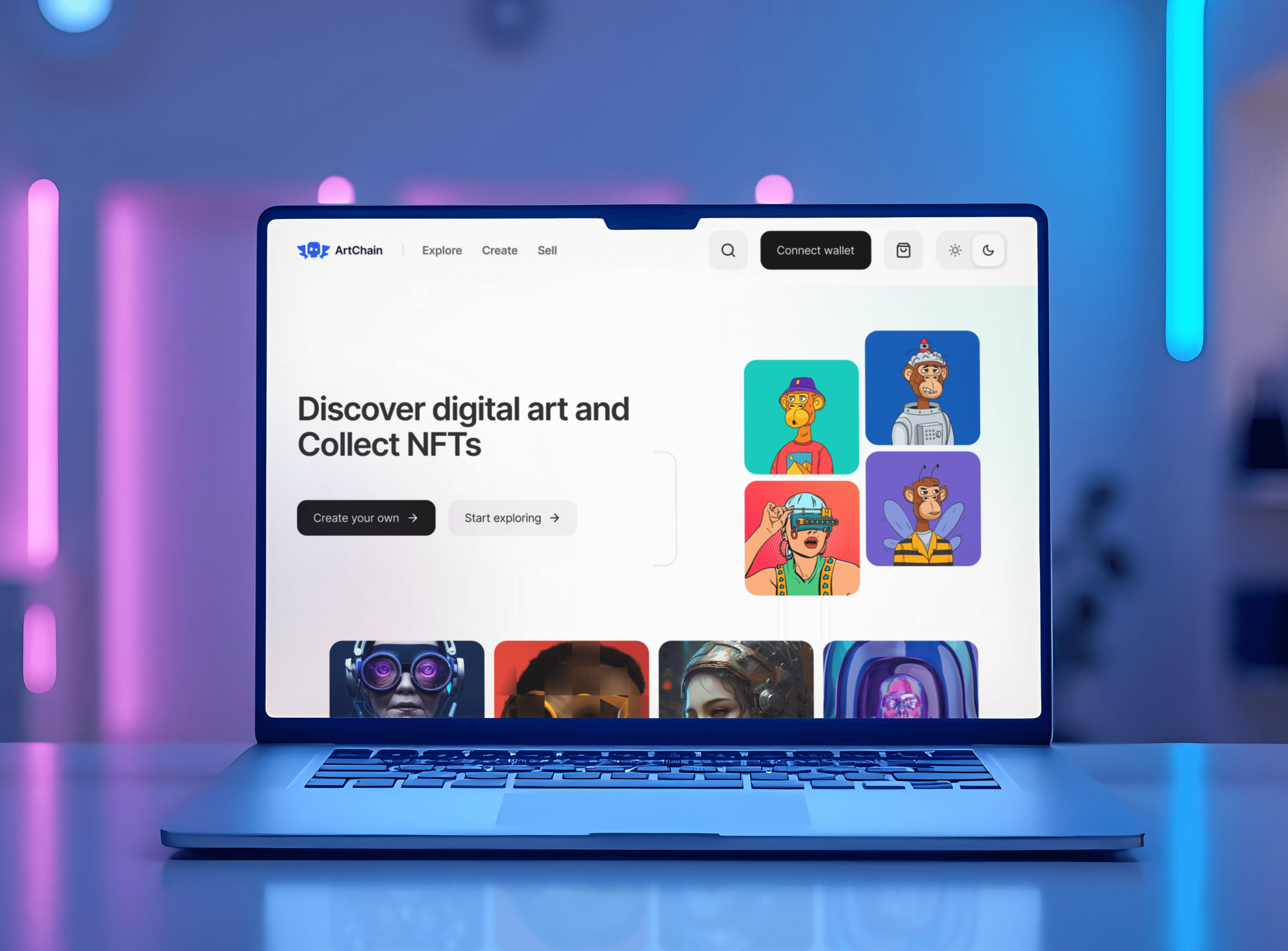
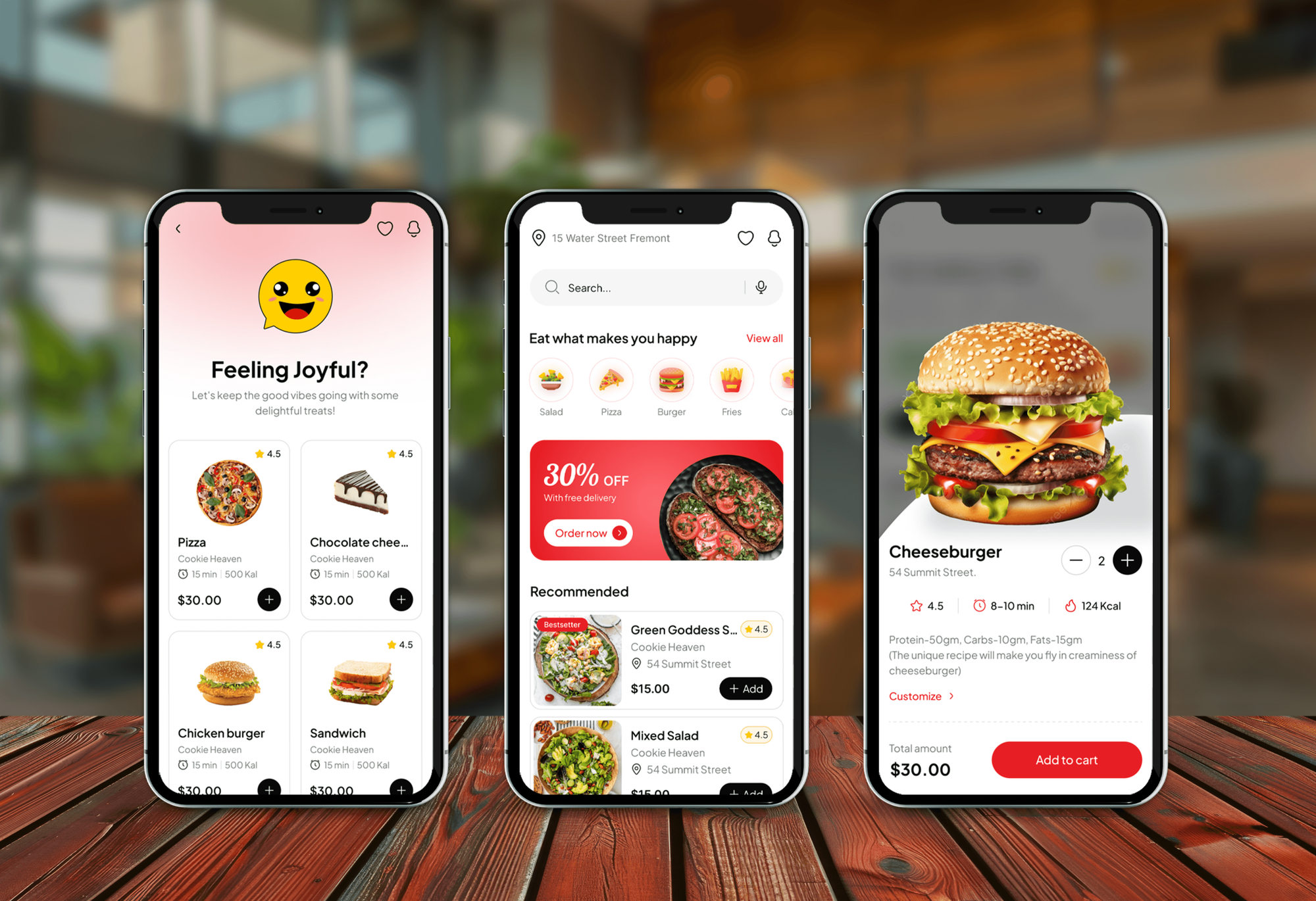
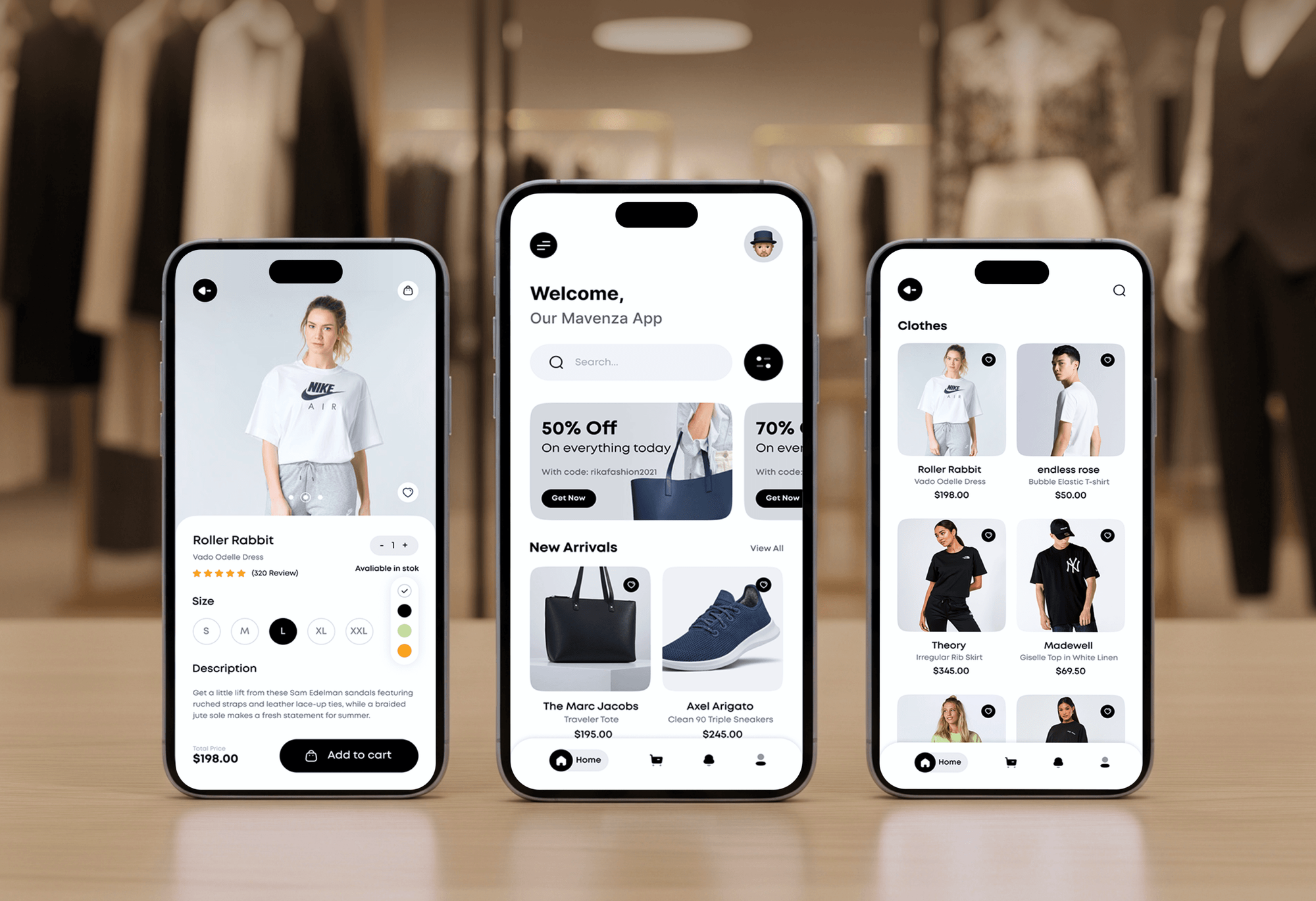
Admin dashboards and front ends we designed and built. They show the screen-heavy apps we work on daily, not AngularJS migration case studies.

What Our Clients Say
Feedback from teams we have built web apps and dashboards for.
We had a pretty specific idea of what we wanted our website to become, but I wasn’t sure how easily we could explain all of it to a development team. There were quite a few moving parts, and we were working toward a deadline, so I expected a few things to get lost along the way. That never really happened. They understood what we were trying to achieve, kept us updated throughout the process, and got everything ready within the agreed timeline. The final site feels much easier to navigate, works beautifully on mobile, and is noticeably smoother for our customers. It was a huge relief seeing the original idea actually turn into the website we had in mind.
The mobile experience is probably my favourite part of the new site. We had spent a lot of time making sure the desktop version looked right, and the team kept pushing us to think about how everything would actually feel on a phone too. They were right. The navigation is clean, the interactions feel natural, and everything we’ve tested so far works exactly as it should. They also went through the links, forms, integrations, and other details more than once before launch, which I really appreciated. And even after going live, we could still reach out when something came up. The whole process felt friendly, organised, and surprisingly straightforward.
What I appreciate most is that the website is actually easy for us to manage now. We can update content ourselves instead of sending a developer a message every time we need to change something small. They also paid attention to the technical SEO side, which mattered to us because we didn’t want a new website to create problems for the traffic we already had. I’ve probably asked more questions than I should have since launch, but every question has been handled patiently and without any fuss. The team is easy to work with, they explain things clearly, and when we need something changed, they focus on getting it done rather than making the process complicated.
1,250+
Projects shipped
10+
Years of experience
Top 3%
Upwork Top Rated Plus
5 stars
Average review score

Want results like these?
Tell us what you are building. You get a reply within 24 hours on business days, then a written estimate.
Work Culture
A few habits keep your app stable and your developers in the loop while two frameworks share one codebase for a while.
We order the migration by usage, not by folder structure. The screens your users touch most get modern code and test coverage first.
Each flow gets an E2E test against the AngularJS version first. If the migrated screen behaves differently, the test fails before your users notice.
We build in both Angular and React, so the recommendation follows your app and your team. If waiting a year is wiser, you'll hear that too.
Each screen lands as its own pull request through your CI. Your developers can read, question, and approve every change before it merges.
We pair with your developers on the first migrated screens and explain each pattern. By the end, they can maintain the new code without us.
Every commit goes into your repository from the first day of work. Nothing sits in a private branch or a vendor account you can't see.
Overview
DeveloperLook handles AngularJS migration for teams whose front end still runs on AngularJS 1.x. We set up a hybrid app, add E2E tests, replace the old build, and move screens to Angular or React one at a time. A Migration Plan and Pilot starts at $1,100, takes 1 to 2 weeks, and your app stays live throughout.
DEVELOPERLOOK
Project facts · AngularJS Migration Services
Reviewed 22 Oct 2026 by Saimul Islam
Good fit
Teams running AngularJS customer portals
Your customer portal still runs on AngularJS, security audits keep flagging it, and the roadmap has no room for a six-month rewrite.
SaaS companies hiring front-end developers
You're hiring, and candidates lose interest once they hear the front end is AngularJS. You want modern code before the next hiring round.
Teams split between Angular and React
You know AngularJS has to go but can't agree on Angular versus React. You want a written recommendation based on your actual codebase.
Enterprises facing end-of-life audits
Your auditors flag end-of-life frameworks, and you need a dated migration plan to show them, even if the full move takes a year.
Agencies maintaining a client's AngularJS app
You maintain an AngularJS app for a client and want white-label AngularJS migration experts to move it while you keep the relationship.
Not a fit
Already on modern Angular
Your app already runs on modern Angular and needs only a version upgrade. Angular Development Services handles version bumps and control flow changes.
Backend needs replacing too
Your AngularJS front end sits on an aging backend that also has to change. Application Modernization Services plans the whole app module by module.
Starting a new React app
You're starting a new product with no AngularJS code to move. React Development Services builds it from a clean start instead.
App retires within a year
Your AngularJS app will be switched off within a year. Isolating it and buying commercial extended support costs less than migrating it.
Not sure we're the right fit?
Book a free call or message us. We'll tell you honestly whether we're the right team.
Pricing
These are starting points in USD. Your final price depends on screen count, third-party modules, and existing test coverage, and you get a fixed proposal once the pilot is done.
For teams that need a framework decision and proof that the hybrid approach works on their code.
$1,100one-time, USD
For apps that need the build modernized and their busiest screens moved first.
$4,200one-time, USD
For apps that need AngularJS gone entirely, with up to 30 screens moved.
$8,600one-time, USD
For Agencies
You own the client relationship. We supply the migration engineering: the pilot, the hybrid setup, and every migrated screen, delivered in your client's repo under your brand while your own team keeps shipping features.
White label: your client only ever sees your brand
Give read access, and we size the migration in a free review.
You see the hybrid setup working before you quote the full move.
Screens ship in batches through your client's normal release process.
Pull requests and reports go out under your name.
Quote your client a fixed price for each batch of screens.
Angular and React specialists, matched to the client's team.
Feature work continues while we move the screens.
The Right Technology for Your Project
The framework you're leaving, the ones you're moving to, and the tools that keep your move testable. Both target paths use TypeScript.
 jQuery
 Angular
 React
React TypeScript
 Node.js
 Docker
FAQ
Straight answers on migration paths, Angular versus React, costs, timelines, and keeping your app live during the move.
Saimul IslamFounder & CEO, DeveloperLookStill have questions?
Send a message or book a call with the team.
Yes, and you can do it without rewriting the whole app at once. A migration from AngularJS to Angular usually runs as a hybrid app, where Angular's ngUpgrade module lets both frameworks share one page. Screens move one by one, and AngularJS leaves once the last one is done. Apps older than AngularJS 1.5 usually get their controllers turned into components first.
Because AngularJS no longer gets security fixes: official support ended in January 2022. Staying means unpatched code in front of your users and harder security audits. It also means hiring for a skill few developers want to learn. Angular keeps a similar module and dependency injection model, so your team's AngularJS habits carry over better than they would to React.
You migrate it in five moves: add E2E tests, set up a hybrid app with UpgradeModule, replace the old build, move screens and services, then remove AngularJS. Shared services cross over with downgradeInjectable, and new Angular components appear inside old pages with downgradeComponent. Each batch of screens ships through your normal deploy.
An AngularJS to React migration mounts React components inside AngularJS pages, then flips the shell once most screens are React. A small wrapper directive renders each React component and passes data in. Routing moves to React Router near the end. Moving AngularJS to React suits teams that already know React, though it shares fewer patterns with AngularJS than Angular does.
Our AngularJS migration pricing starts at $1,100 for the Migration Plan and Pilot: inventory, framework recommendation, hybrid setup, and one migrated screen. Moving up to 10 screens with new build tooling starts at $4,200. A full migration of up to 30 screens starts at $8,600. Larger apps get a fixed quote after the pilot.
An AngularJS to Angular migration takes 1 to 2 weeks for the pilot and about 4 to 8 weeks for the first 10 screens. A full move of up to 30 screens usually runs 10 to 16 weeks. Third-party modules with no modern version add time, so the pilot lists them early.
Choose Angular if your app leans on services and dependency injection, because those patterns map closely. Choose React if your developers already know it or you plan to share code with a React Native app. Our written recommendation weighs your codebase, your team's skills, and the developers you can hire locally.
Yes. In a hybrid app, AngularJS and the new framework run in the same page, so your users stay in one app the whole time. Each migrated screen replaces its old version in a normal release. If a release misbehaves, you roll back that screen alone while the rest keeps working.
Protractor is deprecated, so your key E2E flows get rewritten in Playwright or Cypress first. Unit tests on services usually port with small changes. For modules such as ui-router or angular-ui-bootstrap, we find the modern equivalent or bridge the old one until its screens move. The inventory lists each module and its path.
You own all of it from the first commit, because the work happens in your repository. Each migration plan includes 30 days of fixes after release. After that, you can keep us for future framework upgrades or hand the code to your team with the docs and tests we leave behind.
Saimul IslamFounder & CEO, DeveloperLookStill have questions?
Send a message or book a call with the team.
Free 30-min callGoogle Meet
Book a call
In 30 minutes on Google Meet we walk you through how we would build it, how long it takes and what it costs. Then you get a written estimate.
Calendar not showing? Book on cal.com or send a brief.