
Finto Corporate Website Design & Development
- Finance
- Dashboard
- Website

Clio integrations for your law firm website: forms into Clio Grow, matters and custom fields via the Clio Manage API, and booking. From $700.
24/7
Consult booking into Clio
100%
Inquiries logged without retyping
How your project runs
01 · FreeIndustry leaders we work with
 WordPress
 Webflow
 Next.js
 React
React Node.js
 Zapier
 PostgreSQL
 AWS
AWS Vercel
 Cloudflare
 Slack
SlackThe Problem
It starts small. You copy a few inquiries a week by hand, then your firm grows and the copying can't keep pace.
Morning retyping
A paralegal copies each web inquiry into Clio every morning.
Morning retyping
Web leads go straight to the Lead Inbox or the Grow API.
Duplicate contacts
A typo creates a second contact for the same person.
Duplicate contacts
Contacts and matters get created through the API, with duplicate checks first.
Lost fields
The practice area lands in a notes field that reports can't read.
Lost fields
Answers map to Clio fields, and any without a box still arrive with the lead.
Silent failures
A Zapier link broke when someone renamed a field, and nobody noticed.
Silent failures
Webhook renewals and token refreshes run on a schedule, with alerts on failure.
Your website form emails a paralegal, who copies the name, phone, and matter type into Clio every morning. A typo creates a second contact. The practice area lands in a notes field, so reports can't find it. Your web designer found Clio's WordPress plugin, but your site runs on Webflow. A Zapier connection worked for months, then failed when someone renamed a field, and nobody noticed for two weeks. Meanwhile, consult requests still arrive as emails asking for a callback.
We start with the simplest path Clio documents for your setup. Web leads go to the Lead Inbox or the newer Grow API, and matters go through the Clio Manage API. Booking runs through Scheduler or calendar entries, so consults land on your attorney's calendar. We check for duplicates, verify every webhook, and schedule renewals before they lapse. Your staff work in Clio instead of copying into it.
Every answer kept
Form fields your Clio setup has no box for still arrive with the lead.
Matters without retyping
Your contacts and matters are created through the API, with duplicate checks first.
Sync that stays alive
Webhook renewals and token refreshes run on a schedule, with alerts when anything fails.
Our Clio Integration Process
You approve the field map and matter rules, and each step is tested before it touches your live data.
We look at your Clio plan, your website platform, and where your web leads end up today. You get the simplest path that works. If Clio's own WordPress plugin or a public intake form link covers you, we'll tell you before we quote.
Projects We've Built
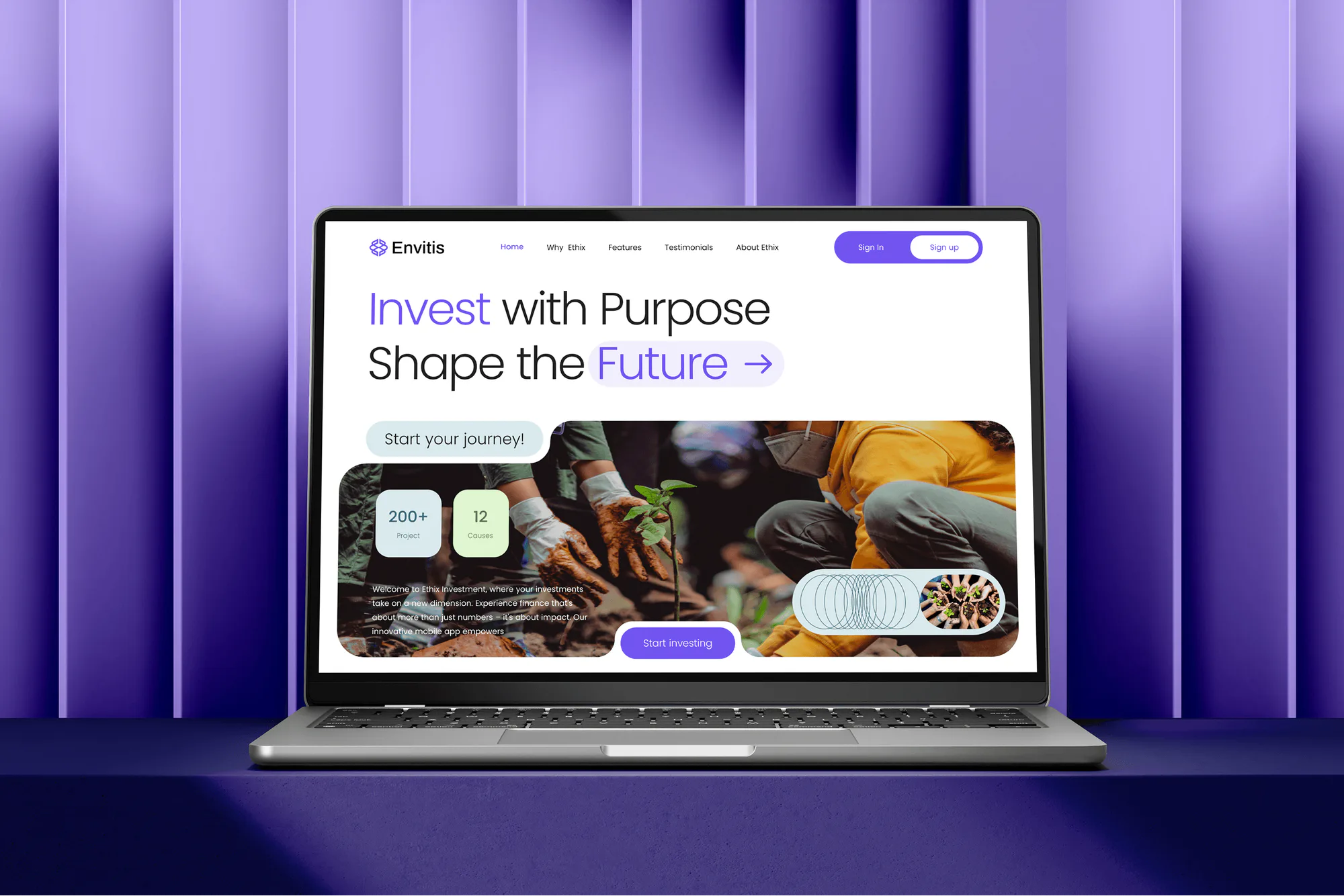
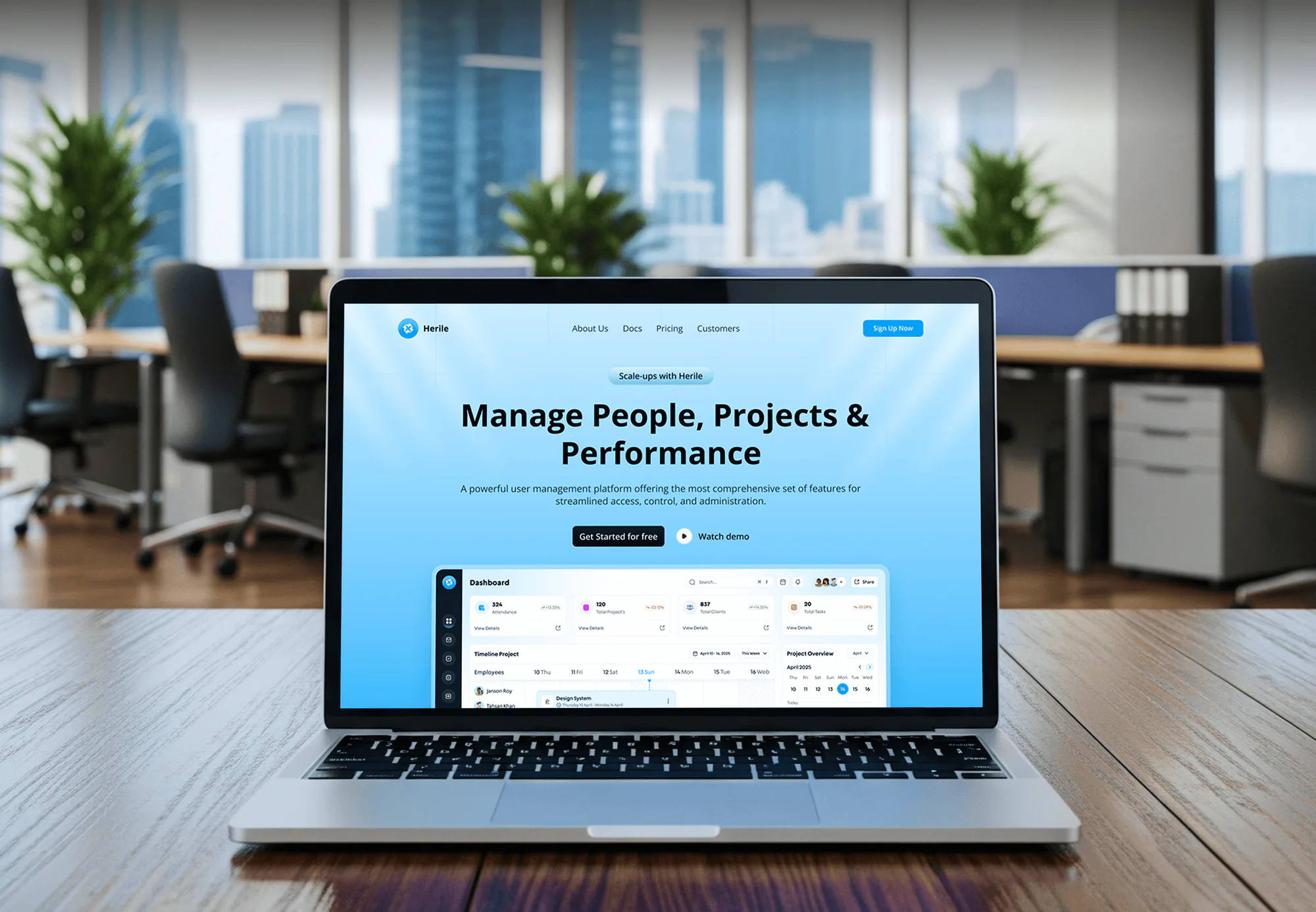
Corporate, investment, and business websites our team built, each with forms that had to reach the right system cleanly.

What's Included
Every plan sends your web leads into Clio with their source. Higher plans add API sync, calendar booking, and custom builds on your Clio data.
Compare Options
Clio's WordPress plugin installs in minutes, and Zapier needs no code. Both suit some firms. Here's where each one fits and where it stops.
| Feature | DeveloperLookBest fit | Clio's WordPress plugin | DIY Zapier setup |
|---|---|---|---|
| Website platform | WordPress, Webflow, custom | WordPress only | Any form tool |
| Form fields | Any fields you need | Fixed fields | What the form sends |
| Matter records | Contacts, matters, custom fields | Lead Inbox only | Basic create actions |
| Consult booking | Scheduler or calendar API | Add a link yourself | Extra zap steps |
| Error handling | Alerts and retries | Plugin defaults | Zap history emails |
| Setup effort | We build it | Minutes, self-serve | An afternoon, plus upkeep |
| Upfront cost | From $700, fixed scope | Your time to install | Your time plus Zapier |
| Who maintains it | You own the code | Clio maintains it | You, in Zapier |
What Our Clients Say
Feedback from teams whose websites and integrations we have built.
We had a pretty specific idea of what we wanted our website to become, but I wasn’t sure how easily we could explain all of it to a development team. There were quite a few moving parts, and we were working toward a deadline, so I expected a few things to get lost along the way. That never really happened. They understood what we were trying to achieve, kept us updated throughout the process, and got everything ready within the agreed timeline. The final site feels much easier to navigate, works beautifully on mobile, and is noticeably smoother for our customers. It was a huge relief seeing the original idea actually turn into the website we had in mind.
The mobile experience is probably my favourite part of the new site. We had spent a lot of time making sure the desktop version looked right, and the team kept pushing us to think about how everything would actually feel on a phone too. They were right. The navigation is clean, the interactions feel natural, and everything we’ve tested so far works exactly as it should. They also went through the links, forms, integrations, and other details more than once before launch, which I really appreciated. And even after going live, we could still reach out when something came up. The whole process felt friendly, organised, and surprisingly straightforward.
What I appreciate most is that the website is actually easy for us to manage now. We can update content ourselves instead of sending a developer a message every time we need to change something small. They also paid attention to the technical SEO side, which mattered to us because we didn’t want a new website to create problems for the traffic we already had. I’ve probably asked more questions than I should have since launch, but every question has been handled patiently and without any fuss. The team is easy to work with, they explain things clearly, and when we need something changed, they focus on getting it done rather than making the process complicated.
1,250+
Projects shipped
10+
Years of experience
5 stars
Clutch rating
5 stars
GoodFirms rating
Excellent
Trustpilot rating
Top 3%
Upwork Top Rated Plus
1,250+
Projects shipped
10+
Years of experience
5 stars
Clutch rating
5 stars
GoodFirms rating
Excellent
Trustpilot rating
Top 3%
Upwork Top Rated Plus

Want results like these?
Tell us what you are building. You get a reply within 24 hours on business days, then a written estimate.
Work Culture
Your integration touches client records, so it has to be boring, predictable, and documented. These habits keep yours that way.
We build on Clio's published APIs and help guides, not on screen scraping. When Clio changes something, you hear about documented paths first.
US, EU, Canadian, and Australian Clio accounts use different endpoints and tokens. We set yours up correctly from the first request.
Clio webhooks expire after 31 days at most, and access tokens need refreshing. We schedule both, so your sync doesn't stop without warning.
Your app asks for the fewest Clio permissions it can work with, as Clio's developer guide advises. Fewer scopes means less exposure if a key leaks.
Your Clio developer app, code, and hosting sit in your firm's accounts. You can move or retire the integration without asking us.
If Clio's WordPress plugin or a public form link fits your needs, we'll say so. You shouldn't pay for code you don't need.
Overview
DeveloperLook builds Clio integrations for law firm websites. We send web forms to the Lead Inbox or the newer Grow API and create matters through the Clio Manage API. We also add Scheduler booking and keep webhooks renewed. Projects start at $700, take 1 to 6 weeks, and the app and code stay in your firm's accounts.
DEVELOPERLOOK
Project facts · Clio Website Integration Services
Reviewed 28 Sep 2026 by Saimul Islam
Good fit
Practices with a Webflow or custom site
Your site doesn't run on WordPress, so Clio's plugin isn't an option, and your intake forms still email a paralegal.
Firms retyping web leads into Clio
Your staff copy names from website emails into Grow each morning, and typos keep creating duplicate contacts.
Firms on Clio Manage without Grow
You run Manage only and want website inquiries to become contacts and matters without buying another tool.
Firms outgrowing their zaps
Your Clio zaps break when a field changes, and you only find out when a client asks why nobody called.
Agencies building legal websites
Your agency builds law firm websites and needs a partner to handle Clio work under your brand.
Not a fit
Running MyCase instead
Your firm runs MyCase, not Clio. Our MyCase Website Integration Services page covers the same work for MyCase.
Intake questions need work
Your intake questions need work, not just the connection. Start with our Legal Client Intake Automation & Software Setup service.
WordPress plugin is enough
Your site runs WordPress and the Clio Grow plugin's standard fields are enough. Install the plugin yourself; you don't need us.
Under $700 for Clio
Your budget for Clio work is under $700. A public intake form link from Clio Grow costs nothing extra and may be enough.
Not sure we're the right fit?
Book a free call or message us. We'll tell you honestly whether we're the right team.
Pricing
These are starting points in USD. Your final price depends on your Clio products, your website platform, and how much data syncs, and you get a fixed proposal after a free review.
For Agencies
You own the client relationship. We supply Clio engineering for your law firm builds: form connections, API sync, booking, and monitoring. The work ships under your brand, and the firm keeps its developer app and data.
White label: your client only ever sees your brand
The firm's Clio products, region, website platform, and the forms that need connecting.
You get a field map and a fixed price to present to the firm.
We build and test under your brand, then hand the firm its app and guide.
The firm's Clio products, region, website platform, and the forms that need connecting.
You get a field map and a fixed price to present to the firm.
We build and test under your brand, then hand the firm its app and guide.
The Right Technology for Your Project
We use Clio's own APIs first, standard web tools around them, and hosting you control.
WordPressWebflowNext.jsReactNode.jsZapierPostgreSQLAWSVercelCloudflareSlackFAQ
Straight answers on cost, timelines, Clio's APIs, embedding forms, booking, and keeping the sync alive.
Saimul IslamFounder & CEO, DeveloperLookStill have questions?
Send a message or book a call with the team.
Clio integrations start at $700 for up to 3 website forms posting to the Lead Inbox, with source names and error alerts. The $1,750 plan adds a private app that creates contacts and matters with your fields through the API. Custom builds with two-way sync start at $3,700. Your Clio subscription stays separate.
A custom Clio API integration takes 3 to 6 weeks, while form-to-Grow setups take 1 to 2 weeks. Mapping fields and matter rules fills the first week. Build and testing follow, and timelines stretch only when your custom fields or practice areas need cleanup in Clio first.
You integrate them through Clio's official APIs. Web leads reach Grow through the Lead Inbox or the newer Grow API on the Clio Platform. Contacts, matters, and custom fields reach Manage through the Clio Manage API. Each request uses OAuth and your account's regional endpoint.
Yes, through the Manage API, which creates contacts and matters and fills your custom fields. The simpler inbox endpoint accepts only seven fields, so extra answers travel inside the lead message. We match on email and phone before creating anything, so returning clients don't become duplicates.
Grow's own intake forms can't be embedded as code, so Clio offers a public form link instead. On WordPress, Clio's plugin adds a form with fixed fields. For custom questions or a Webflow site, we build the form on your site and send each submission to Clio through its API.
The Manage API creates calendar entries on the right attorney's calendar, and your Clio calendar can sync with Google or Outlook. Clio Scheduler books consults from a public link and shares them to Manage. We choose one path per firm, so bookings don't double up.
Yes, within limits. Clio Scheduler collects consult fees through Clio Payments. For other gateways, we link their payment pages from your site and tag each payment with the matter number. Live chat transcripts can post to Grow as leads, with the chat tool named as the source.
Use the Clio Zapier integration for a few simple actions, like creating a contact or matter from one form. Choose a custom build when you need duplicate checks, custom fields across many records, or two-way sync. Zapier bills by task, so high volume can cost more than code.
Not for a private app that only your firm uses. Clio's developer docs say private apps skip the app approval process, while public apps in the App Directory go through review. You need a Clio account with developer access, and a separate app in each Clio region you operate in.
We schedule everything that expires: Clio webhooks last 31 days at most, and access tokens need regular refreshing. Failed requests trigger alerts, and a weekly report shows what synced. Support lasts 30 to 60 days by plan, and the app and code stay in your firm's accounts.
Saimul IslamFounder & CEO, DeveloperLookStill have questions?
Send a message or book a call with the team.
Free 30-min callGoogle Meet
Book a call
In 30 minutes on Google Meet we walk you through how we would build it, how long it takes and what it costs. Then you get a written estimate.
Calendar not showing? Book on cal.com or send a brief.