
Case management handoff
Clio, MyCase, Filevine, PracticePanther, or Smokeball opens the matter when Lawmatics marks it hired.

For law firms on Lawmatics: signed clients open as complete matters in case management, and phone leads land in intake, starting at $650.
100%
Signed clients opened as matters
20+ min
Saved on every new matter
How your project runs
Teams we have built for:














The Problem
It shows up right after a good intake. The engagement is signed in Lawmatics, and someone rebuilds the whole file in case management before work can start.
01 · Retyping
Paralegals retype every signed client into case management.
The hired stage opens the matter with contact and custom fields filled.
02 · Wrong dates
Mistyped fields put wrong dates into the case file.
Fields are mapped by type and tested on sample conversions first.
03 · Phone leads
After-hours calls reach intake as loose voicemail notes.
Answering service calls create contacts and matters with call notes attached.
04 · Old prospects
Non-hired prospects end up in shared case folders.
Prospect data stays in Lawmatics and is kept out of case files.
A caller describes a car crash at 7 p.m., and your intake specialist fills a Lawmatics form, books a consult, and sends the engagement letter. The client signs the next morning. Then a paralegal opens Clio and retypes the name, phone, accident date, insurer, and twelve custom fields. One field gets missed, so the case file shows the wrong incident date. Meanwhile, prospects who never hired sit in shared folders nobody reviews.
We start with the moment of conversion. That stage change becomes the trigger, and we decide which Lawmatics fields travel to case management and which stay behind. Native links do the move where they can, and its API covers what they skip. Prospects who never hired stay in Lawmatics under your confidentiality rules, kept out of the case file. New matters open complete, not half-typed.
Conversion as the trigger
The hired stage, not a busy paralegal, opens the matter in your case management tool.
Fields mapped by type
Contact and matter custom fields matched by type, so dates, numbers, and picklists arrive intact.
Prospect data kept apart
Non-hired prospects stay in Lawmatics, which supports your duties under ABA Model Rule 1.18.
Our Lawmatics Integration Services Process
You approve which fields move at conversion and which prospect data stays behind. Then you watch test intakes and conversions reach case management before we hand over.
We trace one lead from first call to signed engagement and note every field someone retypes. You get a map of your Lawmatics plan, your case management tool, and what the Lawmatics API documentation allows for the gaps.
What's Included
We set up the Lawmatics integrations case management teams rely on, plus phones and forms feeding intake, fields that survive conversion, and API work where native links stop.
Compare Options
Switching on a native link alone suits simple practices, and a generic agency can write a quick script. Here is where each one falls short on Lawmatics intake.
| Feature | DeveloperLookBest fit | Native link only | Generic agency |
|---|---|---|---|
| Planning | Field and stage map first | Defaults left as they are | Starts from the code |
| Conversion trigger | Hired stage tested end to end | Works once switched on | Varies by experience |
| Custom fields | Mapped by type at both levels | Mapped once, often partly | Often hard-coded |
| Phone intake | Answering service logs into matters | Not covered | Sometimes, rarely tested |
| Prospect privacy | Non-hired data kept in Lawmatics | Depends on your settings | Rarely considered |
| Speed to start | 1 to 2 weeks for one link | Same day to switch on | Often quick to start |
| Cost | Fixed price from $650 | Included in your subscription | Hourly, often open-ended |
| Ownership | OAuth app and code stay yours | Settings stay in your account | Sometimes held by the agency |
Projects We've Built
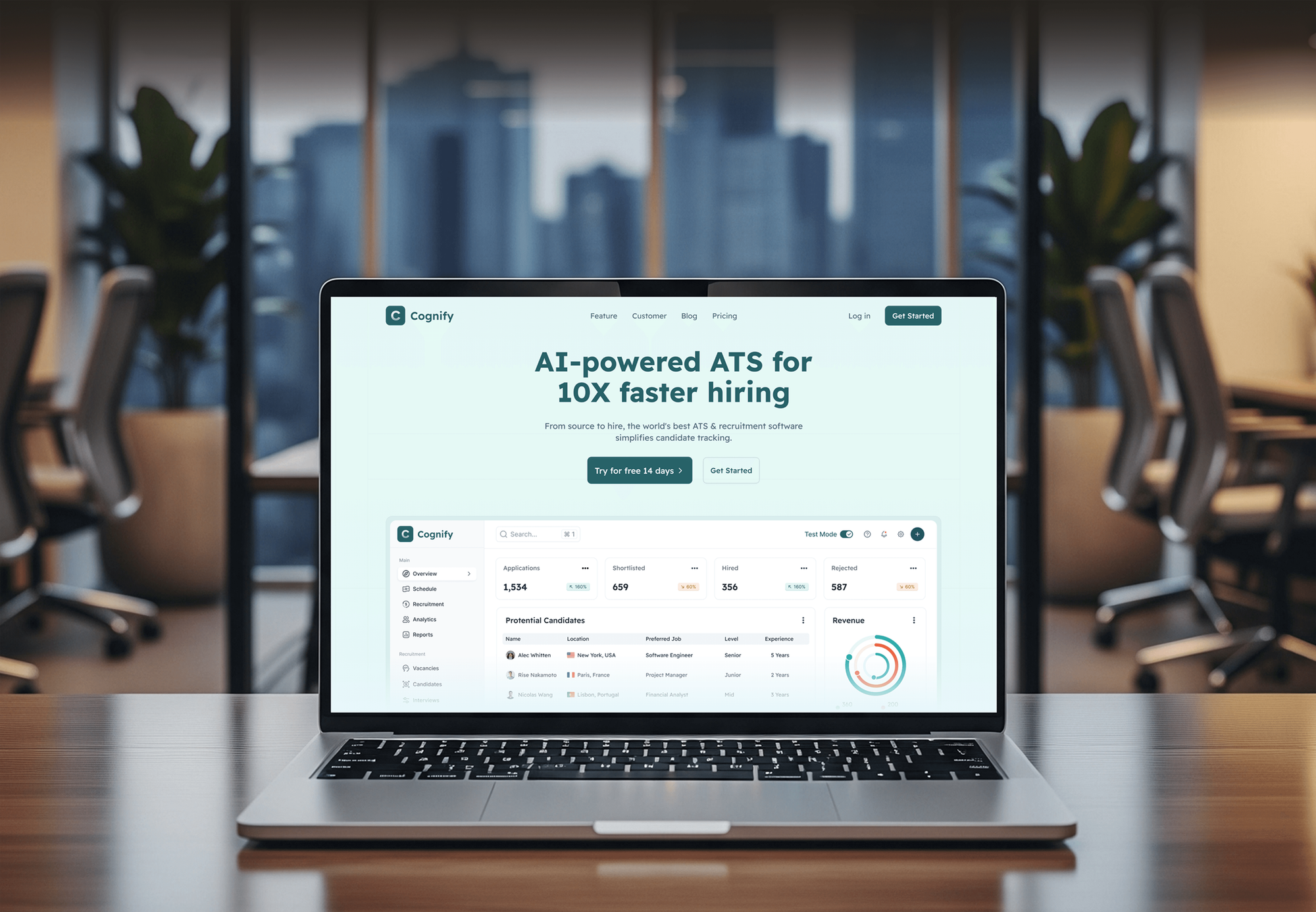
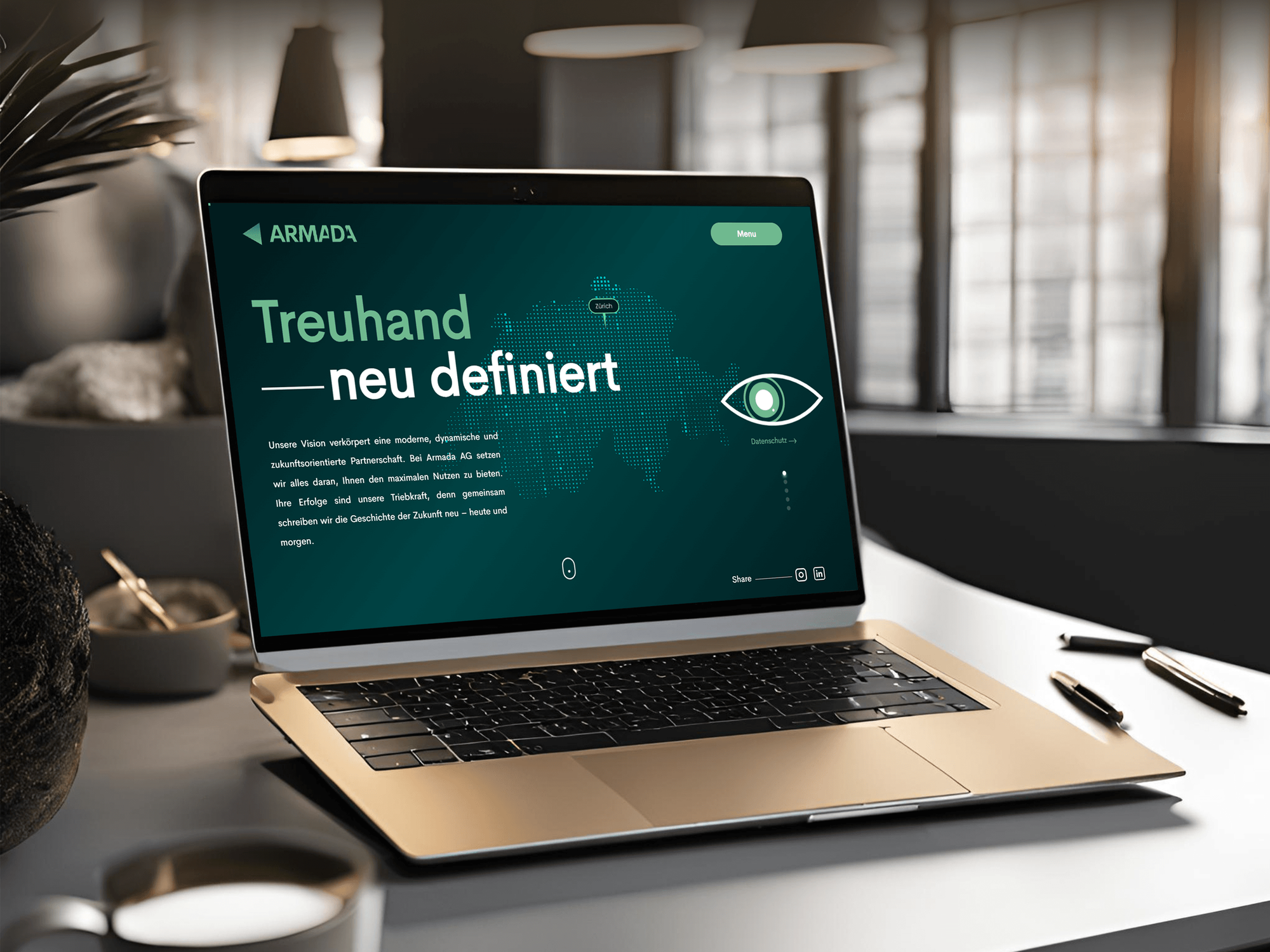
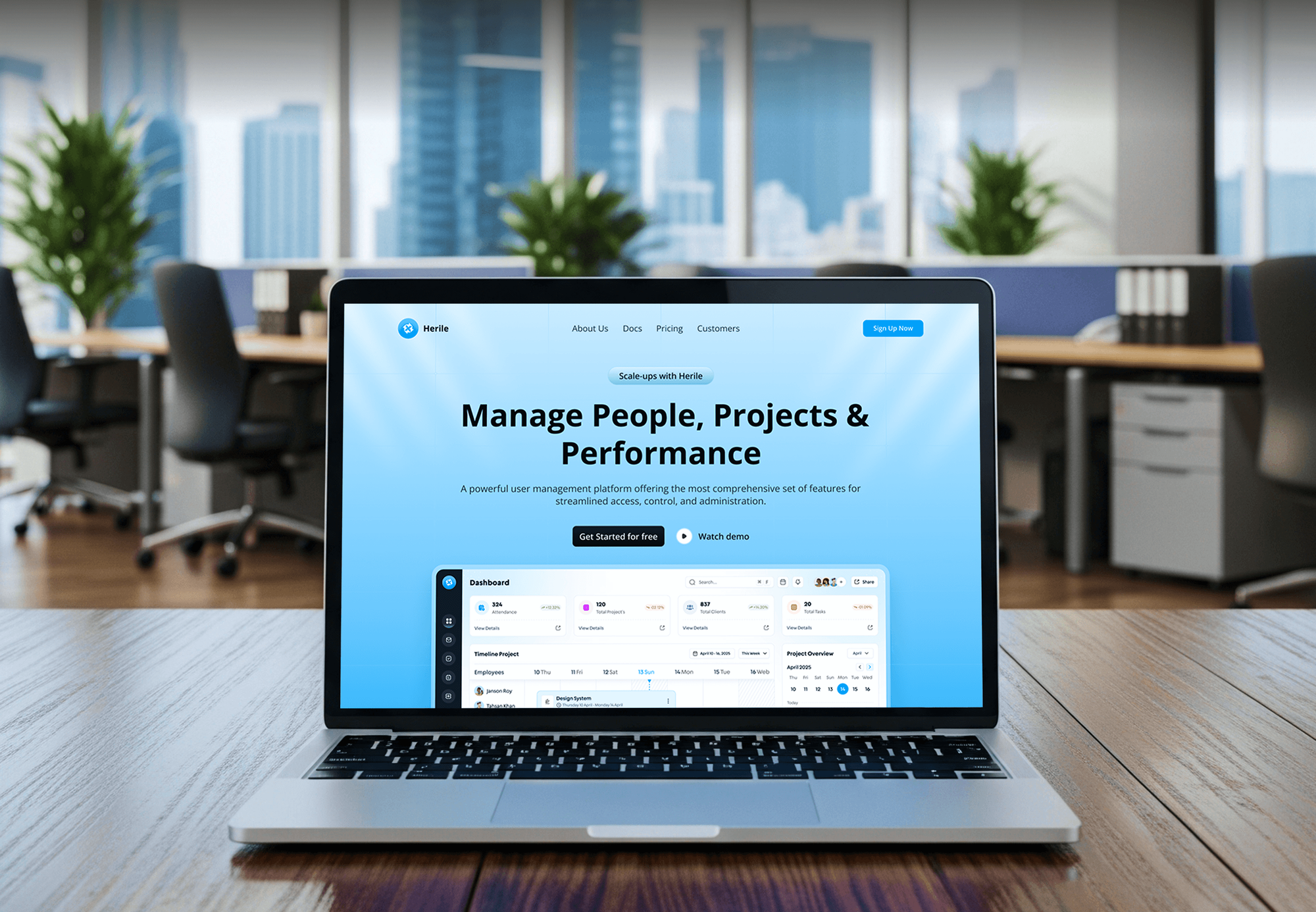
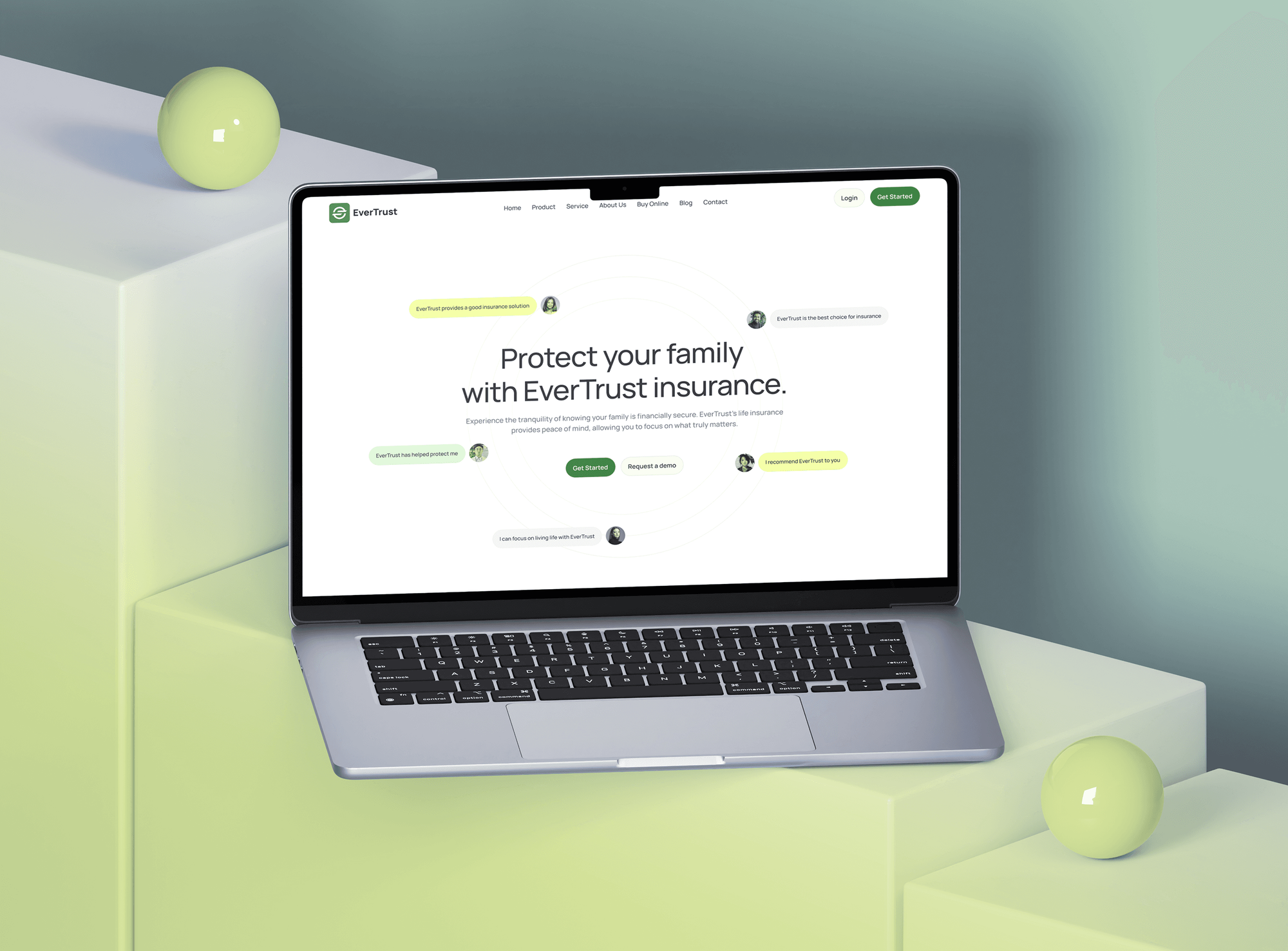
Screening dashboards, client-facing service sites, and HR platforms we designed and built. None ran on Lawmatics, but each one moves people from first contact to an active record.
What Our Clients Say
Feedback from teams we have built websites and business software for.
We had a pretty specific idea of what we wanted our website to become, but I wasn’t sure how easily we could explain all of it to a development team. There were quite a few moving parts, and we were working toward a deadline, so I expected a few things to get lost along the way. That never really happened. They understood what we were trying to achieve, kept us updated throughout the process, and got everything ready within the agreed timeline. The final site feels much easier to navigate, works beautifully on mobile, and is noticeably smoother for our customers. It was a huge relief seeing the original idea actually turn into the website we had in mind.
The mobile experience is probably my favourite part of the new site. We had spent a lot of time making sure the desktop version looked right, and the team kept pushing us to think about how everything would actually feel on a phone too. They were right. The navigation is clean, the interactions feel natural, and everything we’ve tested so far works exactly as it should. They also went through the links, forms, integrations, and other details more than once before launch, which I really appreciated. And even after going live, we could still reach out when something came up. The whole process felt friendly, organised, and surprisingly straightforward.
What I appreciate most is that the website is actually easy for us to manage now. We can update content ourselves instead of sending a developer a message every time we need to change something small. They also paid attention to the technical SEO side, which mattered to us because we didn’t want a new website to create problems for the traffic we already had. I’ve probably asked more questions than I should have since launch, but every question has been handled patiently and without any fuss. The team is easy to work with, they explain things clearly, and when we need something changed, they focus on getting it done rather than making the process complicated.
1,250+
Projects shipped
10+
Years of experience
Top 3%
Upwork Top Rated Plus
5 stars
Average review score

Want results like these?
Tell us what you are building. You get a reply within 24 hours on business days, then a written estimate.
Work Culture
Intake records hold things prospects told your firm in confidence. These habits keep our Lawmatics work careful with that data and steady for your intake team.
Non-hired prospects' details stay in Lawmatics unless your policy says otherwise. That supports your confidentiality duties under ABA Model Rule 1.18.
If the built-in Clio, MyCase, or Filevine sync already covers you, we'll tell you before we quote. Custom API work fills only the gaps.
Every webhook we accept is checked against its HMAC signature first. Forged requests can't create matters or move payments in your systems.
Every field mapping is written down: source field, target field, type, and reason. Your intake manager can change it later without guessing.
We switch flows on midweek, away from Monday intake rushes and month-end billing. Your intake team learns the new flow on a calm day.
You get a fixed quote once the field map is agreed. Scope changes are priced before work starts, so intake projects don't run open-ended.
Overview
DeveloperLook sets up Lawmatics integrations for law firms. We map the conversion handoff to Clio, MyCase, Filevine, or Smokeball, connect answering services and intake forms, and build on the Lawmatics API where native links stop. Projects start at $650, take 1 to 6 weeks, and keep non-hired prospect data out of case files.
DEVELOPERLOOK
Project facts · Lawmatics Integration Services
Reviewed 23 Oct 2026 by Saimul Islam
Good fit
Firms converting leads into Clio
Your intake team signs a new client in Lawmatics, then a paralegal retypes the contact, matter, and custom fields into Clio by hand.
Personal injury firms with phone intake
Your firm gets most new cases by phone after hours, and you want an answering service with Lawmatics integration logging every call as a matter.
Firms comparing case management tools
Your firm is moving off one case management tool, and you need to know which Lawmatics integrations practice management vendors actually support today.
Operations leads with many custom fields
Your firm built dozens of custom intake fields in Lawmatics, and now you need them exported cleanly for reporting or a system change.
Legal marketing agencies
Your agency runs intake campaigns for several law firms, and each firm's leads must reach Lawmatics with the right source and practice area.
Not a fit
Clio intake without Lawmatics
You only want website consult requests landing in Clio and don't use Lawmatics. Our Clio website integration page covers that setup instead.
Deep Filevine field work
Your firm needs detailed field mapping inside Filevine project types rather than intake. Our Filevine integration page covers that work.
Budget under $650
You need one Zapier step and have under $650 to spend. The Lawmatics Zapier app and its help center guides may be enough.
No intake CRM chosen yet
You haven't picked an intake CRM and want vendor-neutral advice first. Our legal client intake automation page covers setups without a set vendor.
Not sure we're the right fit?
Book a free call or message us. We'll tell you honestly whether we're the right team.
Pricing
These are starting points in USD. Your final price depends on your case management tool and how many intake paths connect, and you get a fixed proposal after a free intake review.
For firms that want one case management link mapped and tested properly.
$650one-time, USD
For firms that want phone calls and web forms feeding Lawmatics cleanly.
$1,600one-time, USD
For larger firms that need custom flows on the Lawmatics REST API and webhooks.
$3,500one-time, USD
For Agencies
You own the law firm relationship. We supply the Lawmatics work behind your brand: case management links, phone and form intake, field mapping, and API builds. Your firm client sees only your name on plans, updates, and handover notes.
White label: your client only ever sees your brand
Send the Lawmatics plan, case management tool, and intake paths in use.
We map fields and stages, then send a fixed scope to resell.
We build, run test conversions, and deliver runbooks under your name.
Your brand on every field map, update, and handover note.
Prospect data handled with confidentiality duties in mind from day one.
Go-lives scheduled away from your clients' busiest intake days.
Extra Lawmatics developers when several firms need work at once.
The Right Technology for Your Project
We use Lawmatics' native case management links and Zapier app first, then its REST API and signed webhooks where a flow needs more control.
 Zapier
 Make
Make Node.js
 PostgreSQL
FAQ
Straight answers on Lawmatics costs, the app, legitimacy, custom field exports, practice management, and payments.
Saimul IslamFounder & CEO, DeveloperLookStill have questions?
Send a message or book a call with the team.
Lawmatics integrations from DeveloperLook start at $650 for one case management connection with custom fields mapped and the conversion trigger tested. Phone and intake form links start at $1,600, and custom API builds start at $3,500. Lawmatics bills its own subscription, and a free intake review sets the fixed scope.
Lawmatics doesn't publish prices; you request a quote for the Essential, Premium, or Enterprise plan. Essential and Premium need at least 3 users, Enterprise needs at least 5, and contact limits differ by plan. Some AI features and the Time and Billing add-on cost extra, and there's a demo offer instead of a free trial.
A single case management connection takes 1 to 2 weeks, including tests on sample conversions. Phone, form, and custom API work takes 3 to 6 weeks, because each intake path is tested with test calls and test matters. We work with test contacts first, so your active pipeline isn't disrupted.
Lawmatics is legal CRM and client intake software for law firms. It covers intake forms, consultation booking, e-signatures, pipelines, custom fields, text messaging, and marketing automation, with time and billing through LMPay as an add-on. Firms of many sizes use it, in practice areas from personal injury to estate planning.
Yes, Lawmatics is an established legal software company led by founder and CEO Matt Spiegel. It raised a $10 million Series A in December 2021 and lists dozens of integrations, including Clio, MyCase, Filevine, and Smokeball. As with any vendor, check its data handling against your confidentiality duties before you sign.
Yes, Lawmatics has iOS and Android apps that use the same login as the web version. On a phone you can search and edit matters and contacts, send texts and portal messages from the Message Center, and run Quick Use Forms. Lawmatics calls the app more streamlined than desktop, so heavier setup stays on the web.
Most firms use Lawmatics as the front door: leads arrive from forms, calls, and ads, then move through pipeline stages to a signed engagement. Automations send follow-ups, booking links, and e-sign documents at each stage. When a matter converts, a Lawmatics integration with your case management tool takes over the file.
Export them from Settings, then Export, which gives CSV files of matters, contacts, and companies with custom fields included. Custom reports export to Excel with the columns you choose. For ongoing access, the Lawmatics API returns custom fields through its custom fields endpoint, which we use for reporting or system moves.
Lawmatics doesn't replace practice management: it runs intake and marketing before a client hires you. Tools like Clio, MyCase, and Smokeball run the matter afterward, with deadlines, documents, and billing. Most firms use both, so the real choice is how well the handoff between them works.
No, Lawmatics documents no way to pay vendors or other third parties. It collects money from clients instead: LMPay takes card and ACH payments inside forms and booking pages, and the LawPay integration sends invoice links. Expenses can be recorded, but payouts to others happen in your bank or accounting tool.
Saimul IslamFounder & CEO, DeveloperLookStill have questions?
Send a message or book a call with the team.
Free 30-min callGoogle Meet
Book a call
In 30 minutes on Google Meet we walk you through how we would build it, how long it takes and what it costs. Then you get a written estimate.
Calendar not showing? Book on cal.com or send a brief.