TrueLine Blog & News App Design & Development
- News & Media
- Mobile App

Content teams get WordPress, headless, Payload, and Ghost builds with structured fields, previews, and editor roles, from $1,200.
100%
Pages your editors can publish
90+
Mobile speed on key templates
Teams we have built for:














The Problem
Most CMS problems start small. A rushed build leaves editors with blank text boxes, fragile layouts, and a list of things only a developer can change.
Text box
Pasted copy in one big text box breaks on phones.
Text box
Editors fill in structured fields instead of fighting a layout.
Banner tickets
Changing a banner needs a developer ticket.
Banner tickets
Roles, drafts, previews, and scheduling let your team publish on its own.
Plugin risk
Every plugin update puts the whole site at risk.
Plugin risk
Fewer plugins and tuned templates keep pages fast and stable.
Messy archives
Older articles use a different heading style every year.
Messy archives
Page types, fields, and reusable blocks get planned before any code.
Your team needs a new landing page by Thursday. The CMS offers one big text box, so the copy gets pasted in from a document and the layout breaks on phones. Changing a banner needs a developer ticket. Plugins pile up for forms, SEO, and page building, and each update puts the whole site at risk. Older articles use a different heading style every year. Content keeps growing, and so does everyone's fear of touching it.
We start with a content model: the page types, fields, and reusable blocks your team actually needs. Then we build them in WordPress or a headless CMS, add roles, drafts, and previews, and connect fast, lean templates. Editors fill in structured fields instead of fighting a layout. You get a CMS your team can publish with on its own, not one that needs a developer on call.
Content modeled before code
Page types, fields, and blocks are planned around how your team writes and publishes.
Editors work without tickets
Roles, drafts, previews, and scheduling let your team publish safely on its own.
Fast pages for visitors
Fewer plugins and tuned templates keep pages quick for visitors and search engines.
Our CMS Build Process
You approve the content model and page templates before we build, then test real editing tasks yourself well before launch.
We start with a free call about your content types, editors, and current platform. You get a CMS recommendation, a draft content model, and a fixed-price scope to approve.
Projects We've Built
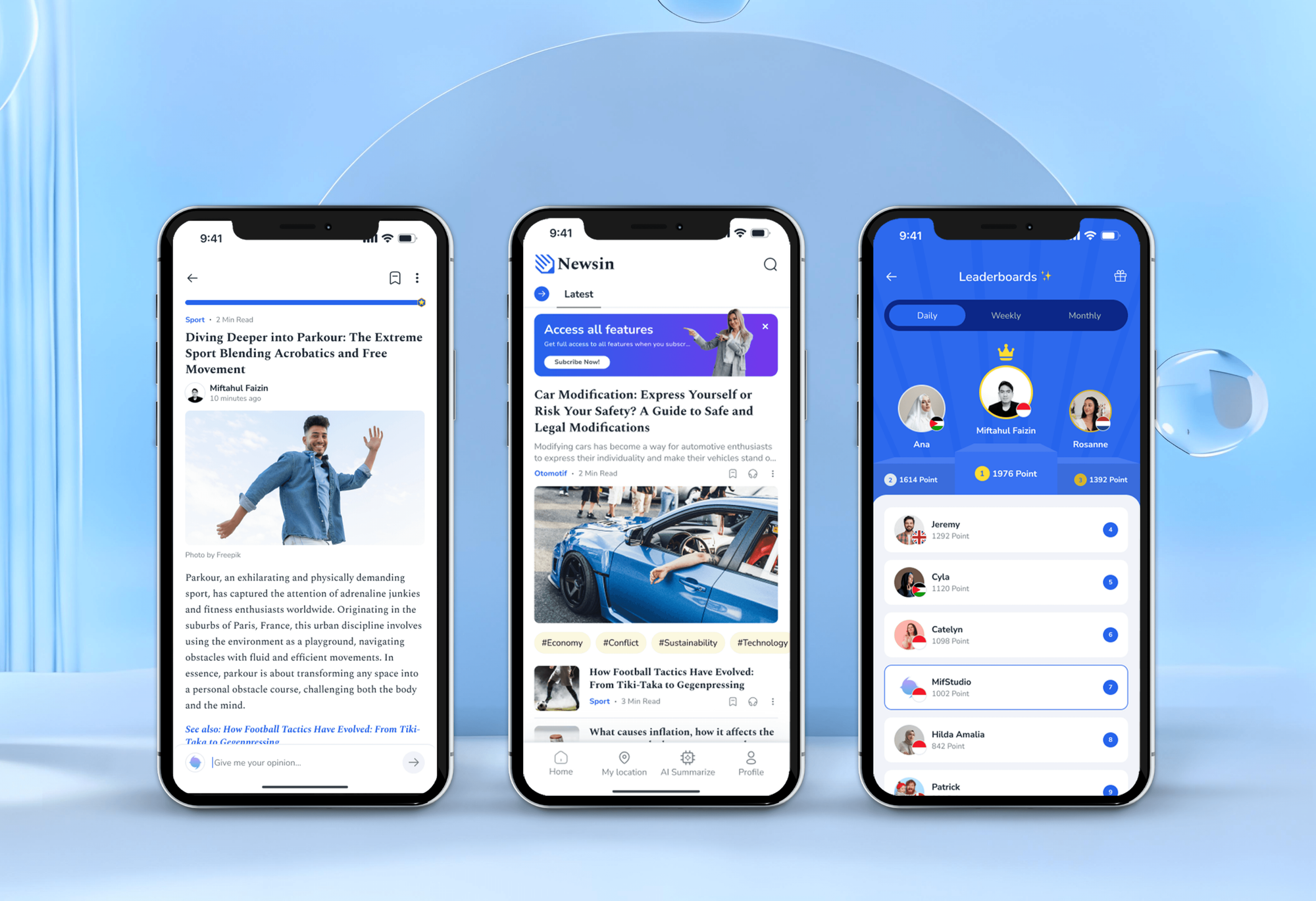
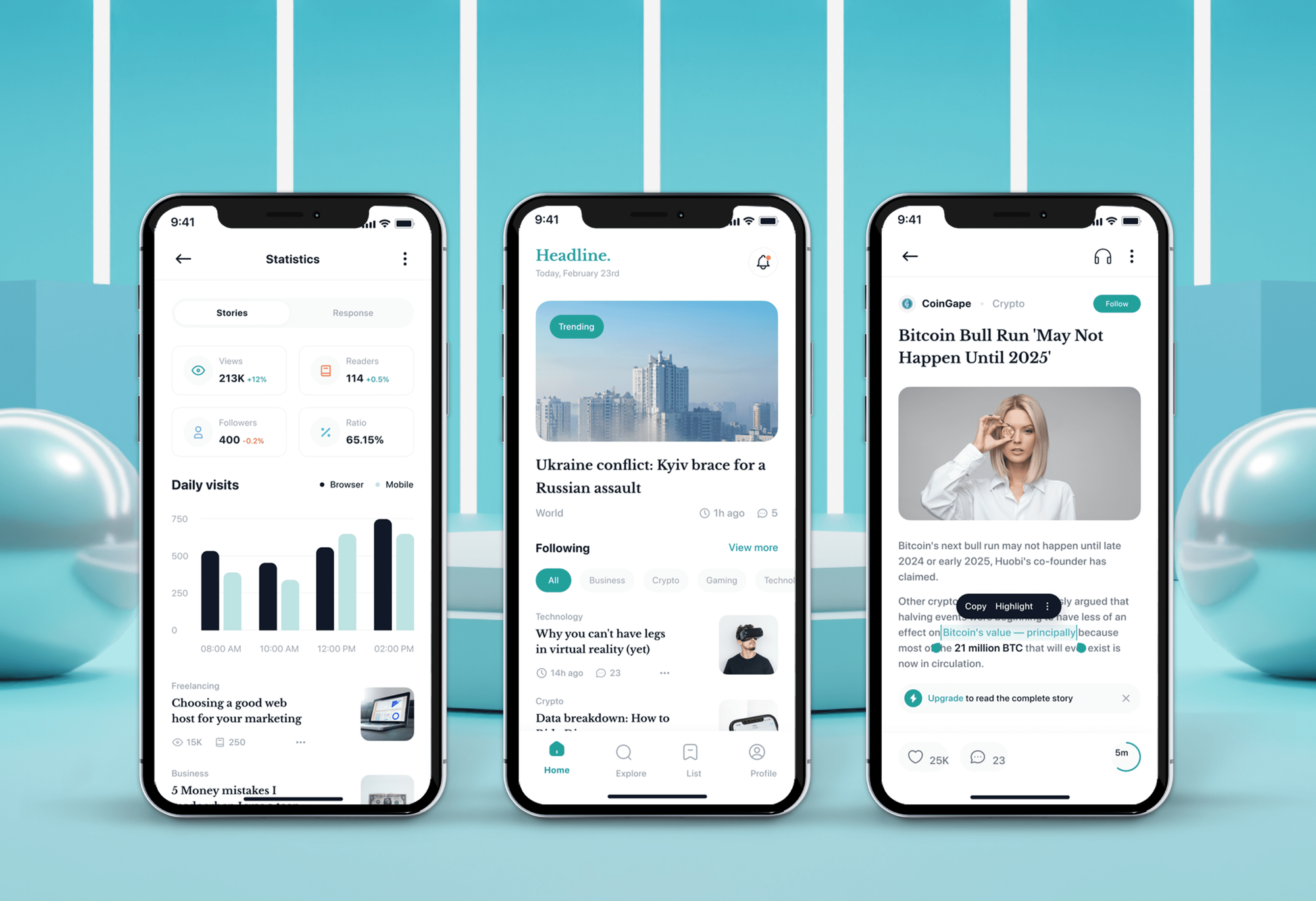
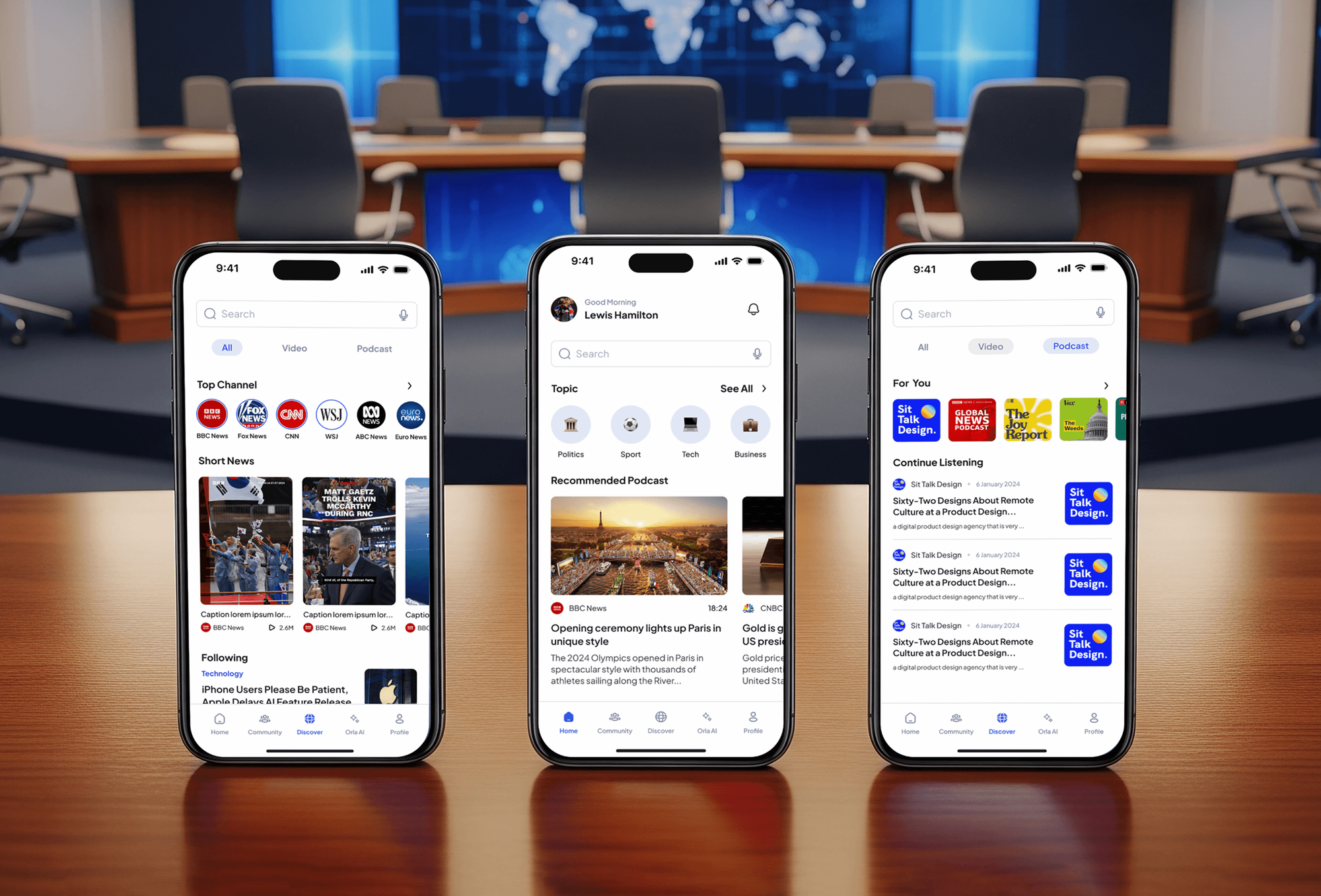
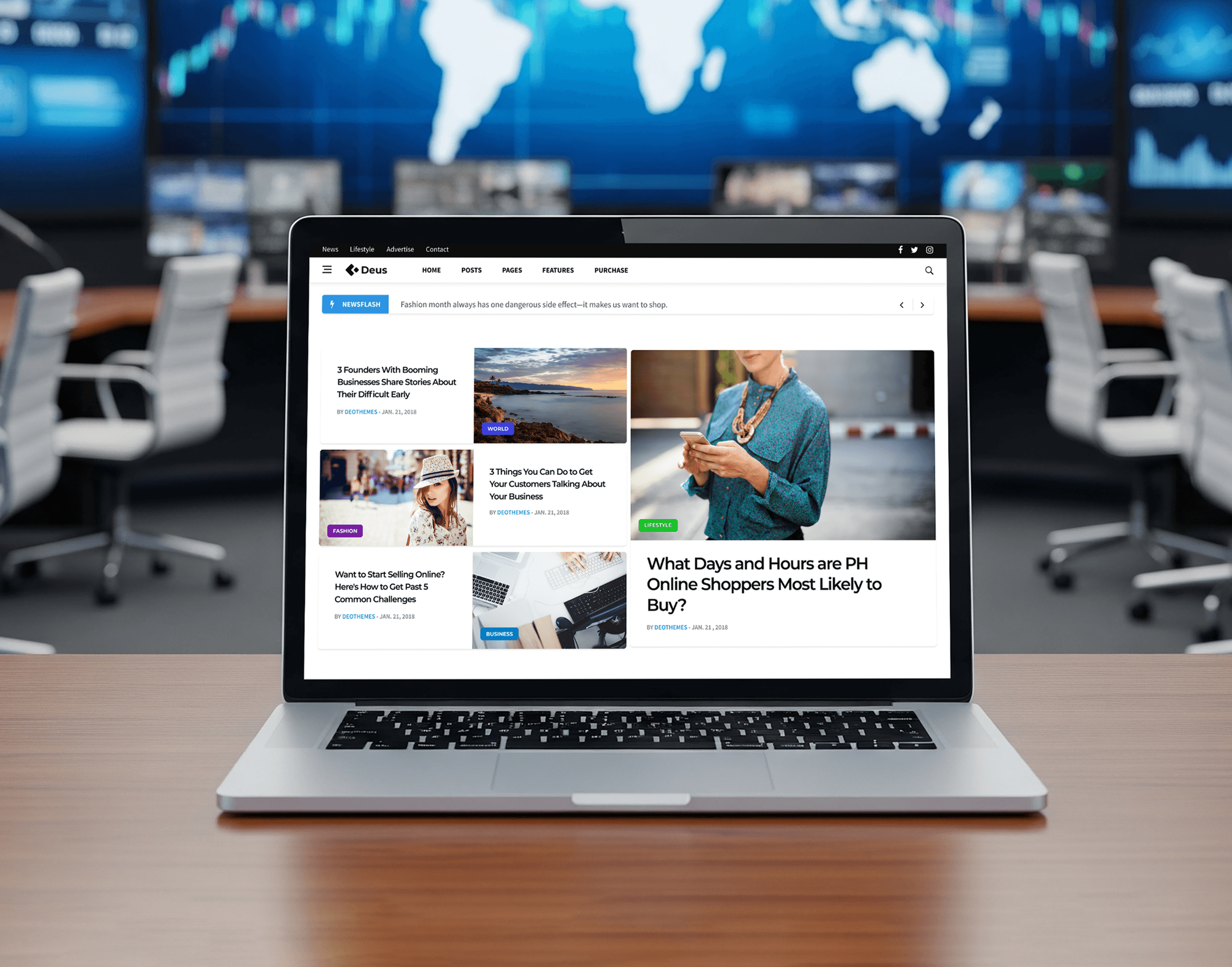
News, blog, and media sites our team has designed and built, where editors publish every day. The portfolio shows more builds by industry.
What's Included
Each CMS project is scoped around your content and your editors. These six parts appear in most builds, on WordPress or a headless stack.
Compare Options
A page builder or a ready-made theme suits small sites with a few pages. Here's how each option holds up once many people publish every week.
| Feature | DeveloperLookBest fit | Builder | DIY theme |
|---|---|---|---|
| Planning | Content model first | Layout first | Theme decides |
| Editing | Structured fields and blocks | Drag and drop | Theme options only |
| Core platform | WordPress, Strapi, or Sanity | WordPress plus builder | Theme and plugins |
| Testing | Editors test before launch | Varies by builder | Tested by you |
| Speed | Lean templates | Heavy builder scripts | Depends on theme |
| Support | Up to 90 days included | Plugin forums | Theme author support |
| Ownership | Your content and code | Tied to builder license | Yours, with theme license |
| Cost | Fixed price from $1,200 | Low upfront cost | Lowest upfront cost |
What Our Clients Say
Feedback from teams we have built websites for.
We had a pretty specific idea of what we wanted our website to become, but I wasn’t sure how easily we could explain all of it to a development team. There were quite a few moving parts, and we were working toward a deadline, so I expected a few things to get lost along the way. That never really happened. They understood what we were trying to achieve, kept us updated throughout the process, and got everything ready within the agreed timeline. The final site feels much easier to navigate, works beautifully on mobile, and is noticeably smoother for our customers. It was a huge relief seeing the original idea actually turn into the website we had in mind.
The mobile experience is probably my favourite part of the new site. We had spent a lot of time making sure the desktop version looked right, and the team kept pushing us to think about how everything would actually feel on a phone too. They were right. The navigation is clean, the interactions feel natural, and everything we’ve tested so far works exactly as it should. They also went through the links, forms, integrations, and other details more than once before launch, which I really appreciated. And even after going live, we could still reach out when something came up. The whole process felt friendly, organised, and surprisingly straightforward.
What I appreciate most is that the website is actually easy for us to manage now. We can update content ourselves instead of sending a developer a message every time we need to change something small. They also paid attention to the technical SEO side, which mattered to us because we didn’t want a new website to create problems for the traffic we already had. I’ve probably asked more questions than I should have since launch, but every question has been handled patiently and without any fuss. The team is easy to work with, they explain things clearly, and when we need something changed, they focus on getting it done rather than making the process complicated.
1,250+
Projects shipped
10+
Years of experience
Top 3%
Upwork Top Rated Plus
5 stars
Average review score
1,250+
Projects shipped
10+
Years of experience
Top 3%
Upwork Top Rated Plus
5 stars
Average review score

Want results like these?
Tell us what you are building. You get a reply within 24 hours on business days, then a written estimate.
Work Culture
Yes, for any site a team edits often. These habits decide whether editing stays calm and your site stays stable as content grows.
Before we build, your editors try the content model with real articles and pages. Fields that confuse them get fixed on paper, not in code.
We use a small set of well-maintained plugins and write custom blocks where they're safer. Fewer plugins mean fewer updates that can break your site.
Editors see how a draft will look on desktop and phone before it goes live. Nobody has to publish a page just to check it.
When we move your content, each old URL gets a 301 redirect to its new page. Search engines and saved bookmarks keep finding your content.
Your scope and price are agreed in writing before any work begins. If you want more mid-project, you get a separate quote first.
Your content, code, and hosting accounts stay under your name. Nothing gets locked into a proprietary system that only we can edit.
Overview
DeveloperLook provides custom CMS development services for teams that publish often and want to do it without a developer. We build WordPress sites and headless setups on Strapi, Sanity, or Contentful, with content models, editor roles, previews, and fast pages. Projects start at $1,200, most launch in 3 to 12 weeks, and every scope is fixed before we start.
DEVELOPERLOOK
Project facts · CMS Development Services
Reviewed 30 Sep 2026 by Saimul Islam
Good fit
Marketing teams waiting on developers
Your team writes fast. Publishing a new page still means a ticket and a wait in the developer queue.
Publishers and newsletter teams on Ghost
Your newsletter and paid members run on Ghost, and you need Ghost CMS theme development that fits your brand without breaking signups.
Teams on Drupal 7 or old WordPress
Your CMS is out of support or buried in plugins, and every update risks breaking the pages your team relies on.
Product teams on Next.js
You want one content source for your site, app, and help center, and a Payload CMS development company that builds it into your codebase.
Agencies that need CMS builds
Your client wants a WordPress or headless build, but your developers are booked. Instead of having to hire CMS developers, you hand us the build and we deliver it under your brand.
Not a fit
Visual editing in Webflow
You want a design-led marketing site that your team edits visually. Our Webflow Development team is the better fit for that.
App logic, not publishing
You need user accounts, dashboards, or app logic rather than publishing. Our Web Development Services team scopes that as an application build.
News site with paywalls
You run a news site with ad slots and paywalls. Our News Website Design service is built around those needs.
Five-page brochure site
Your budget is under $1,200, or you need a five-page brochure site. A website builder or a ready-made theme will serve you well.
Not sure we're the right fit?
Book a free call or message us. We'll tell you honestly whether we're the right team.
Pricing
These are starting points in USD. Your final price depends on content types, CMS choice, and migration size, and you get a fixed proposal after a free discovery call.
For Agencies
You own the client relationship. We supply the CMS engineering behind it: content models, WordPress or headless builds, and migrations. Every quote is fixed, so you can resell it, and your client edits a staging site before launch.
White label: your client only ever sees your brand
Send the content inventory and preferred platform so we can review both.
You get a content model outline, a fixed quote, and a timeline.
We build, migrate, test with real editors, and hand over documentation.
Send the content inventory and preferred platform so we can review both.
You get a content model outline, a fixed quote, and a timeline.
We build, migrate, test with real editors, and hand over documentation.
The Right Technology for Your Project
Our CMS web development services pair a CMS your editors like with a site build that stays fast for visitors. These tools cover most of our builds.
 WordPress
 Next.js
 React
React Gatsby
 Tailwind CSS
 TypeScript
 PHP
PHP Node.js
 MySQL
MySQL PostgreSQL
 GraphQL
 Vercel
 Netlify
 Cloudflare
 WP Engine
 Algolia
Related Services
A new CMS often comes with a redesign, a speed fix, or a security review. These are the services our CMS clients add most often.
This page
CMS Development Services
Pairs with the 6 services around it
FAQ
Straight answers on cost, custom and headless builds, hiring, Ghost, and Payload.
Saimul IslamFounder & CEO, DeveloperLookStill have questions?
Send a message or book a call with the team.
Our CMS builds start at $1,200 for a structured CMS setup on WordPress or Strapi. Custom builds with a new theme and migration start at $3,300, and headless platforms for several sites or languages start at $6,900. Hosting and CMS licenses are billed to you, and the quote is locked before we start.
CMS development is setting up the software your team uses to manage website content, from editor fields to the templates that display them. It covers content types, reusable blocks, editor roles, approval steps, and the link to the pages visitors see. When it's done well, your editors publish on their own and call a developer only for new features.
A CMS, or content management system, is the software that stores your site's content and lets editors change it without touching code. WordPress, Strapi, Payload, and Ghost are common examples. In web development, the CMS sits behind the templates or front end, so layout and content stay separate and your team edits only what it should.
It means shaping a CMS around your content instead of forcing that content into standard posts and pages. That can be custom fields and blocks in WordPress, a headless setup, or a purpose-built admin. You need it when editors rely on workarounds, approvals get complex, or several brands share one library, and we'll say so if a theme and a few plugins already cover you.
Start by listing your content types, editors, and platform, then ask each candidate to show a CMS they built and let you try its editor. Whether you choose a freelancer or a CMS development company, get a fixed scope that covers content structure, migration, and training. Ask who owns the code and hosting accounts, and check that editors, not just developers, liked the result.
A headless CMS separates content from the front end, so your developers and editors can work at the same time. Front-end developers build against the content API while editors load real content, and one source feeds your website, app, and other channels. Headless CMS development also lets you redesign the front end later without migrating a single article.
Ghost is an open-source publishing platform built on Node.js for blogs, newsletters, and paid memberships. It combines an editor, email newsletters, and member subscriptions in one system, and its themes use Handlebars templates. Our Ghost CMS theme development covers custom themes and signup flows, or Ghost as a headless CMS through its Content API when you want a Next.js front end.
Yes, Ghost's software is free and open source under the MIT license, so self-hosting costs only your server and a mail service for newsletters. Ghost(Pro), the official managed hosting, is paid and starts at $18 a month. We build your theme for either setup and help you pick based on your audience size and how much server upkeep you want.
Payload is an open-source headless CMS and app framework written in TypeScript that installs straight into a Next.js app. From your config it generates an admin panel, REST and GraphQL APIs, authentication, access control, and live preview, on MongoDB or Postgres. As a Payload CMS development company, we model your collections, build the admin, and deploy it where you choose.
Yes, Payload is free and open source under the MIT license, so you can self-host it without license fees. You pay only for hosting, the database, and file storage. Figma acquired Payload in June 2025, and the code stayed open source, so your build doesn't depend on a paid plan to keep running.
Saimul IslamFounder & CEO, DeveloperLookStill have questions?
Send a message or book a call with the team.
Free 30-min callGoogle Meet
Book a call
In 30 minutes on Google Meet we walk you through how we would build it, how long it takes and what it costs. Then you get a written estimate.
Calendar not showing? Book on cal.com or send a brief.