
Conversion tracking
One purchase conversion through Google's Shopify app, enhanced conversions on, and duplicate tags removed.

For Shopify stores spending on Google without knowing which ads sell: tracked campaigns, a clean product feed, and weekly tuning, from $800 per month.
100%
Conversions checked against orders
4
Search term cleanups a month
How your project runs
Teams we have built for:














The Problem
It shows up once your ad spend grows past a test budget. Clicks and cost are easy to see, but the orders behind them sit in Shopify, and the two numbers don't agree.
01 · Double counting
Purchases count twice because two tags fire at checkout.
One purchase conversion, checked against Shopify orders before any bidding changes.
02 · Feed errors
Products sit disapproved in Merchant Center over missing data.
Feed fixes for brand, GTIN, and policy issues so more products can serve.
03 · Brand spend
Performance Max spends on searches for your own brand.
Brand exclusions and a separate brand Search campaign keep that spend visible.
04 · Junk searches
Ads show for free, cheap, and job-seeker searches.
Weekly search term reviews add negatives before the waste builds up.
Your ad account reports a record week, but your Shopify orders say otherwise. Purchases count twice because an old tag and the Google & YouTube app both fire. Products sit disapproved in Merchant Center over a missing brand or GTIN. Performance Max spends on searches for your own brand name, which you'd likely win anyway. Your search terms fill up with free, cheap, and jobs. Nobody has time to check, so the budget keeps running.
We start with tracking: one purchase conversion, checked against your Shopify orders, with enhanced conversions on. Then we fix the product feed so more items can serve. Shopping or Performance Max carries your catalog, brand and non-brand Search run separately, and remarketing reaches past visitors. Every week we prune search terms and shift budget toward products that earn their margin. You see spend next to Shopify revenue, not just clicks.
Tracking checked against orders
Google's purchase count gets matched to your Shopify orders before we touch bids or budgets.
Feed fixed before spend
Merchant Center errors get fixed first, because a disapproved product can't appear in Shopping ads.
Your account, your ad spend
Ad spend goes straight to Google from your account, and our management fee stays separate.
Our Shopify Google Ads Process
You approve the tracking fix, the campaign plan, and the budget split before anything spends, then get reports that tie spend to Shopify orders.
We review your ad account, Merchant Center, the Google & YouTube app, and your Shopify orders. You get a plain list of what's wasting spend and whether management pays off at your budget.
What's Included
Tracking you can trust, a clean product feed, campaigns built around your catalog, weekly search term cleanup, remarketing, and monthly reports tied to Shopify orders.
Compare Options
The free Google & YouTube app can launch a Performance Max campaign by itself, and plenty of agencies run paid search well. Here's where each one fits a Shopify store's budget.
| Feature | DeveloperLookBest fit | Free app alone | PPC agency |
|---|---|---|---|
| Setup time | 1 to 2 weeks | The same day | 2 to 4 weeks |
| Monthly fee | From $800, fixed | None, ad spend only | Fee or share of spend |
| Tracking check | Matched to Shopify orders | App defaults only | Varies by agency |
| Feed fixes | Fixed before campaigns run | Errors shown, fixes on you | Sometimes included |
| Campaign types | Shopping, PMax, Search, remarketing | Performance Max | All campaign types |
| Search term cleanup | Every week | Not included | Varies by agency |
| Shopify knowledge | Theme, apps, and checkout | Built for Shopify | Varies by agency |
| Account ownership | Your account, your data | Your own account | Sometimes the agency's |
Projects We've Built
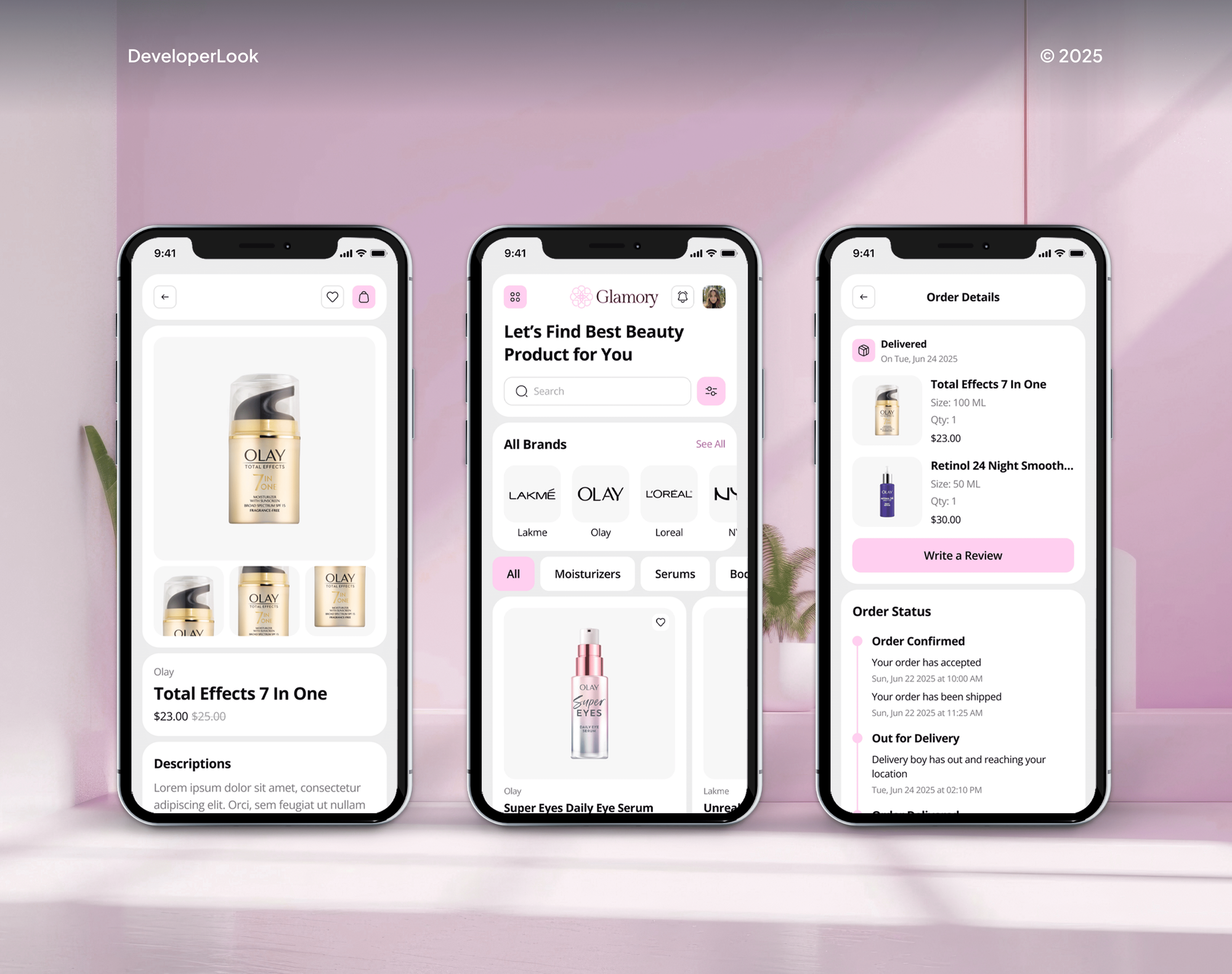
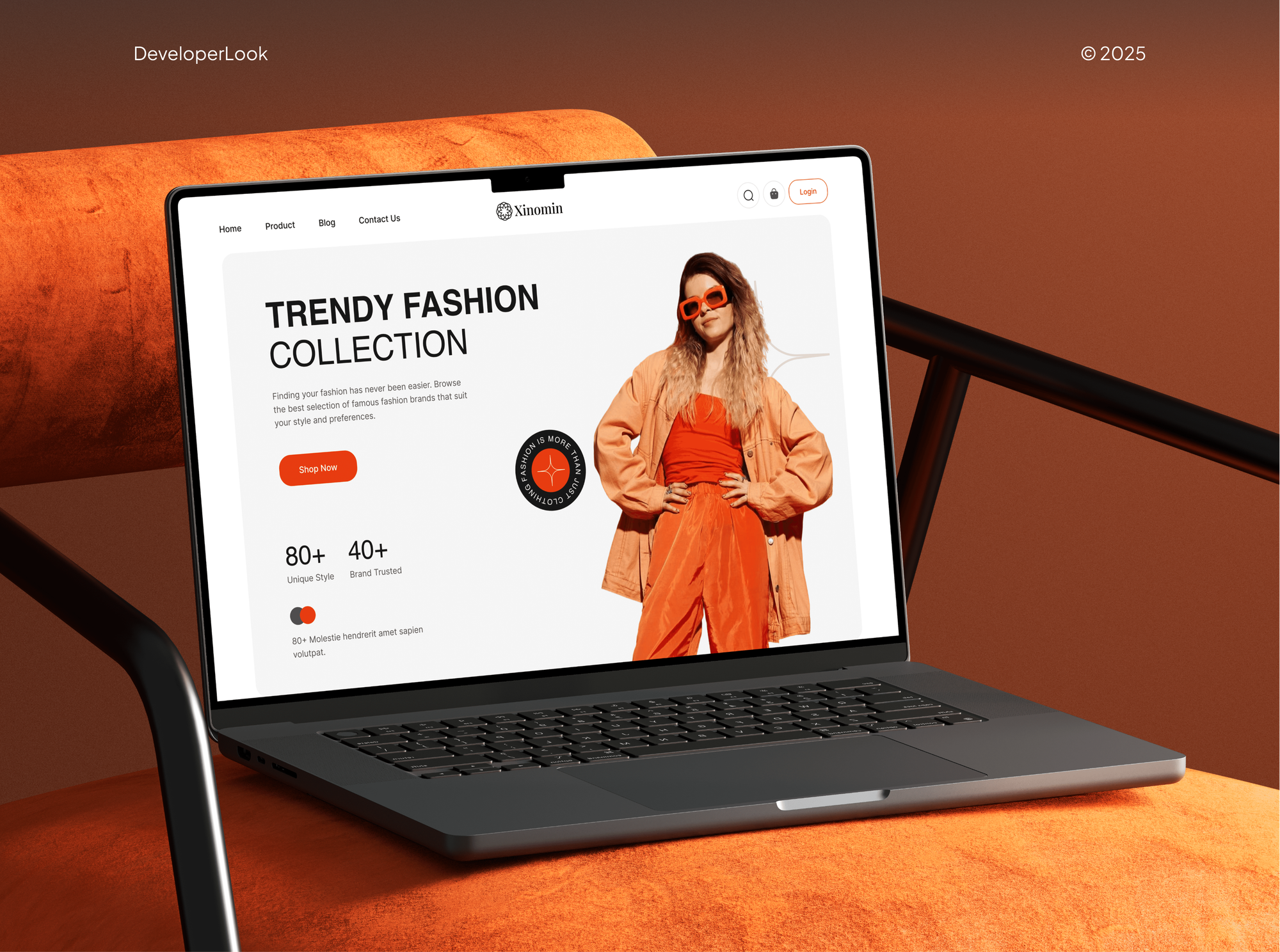
Online stores and shopping apps our team designed and built, the kind of catalogs Shopping ads promote. They show where we work, not ad campaigns.


What Our Clients Say
Feedback from teams we have built online stores and growth programs for.
We had a pretty specific idea of what we wanted our website to become, but I wasn’t sure how easily we could explain all of it to a development team. There were quite a few moving parts, and we were working toward a deadline, so I expected a few things to get lost along the way. That never really happened. They understood what we were trying to achieve, kept us updated throughout the process, and got everything ready within the agreed timeline. The final site feels much easier to navigate, works beautifully on mobile, and is noticeably smoother for our customers. It was a huge relief seeing the original idea actually turn into the website we had in mind.
The mobile experience is probably my favourite part of the new site. We had spent a lot of time making sure the desktop version looked right, and the team kept pushing us to think about how everything would actually feel on a phone too. They were right. The navigation is clean, the interactions feel natural, and everything we’ve tested so far works exactly as it should. They also went through the links, forms, integrations, and other details more than once before launch, which I really appreciated. And even after going live, we could still reach out when something came up. The whole process felt friendly, organised, and surprisingly straightforward.
What I appreciate most is that the website is actually easy for us to manage now. We can update content ourselves instead of sending a developer a message every time we need to change something small. They also paid attention to the technical SEO side, which mattered to us because we didn’t want a new website to create problems for the traffic we already had. I’ve probably asked more questions than I should have since launch, but every question has been handled patiently and without any fuss. The team is easy to work with, they explain things clearly, and when we need something changed, they focus on getting it done rather than making the process complicated.
1,250+
Projects shipped
10+
Years of experience
Top 3%
Upwork Top Rated Plus
5 stars
Average review score

Want results like these?
Tell us what you are building. You get a reply within 24 hours on business days, then a written estimate.
Work Culture
Ad spend leaves your account every day. These habits keep your campaigns accountable to Shopify orders, not to clicks or a platform's own reporting.
Google's own Shopify app can sync your products and launch a Performance Max campaign without us. If your budget is small enough for that to work, we'll tell you before we quote.
Google doesn't support running its tags inside Shopify's custom pixels and recommends its app instead. We use the app's purchase conversion and remove duplicate tags.
Google bills ad spend straight to your account, and our fee is a flat monthly price. We earn nothing extra when your budget goes up.
Your Google Ads account stays yours, and we work through a manager account link you can remove. Google allows one owner per account, and that owner is you.
Google lists 15 conversions in 30 days for target return on ad spend in Search and Shopping. Until your account has that history, we bid in simpler ways.
Merchant Center wants your return policy and contact details easy to find. We check those pages and your product data before ads run, so approvals don't stall.
Overview
DeveloperLook runs Shopify Google Ads for stores that want spend tied to real orders. We fix tracking and your Merchant Center feed, then manage Shopping or Performance Max, brand and non-brand Search, and remarketing with weekly search term cleanup. Management starts at $800 per month plus ad spend, with campaigns live in 1 to 2 weeks.
DEVELOPERLOOK
Project facts · Google Ads for Shopify Stores
Reviewed 7 Oct 2026 by Saimul Islam
Good fit
Stores running the free Google app
You use Google Ads and Shopify through the free app, and the Performance Max campaign it created needs tuning beyond its defaults.
Brands with tracking they don't trust
Your conversion numbers don't match Shopify, so you need to connect Shopify to Google Ads properly before spending another dollar.
Catalogs with feed disapprovals
Your products keep getting disapproved in Merchant Center, and your Shopping ads reach only part of the catalog you sell.
Stores outgrowing a one-time setup
You want best practices for Shopify Google Ads applied every week, not a campaign someone set up once and left running.
Agencies without a paid search team
Your agency built the client's Shopify store, and the client now wants paid search managed and reported under your brand.
Not a fit
Tracking fix only
You only need tracking repaired and will run the ads yourself. Our Server-Side Tracking Setup page covers that project.
Organic traffic first
You want more traffic without paying per click. Our Shopify SEO Services page covers the organic side of search instead.
Local service business
You sell a local service, not products online. Our Google Local Services Ads management page fits a home service business better.
Ad spend under $800
Your monthly ad budget is under $800, which is less than our management fee. The free Google & YouTube app's Performance Max campaign is the better start for you.
Not sure we're the right fit?
Book a free call or message us. We'll tell you honestly whether we're the right team.
Pricing
These are monthly starting points in USD. Your plan depends on your catalog, the campaign types, and your markets, and you get a fixed proposal after a free account audit. Ad spend is paid to Google separately.
For stores starting or restarting Google Ads with one main campaign.
$800/month
For stores ready to add non-brand Search and remarketing to their Shopping ads.
$1,350/month
For stores selling in several markets or adding YouTube to their mix.
$2,100/month
For Agencies
You own the client relationship. We supply the paid search work behind your Shopify builds: tracking, feeds, Google Ads Shopify campaigns, and monthly reports under your brand. Your client sees your team, and the ad account stays theirs.
White label: your client only ever sees your brand
Send the client's store, Google Ads access, and their sales goals.
You get an account audit and a monthly quote to share with your client.
We launch, tune weekly, and report every month under your brand.
You present results while we run the campaigns behind the scenes.
One fixed fee per client account, separate from their ad spend.
Monthly reports in your format, tied to the client's Shopify orders.
Paid search specialists for your Shopify clients without a new hire.
The Right Technology for Your Project
Google's own Shopify app and Merchant Center first, with GA4 and Shopify order data to check every number the ad platform reports.
 Google Analytics (GA4)
 Shopify
 Google Sheets
 Google Search Console
 Slack
SlackFAQ
Straight answers on setup, remarketing, Google versus Facebook, new-advertiser offers, cost, and who owns the account.
Saimul IslamFounder & CEO, DeveloperLookStill have questions?
Send a message or book a call with the team.
Management starts at $800 per month for tracking, feed fixes, one Shopping or Performance Max campaign, and brand Search. Adding non-brand Search and remarketing costs $1,350 per month, and up to 3 markets with YouTube costs $2,100 per month. Your ad spend is paid to Google separately.
Campaigns go live in 1 to 2 weeks, once tracking and the feed are fixed. Expect the first month to be about learning which products and searches convert. Bidding toward a return target waits until the account has enough conversions, so your early weeks run on simpler bidding.
Install the Google & YouTube app, link Google Ads and Merchant Center, and let your products sync. Then run Shopping or Performance Max for the catalog, a brand Search campaign, and remarketing once you have visitors. Weekly search term reviews and budget shifts keep the account from drifting.
Start in Shopify with the Google & YouTube app, which Google builds, to connect your ad and Merchant Center accounts. The app sets up purchase, add to cart, and checkout tracking, and you turn on enhanced conversions in its settings. Fix any feed errors before your first campaign spends.
Optimize from Shopify revenue, not clicks: check that each purchase counts once, then split product groups by margin and best sellers. Add negative keywords from the search terms report every week, exclude your brand from Performance Max, and give smart bidding enough conversions before setting a return target.
The Google tag that Google's Shopify app installs adds visitors to your data segments within seconds of a visit. A segment needs 100 active visitors in 30 days before it can serve. Customer Match lists have stricter rules, including 90 days of account history and $50,000 in lifetime spend.
Send each ad to the page that matches it, then fix what stops buyers there: slow pages, thin product details, or surprise shipping costs. Shopping ads already land on product pages, so product page quality matters most. When the site itself is the bottleneck, our Ecommerce CRO Services page covers testing.
Neither is better for every store. Google Ads, formerly AdWords, reaches people already searching for what you sell. Facebook and Instagram ads create demand among people who aren't looking yet. Products people search for by name often start on Google, new or visual products often start on Meta, and your margins decide the split.
Sometimes: Google runs new-advertiser promotions that give ad credit after you spend a set amount, with country-specific terms. Google's rules say the account must be under 14 days old at redemption, and the spend usually has to happen within 60 days. Check the offer in your own account before you set budgets.
You do: the account and its billing stay in your name, and we work through a manager account link. Google allows one owner per account, and you can remove our access at any time by unlinking. Your campaigns, audiences, and history stay with you if we part ways.
Saimul IslamFounder & CEO, DeveloperLookStill have questions?
Send a message or book a call with the team.
Free 30-min callGoogle Meet
Book a call
In 30 minutes on Google Meet we walk you through how we would build it, how long it takes and what it costs. Then you get a written estimate.
Calendar not showing? Book on cal.com or send a brief.