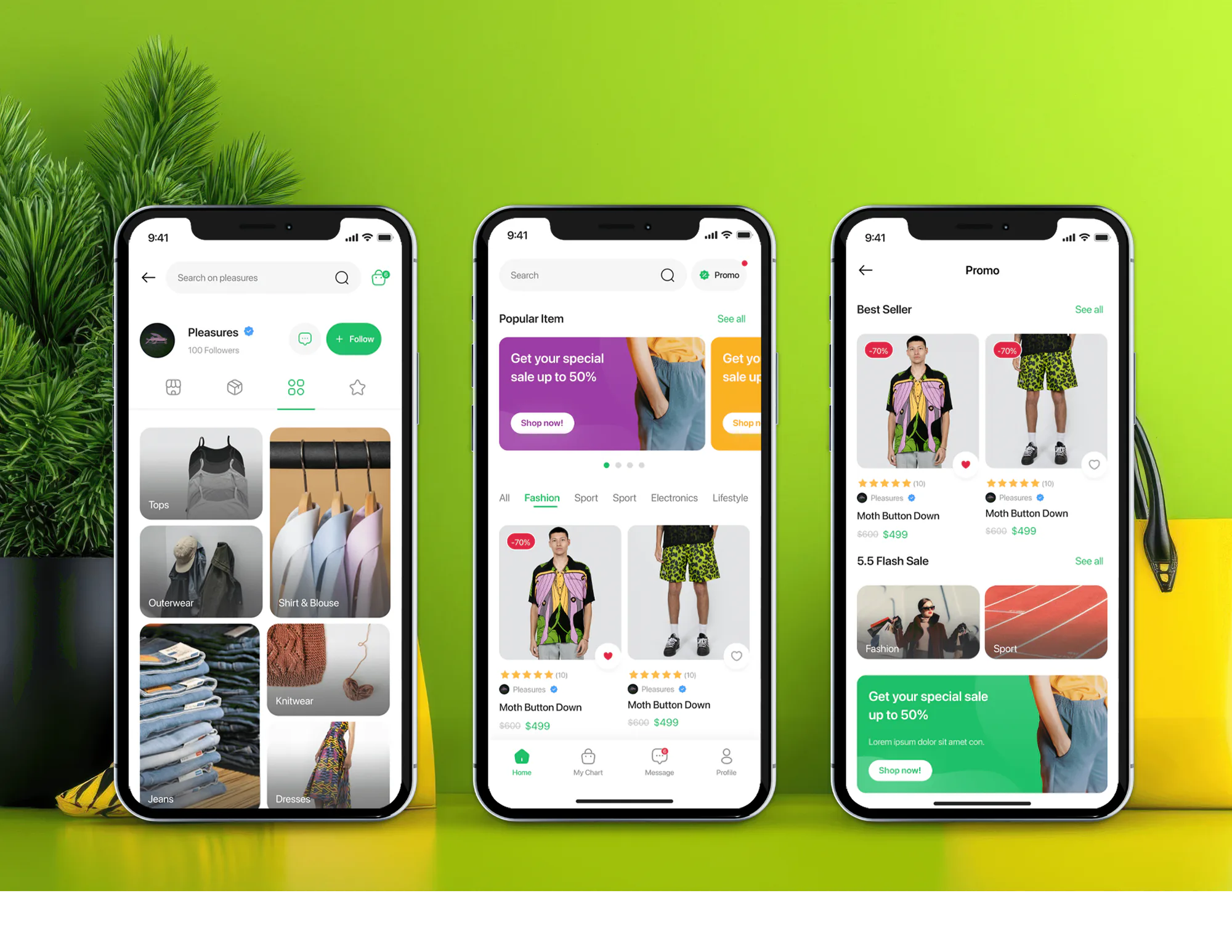
Unicom Fashion Ecommerce App and Admin Dashboard
- Fashion
- Dashboard
- E-commerce

Facebook pixel Shopify setup and audits that remove duplicate installs, fix purchase values, and add catalog events. From $300.
100%
Purchases counted once
6
Shopping events verified
Industry leaders we work with
 ShopifyShopify PlusShopify MarketsCustomer Events
 Meta Pixel
 TikTok Pixel
 Google Tag Manager
 JavaScriptFacebook & Instagram AppConversions APITikTok for ShopifyTikTok Events API
 Chrome DevToolsMeta Events Manager
 Google Sheets
 Google Analytics (GA4)
The Problem
It shows up after you switch themes, add an app, or move to Meta's own Shopify app. Your old pixel code keeps running, and nobody checks what fires twice.
Inflated purchases
Meta reports more purchases than Shopify recorded orders.
Inflated purchases
Each shopping event fires from one source, so purchases count once.
Stacked installs
The app, an old snippet, and another app all load your pixel.
Stacked installs
We find every place your pixel loads, including theme code and Tag Manager.
Missing values
Some orders arrive at Meta with no value at all.
Missing values
Every purchase event carries the order value and currency.
Bad budgets
High ROAS on paper leads to budget raises the bank disagrees with.
Bad budgets
Events get checked in Meta's testing tool and against real Shopify orders.
Meta says your ads drove more purchases yesterday than Shopify recorded orders. The ROAS looks great, so you raise the budget, and then the bank deposit tells a different story. The Facebook & Instagram app, an old snippet in your theme, and a tracking app all load your pixel, so some purchases count twice. Some of your orders arrive with no value at all. Meta's ad delivery learns from those events, so your next budget decision builds on bad data.
We start by finding every place your pixel loads: the Facebook & Instagram app, theme code, Tag Manager, and other apps. Then we keep one source for each event, set your data-sharing level, and send value and currency with every purchase. You see each event checked in Meta's testing tool and against your real Shopify orders. You get ROAS you can budget with, not numbers that flatter the ads.
One source per event
Each shopping event fires from one place, so Meta counts each of your purchases once.
Value on every order
Your purchase events carry the order value, which Meta needs to report return on ad spend.
Catalog-ready product IDs
Product events send content IDs that match your catalog, so dynamic ads show the right items.
Our Pixel Audit and Setup Process
You see every install and event before we change anything. You approve the event map, and we test on real orders before handover.
We check every place a pixel could load on your store: Meta's app, theme code, Google Tag Manager, and other apps. On a short call, you hear what fires twice and what's missing. If the free app alone covers you, we'll say so.
Projects We've Built
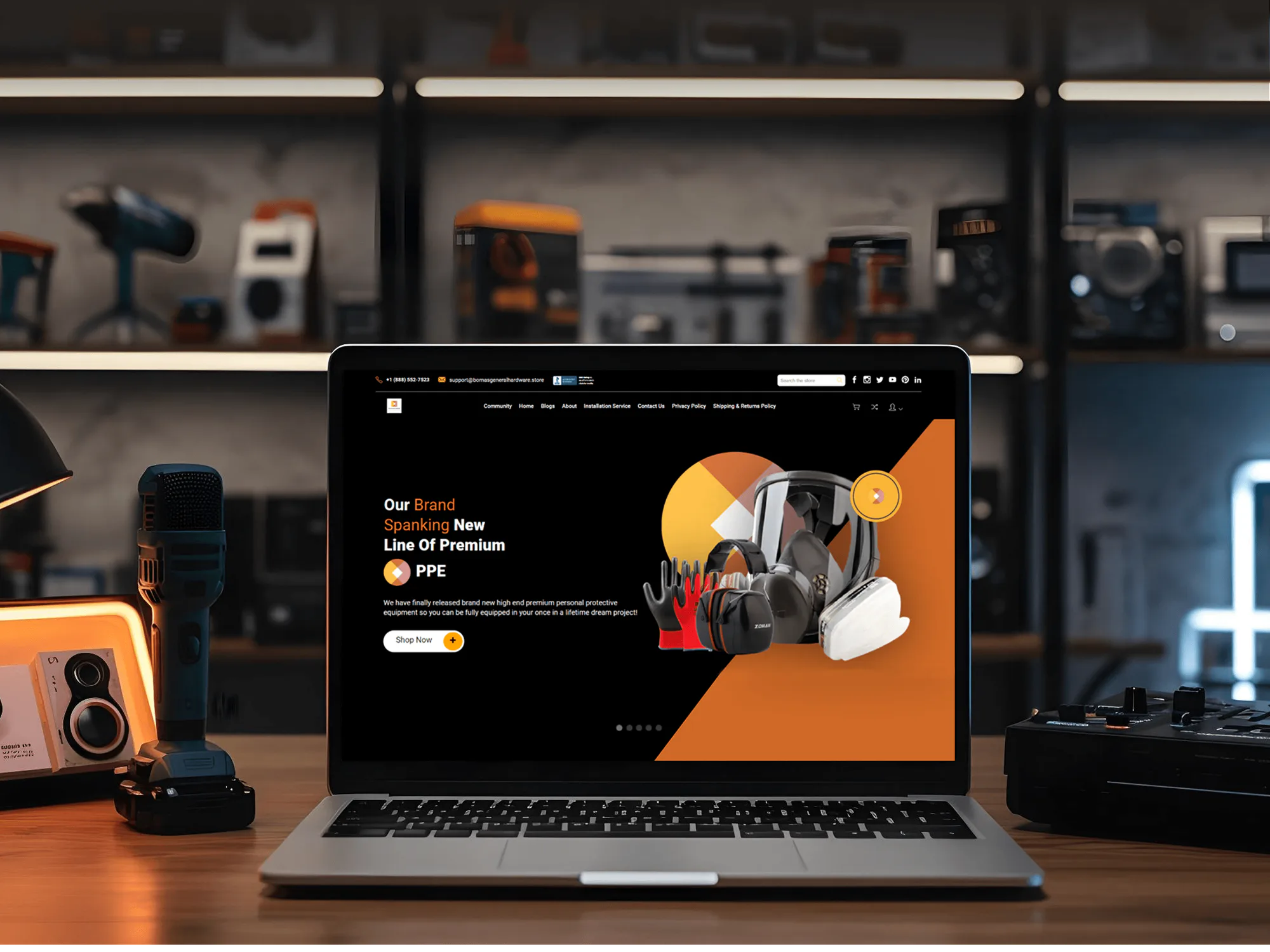
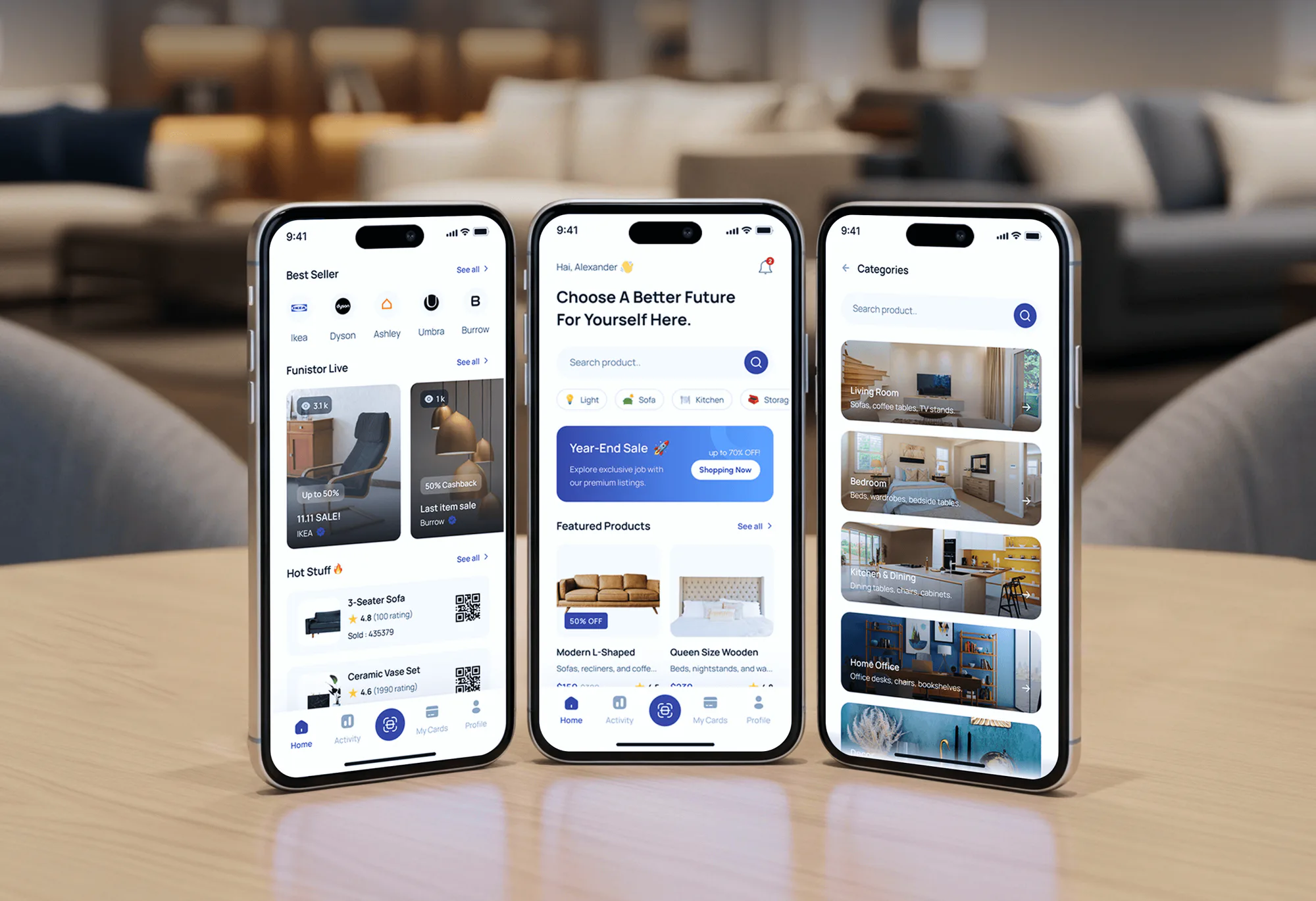
A selection of Shopify and ecommerce builds we've shipped. Pixel work relies on the same care: clean product data, tested checkouts, and numbers that match real orders.

What's Included
Every Facebook pixel Shopify project starts with the audit and cleanup. Larger plans add custom events, catalog IDs, and the TikTok pixel, each tested against your real orders.
Compare Options
Meta's free app for Shopify covers many stores, and a paid pixel app sets up in minutes. Here's where each option stops.
| Feature | DeveloperLookBest fit | Meta's free app | Paid pixel app |
|---|---|---|---|
| Upfront cost | From $300, fixed scope | Free to install | Monthly subscription |
| Time to start | Review in 1 to 2 days | Minutes to connect | Under an hour |
| Duplicate installs | Every install checked | Not checked | Can add another pixel |
| Server events | Matched to the pixel | Included at Enhanced | Varies by app |
| Custom events | Built for your funnel | Standard events only | Varies by app |
| Testing | Test Events and real orders | You check it | You check it |
| TikTok pixel | On the top plan | Separate TikTok app | Some apps include it |
| Ongoing cost | None after handover | Free | Monthly fee |
What Our Clients Say
Feedback from ecommerce teams we have built stores, integrations, and ad tracking for.
We had a different kind of problem. People were visiting the store, adding products to their carts, and then disappearing before they finished the order. We had tried a few apps and made changes here and there, but nothing really seemed to solve the bigger issue. The team went through the shopping experience with us and pointed out things we hadn't really noticed ourselves. They cleaned up the cart and checkout flow, made the mobile experience much smoother, and helped us make the store feel easier to shop. I’m not going to pretend we fixed everything overnight, but it finally feels like the store is helping the sale instead of getting in the way of it.
The mobile experience is probably my favourite part of the new site. We had spent a lot of time making sure the desktop version looked right, and the team kept pushing us to think about how everything would actually feel on a phone too. They were right. The navigation is clean, the interactions feel natural, and everything we’ve tested so far works exactly as it should. They also went through the links, forms, integrations, and other details more than once before launch, which I really appreciated. And even after going live, we could still reach out when something came up. The whole process felt friendly, organised, and surprisingly straightforward.
We had a pretty specific idea of what we wanted our website to become, but I wasn’t sure how easily we could explain all of it to a development team. There were quite a few moving parts, and we were working toward a deadline, so I expected a few things to get lost along the way. That never really happened. They understood what we were trying to achieve, kept us updated throughout the process, and got everything ready within the agreed timeline. The final site feels much easier to navigate, works beautifully on mobile, and is noticeably smoother for our customers. It was a huge relief seeing the original idea actually turn into the website we had in mind.
1,250+
Projects shipped
10+
Years of experience
5 stars
Clutch rating
5 stars
GoodFirms rating
Excellent
Trustpilot rating
Top 3%
Upwork Top Rated Plus
1,250+
Projects shipped
10+
Years of experience
5 stars
Clutch rating
5 stars
GoodFirms rating
Excellent
Trustpilot rating
Top 3%
Upwork Top Rated Plus

Want results like these?
Tell us what you are building. You get a reply within 24 hours on business days, then a written estimate.
Work Culture
A pixel that double counts purchases makes every ad look better than it is. So we check the truth first, with these habits.
Most double-firing comes from Meta's own app plus an old pixel in your theme or another app. We keep one source for each event and remove the rest.
We compare Meta's purchase count with your Shopify orders for the same days. A pixel that looks healthy in Test Events still has to match your sales.
Shopify's Facebook & Instagram app covers many stores at Enhanced or Maximum data sharing. We add custom code only where it falls short.
Meta requires value and currency on every Purchase event. We check both on test orders in each currency you sell in, not just your home currency.
Shopify notes that Enhanced and Maximum share customer details such as email and phone with Meta. We explain what each level sends before you choose.
The pixel, Events Manager, and your ad account stay in your own Meta business portfolio. We work through access you grant, and you can revoke it whenever you like.
Overview
DeveloperLook handles Facebook pixel Shopify setup and audits. We find duplicate installs, set the data-sharing level in the Facebook & Instagram app, and add custom events where the app falls short. Every event is tested against your real orders. Audits start at $300, most fixes go live in 3 to 7 business days, and the pixel stays yours.
DEVELOPERLOOK
Project facts · Meta Pixel Setup for Shopify
Reviewed 28 Sep 2026 by Saimul Islam
Good fit
Stores whose ROAS looks too good
Your Meta ads report more purchases than Shopify recorded, and you suspect the pixel counts some sales twice.
Stores adding the pixel for the first time
You're launching Meta ads and want the Facebook pixel with Shopify set up once, cleanly, before you spend.
Stores with pixels from several apps
Your theme, the Meta app, and a tracking app all load pixels, and nobody knows which one to keep.
Brands running catalog and retargeting ads
Your dynamic ads show the wrong products because product events don't send IDs that match your catalog.
Agencies managing client ad accounts
Your agency runs Meta ads for Shopify Plus and Shopify clients and needs pixel audits done under your brand.
Not a fit
GA4 revenue problem
Your problem is GA4 revenue, not Meta's numbers. Our GA4 Setup and Audit Services page covers that audit.
Server events beyond the app
You want server events built beyond the free app's purchase feed. Our Conversions API Setup Services page covers that build.
Every tag server-side
You run ads on several platforms and want every tag sent from your own server. Our Server-Side Tracking Setup page fits better.
Low Meta spend, clean events
You spend little on Meta ads, and Events Manager shows no duplicate events. The free app is enough, and a $300 audit won't pay off yet.
Not sure we're the right fit?
Book a free call or message us. We'll tell you honestly whether we're the right team.
Pricing
These are starting points in USD. Your final price depends on the installs to remove, the custom events you need, and TikTok, and you get a fixed proposal after a free pixel review.
For Agencies
You own the client relationship and the ad account. We supply the pixel work behind it: the audit, the cleanup, custom events, and test reports your client can read under your brand.
White label: your client only ever sees your brand
Send the client's store, Meta business access, and what the numbers show.
You get the audit findings and one fixed price for the cleanup.
We fix, test on real orders, and document it all under your brand.
Send the client's store, Meta business access, and what the numbers show.
You get the audit findings and one fixed price for the cleanup.
We fix, test on real orders, and document it all under your brand.
The Right Technology for Your Project
We work in Shopify's Meta app, Shopify's customer events, and Meta's Events Manager, and we test every event on real orders.
ShopifyShopify PlusShopify MarketsCustomer EventsMeta PixelTikTok PixelGoogle Tag Manager JavaScriptFacebook & Instagram AppConversions APITikTok for ShopifyTikTok Events APIChrome DevToolsMeta Events ManagerGoogle SheetsGoogle Analytics (GA4)
FAQ
Straight answers on pixel costs, timelines, double-firing purchases, server events, and TikTok.
Saimul IslamFounder & CEO, DeveloperLookStill have questions?
Send a message or book a call with the team.
A Facebook pixel Shopify audit with cleanup costs $300 and covers every install, your data-sharing level, and purchase values. Custom and catalog events cost $700 in total. The $1,150 plan adds the TikTok pixel and Events API, with both platforms checked against your orders. Your fixed quote follows the free pixel review.
Most pixel audits and cleanups take 3 to 7 business days, including test orders. Custom events or the TikTok pixel stretch that to 1 to 2 weeks. After launch, we compare Meta's purchase count with Shopify for 2 weeks, inside your support window, so problems surface while we're still on it.
We add the Facebook pixel to Shopify through Meta's Facebook & Instagram app, not by pasting code into your theme. The app places the pixel and, at Enhanced or Maximum data sharing, sends purchases through the Conversions API. We add extra events only where the app falls short for your store.
Start with the native Shopify integration, because Meta's free app covers most stores. A custom setup earns its cost when you need events the app doesn't send, such as quiz steps or subscription signups. If the app already covers your case, we'll tell you before we quote.
Double-firing usually means two installs send the same event. The common pair is Meta's app plus old pixel code in your theme, a tag manager, or another tracking app. A separate server setup without matching event IDs does it too. We find each source and keep one.
Check it in three places: the Meta Pixel Helper extension, Test Events in Events Manager, and your Shopify orders. Each action should fire one event. Also look for purchase code in additional scripts: Shopify retired those on the Thank you page in August 2025 for Plus and August 2026 for other plans.
Send the same event name and event ID from your browser pixel and your server for each action. Meta then keeps the first copy it receives and drops the other, as long as both arrive within 48 hours. Meta's free app for Shopify handles this. Custom server setups are where IDs usually go missing.
Yes, our top plan adds the TikTok pixel and Events API through TikTok's Shopify app. We set its data sharing to Enhanced or Maximum, map the shopping events, and test them in TikTok's Events Manager. Then we compare TikTok's purchases with your orders, the same way we check Meta.
Track your shopping steps: ViewContent, Search, AddToCart, InitiateCheckout, AddPaymentInfo, and Purchase. Meta requires value and currency on Purchase, and catalog ads need content IDs on product events. Add custom events only for steps the standard list doesn't cover, such as a quiz or a subscription signup.
We fix it during your support window, which runs 30 to 60 days depending on your plan. Theme changes and new apps are the usual cause, so we recheck events and purchase counts after each one. After that, your event map shows your team exactly what to test after future changes.
Saimul IslamFounder & CEO, DeveloperLookStill have questions?
Send a message or book a call with the team.
Free 30-min callGoogle Meet
Book a call
In 30 minutes on Google Meet we walk you through how we would build it, how long it takes and what it costs. Then you get a written estimate.
Calendar not showing? Book on cal.com or send a brief.