
Booking buttons by service
The Book online button placed on each service page, opening HCP's booking flow in a modal window.

Housecall Pro integrations for service websites: booking buttons on every page, API lead funnels, and signed webhook alerts. From $600. Free booking review.
1-click
To booking from any service page
100%
Lead capture when slots are full
How your project runs
Teams we have built for:














The Problem
Housecall Pro integrations usually stop at one Book online button on the contact page. The software, HCP for short, can do far more with booking per service, API leads, and webhooks.
01 · Missing button
Your water heater page has a phone number but no booking button.
Each service page opens HCP's booking flow for that service.
02 · Generic form
Visitors tap Contact, find a generic form, and give up.
When no time fits, a request lands in your Job Inbox.
03 · Email calculator
Your price calculator emails you instead of creating a lead.
On the MAX plan, calculators post leads straight into HCP through the API.
04 · Morning surprises
The office hears about finished jobs the next morning.
On MAX, signed webhooks push job events to Slack or your CRM.
A homeowner lands on your water heater page from Google. There's no booking button there, just a phone number and a Contact link. They tap it, find a generic form, and give up. Another visitor wants a price for a new system, but your calculator emails you instead of creating a lead. At night your techs finish jobs, and the office only hears about it the next morning. HCP had a tool for each moment. Your site used one.
We start by putting HCP's Book online button on every service page, with services and hours set in your price book. When no time fits, visitors send a request that lands in your Job Inbox. On the MAX plan, we connect Housecall Pro to website calculators and funnels through its API, and signed webhooks alert Slack or your CRM. Each visitor gets a way to book, not a dead end.
Booking on every service page
Each service page opens HCP's booking flow for that service, with prices shown or hidden.
Requests when slots run out
Visitors who find no open time send a request that becomes a lead in your Job Inbox.
Funnel leads and alerts
On MAX, your calculators post leads through the API, and webhooks push job events to Slack.
Our HCP Integration Process
You approve the booking setup, the lead routes, and any API or webhook work before we build. Test bookings and leads run on a sample customer first.
We look at how customers book today: your online booking settings, price book services, and where leads land. You get a written plan, the HCP tier each piece needs, and a fixed price.
What's Included
Every plan covers your booking buttons, service settings, and a request fallback. Builds on MAX add API lead funnels, signed webhooks, and inventory and material reports.
Compare Options
Pasting the booking button yourself is free, and Zapier alone covers simple alerts. Here's where each approach stops once you want funnels, API leads, and reports.
| Feature | DeveloperLookBest fit | Zapier alone | Button pasted yourself |
|---|---|---|---|
| Upfront cost | Fixed, from $600 | Low monthly plan | Free to do |
| Setup time | 1 to 7 weeks | An afternoon | A few minutes |
| Booking per service | Button on every page | Not covered | Usually one page |
| Calculator leads | Sent through the API | Possible with extra steps | Not covered |
| Job alerts | Signed webhooks, filtered | One Zap per alert | Not covered |
| Plan needed | MAX for API work | Essentials or higher | Online booking enabled |
| Error handling | Retries and alerts | Zapier error emails | None needed |
| Who maintains it | You own it, we support it | You do | You do |
Projects We've Built
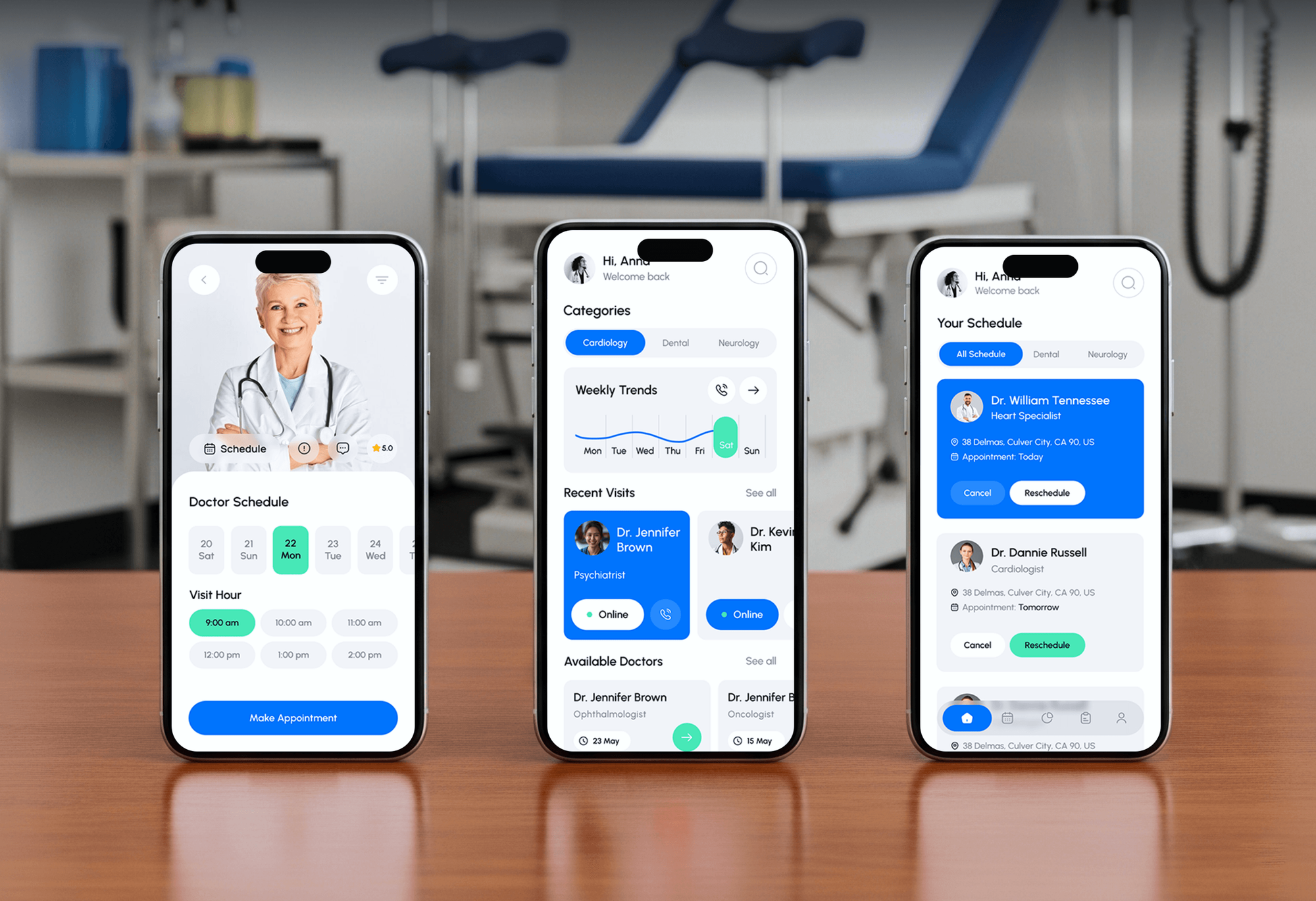
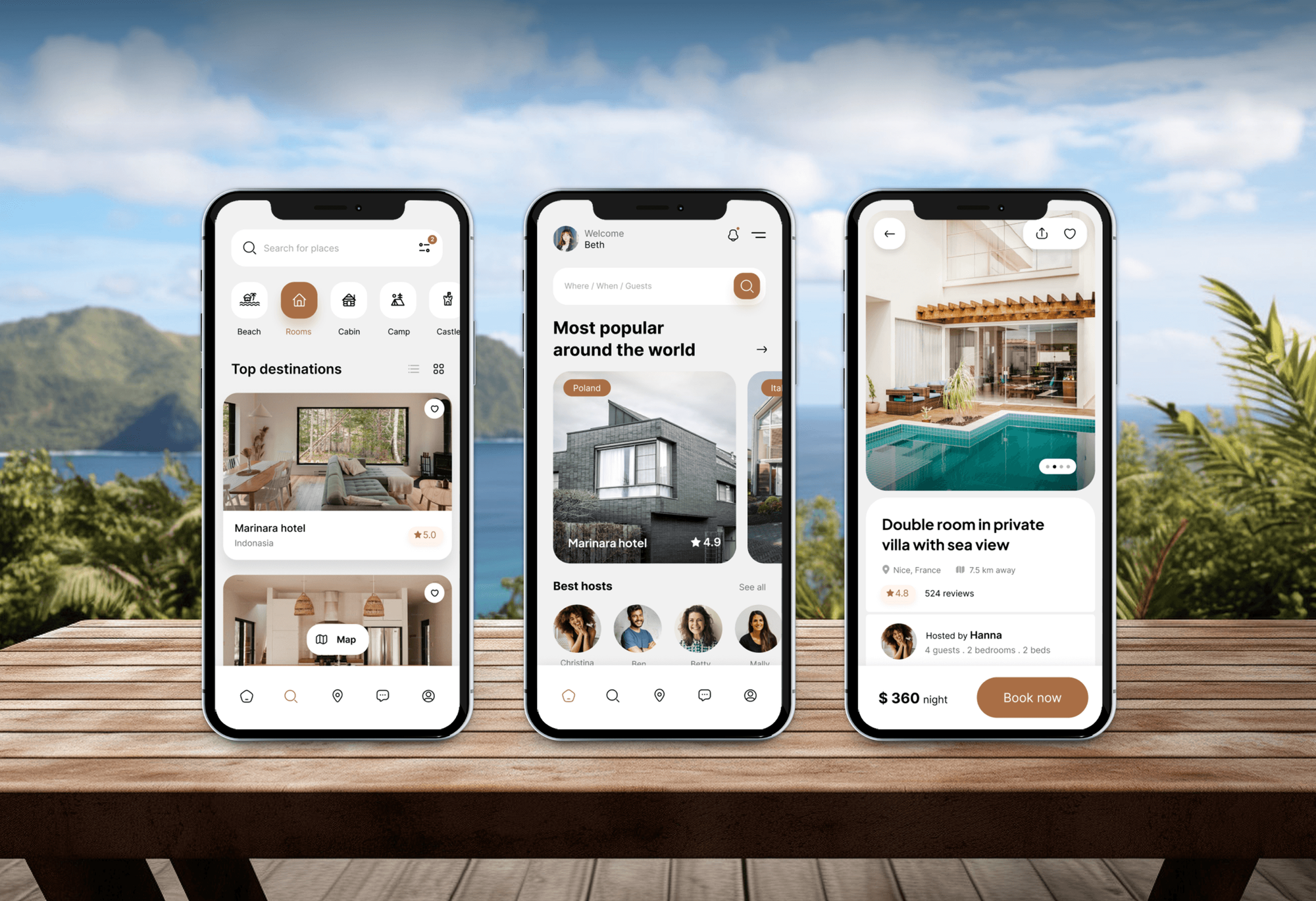
A construction website and several booking platforms from our portfolio, with the booking flows and lead forms an HCP integration builds on.


What Our Clients Say
Feedback from teams we have built booking platforms and integrations for.
We had a pretty specific idea of what we wanted our website to become, but I wasn’t sure how easily we could explain all of it to a development team. There were quite a few moving parts, and we were working toward a deadline, so I expected a few things to get lost along the way. That never really happened. They understood what we were trying to achieve, kept us updated throughout the process, and got everything ready within the agreed timeline. The final site feels much easier to navigate, works beautifully on mobile, and is noticeably smoother for our customers. It was a huge relief seeing the original idea actually turn into the website we had in mind.
The mobile experience is probably my favourite part of the new site. We had spent a lot of time making sure the desktop version looked right, and the team kept pushing us to think about how everything would actually feel on a phone too. They were right. The navigation is clean, the interactions feel natural, and everything we’ve tested so far works exactly as it should. They also went through the links, forms, integrations, and other details more than once before launch, which I really appreciated. And even after going live, we could still reach out when something came up. The whole process felt friendly, organised, and surprisingly straightforward.
What I appreciate most is that the website is actually easy for us to manage now. We can update content ourselves instead of sending a developer a message every time we need to change something small. They also paid attention to the technical SEO side, which mattered to us because we didn’t want a new website to create problems for the traffic we already had. I’ve probably asked more questions than I should have since launch, but every question has been handled patiently and without any fuss. The team is easy to work with, they explain things clearly, and when we need something changed, they focus on getting it done rather than making the process complicated.
1,250+
Projects shipped
10+
Years of experience
Top 3%
Upwork Top Rated Plus
5 stars
Average review score

Want results like these?
Tell us what you are building. You get a reply within 24 hours on business days, then a written estimate.
Work Culture
Your booking button and lead inbox run the day, so we treat changes to them carefully. These habits keep your bookings flowing while we build.
We use HCP's own booking settings, price book, and Reserve with Google before writing anything. You pay for code only where the settings run out.
API keys and webhooks need the MAX plan, and we tell you on the first call. You won't discover a plan upgrade halfway through the project.
HCP's API key opens your whole account, so it lives in your own secret store. It doesn't get pasted into forms, chats, or emails.
We check every webhook's signature and timestamp before acting on it. Fake or replayed calls can't create alerts or records.
Every button and funnel gets test bookings on real phones before launch. Your inbox sees sample leads first, not surprises.
You get one price after the free booking review, and it holds unless the scope changes. Plan upgrades and app fees are listed separately.
Overview
DeveloperLook sets up Housecall Pro integrations for home service companies that book online and want every lead in the Job Inbox. Work covers the Book online button on each service page, calculators and funnels that post API leads, signed webhooks to Slack or a CRM, and inventory reports. Projects start at $600 and take 1 to 7 weeks.
DEVELOPERLOOK
Project facts · Housecall Pro Website Integration Services
Reviewed 28 Sep 2026 by Saimul Islam
Good fit
HVAC and plumbing shops on MAX
You pay for HCP's MAX plan, but your website still emails quote requests instead of posting leads through the API.
Owners with one booking button
Your only Book online button sits on the contact page, while visitors land on service pages that ask them to call.
Offices that live in Slack
Your office runs on Slack or a CRM, and nobody sees a finished job or approved estimate until someone opens HCP.
Shops tracking truck stock
You run Housecall Pro inventory management through Ply and want material use reported by job and technician.
Agencies with HCP clients
Your agency builds sites for trades on HCP and needs booking buttons and funnels that land leads in each client's Job Inbox.
Not a fit
ServiceTitan with CSRs
You dispatch through ServiceTitan with CSRs reviewing each booking. ServiceTitan Website Integration Services covers that setup.
Crew runs on Jobber
Your crew runs on Jobber. Jobber Website Integration Services works with its request forms, Client Hub, and Zapier.
Monthly installment payments
You want homeowners to pay for big jobs in monthly installments. Contractor Customer Financing Integration handles that part.
Basic plan, button only
Your budget is under $600, or you're on HCP's Basic plan and only need the button. Paste the embed code yourself.
Not sure we're the right fit?
Book a free call or message us. We'll tell you honestly whether we're the right team.
Pricing
These are starting points in USD. Your final price depends on booking pages, funnels, and webhook events, and you get a fixed proposal after a free booking review.
For shops that want online booking on every service page and nothing lost when slots fill.
$600one-time, USD
For shops on MAX that want funnel leads in the Job Inbox and job alerts reaching the team.
$1,600one-time, USD
For multi-truck operations that want HCP data flowing into their CRM, books, and reports.
$3,300one-time, USD
For Agencies
You own the client relationship. We supply the booking buttons, lead funnels, and webhook work behind your HCP clients' sites, under your brand. Leads land where each client already works, and you keep the retainer.
White label: your client only ever sees your brand
Send the client's HCP plan, services, pages, and the leads they want captured.
We confirm what the plan allows and send a fixed price and a timeline.
We build under your brand, test with a sample customer, and hand it over.
We work under your agency brand in calls, docs, and handoffs.
Every funnel lead reaches the client's inbox with its source.
A senior developer checks every signature check and retry before launch.
Take on HCP builds for new clients without adding staff.
The Right Technology for Your Project
We start with your HCP booking button and settings, then use its public API and webhooks on MAX for leads and alerts.
 Zapier
 Slack
Slack HubSpot
 Google Sheets
 WordPress
 Webflow
 Next.js
 React
React Node.js
 PostgreSQL
 Cloudflare
 Vercel
FAQ
Straight answers on cost, timing, booking buttons, funnel leads, webhooks, and HCP plan limits.
Saimul IslamFounder & CEO, DeveloperLookStill have questions?
Send a message or book a call with the team.
Connecting HCP to a website starts at $600 for booking buttons on every service page, service rules, and a request fallback. API lead funnels and signed webhook alerts start at $1,600, and full syncs with inventory reports start at $3,300. API work needs the MAX plan, and your price is fixed after a free review.
A booking button setup takes about 1 week. API lead funnels and alerts take 3 to 4 weeks, and full syncs take 5 to 7 weeks with testing. Most of that time goes into mapping services and testing bookings on real phones, not writing code.
You paste HCP's booking button code into the page, and the button opens the booking flow in a modal. We place it on every page that sells a service, not just Contact, and style the button to match your site. The flow itself follows the services, hours, and employees you enable in HCP.
Leads go in through the API, and job events come out through webhooks. Your forms create leads that land in the API Leads channel of the Job Inbox. When jobs are scheduled, rescheduled, or completed, webhooks tell your other systems as it happens. The API needs the MAX plan and a key your admin creates.
Yes, on the MAX plan a calculator or funnel can post each lead through HCP's API. Leads arrive in the API Leads channel with the details and source you pass, so your team follows up from one inbox. On other plans, we send funnels to the booking flow or a request instead.
Start with what HCP lets you set: which services show, their order, whether prices display, booking hours, and earliest availability. Then place a service-specific button on each page, so visitors skip a long list. We track which pages lead to bookings and adjust placement after launch.
HCP sends a signed POST to our endpoint when a job, estimate, lead, or invoice event fires. We check the signature with your signing secret, filter the events you care about, and post a short alert to Slack or update your CRM. Webhooks need MAX, and you pick your events in HCP's app store.
Custom Housecall Pro integrations cut retyping and missed leads. Calculator leads arrive in your Job Inbox, job events reach the tools your office watches, and reports use real data. The trade-off is the MAX plan and some upkeep, so we only build custom pieces where HCP's own settings stop.
Any developer you trust can use it once you create an API key in HCP's API Key Management app, which needs the MAX plan. HCP warns that the key opens all of your account data, so we keep it in your own vault. The Housecall Pro API documentation lists every endpoint and webhook.
They cover authentication, endpoints for customers, jobs, estimates, leads, schedules, and materials, a pricebook API, and webhooks for job, estimate, lead, and invoice events. Developers working for one company use an API key, while official partners use OAuth. We read the changelog before every build.
Saimul IslamFounder & CEO, DeveloperLookStill have questions?
Send a message or book a call with the team.
Free 30-min callGoogle Meet
Book a call
In 30 minutes on Google Meet we walk you through how we would build it, how long it takes and what it costs. Then you get a written estimate.
Calendar not showing? Book on cal.com or send a brief.