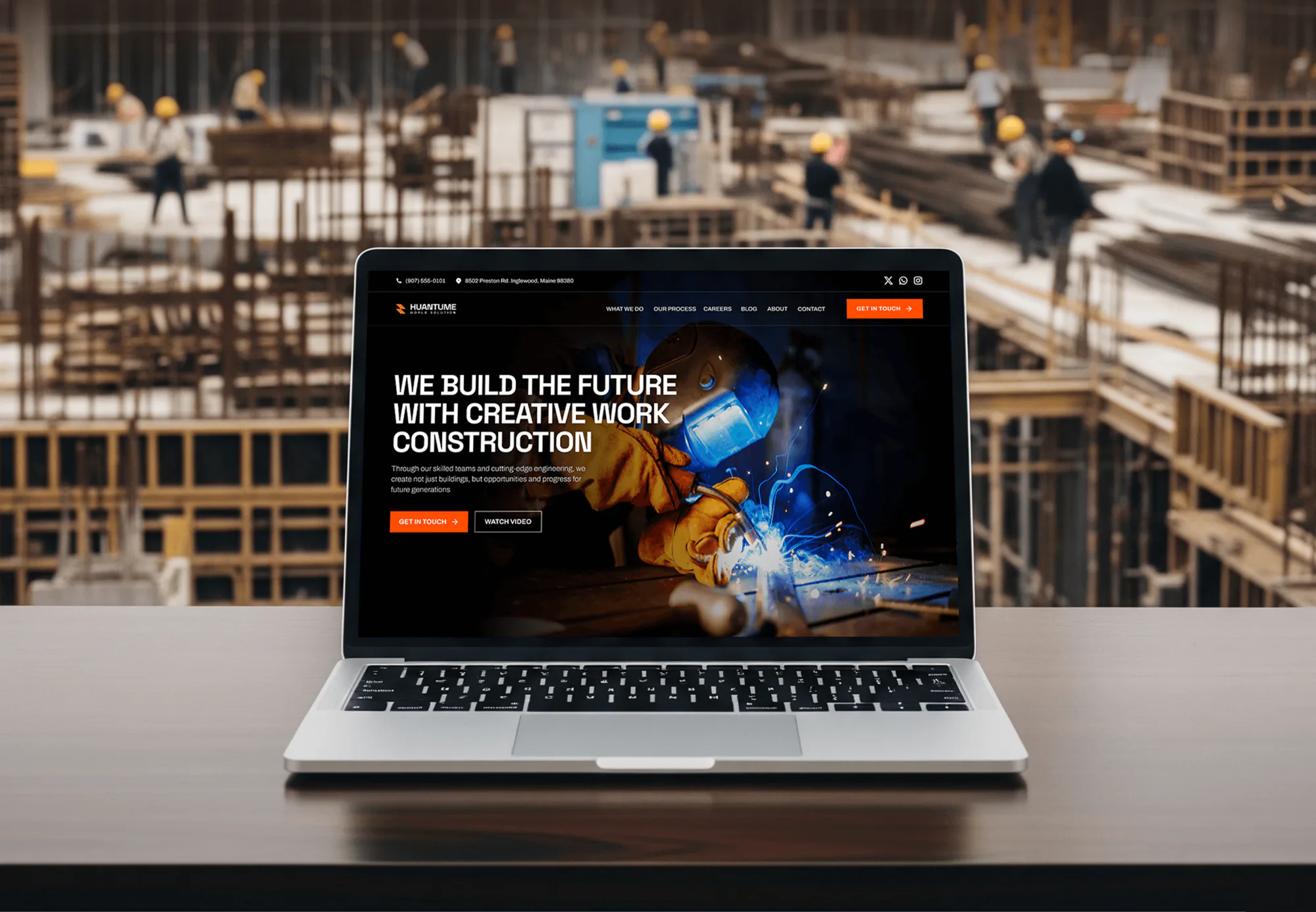
Huantume Construction Website Design
- Construction
- Website

For plumbing, HVAC, garage door, and locksmith companies on Workiz: bookings, lead sources, your CRM, and your books connected the right way, from $600.
100%
Workiz jobs mirrored in CRM
6+ hrs
Dispatch data entry saved weekly
How your project runs
01 · FreeIndustry leaders we work with
 WordPress
 HubSpot
 Zapier
 Node.js
 QuickBooks
 Google Sheets
The Problem
It shows up once marketing, accounting, and reporting live outside Workiz. Each tool works, but the job, the lead source, and the payment don't meet in one place.
Bookings
Website bookings don't reach the marketing CRM pipeline.
Bookings
A webhook on new jobs updates your CRM, so the wrong campaigns stop.
Lead source
Thumbtack and Yelp leads arrive without a tracked source.
Lead source
Native lead links and ad group tags record where every booking came from.
Slots
Automation slots fill up with low-value reminders.
Slots
We spend slots on job, lead, and invoice events that move money.
Month end
Ad spend gets matched to jobs by hand in Excel.
Month end
A scheduled export or API feed fills one sheet with jobs and sources.
A homeowner books a water heater install through your website at 9 p.m. Workiz takes the booking, but your GoHighLevel pipeline doesn't hear about it, so the nurture campaign keeps texting them a discount. Tuesday's Thumbtack lead becomes a client with no source attached. At month end, someone exports a custom report to Excel to match ad spend against jobs. And the automation slots on your plan are already used up on reminders nobody reads.
We start by counting what you have to spend: your plan, your free automation slots, and whether the Open API and Zapier are on. Then each connection takes the lightest route that works. Native links handle QuickBooks and lead sources, booking embeds carry ad group tags, and webhooks fire on the job and invoice events that matter. API v2 covers the rest. Your CRM sees every booked job, and no slot goes to a reminder nobody reads.
Automation slots budgeted first
Each webhook uses a slot, so we spend them on events that move money.
A source on every booking
Ad group tags and native lead links record where each job came from.
Scoped keys for each job
Every API v2 key gets only the Read or Read and Write access it needs.
Our Workiz Integrations Process
You see your plan's limits before we build, approve a route for every event, and watch one test job travel from booking to payment.
We check your Workiz plan, how many automation slots are free, whether the Developer API and Zapier are switched on, and which tools need job or lead data. You get a list of what native links already cover.
Projects We've Built
Construction, field team, and time tracking software we designed and built. None ran Workiz, but they show how we handle jobs, crews, schedules, and status data.
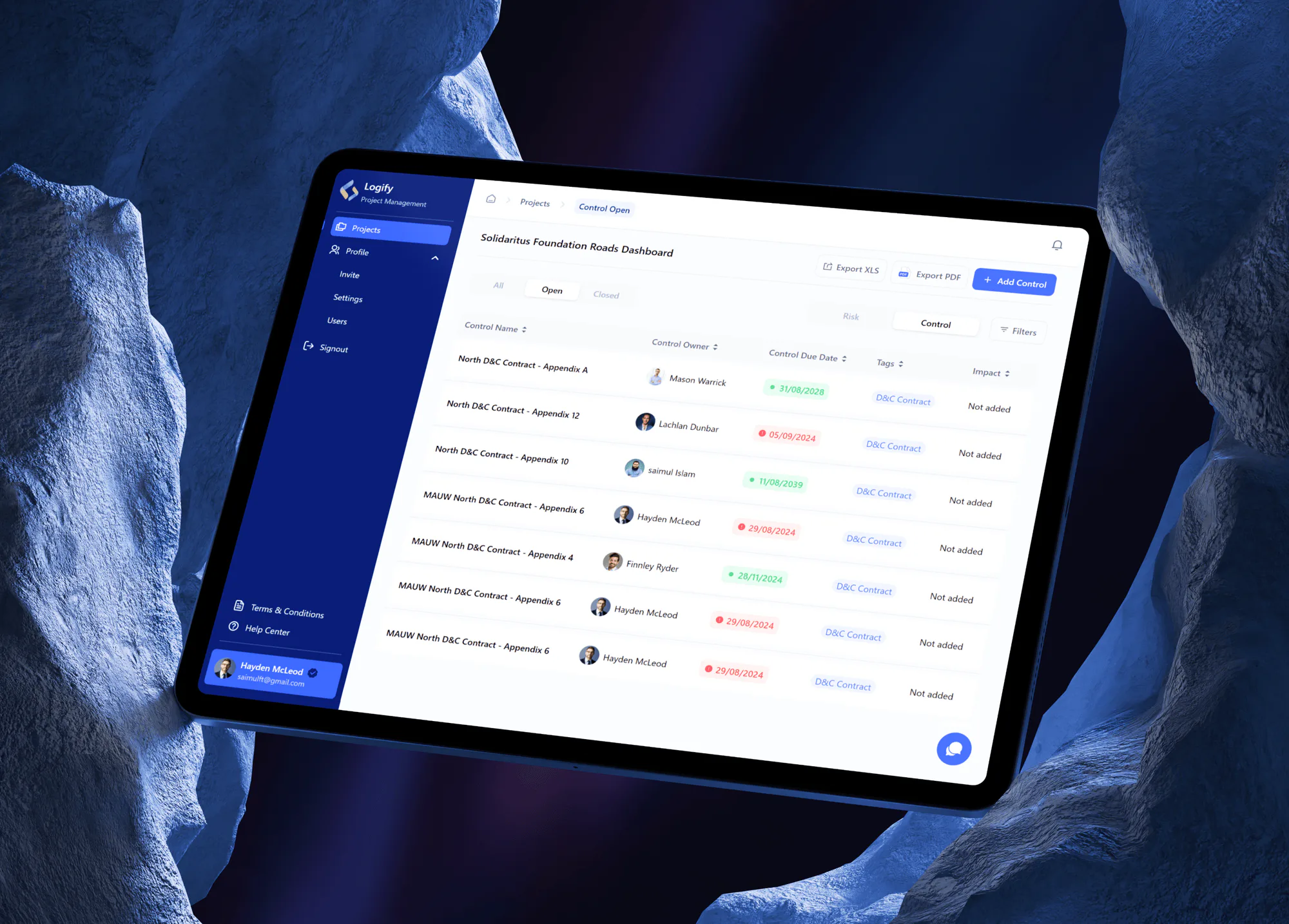
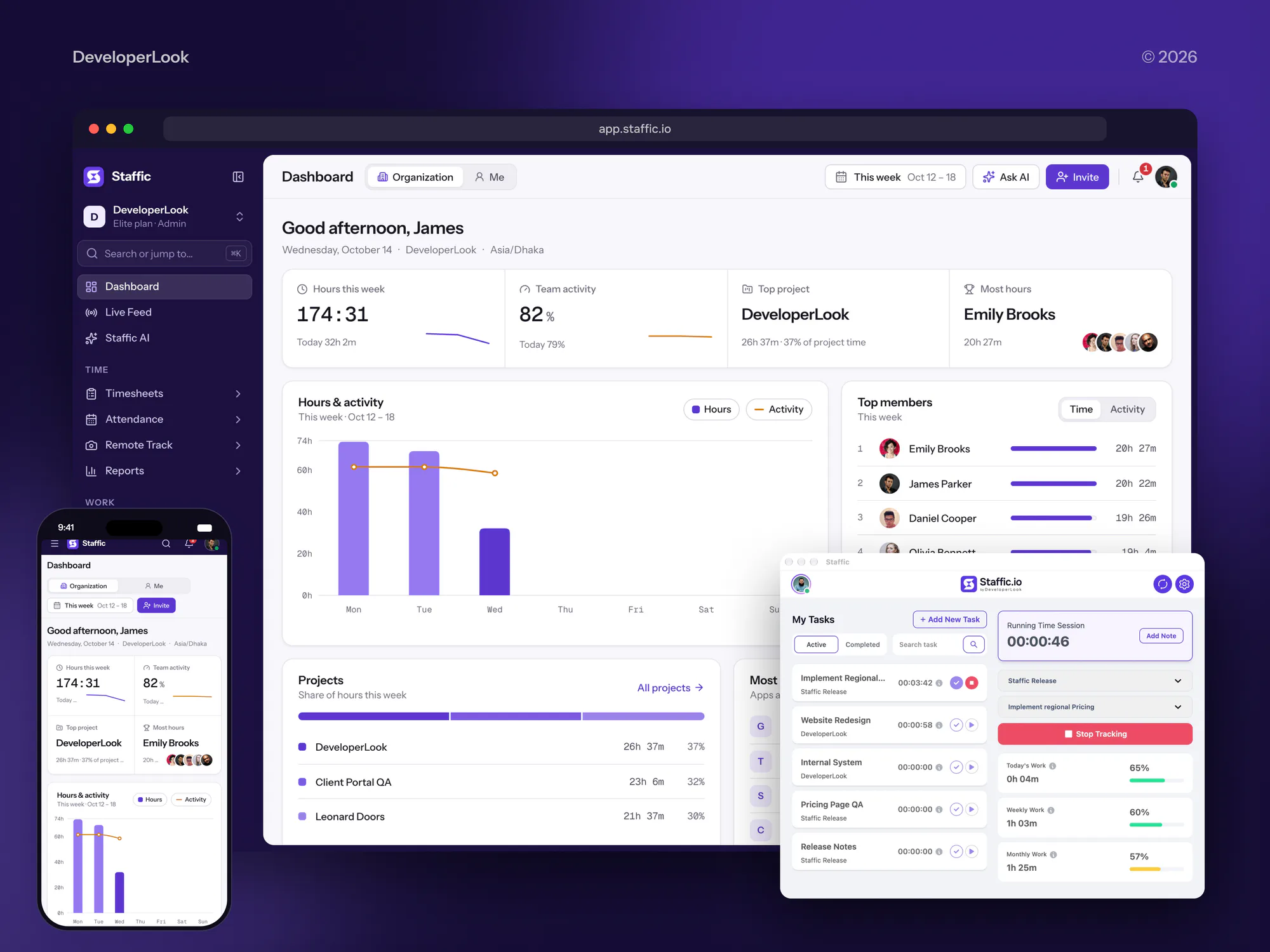
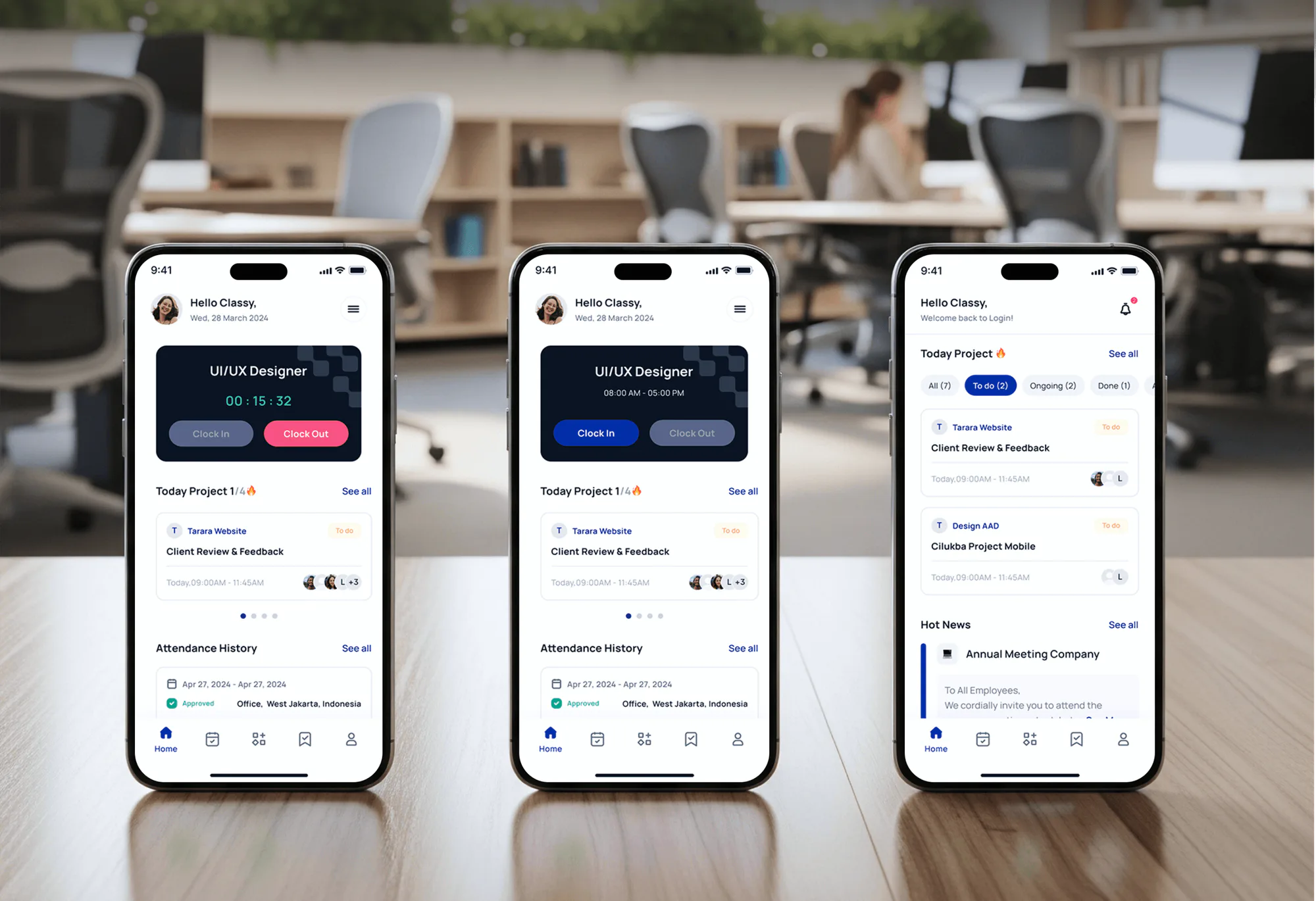
What's Included
Booking on your site with sources tagged, native links checked, webhooks on the events that matter, CRM sync, reporting exports, and a tested handover.
Compare Options
Workiz's template zaps and a freelancer both suit some jobs. Here is where each fits, and where it stops once automation slots, lead sources, and a second CRM need planning.
| Feature | DeveloperLookBest fit | Template zaps | Freelancer |
|---|---|---|---|
| Slot and plan planning | Every slot budgeted first | One zap at a time | Depends on the person |
| Lead source tracking | Ad group on every booking | Not covered | Varies with experience |
| CRM sync depth | Clients, leads, and job statuses | New jobs and leads | Whatever the brief says |
| API v2 work | Scoped keys, retries, logs | Not needed | Possible, rarely documented |
| Testing | Test job through every route | Zapier's test step | Varies |
| Setup speed | 1 to 5 weeks | An hour per template | Days to weeks |
| Upfront cost | From $600, fixed scope | Your Zapier plan fees | Hourly, often lower |
| Handover | Runbook for slots and keys | Zap history only | Depends on the person |
What Our Clients Say
Feedback from teams we have built operations and field software for.
We had a pretty specific idea of what we wanted our website to become, but I wasn’t sure how easily we could explain all of it to a development team. There were quite a few moving parts, and we were working toward a deadline, so I expected a few things to get lost along the way. That never really happened. They understood what we were trying to achieve, kept us updated throughout the process, and got everything ready within the agreed timeline. The final site feels much easier to navigate, works beautifully on mobile, and is noticeably smoother for our customers. It was a huge relief seeing the original idea actually turn into the website we had in mind.
The mobile experience is probably my favourite part of the new site. We had spent a lot of time making sure the desktop version looked right, and the team kept pushing us to think about how everything would actually feel on a phone too. They were right. The navigation is clean, the interactions feel natural, and everything we’ve tested so far works exactly as it should. They also went through the links, forms, integrations, and other details more than once before launch, which I really appreciated. And even after going live, we could still reach out when something came up. The whole process felt friendly, organised, and surprisingly straightforward.
What I appreciate most is that the website is actually easy for us to manage now. We can update content ourselves instead of sending a developer a message every time we need to change something small. They also paid attention to the technical SEO side, which mattered to us because we didn’t want a new website to create problems for the traffic we already had. I’ve probably asked more questions than I should have since launch, but every question has been handled patiently and without any fuss. The team is easy to work with, they explain things clearly, and when we need something changed, they focus on getting it done rather than making the process complicated.
1,250+
Projects shipped
10+
Years of experience
5 stars
Clutch rating
5 stars
GoodFirms rating
Excellent
Trustpilot rating
Top 3%
Upwork Top Rated Plus
1,250+
Projects shipped
10+
Years of experience
5 stars
Clutch rating
5 stars
GoodFirms rating
Excellent
Trustpilot rating
Top 3%
Upwork Top Rated Plus

Want results like these?
Tell us what you are building. You get a reply within 24 hours on business days, then a written estimate.
Work Culture
We check native links before writing code, spend your automation slots on events that pay, and leave a runbook your office manager can read without us.
We spend automation slots on events that move money: a booked job, a paid invoice, a lost lead. Reminders that already work stay as they are.
QuickBooks, Google Calendar, and lead sources already have native Workiz links. If those cover your case, we'll tell you before we quote.
Each API v2 key gets Read or Read and Write on only the resources it uses. A leaked reporting key can't edit your jobs or invoices.
We plan around reschedules, multi-day jobs, and techs closing jobs from the truck. Your integration follows how a job really changes during the day.
The runbook names each automation, webhook URL, key, and zap with what it does. When a dispatcher leaves, the knowledge stays with you.
You approve the event map and price before we build. If a new route turns up mid-project, we quote it before adding it.
Overview
DeveloperLook sets up Workiz integrations for home service companies. We embed online booking with ad group tags and check native QuickBooks and lead source links. Jobs and leads sync to your CRM through webhooks or the API, with your automation slots budgeted. Projects start at $600 and take 1 to 5 weeks.
DEVELOPERLOOK
Project facts · Workiz Integrations
Reviewed 27 Oct 2026 by Saimul Islam
Good fit
Plumbing and HVAC shops on Ultimate
You pay for Workiz Ultimate, which lists the Open API and Zapier, but no outside tool uses them yet, so the office still retypes jobs.
Contractors marketing from HubSpot or GoHighLevel
Your marketing runs in GoHighLevel while dispatch lives in the Workiz CRM, so nobody knows which campaign leads became paid jobs.
Owners comparing lead source spend
You pay for Google Local Services Ads, Thumbtack, and Yelp, and you want every booking tagged with its source before the next budget meeting.
Locksmith and garage door teams on Pro
Your Pro plan gives you 10 automation slots, and you need to choose which job and invoice events actually deserve a webhook.
Agencies serving home service brands
You build websites and run ads for contractors, and you need Workiz booking embeds, ad group tags, and lead routing set up on every account.
Not a fit
Company runs Jobber
Your company schedules and invoices in Jobber, not Workiz. Our Jobber Integration page covers its booking, CRM, and accounting connections.
Team uses Housecall Pro
Your techs work in Housecall Pro. Our Housecall Pro Integration page covers its booking, API, and QuickBooks links instead.
QuickBooks sync only
You only need invoices and payments in QuickBooks. Workiz's native QuickBooks integration covers that one-way sync, so switch it on before paying anyone.
Moving to ServiceTitan
You're moving a larger operation to ServiceTitan. Our ServiceTitan Integration page covers its booking, API, and accounting work.
Not sure we're the right fit?
Book a free call or message us. We'll tell you honestly whether we're the right team.
Pricing
These are starting points in USD. Your final price depends on your Workiz plan, connected tools, and API work, and you get a fixed proposal after a free discovery call.
For Agencies
You own the home service client, their website, and their ads. We supply the Workiz side: booking embeds with ad group tags, webhook automations, CRM sync, and API v2 work, tested on a full job before launch. Your brand stays on it.
White label: your client only ever sees your brand
Send the client's Workiz plan, website platform, CRM, and paid lead sources.
We map events to routes, price the work, then build under your agency's name.
You get a white-label runbook and test job notes to share with your client.
Send the client's Workiz plan, website platform, CRM, and paid lead sources.
We map events to routes, price the work, then build under your agency's name.
You get a white-label runbook and test job notes to share with your client.
The Right Technology for Your Project
The tools we connect around Workiz, limited to its marketplace links, automation webhooks, the Zapier app, and API v2, so every route is one Workiz supports.
WordPressHubSpotZapierNode.jsQuickBooksGoogle SheetsFAQ
Straight answers on Workiz costs, exports, Zapier, the CRM, webhooks, and API access.
Saimul IslamFounder & CEO, DeveloperLookStill have questions?
Send a message or book a call with the team.
Workiz integration work with DeveloperLook starts at $600 for a booking embed with ad group tags, native link checks, and up to 2 webhook automations. CRM sync for clients, leads, and job statuses starts at $1,450. A custom service on API v2 with two-way status sync and a reporting feed starts at $3,250. You get a fixed quote after a free review.
A custom API v2 build takes 3 to 5 weeks, including several days testing a job from booking to payment. Booking embeds and native links take about 1 week, and CRM sync through webhooks takes 2 to 3 weeks. Access comes first: the Developer API is switched on in your Feature Center before we can start.
Workiz is field service management software for home service businesses in the US and Canada. It serves HVAC, plumbing, electrical, locksmith, appliance repair, and garage door companies, running calls, scheduling, dispatch, estimates, invoices, and payments from one account. Workiz also sells AI add-ons under the Genius name, including an AI receptionist that books jobs.
Workiz software runs the working day of a home service company: booking, dispatch, estimates, invoices, and payments. Techs get jobs dispatched with GPS, customers get good, better, best estimates, and payments run through Workiz Pay. Its client management area works as a CRM with job history and logged calls. Most of our work starts where those records need to reach tools outside Workiz.
Workiz quotes its plans on request: the pricing page lists Standard, Pro, and Ultimate without prices, plus a 7-day free trial with no card. A product summary Workiz publishes for AI tools lists Standard at $275 and Pro at $325 a month, billed annually for 5 users. Check your quote, since the Open API and Zapier sit on Ultimate.
Yes, as CSV files that open in Excel. Built-in reports export as PDF or CSV, and custom reports on Pro and Ultimate export from Actions, then Export as. There's no single button that exports every job and client. For a full or scheduled export, we pull records through API v2 or a saved report into one workbook.
Yes. Zapier lists a Workiz app with triggers for new jobs, new leads, a job marked done, and status changes. Its actions create jobs and leads. Workiz's pricing table puts Zapier on the Ultimate plan, and it uses your Developer API credentials. For anything past those triggers and actions, we use webhooks or API v2.
Not natively: Workiz's marketplace lists no HubSpot, Salesforce, or GoHighLevel connector. The routes Workiz documents are API v2, which reads and writes clients, leads, and jobs, webhooks posted from Automations, and Zapier on Ultimate. We usually let Workiz own jobs and invoices while your marketing CRM owns campaigns, then sync statuses between them.
Yes. Workiz builds webhooks as a post webhook action inside Automations, so each one uses a slot: 5 on Standard, 10 on Pro, and 30 on Ultimate. Webhooks fire on job, lead, invoice, and estimate events and can send a key as a Bearer token. That's why we plan which events deserve a slot before building anything.
You do. API keys are created in your Workiz account, the webhook receiver and any API code live in your repository, and zaps sit in your Zapier workspace. The runbook lists each key's access level, so you can rotate or delete one in Workiz without guessing. Support runs 14, 30, or 60 days after launch, depending on your plan.
Saimul IslamFounder & CEO, DeveloperLookStill have questions?
Send a message or book a call with the team.
Free 30-min callGoogle Meet
Book a call
In 30 minutes on Google Meet we walk you through how we would build it, how long it takes and what it costs. Then you get a written estimate.
Calendar not showing? Book on cal.com or send a brief.