
Branded request and booking forms
Up to 3 embedded forms, split by service or area, in your brand colors and logo.

Jobber integrations for service business websites: branded request forms, Client Hub links, Zapier automations, and API apps. From $500.
5+ hrs
Office time saved every week
100%
Web requests filed in Jobber
How your project runs
Teams we have built for:














The Problem
Jobber handles quotes, jobs, and invoices well. Trouble starts at the website, where requests arrive by email, calls stay in your phone, and follow-ups depend on memory.
01 · Plain-text leads
Website requests land in your email as plain text.
Website forms create Jobber requests, so nothing gets retyped from email.
02 · Missed calls
A missed call sits in your phone with no note.
Calls reach the right client record, so nobody starts from zero.
03 · Silent quotes
The quote goes out, and nobody follows up.
Quote reminders and review requests fire from Jobber events.
04 · Unused tools
Jobber had a tool for every step, but none were connected.
Zapier or Make handles simple links, and the GraphQL API covers the gaps.
A homeowner fills in the contact form on your site at 9 p.m. It lands in your email as plain text. Tomorrow you retype it into Jobber, guess the property details, and send a quote by Thursday. A missed call from the same person sits in your phone with no note. The quote goes out, nobody follows up, and the client books the crew that answered first. Jobber had a tool for every step. They just weren't connected.
We start with what Jobber already offers: request and booking forms, Client Hub, and its own reminders. Then we connect Jobber to website forms and the apps you use, with Zapier or Make where they fit and the GraphQL API where they don't. Requests land as Jobber requests, calls reach client records, and follow-ups send on time. Your evenings go back to you, not your inbox.
Requests straight into Jobber
Website forms create Jobber requests with property details, so nothing gets retyped from email.
Follow-ups that send themselves
Quote reminders and review requests fire from Jobber events instead of sticky notes.
Code only where needed
We use your Jobber tools and Zapier first, and write custom code only for the gaps you have.
Our Jobber Integration Process
You approve which steps stay manual, which move to Zapier or Make, and which need code. Every automation runs on a sample client before it touches real ones.
We walk through how a job moves from first contact to paid invoice in your Jobber account. You get a list of what to connect, what to leave alone, and a fixed price.
What's Included
Every plan puts your website requests into Jobber with your branding. Larger plans add your automations, phone and payment links, and custom API work with signed webhooks.
Compare Options
Setting up Zapier yourself costs little, and a freelancer can be cheaper per hour. Here's where each option holds up once Jobber runs your business.
| Feature | DeveloperLookBest fit | DIY Zapier setup | Freelance developer |
|---|---|---|---|
| Upfront cost | Fixed, from $500 | Your time plus a plan | Hourly, often lower |
| Speed to start | After a short review | Today, if you know it | Depends on availability |
| Jobber limits | Known and planned for | Learned by trial | Depends on experience |
| Tool choice | Settings, Zapier, or API | Zapier only | Usually code |
| Testing | Sample client before launch | On live clients | Varies by project |
| Error alerts | Set up for every flow | Basic Zapier emails | If requested |
| Documentation | One-page guide per flow | Notes if you keep them | Varies by person |
| Ownership | Your accounts and code | Your account | Often their account |
Projects We've Built
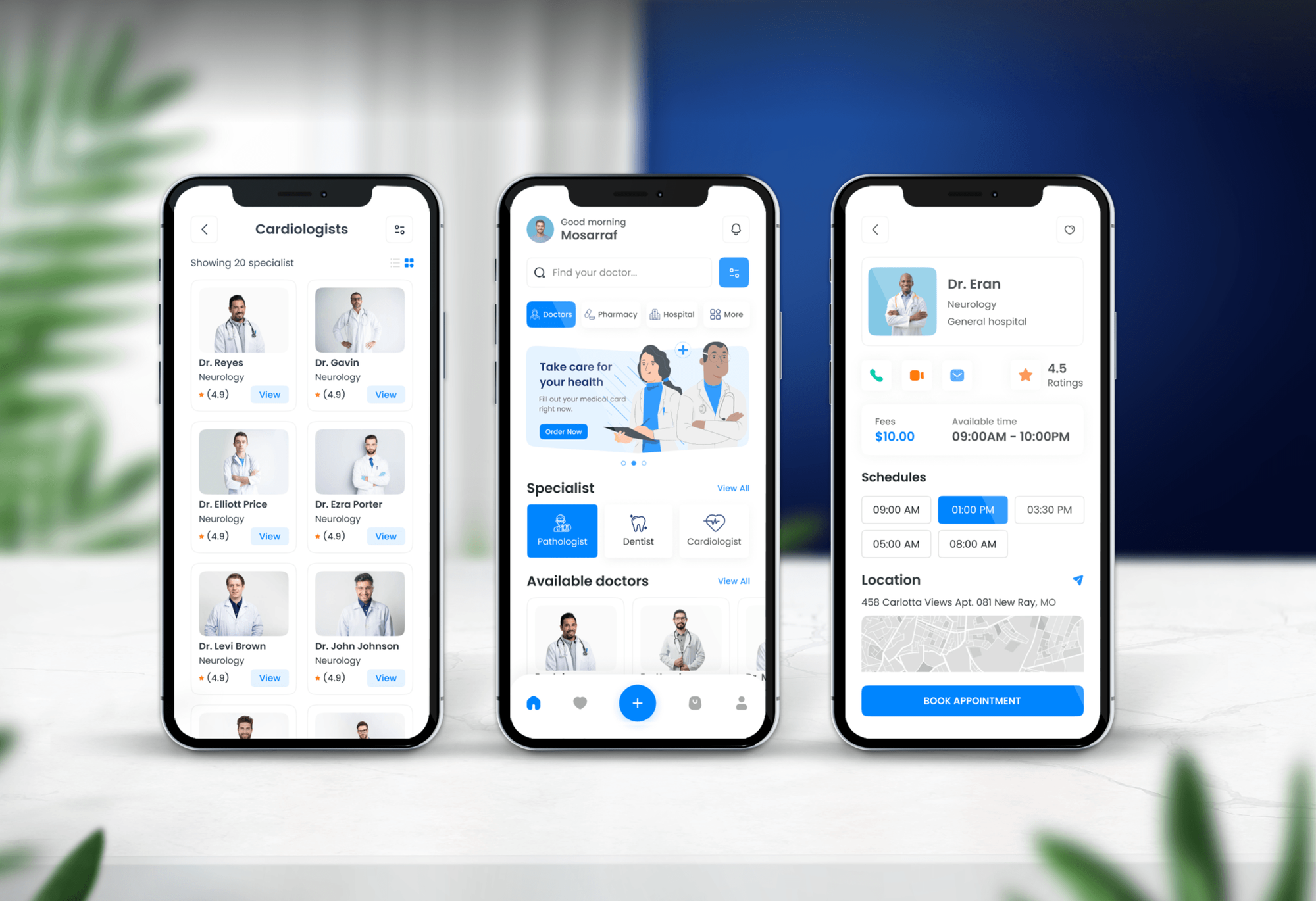
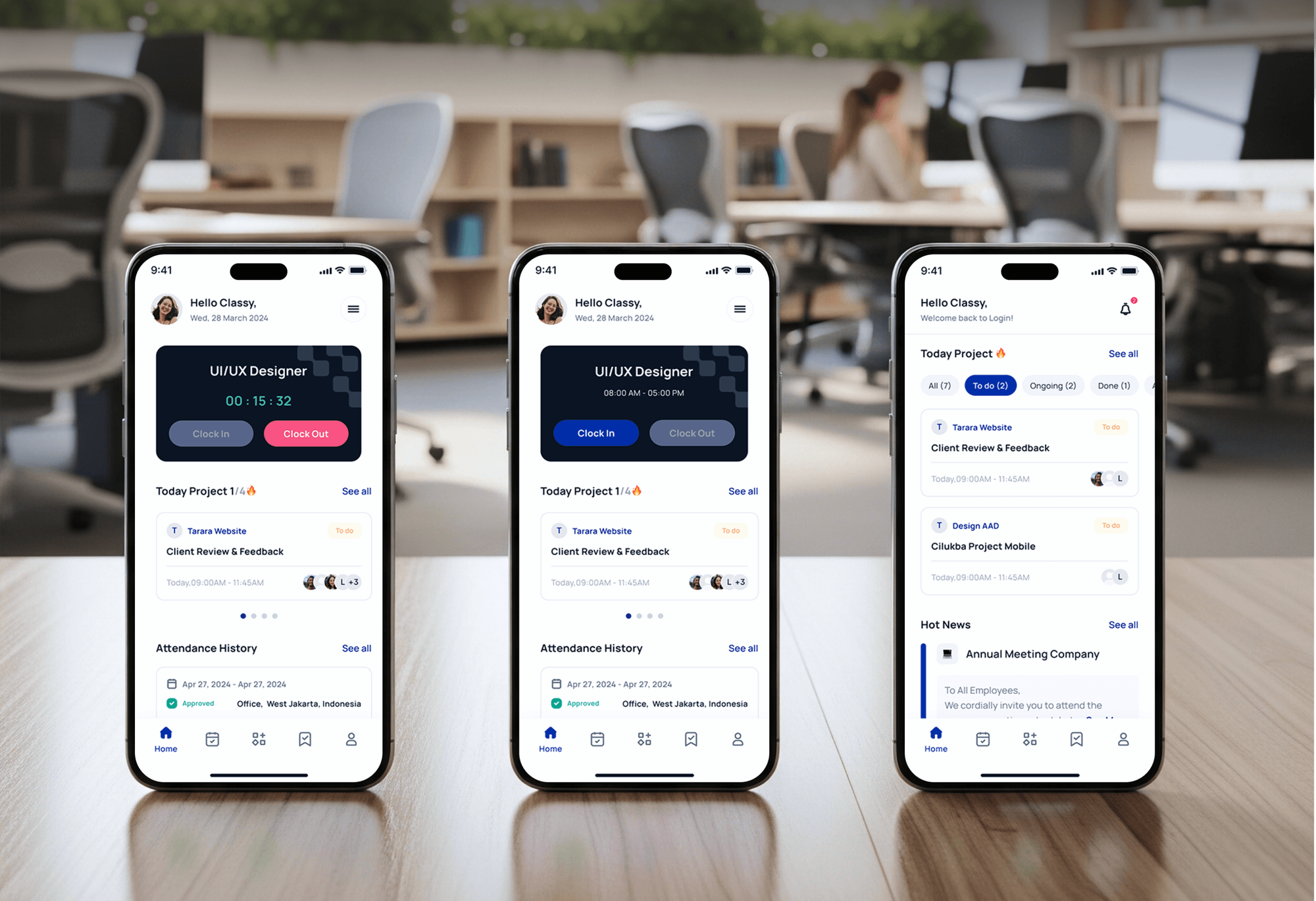
A construction site, booking platforms, and a staffing app with logins from our portfolio, showing the form, booking, and account work a Jobber setup relies on.


What Our Clients Say
Feedback from teams we have built automation and booking work for.
We had a pretty specific idea of what we wanted our website to become, but I wasn’t sure how easily we could explain all of it to a development team. There were quite a few moving parts, and we were working toward a deadline, so I expected a few things to get lost along the way. That never really happened. They understood what we were trying to achieve, kept us updated throughout the process, and got everything ready within the agreed timeline. The final site feels much easier to navigate, works beautifully on mobile, and is noticeably smoother for our customers. It was a huge relief seeing the original idea actually turn into the website we had in mind.
The mobile experience is probably my favourite part of the new site. We had spent a lot of time making sure the desktop version looked right, and the team kept pushing us to think about how everything would actually feel on a phone too. They were right. The navigation is clean, the interactions feel natural, and everything we’ve tested so far works exactly as it should. They also went through the links, forms, integrations, and other details more than once before launch, which I really appreciated. And even after going live, we could still reach out when something came up. The whole process felt friendly, organised, and surprisingly straightforward.
What I appreciate most is that the website is actually easy for us to manage now. We can update content ourselves instead of sending a developer a message every time we need to change something small. They also paid attention to the technical SEO side, which mattered to us because we didn’t want a new website to create problems for the traffic we already had. I’ve probably asked more questions than I should have since launch, but every question has been handled patiently and without any fuss. The team is easy to work with, they explain things clearly, and when we need something changed, they focus on getting it done rather than making the process complicated.
1,250+
Projects shipped
10+
Years of experience
Top 3%
Upwork Top Rated Plus
5 stars
Average review score

Want results like these?
Tell us what you are building. You get a reply within 24 hours on business days, then a written estimate.
Work Culture
Jobber integrations sit where your crew's day happens, so they have to stay out of the way. These habits keep your requests, quotes, and payments moving.
We check Jobber's settings, embeds, and built-in features before reaching for anything else. You don't pay for code that repeats a feature you already have.
Every form and automation runs on a sample client before real ones. Your clients don't get test texts or ghost quotes.
Our endpoints reply to Jobber within its 1-second limit and do the work in a queue. Jobber keeps sending events, and your automations keep running.
Jobber can send the same webhook twice, so every step checks before it acts. Each client gets one text per event, not two.
If a Zapier plan you already pay for does the job, we'll say so before we quote. Custom code has to save more than it costs.
Automations run in accounts you own, and code sits in your repository. If we part ways, everything keeps working without us.
Overview
DeveloperLook sets up Jobber integrations for owner-run service crews that want web requests, quotes, and payments inside Jobber. Work covers branded request and booking forms, Client Hub links, Zapier or Make automations, and custom GraphQL apps with verified webhooks. Projects start at $500 and take 1 to 6 weeks.
DEVELOPERLOOK
Project facts · Jobber Website Integration Services
Reviewed 28 Sep 2026 by Saimul Islam
Good fit
Owner-operators answering leads at night
You run the crew by day and answer web leads at night, retyping each one from email into Jobber before you can quote it.
Crews with a template website
Your site came from a template, and the Jobber request form sits on a separate page that visitors rarely find.
Teams chasing quote approvals
You send quotes from Jobber, but many sit unanswered because nobody follows up before the client calls another company.
Businesses with a phone-first office
Your office lives on the phone, and call notes rarely reach the client record, so crews arrive without the details.
Agencies with Jobber clients
Your agency runs sites and ads for lawn, cleaning, or handyman clients on Jobber and needs forms and automations that keep working.
Not a fit
ServiceTitan with CSRs
You dispatch in ServiceTitan with a team of CSRs. ServiceTitan Website Integration Services fits that setup better.
Booking in Housecall Pro
Your team books jobs in Housecall Pro. Housecall Pro Website Integration Services works with its booking button and API.
Multi-week remodels
Homeowners need to follow a multi-week remodel with photos and change orders. Contractor Client Portal Development covers that.
Embed code is enough
Your budget is under $500, or Jobber's own embed code already does the job. Paste it yourself and keep the fee.
Not sure we're the right fit?
Book a free call or message us. We'll tell you honestly whether we're the right team.
Pricing
These are starting points in USD. Your final price depends on how many forms and flows you need and any custom code, and you get a fixed proposal after a free review.
For small crews that want website requests and bookings landing in Jobber within a week.
$500one-time, USD
For growing teams that want follow-ups, alerts, and records moving between Jobber and other apps.
$1,300one-time, USD
For businesses with workflows Zapier can't handle or several Jobber accounts to connect.
$2,900one-time, USD
For Agencies
You own the client relationship. We supply the Jobber forms, automations, and API work behind your campaigns, under your brand. Your clients see leads land in Jobber, and you keep the retainer.
White label: your client only ever sees your brand
Share the client's Jobber plan, forms, apps, and the follow-ups they want.
You get a fixed price, a timeline, and one developer as your contact.
We build under your brand, test with a sample client, then hand it over.
We work under your agency name in calls, docs, and handoff notes.
Lead sources reach Jobber, so your reports show booked work, not clicks.
A senior developer reviews every Zapier flow and webhook before launch.
Add Jobber setups for new clients without hiring a developer.
The Right Technology for Your Project
We lean on Jobber's own tools and proven automation apps, then add custom code on the GraphQL API only where it pays off.
 GraphQL
 Zapier
 Make
Make Google Sheets
 Slack
Slack Twilio
 QuickBooks
 WordPress
 Node.js
 Vercel
FAQ
Straight answers on cost, timing, forms, Zapier, webhooks, and payments for Jobber users.
Saimul IslamFounder & CEO, DeveloperLookStill have questions?
Send a message or book a call with the team.
A custom Jobber API integration starts at $2,900 for a private app with signed webhooks and a custom quote or reporting flow. You may need less: embedded forms start at $500, and a Zapier or Make automation package starts at $1,300. You get a fixed price after the free workflow review.
Most Jobber integrations take 1 to 6 weeks, depending on your plan. Forms and portal links take about 1 week, automation packages 2 to 3 weeks, and custom API apps 4 to 6 weeks with testing. Access to your Jobber account and connected apps is the usual holdup, so we ask for it on day one.
We use Jobber's embed code or WordPress plugin for your forms, plus the GraphQL API for anything the embeds can't do. Custom forms can create clients and requests directly. We match your branding in Jobber's settings and design the page around the embed, so it reads as one site.
Yes, request and booking forms embed with HTML code or Jobber's WordPress and Wix plugins. Client Hub works best as a link: clients open it from your menu, emails, and quotes to approve quotes, pay invoices, and ask for more work. Jobber notes that the payment field doesn't show on embedded forms.
They arrive in your Jobber account as requests or clients, through the embedded form or a custom form that calls the API. We pass property details and the lead source, so your office can quote in a few clicks. Zapier's Create Request action also works, with one catch: it uses the client's first property.
A Jobber Zapier integration runs an action in another app whenever something happens in Jobber. New Request or Quote Approved can update your CRM, post to your Slack, or add a sheet row. The Make.com Jobber integration is community-built, so we test each module first. The GraphQL API covers the rest.
Yes, partly: Jobber applies your brand colors and logo from its Business Profile settings to your forms, client portal, emails, and PDFs. The layout inside an embedded form stays Jobber's, so we design the page around it. You can also run separate booking forms, such as one for assessments and one for jobs.
We subscribe to Jobber webhooks, verify each signature, and send texts through Twilio or your provider. Jobber expects a reply within 1 second, so events queue first. Texts need recorded consent and, for most US senders, A2P 10DLC registration. We check Jobber's built-in reminders first and add only what they miss.
We set up Jobber Payments for your card and bank payments online, deposits on quotes, and QuickBooks Online sync for invoices, payments, and payouts. For bigger jobs, Jobber's consumer financing through Wisetack can appear on quotes. Fees and payouts are mapped so your books reconcile.
You own all of it. Zapier and Make accounts, webhook servers, and code sit in your name, and Jobber access runs through apps you authorize. We fix issues for 30 to 90 days, then an optional care plan covers API changes. Jobber supports each API version for at least 12 months.
Saimul IslamFounder & CEO, DeveloperLookStill have questions?
Send a message or book a call with the team.
Free 30-min callGoogle Meet
Book a call
In 30 minutes on Google Meet we walk you through how we would build it, how long it takes and what it costs. Then you get a written estimate.
Calendar not showing? Book on cal.com or send a brief.