Menu pages with modifiers
Sizes, required choices, add-ons, and photos that load fast on phones, built for a 90+ mobile PageSpeed target.

For independent restaurants and small groups: pickup and delivery orders on your own website, with menus that match your kitchen and tickets cooks can read. From $1,100.
24/7
Ordering on your own website
90+
Mobile PageSpeed score
Teams we have built for:














The Problem
It shows up on busy Friday nights. Orders come in through a marketplace tablet, a phone line, and a basic form, and each one leaves out something the line cook has to guess.
Missing choices
Orders skip the side or bun choice the kitchen needs.
Missing choices
Required choices block checkout until the guest picks every one.
Lost notes
Allergy notes get cut off on printed tickets.
Lost notes
Allergy and special requests print in their own line on every ticket.
Rush pileups
Twelve pickup orders all land on the same time slot.
Rush pileups
Pickup slots close once your kitchen hits its limit for that window.
Sold-out items
An item sold out in the kitchen still sells online.
Sold-out items
Staff mark items sold out once, and every channel you control updates.
It's 7:40 on a Friday and three tablets are chiming. A burger order says medium but skips the bun choice. Someone asked for no peanuts in a note field the ticket printer cuts off. Twelve pickup orders all want 7:45, so the line falls 20 minutes behind and the lobby fills with annoyed guests. You turned off the sold-out short rib on one app, but not on the website. Each wrong order costs you a remake, a refund, and a review.
We start with your menu as the kitchen sees it: sizes, required choices, add-ons, and the items that run out. Then we build ordering on your website with those rules enforced at checkout. Guests pick pickup times from slots your kitchen can actually cook for. Tickets print in the order your line works. Sold-out items disappear everywhere at once. Your cooks make what was ordered, not what they guessed.
Menus with real rules
Sizes, required choices, and add-ons work at checkout the same way your kitchen builds each dish.
Pickup times you can cook
Time slots close when your kitchen reaches its order limit for that window.
Tickets your line can read
Orders print or show on a kitchen screen in your station order, with notes on their own line.
Our Restaurant Online Ordering System Process
You approve how your menu, pickup slots, and tickets work before design starts. Then you test orders on a staging site and soft launch with regulars before announcing it.
We walk through your menu with your chef: sizes, required choices, add-ons, prep times, and items that run out. You get a written scope, a POS connection check, and a fixed-price proposal.
What's Included
Your build covers menu pages with modifiers, checkout, pickup slots with kitchen limits, delivery zones, and kitchen tickets. It also includes a menu admin your staff can use from a phone.
Compare Options
Marketplace apps bring new guests, and your POS vendor's add-on is quick to switch on. Here is where each one fits, and when an online ordering platform for restaurants built on your own site pays off.
| Feature | DeveloperLookBest fit | Marketplace app | POS add-on |
|---|---|---|---|
| Brand on the page | Your website and name | The marketplace's brand | Your name, vendor layout |
| Menu rules | Any modifier your kitchen uses | The marketplace's menu format | What your POS menu supports |
| Kitchen pacing | Slot limits you set | Prep-time settings | Varies by vendor |
| New guests found | Only your own traffic | Large built-in audience | Only your own traffic |
| Guest data | Yours, in your database | Mostly kept by the marketplace | Stored with your POS |
| Cost model | Fixed build price plus card fees | Commission on each order | Subscription or add-on fee |
| Time to launch | 3 to 12 weeks | Days after approval | Same week |
| Code ownership | You own the code | Not applicable | Vendor owns the platform |
Projects We've Built
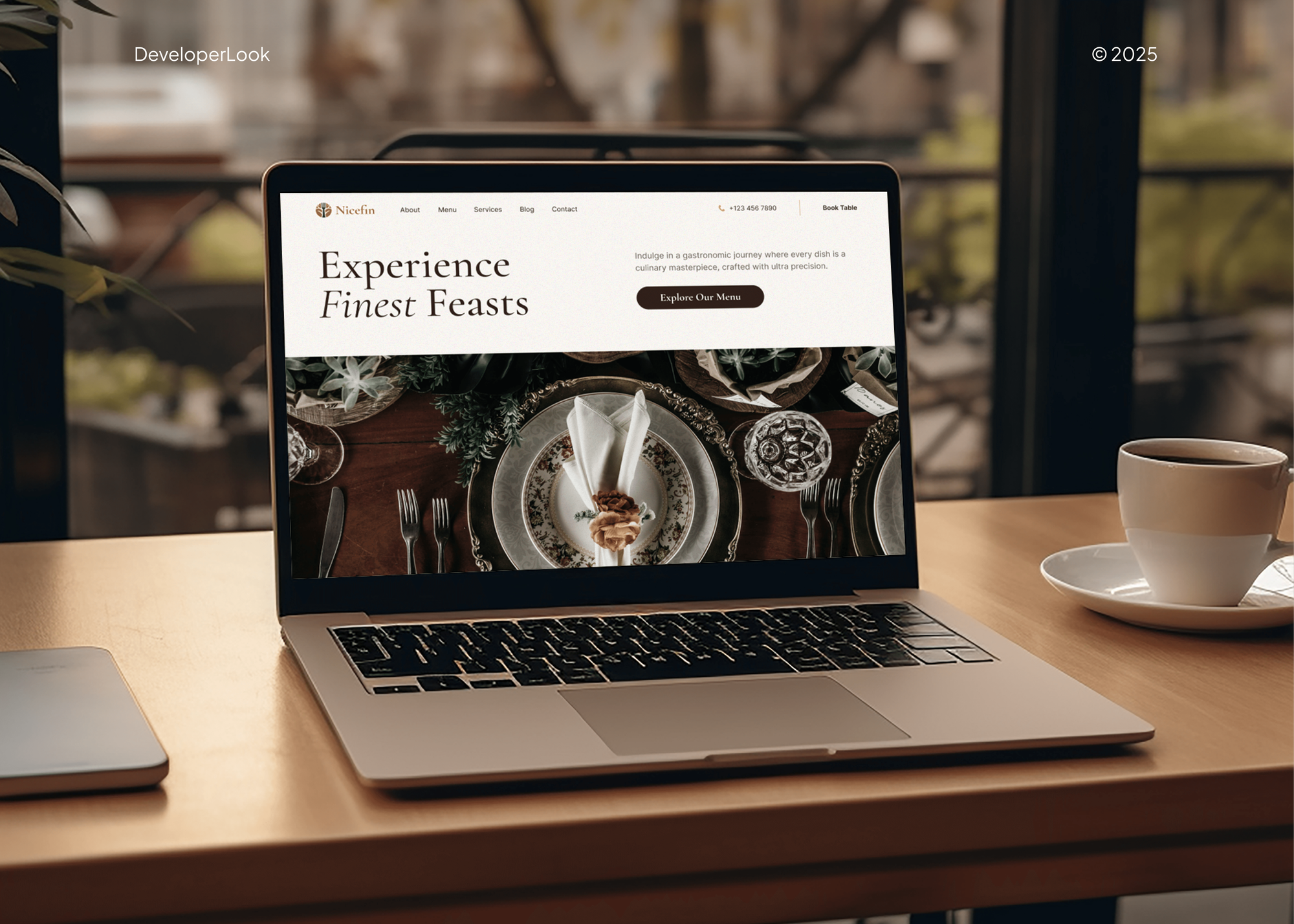
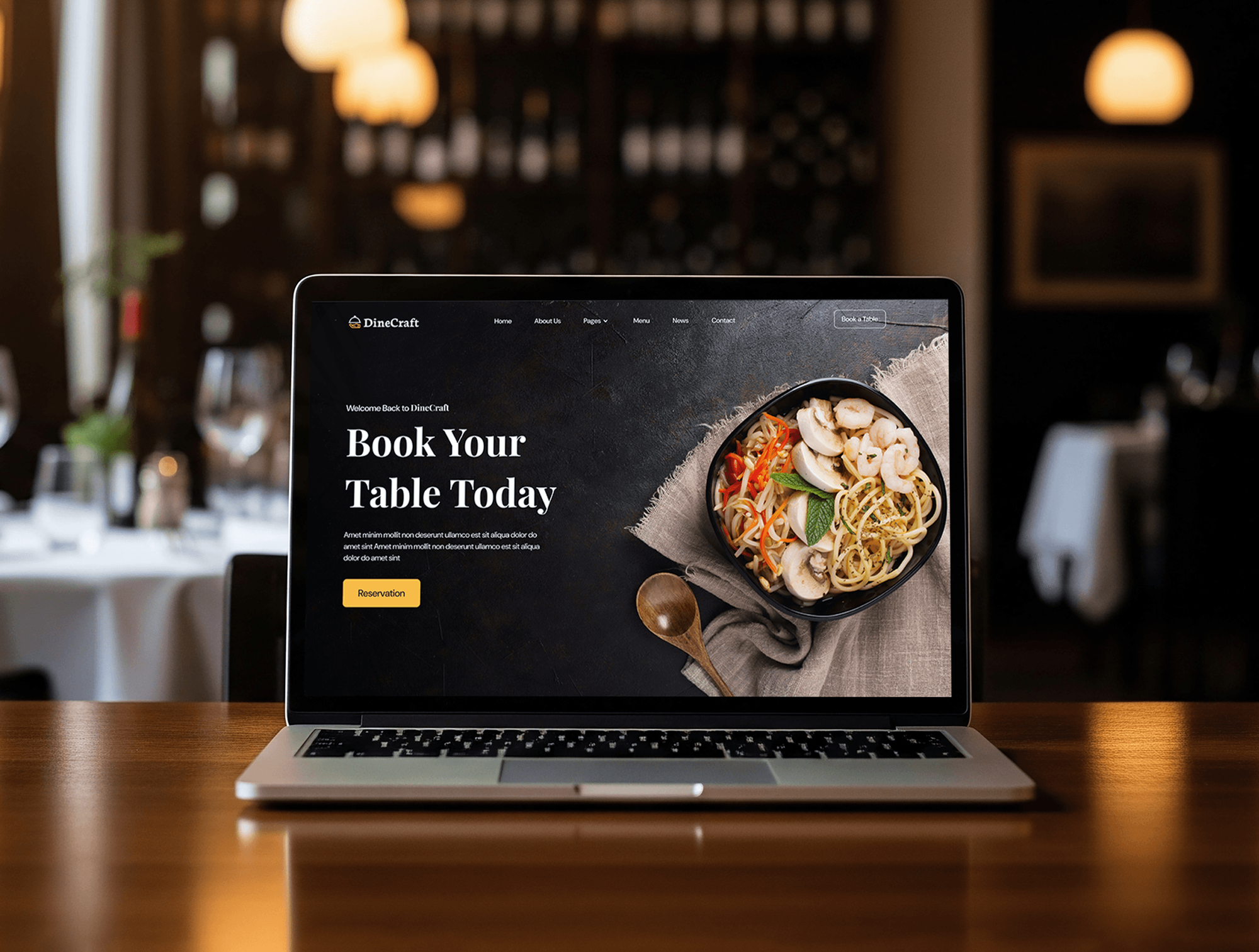
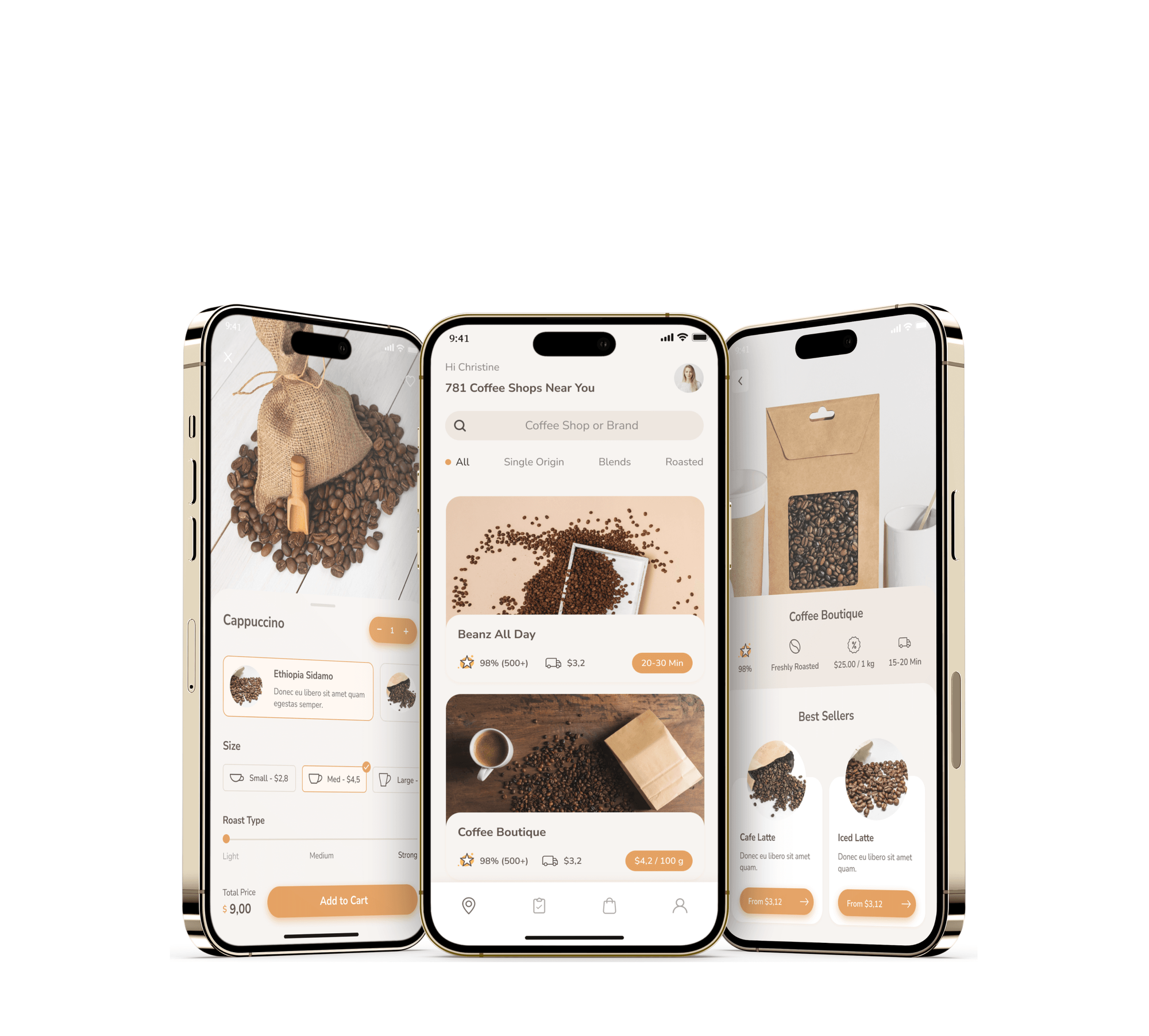
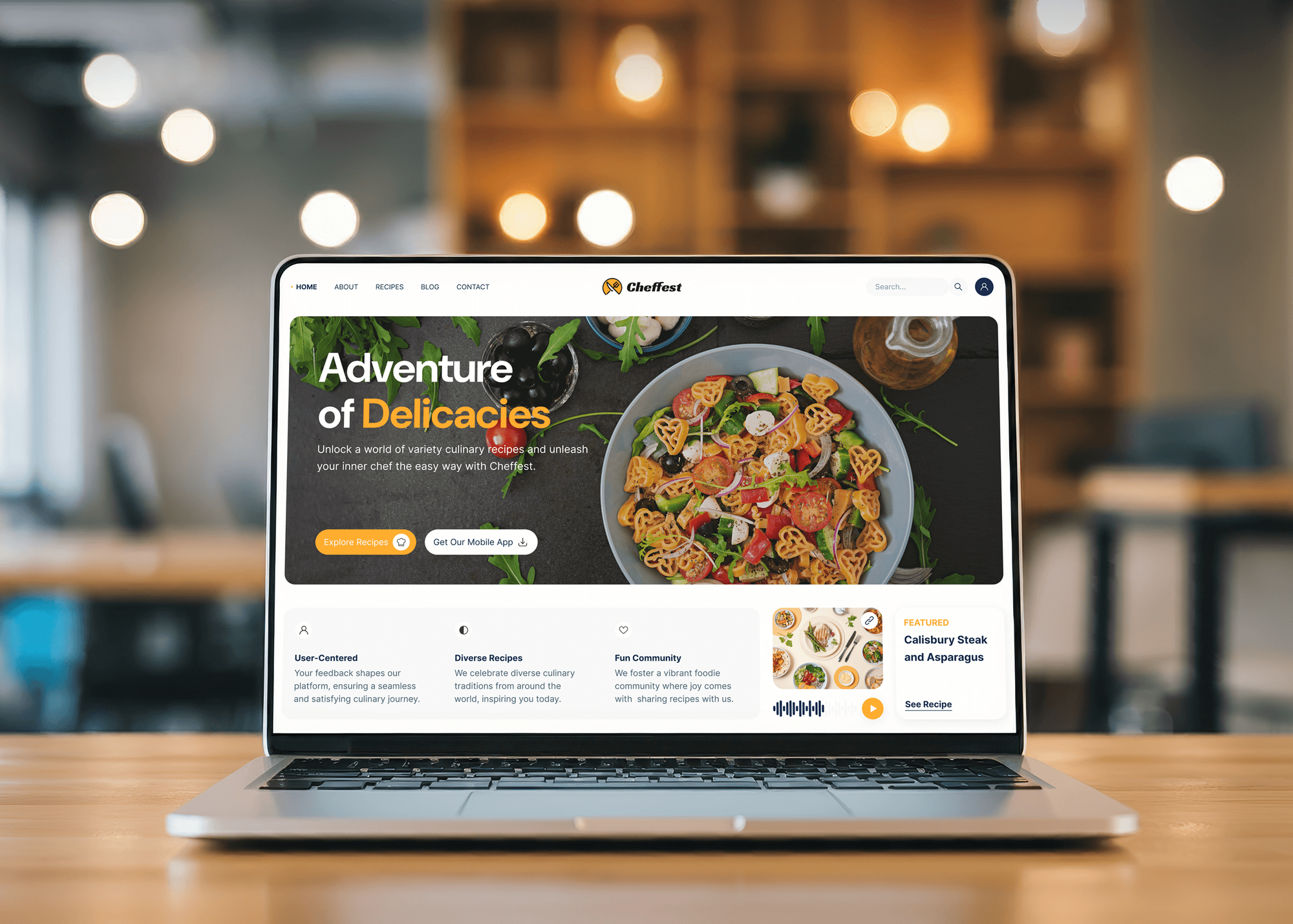
Nicefin, DineCraft, Coffee Break, and Cheffest are food products we designed and built, with menus, online ordering or checkout, and restaurant dashboards for orders.
What Our Clients Say
Feedback from teams we have built ordering, booking, and restaurant products for.
We had a pretty specific idea of what we wanted our website to become, but I wasn’t sure how easily we could explain all of it to a development team. There were quite a few moving parts, and we were working toward a deadline, so I expected a few things to get lost along the way. That never really happened. They understood what we were trying to achieve, kept us updated throughout the process, and got everything ready within the agreed timeline. The final site feels much easier to navigate, works beautifully on mobile, and is noticeably smoother for our customers. It was a huge relief seeing the original idea actually turn into the website we had in mind.
The mobile experience is probably my favourite part of the new site. We had spent a lot of time making sure the desktop version looked right, and the team kept pushing us to think about how everything would actually feel on a phone too. They were right. The navigation is clean, the interactions feel natural, and everything we’ve tested so far works exactly as it should. They also went through the links, forms, integrations, and other details more than once before launch, which I really appreciated. And even after going live, we could still reach out when something came up. The whole process felt friendly, organised, and surprisingly straightforward.
What I appreciate most is that the website is actually easy for us to manage now. We can update content ourselves instead of sending a developer a message every time we need to change something small. They also paid attention to the technical SEO side, which mattered to us because we didn’t want a new website to create problems for the traffic we already had. I’ve probably asked more questions than I should have since launch, but every question has been handled patiently and without any fuss. The team is easy to work with, they explain things clearly, and when we need something changed, they focus on getting it done rather than making the process complicated.
1,250+
Projects shipped
10+
Years of experience
Top 3%
Upwork Top Rated Plus
5 stars
Average review score
1,250+
Projects shipped
10+
Years of experience
Top 3%
Upwork Top Rated Plus
5 stars
Average review score

Want results like these?
Tell us what you are building. You get a reply within 24 hours on business days, then a written estimate.
Work Culture
Your ordering system takes money during your busiest hours. These habits keep it accurate on a packed Friday night, not only in a quiet demo.
We sit with whoever runs the line before writing any code. Your modifiers then match how dishes are actually built, so tickets need no guessing.
We target a 90+ mobile PageSpeed score and test checkout on mid-range phones. Slow menus lose orders before your guests ever reach the cart.
Your regulars order during a few slow shifts first. Timing problems surface on a Tuesday afternoon, not during your Saturday dinner peak.
If your POS vendor's ordering add-on already covers your menu, you hear that on the first call. A custom build has to earn its price.
Each release has a written scope and price before work starts. A new location or catering menu gets its own quote, not a surprise invoice.
The ordering site, database, and guest records live in your accounts. You can switch developers later without losing a single order record.
Overview
DeveloperLook builds a restaurant online ordering system on your own website for pickup, delivery, and scheduled orders. We build menu pages with modifiers, checkout, pickup slots with kitchen limits, delivery zones, kitchen tickets, and POS posting where its API allows. Projects start at $1,100, take 3 to 12 weeks, and you own the code.
DEVELOPERLOOK
Project facts · Restaurant Online Ordering System
Reviewed 28 Oct 2026 by Saimul Islam
Good fit
Independent restaurants paying marketplace commissions
Your regulars already order through a delivery marketplace, and you want their next order placed on your own website instead.
Kitchens fighting wrong online orders
Your cooks remake orders every weekend because your current ordering form skips required choices and cuts off allergy notes.
Small groups with several locations
You run three locations with different menus and hours, and you want one online food ordering system for restaurants under your brand.
Pizza and fast casual with heavy pickup
Your pickup orders all land at 6:30, and you need time slots that close before the kitchen falls behind.
Agencies building restaurant websites
Your agency's restaurant client wants ordering inside the site you built, not a link out to a third-party page.
Not a fit
Menu and hours site only
You need a website with menus, hours, and links to tools you already use. Our Restaurant Website Design page fits that better.
Regulars want an app
Your regulars want an app on their home screen with loyalty points and push offers. Our Restaurant App Development page covers that build.
Your own delivery drivers
You want driver apps, live tracking, and dispatch for your own fleet. Our Food Delivery App Development page is built around that.
Budget under $1,100
Your budget is under $1,100 and your menu is simple. The ordering add-on from your POS vendor is the cheaper start, and we'll tell you before we quote.
Not sure we're the right fit?
Book a free call or message us. We'll tell you honestly whether we're the right team.
Pricing
These are starting points in USD. Your final price depends on your menu rules, your POS, and how many locations you run, and you get a fixed proposal after free menu mapping.
For Agencies
You own the client relationship. We supply the engineering for ordering inside the restaurant sites your agency builds, delivered under your brand and documented so your team can handle menu updates later.
White label: your client only ever sees your brand
Send the client's menu, POS, and order volume, and we shape the scope with you.
You get a fixed proposal under your agency's name, plus a named developer team.
We build, run the soft launch, and hand over code and access.
Send the client's menu, POS, and order volume, and we shape the scope with you.
You get a fixed proposal under your agency's name, plus a named developer team.
We build, run the soft launch, and hand over code and access.
The Right Technology for Your Project
We use fast web frameworks and the payment and POS APIs restaurants already rely on, so menus load quickly and orders reach the kitchen reliably.
 Next.js
 React
React Tailwind CSS
 Vercel
 Node.js
 PostgreSQL
 Laravel
 AWS
AWS Stripe
 Apple Pay
 Google Pay
 Twilio
 Google Analytics
Related Services
Catering, POS, app, and delivery builds that share your menu and orders, plus the restaurant website your ordering lives on.
This page
Restaurant Online Ordering System
Pairs with the 6 services around it
FAQ
Straight answers on how restaurant ordering works, setup, cost, order accuracy, POS connections, delivery, and ownership.
Saimul IslamFounder & CEO, DeveloperLookStill have questions?
Send a message or book a call with the team.
An online ordering system is software that lets guests order and pay from a menu on a website, then sends each order to the kitchen. A good one enforces your menu rules, such as required sides, and offers pickup times your kitchen can meet. It can also post orders to your POS for reporting.
You set up online ordering in five steps: map your menu rules, pick payments, set pickup slots, route tickets to the kitchen, and soft launch. Most of the work is the menu, because every size and required choice must match how dishes are built. Then link the ordering page from your website and Google Business Profile.
Ordering on your own website from DeveloperLook starts at $1,100 for one location, with modifiers, checkout, pickup slots, and kitchen tickets. Posting orders to your POS with sold-out syncing starts at $3,200. Groups with up to 5 locations start at $6,800. You get a fixed quote after free menu mapping.
One location usually goes live in 3 to 5 weeks, including menu mapping and a soft launch with regulars. Connecting a POS adds 1 to 2 weeks, depending on its API. Several locations with their own menus and hours take 8 to 12 weeks, because each menu gets mapped and tested separately.
Online ordering systems reduce order errors by making guests answer every question a cook would ask. Required choices block checkout until each one is picked, and allergy notes print on their own ticket line. Sold-out items vanish at once. Each ticket matches the order exactly, so nobody retypes it from a phone call.
The best one fits your menu, your POS, and how much of each sale you want to keep. Your POS vendor's add-on suits simple menus and is quick to start. Marketplaces bring new guests but take a commission. A custom build fits when your modifiers, pacing, or several locations outgrow both.
Yes, online ordering for restaurants can send orders to the POS when the POS offers write access. Square publishes an Orders API for this. Toast's self-serve standard API access is read-only, so writing web orders into Toast needs an approved custom integration. We confirm what your POS allows during menu mapping.
Yes, an online food ordering system can take delivery orders with zones, fees, and minimums drawn on a map. Your own staff can deliver, or you can request a courier per order through a service such as DoorDash Drive or Uber Direct. Full driver apps with live tracking belong on our food delivery app page.
You develop an online ordering system for restaurants by modeling the menu first, then building checkout, pacing, and ticketing around it. We use Next.js for fast menu pages, Stripe or Square for payments, and PostgreSQL for orders. Each build is tested with real orders on slow phones before the soft launch.
You own the ordering site's code, the database, and every guest record. Payments run through your own Stripe or Square account, so payouts go straight to you. We hand over admin access and documentation at launch, followed by 30 days of post-launch support for bugs and small menu changes.
Saimul IslamFounder & CEO, DeveloperLookStill have questions?
Send a message or book a call with the team.
Free 30-min callGoogle Meet
Book a call
In 30 minutes on Google Meet we walk you through how we would build it, how long it takes and what it costs. Then you get a written estimate.
Calendar not showing? Book on cal.com or send a brief.