
Compatibility report
Every incompatible function, plugin, and package in your code, ranked by risk with a fix estimate.

For website owners stuck on an old PHP version: a tested move to a supported release, with your old version kept as a fallback until you sign off.
8.3+
Supported PHP version at go-live
100%
Rollback path kept until sign-off
How your project runs
Teams we have built for:














The Problem
The warnings start in your hosting dashboard or a security scan. Then a plugin or package update refuses to install because your PHP version is too old for it.
01 · Fatal errors
Switching versions brings a white screen or a fatal error.
Breaking calls get fixed on staging before your host's version changes.
02 · Plugins
Updates refuse to install on your old PHP version.
Themes, plugins, and packages move to releases that support PHP 8.
03 · Unknown code
Nobody knows which custom functions will break.
Compatibility scans list every risky call, and a developer reviews each one.
04 · Rollback
Switching back is guesswork when something fails.
Your old version stays selectable on the host until you sign off.
Your hosting dashboard shows a yellow banner: PHP 7.4 is end of life, and keeping it will soon cost extra. You click the version switch, and the site shows a white screen with a fatal error. You switch back fast. Now a plugin update refuses to install because it needs PHP 8.1 or newer. Your developer from 2019 is long gone, and nobody knows which custom functions will break. So the site stays on a version that no longer gets security fixes.
We start with a scan, not a switch. A copy of your site runs on PHP 8.3 or 8.4 in staging, and compatibility tools list every call that breaks. We fix those calls, update your packages, and test your key pages and forms. Only then does the version change on your host, with the old one kept selectable. If anything misbehaves, you switch back in minutes instead of restoring a backup.
Scanned before the switch
Compatibility tools and a developer find every breaking call before your host changes anything.
Tested on a staging copy
Your whole site runs on the new PHP version in staging so you can click through it first.
Rollback ready at go-live
Your old PHP version stays selectable on the host until you confirm everything works.
Our PHP Upgrade Process
You see the compatibility report, test the staging copy yourself, and approve the switch. Nothing changes on your live site until you say so.
Send your site address and hosting details, and we check your current PHP version, platform, and support dates. You learn which target version fits, roughly what will break, and which plan you need.
What's Included
Everything a safe version jump needs: a scan of your code, a staging copy on the new release, reviewed fixes, updated dependencies, the host switch, and a fallback until you're satisfied.
Compare Options
A host's version switch or a freelancer is the right call for some sites. Here is how each one handles your code, your plugins, and the moment something breaks.
| Feature | DeveloperLookBest fit | Host's switch | Freelancer |
|---|---|---|---|
| Compatibility check | Code scanned before the switch | None, switch and hope | Varies by person |
| Staging test | Full copy tested on target PHP | Usually tested live | Sometimes, if asked |
| Custom code fixes | Breaking calls fixed and reviewed | Not included | Included, billed hourly |
| Dependency updates | Packages updated or replaced | Not included | Often skipped |
| Upfront cost | Fixed price per plan | Free with most hosts | Lower hourly rate |
| Speed for simple sites | 3 to 5 business days | A few minutes | A few days |
| Rollback plan | Old version kept until sign-off | Manual, if you know how | Depends on the setup |
| Cost predictability | Fixed proposal after the scan | Free now, fixes cost later | Open-ended hours |
Projects We've Built
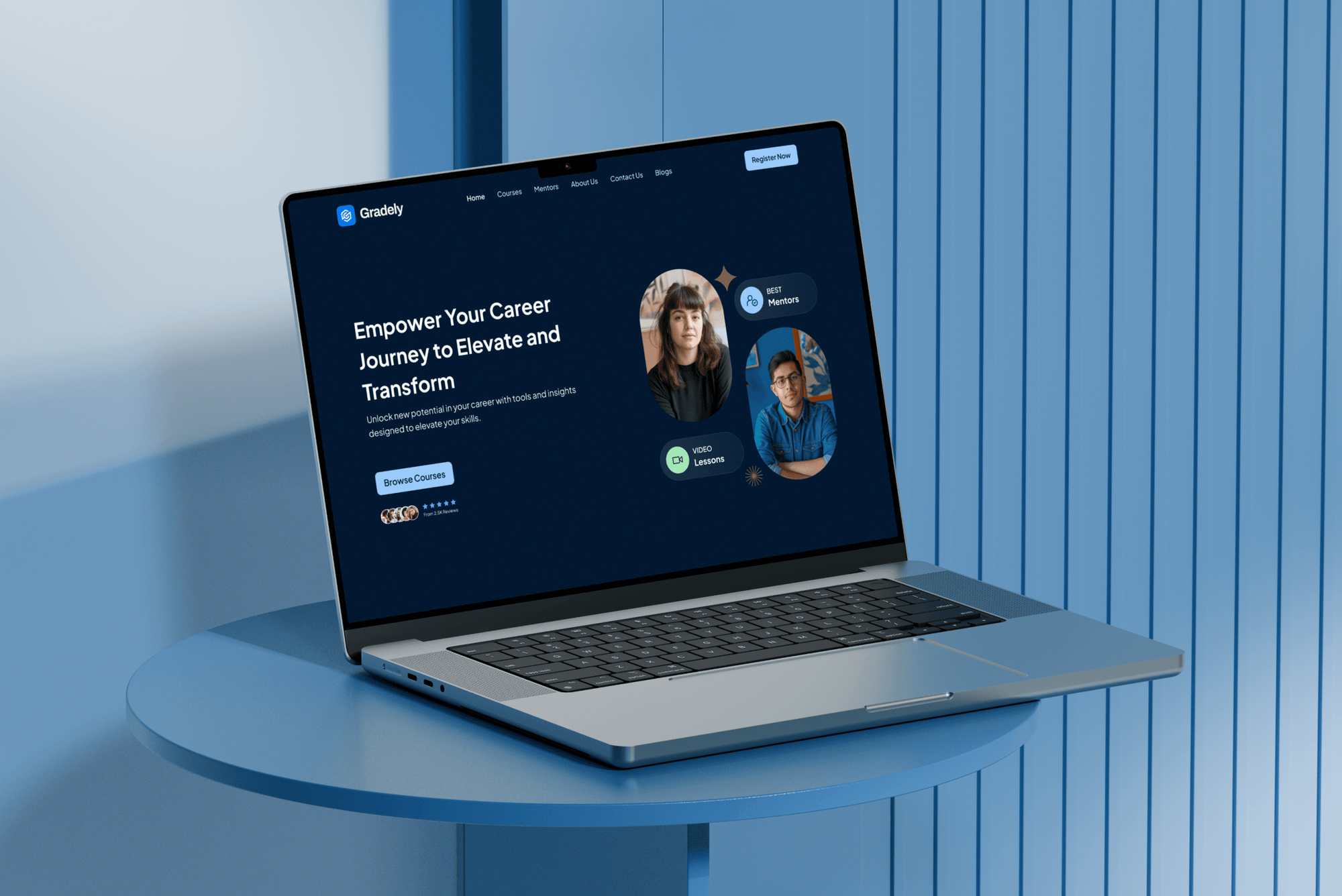
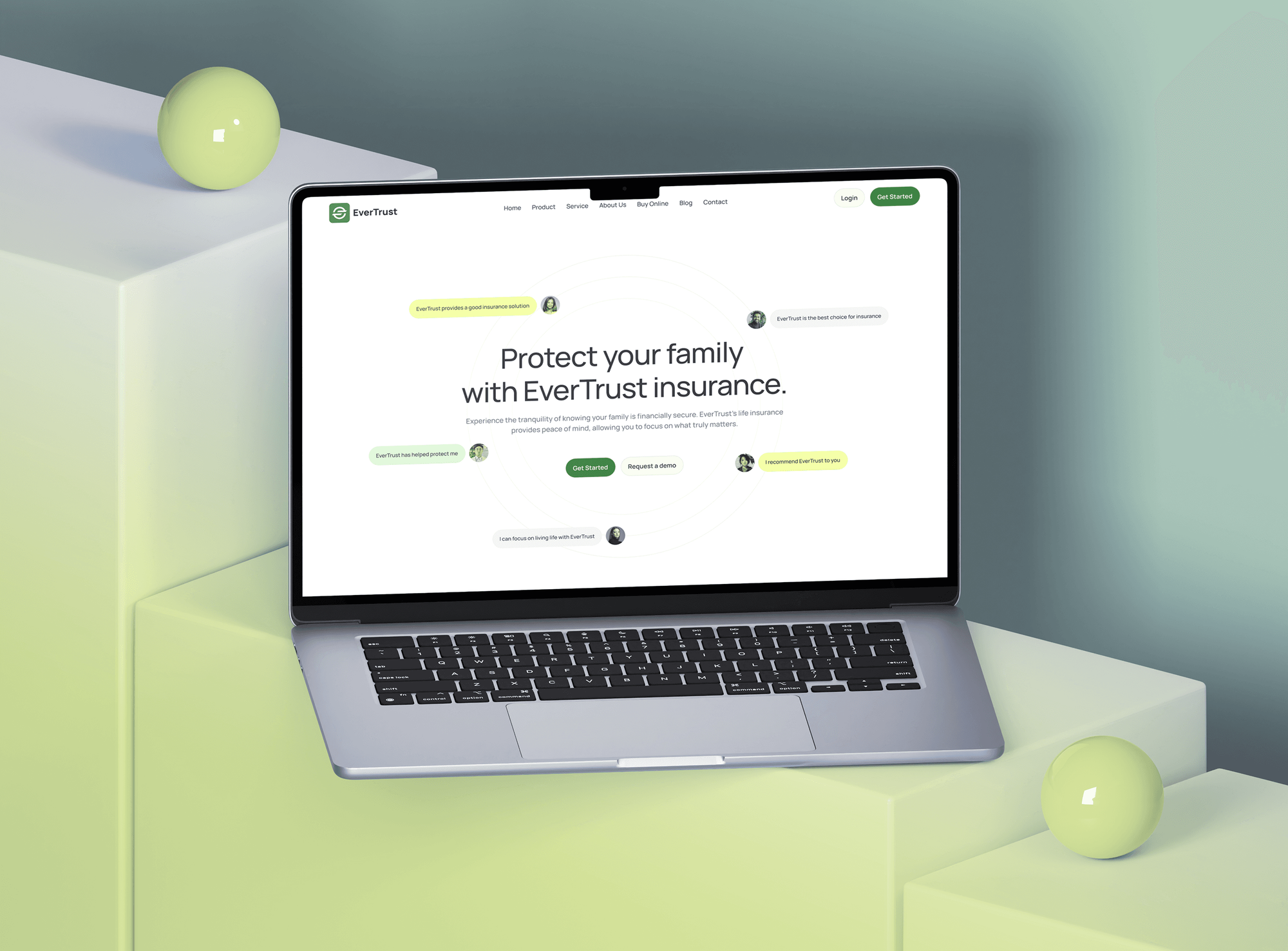
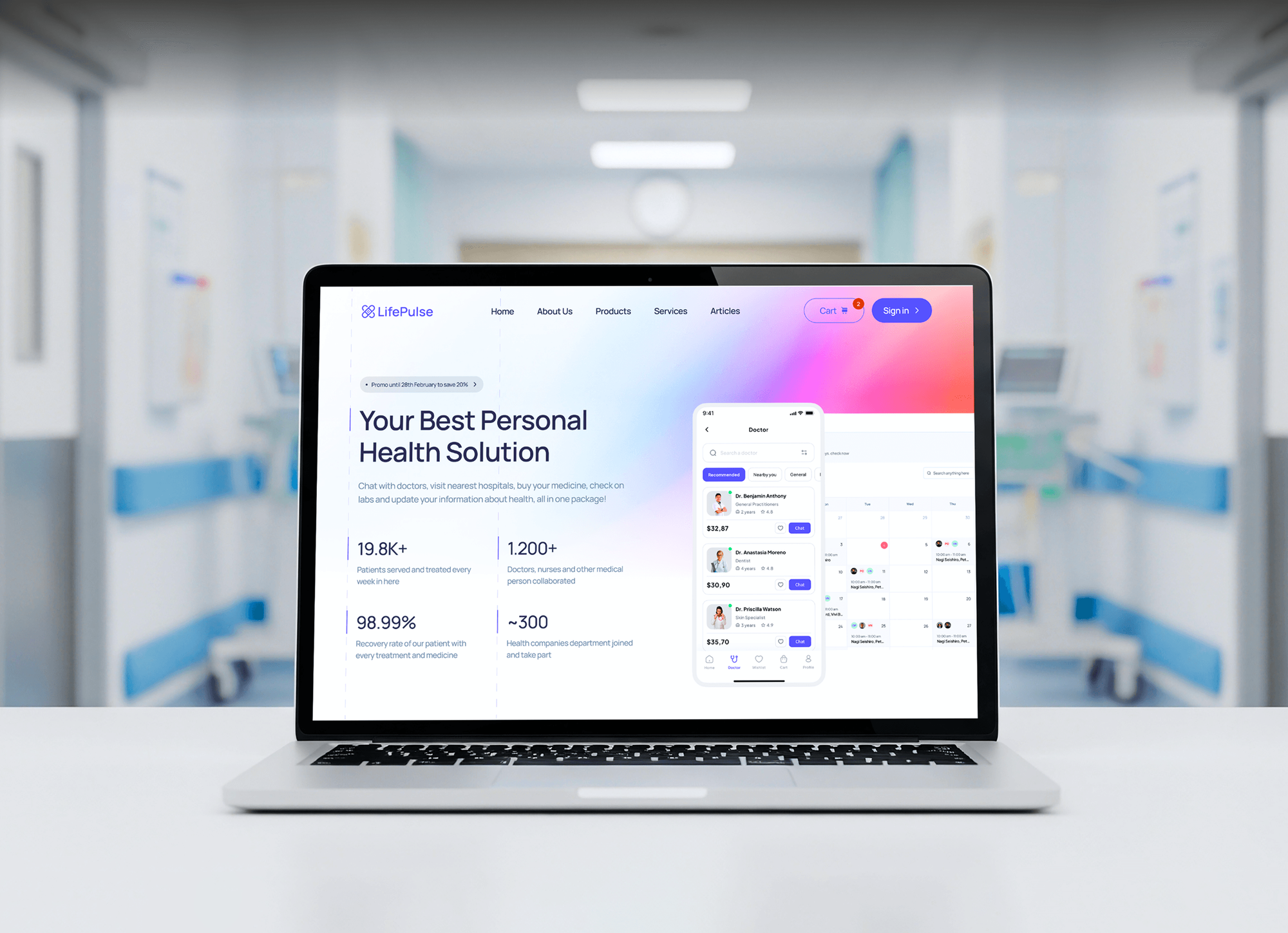
Websites and learning platforms we designed and built. They show the kind of sites we keep current, not PHP upgrade case studies.

What Our Clients Say
Feedback from teams we have built websites and web platforms for.
We had a pretty specific idea of what we wanted our website to become, but I wasn’t sure how easily we could explain all of it to a development team. There were quite a few moving parts, and we were working toward a deadline, so I expected a few things to get lost along the way. That never really happened. They understood what we were trying to achieve, kept us updated throughout the process, and got everything ready within the agreed timeline. The final site feels much easier to navigate, works beautifully on mobile, and is noticeably smoother for our customers. It was a huge relief seeing the original idea actually turn into the website we had in mind.
The mobile experience is probably my favourite part of the new site. We had spent a lot of time making sure the desktop version looked right, and the team kept pushing us to think about how everything would actually feel on a phone too. They were right. The navigation is clean, the interactions feel natural, and everything we’ve tested so far works exactly as it should. They also went through the links, forms, integrations, and other details more than once before launch, which I really appreciated. And even after going live, we could still reach out when something came up. The whole process felt friendly, organised, and surprisingly straightforward.
What I appreciate most is that the website is actually easy for us to manage now. We can update content ourselves instead of sending a developer a message every time we need to change something small. They also paid attention to the technical SEO side, which mattered to us because we didn’t want a new website to create problems for the traffic we already had. I’ve probably asked more questions than I should have since launch, but every question has been handled patiently and without any fuss. The team is easy to work with, they explain things clearly, and when we need something changed, they focus on getting it done rather than making the process complicated.
1,250+
Projects shipped
10+
Years of experience
Top 3%
Upwork Top Rated Plus
5 stars
Average review score

Want results like these?
Tell us what you are building. You get a reply within 24 hours on business days, then a written estimate.
Work Culture
A version switch looks like one click. These habits make sure your pages, forms, and checkout still work after the click.
We read the compatibility report before anyone touches your host's settings. A version switch without a scan is how most white screens happen.
Your old PHP version stays selectable until you confirm everything works. Rolling back is a setting change, not a backup restore.
Rector speeds up the routine changes, but a developer reads each diff. Automated rewrites can change behavior in edge cases, so nothing merges unread.
We change versions when your traffic is lowest and watch the error log right after. Your customers rarely notice that anything happened.
If your site has no custom code and your host's switch works on staging, we'll tell you that you don't need us. You keep the fee.
You get a short list of what changed and why, written for owners. Your next developer can pick it up without guessing.
Overview
DeveloperLook helps you update PHP on websites and custom apps without breaking them. We scan your code, fix incompatible calls on a staging copy, update dependencies, and switch your host to PHP 8.3 or 8.4 with a rollback ready. A single-site upgrade starts at $650 and takes 3 to 5 business days.
DEVELOPERLOOK
Project facts · PHP Upgrade Services
Reviewed 22 Oct 2026 by Saimul Islam
Good fit
Small business sites on PHP 7.4
Your host has flagged PHP 7.4 as end of life, and you want the PHP 7.4 migration handled by someone who reads your code first.
Owners of custom-built PHP apps
Your booking or quoting app was custom built in PHP years ago, the original developer is gone, and nobody knows what PHP 8 will break.
Sites blocked by plugin requirements
Your plugin and theme updates now require PHP 8.1 or newer, so you can't install their security fixes until the server moves forward.
Agencies with many client sites
You manage dozens of client sites on old PHP versions and need a white-label team to upgrade them safely, one server at a time.
Teams moving to a new host
You're moving to a host or server that only offers PHP 8.3 and newer, and your code has to be ready before the move.
Not a fit
Routine WordPress upkeep
Your WordPress site needs plugin updates and backups every month, not a one-off version jump. WordPress Maintenance Services covers that routine care.
Laravel framework upgrade
Your app runs Laravel and needs a framework version upgrade alongside PHP. Laravel Development Services handles the framework upgrade itself.
Site is down right now
Your site is showing errors or a white screen today. Website Repair and Emergency Fixes gets it working first, and the upgrade can follow.
No custom code, under $650
Your site has no custom code and a budget under $650. Try your host's one-click switch on a staging copy first, because you may not need us.
Not sure we're the right fit?
Book a free call or message us. We'll tell you honestly whether we're the right team.
Pricing
These are starting points in USD. Your final price depends on custom code, your starting PHP version, and site count, and you get a fixed proposal after the compatibility scan.
For one website or small app with little custom code, done in 3 to 5 business days.
$650one-time, USD
For custom PHP apps and heavily customized sites with Composer dependencies.
$1,600one-time, USD
For PHP 5.6 or 7.x code that needs a multi-version jump, up to 3 sites or apps.
$3,400one-time, USD
For Agencies
You own the client relationship. We supply the upgrade work: scans, fixes, and version switches across your client sites, delivered under your brand so each client sees a calm, well-run maintenance window.
White label: your client only ever sees your brand
Share client sites and hosting access, and we check each PHP version for free.
You get a compatibility report and a fixed price for each site.
We fix, switch, and watch logs while you handle client updates.
Compatibility reports and change notes carry your name.
Plan several client sites on one server in one window.
No client site changes version without a staging test.
Switches happen in the quiet hours your clients choose.
The Right Technology for Your Project
The platforms we upgrade, the tools that find and fix incompatible code, and the server stack the new PHP version runs on.
 PHP
PHP Laravel
 WordPress
 Magento
 Docker
 MySQL
MySQL PostgreSQL
FAQ
Straight answers on what breaks, which version to pick, rollbacks, costs, and timelines for a PHP upgrade.
Saimul IslamFounder & CEO, DeveloperLookStill have questions?
Send a message or book a call with the team.
It can, which is why the upgrade happens on a staging copy first. PHP 8 removed functions such as create_function and each, made type errors stricter, and changed how strings compare with numbers. Old plugins and custom code are the usual casualties. Our scan finds these before your live site changes, so you see the risk up front.
No. PHP 8.1 reached end of life on December 31, 2025, so it no longer gets security fixes. If your code runs on 8.1, it usually runs on 8.3 with small changes, and that buys you support until the end of 2027. If a plugin you can't replace blocks 8.3, the scan names it and suggests a replacement first.
Yes. Your previous PHP version stays selectable on the host until you sign off, so a rollback is a setting change, not a restore. In cPanel's MultiPHP Manager or Plesk, that's a per-domain switch. On a VPS, the old PHP-FPM pool stays installed. Once you've used the site on the new version for a week, the fallback is retired.
PHP upgrade services start at $650 for one site with little custom code. That covers the scan, up to 6 hours of fixes, and the host switch. Custom PHP apps with Composer dependencies start at $1,600. Multi-version jumps from PHP 5.6 or 7.x, covering up to 3 sites, start at $3,400. You get a fixed price after the scan.
Updating PHP on a typical business website takes 3 to 5 business days, most of it scanning and testing on staging. Custom apps take 2 to 6 weeks, depending on how much code calls removed functions. The switch itself takes minutes and happens in your quietest hour, with error logs watched straight after.
Jump straight to a supported release in most cases, because each stop in between adds testing time. A PHP 8.2 upgrade only lasts until December 31, 2026, when its security support ends. A PHP 8.3 upgrade runs until the end of 2027, and 8.4 until the end of 2028. Very old code may need a stop on 7.4 to untangle first.
Removed functions, stricter types, and changed comparisons cause most breakage in a PHP 7 to 8 migration. Code that relied on each, create_function, or loose string and number checks fails first. PHP 8.1 then deprecates passing null to many built-in functions, and 8.2 deprecates dynamic properties. Each shows up in the scan with its file and line.
Yes, at the code level. When you upgrade PHP on WordPress, we check custom themes and plugins and replace abandoned ones. On Laravel, we make the app and its packages run on the new PHP release. Routine WordPress upkeep sits on our WordPress Maintenance Services page, and framework version upgrades on our Laravel page.
Yes, with access to your hosting panel or server. We work in cPanel, Plesk, managed WordPress hosts, and VPS servers running NGINX or Apache. If your host doesn't offer the target version, we'll tell you before the work starts and suggest whether to ask the host or move to a new server.
You get 14 days of fixes on the Single Site plan and 30 days on the others, starting from the switch. We watch your error logs during that window and fix any new warnings. A short report lists every change, so the next PHP update goes faster, whether we do it or your own developer does.
Saimul IslamFounder & CEO, DeveloperLookStill have questions?
Send a message or book a call with the team.
Free 30-min callGoogle Meet
Book a call
In 30 minutes on Google Meet we walk you through how we would build it, how long it takes and what it costs. Then you get a written estimate.
Calendar not showing? Book on cal.com or send a brief.