DocLink Doctor Booking App Design & Development
- Business
- Medical
- Booking System

For therapists and group practices on SimplePractice: new client requests, portal links, calendars, and notes connected without sending client data through unchecked tools, from $450.
4+ hrs
Phone tag saved each week
100%
Requests landing in SimplePractice
How your project runs
01 · FreeIndustry leaders we work with
 WordPress
 Squarespace
 Wix
 QuickBooks
The Problem
It happens when the website and SimplePractice were set up separately. New clients can't request a time, existing clients can't find the portal, and note tools arrive without a BAA check.
Requests
New clients can only phone or email you.
Requests
Request and contact widgets send new clients straight into SimplePractice.
Portal
Existing clients keep asking where to sign in.
Portal
A Client Portal link sits in your site header and email signature.
Calendar
Personal events don't block request times.
Calendar
Advanced Google Calendar sync marks those busy times as unavailable.
Notes
AI scribes get added before anyone checks a BAA.
Notes
Each note tool is checked for a BAA and tested on a mock session.
A potential client reads your About page at midnight and wants to book. Your site offers only a phone number and an email address, so they send an email describing their symptoms. You reply two days later, and they've found someone else. Meanwhile, existing clients keep asking for the portal link. Your calendar shows a double booking because a personal Google event didn't block the slot. And a colleague recommends an AI scribe that nobody has checked for a BAA.
We start with the path a new client takes from your website to their first session, and keep client information inside SimplePractice the whole way. The appointment request widget and contact form send requests straight to SimplePractice. The Client Portal link serves everyone else. Calendar sync blocks your busy times, and any AI note tool gets a BAA check first. Clients request a time, not an email thread.
Requests from every page
Request and contact widgets put a booking path on each page, routed into SimplePractice.
BAA before any tool
Every tool that touches client information has its BAA checked before we connect it.
Calendars that block time
Advanced Google Calendar sync shows personal busy times, so requests don't land on them.
Our SimplePractice Integrations Process
You see which features your SimplePractice plan includes before we start, and you approve every tool that will touch client information.
We check your SimplePractice plan, your website platform, and how new and existing clients reach you today. Widgets need the Plus plan, so you know upfront what your plan allows and what an upgrade would add.
Projects We've Built
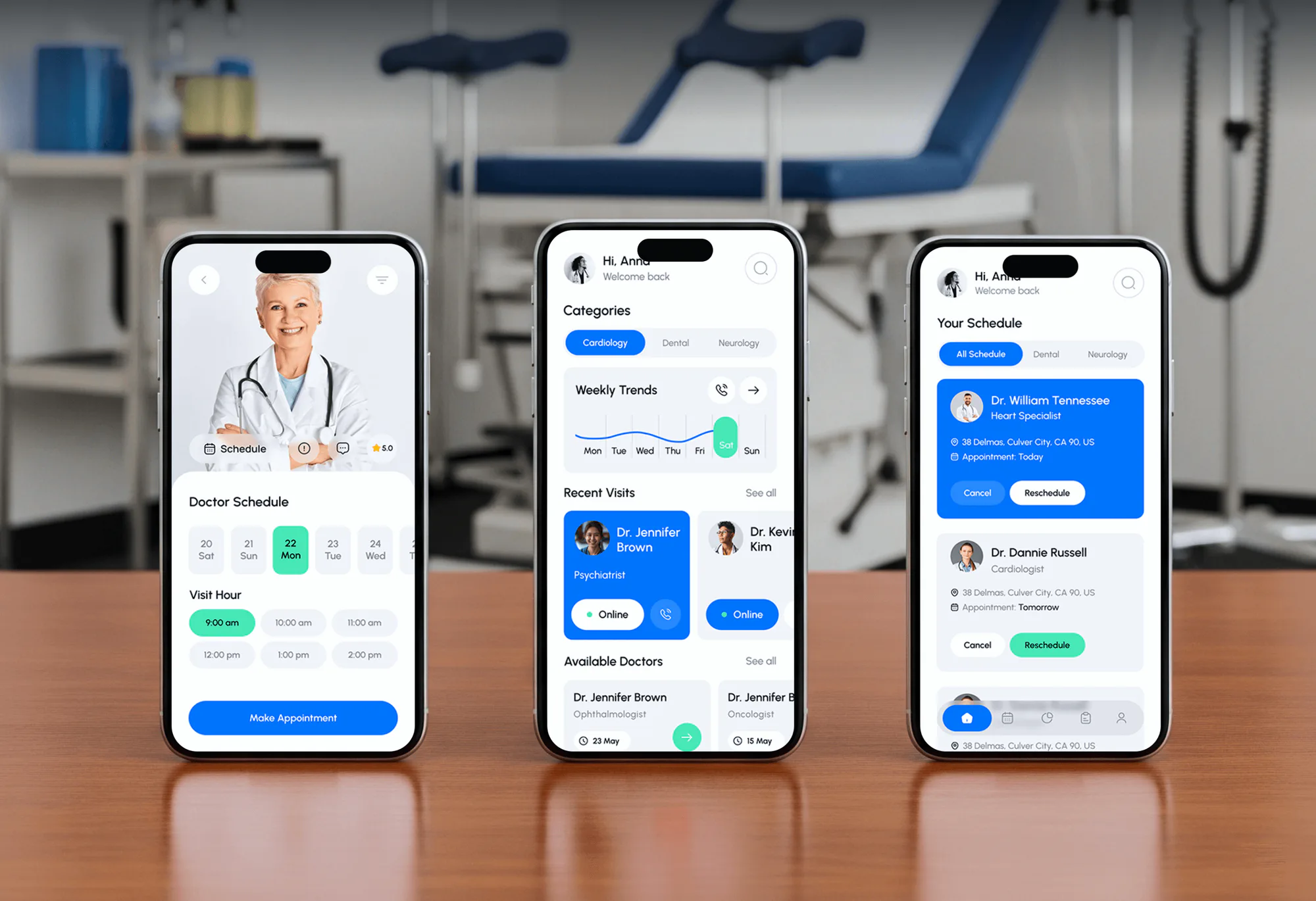
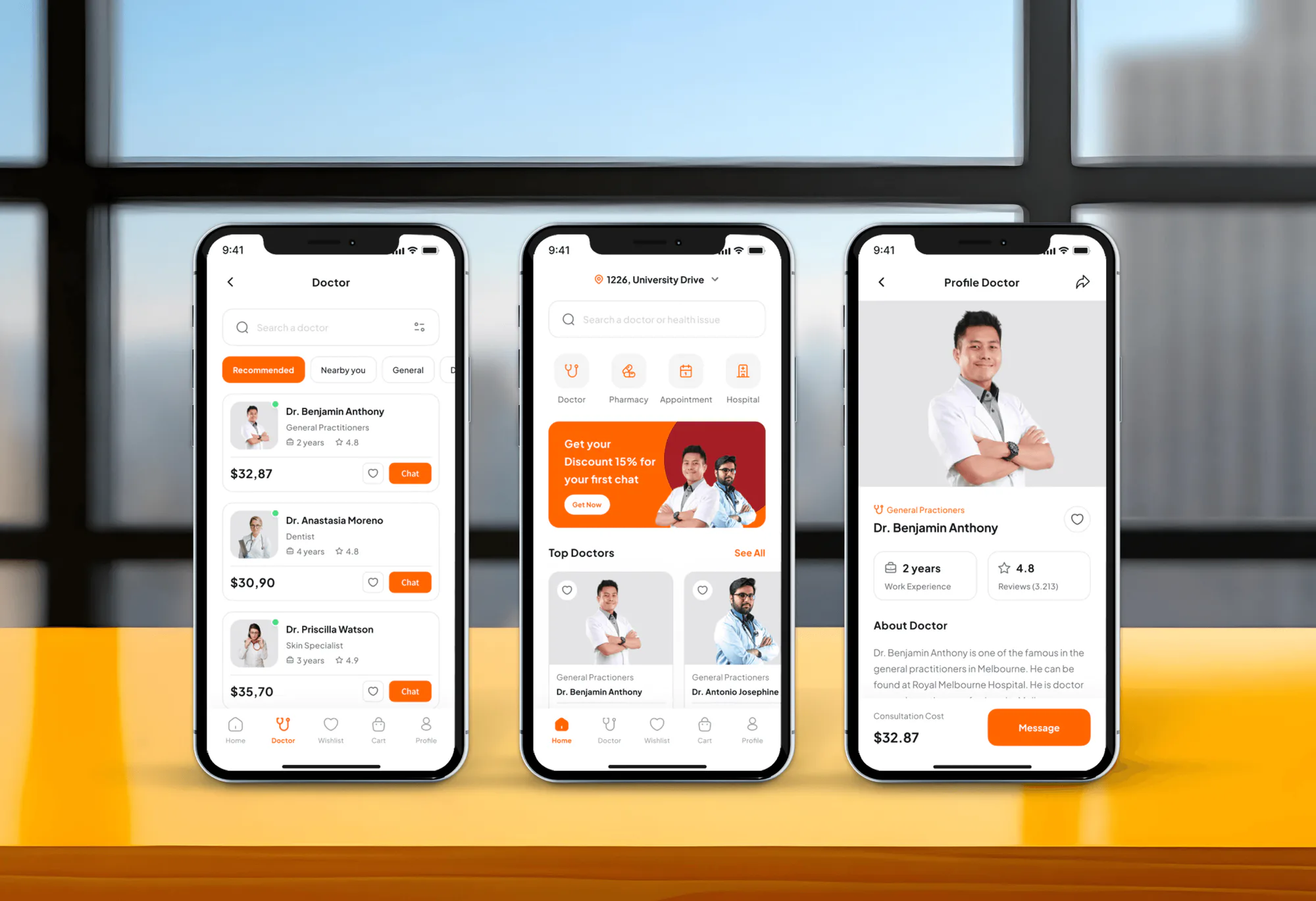
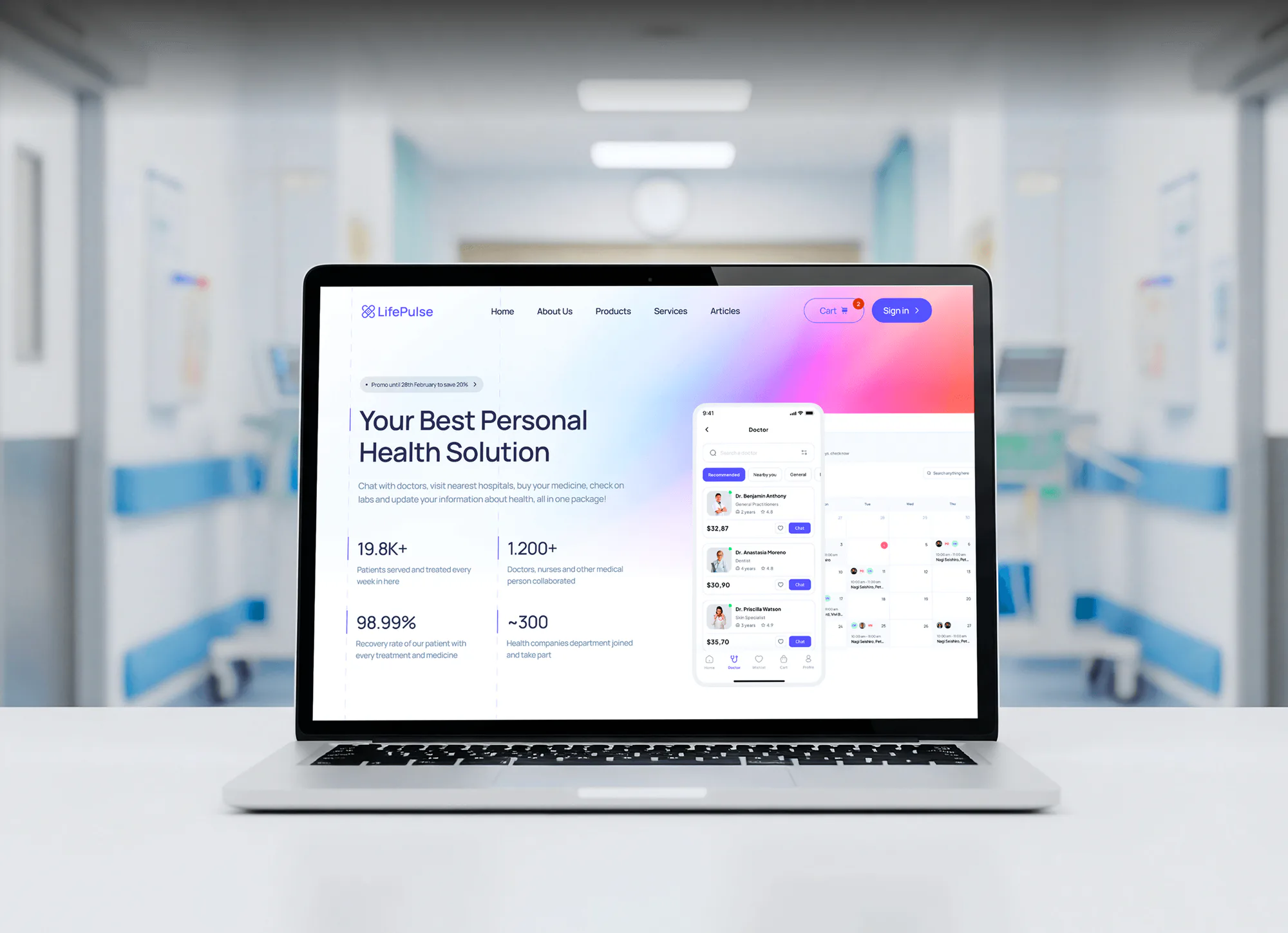
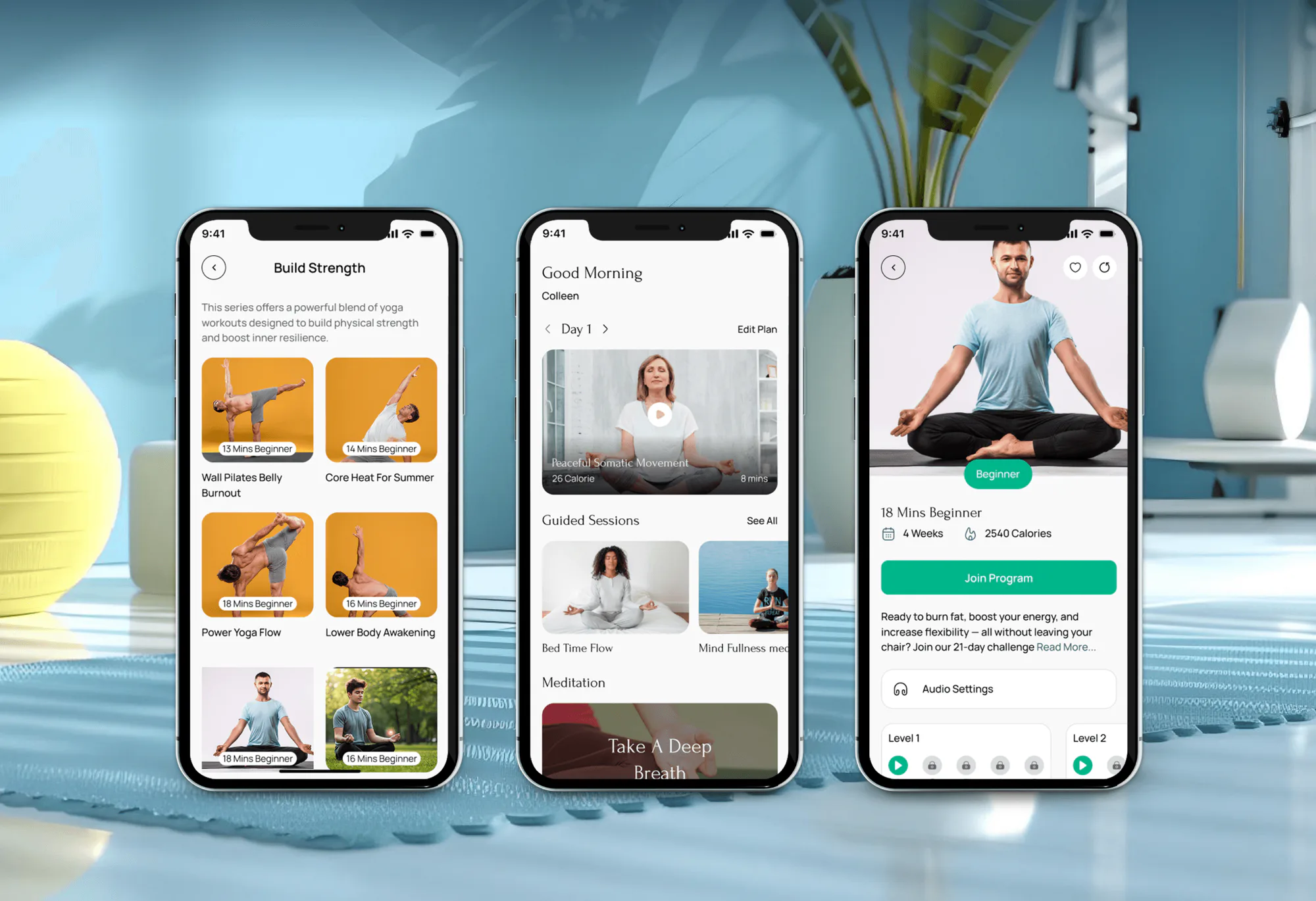
Telehealth, booking, and wellness apps we designed and built. None of them ran SimplePractice, but they show how we handle appointments, virtual visits, and patient data.
What's Included
Widgets on your site, the Client Portal linked where clients look, calendar sync, a BAA check for every tool, and a test run from a mock client.
Compare Options
Therapy site builders paste a booking link quickly, and a freelancer can style a page. Here is where each fits, and where it stops once BAAs, group calendars, and widget code matter.
| Feature | DeveloperLookBest fit | Site builder | Freelancer |
|---|---|---|---|
| Request widget setup | Per page and per clinician | One button, usually | Varies with experience |
| BAA review of tools | Every connected tool checked | Depends on the builder | Rarely raised |
| Calendar sync | Set up for each clinician | Not included | Sometimes, on request |
| Note tool workflow | Freed or Note Taker tested | Not included | Not included |
| Testing | Mock client through every path | Preview only | Visual checks |
| Speed to launch | 1 to 2 weeks for widgets | Same day for a template | A few days |
| Cost | Fixed scope from $450 | Monthly subscription | Lower hourly rate |
| Support after launch | 14 to 60 days included | Builder help desk | Ad hoc |
What Our Clients Say
Feedback from teams we have built booking apps, websites, and integrations for.
We had a pretty specific idea of what we wanted our website to become, but I wasn’t sure how easily we could explain all of it to a development team. There were quite a few moving parts, and we were working toward a deadline, so I expected a few things to get lost along the way. That never really happened. They understood what we were trying to achieve, kept us updated throughout the process, and got everything ready within the agreed timeline. The final site feels much easier to navigate, works beautifully on mobile, and is noticeably smoother for our customers. It was a huge relief seeing the original idea actually turn into the website we had in mind.
The mobile experience is probably my favourite part of the new site. We had spent a lot of time making sure the desktop version looked right, and the team kept pushing us to think about how everything would actually feel on a phone too. They were right. The navigation is clean, the interactions feel natural, and everything we’ve tested so far works exactly as it should. They also went through the links, forms, integrations, and other details more than once before launch, which I really appreciated. And even after going live, we could still reach out when something came up. The whole process felt friendly, organised, and surprisingly straightforward.
What I appreciate most is that the website is actually easy for us to manage now. We can update content ourselves instead of sending a developer a message every time we need to change something small. They also paid attention to the technical SEO side, which mattered to us because we didn’t want a new website to create problems for the traffic we already had. I’ve probably asked more questions than I should have since launch, but every question has been handled patiently and without any fuss. The team is easy to work with, they explain things clearly, and when we need something changed, they focus on getting it done rather than making the process complicated.
1,250+
Projects shipped
10+
Years of experience
5 stars
Clutch rating
5 stars
GoodFirms rating
Excellent
Trustpilot rating
Top 3%
Upwork Top Rated Plus
1,250+
Projects shipped
10+
Years of experience
5 stars
Clutch rating
5 stars
GoodFirms rating
Excellent
Trustpilot rating
Top 3%
Upwork Top Rated Plus

Want results like these?
Tell us what you are building. You get a reply within 24 hours on business days, then a written estimate.
Work Culture
We keep client information inside SimplePractice wherever we can, check every BAA, and tell you plainly what SimplePractice doesn't offer, such as a public API.
We route requests and messages through SimplePractice's own widgets, not outside forms. Fewer copies of client information means fewer places for it to leak.
SimplePractice signs a BAA with you, but other tools need their own. We confirm each one before it touches a single client record.
SimplePractice says it doesn't offer a public API, and Zapier lists no official app. We build with widgets, sync, and exports instead of promising a sync.
Many clients reach out from a phone late at night. We check every widget on small screens, including Wix, where it opens inside the page instead of full screen.
Group practices get one widget per clinician and a short guide for adding the next hire. Your admin can add a clinician without calling us.
Widgets need the Plus plan, and some sync options do too. We tell you what your plan covers before you pay for anything.
Overview
DeveloperLook sets up SimplePractice integrations for therapists and group practices. We add request and contact widgets to your website, link the Client Portal, set up calendar sync, and check note tools for a BAA. SimplePractice has no public API, so data moves through its own features. Projects start at $450 and take 1 to 4 weeks.
DEVELOPERLOOK
Project facts · SimplePractice Integrations
Reviewed 27 Oct 2026 by Saimul Islam
Good fit
Solo therapists on the Plus plan
You pay for SimplePractice Plus, but new clients still email you because the appointment request widget isn't on your website yet.
Group practices adding clinicians
Your group adds a clinician every few months, and each one needs a request button, calendar sync, and a team page that works.
Clinicians weighing AI note tools
You've heard Freed.ai integrates with SimplePractice and want to know how, and whether its BAA terms fit, before you record a session.
Practices outgrowing the Professional Website
Your practice runs on the one-page Professional Website and wants a fuller site without losing the booking path clients already use.
Agencies building therapist websites
You design sites for therapists and need SimplePractice widgets working on WordPress, Squarespace, or Webflow without breaking the page layout.
Not a fit
Practice runs Tebra
Your practice runs Tebra, not SimplePractice. Our Tebra Integration page covers its scheduling widget, data exports, and API.
Need a whole new website
You need new copy, design, and SEO for the whole site. Our Therapist Website Design page builds that, and the widgets go in after.
Want a live data sync
You want client records synced to another system in real time. SimplePractice offers no public API, so we won't promise that sync.
One portal link only
You're on Starter and only need the Client Portal link on your site. If SimplePractice's own guide already covers your case, we'll tell you before we quote.
Not sure we're the right fit?
Book a free call or message us. We'll tell you honestly whether we're the right team.
Pricing
These are starting points in USD. Your final price depends on your clinicians, your website platform, and any move off the Professional Website, and you get a fixed proposal after a free discovery call.
For Agencies
You own the therapist client and their website. We supply the SimplePractice side: request and contact widgets that work on WordPress, Squarespace, or Webflow, portal links, calendar sync, and a BAA check on every tool. Your brand stays on the work.
White label: your client only ever sees your brand
Send the practice's SimplePractice plan, website platform, and clinician list.
A fixed quote under your agency's brand reaches you within days.
We install, test from a mock client, and send you the guide.
Send the practice's SimplePractice plan, website platform, and clinician list.
A fixed quote under your agency's brand reaches you within days.
We install, test from a mock client, and send you the guide.
The Right Technology for Your Project
The tools we connect around SimplePractice, limited to its own widgets, sync options, and exports, since it has no public API.
WordPressSquarespaceWixQuickBooksFAQ
Straight answers on SimplePractice costs, its website and apps, telehealth, Zapier, Freed, and BAAs.
Saimul IslamFounder & CEO, DeveloperLookStill have questions?
Send a message or book a call with the team.
SimplePractice integration work with DeveloperLook starts at $450 for request and contact widgets, portal links, and a mock client test. Group setups with per-clinician widgets, calendar sync, and a note tool check start at $1,200. Moving off the Professional Website with booking pages rebuilt starts at $2,700. You get a fixed quote after a free call.
Widgets and portal links usually go live in 1 to 2 weeks, including a mock client test. Group practices with calendar sync and a note tool check take about 2 to 3 weeks. Moving from the Professional Website to your own site takes 3 to 4 weeks, because the domain, redirects, and booking pages move together.
SimplePractice is practice management and EHR software for therapists and other health and wellness clinicians. It handles scheduling, notes, insurance billing, payments, a Client Portal, and built-in telehealth in one place. Its plans are Starter, Essential, and Plus, listed at $49, $79, and $99 a month on SimplePractice's pricing page in October 2026.
Yes. Every plan includes a one-page Professional Website with three themes, built-in booking, and a No Surprises Act footer option. You can connect your own domain, hosted with a third party. If you'd rather keep your own site, the appointment request and contact widgets embed into WordPress, Squarespace, or Webflow, but those widgets need the Plus plan.
Yes, two. Clients use the SimplePractice Client Portal app on iOS and Android to request appointments, pay invoices, message you, complete documents, and join telehealth. Clinicians use SimplePractice for Clinicians for the calendar, client list, messages, and tasks, and to record in-person sessions with Note Taker. A free telehealth app is also available for clients.
Yes, telehealth is built in on all 3 plans at no extra cost. Clients join from a browser without installing anything, or through the free app. Group telehealth comes with the Plus plan, or as a paid add-on per clinician on Essential. SimplePractice's BAA covers its telehealth too, so sessions don't need a separate video tool.
You integrate SimplePractice through its own touchpoints, because it doesn't offer a public API. Those are the appointment request and contact widgets, the Client Portal link, calendar sync with Google, Outlook, or Apple, and exports of payments and client data. We connect those pieces to your website, calendar, and bookkeeping, and nothing else gets direct access.
No official SimplePractice Zapier integration exists: Zapier's app directory has no SimplePractice app, and SimplePractice's help center doesn't mention one. Unofficial workarounds that scrape emails or screens can move client information without a BAA, so we don't build them. Widgets, calendar sync, and exports cover most of what practices want Zapier for.
Freed.ai integrates with SimplePractice through its Chrome extension, not a formal SimplePractice connection. On Freed's Premier and Groups plans, EHR Push sends a reviewed note into the open SimplePractice chart; other plans use copy and paste. Check that each note lands in the right client's chart, and confirm Freed's BAA terms before your first recorded session.
Every outside tool that receives client information needs its own BAA with your practice. SimplePractice signs one with you when you start your account, but it covers only SimplePractice. AI scribes, form builders, texting tools, and email apps each need checking. Tools that can't sign one stay off the client path, which we confirm before connecting anything.
Saimul IslamFounder & CEO, DeveloperLookStill have questions?
Send a message or book a call with the team.
Free 30-min callGoogle Meet
Book a call
In 30 minutes on Google Meet we walk you through how we would build it, how long it takes and what it costs. Then you get a written estimate.
Calendar not showing? Book on cal.com or send a brief.