
Armada AG Fiduciary and Consulting Services Website
- Finance
- Business
- Website

TaxDome client portal setup on your own domain, with new clients routed to pipelines, organizers, and KBA e-sign for Form 8879. From $650.
100%
Branded on your own domain
2X
Faster document collection
How your project runs
01 · FreeIndustry leaders we work with
 QuickBooks Online
 Stripe
 WordPress
 Webflow
 Cloudflare
 Google Analytics (GA4)
 Zapier
The Problem
It starts in January. The portal you pay for lives on an address clients don't recognize, so organizers stall and returns arrive by email.
Unknown address
Clients don't recognize the taxdome.com link and call to check it.
Unknown address
The portal moves to your own domain with a branded login page.
Emailed W-2s
A client emails a photo of a W-2 to your front desk.
Emailed W-2s
Login and sign-up buttons on your site send clients into the portal.
Manual jobs
Staff create jobs by hand from a partner's inbox.
Manual jobs
Registration answers start jobs in the right pipeline, and forms reach TaxDome through Zapier.
Signature chasing
Staff chase 8879 signatures by phone.
Signature chasing
Clients sign Form 8879 from home with KBA, with a paper fallback.
A client gets your organizer link in January and doesn't recognize the taxdome.com address, so they call to check it's safe. Another emails a photo of a W-2 to your front desk. Your website's contact form lands in a partner's inbox, where a new lead waits. Staff create jobs by hand and chase 8879 signatures by phone. By March, your team spends more time finding files than preparing returns.
We start with the address your clients see. The portal moves to your own domain with a branded login page, and your site gets login and sign-up buttons. Registration answers start jobs in the right pipeline, and consultation forms reach TaxDome through Zapier. Organizers skip questions that don't apply, and KBA handles Form 8879 remotely. Documents arrive where your team works, not in a partner's inbox.
A portal on your domain
Clients log in at an address with your firm's name, from any page.
Registrations that start jobs
One required registration question starts each client's job in the right pipeline.
Remote 8879 signatures
Clients sign Form 8879 from home with KBA, with a paper fallback if it fails.
Our TaxDome Integration Process
You approve each stage: domain and branding, intake routing, organizer drafts, and a test season with sample returns. Clients see nothing your staff haven't tried.
We review your TaxDome plan, pipelines, organizers, website forms, and how documents reach you today. You get a written setup plan, the Zapier connections needed, and a fixed price before work starts.
Projects We've Built
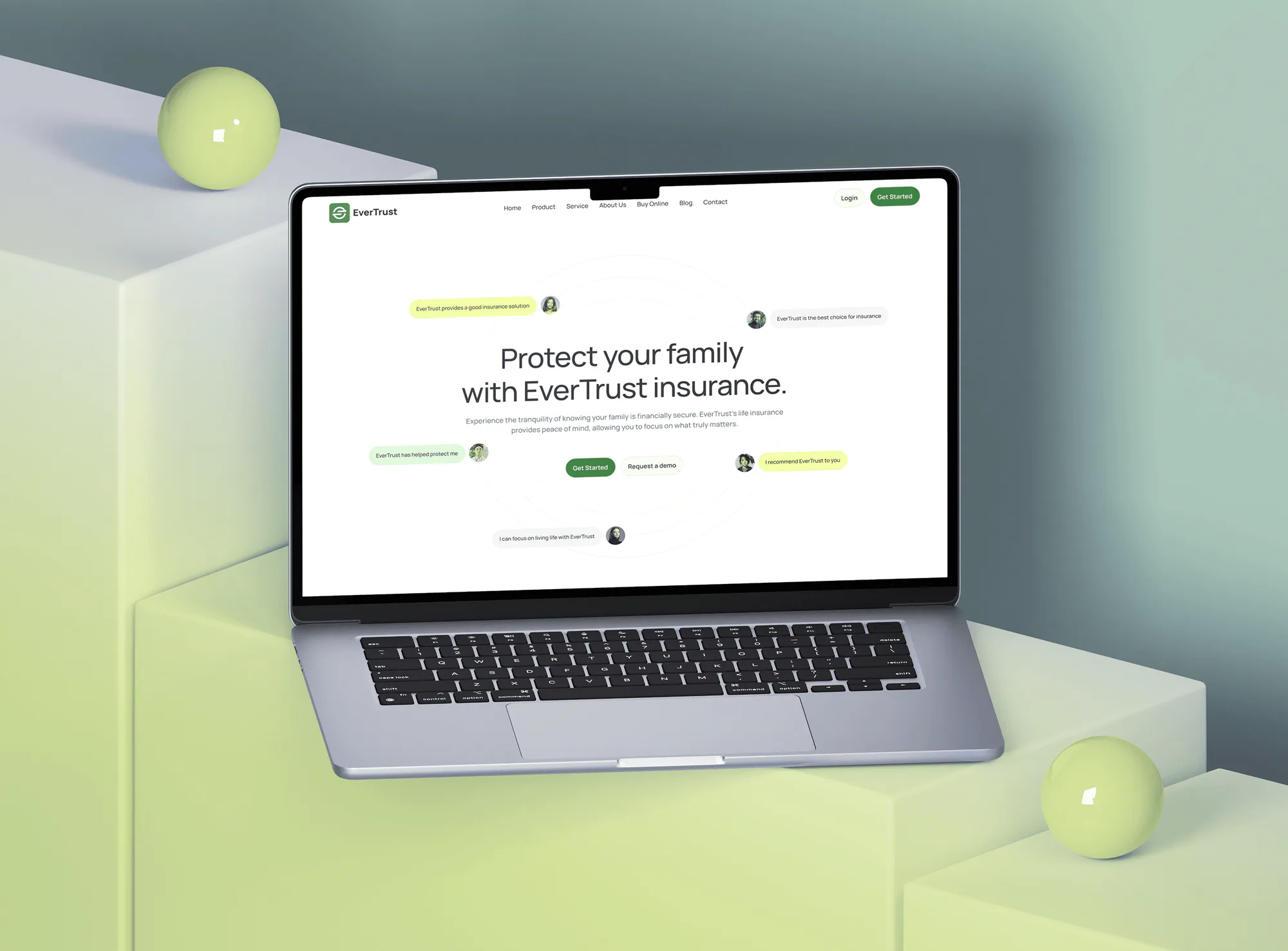
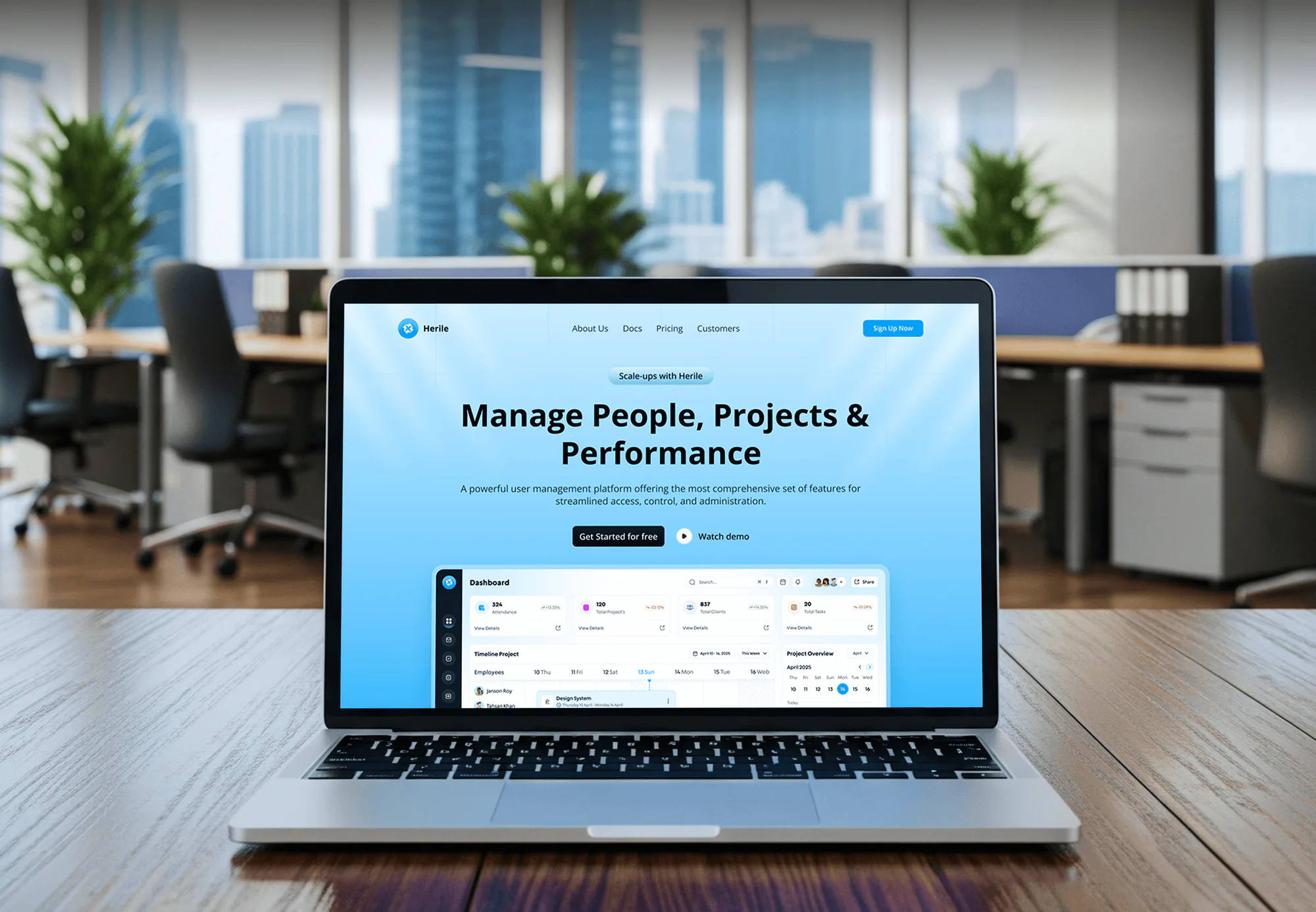
Finance, advisory, insurance, and business websites from our portfolio. On a TaxDome project, this is the site that carries your portal login, registration link, and consultation form.

What's Included
The setup covers the address clients see, how they get in, what they fill out and sign, and your team's pipelines.
Compare Options
Most TaxDome integrations begin with TaxDome's own onboarding, and small firms often finish there. Here's where each option fits and where we save time.
| Feature | DeveloperLookBest fit | Vendor onboarding | DIY setup |
|---|---|---|---|
| Domain setup | DNS, branding, testing | Free help, US and Canada | Help articles only |
| Website connection | Buttons, forms, Zapier | Portal link only | Link you add |
| Intake routing | Mapped to pipelines | Shown in training | Trial and error |
| Organizer setup | From your questions | Templates to adapt | Templates to adapt |
| Client import | Clients and files moved | Free for long lists | CSV by hand |
| Pipeline automations | Built and documented | You configure | You configure |
| Pricing model | Fixed, from $650 | Free sessions, paid packages | Staff time only |
| Best for | Firms short on time | Firms with a TaxDome admin | Solo preparers |
What Our Clients Say
Feedback from teams we have built websites, portals, and integrations for.
We had a pretty specific idea of what we wanted our website to become, but I wasn’t sure how easily we could explain all of it to a development team. There were quite a few moving parts, and we were working toward a deadline, so I expected a few things to get lost along the way. That never really happened. They understood what we were trying to achieve, kept us updated throughout the process, and got everything ready within the agreed timeline. The final site feels much easier to navigate, works beautifully on mobile, and is noticeably smoother for our customers. It was a huge relief seeing the original idea actually turn into the website we had in mind.
The mobile experience is probably my favourite part of the new site. We had spent a lot of time making sure the desktop version looked right, and the team kept pushing us to think about how everything would actually feel on a phone too. They were right. The navigation is clean, the interactions feel natural, and everything we’ve tested so far works exactly as it should. They also went through the links, forms, integrations, and other details more than once before launch, which I really appreciated. And even after going live, we could still reach out when something came up. The whole process felt friendly, organised, and surprisingly straightforward.
What I appreciate most is that the website is actually easy for us to manage now. We can update content ourselves instead of sending a developer a message every time we need to change something small. They also paid attention to the technical SEO side, which mattered to us because we didn’t want a new website to create problems for the traffic we already had. I’ve probably asked more questions than I should have since launch, but every question has been handled patiently and without any fuss. The team is easy to work with, they explain things clearly, and when we need something changed, they focus on getting it done rather than making the process complicated.
1,250+
Projects shipped
10+
Years of experience
5 stars
Clutch rating
5 stars
GoodFirms rating
Excellent
Trustpilot rating
Top 3%
Upwork Top Rated Plus
1,250+
Projects shipped
10+
Years of experience
5 stars
Clutch rating
5 stars
GoodFirms rating
Excellent
Trustpilot rating
Top 3%
Upwork Top Rated Plus

Want results like these?
Tell us what you are building. You get a reply within 24 hours on business days, then a written estimate.
Work Culture
We test every automation on sample returns before clients see it. These habits keep your setup predictable as deadlines close in.
We move the portal to your own domain and brand the login page first. Clients trust an address with your name on it.
We map each registration answer to a pipeline and make the question required. No new client waits for someone to create their job.
We test KBA e-signatures on sample returns, including a joint return and a failed check. Staff learn the paper fallback before clients need it.
We hide organizer questions a client doesn't need with conditional logic. Shorter organizers get finished sooner, so fewer returns stall.
If TaxDome's own setup help covers your firm, we'll say so before we quote. Our work should cover what their onboarding doesn't.
Everything we build lives in your TaxDome account and on your website. We document every automation so your team can change it later.
Overview
DeveloperLook sets up the TaxDome client portal for CPA and accounting firms and connects it to their websites. We move the portal to your own domain, route new clients into pipelines, and build organizers, KBA e-sign for Form 8879, and tax season automations. Setups start at $650 and take 1 to 8 weeks, at a fixed price inside your own TaxDome account.
DEVELOPERLOOK
Project facts · TaxDome Client Portal & Website Integration
Reviewed 28 Sep 2026 by Saimul Islam
Good fit
Firms new to TaxDome this year
You're new to TaxDome. You signed up in the fall and need everything working before January uploads.
Firms moving off another portal
You're leaving SmartVault, ShareFile, or your tax software's portal and need every client folder moved intact.
Practices with an unbranded portal
Your TaxDome client portal still shows a taxdome.com address, and some clients won't log in until they call you.
Firms adding bookkeeping and payroll
Your firm now sells monthly bookkeeping and payroll, and each needs its own pipeline and recurring jobs.
Agencies running CPA firm websites
Your agency runs sites for accounting clients on TaxDome and needs help with portal domains and Zapier forms.
Not a fit
Not on TaxDome
You don't use TaxDome and want your own branded portal. Secure Client Portal Development for CPAs & Firms covers custom builds.
Still choosing software
You're still choosing between Karbon, Canopy, and TaxDome. CPA Practice Management & Workflow Integration starts with a software fit review.
New firm website
You mainly need a new firm website. CPA Website Design Services covers the site and its portal login button.
Link and domain only
You only need a portal link and custom domain. TaxDome helps US and Canadian firms with both for free, so skip our $650 setup.
Not sure we're the right fit?
Book a free call or message us. We'll tell you honestly whether we're the right team.
Pricing
These are starting points in USD. Your final price depends on pipeline and organizer count, website changes, and client migration, and you get a fixed proposal after a free setup review.
For Agencies
You own the client relationship. We supply the TaxDome setup work for your accounting clients under your brand: domains, intake routing, Zapier forms, organizers, and tax season automations, all documented.
White label: your client only ever sees your brand
Send the firm's TaxDome plan, services, website access, and current organizers.
You get a fixed quote, a timeline before filing season, and one lead developer.
We configure, test with sample returns, and hand over a documented setup under your brand.
Send the firm's TaxDome plan, services, website access, and current organizers.
You get a fixed quote, a timeline before filing season, and one lead developer.
We configure, test with sample returns, and hand over a documented setup under your brand.
The Right Technology for Your Project
We work inside your TaxDome account, connect it to your site with Zapier and DNS records, and use the signing and organizer tools it includes.
QuickBooks OnlineStripeWordPressWebflowCloudflareGoogle Analytics (GA4)ZapierFAQ
Straight answers on cost, timing, domains, intake routing, 8879 e-signatures, and TaxDome's API.
Saimul IslamFounder & CEO, DeveloperLookStill have questions?
Send a message or book a call with the team.
TaxDome portal setup with us starts at $650 for the custom domain, website buttons, intake routing, and one organizer. The $1,750 plan adds return pipelines, up to 4 organizers, 8879 e-signatures, and a Zapier website form. Migrations start at $3,600, and TaxDome bills your subscription and any branded app separately.
A full setup with a migration from another portal takes 5 to 8 weeks. A branded portal takes 1 to 2 weeks, and adding pipelines, organizers, and e-sign takes 3 to 4. Folder count drives migration time, so starting by November keeps your January organizers clear.
You link to the portal rather than embed it, then white-label the address. TaxDome's help center describes two paths: a login button pointing at your firm portal URL, or a custom domain that drops .taxdome.com. We set the domain records, brand the login page, and add the buttons.
Yes, through the portal your site links to. Clients log in from your website, upload from a computer or TaxDome's mobile app, and sign Form 8879 with knowledge-based authentication. The IRS requires identity verification for remote e-signatures, and KBA needs a Social Security number, so ITIN holders sign on paper.
There are two ways to connect TaxDome to website forms. TaxDome's own sign-up form can start a job in the matching pipeline from one required question. Your existing form can create the account and contact through Zapier instead, but Zapier's TaxDome actions stop at accounts and contacts, so staff add the job.
Build one organizer per return type and let conditional logic hide what a client doesn't need. We start from last season's questions and show follow-ups only when an answer calls for them. Every path gets tested in TaxDome's preview mode before it goes out to clients.
TaxDome workflow automation won't remove every surprise, but it takes the chasing off your team. Pipelines move each return through stages, and automations send organizers, reminders, and invoices as jobs move. Jobs can advance once a client signs or pays, and client-facing statuses answer where's-my-return calls.
Not a public one yet: TaxDome's help center says it has no public API and points firms to Zapier. TaxDome has announced a documented public API for developers. Until it ships, we pair Zapier's account and contact actions with TaxDome's automations, then switch once the API is ready.
You can keep your current site, since TaxDome's help center calls its website feature an optional extra. The builder comes with the Pro and Business plans and can import an existing site. Firms with a custom WordPress or Webflow site usually keep it and link the portal.
Your firm owns everything, because we build inside your TaxDome account and on your website. Plans include 30, 60, or 90 days of support. You also get recorded walkthroughs and a written map of every automation, so a new admin can change them later without us.
Saimul IslamFounder & CEO, DeveloperLookStill have questions?
Send a message or book a call with the team.
Free 30-min callGoogle Meet
Book a call
In 30 minutes on Google Meet we walk you through how we would build it, how long it takes and what it costs. Then you get a written estimate.
Calendar not showing? Book on cal.com or send a brief.