
Services library import
Services, prices, and billing types imported by CSV, with service IDs kept so updates never duplicate.

For accounting and bookkeeping firms on Ignition: proposals that bill correctly, invoices that land in your ledger, and new clients set up the moment they sign.
100%
Invoices synced to your ledger
2X
Faster new client setup
How your project runs
Teams we have built for:














The Problem
Practice Ignition integrations usually come up once proposals are flowing: invoices need the right ledger accounts, and every signed client needs folders, jobs, and lists set up elsewhere.
01 · Services
Services carry the wrong billing type or ledger account.
We clean the library and reimport it by CSV with service IDs kept.
02 · Ledger
Invoices reach Xero or QuickBooks with the wrong accounts.
We map each service to its account and test one billed proposal.
03 · Onboarding
Every new client means folders, jobs, and lists by hand.
Proposal acceptance triggers the folder, the jobs, and the mailing list.
04 · Refunds
Refunds in Ignition never reach the ledger on their own.
We document the refund step so the ledger and Ignition agree.
Your clients sign Ignition proposals, and then the manual work starts. Someone sets up the client in your practice management tool, creates a Google Drive folder, adds them to Mailchimp, and posts a note in Slack. Invoices reach Xero with the wrong accounts because the services library was never cleaned. Refunds don't sync back, so the ledger and Ignition disagree. Each step takes minutes, but across a busy season they add up to days.
We start with your services library and billing settings, because every invoice and sync depends on them. Then we connect Ignition to Xero or QuickBooks Online and test a real proposal from signature to payment. After that, acceptance becomes the trigger: Karbon or Jetpack jobs, a Drive folder, a Mailchimp contact, and a Slack note, each set up once and logged.
Proposals that bill correctly
Services, billing types, and engagement terms set up so every accepted proposal bills as agreed.
A ledger that matches
Xero or QuickBooks Online mapped by service, with paid status flowing back into Ignition.
Acceptance starts the work
Signed proposals create jobs, folders, and contacts in Karbon, Jetpack Workflow, Drive, or Mailchimp.
Our Ignition Integration Process
You approve the services library and ledger mapping first. Then you watch a test proposal move from signature to invoice to onboarding before real clients use it.
We look at your Ignition plan, services library, engagement terms, ledger, and the tools your team uses after a client signs. You get a short map of each link and whether it's native, Zapier, or API.
What's Included
Every project covers the services library, ledger sync, and payments, then the onboarding links your firm needs, each tested on a real proposal before clients see it.
Compare Options
Your own admin knows your clients, and a freelancer can be cheaper for a single Zap. Here is where each runs short once proposals, ledgers, and onboarding connect.
| Feature | DeveloperLookBest fit | In-house admin | Freelancer |
|---|---|---|---|
| Planning | Link map before any setup | Fixed as problems appear | One task at a time |
| Services library | Cleaned and imported with IDs | Edited by hand | Rarely in scope |
| Ledger sync | Accounts mapped and tested | Yes, with Ignition's guides | Varies by experience |
| Onboarding automation | Drive, jobs, lists, and Slack | Manual for each client | Usually a single Zap |
| API and webhooks | Core API links, logged | Sometimes, on request | |
| Cost | Fixed price from $550 | Staff time only | Often cheaper per hour |
| Support after launch | 30 to 90 days included | Ignition support desk | Depends on availability |
| Ownership | Zaps and code stay yours | Sometimes in their account |
Projects We've Built
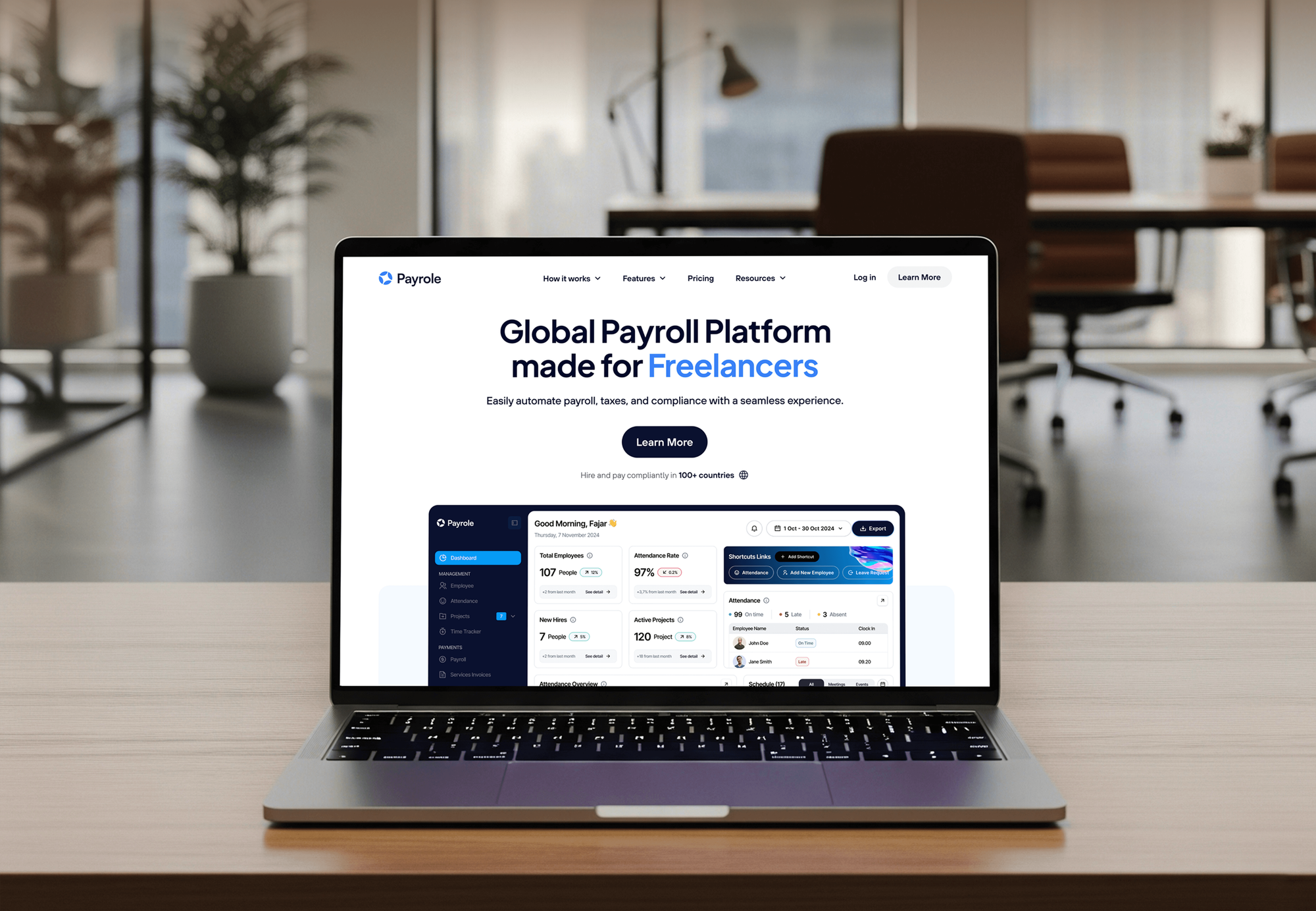
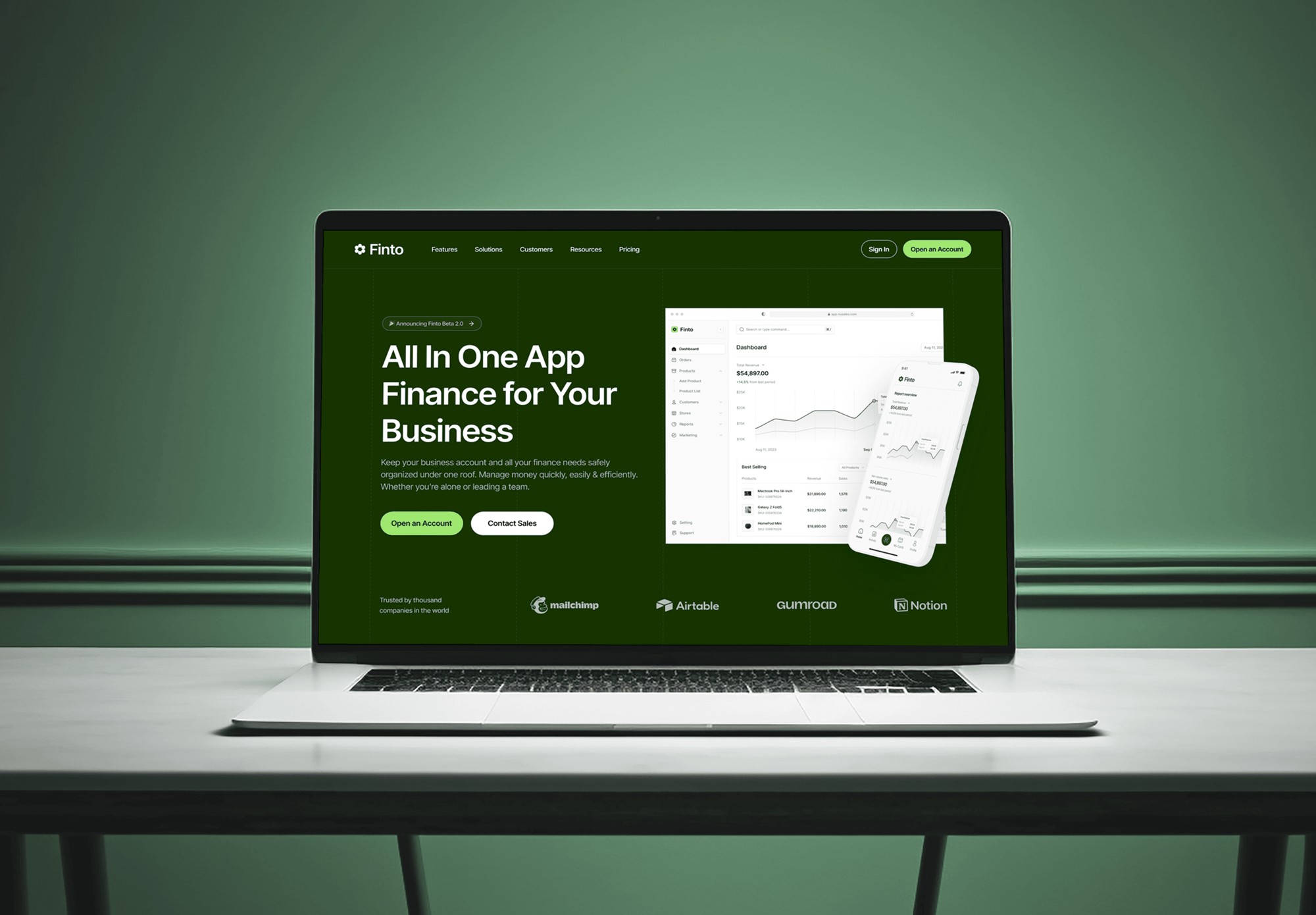
Websites and finance software we designed and built for consulting, payroll, and fintech teams. None ran on Ignition, but each one handles client money and records.


What Our Clients Say
Feedback from teams we have built websites and business software for.
We had a pretty specific idea of what we wanted our website to become, but I wasn’t sure how easily we could explain all of it to a development team. There were quite a few moving parts, and we were working toward a deadline, so I expected a few things to get lost along the way. That never really happened. They understood what we were trying to achieve, kept us updated throughout the process, and got everything ready within the agreed timeline. The final site feels much easier to navigate, works beautifully on mobile, and is noticeably smoother for our customers. It was a huge relief seeing the original idea actually turn into the website we had in mind.
The mobile experience is probably my favourite part of the new site. We had spent a lot of time making sure the desktop version looked right, and the team kept pushing us to think about how everything would actually feel on a phone too. They were right. The navigation is clean, the interactions feel natural, and everything we’ve tested so far works exactly as it should. They also went through the links, forms, integrations, and other details more than once before launch, which I really appreciated. And even after going live, we could still reach out when something came up. The whole process felt friendly, organised, and surprisingly straightforward.
What I appreciate most is that the website is actually easy for us to manage now. We can update content ourselves instead of sending a developer a message every time we need to change something small. They also paid attention to the technical SEO side, which mattered to us because we didn’t want a new website to create problems for the traffic we already had. I’ve probably asked more questions than I should have since launch, but every question has been handled patiently and without any fuss. The team is easy to work with, they explain things clearly, and when we need something changed, they focus on getting it done rather than making the process complicated.
1,250+
Projects shipped
10+
Years of experience
Top 3%
Upwork Top Rated Plus
5 stars
Average review score

Want results like these?
Tell us what you are building. You get a reply within 24 hours on business days, then a written estimate.
Work Culture
Ignition sits between your proposals and your books, so small errors travel fast. These habits keep our Ignition integration services accurate and easy to hand over.
If Ignition already connects natively, like Xero, Karbon, or Slack, we switch that on before building anything. You pay for Zapier or API work only where it adds something.
Every service is mapped to a ledger account your bookkeeper signs off. Wrong accounts get caught before the first billing run, not at year-end.
We test with an internal client and a real proposal flow. Your actual clients never receive a test email or a stray invoice.
API apps and Zapier connections live in your firm's accounts. When we finish, you can remove our access in a few clicks.
Changes land between billing runs and never during tax deadlines. Your staff meets each new link on a quiet day, with time to ask questions.
Each link gets a short note: its trigger, where it lives, and what to check first. A new admin can follow it on day one.
Overview
DeveloperLook sets up Practice Ignition integrations for accounting and bookkeeping firms. We clean the services library, link Xero or QuickBooks Online, and automate onboarding in Karbon, Jetpack Workflow, Google Drive, Mailchimp, and Slack. Projects start at $550 and most take 1 to 4 weeks, tested on a real proposal first.
DEVELOPERLOOK
Project facts · Ignition Integration Services
Reviewed 22 Oct 2026 by Saimul Islam
Good fit
Accounting firms billing through Xero
You send proposals from Ignition and bill through Xero, but invoices arrive with the wrong accounts and refunds never make it back to the ledger.
Firms planning work in Jetpack
Your team plans recurring work in Jetpack Workflow, and someone creates each new client's jobs by hand after the proposal is signed.
Practices filing documents in Drive
Your staff creates a Drive folder by hand for every new client, so you want a Practice Ignition Google Drive integration that does it on signing.
Firms emailing their client base
You want a Practice Ignition Mailchimp integration that adds each accepted client to the right audience, so newsletters reach current clients only.
Bookkeepers with services in spreadsheets
Your service menu and prices live in a spreadsheet, and you need them in Ignition with the right billing types before the first proposals go out.
Not a fit
Proposals sent from TaxDome
Your firm sends proposals and invoices from TaxDome instead of Ignition. Our TaxDome client portal integration page covers that platform's portal and billing.
Whole practice stack to connect
You want your whole practice management stack connected, not only Ignition. Our CPA practice management integration service plans that wider setup.
Looking for Ignition SCADA
You're looking for Ignition SCADA by Inductive Automation, the industrial software. This page covers Ignition, the proposal and billing app for professional firms.
Budget under $550
Your budget is under $550, or you only want Slack alerts for accepted proposals. Ignition's native Slack integration covers that, and we'll say so before we quote.
Not sure we're the right fit?
Book a free call or message us. We'll tell you honestly whether we're the right team.
Pricing
These are starting points in USD. Your final price depends on your Ignition plan, your ledger, and how many onboarding tools connect, and you get a fixed proposal after a free review.
For firms whose Ignition invoices need cleaning up before anything else connects.
$550one-time, USD
For firms that want every signed client set up across their tools automatically.
$1,450one-time, USD
For larger firms that need custom links, dashboards, or webhooks built on Ignition.
$3,150one-time, USD
For Agencies
You own the accounting firm client. We supply the Ignition work behind your brand: services library cleanups, ledger links, onboarding automation, and Core API builds. Your client talks to your team, and our name stays out of their proposals.
White label: your client only ever sees your brand
Send the Ignition plan, ledger, and the tools the firm uses after signing.
We map each link to native, Zapier, or API and send a fixed scope.
We build, test a real proposal, and hand over white-label notes.
Your brand on every link map and handover note we write.
Account maps your client's bookkeeper can review and approve.
Work planned away from your client's billing runs and filing peaks.
Help across several firm clients without hiring a developer.
The Right Technology for Your Project
We use Ignition's native integrations and Zapier app first, then its Core API where a firm needs a custom link.
 Xero
Xero QuickBooks
 Stripe
 Zapier
 Slack
Slack HubSpot
 Salesforce
 Node.js
FAQ
Straight answers on Ignition costs, how it works, Jetpack Workflow, services, invoices, leads, payments, the API, and Zapier.
Saimul IslamFounder & CEO, DeveloperLookStill have questions?
Send a message or book a call with the team.
Practice Ignition integrations from DeveloperLook start at $550 for a services library cleanup, ledger link, and one acceptance automation. Onboarding automation with Zapier, Karbon, or HubSpot is $1,450, and Core API builds start at $3,150. Your Ignition subscription and payment fees are billed by Ignition. A free review comes first, then a fixed quote, and most firms are live within 1 to 4 weeks.
Practice Ignition is the former name of Ignition, which dropped the word Practice in March 2022. It's proposal, engagement letter, billing, and payments software for accounting firms and other professional services. Clients accept a proposal, sign the terms, and add a payment method in one flow. Everything we integrate starts from that accepted proposal.
You build a proposal from your services, the client accepts it and signs the engagement terms, and Ignition bills them on the schedule you set. Each service is recurring, one-off, or a deposit. Invoices go out automatically, payments are collected through Ignition, and the invoices push to Xero or QuickBooks Online for your books.
Yes, through Zapier rather than a native connection. Ignition's own help center shows a Zap where the Service Accepted trigger creates jobs in Jetpack Workflow, one way from Ignition. We map each Ignition service to a Jetpack template, so a signed proposal sets up the right recurring work. Karbon, by contrast, connects natively on Ignition's Pro plans.
Go to the Services tab, choose Import, and upload a CSV built from Ignition's template. The template covers name, description, price type, billing mode, price, terms, category, and service ID. To update services later, export them, edit the file while keeping the Service ID column, and import again. We clean the list first so ledger mapping stays simple.
Most invoices create themselves from the billing schedule once a proposal is accepted. For services billed manually, open Billing Schedule, then Billed Manually, and choose Invoice now. For one-off work without a proposal, use Create new, then Invoice, or add an Additional Service. Ignition invoicing then pushes proposal and additional service invoices to your ledger.
You don't set it by hand: Ignition shows a client as a Lead until they have an accepted proposal or billing items. Clients can also be Active, Inactive, or archived. If you need a sales pipeline, the Deals add-on lets you move each deal between stages from its detail view, and you can rename the stages.
Ignition Pay usually means Ignition Payments, the built-in payment processing that runs on Stripe. Clients pay by card, Apple Pay, Google Pay, or bank debit such as ACH in the US and BACS in the UK. Ignition payment processing ties each payment to its invoice, so we check that the paid status reaches your ledger correctly.
Yes, Ignition's Core API is free on every plan while in early access, and an admin switches it on from Labs. The Practice Ignition API reads and writes clients, contacts, proposals, invoices, and services, and manages webhooks, within 1,000 requests an hour per app. Payments aren't readable through it. A separate read-only Reporting API comes with Pro+ and Enterprise.
Jetpack Workflow, Google Drive, Mailchimp, and Salesforce connect through Zapier, while Xero, QuickBooks Online, Karbon, and Slack are native. The native Practice Ignition Slack integration only posts a note when a proposal is accepted. Zapier triggers include Proposal Accepted and Service Accepted, and its actions can create or update clients and deals.
Saimul IslamFounder & CEO, DeveloperLookStill have questions?
Send a message or book a call with the team.
Free 30-min callGoogle Meet
Book a call
In 30 minutes on Google Meet we walk you through how we would build it, how long it takes and what it costs. Then you get a written estimate.
Calendar not showing? Book on cal.com or send a brief.