NextEdge Startup Web Design & Development
- Startups
- Technology
- Business

Operations teams get Zaps with Filters that save tasks, alerts on every failure, and a guide to each Zap, from $550.
5+ hrs
Admin saved every week
100%
Zaps with error alerts
How your project runs
01 · FreeTeams we have built for:














The Problem
Zapier makes the first Zap easy. The trouble starts around Zap number 20, when copies pile up, tasks climb, and a failed run hides in Zap history for days.
Silent errors
A Zap switched off after too many errors, and nobody noticed.
Silent errors
Failed Zaps post their name, step, and error to Slack the same hour.
Duplicates
Your Zap list holds three copies named by people who left.
Duplicates
Every Zap gets a clear name, a folder, and a short guide.
Task limits
Your task count hits the plan limit mid-month.
Task limits
Filters stop runs that don't qualify before any paid step uses a task.
Manual checks
Someone checks the CRM against the form every morning.
Manual checks
Old copies switch off only after the rebuilt Zaps prove themselves.
A new lead fills out your form, and nothing happens. The Zap that should send it to your CRM switched off last week after too many errors, and nobody noticed. Your Zap list holds three copies of it, named by people who've since left. Meanwhile your task count hits the plan limit halfway through the month. So someone checks the CRM against the form by hand every morning, which is the work you bought Zapier to remove.
We start with a list of your Zaps, what each one does, and what should happen when a step fails. Then we rebuild the ones that matter with clear names, Filters that stop runs early, and alerts that reach a person. Old copies get switched off once the new Zaps prove themselves. You hear about a failed run from Slack, not from a lost lead.
Runs stop before they cost tasks
Filters and Paths don't use tasks, so records that don't qualify stop before any paid step.
Failed runs show up in Slack
A failed Zap posts its name, step, and error to Slack or email the same hour.
Zaps your team can read
Every Zap gets a clear name, a folder, and a short guide, so edits don't need us.
Our Zapier Automation Process
You see the Zap plan before we build and a test run before anything goes live. Each step ends with something you review and approve.
We look at the tasks you want automated, the apps involved, and any Zaps you already run. You get a short plan and a fixed quote. If a Zapier template already covers your case, we'll tell you before we quote.
Projects We've Built
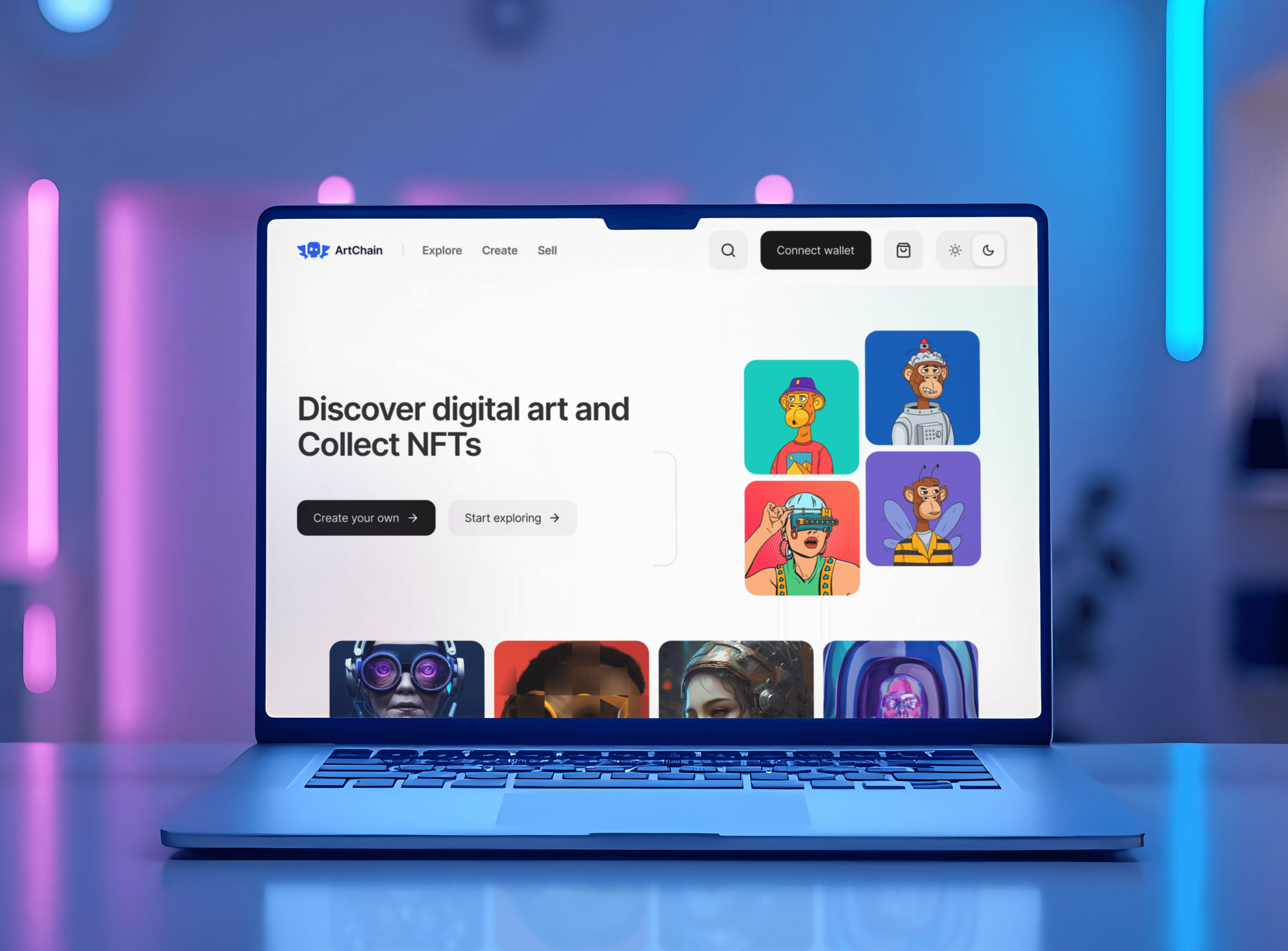
A selection of SaaS, dashboard, and app builds. Our Zapier work uses the same habits: careful data mapping, testing with real records, and clear handover.


What's Included
Every project covers the Zap plan, the build, error handling, testing, and handover. Cleanup projects add an audit of the Zaps you already run.
Compare Options
DIY Zaps cost nothing but your time, and a freelancer can be cheaper for a single Zap. We fit when Zaps touch revenue, need error handling, or have piled up.
| Feature | DeveloperLookBest fit | DIY Zaps | Freelancer |
|---|---|---|---|
| Upfront cost | From $550, fixed scope | Your team's time | Lower hourly rate |
| Planning first | Zap plan and task estimate | Built as needs appear | Varies by freelancer |
| Task efficiency | Filters stop runs early | Every record runs every step | Depends on the person |
| Error handling | Autoreplay plus alerts to a person | Default email notices | Often skipped |
| Apps without integrations | Webhooks and Code steps | Often a dead end | Depends on their skills |
| Speed for simple Zaps | 3 to 5 days | Minutes for simple Zaps | A day or two |
| Written documentation | A guide to every Zap | Rarely written | Rarely written |
| Account ownership | Built in your Zapier account | Your account | Sometimes their account |
What Our Clients Say
Feedback from teams we have built software, sites, and integrations for.
We had a pretty specific idea of what we wanted our website to become, but I wasn’t sure how easily we could explain all of it to a development team. There were quite a few moving parts, and we were working toward a deadline, so I expected a few things to get lost along the way. That never really happened. They understood what we were trying to achieve, kept us updated throughout the process, and got everything ready within the agreed timeline. The final site feels much easier to navigate, works beautifully on mobile, and is noticeably smoother for our customers. It was a huge relief seeing the original idea actually turn into the website we had in mind.
The mobile experience is probably my favourite part of the new site. We had spent a lot of time making sure the desktop version looked right, and the team kept pushing us to think about how everything would actually feel on a phone too. They were right. The navigation is clean, the interactions feel natural, and everything we’ve tested so far works exactly as it should. They also went through the links, forms, integrations, and other details more than once before launch, which I really appreciated. And even after going live, we could still reach out when something came up. The whole process felt friendly, organised, and surprisingly straightforward.
What I appreciate most is that the website is actually easy for us to manage now. We can update content ourselves instead of sending a developer a message every time we need to change something small. They also paid attention to the technical SEO side, which mattered to us because we didn’t want a new website to create problems for the traffic we already had. I’ve probably asked more questions than I should have since launch, but every question has been handled patiently and without any fuss. The team is easy to work with, they explain things clearly, and when we need something changed, they focus on getting it done rather than making the process complicated.
1,250+
Projects shipped
10+
Years of experience
Top 3%
Upwork Top Rated Plus
5 stars
Average review score
1,250+
Projects shipped
10+
Years of experience
Top 3%
Upwork Top Rated Plus
5 stars
Average review score

Want results like these?
Tell us what you are building. You get a reply within 24 hours on business days, then a written estimate.
Work Culture
Zaps move your leads, orders, and invoices, so a quiet failure costs real money. These are the habits we bring to every Zapier build and cleanup.
We put Filters and Paths early in each Zap, because Zapier doesn't count them as tasks. Records that don't qualify stop before they use your plan.
We connect apps through a shared company login, not one employee's account. When someone leaves, your Zaps keep running instead of failing on the next trigger.
Autoreplay retries a failed step up to 5 times over about 10 hours, per Zapier. If that's not enough, an alert reaches the person who owns that Zap.
Zaps live in folders by process, with names that say what they do. Your team finds the right Zap in seconds instead of guessing among copies.
If a two-step Zap on the free plan does the job, we'll show you how to build it. You pay us only for work that needs an expert.
Every Zap, connection, and run history stays in your own Zapier account. We remove our access at handover, and nothing depends on us.
Overview
DeveloperLook is a Zapier consultant team for operations teams whose Zaps break, run twice, or burn through tasks. We map the work, build Zaps with Filters, Paths, and error alerts, and clean up old Zap libraries. Setups start at $550, starter builds go live in 3 to 5 business days, and every Zap stays in your own Zapier account.
DEVELOPERLOOK
Project facts · Zapier Consultant and Automation Services
Reviewed 30 Sep 2026 by Saimul Islam
Good fit
Small teams copying data between apps
You copy form entries into your CRM and paste order details into a spreadsheet, and a typo costs you a lead each week.
Teams with Zaps nobody understands
Your Zap list has names like Copy of New Lead Zap, and nobody knows which ones still matter or what feeds what.
Businesses whose task bill keeps growing
Your Zapier bill jumped a plan tier because every record runs through every step, even the ones that should stop early.
Teams looking for outside help
You need someone to connect your CRM, forms, and billing, with a guide your team can follow when something changes.
Agencies with client Zap work
Your clients want Zaps built and maintained, and you need a Zapier partner who delivers quietly under your brand.
Not a fit
Custom code or heavy volume
Your workflows need custom code, heavy volume, or data on your own server. Our n8n Developer and Consultant page covers those builds.
Complex visual scenarios
You want a visual builder with routers and loops for complex data. Our Make.com Automation Consultant page covers Make scenarios.
Microsoft 365 teams
Your team runs on Microsoft 365, Teams, and SharePoint. Our Power Automate Consulting Services page is the better fit for that stack.
One two-step Zap
You only need one two-step Zap between common apps. Zapier's free plan and a template handle it, so a $550 setup isn't worth it.
Not sure we're the right fit?
Book a free call or message us. We'll tell you honestly whether we're the right team.
Pricing
These are starting points in USD. Your final price depends on the number of Zaps, the apps involved, and any cleanup. You get a fixed proposal after a free Zap review.
For Agencies
You own the client relationship. We supply the Zapier work: Zap builds, cleanups, and error alerts, delivered under your brand. Your client gets a guide to every Zap, and our name stays off each handover.
White label: your client only ever sees your brand
Send the client's apps, the tasks they repeat, and access to any existing Zaps.
You get a Zap plan, a task estimate, and a fixed price you can mark up.
We build, test, and document under your brand, then hand the account back to your client.
Send the client's apps, the tasks they repeat, and access to any existing Zaps.
You get a Zap plan, a task estimate, and a fixed price you can mark up.
We build, test, and document under your brand, then hand the account back to your client.
The Right Technology for Your Project
We build in Zapier and connect the CRM, forms, billing, and team tools you already use, with Code steps for the rest.
 Zapier
 OpenAI
 Anthropic Claude
 Slack
Slack HubSpot
 Salesforce
 Stripe
 PayPal
 Shopify
 WooCommerce
 Gorgias
 Zendesk
 Intercom
 QuickBooks
 Xero
Xero Google Sheets
 JavaScript
 Python
Related Services
Teams that outgrow a few Zaps often add one of these: a wider automation plan, a move to n8n or Make, or a process audit first.
This page
Zapier Consultant and Automation Services
Pairs with the 6 services around it
FAQ
Straight answers on Zapier costs, plans, task usage, failures, and hiring help.
Saimul IslamFounder & CEO, DeveloperLookStill have questions?
Send a message or book a call with the team.
Zapier setups with DeveloperLook start at $550 for up to 3 Zaps and $1,400 for up to 8 Zaps with Paths and custom error handling. A cleanup of your existing Zap library, with up to 12 new or rebuilt Zaps, starts at $2,400. Your Zapier plan is billed by Zapier. You get a fixed price after a free Zap review.
Most business Zaps need Zapier's Professional plan, because multi-step Zaps, Paths, Filters, webhooks, and Autoreplay aren't on the free plan. The Team plan adds shared app connections and folders, which matter once several people build Zaps. We estimate your monthly tasks during the review and recommend the smallest plan that fits.
A starter setup of up to 3 Zaps takes 3 to 5 business days, including testing. Up to 8 Zaps take 1 to 2 weeks. A library cleanup takes 3 to 4 weeks, because we check what each old Zap still does before we change or retire it. Waiting for app logins is the most common delay.
Your consultant maps the task, builds the Zaps, and makes failures visible. We choose the triggers, add Filters and Paths, and format data so fields land cleanly. Apps without a ready integration connect through webhooks. Then we test with real records, set error alerts, and write a guide your team can follow.
Yes, once your Zaps touch revenue, customer data, or more than 3 apps. Simple two-step Zaps are easy to build yourself, even on the free plan. In the free review, we sort your tasks into the ones you can build and the ones worth paying for. You only pay for the hard parts.
We keep Zapier task usage down by stopping runs early. Zapier counts each successful action as a task, but triggers, Filters, and Paths don't use tasks, per its help center. So we filter out records that don't qualify before any action runs, and we merge Zaps that repeat the same steps. You get a monthly task estimate before launch.
When a Zap fails on a paid plan, Autoreplay retries the step up to 5 times over about 10 hours, per Zapier. We also send failures to Slack or email with the Zap and step named. That matters, because Zapier turns off a Zap when 95% of its runs error over 7 days, which stops every record behind it.
Yes, Zapier connects to thousands of apps, including most CRMs, forms, email tools, and payment platforms. For tools without a ready integration, we use Webhooks by Zapier or a short Code step to call their API. We confirm every app you use can connect before we quote, so there are no gaps halfway through the build.
Yes, AI by Zapier steps can sort messages, summarize text, or pull details out of emails on paid plans. We give each AI step one clear job and keep a person approving anything sent to customers. AI steps use tasks like any other action, so we include them in your task estimate.
You get 30, 60, or 90 days of support after launch, by plan. During that time we fix failed runs, update Zaps when an app changes its fields, and answer your team's questions. Your Zaps stay in your own Zapier account, so you can keep running them without us.
Saimul IslamFounder & CEO, DeveloperLookStill have questions?
Send a message or book a call with the team.
Free 30-min callGoogle Meet
Book a call
In 30 minutes on Google Meet we walk you through how we would build it, how long it takes and what it costs. Then you get a written estimate.
Calendar not showing? Book on cal.com or send a brief.