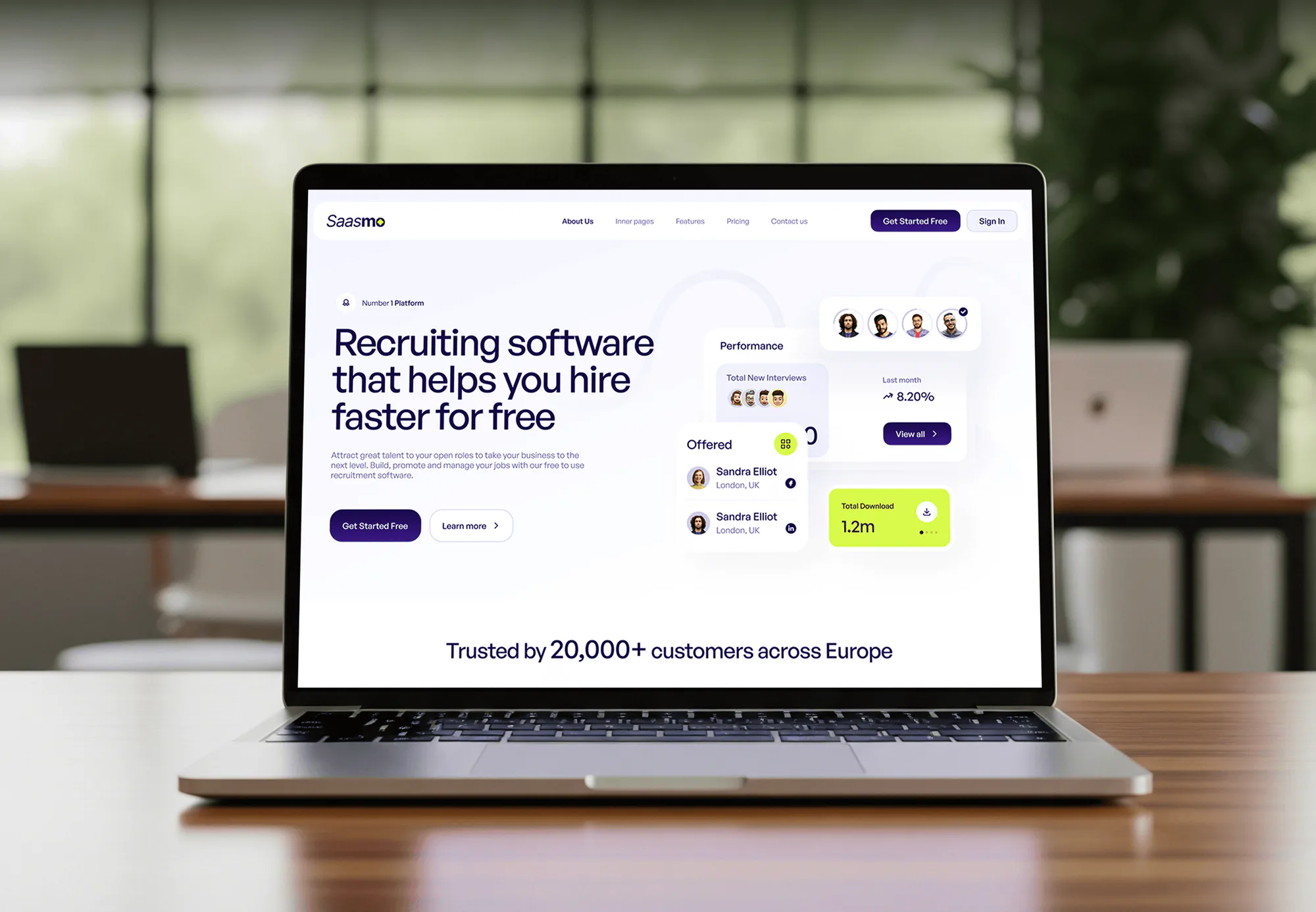
Saasmo Recruiting Software Web Design & Development
- Technology
- HR & Staffing
- SaaS Platform

CPA practice management software connected to your website, Ignition proposals, inboxes, and billing in Karbon, Canopy, or TaxDome. From $900. Free review.
10+ hrs
Saved every week on admin
100%
Accepted proposals turned into work
How your project runs
01 · FreeIndustry leaders we work with
 Zapier
 Node.js
 QuickBooks Online
 Xero
Xero Stripe
 Slack
SlackThe Problem
It shows in March. Most CPA firm practice management software can do more than you use, but nothing talks to your website, proposals, or inboxes.
Copy chains
A web inquiry gets copied into a spreadsheet, then into Ignition.
Copy chains
Your website form creates a prospect with no retyping.
Retyped clients
Accepted proposals get retyped into your practice platform and billing.
Retyped clients
An accepted proposal creates the client and first work items.
Ownerless inboxes
Your tax@ inbox fills up, and nobody knows who owns which email.
Ownerless inboxes
Shared inbox messages become tasks with an owner and a due date.
Missed organizers
One client gets two engagement letters, and another gets no organizer.
Missed organizers
Templates drive each step, and billing starts when the engagement letter is signed.
A prospect fills in your website form on Monday. Your assistant copies it into a spreadsheet, then into Ignition for the proposal. They accept, and someone retypes the client into your practice platform, then again into billing. Meanwhile your tax@ inbox fills up, and nobody knows who owns which email. One client gets two engagement letters. Another doesn't get an organizer at all. Your busiest months turn into copy and paste.
We start with how a client actually moves through your firm, from first inquiry to recurring work. Then we connect each hand-off. Your website form creates a prospect, and an accepted proposal creates the client and work items. Billing starts when the engagement letter is signed, and shared inboxes get owners and rules. Your team works from templates instead of memory, and nobody types the same client twice.
Proposals that create work
An accepted proposal creates the client and first work items, with no retyping.
Inboxes with owners
Shared tax@ and info@ messages become tasks with an owner and a due date.
Billing from the engagement
Recurring invoices start when the engagement letter is signed, not when someone remembers.
Our CPA Workflow Integration Process
You approve the workflow map, the software choice, each connection, and a parallel run before the old process goes away.
We map how a new client moves through your firm today: inquiry, proposal, engagement letter, onboarding, recurring work, and billing. You get a list of every retyping point, a recommended setup, and a fixed price.
Projects We've Built
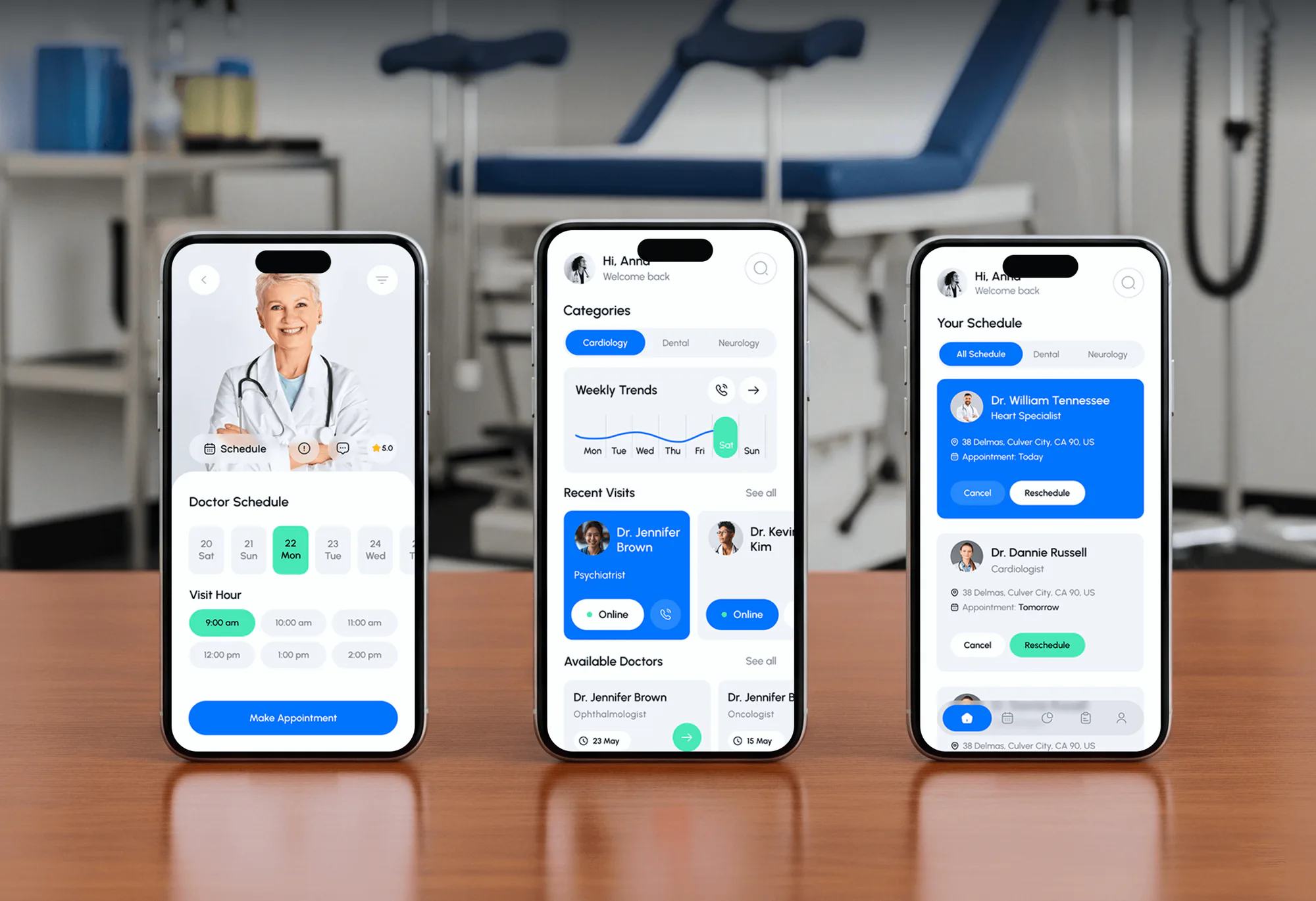
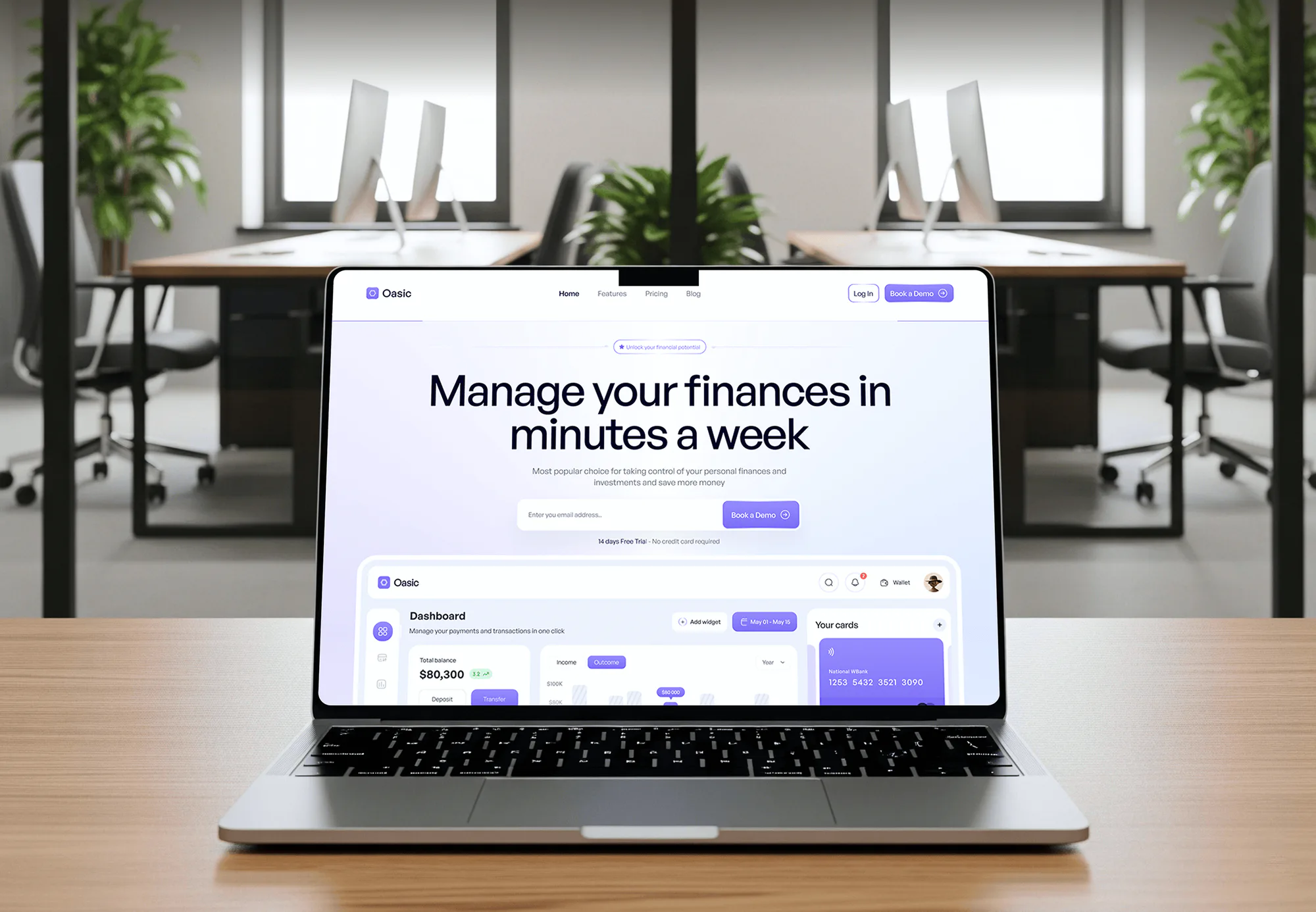
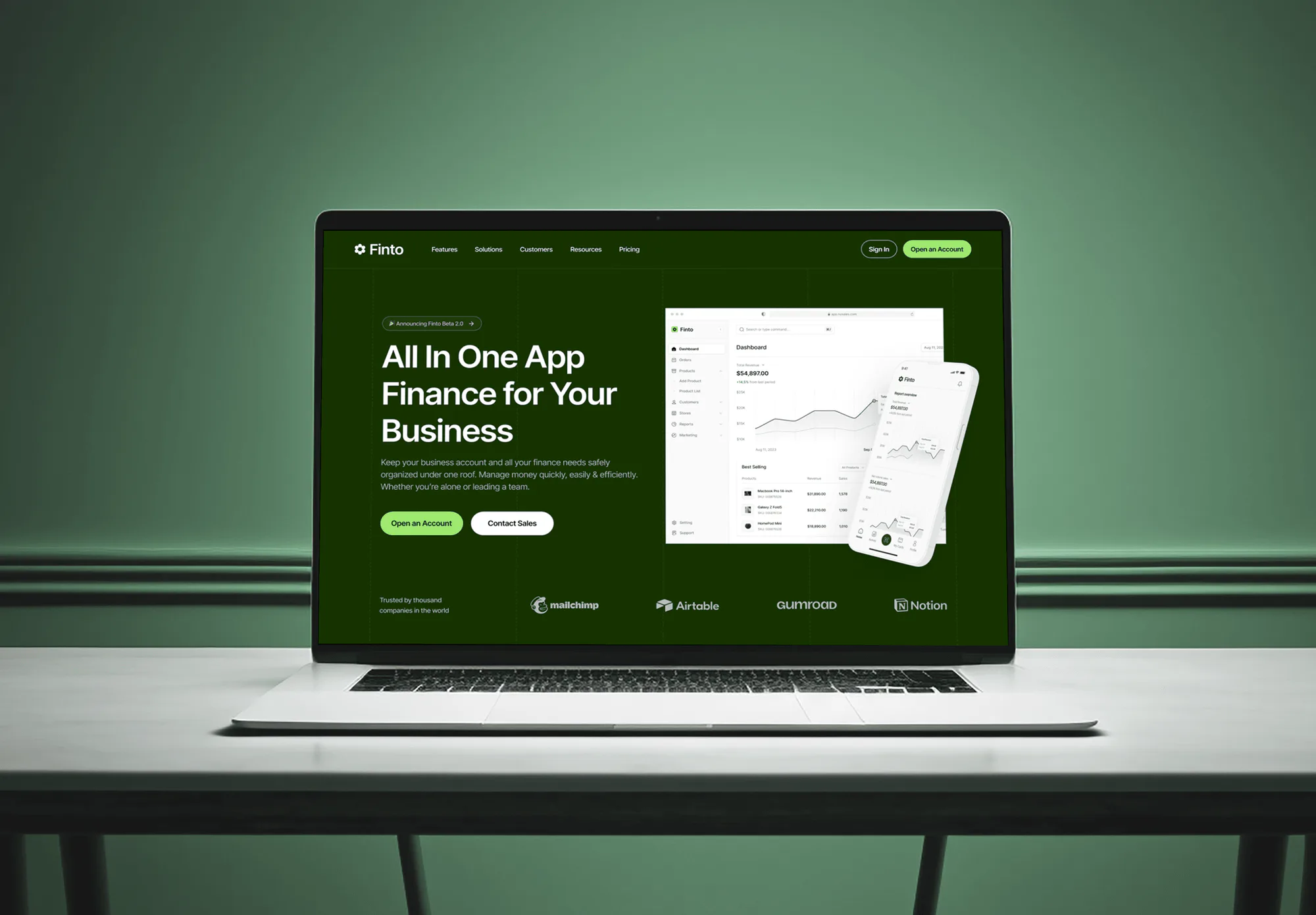
SaaS, booking, and finance products we designed and built, with the forms, dashboards, and data flows that practice automation depends on.
What's Included
The work covers your software choice, the path from first inquiry to signed engagement, deadline workflows, billing, and your team's documentation.
Compare Options
DIY automation suits one simple connection, and a setup consultant suits firms staying inside one platform. The gap shows when several tools must share one client record.
| Feature | DeveloperLookBest fit | DIY automation | Setup consultant |
|---|---|---|---|
| Software choice | Fit review across 3 platforms | Your own research | Usually one platform |
| Website intake | Forms mapped to prospects | Possible with Zapier | Rarely in scope |
| Proposal to work | Native link or Zapier, tested | One Zap per service | Native link only |
| Custom code | API calls and webhooks | Not practical | Not usually offered |
| Deadline workflows | Templates, triage, reminders | You configure | Templates and training |
| Data migration | Clients and open work | Manual CSV imports | Often included |
| Pricing model | Fixed, from $900 | Lowest, costs staff time | Hourly or packages |
| Best for | Firms linking several tools | One simple connection | One platform, no code |
What Our Clients Say
Feedback from teams we have built integrations and automations for.
We had a pretty specific idea of what we wanted our website to become, but I wasn’t sure how easily we could explain all of it to a development team. There were quite a few moving parts, and we were working toward a deadline, so I expected a few things to get lost along the way. That never really happened. They understood what we were trying to achieve, kept us updated throughout the process, and got everything ready within the agreed timeline. The final site feels much easier to navigate, works beautifully on mobile, and is noticeably smoother for our customers. It was a huge relief seeing the original idea actually turn into the website we had in mind.
The mobile experience is probably my favourite part of the new site. We had spent a lot of time making sure the desktop version looked right, and the team kept pushing us to think about how everything would actually feel on a phone too. They were right. The navigation is clean, the interactions feel natural, and everything we’ve tested so far works exactly as it should. They also went through the links, forms, integrations, and other details more than once before launch, which I really appreciated. And even after going live, we could still reach out when something came up. The whole process felt friendly, organised, and surprisingly straightforward.
What I appreciate most is that the website is actually easy for us to manage now. We can update content ourselves instead of sending a developer a message every time we need to change something small. They also paid attention to the technical SEO side, which mattered to us because we didn’t want a new website to create problems for the traffic we already had. I’ve probably asked more questions than I should have since launch, but every question has been handled patiently and without any fuss. The team is easy to work with, they explain things clearly, and when we need something changed, they focus on getting it done rather than making the process complicated.
1,250+
Projects shipped
10+
Years of experience
5 stars
Clutch rating
5 stars
GoodFirms rating
Excellent
Trustpilot rating
Top 3%
Upwork Top Rated Plus
1,250+
Projects shipped
10+
Years of experience
5 stars
Clutch rating
5 stars
GoodFirms rating
Excellent
Trustpilot rating
Top 3%
Upwork Top Rated Plus

Want results like these?
Tell us what you are building. You get a reply within 24 hours on business days, then a written estimate.
Work Culture
We map your process before we touch any software. These habits keep a new platform from breaking what your team already knows.
We map how work moves through your firm before recommending a platform. The software should fit your services, not force a new process on your staff.
We match records by email and external ID, so each client exists once in every tool. Duplicates are how invoices and deadlines get missed.
We schedule go-lives away from the weeks before major filing deadlines. Your team learns new templates when they have time to read them.
Every shared inbox rule names who handles each type of message. Your clients' questions stop sitting unanswered in info@ during tax season.
If a native integration already covers your gap, we'll tell you before we quote. Custom work should earn its price.
You get a fixed quote after the free workflow review. Any change gets priced and approved before anyone starts on it.
Overview
DeveloperLook connects CPA practice management software to the tools accounting firms already use. We link website inquiries, Ignition proposals, engagement letters, recurring billing, and shared inboxes to Karbon, Canopy, or TaxDome. Projects start at $900 and take 2 to 12 weeks for a fixed price, and every account stays in your firm's name.
DEVELOPERLOOK
Project facts · CPA Practice Management & Workflow Integration
Reviewed 28 Sep 2026 by Saimul Islam
Good fit
Firms choosing their first platform
You've outgrown spreadsheets. Your firm wants help picking a platform and setting it up around how you work.
Karbon firms sending Ignition proposals
You send proposals in Ignition, but nobody set up the Karbon link, so your staff retype each new client.
Canopy users with a busy website
Your site brings consultation requests every week, and someone copies each one into Canopy before anyone calls back.
Partners buried in shared inboxes
Your info@ and tax@ inboxes fill up every March, and client questions wait because nobody owns them.
Agencies serving accounting firms
Your agency builds sites for accounting firms and needs a partner to connect forms to their CPA practice management software.
Not a fit
TaxDome branding only
You already run TaxDome and only need its portal branded and linked. TaxDome Client Portal & Website Integration is the narrower setup.
Firm-owned portal
You want a portal your firm owns outright. Secure Client Portal Development for CPAs & Firms covers that custom build.
Solo preparer, one inbox
You're a solo preparer with one inbox and a few dozen returns. Your tax software's own tools cost less than any integration.
One Zap covers it
Your budget is under $900, or one Zapier connection covers your gap. Building that single Zap yourself is the cheaper route.
Not sure we're the right fit?
Book a free call or message us. We'll tell you honestly whether we're the right team.
Pricing
These are starting points in USD. Your final price depends on tool count, data migration, and custom API work, and you get a fixed proposal after a free workflow review.
For Agencies
You own the client relationship. We supply the integration work behind your accounting clients' workflow platforms under your brand: intake forms, proposal links, work templates, and the API connections partners ask for.
White label: your client only ever sees your brand
Share the firm's practice platform, proposal tool, website, and current pain points.
You receive a fixed quote, a data map, and one lead developer.
We build, run a parallel test, and hand over documentation under your brand.
Share the firm's practice platform, proposal tool, website, and current pain points.
You receive a fixed quote, a data map, and one lead developer.
We build, run a parallel test, and hand over documentation under your brand.
The Right Technology for Your Project
We use each platform's native integrations first, then Zapier, and write custom API code only where both stop.
ZapierNode.jsQuickBooks OnlineXeroStripeSlackFAQ
Straight answers on cost, timing, choosing a platform, proposals, billing, inboxes, and APIs.
Saimul IslamFounder & CEO, DeveloperLookStill have questions?
Send a message or book a call with the team.
Custom CPA practice automation with us starts at $900 for a software fit review plus the inquiry and proposal connections. Templates, inbox rules, and recurring billing start at $2,300. Custom API work, migration, and partner reporting start at $4,600. Each software vendor bills its own subscription separately.
Your intake and proposal links take 2 to 3 weeks, and templates with billing take 4 to 6. Builds with custom API work or a migration take 8 to 12 weeks. We plan the switchover for a quiet stretch, so firms that start in the fall finish before organizers go out.
There's no single best choice, because it depends on where your firm loses time. Karbon suits email-heavy teams, with shared inboxes and work templates. Canopy suits tax resolution work, with IRS transcript pulls beside its client portal. TaxDome puts the portal, organizers, KBA e-signatures, proposals, and billing in one platform.
Connecting your site to your practice software removes the retyping between a website visit and the first job. The consultation form creates a prospect with the service they asked about. The accepted proposal turns them into a client with work items, and the engagement letter, payment details, and document requests follow.
Yes, most platforms can once engagements and billing are linked. Ignition bills recurring, one-off, or deposit services from the accepted proposal. TaxDome can charge a saved card or bank account on a recurring invoice schedule, and Karbon lets clients view and pay invoices in its client portal.
CPA firms cut email bottlenecks by giving shared inboxes owners and moving client requests out of email. Karbon's Shared Triage connects info@ or tax@ from Gmail or Outlook, and any message can become a task on the client's work. Client requests replace attachment threads, and reminders chase missing documents for you.
The cleanest route is a native link from Ignition to your platform. On Ignition's Pro and Pro+ plans, its Karbon integration creates the contact and adds work items from your Karbon templates for each service. Acceptance then flips the prospect to a client. Canopy connects through Zapier instead.
Both have APIs, with different reach. Karbon's REST API is switched on in Settings, covers contacts, work items, invoices, and files, sends webhooks, and allows 120 requests per minute. Canopy's public API needs approval and covers client data, not receivables, so a Canopy Tax integration usually pairs it with Zapier.
No, most projects keep the platform you already pay for. We connect what you have and suggest a move only when a missing feature costs real hours, such as a portal clients won't use. If you do switch, migrating clients and open work is part of the top plan.
Your firm owns every account, Zap, API key, and record, since we build inside your subscriptions. Plans include 30, 60, or 90 days of support for fixes. You also get a written map of each connection, so your own admin or another developer can maintain it.
Saimul IslamFounder & CEO, DeveloperLookStill have questions?
Send a message or book a call with the team.
Free 30-min callGoogle Meet
Book a call
In 30 minutes on Google Meet we walk you through how we would build it, how long it takes and what it costs. Then you get a written estimate.
Calendar not showing? Book on cal.com or send a brief.