
Figma file review
Components, auto layout, and variables checked, with missing screens and states flagged before any code.

For teams with a finished Figma file: developer-built HTML, CSS, or React that matches your design at every screen size, from $600.
90+
Lighthouse performance target
100%
Code you own, no plugin lock-in
Teams we have built for:














The Problem
Most Figma files show a desktop and maybe a phone. Everything in between, plus every hover, error, and empty state, gets guessed during the build.
01 · Spacing
Spacing drifts by a few pixels on every section.
Figma variables become CSS tokens, so spacing and type match the file exactly.
02 · Tablet
The tablet layout nobody drew collapses into a stack.
We code the in-between breakpoints and show them to you before launch.
03 · Plugin output
A plugin export produced absolutely positioned divs that break.
Developers write semantic HTML and flexbox layouts that adapt to real content.
04 · States
Buttons and forms have no hover, focus, or error states.
Every interactive element gets hover, focus, disabled, and error states before handoff.
Your designer delivered a polished Figma file, and the build looks close but off. Spacing drifts by a few pixels on every section. The tablet layout nobody drew collapses into an awkward stack. A plugin export gave you 4,000 lines of absolutely positioned divs that break the moment real text goes in. Buttons have no hover or focus states. Your designer files screenshots of every mismatch, and each round of fixes takes another week.
We start by reading the Figma file the way a developer builds it: components, auto layout, and variables. Each Figma component becomes a coded component, and each variable a CSS token. We fill in the breakpoints and states the file didn't draw, then check every page against the design on real devices. The result matches the file at every width, not just the two in the mockup.
Built from your Figma structure
Components, auto layout, and variables in your file become components, flexbox layouts, and tokens in code.
Every width, not just two
We code the tablet and in-between breakpoints your file didn't draw, so layouts hold at any size.
Fast, accessible markup
Semantic HTML, WCAG 2.2 AA basics, and a Lighthouse check before every handoff.
Our Figma to Code Process
You see a build plan first, then working pages on a preview link, and you approve each one against the Figma file before launch.
We open your Figma file and check components, auto layout, variables, and which screens or states are missing. You get a page count, a recommended stack, and a fixed price.
What's Included
Each project covers the file review, coded components, responsive pages, and launch, built by developers rather than exported by a plugin.
Compare Options
A plugin export takes minutes and is free to try, and a freelancer can be cheaper for one page. Here's where each holds up in production.
| Feature | DeveloperLookBest fit | Plugin export | Freelancer |
|---|---|---|---|
| Code quality | Semantic, readable, built from components | Generated, often absolutely positioned | Varies by developer |
| Responsive behavior | Every breakpoint coded and checked | Only the frames you drew | Usually phone and desktop |
| Interactive states | Hover, focus, and error built in | Rarely included | Sometimes included |
| Accessibility | WCAG 2.2 AA basics checked | Not checked | Depends on the developer |
| Speed | 3 days to 8 weeks | Minutes | Often fast for one page |
| Maintenance | Your team can extend it | Hard to edit by hand | Depends on documentation |
| Lock-in | No plugin or platform lock-in | Some tools need their runtime | None |
| Cost | Fixed price from $600 | Free to low monthly fee | Lower hourly rates |
Projects We've Built
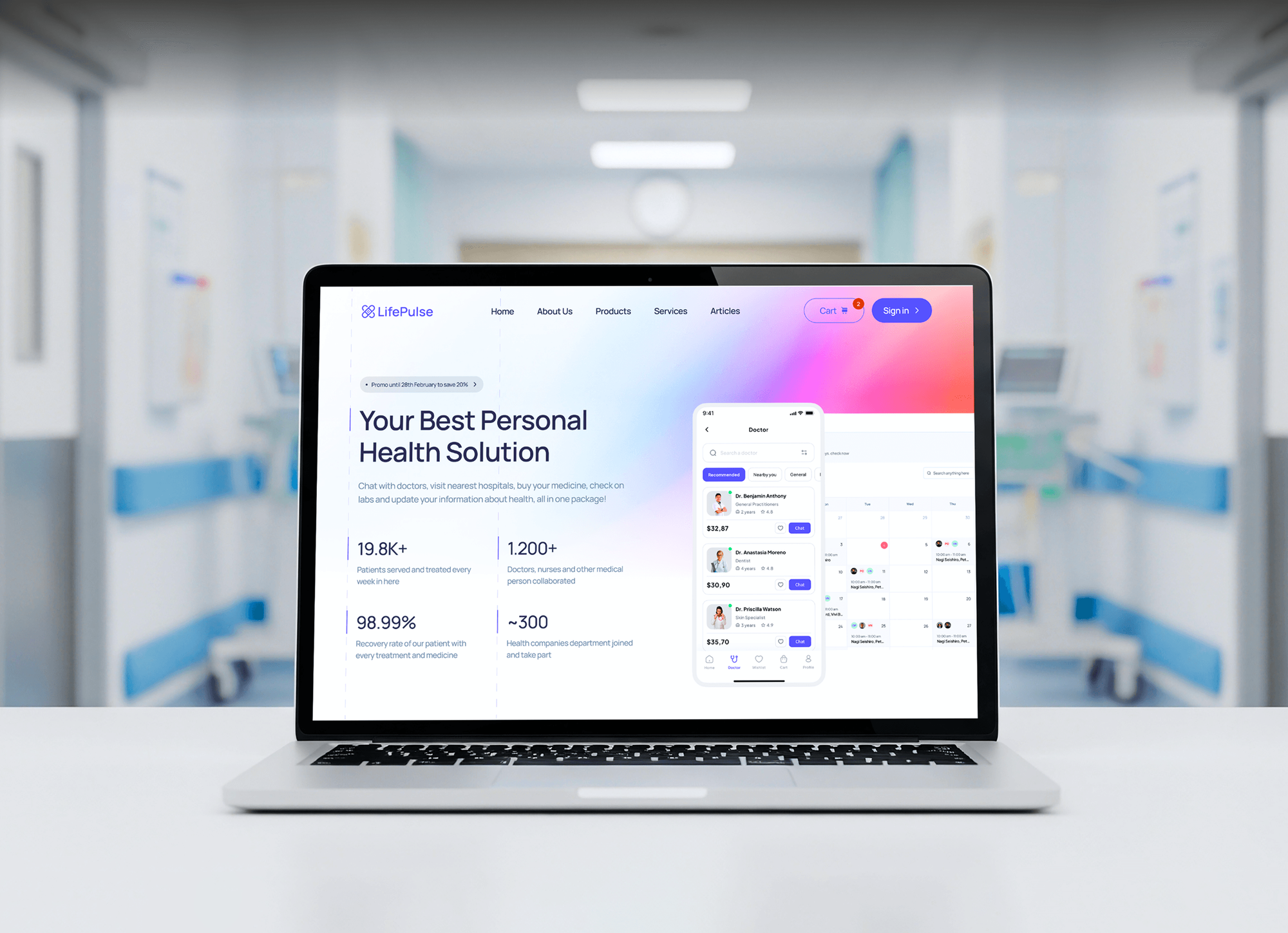
Websites our team designed in Figma and then built in code for startup, fintech, investment, education, and healthcare clients.



What Our Clients Say
Feedback from teams we have designed and built websites and apps for.
We had a pretty specific idea of what we wanted our website to become, but I wasn’t sure how easily we could explain all of it to a development team. There were quite a few moving parts, and we were working toward a deadline, so I expected a few things to get lost along the way. That never really happened. They understood what we were trying to achieve, kept us updated throughout the process, and got everything ready within the agreed timeline. The final site feels much easier to navigate, works beautifully on mobile, and is noticeably smoother for our customers. It was a huge relief seeing the original idea actually turn into the website we had in mind.
The mobile experience is probably my favourite part of the new site. We had spent a lot of time making sure the desktop version looked right, and the team kept pushing us to think about how everything would actually feel on a phone too. They were right. The navigation is clean, the interactions feel natural, and everything we’ve tested so far works exactly as it should. They also went through the links, forms, integrations, and other details more than once before launch, which I really appreciated. And even after going live, we could still reach out when something came up. The whole process felt friendly, organised, and surprisingly straightforward.
What I appreciate most is that the website is actually easy for us to manage now. We can update content ourselves instead of sending a developer a message every time we need to change something small. They also paid attention to the technical SEO side, which mattered to us because we didn’t want a new website to create problems for the traffic we already had. I’ve probably asked more questions than I should have since launch, but every question has been handled patiently and without any fuss. The team is easy to work with, they explain things clearly, and when we need something changed, they focus on getting it done rather than making the process complicated.
1,250+
Projects shipped
10+
Years of experience
Top 3%
Upwork Top Rated Plus
5 stars
Average review score

Want results like these?
Tell us what you are building. You get a reply within 24 hours on business days, then a written estimate.
Work Culture
Figma to code services succeed when developers respect the design and fill its gaps sensibly. These habits keep each build faithful and easy to maintain.
We compare every page with the Figma frames at set widths before you see it. Spacing and type differences get fixed before review, not after.
When the file leaves a state or breakpoint undefined, we ask your designer instead of improvising. Small gaps get answered in hours, not discovered at launch.
A second developer reviews each pull request for structure and naming. Your team inherits code it can read on day one.
If a plugin export or a site builder covers your one-page site, we'll tell you before we quote. Hand-built code pays off once pages need to grow.
We target a 90+ Lighthouse performance score and fix heavy images and scripts before launch. Fast pages keep the design's first impression intact.
The repository, hosting, and domain stay in your accounts, with no runtime from a code generation tool. Any developer can take over the code later.
Overview
DeveloperLook turns Figma to code by hand, building your designs as semantic HTML and CSS or React and Next.js components. We map Figma components and variables to code, add the breakpoints and states the file didn't draw, and check accessibility and speed. Projects start at $600, take 3 days to 8 weeks, and you own the repository.
DEVELOPERLOOK
Project facts · Figma to Code Services
Reviewed 7 Oct 2026 by Saimul Islam
Good fit
Startups with a finished design
You paid a designer for a polished Figma file and need it built so it looks exactly like the approved screens.
Designers whose clients need code
You're a freelance designer whose client asked for a working site, and you want a figma to html service you can trust.
Teams burned by plugin exports
You tried to convert Figma to code with a plugin, and the output broke as soon as real content went in.
Product teams short on front-end time
Your figma design to code handoff keeps stalling because your developers are busy with the backend and APIs.
Agencies with overflow work
Your agency designs in Figma for clients and needs developers who can turn each figma design to html under your brand.
Not a fit
No design yet
You don't have screens designed yet. Our Wireframing and Prototyping Services page plans the flows and layouts before anyone writes code.
Needs a WordPress theme
You want the design built as an editable WordPress theme with custom blocks. Our CMS Development Services page covers WordPress builds.
Webflow site wanted
You'd rather edit the site visually without developers. Our Webflow agency page builds your Figma design in Webflow instead.
Budget under $600
Your budget is under $600 for a simple one-page site. A plugin export or a site builder template will get you live faster.
Not sure we're the right fit?
Book a free call or message us. We'll tell you honestly whether we're the right team.
Pricing
These are starting points in USD. Your final price depends on page or screen count, the framework, and interactions, and you get a fixed proposal after a free file review.
For landing pages and one-page sites that need to go live from Figma in 3 to 5 business days.
$600one-time, USD
For multi-page websites and app front ends built in React or Next.js from your Figma components.
$2,200one-time, USD
For larger products that need a reusable component library and pages wired to real data.
$4,500one-time, USD
For Agencies
You own the client relationship. We supply the developers who turn your team's Figma files into clean front-end code under your brand. Quotes are fixed, previews run on your links, and the repository goes straight to your client.
White label: your client only ever sees your brand
Send view access to the file, the target stack, and the launch date.
We send a component map, the page count, and a fixed quote within 2 days.
Preview links for review, then the repository handed to you or your client.
Preview links, repositories, and reports set up under your agency's name.
Pages checked against your designer's frames at every breakpoint.
Per-page or per-screen quotes you can resell with a margin.
Extra front-end developers when several client launches land together.
The Right Technology for Your Project
We read your file in Figma Dev Mode, build with standard web tech or React frameworks, and test and host with tools your team already knows.
 Figma
Figma Adobe XD
 Sketch
 Framer
 HTML5
HTML5 CSS3
CSS3 JavaScript
 Tailwind CSS
 React
React Next.js
 Vue.js
 Remix
Remix Lighthouse
 Vercel
 Netlify
FAQ
Straight answers on cost, timelines, what Figma can export, React builds, and owning the code.
Saimul IslamFounder & CEO, DeveloperLookStill have questions?
Send a message or book a call with the team.
Our Figma builds start at $600 for one page of up to 8 sections, coded for phone, tablet, and desktop. Website or app front ends with up to 10 templates start at $2,200, and component-driven builds with up to 30 screens start at $4,500. You get a fixed price after a free file review.
One page is ready in 3 to 5 business days, while a full website or app front end takes 2 to 8 weeks. Missing states and breakpoints add the most time, so we flag them during the free file review. Quick answers from your designer keep the schedule on track.
No, Figma doesn't export a finished HTML page from a design file on its own. Plugins can generate HTML, but their output often relies on fixed positions and breaks with real content. Most teams treat plugin output as a rough draft at best, then have a developer write production markup.
Not for your own codebase. Figma Sites can publish a site built inside Figma on Figma's hosting, but a regular design file doesn't become HTML for your server or CMS. That step still needs a developer, which is the work this service covers. We can also rebuild a Figma Sites draft in your own stack.
Yes, we convert Figma to HTML by hand, using semantic tags, flexbox, and grid so content can change safely. You can choose plain HTML and CSS, Tailwind CSS, or HTML inside a React or Next.js app. Every page gets checked against your Figma frames at phone, tablet, and desktop widths.
Partly: Figma's Dev Mode shows CSS for any selected layer, but it doesn't produce a working page. Those snippets use fixed pixel values and miss responsive behavior, hover states, and page structure. We use them as a reference, then write layout and component CSS that adapts to every screen size.
Yes, a Figma design converts well to React when each Figma component becomes a reusable React component. Our figma to react code work keeps the names, variants, and props your designer used, so both teams speak the same language. We usually build in TypeScript, with Next.js when you need routing and server rendering.
Yes, at the widths your designer drew, and sensibly at every width in between. We code the missing breakpoints, then check each page side by side with the Figma frames. When the file doesn't show a state or size, we propose one and confirm it with your designer before building it.
We build Figma designs as static HTML and CSS sites, React apps, and Next.js sites connected to a headless CMS. If you need the design inside WordPress or Webflow, our CMS and Webflow teams handle those builds. We'll recommend a stack during the free file review, based on who will edit the site.
Yes, the full repository moves to your GitHub or GitLab account at handoff, with no license fees or code generation runtime. Each plan includes 14 to 60 days of bug fixes after launch. After that, you can keep us on for changes or hand the code to any developer.
Saimul IslamFounder & CEO, DeveloperLookStill have questions?
Send a message or book a call with the team.
Free 30-min callGoogle Meet
Book a call
In 30 minutes on Google Meet we walk you through how we would build it, how long it takes and what it costs. Then you get a written estimate.
Calendar not showing? Book on cal.com or send a brief.