Drafting assistant on your templates
First drafts of letters, motions, and agreements built from your own forms and clause bank.

For firms buried in first drafts, intake notes, and document review: AI tools built on your own precedents, with every answer cited so attorneys can check it.
2X
Faster first drafts and summaries
100%
Answers cited to sources
How your project runs
01 · FreeTeams we have built for:














The Problem
It shows up when general AI tools meet real matters: drafts that ignore your precedents, citations nobody can trace, and client details in tools your firm hasn't approved.
Citations
Drafts cite cases nobody can trace back to a source.
Citations
Every answer links to the file and page in your own documents.
Precedent
Generic drafts ignore clauses your firm already negotiated.
Precedent
Drafting runs on your templates and clause bank, not a general guess.
Privacy
Client facts get pasted into tools the firm hasn't approved.
Privacy
A firm-approved model with retention off and access limited by matter.
Intake
Conflict-check details get retyped from calls into Clio.
Intake
An intake agent collects the details and writes them to your practice system.
A partner asks an associate for a motion draft by Friday. The associate pastes the facts into a public chatbot and gets a clean draft in minutes. Then come hours of checking cases that may not exist. The clauses ignore the firm's own forms, and nobody knows where the client details are now stored. Meanwhile, intake calls pile up and the paralegal retypes conflict-check details into Clio. The tools are fast, but the checking and the risk land back on your team.
We start with one workflow your attorneys repeat every week and the documents behind it. We connect a model your firm approves to your own precedents, so every answer links to the source file and page. Then we test it on past matters before anyone relies on it. Your team gets drafts and summaries they can check in minutes, not output they rebuild from scratch.
Every answer cites a source
Drafts and summaries link to the file and page they came from, so checking takes minutes.
Client data stays in scope
Models run under your firm's agreements, with retention off and access limited by matter.
Tested on your past matters
We score accuracy on real examples before launch and rerun the test after every model change.
Our AI for Law Firms Process
You see the scope, the data path, and the accuracy results before anything goes live, and attorneys approve each stage on real matters from your own practice.
We meet a partner and a paralegal to pick one workflow worth automating, such as deposition summaries. You get a short written scope, the documents we need, and the model options your policies allow.
What's Included
Every build covers the workflow, the connection to your documents, the safeguards your ethics rules call for, and tests on your own matters.
Compare Options
Legal AI software suits firms whose work fits its features, and a general chatbot is cheap for low-risk tasks. Here is where each breaks down.
| Feature | DeveloperLookBest fit | Legal AI software | General chatbot |
|---|---|---|---|
| Built on your precedents | Your DMS and clause bank | Its own content library | |
| Source citations | Every answer links to a page | Usually included | Often missing or wrong |
| Client data handling | Your approved provider, retention off | Vendor's own terms and storage | Consumer terms unless enterprise plan |
| Practice system connection | Clio, NetDocuments, iManage, Microsoft 365 | Some built-in connectors | Copy and paste |
| Accuracy testing | Scored on your past matters | Vendor benchmarks | |
| Time to start | 2 to 4 weeks | Days, once licensed | Same day |
| Ongoing support | 30 days of tuning, then on request | Vendor support desk | Self-serve help pages |
| Cost and ownership | Fixed price, you own it | Per-seat yearly license | Low monthly subscription |
Projects We've Built
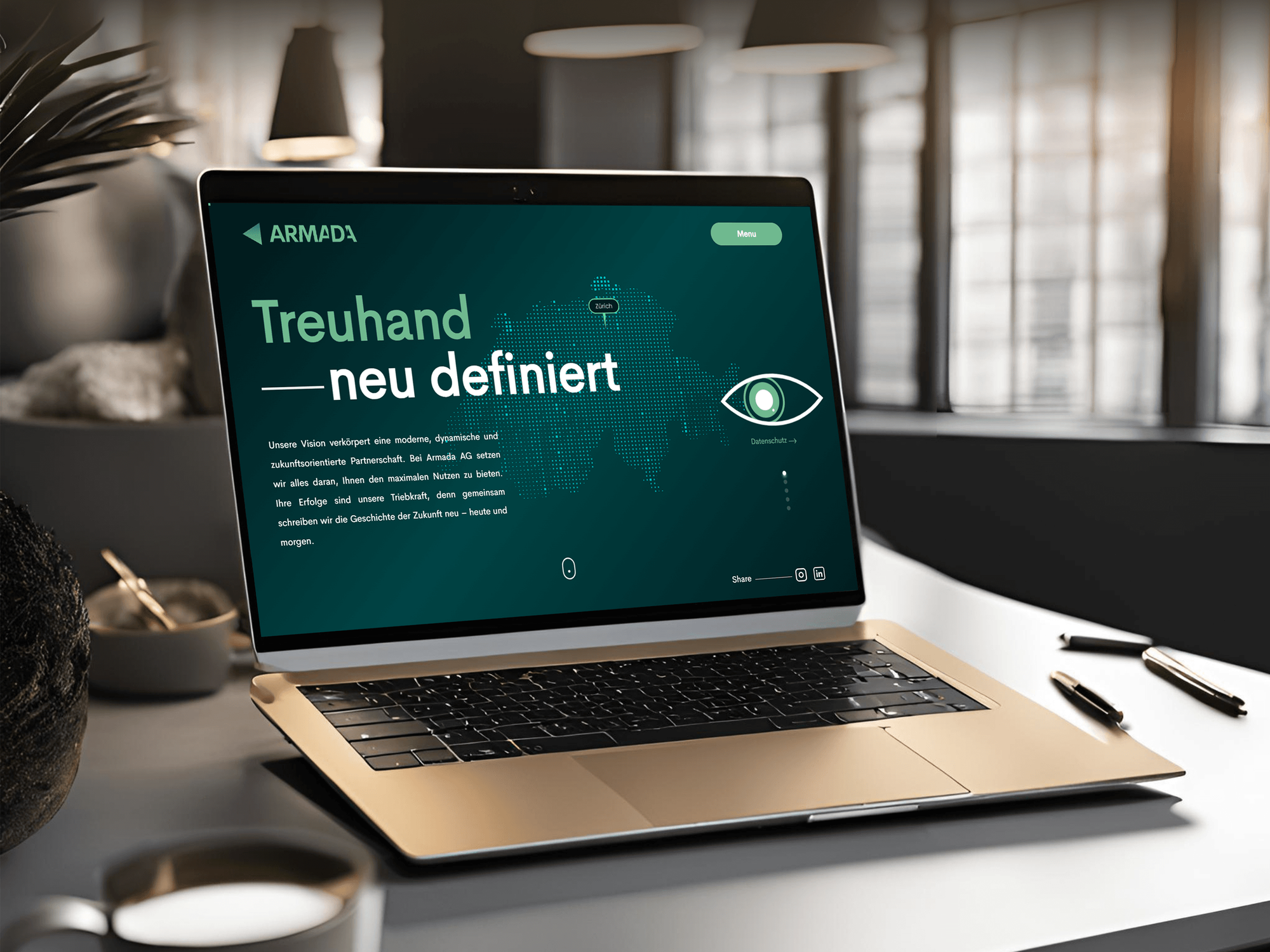
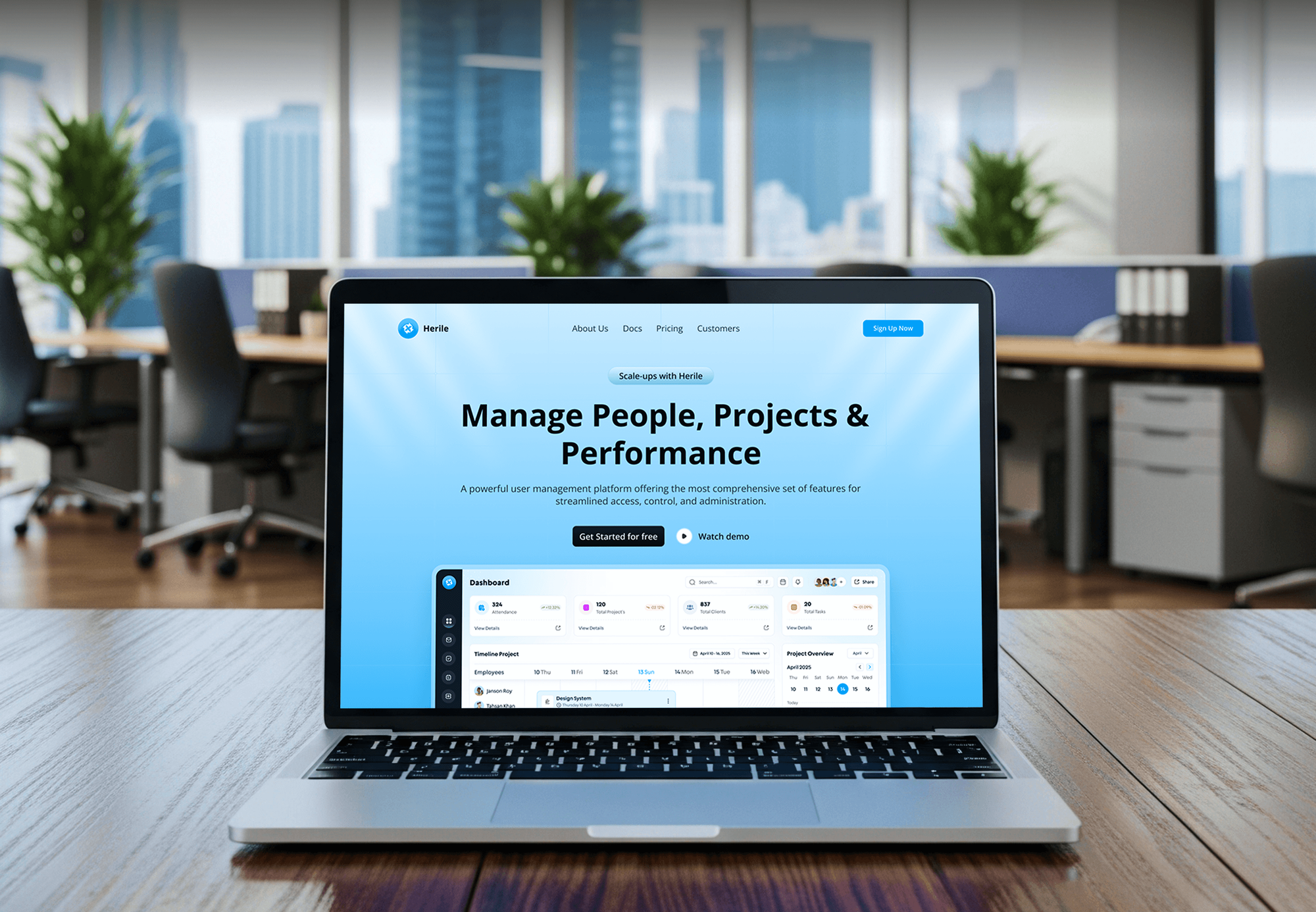
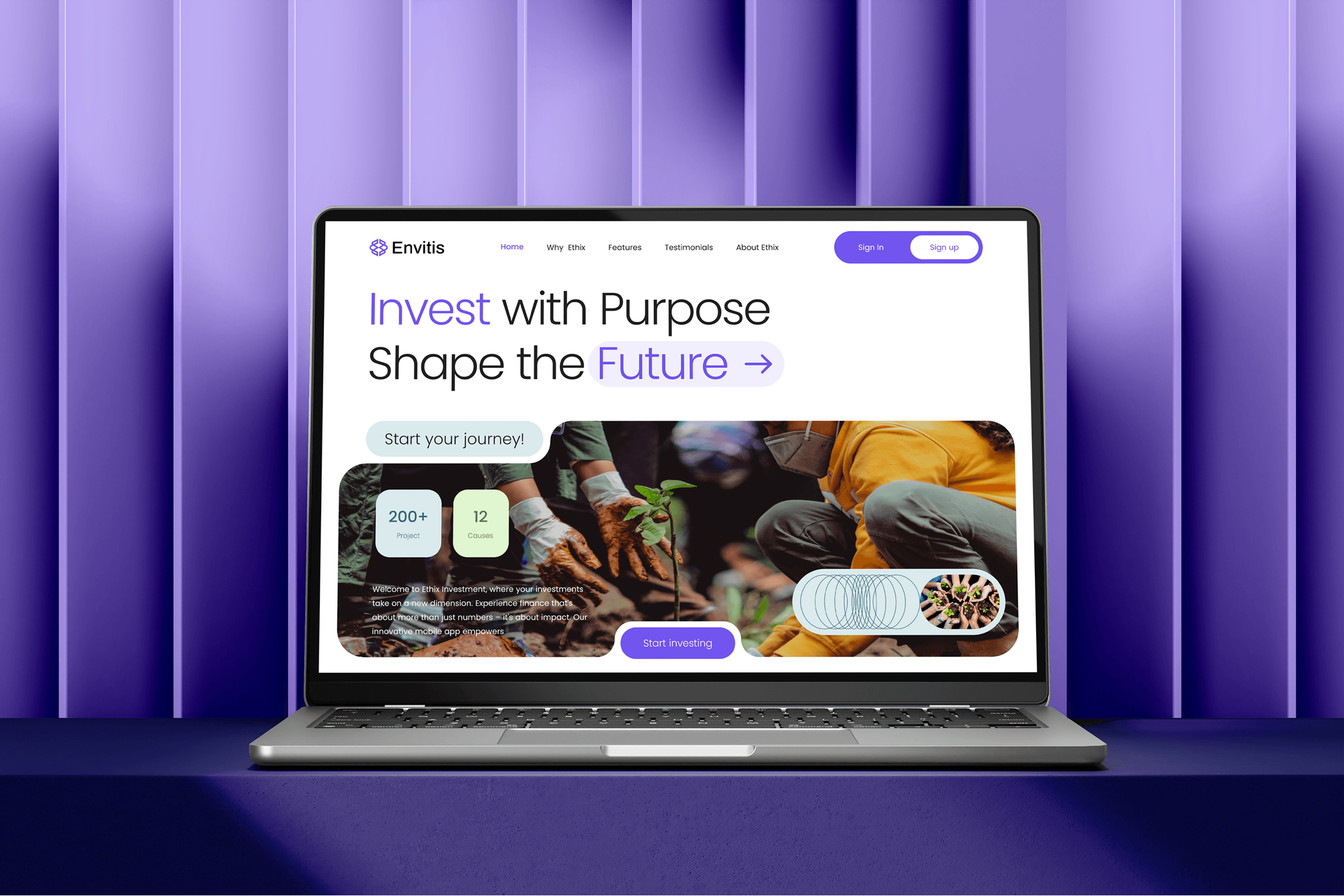
Dashboards, portals, and websites we built for professional and financial services firms. They show our build quality, not AI legal tools.

What Our Clients Say
Feedback from teams we have built websites, apps, and platforms for.
We had a pretty specific idea of what we wanted our website to become, but I wasn’t sure how easily we could explain all of it to a development team. There were quite a few moving parts, and we were working toward a deadline, so I expected a few things to get lost along the way. That never really happened. They understood what we were trying to achieve, kept us updated throughout the process, and got everything ready within the agreed timeline. The final site feels much easier to navigate, works beautifully on mobile, and is noticeably smoother for our customers. It was a huge relief seeing the original idea actually turn into the website we had in mind.
The mobile experience is probably my favourite part of the new site. We had spent a lot of time making sure the desktop version looked right, and the team kept pushing us to think about how everything would actually feel on a phone too. They were right. The navigation is clean, the interactions feel natural, and everything we’ve tested so far works exactly as it should. They also went through the links, forms, integrations, and other details more than once before launch, which I really appreciated. And even after going live, we could still reach out when something came up. The whole process felt friendly, organised, and surprisingly straightforward.
What I appreciate most is that the website is actually easy for us to manage now. We can update content ourselves instead of sending a developer a message every time we need to change something small. They also paid attention to the technical SEO side, which mattered to us because we didn’t want a new website to create problems for the traffic we already had. I’ve probably asked more questions than I should have since launch, but every question has been handled patiently and without any fuss. The team is easy to work with, they explain things clearly, and when we need something changed, they focus on getting it done rather than making the process complicated.
1,250+
Projects shipped
10+
Years of experience
Top 3%
Upwork Top Rated Plus
5 stars
Average review score
1,250+
Projects shipped
10+
Years of experience
Top 3%
Upwork Top Rated Plus
5 stars
Average review score

Want results like these?
Tell us what you are building. You get a reply within 24 hours on business days, then a written estimate.
Work Culture
We treat AI for legal work like a new associate: limited access, close supervision, and nothing reaches a client until an attorney signs off.
We design around ABA Formal Opinion 512, which applies lawyers' duties of competence and confidentiality to AI tools. Your workflow shows sources and keeps client data in approved services.
Every workflow is scored on past matters with known answers before launch. You see the misses as well as the hits, then decide what to rely on.
If your research platform or Clio already includes an assistant that fits, we'll say so before we quote. We build only where those tools fall short.
The AI sees only the matters a user can already open. Ethical walls and matter permissions carry over, so no new tool widens who can read a file.
Prompts, test sets, code, and documentation belong to your firm at handover. You can switch model providers later without starting over.
We need about 2 hours of attorney time per week during the build, mostly to review test results. Staff handle the rest with us, so billable hours stay protected.
Overview
DeveloperLook builds AI for law firms that need faster drafting, research, and intake without losing control of client data. We build drafting assistants on your templates, document Q&A with citations, intake agents, and accuracy tests from past matters. Pilots start at $1,250 and take 2 to 4 weeks, and attorneys review every output.
DEVELOPERLOOK
Project facts · AI for Law Firms
Reviewed 28 Oct 2026 by Saimul Islam
Good fit
Litigation teams buried in discovery documents
Your associates spend nights summarizing depositions and productions, and you want AI for attorneys that cites the page behind every point.
Transactional practices with a strong clause bank
You have years of negotiated agreements in NetDocuments or iManage, and want first drafts built from your own clauses.
Small firms repeating the same intake calls
Your paralegal spends mornings on calls and web forms asking the same five questions, and consultations get booked after the lead went cold.
Firms whose staff already paste into chatbots
Your team uses public chatbots on client matters without a policy, and you need an AI law firm tool you control before confidentiality slips.
Legal tech vendors and agencies serving firms
You sell to law firms and need AI legal solutions built under your brand, with the accuracy testing and data handling their partners will ask about.
Not a fit
Budget under $1,250
Your budget is under $1,250, or you only want a chat widget on your website. A packaged legal chat tool or our AI Chatbot Development Services is a better start.
Intake forms without AI
You mostly need intake forms, e-signatures, and follow-up emails without AI drafting. Our Legal Client Intake Automation service covers that for less.
AI that replaces attorneys
You want a tool that gives legal advice to the public or skips attorney review. We build tools for lawyers, who stay responsible for every output.
Packaged assistant already fits
Your research platform or practice management system already includes an assistant that covers your work. If it does, we'll tell you before we quote.
Not sure we're the right fit?
Book a free call or message us. We'll tell you honestly whether we're the right team.
Pricing
These are starting points in USD. Your final price depends on how many workflows and systems you need, and you get a fixed proposal after a free discovery call.
For Agencies
You own the relationship with the firm. We supply the AI engineering: retrieval, drafting workflows, accuracy tests, and the data handling their general counsel will ask about. Everything ships under your brand.
White label: your client only ever sees your brand
Send the firm's workflow, systems, and policies, and we reply with our questions.
You get a fixed proposal, a data path, and a named team to present.
We build under your brand, pass the accuracy tests, and hand over documentation.
Send the firm's workflow, systems, and policies, and we reply with our questions.
You get a fixed proposal, a data path, and a named team to present.
We build under your brand, pass the accuracy tests, and hand over documentation.
The Right Technology for Your Project
We pick the model by your firm's confidentiality terms first, then connect it to the document systems your attorneys already use every day.
 OpenAI
 Anthropic Claude
 Google Gemini
 Azure OpenAI
 PostgreSQL
 Python
 Docker
 AWS
AWSRelated Services
Firms adding AI often fix intake and workflow gaps at the same time. Our sibling pages cover AI for other professional practices.
This page
AI for Law Firms
Pairs with the 6 services around it
FAQ
Straight answers on cost, accuracy testing, client confidentiality, and how AI for legal professionals fits into daily practice.
Saimul IslamFounder & CEO, DeveloperLookStill have questions?
Send a message or book a call with the team.
A law firm AI pilot starts at $1,250 for one workflow, such as document Q&A for a single practice area. A drafting assistant connected to your DMS starts at $3,600, and a firm-wide program starts at $7,800. Model usage is billed by the provider, and you get a fixed quote after a free call.
A single workflow pilot takes 2 to 4 weeks, and a firm-wide program takes 6 to 12 weeks. Most of that time goes into sample matters and accuracy tests, not code. Your go-live date is in the proposal, and nothing launches before attorneys approve the results.
Law firms use AI mostly for first drafts, document review summaries, research help, and client intake. The biggest gains we see come from repetitive drafting on the firm's own forms and from summaries of large document sets. AI in law firms works best as a first pass that an attorney checks.
The best AI for lawyers answers from your own documents, cites its sources, and runs under terms your firm accepts. Models from OpenAI, Anthropic, and Google all draft well. The difference is the setup: what the tool can read, how it shows sources, and how it was tested.
Start with one workflow your team repeats every week and a set of past examples. We review both on a free call, then send a fixed scope with the data path and test plan. Most builds take 2 to 4 weeks, and attorneys approve the results before launch.
Implement it on your own templates first, not a blank prompt. We load your forms and clause bank, build an assistant that marks where each clause came from, and add a review step before anything leaves the firm. Associates then edit a draft built from your precedents.
Law firms test legal AI by running it on past matters where the right answer is already known. We build that test set with your team and score citations, quotes, and missed issues against your pass mark. The same test reruns after every model or prompt change.
Check three things: it reads your own documents, it shows sources, and its data terms fit ABA Model Rule 1.6. Then ask how it was tested on work like yours. If a packaged assistant passes all three, buy it. If none does, a custom build fills the gap.
AI improves client communication by answering routine questions quickly and drafting updates that attorneys approve. A portal assistant can explain next steps and document requests from the matter file. Draft status emails go to the attorney for a quick edit, so clients hear from you more often.
An AI agent answers intake on your website or by text, asks your screening questions, and books a consultation on the right attorney's calendar. It writes conflict-check details to Clio or your practice system. Anyone it can't screen goes to a person, and it declines legal questions.
Saimul IslamFounder & CEO, DeveloperLookStill have questions?
Send a message or book a call with the team.
Free 30-min callGoogle Meet
Book a call
In 30 minutes on Google Meet we walk you through how we would build it, how long it takes and what it costs. Then you get a written estimate.
Calendar not showing? Book on cal.com or send a brief.